AI Mockup Generator for Ecommerce (2026 Guide)

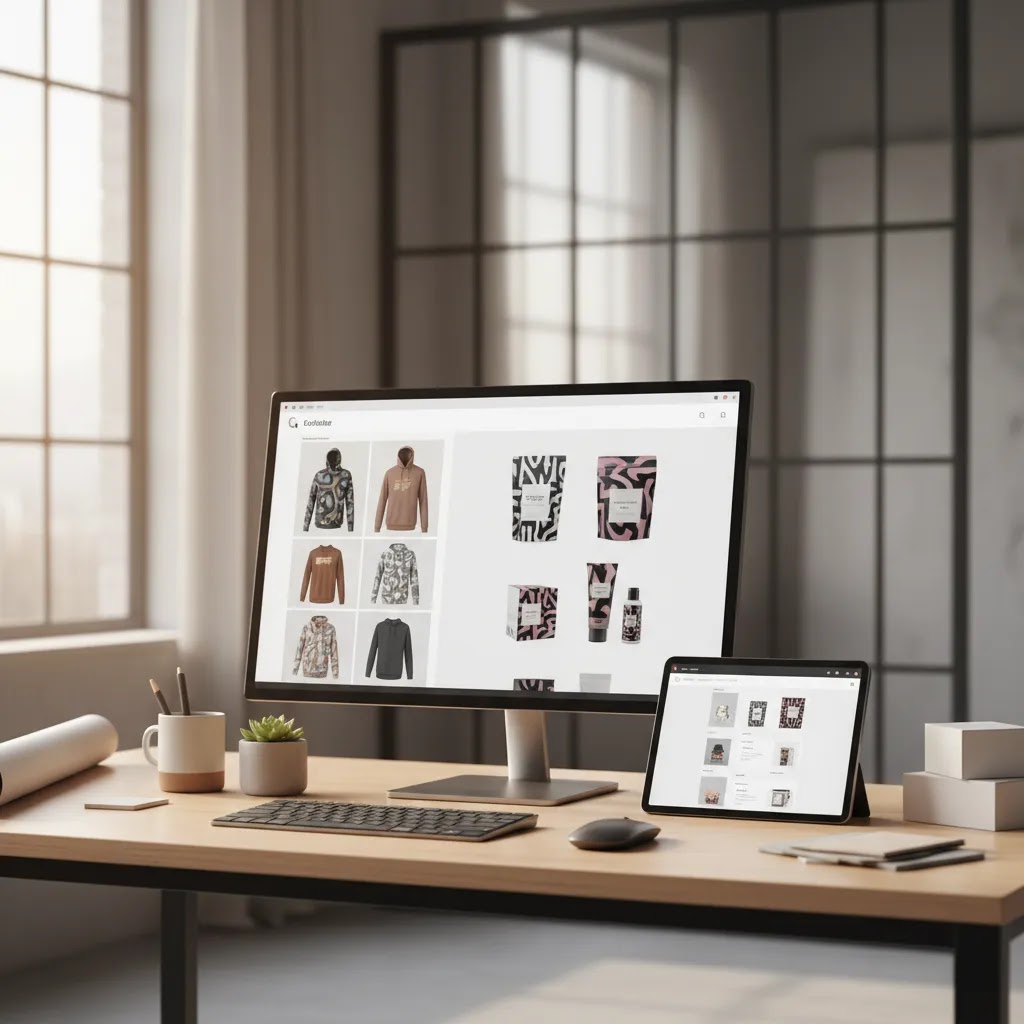
If you sell online, an ai mockup generator can save real production time compared with building every visual in Photoshop from scratch. That matters when you are testing new product angles, refreshing PDP images, creating ads, or preparing seasonal campaigns. For many Shopify merchants, the goal is not perfect studio art direction. It is getting persuasive, clean, on-brand visuals live faster. This guide evaluates whether AI-powered mockup and editing workflows are a smart fit for your store, where they fall short, and which use cases make the most sense. If you are still building your image workflow from the ground up, start with this guide to a product photography studio so your base product shots are strong before you generate mockups at scale.
Contents
What an AI mockup generator actually does
An AI mockup generator helps you place products into edited or synthetic scenes without manually compositing every asset in traditional design software. In ecommerce terms, that usually means taking a base product image and turning it into cleaner thumbnails, white-background listings, lifestyle scenes, ad creatives, or marketplace-ready visuals.
That does not mean every tool does the same job. Some are closer to editors, handling background changes, object cleanup, and image enhancement. Others are built for scene generation and presentation mockups. For a Shopify merchant, the practical question is simple: can the tool help you publish better merchandising visuals faster without creating inaccurate product representation?
The strongest use cases are usually straightforward. Think apparel previews, cosmetics concept shots, “in hand” product presentation, listing image cleanup, and quick campaign variations. If your product images still need major source-photo improvement, an AI mockup workflow works best when paired with solid capture fundamentals from the broader Catalog Photography discipline. If you want a wider primer on synthetic image workflows, AcquireConvert also covers ai photography in more detail.
AI website mockup generator vs product mockups (what store owners actually need)
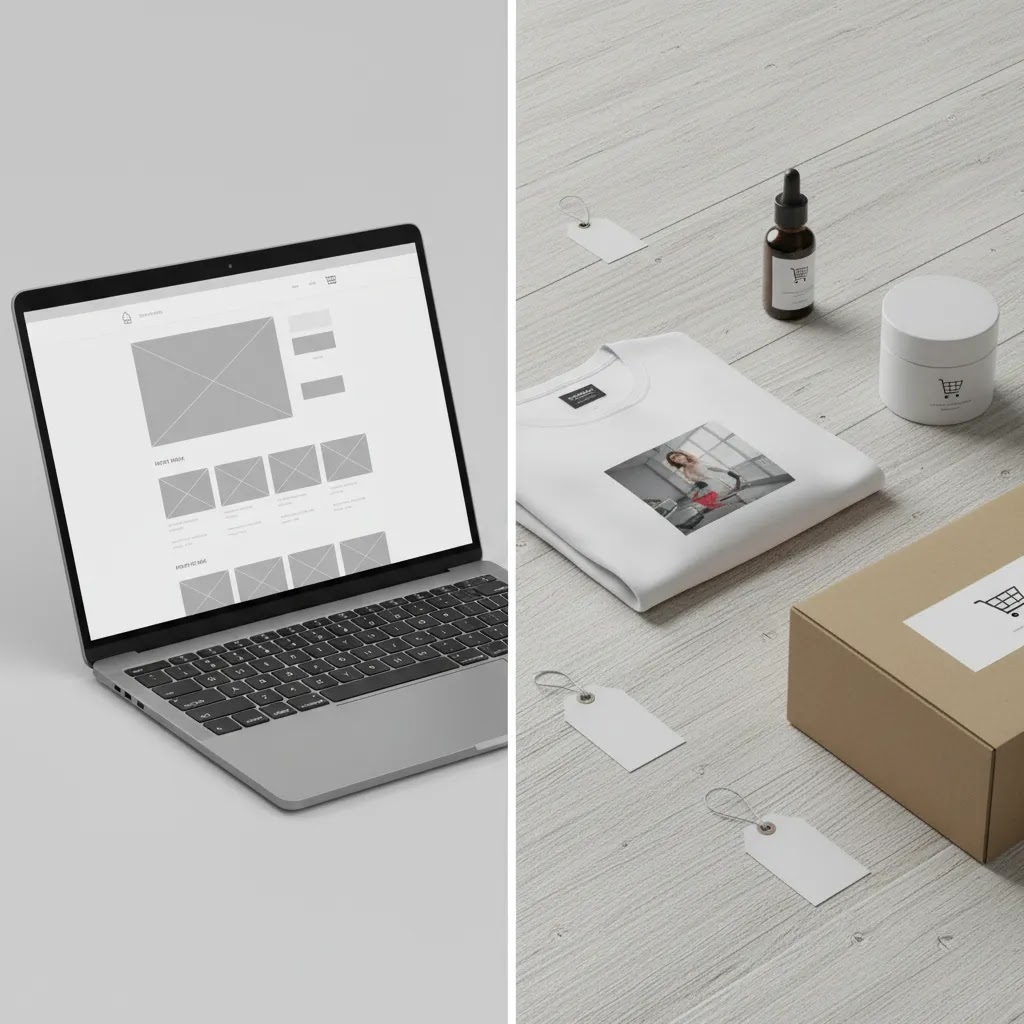
If you have searched for a “website mockup generator,” you have probably noticed that people mean two very different things. One is a UI mockup, basically a draft layout of a webpage or app screen. The other is a product mockup, meaning images that help you sell a physical product.
Now, when it comes to Shopify, both can matter, but they solve different problems. A website UI mockup helps when you are planning a landing page layout, sketching a new PDP structure, or exploring a redesign before you touch your live theme. It can be useful for communicating ideas to a developer or a designer, or even just for sanity-checking a layout concept.
A product mockup does something else. It helps you create the images that shoppers see in your PDP gallery, your collection tiles, your emails, and your ads. It is closer to merchandising than web design.
What many store owners overlook is that a UI mockup does not solve product image needs, and product mockups do not replace theme design or conversion testing. You still need to validate what actually works with real traffic, not just what looks good in a concept image.
A simple decision tree
If your goal is to sell a product more effectively, start with PDP imagery and ad creative. You will typically get more immediate leverage from better product representation, clearer angles, and more consistent visuals across channels.
If your goal is to redesign a page, use a UI-focused mockup tool or a theme staging workflow so you can test layout changes and messaging without confusing that work with your product photography pipeline.
Key features worth paying for
If you are evaluating an AI mockup workflow for ecommerce, focus less on flashy demos and more on the daily jobs you actually need done. The most useful tools from the current product set are editing and image-generation utilities that reduce manual production bottlenecks.
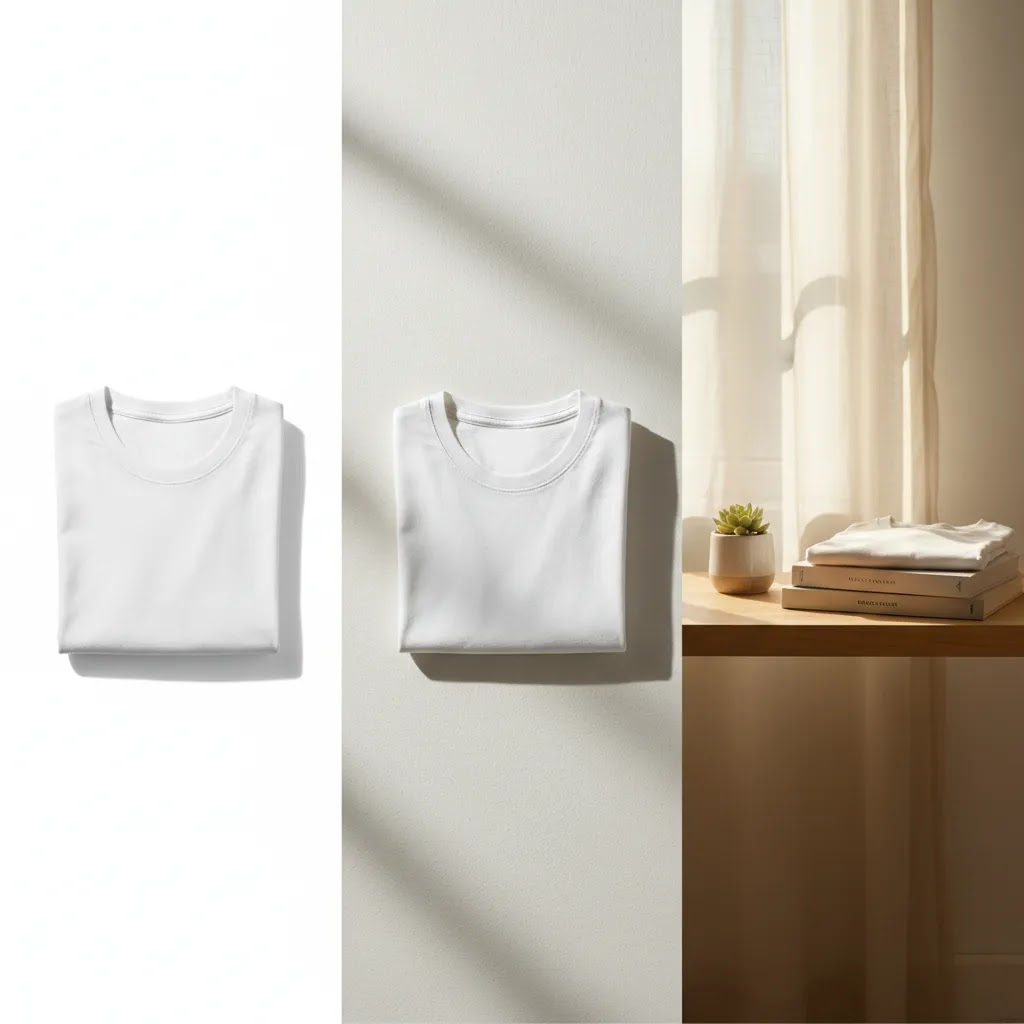
For most stores, the best value comes from three abilities: background control, fast cleanup, and realistic contextual presentation. A free mockup generator may be enough for one-off social assets, but if your team is refreshing many SKUs, consistency matters more than novelty. That is where purpose-built editing tools can outperform a general design app.
If you are comparing this workflow with template-led tools, our guide to photoroom is a useful reference point. If you are deciding whether software alone is enough, there are still cases where hiring a product photographer makes more sense for hero imagery.
AI mockup templates and categories that matter for ecommerce
A lot of the “best ai mockup generator” discussion online centers around template libraries. That is not just fluff. For many Shopify stores, templates are the difference between a mockup workflow that is repeatable and one that turns into constant trial and error.
From a practical standpoint, the categories that matter are the ones that map to real ecommerce outputs. Here is how the most common template types typically show up in a Shopify workflow.
Template categories and where they actually get used
Apparel mockups, like tees, hoodies, hats, and tote bags, usually feed PDP galleries, collection tiles, and paid social ads. They are also common for print-on-demand testing, where you may want to validate designs before you commit to a full shoot.
Packaging mockups, like boxes, pouches, bottles, and labels, are often used for PDP secondary images, bundles, and email banners. They can also help with pre-launch creative when packaging is still being finalized, but you still need to be careful about text and label accuracy.
Device mockups, like phone cases, tablets, and laptops, are typically used for ads and landing pages. They can be useful when your offer is visual, but the product itself is hard to photograph well in every context.
Posters and prints mockups usually show up in PDP galleries and in ads, especially when scale is hard to communicate. Framed versus unframed templates can also support upsell positioning.
Business card and stationery mockups are more common for brand assets and B2B offers, but ecommerce brands still use them for wholesale line sheets, email headers, and occasional social posts.
Book cover mockups are relevant if you sell books, journals, planners, or digital-to-physical products. They tend to work well for thumbnails, PDPs, and ad creative, where clean presentation matters more than a complex scene.
Billboard and large-format mockups are usually marketing-only. They can be useful for branding concepts, announcement graphics, and social proof style visuals, but they rarely improve product understanding on the PDP.
When templates beat text-to-image generation
Here is the thing: template-based mockups usually win when you need brand consistency, fast production, and fewer strange artifacts. If you are trying to keep a consistent angle, lighting style, and layout across a collection page or an email campaign, a good template library can be more reliable than generating a new scene every time.
Templates can fall short when you need a very specific scene, uncommon angles, or a more distinctive look. Some templates also feel generic because other brands are using the same ones. If your competitors sell similar products, you may need to customize the output more than you expect.
A quick category selection checklist
To choose template categories without overthinking it, start with your top 2 channels, your top 20 SKUs, and your top 3 creative concepts. Your channels might be PDP plus Meta ads, or Shopify plus marketplaces. Your SKUs should be the ones that drive the most revenue or get the most traffic. Your creative concepts should be the repeatable angles you run again and again, like “in hand for scale,” “white background for clarity,” and “lifestyle for aspiration.” Pick templates that support those first, then expand once the workflow is stable.
Pros and Cons
Strengths
Considerations
Who it is for
An AI mockup generator is usually a strong fit for Shopify merchants and ecommerce teams that already have decent product images but need more output from them. That includes stores launching new SKUs quickly, brands testing ad creative angles, and operators trying to standardize images across product pages and marketplaces.
It is especially useful for small teams without a full-time designer. If you regularly need a t shirt mockup generator, shirt mockup generator, book mockup generator, or website mockup generator style workflow, AI tools can cover a lot of repetitive production work. If your category is highly visual, such as beauty, the crossover with an ai makeup generator style workflow can also be relevant for campaign concepting.
It is less ideal if you need legally sensitive, highly exact visual representation for premium launches and detailed material accuracy.
AcquireConvert recommendation
If you are deciding whether to adopt an AI mockup workflow, treat it as part of your broader ecommerce image system, not a full replacement for every creative process. Giles Thomas brings a practical lens here as a Shopify Partner and Google Expert. That matters because image decisions affect both conversion and acquisition. Better product imagery may improve product page clarity, ad click-through quality, and feed performance, but only if the images stay accurate and consistent with what shoppers receive.
AcquireConvert is most useful when you need help connecting the tool choice to the store outcome. Instead of chasing every new free ai mockup generator or canva mockup generator alternative, compare workflows based on speed, consistency, and the amount of manual cleanup still required. Explore our category resources on Background Removal & Editing and practical visual production guides before locking in a process. If you are scaling a Shopify catalog, that broader view will usually lead to a better decision than choosing based on demos alone.
How to choose the right setup
Here are the five criteria that matter most if you want an AI mockup generator that actually helps your store rather than adding another content bottleneck.
1. Start with the image job, not the tool label
Many merchants search for terms like best ai mockup generator, 3d mockup generator, or mockup ai generator when what they really need is simpler: clean cutouts, white backgrounds, realistic context shots, or ad-ready image variations. Write down the exact assets you need each month. Product page hero images, collection thumbnails, email banners, paid social creatives, and marketplace listings often require different workflows.
2. Check whether your source images are strong enough
AI tools amplify what you feed them. If your source image has poor lighting, weak edges, or inaccurate color, the final mockup may still look off. In many cases, a basic process of better base photography plus AI editing beats fully synthetic output. This is why stores with a reliable original image library usually get more value from these tools.
3. Prioritize accuracy over novelty
A mockup should help a shopper understand the product better. It should not create a version of the product that looks better than reality. Be extra careful with reflective materials, fabric drape, cosmetics finishes, packaging colors, and scale cues. For Shopify product pages, misleading visuals can hurt trust, increase returns, and reduce repeat purchase confidence.
4. Think in terms of channels
Your store, Meta ads, Google Shopping creatives, Amazon listings, and email campaigns all have different image standards. A good setup lets you produce multiple outputs quickly. White-background generation helps with marketplaces. Background swap and contextual scenes can support social ads and landing pages. “In hand” presentation can help explain product size or use in a mobile-first shopping environment.
5. Compare workflow friction, not just output quality
The best-looking result is not always the best business decision if it takes too long to produce at scale. Test how many steps are required from raw file to publishable image. Can a non-designer on your team do it? Can you batch similar edits? Can you maintain a consistent visual style? Those questions usually matter more than whether a single demo image looks impressive.
If you are between AI editing and fully outsourced production, separate your image types into tiers. Use real photography for top-selling hero assets, AI-supported editing for catalog consistency, and generated mockups for testing or secondary channels. That blended approach is how many practical ecommerce teams get speed without sacrificing trust.
How to use an AI mockup generator in a Shopify workflow (files, sizes, and QA)
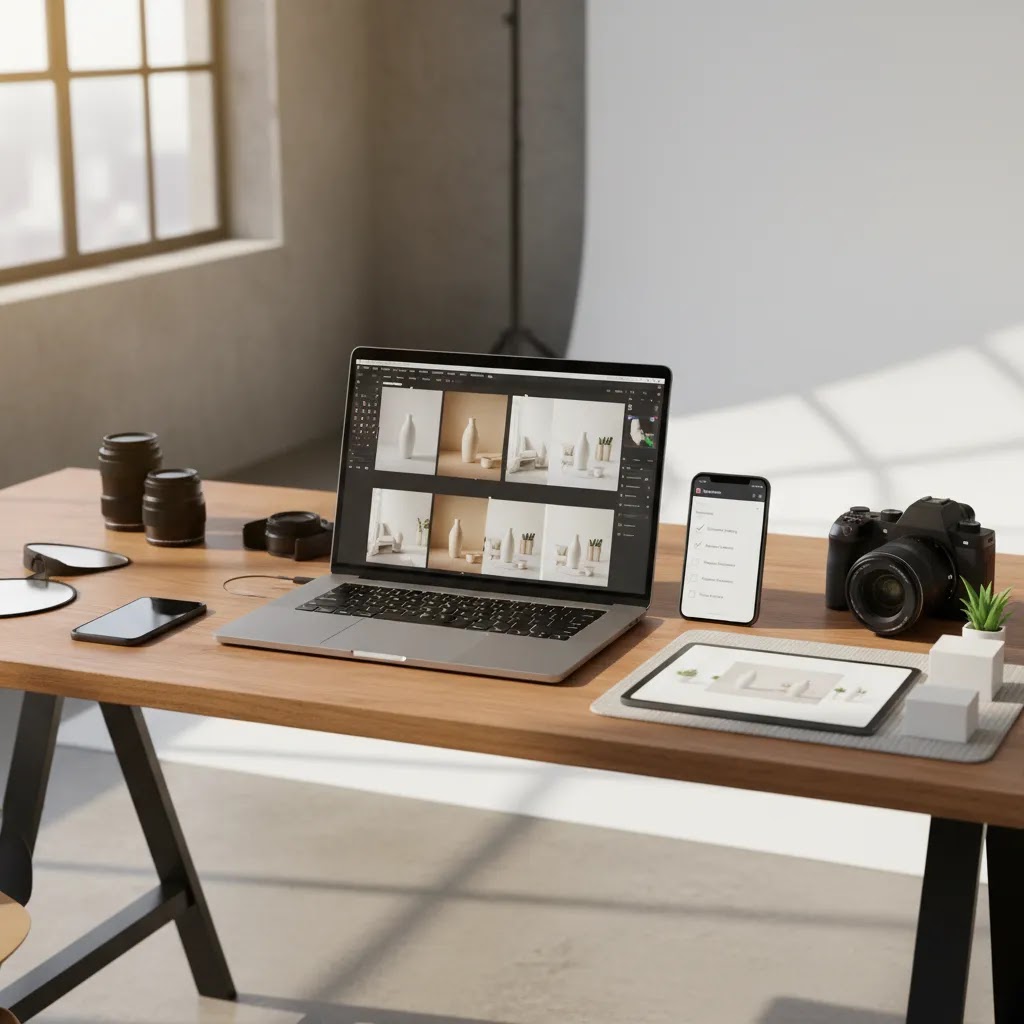
Most mockup tools are sold as “upload your design and generate mockups fast.” That is true, but the difference between a nice demo and a reliable Shopify workflow is usually the prep and QA.
Step 1: Start with a clean cutout and a master naming system
Your output quality often rises or falls with the source file. If you are placing a logo, label, or design onto a template, use a clean cutout or design export with a transparent background. Keep a single master file per SKU and per design version, then name it in a way your team can understand six months from now.
For example, include SKU, colorway, and version in the filename so you can trace exactly what went live. This matters when you have returns or customer questions and you need to confirm which visual was shown.
Step 2: Export for channels, not just for “the website”
Think of it this way: your PDP gallery image and your ad image may come from the same mockup, but they should not be the same file. Create channel-specific exports, then generate variations in batches.
For Shopify PDPs, you usually want clean, consistent framing across variants so the gallery feels cohesive. For ads, you may want more aggressive crops that read on mobile. For marketplaces, white background consistency and file rules often matter more than creativity.
If you are unsure about exact pixel sizes, base your exports on your theme image layout and your primary ad placements, then keep that standard consistent. Consistency tends to beat perfection for most catalogs.
Step 3: Batch-generate variants in a controlled way
Once your master assets are clean, batch generation is where the time savings show up. Create a small set of repeatable variants, such as one white background, one contextual background, and one scale or “in hand” variant. Do not generate 30 styles just because you can. You will create approval and organization problems.
Step 4: QA for accuracy before anything hits a PDP
The reality is that mockups can introduce subtle errors that shoppers notice. Build a simple QA habit before publishing, especially for apparel and packaging.
Check color against a known reference, not against your memory. Confirm logo and print placement is correct, especially across sizes. Verify packaging text is readable and not distorted or hallucinated. Look for scale cues that might imply the product is larger or smaller than it is. Then scan the full set of variants to ensure the product looks like the same product across every image.
If you are using outputs in ads, remember that ad platform policies can change. Verify current guidelines for product representation, text overlays, and category-specific restrictions before you scale spend behind a creative.
Step 5: Keep the workflow consistent across new templates and team members
Many tools ship “new templates every week.” That can be useful, but it can also destroy consistency if every person on your team picks different styles. Keep a small approved template set per category and per channel, then treat everything else as experimental.
What works in practice is a simple internal system: brand presets, prompt notes if you are using any generation features, and a lightweight approval checklist. That way, when someone new joins, they can produce on-brand mockups without reinventing your visual style every time.
Frequently Asked Questions
What is an ai mockup generator in ecommerce?
It is a tool or workflow that helps you create product presentation images with less manual design work. That may include background generation, white-background cleanup, contextual scenes, or object placement. For ecommerce, the goal is usually faster production of accurate, persuasive product visuals across storefront, ads, and marketplaces.
Can I skip Photoshop entirely?
Possibly for routine image tasks, yes. Many merchants can reduce or even avoid Photoshop for background swaps, white-background exports, text removal, and simple scene generation. But for advanced brand campaigns, highly controlled retouching, or complex composites, traditional design tools or a specialist creative team may still be the better option.
Is a free mockup generator enough for a Shopify store?
It can be enough if your needs are basic and your SKU count is small. If you only need occasional ad creatives or quick catalog cleanup, a free workflow may be fine. As your catalog grows, consistency, speed, and repeatability usually matter more, and that often pushes merchants toward a more structured paid or semi-automated process.
What is the difference between a mockup tool and AI product photography?
A mockup tool usually focuses on presenting an existing product image in a new layout, scene, or format. AI product photography is broader and may involve generating or heavily editing product visuals to simulate a photographed outcome. The two overlap, but mockups are often more presentation-focused than capture-focused.
Are AI-generated mockups safe to use on product pages?
They can be, provided the visuals accurately represent the product. You should review color, scale, texture, packaging, and materials carefully before publishing. A good rule is that AI should clarify the buying decision, not exaggerate it. For sensitive categories, keep at least some real product photography visible on the page.
Can these tools help with apparel images like a t-shirt mockup generator?
Yes, apparel is one of the more practical use cases. Stores often use AI mockups for shirt layouts, flat-lay variations, contextual backgrounds, and ad creatives. You still need to validate fit, fabric texture, and print placement carefully, especially if the image is being used as a primary conversion asset on the PDP.
Do I still need a product photographer?
In many cases, yes. AI workflows work best when they build on strong source imagery. A product photographer is still valuable for hero images, brand campaigns, packaging detail shots, and premium launches where realism matters most. Think of AI as a force multiplier for your image library, not always a complete replacement.
What should I test before committing to one workflow?
Run a small production test using 10 to 20 SKUs. Measure how long it takes to create publish-ready assets, how much manual cleanup is still needed, and whether the style stays consistent across products. Also check internal team usability. If only one person can operate the workflow well, scale may become an issue later.
Does an AI mockup generator improve conversion rates?
It may help indirectly if it leads to clearer, more persuasive, and more consistent product imagery. But results vary by category, traffic source, product complexity, and page design. Strong images are one part of the conversion system alongside offer quality, pricing, reviews, page speed, and checkout experience.
What file types and design formats work best for AI mockups (PNG, SVG, transparent background)?
In most ecommerce workflows, PNG with a transparent background is the most reliable starting point for placing a design onto a template, especially for apparel prints, labels, and logos. SVG can be useful for clean vector artwork, but not every mockup tool handles SVG consistently, so you may need to export a high-resolution PNG from your design app. If you are using real product photos as the base, high-quality JPEGs are common, but watch for compression artifacts around edges and fine text.
How do I create consistent mockups across multiple products and variants?
Pick a small set of approved templates per category and per channel, then standardize your exports and naming. Use the same camera angle, crop, and background style across a product line. Keep a short QA checklist for color, placement, and scale cues, and run every variant through it before publishing. If you use prompts or style settings, save the exact prompt notes so the next person can reproduce the same look.
Are AI mockup generators good for packaging mockups and print-on-demand products?
They can be, and those are two common use cases. Packaging mockups are helpful for bundles, gift sets, and pre-launch creative, but you need to review text integrity, label alignment, and color carefully so you do not misrepresent what arrives. For print-on-demand products, mockups are often the fastest way to get listings live, but you should validate print placement and how designs scale across sizes before you treat mockups as primary PDP imagery.
What is the best AI mockup generator for t-shirts and clothing?
The best choice usually comes down to template quality, how well the tool handles realistic fabric folds and print placement, and how repeatable the workflow is across sizes and colorways. Test your top designs across a few shirt colors, then check consistency in placement and how the design conforms to the garment. The right tool is the one your team can run weekly without drifting away from your brand look.
Key Takeaways
Conclusion
If your team is spending too much time producing routine ecommerce visuals, an AI mockup generator may be a practical way to cut down design friction and publish faster. The best fit is usually not the tool with the most dramatic demo. It is the one that helps you turn solid source images into accurate, reusable assets across product pages, ads, and email with minimal cleanup. For Shopify merchants, that often means combining strong base photography with AI-assisted editing and selective mockup generation. AcquireConvert exists to help you make those choices with a store-growth lens. Explore more of our photography technique resources, compare visual workflows side by side, and use Giles Thomas’s practitioner-led guidance to build an image system that supports conversion without sacrificing trust.
This article is editorial content and not a paid endorsement unless explicitly stated otherwise. Pricing and feature availability for third-party tools are subject to change, so verify current details directly with the provider before making a decision. Any performance or conversion impact discussed here is illustrative only and not guaranteed.

Hi, I'm Giles Thomas.
Founder of AcquireConvert, the place where ecommerce entrepreneurs & marketers go to learn growth. I'm also the founder of Shopify agency Whole Design Studios.