AI Product Photography: Best Tools (2026 Guide)


AI product photography is becoming a practical option for ecommerce brands that need more images, faster testing, and lower production overhead. If you run a Shopify store, this can help you create cleaner catalog shots, lifestyle scenes, and marketplace-ready visuals without booking a full studio for every SKU. The catch is that not every tool fits every workflow. Some are better for background cleanup, while others are stronger for prompt-based scene generation or quick merchandising edits. If you are still comparing AI images with a traditional product photography studio setup, it helps to evaluate the trade-offs clearly before committing to a tool stack.
Contents
What AI Product Photography Actually Does
For most ecommerce teams, AI product photography falls into three practical use cases. First, it can clean up or replace backgrounds so your catalog looks more consistent. Second, it can generate styled scenes that would otherwise require props, sets, and extra shoot time. Third, it can enhance existing assets by improving resolution, removing distractions, or adapting one master image into several merchandising variations.
That makes it useful for stores managing seasonal campaigns, product launches, or large catalogs where reshooting everything is not realistic. It can also support testing. You might create several hero image concepts before investing in a full creative shoot, or use AI to produce supplemental visuals for collection pages, paid social, or email creatives.
Still, AI is not a replacement for every photography need. If color accuracy, regulatory clarity, or precise material texture matters, you may still want conventional photography for your base images. A more balanced approach is often to combine AI editing with strong original product shots. If you want a broader look at this workflow, our guide to an ai photoshoot covers where generated scenes work well and where manual oversight still matters.
For store owners selling on Shopify, Amazon, Etsy, or Google Shopping, the best tools are usually the ones that reduce repetitive image work while keeping outputs commercially usable.
AI Product Photography Workflows That Scale (From One SKU to a Catalog)
Here is the thing, most AI product photography problems are not “which tool is best.” They are “how do I keep 200 SKUs looking like one brand without spending my whole week in image edits.” Scaling is mostly about process.
A practical end-to-end workflow: base image first, AI steps second
Competitors tend to describe AI product photography as a single action, but in practice it works better as a set of separate steps that you run in the same order every time. This reduces random-looking outputs and keeps your catalog consistent.
For most Shopify store owners, a reliable workflow looks like this:
From a practical standpoint, separating these steps makes it easier to diagnose issues. If edges look bad, you know it is the cutout step. If shadows look fake, it is the scene step. That is much easier than trying to “fix” everything inside one generation prompt.
Turn one image into multiple marketing assets, without losing brand consistency
What many store owners overlook is that AI is most valuable when it helps you repurpose one approved product image into a whole set of assets. That only works if you standardize the inputs and outputs so everything still feels like your brand.
A simple way to think about it is: create one “master” product image per SKU or per variant, then produce consistent derivatives for each channel. In many cases that means:
To keep the set looking coherent, standardize a few things across your outputs: camera angle, crop rules (for example, “product fills 75 percent of frame”), lighting style (soft and even versus dramatic), and background style. Once you pick a look, reuse it. Consistency often converts better than endless novelty.
Quality control checkpoints before you publish at scale
AI images can look good at a glance, then fall apart when you zoom in or when you view them as thumbnails in a collection grid. Before you upload hundreds of files, build a quick QA checklist and stick to it.
Check for:
The way this works in practice is simple: spot-check images in the exact placements that matter. Review zoom on the product page, scan a collection grid on mobile, and check a few exports in your ad formats. AI is fast, but rework at catalog scale is still expensive in time.
Quick Picks
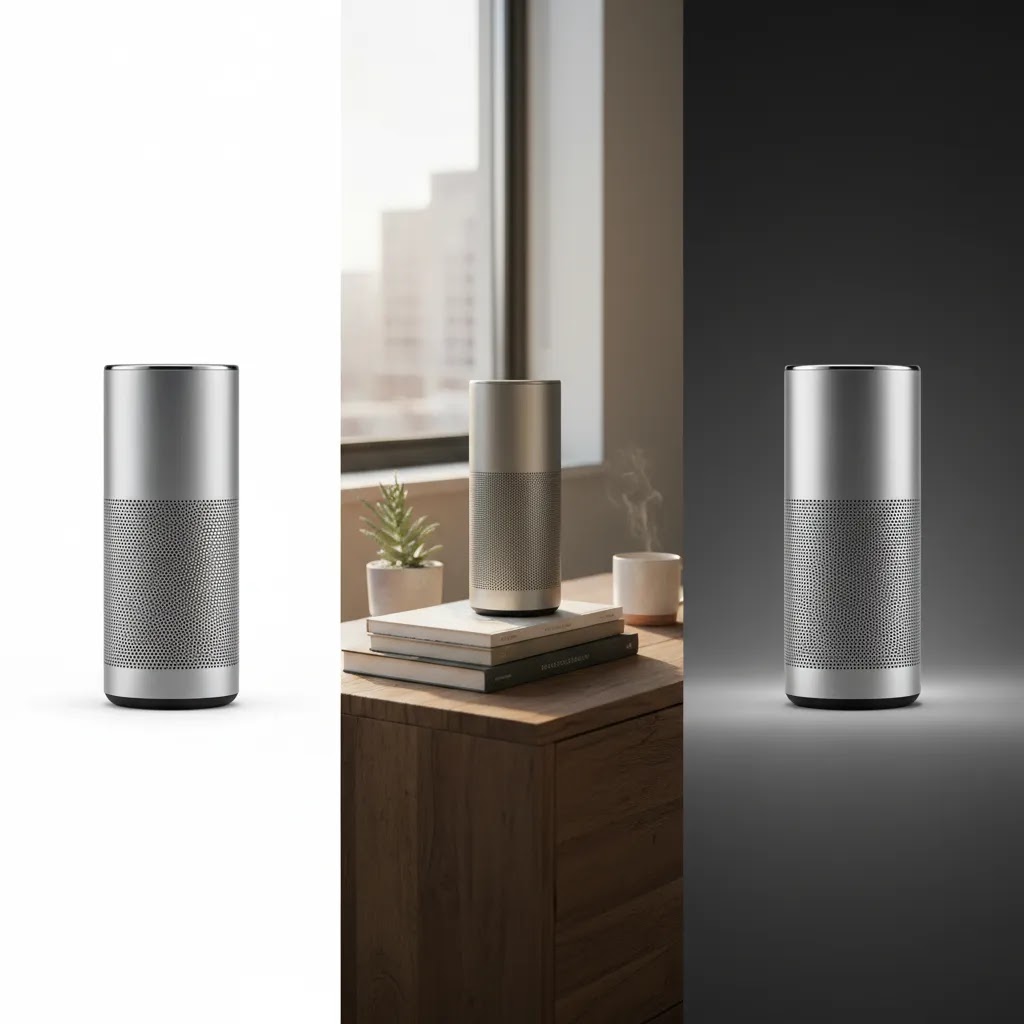
If your main goal is marketplace compliance and cleaner catalog presentation, start with white background and background removal tools. If your goal is higher click-through on ads or stronger merchandising on product pages, scene generation and contextual placement tools may be more useful.
Comparison Table
| Tool | Best For | Core Use | Pricing | URL |
|---|---|---|---|---|
| AI Background Generator | Generating new scenes around existing products | AI background creation | Pricing not provided | Visit tool |
| Free White Background Generator | Catalog and marketplace image cleanup | White background generation | Pricing not provided | Visit tool |
| Increase Image Resolution | Improving low-quality source images | Image upscaling | Pricing not provided | Visit tool |
| Magic Photo Editor | Flexible hands-on editing | AI editing workspace | Pricing not provided | Visit tool |
| Place in Hands | Lifestyle merchandising visuals | Product-in-hand mockups | Pricing not provided | Visit tool |
Pricing was not supplied in the available product data, so verify current rates directly with each provider before making a purchasing decision.
Best AI Product Photography Tools
1) AI Background Generator
This tool is best suited to merchants who already have a usable product cutout or source photo and want to generate more visually interesting contexts around it. That makes it practical for hero images, paid social creatives, and campaign landing pages where plain packshots are not enough.
For many stores, this is one of the fastest ways to test product photo variations without arranging props or renting locations. It is especially useful when your team wants several mood directions before finalizing creative.
Strengths
Considerations
Who it is for: Ecommerce teams that want to expand creative output from a limited source library.
2) Free White Background Generator
If your catalog images are inconsistent, this is often the most practical place to start. White background tools matter because marketplaces and comparison engines often reward clarity and consistency, and shoppers tend to trust listings that make the product easy to inspect.
This type of workflow is especially useful for apparel accessories, beauty, home goods, and general catalog maintenance. It can reduce the friction of getting products live quickly while still keeping your image standards organized.
Strengths
Considerations
Who it is for: Merchants improving baseline catalog quality before moving into more stylized AI image creation.
3) Increase Image Resolution
Resolution enhancement is not the flashiest category, but it can be one of the most commercially useful. Stores often inherit supplier photos, old campaign assets, or cropped thumbnails that are too small for modern PDP layouts. Upscaling tools can make those assets more usable for zoom, mobile, and merchandising blocks.
It is especially valuable when you are migrating platforms, redesigning a theme, or adding richer image sections to Shopify product templates.
Strengths
Considerations
Who it is for: Stores with legacy image libraries that need improvement before broader AI merchandising work.
4) Magic Photo Editor
Magic Photo Editor is the most flexible option in this list because it functions as a broader editing workspace rather than a single-purpose utility. That matters when you need to make several adjustments in one session instead of moving between different tools.
For ecommerce teams, this can be useful when one product image needs cleanup, enhancement, and creative repurposing for different channels. It may also suit merchants testing several visual directions before standardizing a repeatable workflow. If you are currently evaluating dedicated alternatives, our photoroom breakdown is a useful next comparison.
Strengths
Considerations
Who it is for: Growth-stage brands that want more control over image refinement and variation creation.
5) Place in Hands
Context sells. For smaller products such as cosmetics, supplements, accessories, or personal care items, showing scale and human interaction can make visuals more understandable. Place in Hands is designed for that exact need.
This can be particularly useful for ad creatives, mobile-first merchandising, and social posts where shoppers need immediate visual context. It is not a complete photography workflow on its own, but it can complement a stronger primary image set. If you sell beauty products, there is a natural crossover with tools like an ai makeup generator where AI visuals support campaign and merchandising experimentation.
Strengths
Considerations
Who it is for: Brands selling small, handheld products that benefit from instant scale and usage context.
Tool Types Many Store Owners Overlook (AI Models, Fashion Editing, High-Res Outputs)
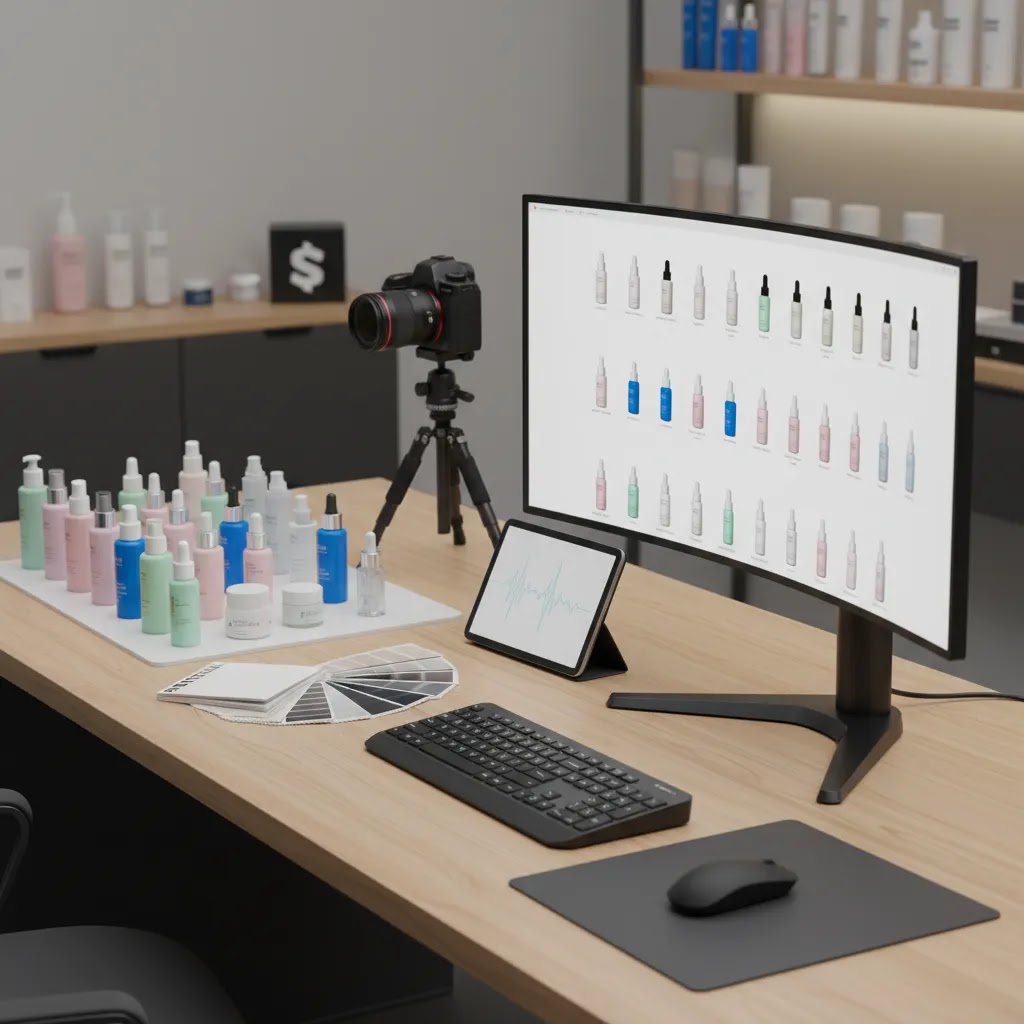
Most store owners start with background removal and scene generation. That is sensible. But there are a few tool categories that come up a lot in competitor workflows, especially if you sell apparel or you rely heavily on PDP zoom.
AI models and on-model imagery for apparel
If you sell clothing, shoppers often want to see fit, drape, and proportion. That is where AI model tools and on-model editing are positioned. The appeal is obvious, you can create consistent “on model” shots without booking talent for every drop.
Now, when it comes to Shopify conversion, this category can matter because:
The reality is that it is also one of the riskiest uses of AI product photography. If the tool subtly changes garment shape, neckline, pattern placement, or how something sits on the body, you can create expectation problems. That can show up as lower trust, more returns, or customer service friction. For many apparel brands, the safest approach is still to use real photography for core fit imagery, then use AI for supporting variations like backgrounds, crops, and campaign styling.
Fashion-specific editing (beyond generic background tools)
Fashion editing often involves details that general tools struggle with: preserving fabric edges, handling hair or fringe, keeping seams straight, and making sure the garment does not look “warped.” If your catalog depends on consistency across colorways and sizes, fashion-focused features can be worth seeking out.
What to look for is control. Batch tools that apply the same crop, the same background, and the same shadow style across a set of SKUs can be more valuable than a tool that creates one amazing image and nine inconsistent ones.
High-resolution outputs (including 4K claims) and what matters on Shopify
Some tools emphasize high-resolution exports, sometimes marketed as “4K.” High resolution can be useful, but it is not automatically better for ecommerce.
For Shopify merchants, the practical questions are:
If you are prioritizing high-res, also watch file weight. Shopify will serve responsive images, but huge uploads can still slow workflows and make asset management messy. In many cases, “usable, consistent, and accurate” beats “maximum resolution” for conversion.
What to prioritize if you are evaluating these tool types
Consider this before you commit to a tool category like AI models or high-res exports:
For most Shopify store owners, these “operational” features matter more than novelty. They are what determine whether AI image creation becomes a weekly process your team can run, or a one-off experiment that never scales.
Pros and Cons
Strengths
Considerations
Shopify and Marketplace Requirements (What AI Images Need to Get Right)
AI product photography often gets pitched as “listing photo generation.” That is true in spirit, but your images still need to do two jobs at the same time: meet channel expectations and build trust on your product pages.
When to prioritize white background images vs lifestyle scenes
White background outputs are usually the safest baseline for catalog clarity. They help shoppers inspect the product quickly, and they are easier to keep consistent across a large SKU count.
Lifestyle scenes and contextual images are typically better as secondary assets. They can support campaign storytelling, improve scroll depth, and give you more variety for ads. The risk is that scene generation is where “product truth” issues show up most often, especially if the tool is inventing lighting, reflections, or surface contact.
Think of it this way: use white background as your foundation, then add lifestyle scenes as controlled variations. That approach also makes it easier to troubleshoot if a channel flags an image or if customers report that a product does not match what they expected.
Shopify-specific trust factors: variants, thumbnails, zoom, and template consistency
On Shopify, image quality is not just about aesthetics. It directly affects how your product pages feel to shop.
A few Shopify-specific things to watch:
For large catalogs, you also want a repeatable naming and upload process. You do not need anything fancy, but you do need consistency. If you and your team cannot tell which file is “main,” which is “variant,” and which is “lifestyle,” you will waste time and introduce mistakes as the catalog grows.
Common failure cases that trigger rework
Most rework comes from a short list of issues that are easy to miss during initial creation, then painful to fix across dozens of SKUs.
Watch for:
If you are selling on marketplaces as well as Shopify, assume you will need stricter review. Requirements and enforcement can change, so treat marketplace readiness as an ongoing check, not a one-time setup. And if you are using AI images in paid acquisition, keep in mind that ad policies shift too, so it is smart to verify current platform rules before you scale a creative approach.

How to Choose the Right AI Product Photography Tool
The best choice depends less on hype and more on your actual image workflow.
1. Start with your highest-friction task. If your problem is catalog inconsistency, begin with white background or editing tools. If your problem is campaign creative volume, look at scene generation first. If your issue is poor source quality, resolution enhancement may give you the biggest immediate lift.
2. Separate catalog images from marketing images. Most ecommerce stores need both, but they serve different jobs. Catalog images need clarity and consistency. Marketing visuals can be more aspirational. Choosing one tool for each purpose is often more practical than expecting one app to do everything well.
3. Think in terms of Shopify operations. If you update products often, the tool should fit a repeatable workflow that your team can run weekly. Fast editing matters more than novelty. Experienced merchants usually prioritize speed, consistency, and publish-ready outputs over experimental features.
4. Review product truth carefully. AI product photography should support conversion, not create confusion. Check label details, proportions, shadows, textures, and how closely the image reflects the item that actually ships. This matters for returns, customer trust, and ad approval.
5. Build a hybrid workflow. In many cases, the strongest setup is not fully AI or fully traditional. It is a blend. You capture one solid source image set, then use AI to extend it into additional backgrounds, ad creative, or contextual variations. For a wider overview of the category, browse our Catalog Photography resources and the broader E Commerce Product Photography section for ecommerce-specific image strategy.
This approach is usually more sustainable than relying on generated visuals alone, especially for brands that care about consistency across PDPs, collection pages, email, and paid acquisition channels.
How We Evaluated These Tools
We reviewed the available tools through an ecommerce operator lens, not a general design software lens. That means we prioritized practical store-owner concerns such as catalog consistency, repeatable editing workflows, merchandising flexibility, and how well a tool supports real product page and campaign needs.
Our evaluation framework reflects AcquireConvert's focus on ecommerce growth and Giles Thomas's perspective as a Shopify Partner and Google Expert. We looked most closely at value, ecommerce usefulness, workflow simplicity, and likely impact on image production efficiency. Where product data did not include pricing or detailed feature breakdowns, we avoided filling in gaps with assumptions.
That is important because trustworthy tool evaluations should be clear about what is verified and what still needs confirmation from the provider.
Frequently Asked Questions
What is AI product photography?
AI product photography refers to tools that generate, edit, or enhance product images using artificial intelligence. In ecommerce, this usually means replacing backgrounds, creating styled scenes, improving image quality, or adapting one source image into multiple creative variations for product pages, ads, or social content.
Is AI product photography good for Shopify stores?
Yes, it can be useful for Shopify stores, especially if you manage a growing catalog and need more image variations without constant reshoots. It is most helpful when paired with a clear workflow for PDPs, collection pages, and ads, rather than used as a complete replacement for every photography need.
Can AI product photography replace traditional product shoots?
Sometimes, but not always. For basic catalog cleanup, fast campaign testing, or supplementary creatives, AI may be enough. For products where color accuracy, texture, packaging detail, or compliance matters, traditional photography is often still the safer starting point, with AI used later for edits and variations.
What is the best AI product photography tool for white backgrounds?
Based on the current tool set available, Free White Background Generator is the most direct fit for white background needs. It is best for merchants focused on clean catalog presentation, marketplace readiness, and more consistent product page imagery across large image sets.
Which AI tool is best for lifestyle-style product scenes?
AI Background Generator is the strongest match in this list for creating alternative visual settings around a product. It may help you test campaign concepts or create more editorial-style images, though final outputs should still be checked carefully for realism and brand alignment.
Do I need prompts for AI product photography?
In many scene-generation workflows, yes. Good prompts can help define environment, mood, lighting, surface materials, and composition. Still, prompts work best when paired with a strong source image. Clear visual direction usually matters more than writing overly complex prompt text.
Will AI product images hurt conversion rates?
Not necessarily, but poor or misleading outputs could create trust issues. The key is whether the image reflects the real product accurately and supports the buying decision. If shoppers feel confused about size, color, finish, or packaging, AI visuals may work against conversion rather than help it.
Can I use AI product photography for beauty products?
Yes, especially for campaign concepts, background variations, and merchandising assets. Beauty brands should be extra careful with shade accuracy and claims-sensitive visuals. For some use cases, combining AI edits with real base photography is the safer route for both customer trust and creative consistency.
How should small ecommerce brands start using AI product photography?
Start with one narrow workflow, such as white background cleanup or creating ad variations from your best-selling products. Once you have a repeatable process, expand into lifestyle scenes or contextual visuals. This keeps quality control manageable while showing whether the tool actually saves your team time.
Can AI product photos be used for Amazon or Etsy listings?
In many cases, yes, but you need to be careful about accuracy and listing requirements. For marketplaces, prioritize clean, clear images that reflect the real product, especially for the main image where plain backgrounds are often the safest choice. Review for common AI issues like altered labels, warped packaging, and incorrect colors before publishing. Marketplace policies and enforcement can change, so it is worth checking the current image rules for each channel before you upload a full catalog.
Are AI-generated product images allowed in ads (Google Ads or Meta Ads)?
They are often allowed, but the image still needs to be truthful, non-misleading, and compliant with the platform's policies. The biggest risk is using AI visuals that imply features the product does not have, exaggerate results, or edit the product in a way that creates confusion. Ad policies change, so verify current Google Ads and Meta Ads requirements before scaling a creative approach across multiple campaigns.
What is the best AI product photography tool for clothing and fashion?
It depends on what you are trying to create. If your priority is clean catalog consistency, start with background cleanup and editing workflows. If your priority is on-model imagery, you may want tools that specialize in AI models or fashion editing, but be cautious about fit misrepresentation and pattern distortion. In many apparel catalogs, a hybrid approach is the most reliable, use real photography for core fit and detail, then use AI for background variations, crops, and additional creative assets.
Can AI product photography generate high-resolution images (for example, 4K) that are usable on product pages?
Some tools can output higher-resolution files or upscale images to larger sizes, and those can be usable on product pages if the details hold up under zoom. The key is quality, not just pixel dimensions. Upscaling can also introduce artifacts around edges, text, and fine textures, so you should review outputs at the size and zoom level your Shopify theme actually uses before you publish them across a catalog.
Key Takeaways
Conclusion
AI product photography can be a strong addition to your ecommerce workflow if you use it with clear expectations. It is most valuable when it helps you produce more usable images, faster, while protecting product accuracy and brand consistency. For many Shopify merchants, the right starting point is not a flashy all-in-one platform. It is one tool that solves the biggest image bottleneck in your store today. AcquireConvert focuses on this practical decision-making approach, drawing on Giles Thomas's experience as a Shopify Partner and Google Expert. If you want more help comparing image workflows, exploring AI photo tools, or choosing the right next step for your store, check our related guides and category resources across the site.
This article is editorial content created for ecommerce education and is not a paid endorsement unless explicitly stated otherwise. Pricing and product availability are subject to change, so verify current details directly with each provider before purchasing. Any performance outcomes discussed are illustrative only and not guaranteed.

Hi, I'm Giles Thomas.
Founder of AcquireConvert, the place where ecommerce entrepreneurs & marketers go to learn growth. I'm also the founder of Shopify agency Whole Design Studios.