AI Product Photography Tools (2026 Guide)


If you are comparing ai product photography tools, you are probably trying to solve a very practical store-owner problem: create cleaner, more consistent product images without rebuilding your entire content workflow. For Shopify merchants, marketplace sellers, and growing ecommerce teams, the right tool can help speed up background cleanup, white-background exports, scene generation, and image improvements for PDPs, ads, and collection pages. The challenge is that not every AI image tool is built for commerce. Some are better for quick edits, while others are better for catalog-scale output. If you are still defining your setup standards, it helps to start with a strong product photography studio process first, then layer AI into the parts of production that are actually slowing you down.
Contents
What these tools actually help with
AI product photography tools are best understood as workflow tools, not magic replacements for good merchandising. They can help you create marketplace-ready product shots, improve low-quality source images, remove distracting elements, generate cleaner backgrounds, and build lifestyle variations faster than a traditional manual editing process.
From the current product data available, the most relevant options include AI Background Generator, Free White Background Generator, Increase Image Resolution, Remove Text From Images, Background Swap Editor, Place in Hands, Magic Photo Editor, and Creator Studio.
That mix matters because most ecommerce brands do not need one feature. They need a repeatable content system. A merchant selling apparel may want better model-adjacent presentation and scene consistency. A beauty seller may care more about close-up styling, texture retention, and use-case imagery. A marketplace seller may just need fast white background compliance. If you are still learning the broader category, AcquireConvert’s guide to ai photography is a useful foundation before committing to a tool stack.
Key features to compare
The best way to evaluate ai tools for product photography is to compare them by job-to-be-done, not by hype. In practice, most store owners will care about five things.
1. Background control
If you need catalog consistency, background tools are usually the first feature to test. AI Background Generator and Background Swap Editor are relevant when your original images are usable but need cleaner presentation or more contextual scenes. White-background output matters most for Amazon, Google Shopping, and structured catalog feeds, so Free White Background Generator is the practical pick for that use case.
2. Image repair and cleanup
Older product images often fail because they are too small, have embedded text, or were exported poorly. Increase Image Resolution can help when you need larger on-site images or cleaner creative for ads. Remove Text From Images is useful if supplier assets include labels, overlays, or promotional copy that does not belong on your product page.
3. Commerce-focused editing workflow
Some merchants want single-purpose tools. Others want one place to manage edits. Magic Photo Editor and Creator Studio appear more useful for broader editing workflows because they suggest a more centralized environment instead of a one-task utility. For stores with many SKUs, that usually matters more than novelty.
4. Lifestyle presentation
If your products benefit from use-case imagery, Place in Hands can be especially relevant. This is often helpful for cosmetics, accessories, small electronics, or packaged goods where scale and context influence conversion. For beauty brands, that can also overlap with visual merchandising needs similar to an ai makeup generator workflow, where realism and presentation style matter as much as basic editing.
5. Workflow fit for your channel mix
Your decision should match where images will be used. Shopify PDPs, collection pages, Meta ads, Google Shopping feeds, and marketplaces all have slightly different image requirements. If you are comparing specialized tools with established editing workflows like photoroom, focus on output quality, repeatability, and how much manual cleanup is still required after the AI step.
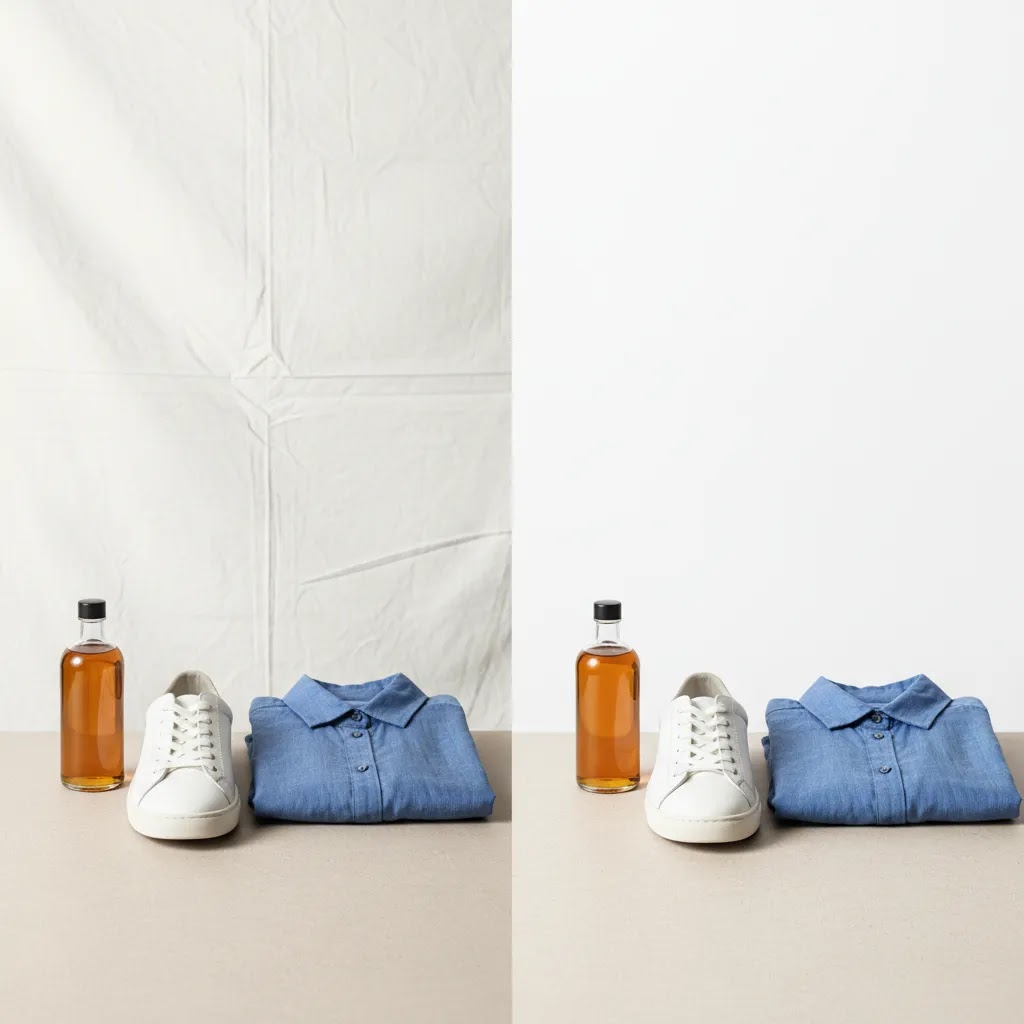
Why AI product photos look inconsistent (and how to fix style drift)
Here’s the thing: one of the most common frustrations with ai product photography tools is not that they fail completely. It is that they work, but they work differently every time. You generate 20 images for a collection and it looks like five different photographers shot them: the lighting direction changes, shadows jump around, the background color temperature shifts, and the “room” or surface feels slightly different from one image to the next.
This is often called style drift. For ecommerce, it matters because inconsistency hurts scanning. On a Shopify collection page, customers compare items quickly. If every product looks like it belongs to a different brand, you lose that clean, confident “catalog” feel.
What causes style drift in practice
Style drift usually shows up when you are generating scenes from scratch, or when you are asking for “lifestyle” results without locking the scene. Many tools introduce randomness by design so you can explore variations. That is great for creative brainstorming. It is not great for a product line where every SKU needs to look like it belongs together.
It can also happen when your source images are inconsistent. If half your products were shot on a warm desk setup and the other half on a cool white sweep, the AI has to guess what “normal” looks like. Those guesses create variation.
A consistency workflow that works for most Shopify stores
From a practical standpoint, the fix is less about finding a magical tool and more about creating guardrails.
First, lock a small set of approved scene templates. Think three to five “house styles” you can reuse across categories, for example: clean white background for marketplaces, a neutral light-gray gradient for Shopify PDPs, and one lifestyle surface for ads. Once you have a scene that looks right, reuse it instead of reinventing it per SKU.
Second, standardize angles and crop rules. Pick your default camera look for each product type and stick to it. For example, for bottles: straight-on hero at a consistent height and crop, plus a 45-degree angle secondary. For boxed products: front-facing and three-quarter. The more you vary angles, the more the AI tries to “help” by changing perspective, and that is where distortion and mismatch can creep in.
Third, keep a reference image per SKU type. That can be your best-performing PDP image for that category, or one “gold standard” export that nails lighting and shadows. Use it as a visual reference when generating new images so you have a consistent target. Even if your tool does not support a formal reference feature, you can still use the same input photo style and prompt structure so you are not starting from scratch every time.
Fourth, run batch QA checks before uploading to Shopify. Do not approve images one-by-one in isolation. Export a grid, compare them side by side, and look for: shadow direction, horizon line changes, mismatched warmth, and inconsistent scale cues. Catching drift at this stage prevents the common problem where a collection page looks messy even though each individual image looks “good.”
When you should stop generating and switch to editing
What many store owners overlook is that generation is not always the right move. If your top priority is consistency across a full catalog, you will often get better results by using AI for cleanup and controlled background swaps instead of fully new scenes.
In practice, that means: start with a solid base photo, then use AI to remove distractions, fix minor lighting issues, export white background, or swap to a controlled studio-style backdrop. You typically give up some creative variety, but you gain predictability, which is usually the better trade for Shopify PDPs, collection pages, and Google Shopping feeds.
Pros and Cons
Strengths
Considerations
Who these tools are for
These tools fit stores that already understand the value of better merchandising but want a faster path to usable assets. That includes Shopify merchants improving PDP image consistency, marketplace sellers trying to meet white-background requirements, and lean in-house teams that cannot run frequent studio shoots.
They are especially relevant for brands with medium-sized catalogs, regular product launches, or a mix of owned and supplier imagery. If you have only a handful of premium hero SKUs, traditional photography may still deserve more of your budget. If you are producing content at scale, AI-assisted editing becomes much more attractive.
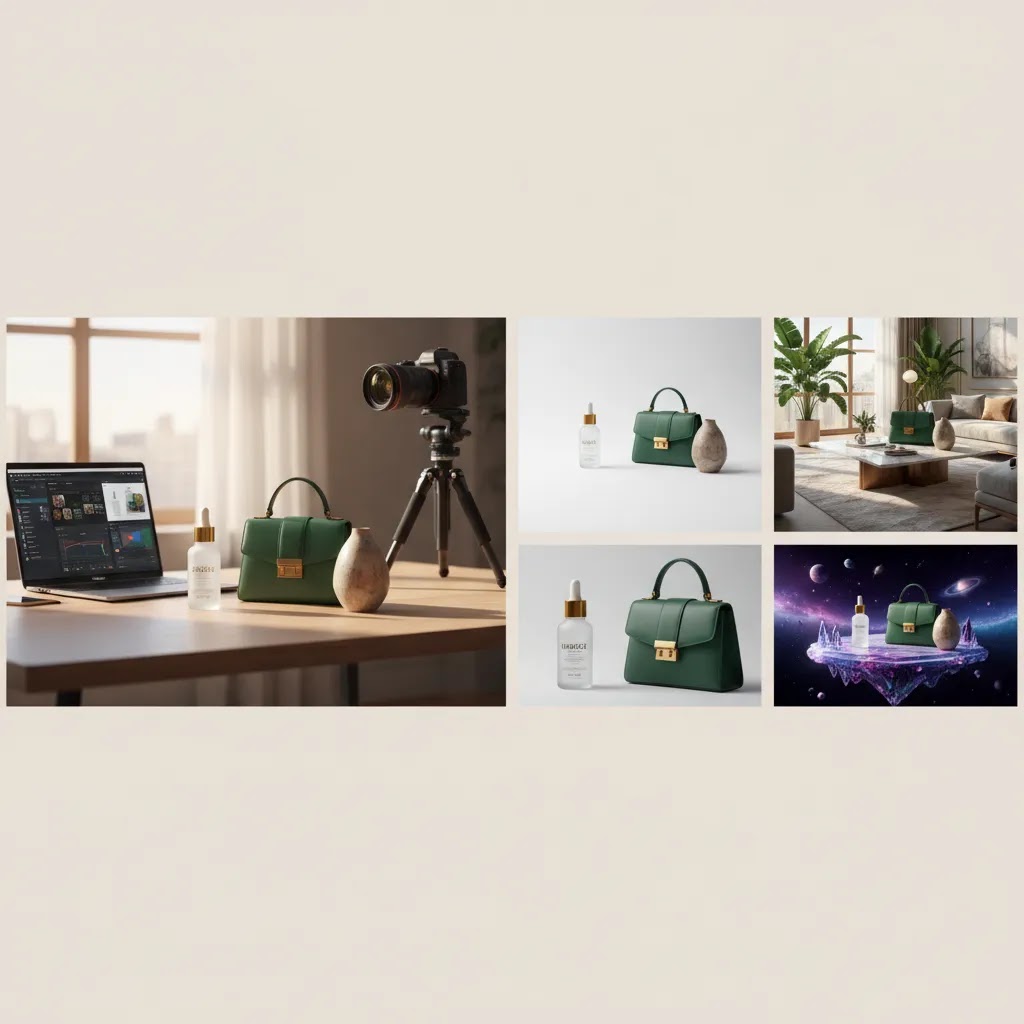
AI models and fashion workflows (when you should use them, and when you should not)
If you sell apparel, accessories, or anything “worn,” you will see a lot of AI product photography positioning around AI models. The promise is obvious: generate model imagery without booking shoots, managing talent, or doing complex retouching.
The reality is that this can work for certain assets, but it comes with tradeoffs that matter for brand trust.
When AI models can be a smart option
For most Shopify stores, the safest use cases are the ones where the image is not the single source of truth for fit and construction.
Secondary images on PDPs can be a good fit, especially if your primary images are still real product photos. AI model shots can help customers visualize “vibe,” styling, and how the product might be worn, while you rely on real photography for key details like seams, closures, fabric texture, and true color.
Paid social creatives and concept testing can also be a practical fit. If you want to test new colorways, styling angles, or campaign themes, synthetic model imagery can help you explore ideas faster. The way this works in practice is simple: test creative concepts first, then invest in real production for the winners.
When you should be cautious
Fit realism is the big one. AI images can unintentionally change how a garment sits, how a strap falls, or how a fabric drapes. That can create expectation gaps, especially for products where customers care about fit, stretch, thickness, and structure.
Representation consistency is another. If you use AI models, you need to think about whether your model imagery stays consistent across a collection, not just within a single product. A catalog that switches body type, skin tone, and styling in unpredictable ways can look unintentional, even if each image looks polished.
Brand risk is real too. If your audience expects documentary realism, heavy synthetic imagery may reduce trust. In many cases, using AI models as an addition, not a replacement, is the safer middle ground.
Channel and policy considerations
Now, when it comes to marketplaces and ad platforms, rules can be stricter than Shopify. Some channels may restrict certain types of synthetic or heavily manipulated imagery, and policies can change. Before you run AI model creatives in ads or upload them to marketplaces, check the current guidelines for the platform you are using and make sure your images accurately represent what the customer receives.
AcquireConvert recommendation
If you are close to choosing a tool, treat this as an ecommerce workflow decision rather than a design trend. Start by mapping your image needs by channel: white background catalog shots, enhanced PDP imagery, lifestyle variants, or marketplace compliance. Then test one narrow workflow before rolling it out across the full catalog.
AcquireConvert is built for store owners making exactly these decisions. Giles Thomas brings the perspective of a Shopify Partner and Google Expert, which is useful when image choices affect not just product page presentation but also Shopping feeds, ads, and merchandising performance. If you want a broader picture of the category, explore our Catalog Photography resources and practical guidance on E Commerce Product Photography. That gives you a stronger framework for comparing tools side by side and deciding where AI fits your production process without overcomplicating it.
How to choose the right tool
1. Start with your highest-volume use case. If most of your work is marketplace compliance, prioritize a white-background workflow. If your product pages need more context, test background generation or lifestyle placement tools first. Choosing by use case helps avoid paying for features you will barely use.
2. Judge output consistency, not just a single good sample. Many tools can create one impressive result. Ecommerce teams need repeatable outputs across multiple SKUs. Upload 10 to 20 varied product images and check whether shadows, cutouts, edges, and proportions stay believable from one item to the next.
3. Match the tool to your product category. Small packaged goods, cosmetics, accessories, and simple consumer products often work well with AI-assisted editing. Highly reflective items, transparent products, textured fabrics, or complex apparel can be more demanding. If you sell clothing, look closely at edge handling, drape realism, and whether the tool preserves color accuracy.
4. Think about downstream channel requirements. A stylish lifestyle image is not always a compliant marketplace image. If you sell on Shopify and marketplaces at the same time, you may need two outputs from the same source photo: one clean catalog image and one richer merchandising image. The right tool should support that split without doubling your workload.
5. Keep manual review in the process. Even the best ai product photography tools should be reviewed by a human before publishing. Check branding, pack size, label detail, product shape, and color. This matters even more if you sell regulated, cosmetic, or expectation-sensitive products where visual inaccuracy can create customer support issues or returns.
For many stores, the winning setup is not one all-in-one platform. It is a simple stack: one tool for cleanup, one for enhancement, and one for scene variation. That approach tends to be easier to manage and easier to replace if your needs change over time.
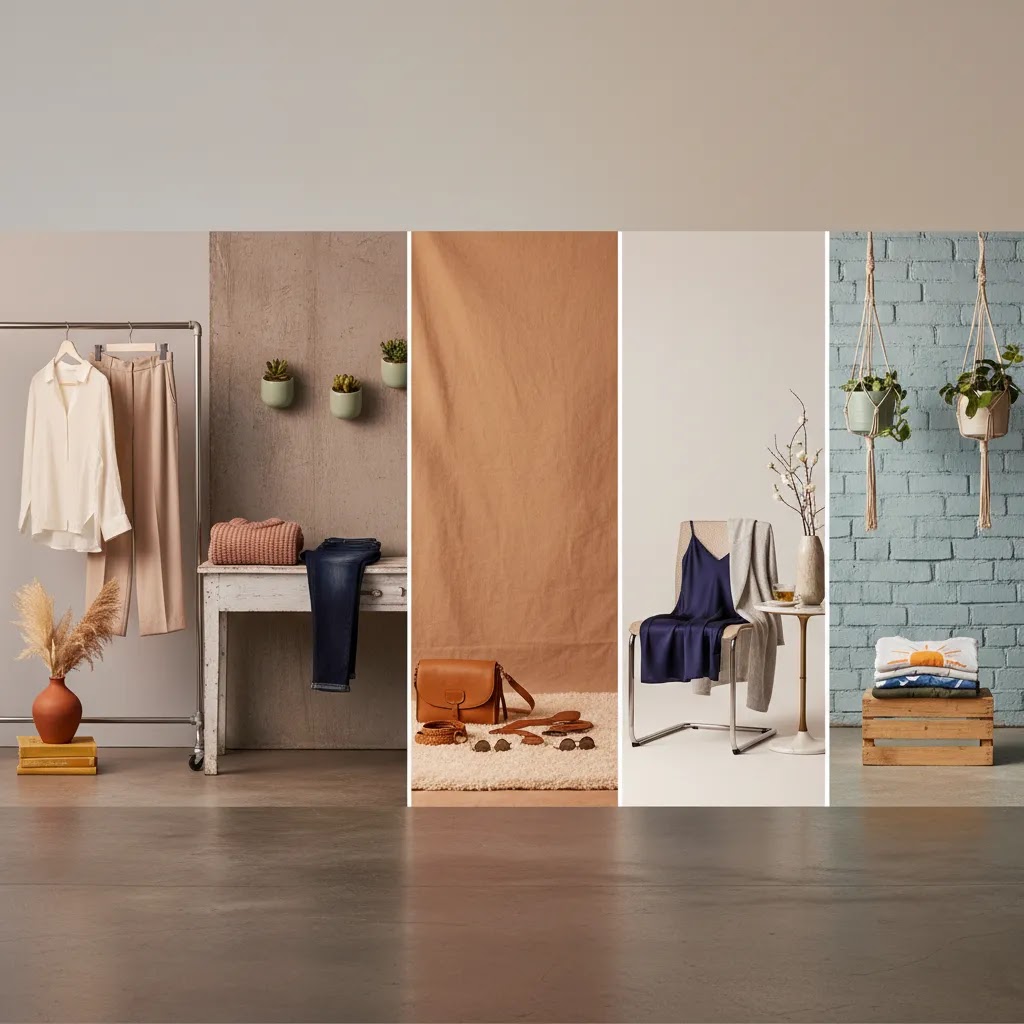
Prompting and input standards for ecommerce-ready results
Consider this: most “bad AI outputs” are really unclear inputs. If you want ecommerce-ready results, you need to treat prompting like creative direction. Your goal is not to write a poetic description. Your goal is to control the scene while keeping the product accurate.
A prompt framework that helps keep products accurate
When you are generating a scene or swapping a background, include five elements in your prompt so the tool has less room to guess.
Start with the environment and surface: what setting should it be in, and what should the product sit on. Then specify lighting direction and softness: for example, soft light from the left, minimal harsh shadows. Add a camera look: straight-on product shot, 50mm lens look, shallow depth of field if appropriate. Include composition rules: centered, consistent crop, leave negative space for text if you need it for ads. Finally, add constraints that protect the product: do not change the product shape, label, logo, or color, and do not add extra elements that could misrepresent what is included.
Think of it this way: you are telling the model what it can change, and what it must not touch.
Category-specific prompting considerations
Some categories need extra care because AI is more likely to introduce “helpful” changes that create accuracy problems.
Reflective products like jewelry, polished metal, and glossy packaging can get strange highlights or incorrect reflections. If you sell those products, be explicit about controlled studio lighting and realistic reflections, and expect to do extra review around edges and shine.
Transparent packaging is another trouble spot. Clear bottles, plastic windows, and glass often confuse the cutout step. You may need to prioritize cleanup and background control over complex lifestyle scenes, because realism breaks faster with transparency.
Textiles and textured fabrics can look great, but only if the source image is sharp and well lit. If your input is soft, the AI may “invent” texture. Specify “preserve fabric texture and weave,” and keep your scenes simple so the product stays the focus.
Anything with fine label text, ingredients, or regulated claims needs special attention. AI can blur or alter small text, even if the overall image looks clean. For those products, it is often smarter to use AI for background and lighting cleanup, then keep the label area from the original photo whenever possible.
A lightweight QA checklist for PDP and ads
Before you upload images to Shopify, do a quick “is this sellable” check. Look at edges and cutouts for halos or missing parts. Check shadows for consistency and believability, especially if you are generating a batch. Confirm scale cues make sense, especially for lifestyle images where size perception impacts conversion. Verify text integrity on packaging, and do not publish if the label looks altered or unreadable. Then check color accuracy across variants so your black, navy, and charcoal do not collapse into the same shade, and your colorways look consistent across a collection.
If you are selling products with variants, the simplest standard is to keep one prompt and one scene per variant family, and only change what must change, like the color name. That reduces drift and keeps your collection pages looking cohesive.
Frequently Asked Questions
What are ai product photography tools used for in ecommerce?
They are typically used to remove or replace backgrounds, create white-background images, improve image resolution, clean up supplier assets, and generate more contextual product visuals. For ecommerce teams, the value is usually speed and consistency rather than fully replacing traditional photography.
Are these tools good enough for Shopify product pages?
In many cases, yes, especially for supporting images, collection imagery, and standardized catalog photos. For premium hero images or luxury branding, you may still want professional photography. A practical approach is to use AI for scale and reserve studio work for your most important SKUs.
Can I use AI-generated images for marketplace listings?
Sometimes, but you need to check each marketplace’s current policies and image rules. White-background tools are often more relevant for compliant listings than heavily stylized AI scenes. Always verify that the final image accurately represents the product you are selling.
Which feature matters most for a growing store?
That depends on the bottleneck. If your issue is inconsistent catalog images, start with background or white-background tools. If your issue is weak legacy assets, focus on resolution and cleanup. If your challenge is conversion-focused merchandising, look at context and lifestyle image features.
Are free ai product photography tools enough?
They can be enough for testing workflows, creating basic exports, or cleaning up a small number of images. As your catalog grows, paid workflow tools often become more attractive because batch efficiency, edit control, and repeatability matter more than one-off image generation.
Do AI tools replace a product photographer?
No, not completely. They can reduce editing time and expand what you can do with existing images, but a skilled photographer still matters for lighting, styling, composition, and premium brand presentation. Think of AI as production support, not a universal replacement.
What is the biggest risk when using AI product imagery?
The main risk is publishing an image that looks polished but is not accurate to the real product. That can create shopper confusion, lower trust, and increase returns. Always review details like color, scale, packaging, and material appearance before publishing.
How should I test a tool before committing?
Use a representative sample of products, not just your easiest image. Test simple items, difficult items, and at least one product category that usually causes editing issues. Then compare speed, consistency, and how much manual correction is still needed before the image is ready to use.
What tools from the current product list are most relevant?
Based on the available product data, the most relevant options are AI Background Generator, Free White Background Generator, Increase Image Resolution, Remove Text From Images, Background Swap Editor, Place in Hands, Magic Photo Editor, and Creator Studio. The best fit depends on whether you need cleanup, enhancement, or contextual image creation.
Why do AI product photos look different from one image to the next (even in the same tool)?
Because many tools introduce variation by design, especially for lifestyle scenes. If your prompts are broad, or your source images vary in lighting and angle, the AI fills in the gaps differently each time. The practical fix is to lock a small set of approved scenes, standardize angles and crop rules, keep reference images for each product type, and review images side by side in batches before uploading to Shopify.
How do I write good prompts for AI product photography that keep my product accurate?
Be specific about the environment, surface, lighting direction, and camera framing, then add constraints like “do not change product shape, label, logo, or color.” Clear constraints reduce the chance of distorted packaging, altered text, or unrealistic materials. You still need human review, especially for products where color and labeling are sensitive.
Can AI product photography tools create photos with models (especially for apparel)?
Some tools and workflows can produce model-style imagery, and it can be useful for secondary PDP images or paid social concept testing. The tradeoff is realism and brand risk, since AI can misrepresent fit, drape, or details. You should also verify current ad platform and marketplace policies before using synthetic model imagery in ads or listings.
What is the best way to batch-generate consistent product photos for a large catalog?
Use a standardized input set, consistent angles, and a limited set of approved scenes. Keep prompts consistent, generate in batches by product type, and do side-by-side QA checks before publishing. For many catalogs, using AI primarily for cleanup and controlled background swaps is more consistent than generating brand new lifestyle scenes for every SKU.
Key Takeaways
Conclusion
AI product photography tools can be genuinely useful if you approach them with a store operator’s mindset. The right choice depends less on flashy output and more on whether the tool fits your catalog, channels, and production volume. For some brands, that means faster white-background exports. For others, it means scalable lifestyle variations or better cleanup of existing assets. The key is to test for consistency and accuracy before you roll anything out broadly. If you want more practitioner-led guidance, compare options side by side through AcquireConvert’s catalog photography resources and related ecommerce imagery guides. Giles Thomas’s perspective as a Shopify Partner and Google Expert helps connect image production decisions to the wider realities of conversion, merchandising, and channel performance.
This article is editorial content and not a paid endorsement unless explicitly stated otherwise. Pricing, plans, and feature availability for third-party tools are subject to change, so verify current details directly with the provider before making a decision. Any performance impact from product photography improvements will vary by store, product category, traffic quality, and implementation. Results are not guaranteed.

Hi, I'm Giles Thomas.
Founder of AcquireConvert, the place where ecommerce entrepreneurs & marketers go to learn growth. I'm also the founder of Shopify agency Whole Design Studios.