How to Create AI Product Photos That Look Real (2026)

AI product photos can save a lot of time, but most store owners run into the same problem: the images look synthetic, overly polished, or disconnected from the real product. If you sell on Shopify, Amazon, or your own store, that gap matters because shoppers notice when shadows, textures, proportions, or backgrounds feel off. The goal is not just making something attractive. It is creating product imagery that still feels believable and conversion-friendly. In this guide, I will walk you through a practical workflow for creating realistic AI product photos, where AI fits best, and where you still need human judgment. If you are also comparing a traditional product photography studio setup against AI-assisted production, this will help you make the right call for your catalog.
Contents
What realistic AI product photos actually require
Realistic ai product photos usually come from a hybrid process, not a one-click prompt. The strongest outputs start with a clean product image, then use AI for controlled background generation, lighting refinement, scene extension, or retouching. That is very different from asking a model to invent your product from scratch.
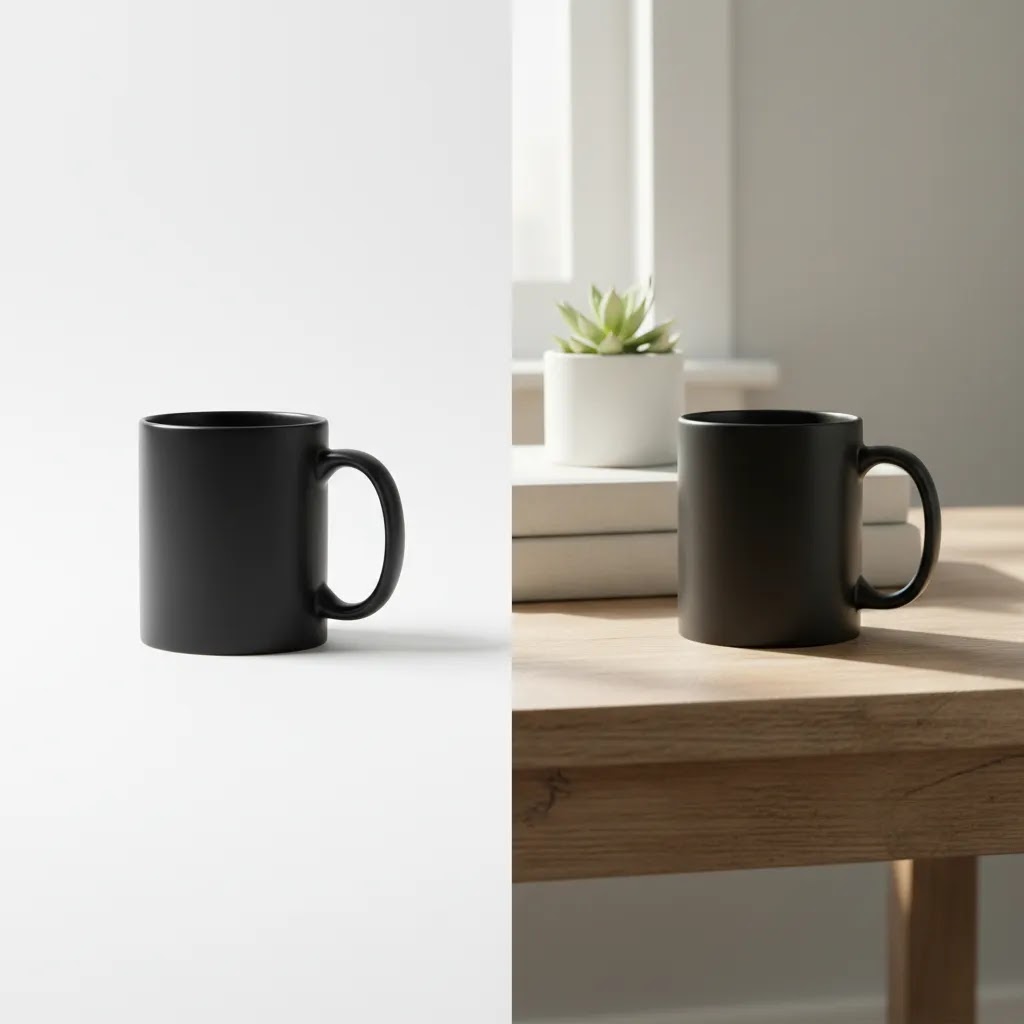
For most ecommerce stores, the safest use cases are white background variants, simple lifestyle scenes, and scaled image enhancement. This is especially true for apparel, skincare, cosmetics, and small accessories where texture, packaging edges, and label details influence trust. If your product photos feel fake, the issue is often one of four things: unrealistic lighting direction, wrong scale, inaccurate materials, or cluttered scenes that distract from the item.
Store owners getting better results with ai photoshoot workflows typically keep the product itself anchored in a real base photo. Then they use AI to create context around it. That could mean placing a serum bottle in a bathroom scene, showing a handbag in-hand, or building seasonal campaign imagery without renting a set.
If your aim is higher conversion quality, think like a merchandiser, not just a designer. The best product photos balance clarity, realism, and consistency across your collection pages, product detail pages, ads, and marketplace listings.
A practical workflow for realistic results
The most reliable workflow starts before AI. Take or source one strong base image with accurate product shape, color, and packaging. If you are still sorting out shot quality, review broader catalog photography principles first. A flat, poorly lit input usually leads to an even less believable AI output.
Start with these steps:
For many merchants, this means using AI in stages. First, isolate the product. Second, place it into a controlled setting. Third, refine resolution and small imperfections. If you want to go deeper on this broader process, our guide to ai product photography covers where AI helps most and where traditional photography still has the edge.
A good realism check is simple: would a customer believe this image if they saw it on Amazon, a paid social ad, or your PDP gallery? If the answer is no, reduce the ambition of the scene. Plain, believable images often outperform flashy, obviously generated ones.
Useful AI tools for product photo creation
Based on the available product data, the most relevant tools for realistic product images are focused on editing and scene control rather than fully invented product generation. That is usually a good sign for ecommerce use because you need accuracy more than novelty.
Notice the pattern: these tools are strongest when supporting editing product photos, not replacing real product capture entirely. That makes them more practical for store owners who care about accuracy, compliance, and catalog consistency.
AI product photos with models (what store owners should know)
AI “model” imagery is one of the biggest reasons AI product photos can look impressive at first, then fall apart under scrutiny. The reality is that model-based scenes can absolutely help you produce lifestyle visuals at scale, but they can also create trust problems fast if the output changes how the product appears or implies results you cannot stand behind.
From a practical standpoint, AI models tend to be most useful when you need context and vibe, not factual proof. For example, they can work well for accessories, cosmetics packaging, skincare bottles, and products where the key visual job is “this is how it fits into a routine” rather than “this is exactly how it drapes and fits on a specific body.”
Where AI models can cause issues is any category where shoppers use the image to judge specifics, especially apparel. Fit, fabric drape, and sizing cues are hard to fake convincingly, and the moment something looks off, it can raise questions about the whole brand. Even in cosmetics, skin texture and lighting can become a problem if the image implies a result that is not representative.
When AI models help, and when they hurt
Consider this:
A realism checklist for model shots that actually holds up
What many store owners overlook is that the giveaways are usually small. Before you publish, do a quick realism pass on:
Merchant risk controls to protect trust
The way this works in practice for most Shopify stores is simple: keep your PDP hero image real, then use AI-model imagery as a supporting layer. That could mean secondary gallery images, ad creatives, email banners, or seasonal landing page visuals. You can still get the benefit of speed and variety, while protecting the customer’s “is this legit?” moment on the product page.
Also, always review AI-model outputs for misleading representation. If the product looks different in the model image than it does in your real photos, treat that as a red flag. On marketplaces and ad platforms, policies change, and you should verify current guidelines for image manipulation and claims before rolling out a new visual approach.
Pros and Cons
Strengths
Considerations
Who this approach is for
This workflow fits ecommerce brands that already have at least a few usable source photos and want more output from them. It is especially useful for Shopify merchants building collection page consistency, running seasonal promotions, or testing new ad creative without arranging a full reshoot every time. It can also help Amazon sellers produce cleaner listing images when the main need is background cleanup and presentation consistency.
It is less suitable if your product changes appearance dramatically under different lighting, relies on premium material detail, or needs strict factual representation. In those cases, AI works best as a retouch and production aid rather than the main image source.
AcquireConvert recommendation
If you are evaluating ai product photos as a production method, treat AI as a controlled ecommerce workflow rather than a creative shortcut. That is the more practical approach we recommend at AcquireConvert. Giles Thomas brings a useful perspective here as a Shopify Partner and Google Expert because product imagery affects not just design, but click-through rate, product page trust, and feed quality across channels.
Start with your highest-margin products or fastest-moving SKUs. Build one approved visual standard for shadows, crop ratio, background style, and color handling. Then test AI-generated variations against your existing images instead of replacing your whole library at once. If you are comparing app-style editing options, our photoroom guide is a helpful next step. For adjacent beauty use cases, our look at the ai makeup generator space also shows how realism standards change by category.
How to choose the right AI photo workflow
There is no single best setup for every store. The right workflow depends on what you sell, where the images will appear, and how much control you need.
1. Start with channel requirements
If you need amazon product photos or marketplace-ready catalog images, choose tools that help create clean backgrounds and preserve product accuracy. White background editing and resolution enhancement usually matter more than dramatic scenes. If you are creating ad or homepage visuals, background generation and lifestyle context become more useful.
2. Match the workflow to the product type
Skincare product photos, supplements, candles, and boxed items tend to work well because their structure is stable and easy to isolate. Clothing product photos are harder because fabric, fit, and body interaction need realism. Jewelry, glass, and reflective products also need extra review because AI often mishandles light and reflections.
3. Protect product truthfulness
Your generated scene can be aspirational, but the item itself should still match what the customer receives. Keep logos, colors, dimensions, and packaging details anchored to a real photo. This matters for trust, returns, and ad approval. If you sell beauty items, that same principle carries into adjacent visual categories covered under lifestyle product photography and cosmetics content.
4. Build a repeatable editing checklist
Before publishing any AI-generated product photos, review:
This step is what separates usable visuals from obvious AI experiments.
5. Test image performance by page type
The best product photos for collection pages are not always the best for PDP hero images or paid ads. On collection pages, consistency often matters most. On PDPs, shoppers need detail and trust. In ads, scroll-stopping lifestyle context may help more. Run small tests and compare engagement, add-to-cart behavior, or marketplace compliance outcomes. Avoid assuming that more stylized AI images will always perform better.
6. Choose the right tool type for your team and your catalog
Here is the thing: “AI product photos” can mean three very different workflows, and competitors often gloss over that. If you pick the wrong category of tool, you will feel like AI is inconsistent, when the real problem is that your workflow is.
An AI product photo editor is usually the best fit when you already have real product shots and you want control: background cleanup, background swaps, shadows, retouching, and consistent crops. This is typically the most repeatable approach for Shopify catalogs because you can apply the same look across dozens or hundreds of SKUs.
An online generator is usually what people mean by “prompt to image.” It can be useful for conceptual lifestyle scenes, campaign mood boards, and creative testing, but it tends to be harder to keep consistent across a whole catalog. It is also more likely to drift on small details, like changing label typography or altering materials, unless you are anchoring the product strongly to a real image.
An app workflow is often the middle ground: it can be fast for solo operators and small teams, especially if you need to process lots of photos on a repeatable template. The best ones focus on consistency features, like background control and batch operations, instead of pure novelty.
What to look for in AI photo tools if you care about realism
For most Shopify store owners, the tool features that matter are not the flashy ones. They are the ones that keep outputs consistent across the whole storefront:
A quick decision framework for common ecommerce jobs
Think of it this way:
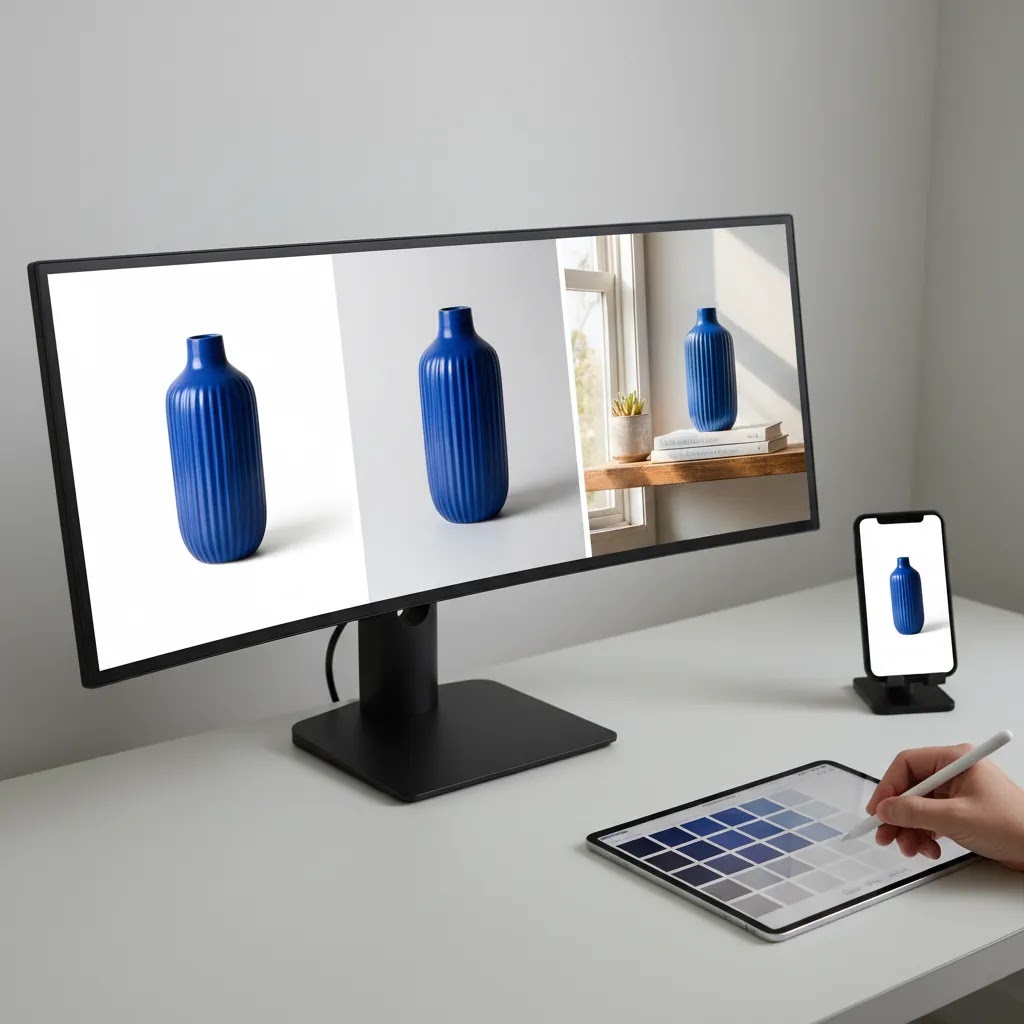
Image quality, resolution, and output specs (so they look real on PDPs and ads)
Most “AI looks fake” problems are not actually about the prompt. They are about output. Low resolution exports, inconsistent aspect ratios, and aggressive sharpening can make an image feel synthetic even if the scene is conceptually right.
Now, when it comes to ecommerce, realism is often revealed in the details shoppers zoom into: label microtext, fabric texture, and clean edges around cutouts. If your output falls apart at 100% zoom, it will not hold up on a Shopify PDP where customers can pinch zoom on mobile or use zoom features on desktop.
Practical output targets that improve realism
Exact specs vary by theme and channel, but there are a few patterns that typically help:
A simple QC workflow before you publish
From a practical standpoint, do not approve images in a tiny preview window. Use a quick quality check that matches how customers actually see problems:
Channel fit: Shopify PDPs vs marketplaces vs paid social
Different channels punish different mistakes. Marketplaces often care most about clean main images and strict product representation, and they can reject images that break their current rules. Shopify PDP galleries give you more freedom, but they also give shoppers more time to notice inconsistencies, especially if you mix real and generated imagery without a consistent style. Paid social placements are often more forgiving on pixel-level detail, but they are less forgiving on “this looks fake,” because you have about one second to earn trust in the scroll.
If you are building a catalog workflow, the safest approach is to standardize your exports for your strictest channel, then adapt downward. High-quality source exports give you options. Low-quality exports lock you into whatever artifacts the tool created.
Frequently Asked Questions
Can AI product photos replace professional product photos completely?
Sometimes, but not across every catalog. AI can work well for simpler products, white background images, and lifestyle scene variations. For premium goods, reflective materials, or products where fine detail matters, professional product photos still tend to be the safer choice. Many brands use AI as an add-on rather than a full replacement.
What is the best way to make ai generated product photos look real?
Use a real base photo of the product, then let AI generate or edit the environment around it. Keep lighting consistent, avoid overly complex scenes, and manually check labels, edges, shadows, and texture. Realism usually improves when AI supports the image rather than inventing the entire product.
Are AI product photos acceptable for Shopify stores?
Yes, in many cases. Shopify gives merchants flexibility in how they present products, but the key issue is customer trust. Your images should accurately represent what the buyer receives. For ecommerce operators, the practical standard is simple: if the product photo could mislead on color, shape, or materials, revise it before publishing.
Can I use AI for amazon product photos?
Potentially, but you should review Amazon's current image requirements carefully before uploading. Main images often require a plain white background and accurate product representation. AI can help with cleanup and standardization, but you should confirm that the final image complies with marketplace rules and reflects the actual product truthfully.
Which products are easiest to create with product photos ai tools?
Products with simple shapes and stable packaging are usually easiest. Think bottles, jars, boxed goods, candles, supplements, or accessories with clear edges. Items with complex transparency, reflective surfaces, fabric drape, or moving parts are more likely to need manual retouching or a conventional shoot.
Do AI tools work well for clothing product photos?
They can help, but apparel is one of the trickiest categories. AI often struggles with fabric folds, fit, texture, and how garments sit on the body. If you sell clothing, AI may be useful for background replacement and campaign concepts, while your core PDP images may still need a more traditional photography setup.
How should I edit product photos after AI generation?
Focus on commercial accuracy first. Check color fidelity, crop consistency, label sharpness, and any visual artifacts around edges or reflections. Then refine scene balance and remove distractions. If you retouch product photos too aggressively, the result may feel less trustworthy even if it looks more polished.
Are AI lifestyle product photos better than white background images?
They serve different jobs. White background images are usually stronger for marketplaces, comparison shopping, and clean catalog displays. Lifestyle product photos help show use context, mood, or product scale. Most stores need both, with white background images for clarity and lifestyle imagery for persuasion.
What if my AI images still look fake?
Pull the concept back. Use simpler props, cleaner backgrounds, and more realistic lighting. Start from a stronger source image and limit how much AI changes the product itself. The most believable results usually come from subtle enhancement, not dramatic transformation.
What is the best AI product photo generator for ecommerce?
The best option depends on what you mean by “generator.” If you need accurate product images for a Shopify PDP or marketplace listing, an AI editor that works from a real base product photo is usually the safer choice than a pure prompt-based generator. If you need lifestyle scenes for ads or campaigns, a generator-style workflow can be useful, but you should still anchor the product to a real photo and review outputs closely before publishing.
Can AI create product photos with models for fashion and apparel?
Yes, AI can create model-based visuals, and it can be useful for concepting, ads, and seasonal lifestyle creative. The limitation is trust and accuracy: AI can struggle with fabric drape, fit, seams, and realistic body interaction. For many apparel brands, the practical approach is keeping PDP hero images and key fit shots real, then using AI-model imagery for supporting gallery images and ads where you can control risk.
Are AI product photos legal to use in ads and on marketplaces?
In many cases, yes, but legality and compliance depend on how the image is created and what it implies. You generally want to avoid misleading representation, especially around product claims, results, and physical features. Ad platforms and marketplaces also have their own policies, and they can change, so you should verify current guidelines before publishing AI-generated imagery widely.
How do I keep AI product photos consistent across my whole catalog?
Start with a standard: one aspect ratio, one crop style, consistent background rules, and consistent shadow direction. Use a repeatable workflow where the product stays anchored to real base photos, and the AI work is mainly controlled editing, background swaps, and resolution enhancement. Then run a simple QC pass across the whole collection page view, not just image-by-image, because consistency problems usually show up when products sit next to each other.
Key Takeaways
Conclusion
AI product photos can be genuinely useful for ecommerce brands, but the images that work best are usually the ones with the least obvious AI fingerprints. If you want results that look real, start with a strong base photo, use AI for controlled enhancements, and review every output like a merchandiser responsible for customer trust. That approach is slower than one-click generation, but it is far more usable for real stores. If you want more practical guidance, explore AcquireConvert’s resources on ai product photography and related image workflows. Giles Thomas’s Shopify Partner and Google Expert perspective helps keep the focus where it belongs: visuals that support better ecommerce decisions, not just prettier mockups.
This content is editorial and intended for educational purposes. It is not a paid endorsement unless explicitly stated otherwise. Tool features and availability are based on current provided data and may change over time. Pricing was not available in the supplied product data, so readers should verify current rates directly with the provider. Results from AI product imagery are not guaranteed and will vary by product type, source image quality, editing workflow, and sales channel requirements.

Hi, I'm Giles Thomas.
Founder of AcquireConvert, the place where ecommerce entrepreneurs & marketers go to learn growth. I'm also the founder of Shopify agency Whole Design Studios.