Best AI Product Photography Services (2026)

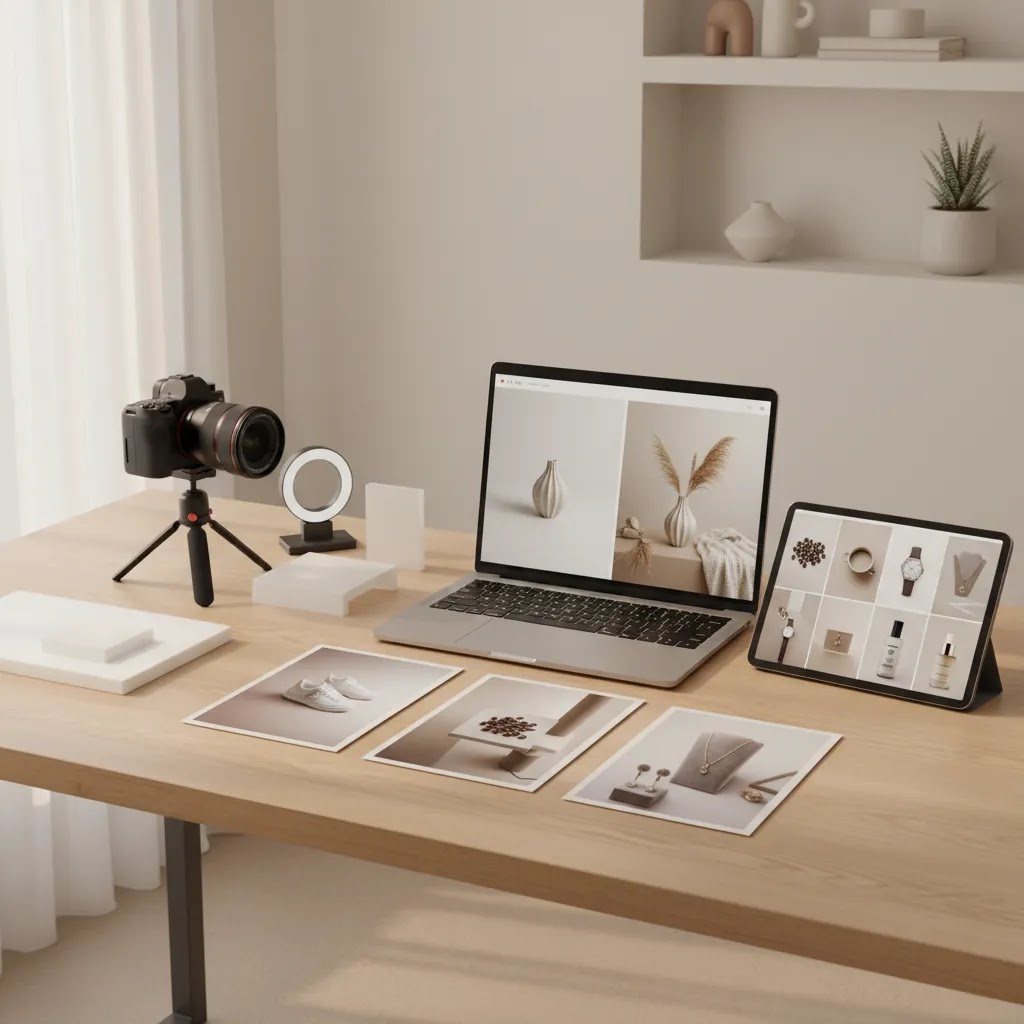
If you are comparing the best ai product photography options for your store, you are probably not looking for novelty. You need images that help products sell, fit your brand, and work across Shopify product pages, ads, email, and marketplaces. That is where AI tools can help, but only if you choose one that matches your workflow. Some are better for fast background cleanup. Others are stronger for lifestyle scenes, model-based visuals, or editing at scale. This guide evaluates the most relevant options from a practical ecommerce angle, with a focus on what an independent merchant can actually use. If you also need to understand how AI fits into a wider studio workflow, start with this guide to a product photography studio setup.
Contents
What makes an AI product photography tool worth paying for
For ecommerce, image quality is only part of the decision. A useful AI product photography service also needs to save time, reduce production friction, and create visuals you can actually publish without heavy cleanup.
In practice, the best options tend to fall into three groups. First, there are background tools for cleaning up catalog images. Second, there are scene generation and editing tools for creating lifestyle assets from existing product shots. Third, there are broader creative suites that support multiple image tasks in one place.
If you sell on Shopify, the real question is not whether AI can generate an image. It is whether it can help you produce better PDP images, collection banners, social creative, or ad assets without making your brand look inconsistent. That is why many merchants use AI alongside traditional photography rather than replacing it fully. If you want a broader primer on where this fits, AcquireConvert also has a helpful introduction to ai photography in ecommerce.
Based on the current product data available, the strongest options in this set are ProductAI Photo tools, especially for background control, white background output, resolution enhancement, and edited lifestyle compositions.
How to prevent AI photo style drift across your catalog
Here is the thing. One of the biggest practical problems with AI product photography is not a single bad image. It is what happens over time when you generate new images in batches and they start to look like they came from different photographers.
This is often called style drift. One week your backgrounds are bright and airy, the next week they are moodier. Shadows move around. Camera angles change. Crops tighten or loosen. On a Shopify store, that shows up fast in collection grids, related product sections, and search results pages. Even if each image looks good on its own, the catalog can feel inconsistent, which can reduce trust for premium brands.
From a practical standpoint, you prevent drift the same way you would manage a real photo studio, by standardizing decisions:
Before you publish anything to Shopify, run a quick QA pass that matches how shoppers actually browse:
That last step matters because even a strong AI image can become a weak asset if it makes your brand look inconsistent across touchpoints.
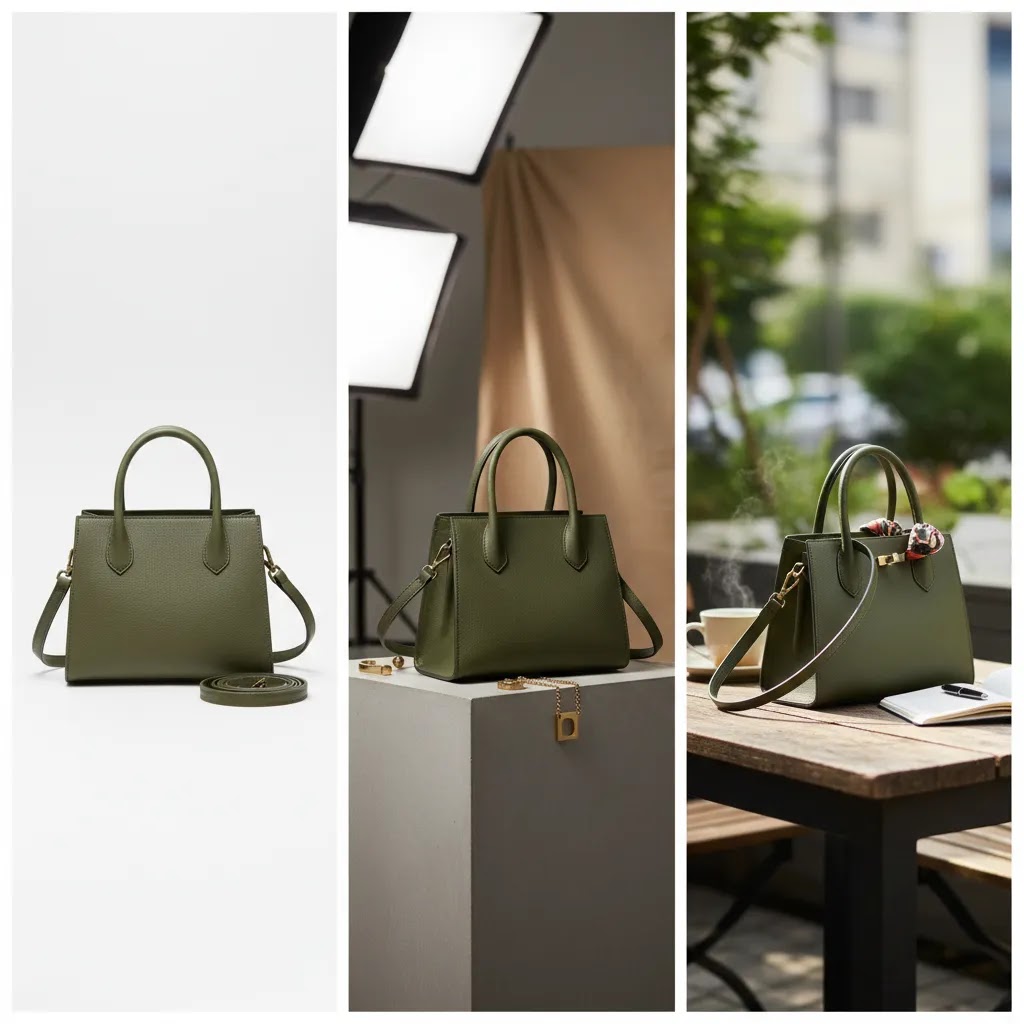
Best AI product photography services and tools
Below are the most relevant currently available tools from the live product set, grouped by the ecommerce jobs they are best suited for.
1. Creator Studio
Creator Studio is the broadest option in this product set. It works best if you want one place to create and refine multiple types of AI product imagery rather than using single-purpose utilities. For a store owner managing launches, seasonal campaigns, and creative testing, that flexibility matters.
Its main advantage is workflow consolidation. Instead of bouncing between tools for background swaps, styling edits, and visual variants, you can handle more of the process in one environment. That can be useful for lean teams that do not have a designer on standby.
2. Magic Photo Editor
Magic Photo Editor is a strong fit when you already have a decent source image and want to improve it quickly. Think of it as a practical ecommerce editor rather than a full studio replacement. It is most useful for merchants testing creative angles without reshooting products.
For example, if your hero image is solid but your supporting images feel flat, this kind of editor may help you create fresher assets for social ads, email campaigns, or seasonal landing pages.
3. AI Background Generator
AI Background Generator is built for one of the most common ecommerce pain points: turning plain product cutouts into contextual scenes. This is often the first AI image tool merchants test because it directly affects how premium a product appears.
It can be especially useful for brands that need lifestyle-style imagery but do not have the budget or internal process for frequent location shoots. Fashion, beauty, home, and gift brands often benefit most from this format.
4. Free White Background Generator
Free White Background Generator is the practical catalog option. If you need marketplace-ready product images, clean Shopify thumbnails, or a consistent collection page look, white background output is still one of the safest formats.
This matters for merchants selling across channels. White background images often work well for Google Shopping feeds, product grids, and comparison-friendly category pages where clarity matters more than mood.
5. Increase Image Resolution
Increase Image Resolution solves a different but very real problem: your source files are too small or too soft. This can happen when suppliers send weak product assets or when you are repurposing older content for a redesigned storefront.
Resolution tools can help make images more usable, though they are best treated as enhancement tools rather than a substitute for strong original photography.
Other specialist tools worth considering
If you are specifically comparing visual editing workflows, it may also help to review AcquireConvert's take on photoroom and when merchants still benefit from hiring a product photographer instead of relying only on AI.
Pros and Cons
Strengths
Considerations
Who these tools are best for
These tools are best for Shopify merchants, DTC brands, and marketplace sellers who need more image output without building a full studio operation. They are especially useful for stores with frequent product drops, seasonal promotions, or broad SKU counts that make traditional photography slow to scale.
They also suit brands that already have baseline packshots and want to create better supporting visuals for ads, landing pages, and social content. If you sell apparel, beauty, or accessories, AI-assisted scene generation may be particularly useful. Beauty brands exploring model-style visuals may also want related inspiration from this guide to an ai makeup generator workflow.

AI product photography with models: where it helps, and where it can go wrong
AI-generated model imagery is one of the biggest reasons fashion brands look at these tools. It can help you create more campaign-like visuals without booking a shoot every time you want to test a new angle.
Now, when it comes to using model images on a Shopify store, it helps to be clear about where the value is. In many cases, model-based AI visuals are most useful for ads, social content, landing pages, and secondary PDP images that show styling context. They can be riskier as your primary image set when shoppers need accurate fit cues, drape, fabric texture, or true-to-life sizing signals.
What many store owners overlook is that the failure points are predictable. When AI outputs are not good enough, it is usually because of:
For most fashion teams, the safest workflow is to start from real product images whenever possible. A clean packshot or a well-lit flat lay gives the AI something accurate to work from, and it can reduce the chance of the tool inventing details. If you already have on-body photography, you can also use AI to create variants, but you still want a human review step to make sure the product representation stays honest.
Consider this if you are worried about returns. Use AI model visuals as persuasion and context, then keep your fit and product truth anchored in real photography and clear product information. If an image could plausibly mislead a shopper about fabric weight, fit, or included items, revise it before it goes live.
AcquireConvert recommendation
If you are choosing between AI product photography tools, start with the job you need done, not the trend. For most ecommerce brands, that means deciding whether you need cleaner catalog images, stronger lifestyle assets, or a more flexible editing workflow. Creator Studio is the broadest current option in this product set, while white background, resolution, and background generation tools handle narrower tasks well.
At AcquireConvert, the advice is shaped by Giles Thomas's experience as a Shopify Partner and Google Expert. That matters because product imagery affects more than aesthetics. It influences merchandising, click-through rate from collection pages, ad creative performance, and how clearly products appear in channels like Shopping feeds. If you want a deeper framework for choosing image workflows, explore the wider Catalog Photography section and the broader E Commerce Product Photography resources on AcquireConvert. You can also compare options side by side and keep building a workflow that matches your store stage.
How to choose the right AI product photography tool
1. Start with your main commercial use case
Do not pick a tool based on feature volume alone. Pick based on output need. If your biggest issue is inconsistent collection imagery, a white background tool may be more valuable than a creative suite. If your ads need more thumb-stopping scenes, a background generator or editing platform may be the better fit.
2. Match the tool to your product category
Apparel, cosmetics, jewelry, and home goods all need different image treatment. Apparel often benefits from contextual or model-based imagery. Cosmetics usually need texture realism and close-up clarity. Home products often need believable lifestyle scenes. The more tactile or detail-sensitive your products are, the more carefully you should review outputs before publishing.
3. Think about channel requirements
Your PDP images, collection thumbnails, Instagram posts, and Google Shopping assets do not all need the same style. In many cases, merchants do best with a mix: white background for consistency, AI-enhanced scenes for persuasion, and edited campaign images for promotions. One tool may cover all three, but many stores end up combining a primary editor with specialist utilities.
4. Be realistic about brand control
AI is fast, but speed can create inconsistency. Before committing, test whether the tool can maintain your brand's lighting style, color direction, props, and overall tone. If every generated image looks slightly different, the time you save upfront may be lost in manual correction.
5. Keep a human review step
The strongest merchants do not publish AI visuals blindly. They review for product accuracy, edge artifacts, proportion issues, and whether the image matches buyer expectations. This is especially important for fit-sensitive, shade-sensitive, or premium-positioned products. AI can accelerate production, but the final merchandising decision should still be deliberate.
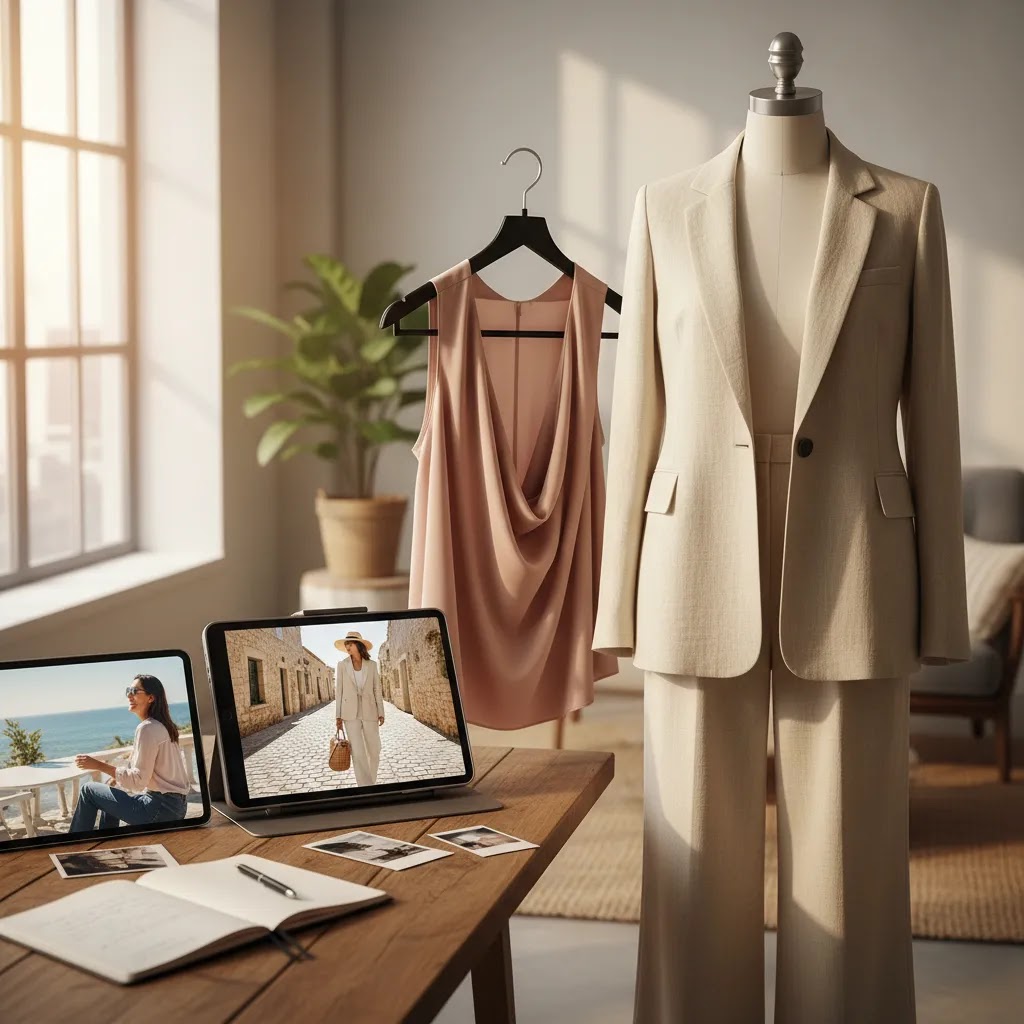
Generator vs editor vs enhancement: picking the right type of AI tool
A lot of the “best AI” questions you see online are really asking different things. The best AI to make product photos is not always the best AI to edit photos, and it is definitely not always the best tool for fixing weak supplier images.
Think of AI product photography tools in three types, and choose based on the job in front of you:
1) Generators: best when you need new scenes, not just cleaner photos
Generators are most useful when you want lifestyle context, seasonal variants, or creative backgrounds from a cutout or packshot. This is where “best AI to produce pictures” intent typically lands for ecommerce. You are producing new variations for ads, email headers, and landing pages.
They tend to be strong for speed and volume, but they can break on fine details. Transparent products, reflective surfaces, and complex textures can still need manual attention. If you sell glass, polished metal, or clear packaging, you should expect more review and retouching time.
2) Editors: best when you already have a good photo and want it improved
Editors are often the best choice when your inputs are decent and your goal is to polish, adjust, and test variations. If you are sitting on a library of usable images and you just need them to work harder across campaigns, an editor can beat a generator.
From an ecommerce workflow angle, this is also where “best AI for photographers” questions often fit. Photographers and in-house teams are usually trying to speed up retouching, background swaps, and cleanup without losing control of the original product.
3) Enhancement tools: best when your problem is technical quality
Enhancement tools focus on things like resolution, sharpness, and cleanup. They are a practical solution when you have supplier images, old assets, or marketplace photos that are close to usable but not quite there.
The decision rule is simple. If you need a believable new environment, start with a generator. If you have a strong hero image and want more versions, start with an editor. If your images are too small, soft, or inconsistent, start with enhancement.
For most Shopify store owners, the way this works in practice is a combination. You keep your catalog foundation clean and consistent, usually with white background or controlled editing, then you use generators for campaign assets where you can tolerate more variation and you can iterate quickly.
Frequently Asked Questions
What is the best AI product photography tool for Shopify stores?
That depends on what you need most. For broader workflow flexibility, Creator Studio stands out in the current product set. For specific tasks, tools like AI Background Generator, Free White Background Generator, and Increase Image Resolution may be the better fit. Shopify merchants usually benefit most from choosing by output type rather than by the broadest promise.
Can AI product photography replace a professional product photographer?
Sometimes, but not always. AI can be very useful for background edits, scene creation, and scaling content production. It is less reliable when exact texture, material detail, color fidelity, or fit representation is essential. Many growing brands use AI alongside traditional photography rather than treating it as a full replacement for a professional product photographer.
What is the best AI product photography service for fashion brands?
Fashion brands usually need a mix of clean catalog images and stronger lifestyle visuals. Tools that support background generation, scene editing, or handheld compositions may be useful here. The best choice depends on whether you are selling apparel basics, premium fashion, or accessories. For fit-critical products, human-shot source images still tend to matter a lot.
Are there good free AI product photography tools?
Yes, there are task-specific options in the current product set, including Free White Background Generator and AI Background Generator. These can be useful starting points for merchants testing AI-assisted workflows. Still, free tools are often best for validation rather than as your entire production process, especially if you need consistency at scale.
How do I know if an AI-generated product image is good enough to publish?
Check whether the product shape, proportions, shadows, and edges look believable. Then review whether the image supports the purpose of the page. A good hero image should create trust and clarity. A good lifestyle image should add context without confusing the shopper. If anything looks inaccurate, it is worth revising before publishing.
Can AI product photography help improve conversions?
It may help if it gives shoppers clearer, more persuasive product visuals. Better imagery can support merchandising, reduce friction, and improve perceived product value. Still, results vary by niche, price point, page layout, and traffic quality. Image improvements work best when paired with strong copy, a clear offer, and a smooth checkout experience.
What is the best AI product photography software for apparel?
Apparel brands often need tools that can generate cleaner backgrounds, better editorial scenes, or realistic product-in-context visuals. In this product set, scene and editing tools such as Creator Studio, Magic Photo Editor, and Place in Hands may be the most relevant places to start. Always review outputs carefully for garment shape and fabric realism.
Should I use AI images for Google Shopping and marketplaces?
Use caution. Many merchants still rely on straightforward white background images for feed-based channels because they are clear and commonly accepted. AI-enhanced images may work better on product pages, social campaigns, and promotional landing pages. You should always verify current platform image requirements directly before relying on generated assets in external channels.
What is the difference between AI background tools and full AI product photography platforms?
Background tools are narrower. They focus on replacing, removing, or standardizing the scene behind your product. Full platforms usually support multiple editing or generation tasks in one place. If your needs are simple, a single-purpose tool may be enough. If you run frequent campaigns, a broader creative workflow may save more time overall.
What is the best AI for making product photos?
The best AI depends on the output you need. If you need consistent catalog images, a white background tool or editing workflow is often the safest choice. If you need lifestyle scenes for ads and landing pages, a background generator can be more valuable. If your source images are low quality, enhancement tools like resolution upscalers can help, but they still work best with decent inputs.
What is the best AI to produce pictures?
For ecommerce, producing pictures usually means producing variations, new backgrounds, or new scenes from an existing product image. Background generation tools and broader creative suites are typically the right fit for that job. Just plan for review time, because AI can introduce small realism issues that matter on a product page.
Which AI is best for photographers?
Photographers and in-house creative teams often get the most value from AI editors and enhancement tools because they preserve more control. If you already have strong photography, editing and cleanup workflows can speed up delivery of campaign variants, standardized crops, and background changes without reinventing the entire image.
Can I use AI for product photography?
Yes, many merchants use AI for product photography tasks like background cleanup, white background output, lifestyle scene creation, and image enhancement. The key is to use it where it supports shopper clarity and brand consistency. You should also review AI outputs before publishing so product details, proportions, and materials remain accurate.
Key Takeaways
Conclusion
The best ai product photography setup for your store depends less on hype and more on fit. If you need speed, consistency, and a way to create more usable visuals from the assets you already have, AI tools can be a smart addition to your workflow. If you need exact product realism or premium brand storytelling, they may work better as a complement to traditional photography. The practical move is to test one broad workflow tool and one task-specific utility, then judge the output against your product pages and campaigns. For more Shopify-focused evaluation, compare options side by side on AcquireConvert, explore related photography guides, and use Giles Thomas's practitioner-led resources to make a decision that supports real merchandising goals.
This article is editorial content and not a paid endorsement unless explicitly stated otherwise. Product availability, features, and pricing are subject to change, so verify current details directly with the provider before making a decision. Any performance or conversion impact discussed here is not guaranteed and will vary by store, product category, traffic quality, and implementation.

Hi, I'm Giles Thomas.
Founder of AcquireConvert, the place where ecommerce entrepreneurs & marketers go to learn growth. I'm also the founder of Shopify agency Whole Design Studios.