Catalog Fashion Photography: Planning Guide (2026)

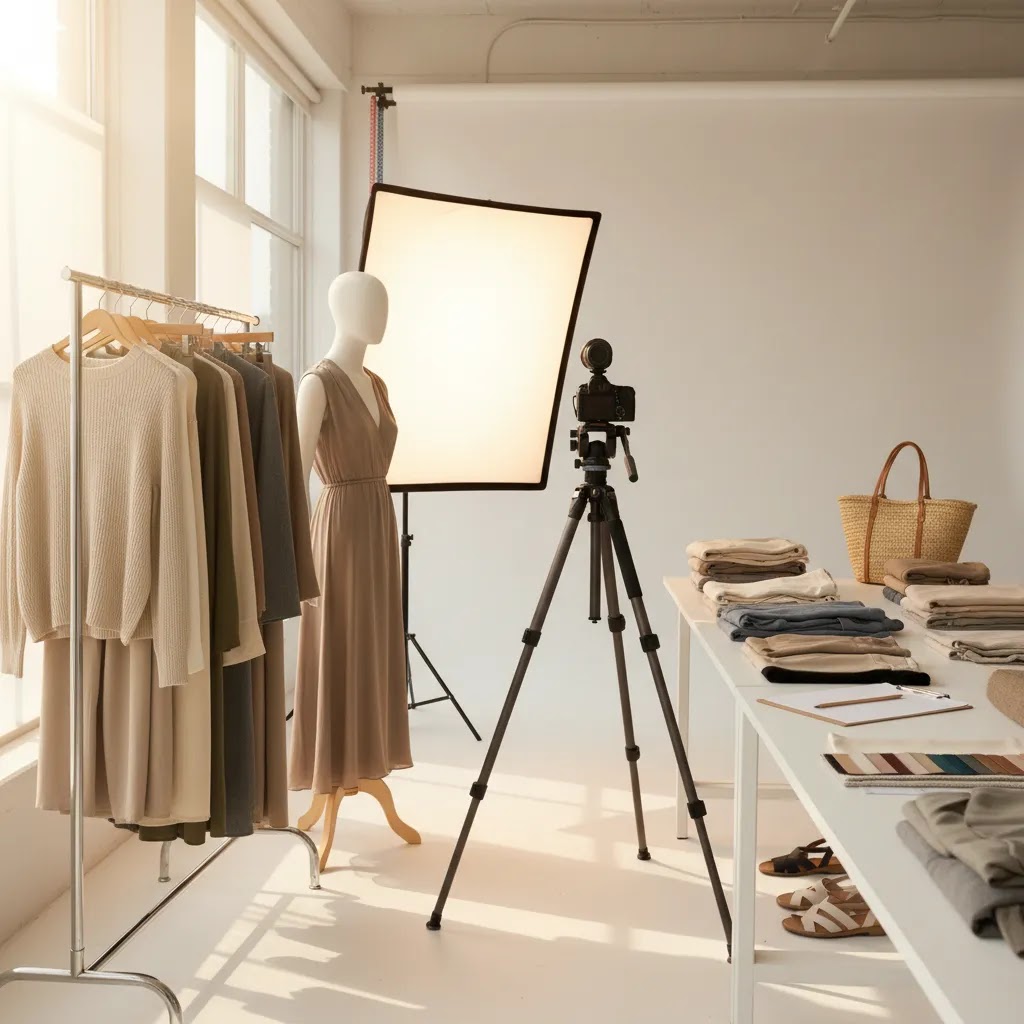
If you run an apparel brand, catalog fashion photography is not just a creative task. It is a conversion asset. The right shoot plan helps you capture consistent product images, reduce reshoots, and give shoppers the visual confidence they need to buy online. That matters even more on Shopify stores where collection pages, product grids, and variant imagery all need to work together. Before you book talent or pull samples, it helps to understand how your product photography studio setup, shot list, styling choices, and editing workflow connect. This guide walks through the planning process step by step, including where AI-assisted tools may fit if you need faster production, cleaner backgrounds, or extra merchandising variations without turning your shoot into an expensive production problem.
Contents
What catalog fashion photography is
Catalog fashion photography is the structured, repeatable style of apparel photography used to sell products clearly online and in print. Unlike editorial fashion shoots, the goal is not mood first. The goal is accurate presentation, consistent framing, and enough visual detail for a shopper to evaluate fit, fabric, color, and key design elements.
For ecommerce brands, that usually means front, back, side, detail, and on-model shots captured in a consistent format. If you sell across Shopify, marketplaces, and paid social, consistency matters because your images have to serve multiple jobs at once. They need to look clean in collection pages, hold up on mobile, and still support paid acquisition creative.
A strong shoot plan starts with business goals. Are you launching a new collection, refreshing evergreen products, or building a repeatable seasonal workflow? Your answer affects model casting, shot count, lighting, post-production time, and file requirements. If you are exploring newer workflows, our guides to ai photoshoot planning and ai product photography can help you assess where automation may support, rather than replace, your core catalog process.
Catalog fashion photography examples (and how to use them to build your shot standards)
What many store owners overlook is that “catalog style” is not one look. It is a handful of proven formats that shoppers already understand, and that work well in Shopify grids and PDP galleries. If you pick your formats up front, you can create a clear standard that a photographer, an in-house team, or a hybrid workflow can follow.
Here are common catalog looks you can model, and when each typically works best:
Now, when it comes to consistency, the goal is not to copy an example photo. It is to standardize the decisions behind it so your whole catalog looks like one system. From a practical standpoint, that usually means locking:
Consider this quick “example to execution” checklist you can use to translate inspiration into a repeatable shot list:
The way this works in practice is simple: a clear standard reduces on-set debate, speeds editing, and makes your Shopify catalog look more trustworthy because shoppers can compare items without visual noise getting in the way.
How to plan the shoot without wasting time or inventory
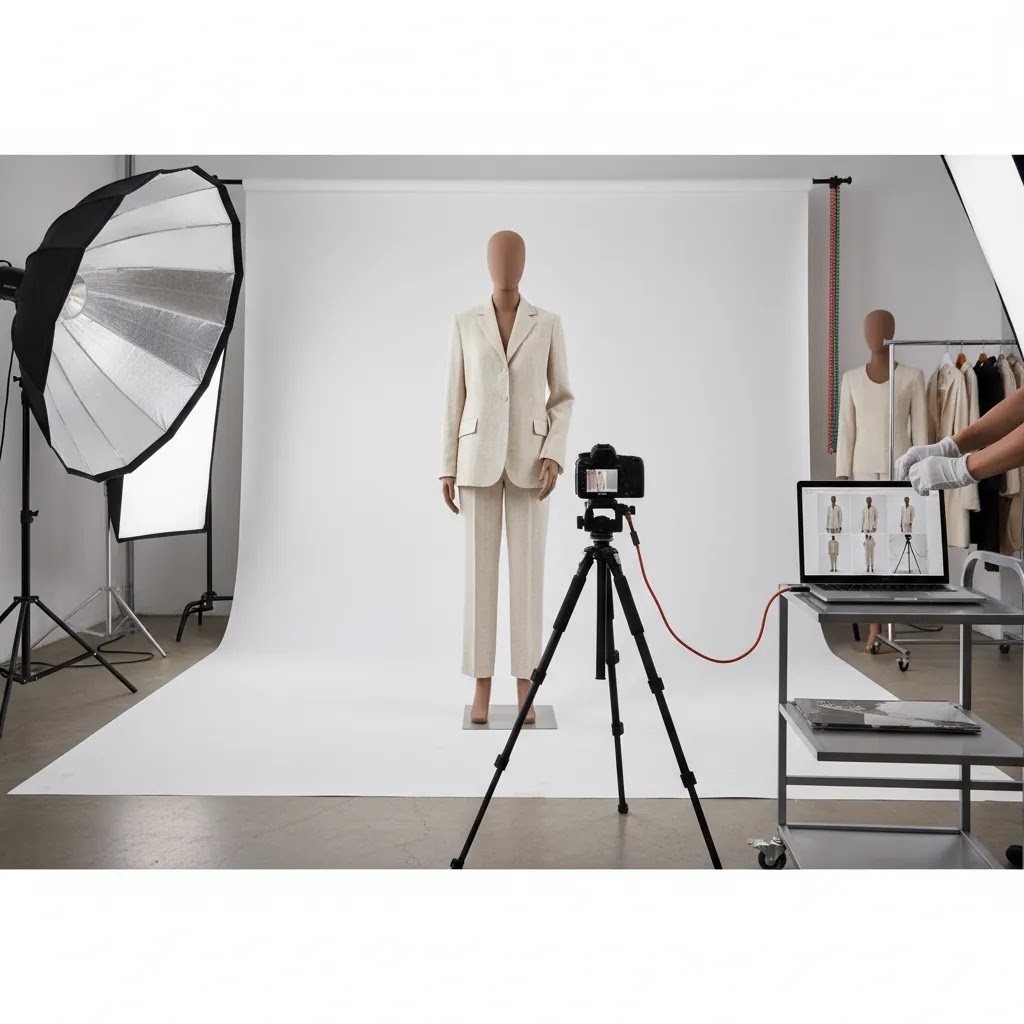
The biggest planning mistake apparel brands make is treating a catalog shoot like a creative brainstorm. Catalog work performs better when the production side is boring in the best possible way. You want a clear pre-production checklist, fixed image standards, and very few on-set decisions that should have been made earlier.
1. Start with your merchandising priorities
Build the shoot around what actually drives revenue. Flag hero SKUs, new arrivals, high-margin pieces, and products with high return rates due to fit or fabric confusion. Those items usually need more angles and detail shots.
2. Define image requirements by channel
Your Shopify PDP may need 6 to 8 images per SKU, while collection pages benefit from one strong thumbnail and one alternate hover image. Marketplace rules may require white backgrounds. Social ads may need vertical crops. Plan once, then capture with reuse in mind.
3. Lock your shot list before shoot day
A practical fashion catalog photography shot list usually includes:
4. Prepare samples like inventory, not props
Steam everything. Tag samples by look. Confirm sizes for each model. Keep backup SKUs ready. A wrinkled garment or missing size can slow production more than almost any camera issue.
5. Create a post-production plan before capture
Decide what will be edited manually and what can be assisted by software. If your team needs quick white background outputs, background cleanup, or alternate scene generation, tools such as ProductAI Photo's Free White Background Generator, AI Background Generator, and Background Swap Editor may help speed up derivative assets after the core shoot is complete.
The 20-60-20 rule for catalog shoots (so you do not overshoot or miss coverage)
Here is the thing: most catalog shoots go wrong in one of two ways. You either overshoot everything and drown in editing and uploading, or you undershoot the products that actually need the extra clarity to convert. A simple way to keep your plan realistic is the 20-60-20 rule.
In a catalog context, the 20-60-20 rule is a practical way to allocate time and shot volume across your assortment:
For apparel specifically, the “extra coverage” that hero SKUs get is rarely random. It is targeted shots that answer the questions shoppers ask right before buying, and that also reduce fit-related returns in many cases. Extra coverage may include:
The reality is this rule is as much about cost control as it is about aesthetics. Hero SKUs typically consume more model time, styling time, and retouching time. They also create more files to name, upload, and QA inside Shopify. By deciding the 20-60-20 buckets before shoot day, you can plan:
Think of it this way: you are not limiting quality. You are concentrating effort where it has the highest chance of impacting shopper confidence.
Key tools and workflow options worth evaluating
Planning a catalog fashion photography shoot today often means blending traditional production with selective AI support. The best approach depends on your catalog size, margin structure, and how often you refresh creative.
Core studio capture
You still need a reliable base set of product images. That usually means controlled lighting, consistent camera height, and repeatable pose direction. For many fashion brands, the most important thing is not cinematic quality. It is consistency across dozens or hundreds of SKUs.
Background cleanup and standardization
If you sell on channels that require plain backgrounds, white background generation can save editing time. ProductAI Photo offers a Free White Background Generator and category resources around white background photography. These can be useful when your source images are solid but need cleaner final outputs.
Alternative merchandising scenes
Once the core product documentation is done, AI-assisted scene generation may help create secondary assets for collection banners, emails, or social tests. ProductAI Photo's Magic Photo Editor and Creator Studio are relevant if your team wants to build extra visuals without scheduling another full-day shoot.
Image repair and enhancement
Some apparel brands need to salvage nearly-right images rather than reshoot. ProductAI Photo includes Increase Image Resolution and Remove Text From Images. These are not substitutes for poor photography, but they may help recover usable assets for certain catalog needs.
Model context and hand-held presentation
For accessories or beauty-adjacent fashion items, contextual imagery can improve shopper understanding. ProductAI Photo's Place in Hands can help with presentation-style assets. If your assortment overlaps with cosmetics, our guide to an ai makeup generator shows how adjacent visual workflows can support merchandising without confusing your main catalog standards.
For teams comparing editing-first options, our breakdown of photoroom is a sensible next read, especially if fast background removal and mobile-friendly editing are part of your process.
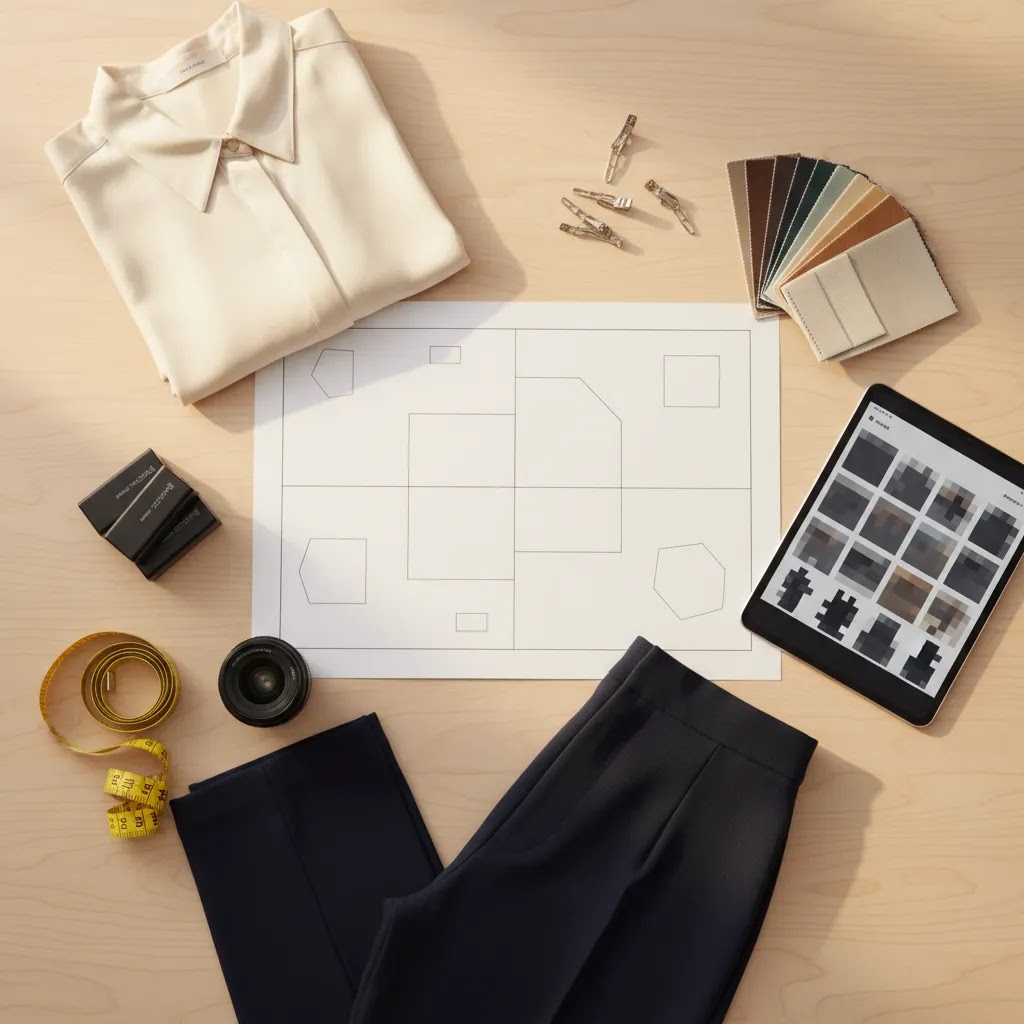
Pros and Cons
Strengths
Considerations
Who this approach is for
This planning framework is best for ecommerce apparel teams that need repeatable, conversion-focused imagery rather than one-off campaign creative. It fits Shopify merchants with growing SKU counts, in-house marketers managing launches, and founders who want cleaner execution without hiring a large production crew for every drop.
It is especially useful if you need a balanced workflow: standard product documentation first, then selective AI or editing support for secondary assets. If you are still refining your overall process, browsing the broader catalog photography hub and fashion & apparel photography category can help you compare methods based on product type, visual style, and merchandising goals.
How to choose the right catalog photography setup for your store
1. Match production quality to your business model
If you sell premium apparel with high AOV, your images need stronger styling, casting, and fabric detail. If you run a fast-moving basics store, consistency and speed may matter more than high-concept art direction. The right setup is the one that supports how customers actually buy your products.
2. Separate must-have images from nice-to-have images
Every SKU does not need the same number of assets. Build a tiered shot plan. Hero products may need details, on-body movement, and alternate crops. Long-tail basics may only need standard front, back, and close-up images. This keeps production costs aligned with merchandising priorities.
3. Be realistic about in-house capacity
If your team is small, a simple studio setup plus structured editing is often better than an ambitious production you cannot repeat. Independent store owners usually benefit more from a dependable monthly workflow than from one perfect shoot followed by three months of inconsistency.
4. Use AI where it removes friction, not where it creates doubt
AI in fashion photography is most helpful when it speeds up routine tasks such as background replacement, output variations, or non-destructive enhancements. It is less helpful if it introduces uncertainty around garment color, drape, or product accuracy. For ecommerce, trust usually beats novelty.
5. Plan file delivery around Shopify execution
Name files consistently by SKU, color, and angle. Decide thumbnail order before upload. Make sure image dimensions work across your theme templates and mobile layouts. Experienced operators know the shoot is only half the job. The other half is getting assets live quickly and correctly so merchandising teams are not fixing preventable issues after launch.
AcquireConvert takes that practical view across its content. Giles Thomas brings a Shopify Partner and Google Expert perspective that is especially useful when photography decisions connect to product page conversion, feed quality, and acquisition efficiency. If you want more context on AI-assisted image workflows, explore our related resources and compare approaches based on your actual store operations rather than marketing hype.
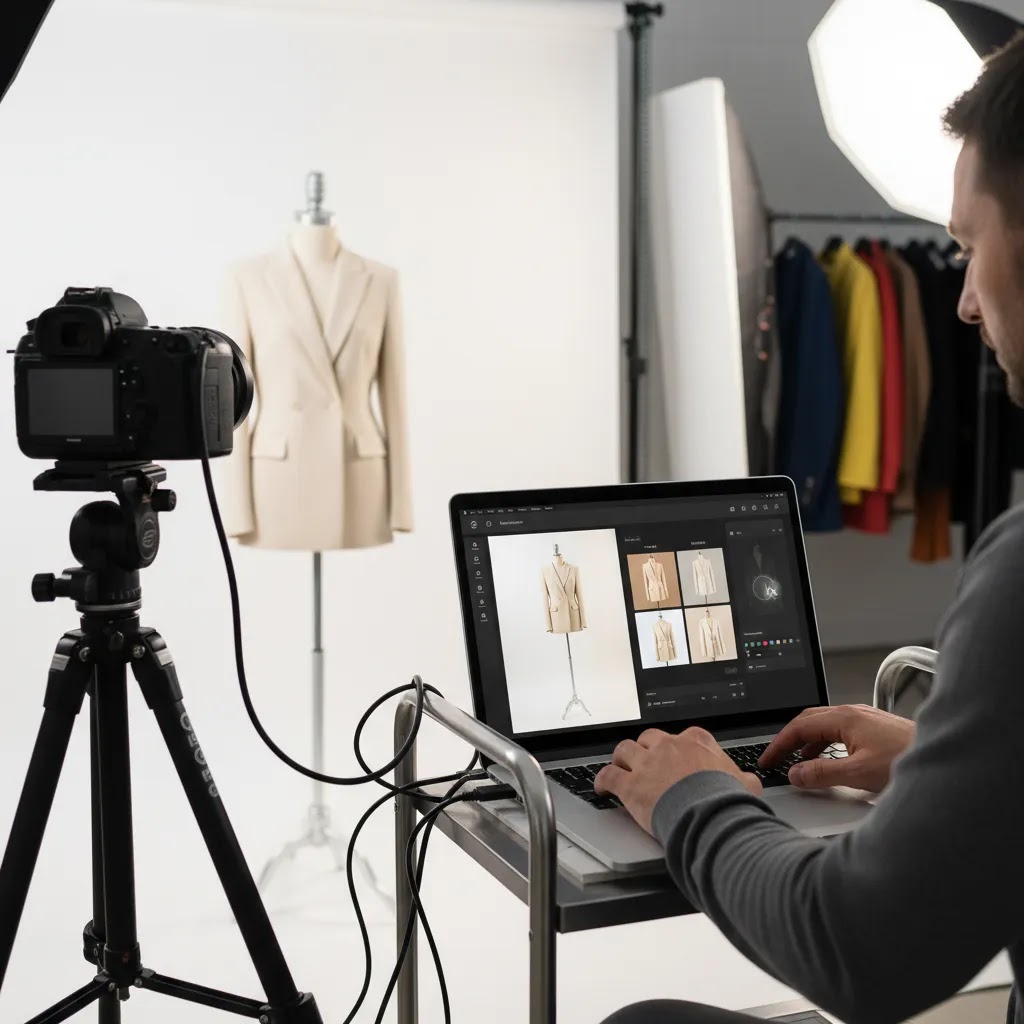
Hiring vs in-house: what fashion photographers typically charge, how to budget, and what to put in the brief
For most Shopify store owners, the hiring decision comes down to repeatability. A great one-off shoot is nice, but a system you can run every month is what keeps your catalog consistent as inventory turns.
What actually drives cost in catalog fashion photography is usually less about the camera and more about everything around it. When you are comparing quotes, ask how pricing is structured and what is included so you are not comparing a day rate on one side to a per-image retouch quote on the other.
Common cost drivers include:
A simple budgeting framework that works well for ecommerce is to decide where quality actually needs to be created, because not every problem should be solved in post:
If you do hire a photographer or a small crew, the brief is where you protect conversion outcomes. A strong brief is not a mood board. It is a production document that makes output predictable. Include:
The way this works in practice is that a clear brief reduces reshoots and reduces the time between “shoot day” and “images live on Shopify.” That is where catalog photography starts paying for itself.
Frequently Asked Questions
What is catalog fashion photography?
Catalog fashion photography is a product-focused style of fashion photography designed to present clothing clearly and consistently for ecommerce or print catalogs. It prioritizes accurate garment representation, repeatable poses, and standardized framing so shoppers can compare products quickly and make informed buying decisions.
How is catalog fashion photography different from editorial fashion photography?
Editorial fashion photography is built around storytelling, mood, and brand image. Catalog photography is built around product clarity and consistency. Most ecommerce apparel brands need both at some stage, but catalog images usually carry more weight on product pages where customers are deciding on fit, fabric, and style details.
What shots should every fashion ecommerce photography shoot include?
At minimum, capture front, back, side or three-quarter, and one or two detail shots for each garment. Depending on the product, you may also want close-ups of texture, closures, pockets, hemlines, and scale references. The best shot list depends on what customers need to understand before buying.
Do I need a model for fashion catalog photography?
Not always. Flat lays, ghost mannequin images, and standard product shots can work for some categories. But on-model images are often valuable for showing fit, drape, and proportion. For dresses, outerwear, and tailored items, model photography usually gives shoppers a better sense of how the garment wears.
Can AI replace a fashion photography service?
Usually not fully. AI can support editing, background generation, and alternate asset production, but it does not automatically replace strong source photography, styling, or fit presentation. For most stores, AI works best as a workflow layer around a solid production process rather than as a total replacement.
How many images per product are enough for ecommerce?
Many apparel stores do well with 5 to 8 images per SKU, but the right number depends on complexity. A plain T-shirt may need fewer assets than a structured blazer or embellished dress. If returns happen because customers misunderstand fit or details, add images where that confusion starts.
Should catalog images have white backgrounds?
White backgrounds are often useful for marketplaces, clean collection pages, and consistent merchandising. They are not mandatory for every brand image, though. Many stores use white or neutral backgrounds for core catalog assets, then supplement with lifestyle or campaign imagery for stronger brand expression.
What should I prepare before shoot day?
Finalize your shot list, style looks by SKU, confirm sample sizes, steam garments, prepare accessories, and document naming conventions. Also confirm where each image will be used, such as Shopify PDPs, collection pages, ads, or marketplaces. Good preparation usually saves more time than any editing shortcut later.
How do I know if AI in fashion photography is worth testing?
Test AI if your team spends too much time on repeat editing tasks, needs more image variations, or struggles to produce secondary assets quickly. Start with low-risk use cases like background cleanup or alternate scene concepts. Review outputs carefully for accuracy before using them on customer-facing product pages.
What is the 20 60 20 rule in photography?
In catalog photography planning, the 20-60-20 rule is a way to split your shoot effort across your assortment: 20% of SKUs get the most coverage (heroes), 60% get standard coverage (core), and 20% get minimal but consistent coverage (long-tail). It helps you control model time, styling time, retouching volume, and the amount of Shopify upload work, while still giving priority products the extra angles and details shoppers may need to buy with confidence.
What is the average salary of a fashion photographer?
There is not one reliable “average” that applies to every market, because fashion photographers may be salaried employees, full-time freelancers, or hired per shoot. Salaried roles can exist in larger retailers and studios, while many ecommerce brands hire photographers on day rates or per-look pricing instead. If you are budgeting for your store, you will usually get a clearer number by requesting a quote for your exact shot list and usage needs, rather than trying to back into cost from a salary estimate.
Which fashion magazine has the best photography?
This is subjective, and it also depends on what you mean by “best.” Many fashion magazines are known for strong editorial photography, but editorial and catalog photography are solving different problems. If you are building an ecommerce catalog standard, it is often more useful to study brands with consistent product grids and clear PDP galleries, then translate those examples into a repeatable shot list, crop rules, and lighting standards you can execute week after week.
Key Takeaways
Conclusion
Planning a strong catalog fashion photography shoot is really about reducing uncertainty. You want shoppers to understand the product quickly, and you want your team to produce assets without constant rework. That means clear image standards, realistic shot lists, reliable sample prep, and a sensible editing workflow. For many ecommerce brands, the best results come from combining disciplined studio capture with selective AI support where it genuinely saves time. AcquireConvert focuses on that practical middle ground. If you want more help evaluating visual workflows for your store, explore our related catalog and AI photography guides on AcquireConvert. Giles Thomas's experience as a Shopify Partner and Google Expert brings a useful operator lens to decisions that affect both conversion and customer acquisition.
This article is editorial content for informational purposes only and is not a paid endorsement unless explicitly stated otherwise. Pricing and product availability for third-party tools are subject to change, so verify current details directly with the provider. Any workflow, photography, or AI recommendations discussed here may help improve efficiency or presentation in some cases, but results are not guaranteed and depend on your products, execution, and store context.

Hi, I'm Giles Thomas.
Founder of AcquireConvert, the place where ecommerce entrepreneurs & marketers go to learn growth. I'm also the founder of Shopify agency Whole Design Studios.