Commercial Product Photography Pricing (2026)

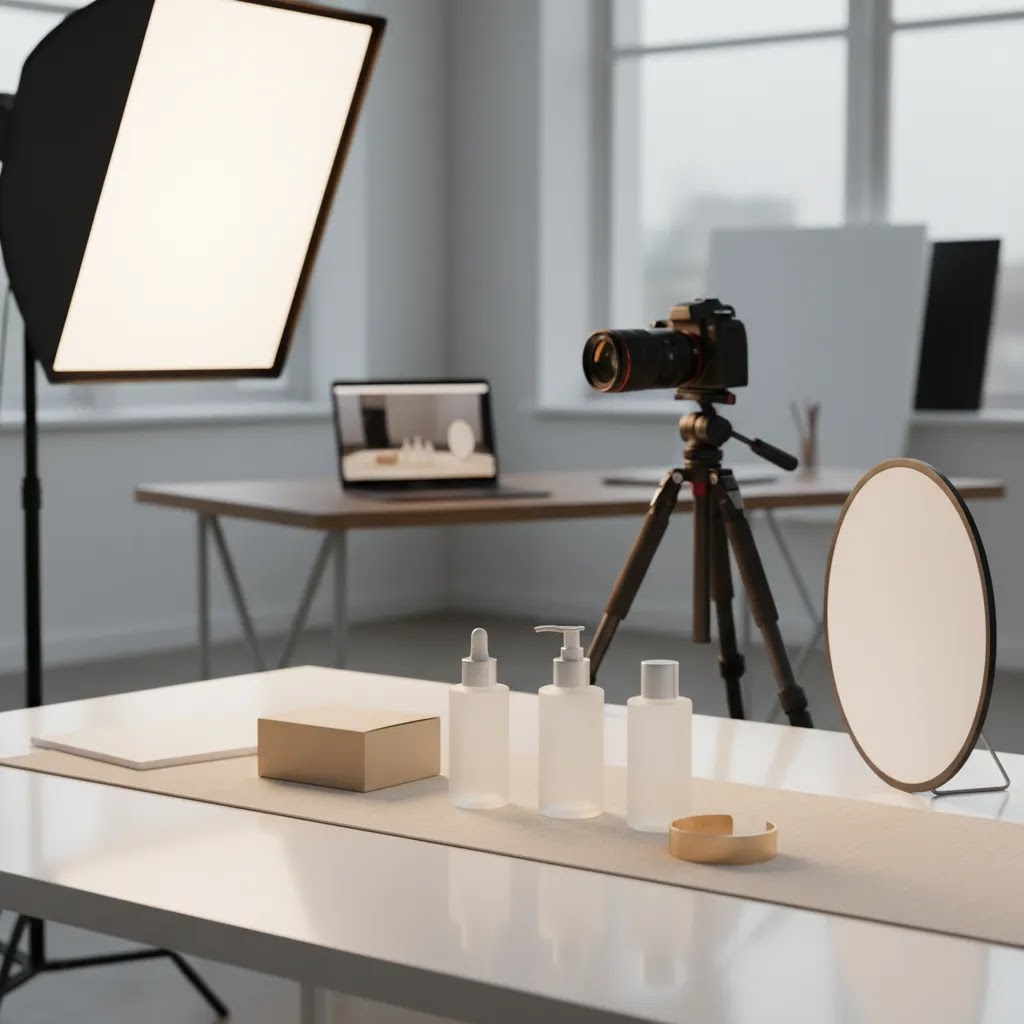
Commercial product photography is the visual work used to sell products, support ads, improve product pages, and strengthen brand perception across ecommerce channels. For most Shopify merchants, the real question is not whether good photography matters, but which approach gives the best return for the cost: studio packshots, lifestyle images, video, or AI-assisted workflows. This guide explains pricing, process, and practical decision points so you can choose the right setup for your catalog and margin structure. If you sell online and need clearer buying criteria before hiring a photographer, briefing an agency, or testing AI tools, this will help. At AcquireConvert, we assess photography workflows through the lens of ecommerce performance, drawing on Giles Thomas’s experience as a Shopify Partner and Google Expert to keep the advice practical for store owners.
Contents
What commercial product photography means for ecommerce
Commercial product photography refers to images created specifically to market and sell a product or service. In ecommerce, that usually includes white background packshots, detail shots, scale references, styled lifestyle scenes, campaign images, and sometimes short-form video. The goal is commercial, not purely editorial. You are trying to help a shopper understand the product, trust the brand, and move closer to purchase.
That distinction matters because pricing and production choices should match the job the image needs to do. A clean SKU image for a collection page is different from a homepage hero banner or paid social creative. If you are reviewing whether to build an in-house setup, rent a product photography studio, or outsource to a commercial product photography agency, start with channel purpose first.
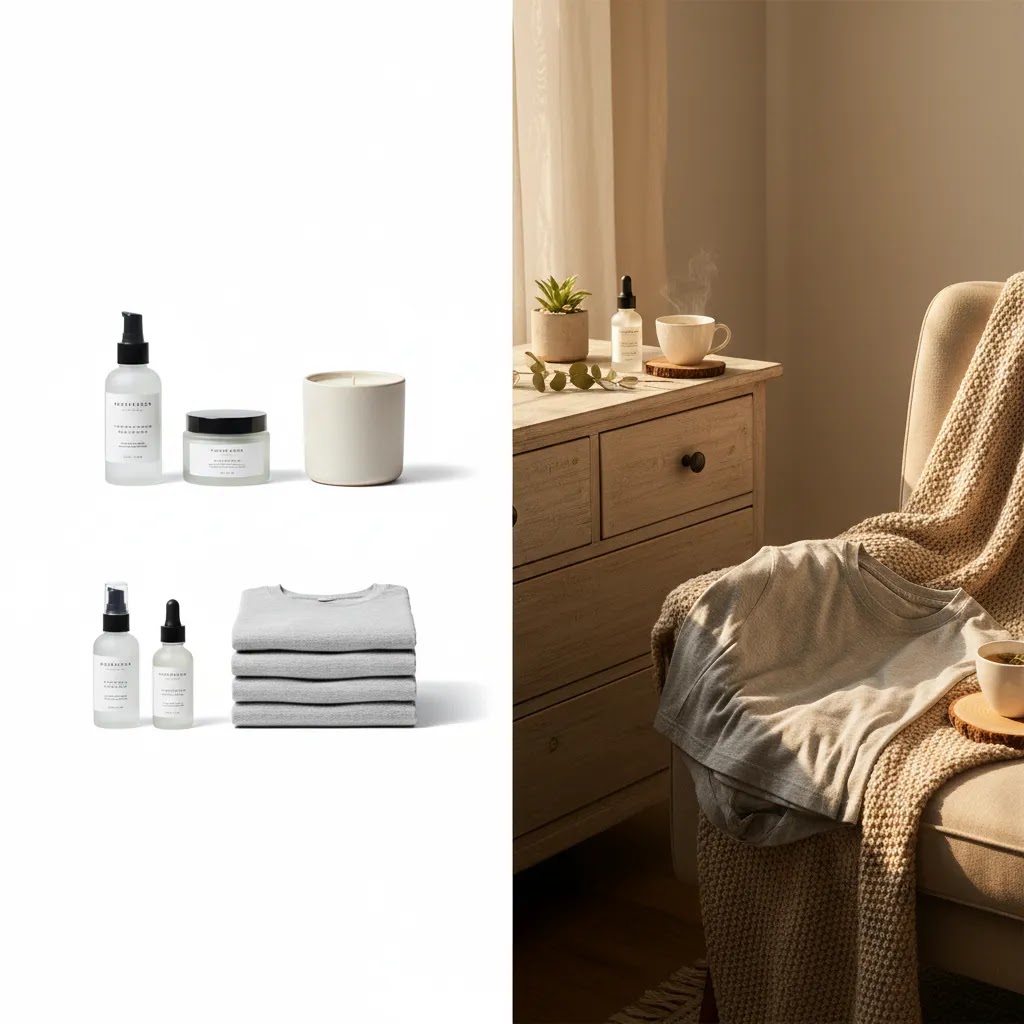
For most Shopify stores, commercial photography falls into three practical buckets: standard studio images, lifestyle imagery, and faster AI-assisted production. Standard studio commercial photography is best for consistency and catalog scale. Commercial lifestyle product photography helps communicate context and brand feel. AI workflows can reduce turnaround time for background changes, scene generation, and concept testing, especially if you are already exploring ai photoshoot options or broader ai product photography workflows.
If you want a broader foundation, AcquireConvert’s Catalog Photography and E Commerce Product Photography resources are useful next reads.
Commercial product photography ideas (plus a practical shot list)
Here’s the thing. Most Shopify stores do not fail because they lack “beautiful” images. They struggle because the image set is incomplete for how people actually shop. Your goal is to answer questions fast: what is it, what does it look like from every relevant angle, how big is it, what is it made of, and what will I receive if I order today?
If you are building a brief for the first time, start with a minimum viable shot list you can repeat across your catalog. Then layer in lifestyle and ad-specific creative where it supports acquisition and conversion.
A practical packshot shot list (the baseline for most SKUs)
For many stores, a strong packshot set typically includes a front hero, supporting angles, and a few “proof” images that reduce returns.
Lifestyle and commercial creative ideas that actually pull their weight
Lifestyle images are most useful when they do a job that packshots cannot. For example, they show fit, demonstrate use, or communicate a premium brand feel that supports higher pricing.
Map shots to channels so you do not overshoot the brief
From a practical standpoint, your channel mix should decide what “enough” looks like.
Think of it this way. You can always add more creative later, but if you do not nail the baseline packshot standard first, everything downstream becomes harder: product pages look inconsistent, ads are harder to test, and your store starts to feel less trustworthy.
Pricing, process, and format options
The pricing for commercial product photography varies because photographers and agencies usually quote around scope, not just image count. The main cost drivers are product complexity, number of SKUs, styling requirements, talent, location, retouching, and usage needs. A single cosmetic item on white can be relatively straightforward. A reflective bottle with liquids, props, and campaign-level retouching is not.
In practice, most ecommerce projects include some mix of the following:
Commercial packshot photography: These are clean, controlled images, often on white or transparent backgrounds. Best for product pages, marketplaces, Google Shopping feeds, and consistent collection grids.
Studio commercial photography: This usually includes more lighting control, better consistency across a range, and more refined retouching. It is often the default for stores with larger catalogs or repeat launches.
Commercial lifestyle product photography: These images show the product in use or in a branded setting. They tend to help on landing pages, ads, and social content where context matters.
Product video commercial assets: Short clips, spins, demonstrations, and usage videos can improve how a product is understood, particularly for beauty, apparel accessories, homeware, and gadgets.
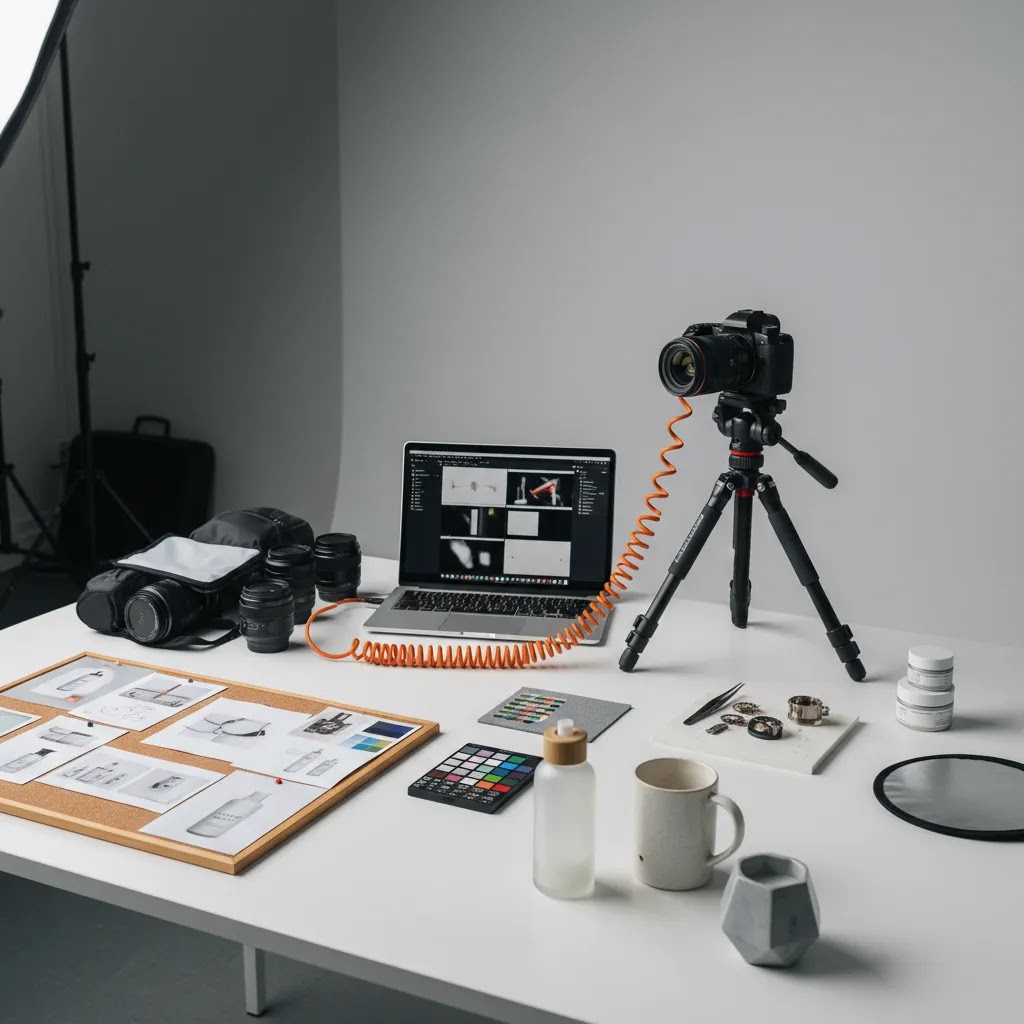
The process usually follows the same sequence. First comes the brief, including shot list, dimensions, channel use, brand references, and priority products. Then comes prep, which may include cleaning, steaming, assembly, and sample selection. Shooting comes next, followed by retouching, file export, and delivery in the formats your ecommerce stack needs.
Good photographers also think carefully about product photography composition. That means showing scale, texture, packaging, angles, and core selling points clearly enough for a shopper to make a buying decision without handling the item in person. For beauty brands, that often extends into shade swatches, texture closeups, or concept visuals that overlap with specialized workflows such as an ai makeup generator.
Common pricing models and what to ask for in a quote
What many store owners overlook is that two quotes can look similar on the surface, but cover totally different things once you get into deliverables, retouching depth, and usage rights. Before you pick the cheapest option, make sure you are comparing apples to apples.
The most common ways commercial photographers price projects
Commercial product photography pricing is often structured in a few familiar models. Each can work, as long as the scope is clear.
Usage and licensing: the quiet cost driver
Now, when it comes to commercial photography quotes, “usage” matters. Some photographers price based on where and how long you will use the images. Using images on your Shopify product pages and email is different from using them in paid social, out of home, print, or wholesale catalogs.
At minimum, you want the quote to state where the assets will be used, how long the license lasts, and whether you can reuse the images for future campaigns. If you are planning to run images in Meta ads or Google Ads, mention that up front so the usage terms match reality. Policies and licensing standards can change, so confirm the current details in writing before you commit.
Common add-ons that change the quote
In many cases, the price shifts are driven by production extras rather than the photo itself. Watch for:
A quote checklist you can use to compare proposals
Consider this a practical checklist you can ask for in writing before approving a shoot:
If you get this clarified early, you will usually avoid scope creep, last-minute surprises, and awkward licensing conversations after the images are already live on your store.
Tools, costs, and workflow choices
Because the connected product data available for this article centers on AI photo tools rather than traditional photography agencies, there is no live dataset here for agency day rates or per-image commercial photography pricing. That means any quote you receive from a photographer, studio, or agency should be evaluated case by case rather than against an invented benchmark.
What we can confirm from the product dataset is that several AI-assisted image tools are available as workflow options for ecommerce teams:
No live pricing details were returned for these tools in the connected dataset, so it would be inaccurate to list plan costs. Still, the workflow implication is useful. If your store needs high-volume catalog refreshes, background cleanup, or ad creative testing, AI tools may lower production time and reduce reliance on repeated reshoots. They are not a complete replacement for premium branded shoots, but they can be a practical layer in the stack.
If you are actively comparing workflow software, our photoroom guide is a sensible next step before you commit to a recurring image-production process.

DIY vs hiring a pro for Shopify: when commercial photography is worth it
The reality is that DIY product photography can work, especially when you are validating a product, launching a small catalog, or operating with tight cash flow. The mistake is treating DIY as “free.” The real cost is time, inconsistency, and the opportunity cost of slow creative testing in ads.
A simple decision framework for store owners
If you are deciding whether to shoot in-house or hire a commercial photographer, look at four factors:
What store owners often underestimate with in-house shoots
Even with a decent camera and lighting kit, the hard part is repeatability across hundreds of products and variants. That means matching angles, keeping color consistent, maintaining clean shadows, and managing files so your team can actually find assets later.
Prep time is also real. Cleaning products, removing dust, steaming apparel, and keeping packaging crisp can take longer than the shoot itself. If you are a founder doing this at night, that time has a cost.
Where AI tools help, and where they can hurt trust
AI assistance can be a strong addition when you already have decent source photos. Background cleanup, simple swaps, and creating quick creative variations for ads can reduce the need for constant reshoots. It can also help you test new concepts before paying for a full lifestyle day.
Where you need to be careful is anything that changes the truth of the product. Inconsistent shadows, inaccurate textures, or “too perfect” generated scenes can make shoppers skeptical, especially on Shopify where your brand trust is everything. Use AI edits with human review, and sanity-check color accuracy against the real product before publishing.
A start-small rollout plan that works for most stores
For most Shopify store owners, the best path is not all-or-nothing. Start with your best sellers and highest-margin products. Define a baseline packshot standard you can reproduce, including consistent crop, angle, and background. Then add lifestyle, video, and ad-specific creative only where it is likely to impact conversion or acquisition.
If you treat photography as an evolving system instead of a one-time project, you will usually end up with a cleaner catalog, faster ad testing, and fewer last-minute creative emergencies.
Pros and Cons
Strengths
Considerations
Frequently Asked Questions
What is commercial product photography?
It is photography created to market and sell a product or service. For ecommerce, that usually means product page images, ad creative, lifestyle scenes, and sometimes short-form video. The key difference from editorial photography is intent. Commercial images are built to support buying decisions and brand performance.
How much does commercial product photography cost?
Pricing depends on scope, not just image count. Photographers may charge per image, per SKU, per half day, per day, or per campaign. Retouching, props, model fees, video, and licensing can all increase total cost. Always request a shot list based quote so you can compare offers accurately.
Is studio commercial photography better than lifestyle photography?
They do different jobs. Studio images are usually better for consistency, product detail, and marketplace compliance. Lifestyle images are stronger for storytelling and showing products in context. Most ecommerce brands need both, then decide the mix based on margin, catalog size, and channel strategy.
Can AI replace a commercial product photographer?
In most cases, not fully. AI can help with backgrounds, scene variations, cleanup, and concept testing, but source image quality still matters. For premium branding, complex textures, and campaign-level creative, a skilled photographer remains valuable. AI works best as part of a broader workflow, not as a universal replacement.
What should I include in a photography brief?
Include the product list, number of final images, required angles, aspect ratios, file formats, reference examples, brand guidelines, delivery deadlines, and channels where the assets will be used. If the images are for Shopify PDPs, collection pages, ads, or email, state that clearly so the creative approach matches the use case.
Are product videos worth adding?
They can be, especially for products that benefit from motion, demonstration, texture, or scale. Beauty, home, accessories, and tech products often gain the most. That said, video adds cost and editing time, so it makes sense to prioritize your highest-margin or best-selling products first.
How do I choose between a studio, freelancer, agency, or AI workflow?
A freelancer may suit smaller catalogs and tighter oversight. A studio is useful for consistency. An agency can help when you need strategy, production, and post handled together. AI tools are practical for speed, testing, and lower-complexity visual updates. Choose based on asset volume, brand standards, and internal time constraints.
How much should I pay a photographer for a product shoot?
It depends on the scope and what “done” looks like for your store. Start by defining your shot list per SKU, retouching expectations, and where the images will be used. Then ask for a quote that clearly states deliverables, retouching depth, file formats, and usage terms. For Shopify stores, the most useful comparison is not a generic benchmark, it is whether the quote covers the assets you need for PDPs, collection grids, and ads without hidden add-ons.
What is the 20 60 20 rule in photography?
This phrase is used in different ways, so always ask what someone means. In commercial workflows, you will sometimes hear a practical version of it: spend about 20% of your effort on planning and prep, 60% on getting the capture right (lighting, styling, consistency), and 20% on post-production and delivery. For ecommerce, the takeaway is simple. Most “expensive fixes” come from trying to repair weak source photos in retouching, instead of getting a consistent baseline on set.
How many photographers are making over $300,000 a year?
There is no single reliable number across the industry, because photographer income varies by niche, market, business model, and whether they run a studio with staff. Some commercial photographers and production businesses can reach that level, especially with recurring brand clients and larger campaigns. For a Shopify merchant, this question is less important than whether a photographer’s portfolio matches your product category, and whether their quote and licensing terms fit your channel plan.
Key Takeaways
Conclusion
Commercial product photography is worth treating as a revenue-supporting investment rather than a one-off creative task. The right mix of packshots, studio images, lifestyle scenes, and selective video can improve how shoppers understand your products and how consistently your brand appears across channels. For smaller stores, the smartest route is often a hybrid approach: use structured studio-style assets for core catalog needs, then test AI-assisted tools for faster variations and supporting creative. For larger catalogs or higher-ticket products, a more formal studio or agency process may be justified. Start by auditing your current PDPs, identifying your most important SKUs, and deciding where better visuals would have the clearest commercial impact. Then brief the workflow that matches that goal.
Disclosure: AcquireConvert may receive affiliate compensation from some third-party links referenced in this article. Any pricing or feature information included here is based only on the connected data available at the time of writing. Results from photography, AI image tools, or creative workflow changes vary by product type, traffic levels, niche, implementation quality, and overall store strategy. No specific performance outcome is guaranteed.

Hi, I'm Giles Thomas.
Founder of AcquireConvert, the place where ecommerce entrepreneurs & marketers go to learn growth. I'm also the founder of Shopify agency Whole Design Studios.