Hand Model Photography for Ecommerce (2026 Guide)

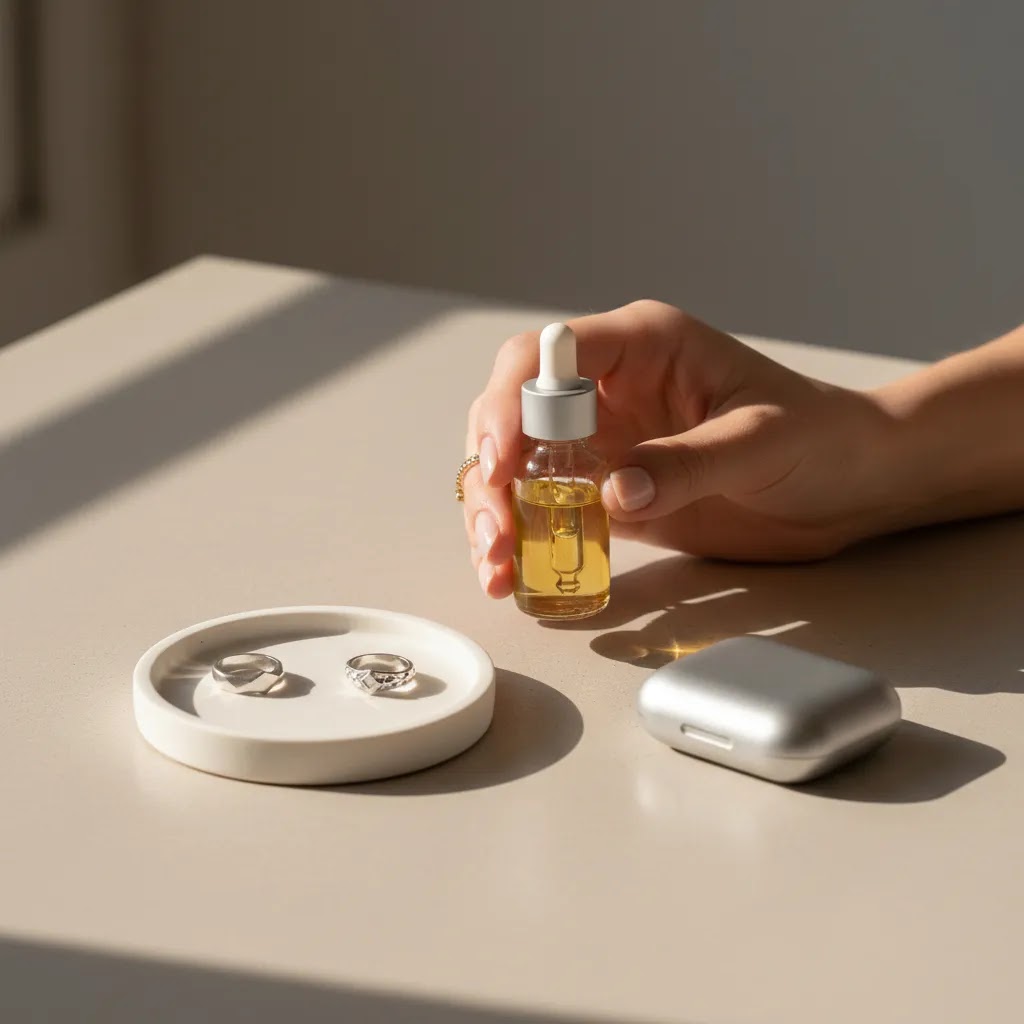
You have a strong product, clean packaging, and a Shopify store that looks solid. But your product images still feel flat. That problem shows up all the time with smaller items like rings, bottles, makeup, skincare, tech accessories, and anything meant to be held or applied. Customers can see the item, but they cannot quite picture scale, grip, texture, or how it fits into real use. That is where hand model photography can make a real difference.
Used well, hand-focused shots help your products feel more human, more tactile, and easier to understand at a glance. Used badly, they can look awkward, distract from the item, or create inconsistency across your catalog. This guide breaks down when hand model photography makes sense for ecommerce, what types of products benefit most, how to plan shoots, and where AI-generated alternatives may fit. If you are still working through your broader product photography studio setup, start there and then come back to refine this specific technique.
Contents
What hand model photography actually does for a product page
A standard packshot answers one question, what is this? A hand shot answers several more, how big is it, how is it used, how does it feel, and what does it look like in a real person’s grip.
For many Shopify stores, that extra context matters because shoppers do not have the product in front of them. They are making judgment calls from images, short descriptions, reviews, and a few seconds of attention. A good model product photography setup reduces friction by helping people interpret the product faster.
Think of a serum bottle, a lipstick, or a phone accessory. On a white background, it may look fine. In a hand, it suddenly communicates scale, premium feel, and use case. That can support both conversion and lower return risk because expectations are clearer.
The reality is hand model photography works best when it supports the product, not when it turns into a fashion shoot. You are not trying to impress with dramatic posing. You are trying to make the item easier to buy.
Which products benefit most from hand shots
Not every product needs a hand model. For some items, a clean white background image and a lifestyle scene are enough. But certain categories tend to benefit more than others.
Beauty, skincare, and cosmetics
Cosmetic model photography often performs well because application and scale matter. A lipstick in a hand feels different from a lipstick floating on a plain background. The same goes for mascara, foundation bottles, compact mirrors, and small beauty tools.
If you sell makeup, hand imagery can bridge the gap between static catalog shots and more involved face-on imagery. For brands experimenting with AI-assisted visuals, AcquireConvert also has a relevant guide to the ai makeup generator use case, which helps you think through where synthetic beauty visuals may fit and where real photography still matters.
Jewelry and accessories
Rings, bracelets, watches, and smaller accessories benefit from hand presentation because the hand becomes a built-in scale reference. Shoppers can quickly judge proportion, fit, and overall look.
Hand soap, personal care, and wellness
Hand soap photography is a strong example. Bottles and dispensers often look generic by themselves, but in-hand or in-use shots show size and communicate ritual. That is especially useful for premium bath and body brands trying to justify higher price points.
Small electronics and tools
Chargers, earbuds, remote controls, kitchen gadgets, and compact tools often need a human grip to make dimensions intuitive. This is where product model photography helps eliminate guesswork.
Apparel detail shots
Apparel model photography usually means full-body or torso-based images, but hands matter here too. A hand pulling a zipper, holding a strap, or showing pocket depth can make clothing detail shots much more useful.
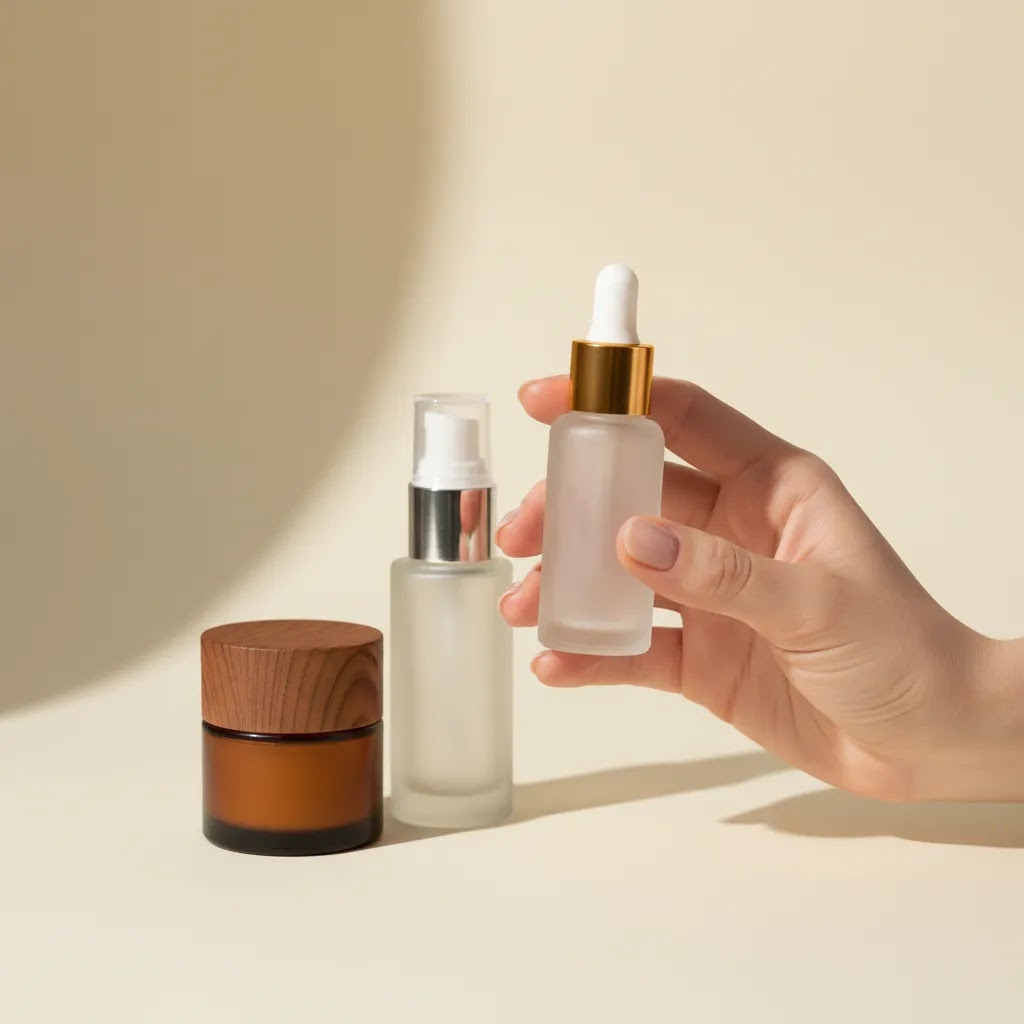
How to plan a hand model shoot without wasting time
What many store owners overlook is that hand model photography can become expensive or inconsistent if you improvise. A little pre-production work saves retakes, editing time, and mismatched images across your collection pages.
Start with a shot list tied to buying questions
Before you shoot, write down what the customer needs to understand. Do they need scale? Grip? Texture? Dispensing action? Application? A before-and-after use state?
For most Shopify stores, a practical hand model shot list includes:
Choose hands that fit the brand, not just the product
Your model photo should feel aligned with your audience. Nail style, skin tone, age cues, grooming, and jewelry all affect how premium, natural, clinical, playful, or minimal the final image feels.
Consider this carefully if you sell beauty or personal care. A glossy manicure might work for a luxury cosmetics brand, but it may clash with a clean clinical skincare brand. A hand with stacked rings may work for fashion accessories, but distract from a minimalist tech product.
Hand model portfolio requirements and how to find the right hands (agency vs freelancer vs in-house)
Finding the right hands is less about “perfect” skin and more about commercial consistency. For ecommerce, you want hands that can repeat the same kind of grip across different products, keep attention on the item, and look believable in use.
A good hand model portfolio for ecommerce usually shows close-up sharpness, clean grooming, and variety in practical actions. You should see natural holds, product interaction, and enough angle variety to prove they can work with different packaging shapes. Pay attention to how well the model keeps the product readable. Labels should stay visible, and fingers should not cover key features like pumps, droppers, buttons, or clasps.
Now, when it comes to sourcing, you typically have three routes:
From a practical standpoint, vetting is straightforward. Ask for a few recent unedited samples, confirm they can match your nail direction, and check whether they have experience holding products similar to yours. A hand model who has only done beauty might struggle with tech grips, and someone who has only done still holds might struggle with dispensing action without looking tense.
Rights and releases matter too. You are not just hiring a hand, you are buying usage. Make sure you know whether you can use the images on product pages, in email, and in ads, and for how long. If you run paid campaigns, check whether the usage covers advertising specifically. You may also want to clarify exclusivity if your category is competitive and the same recognizable hands could show up on a competitor’s product page next week.
Decide whether to hire or create in-house
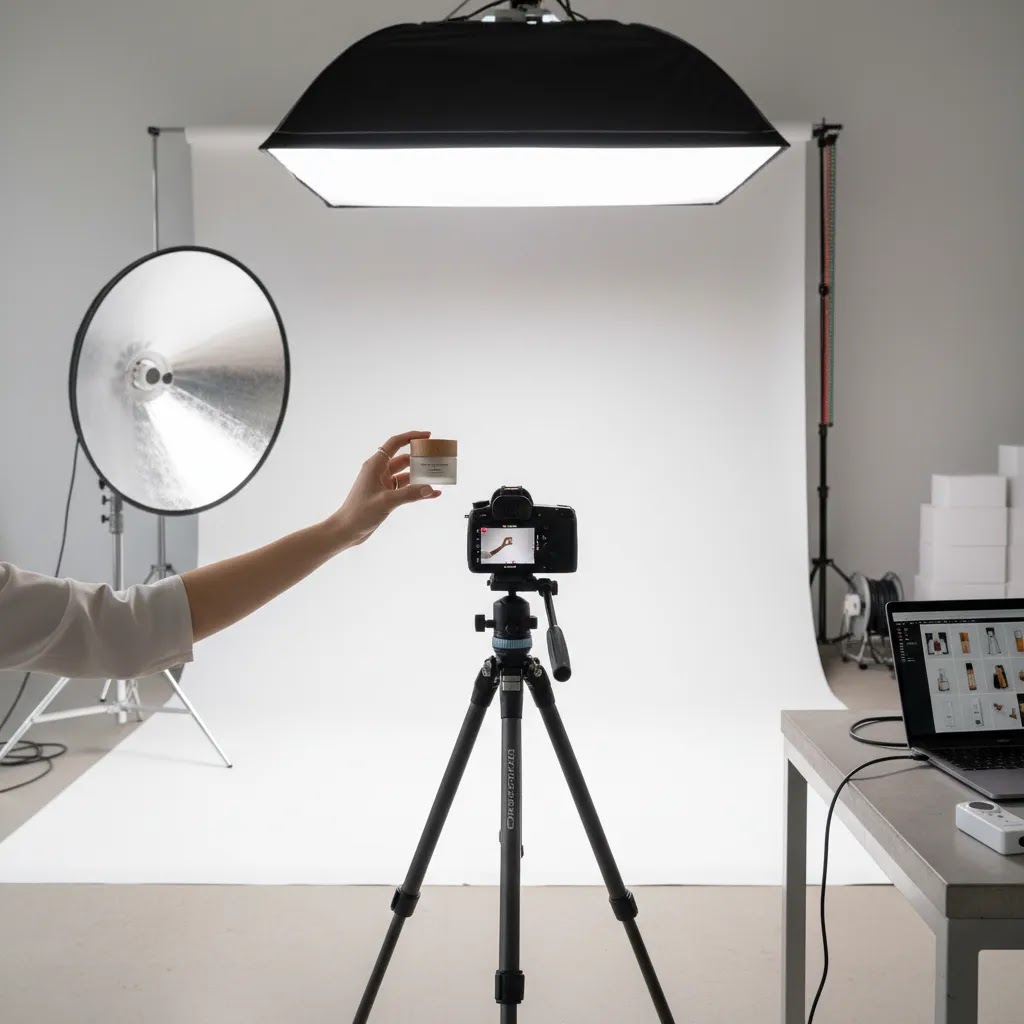
If you need consistent, high-volume output across many SKUs, hiring a product photographer may be the better route. You are paying for lighting control, styling direction, retouching discipline, and consistency across your catalog.
If your line is smaller, or you are testing a few hero products, you may be able to shoot in-house with a controlled setup. That is especially true for simple products with straightforward hand interactions.
Hand model rates, budgeting, and what impacts cost
Hand model photography is one of those areas where store owners get surprised by pricing. Not because models are “expensive,” but because the pricing structure can vary a lot depending on usage and what you are actually asking for.
Most of the time you will run into one of these pricing formats:
The way this works in practice for ecommerce catalogs is that you should budget around deliverables and usage, not time alone. Time matters, but what you publish is what drives the commercial value, and that is usually what contracts and licensing are based on.
Here are the biggest things that typically push cost up or down:
If you want to keep this manageable, use a simple budgeting checklist before you book anything:
Scope creep is the quiet budget killer. It usually shows up as extra usage, extra selects, or extra “quick” reshoots because the pose was not defined clearly. If you lock your shot list and templates early, it is much easier to keep a hand shoot predictable and repeatable.
Styling, lighting, and composition choices that help sales
Here is the thing, small visual decisions can change whether a hand shot feels premium or amateur. The product should always remain the hero.
Keep the pose natural
A forced pose makes the whole image feel less trustworthy. Customers may not consciously identify why, but they notice when fingers look stiff, the grip looks uncomfortable, or the hand position hides important product features.
Ask a simple question while reviewing images: would a customer actually hold it like this? If not, reshoot or reposition.
Use lighting that supports texture
Flat lighting can work for clean catalog images, but hand model photography often needs a bit more dimension. Soft directional light helps show contours in both the hand and the product, which can improve realism.
If you want a cleaner ecommerce finish, review your overall setup against AcquireConvert’s broader Catalog Photography resources. The goal is not dramatic art direction. It is clarity plus polish.
Watch nails, skin prep, and stray distractions
Dry skin, chipped polish, uneven self-tanner, lint, dust, fingerprints, and distracting rings all pull attention away from the item. In beauty model photography and close-up skincare work, these details become even more important because the crop is so tight.
Compose for the product page, not just Instagram
Square social crops and product page galleries have different needs. On Shopify product pages, your in-hand image should still read clearly on mobile. Test whether the product remains legible in thumbnail view and whether the main product details are visible without zooming.

Hand poses and shot ideas by product type
If you want hand model photography to do commercial work, you need more than “hold the product.” You need repeatable pose categories that map to the way people evaluate products online.
Think of it this way: your hand shots are micro-demonstrations. They show scale, control, and outcome, not just the object.
These pose categories tend to cover most ecommerce needs:
Now, when it comes to specific product types, here are practical shot ideas that tend to translate well to Shopify product pages.
Jewelry (rings, bracelets, watches)
Rings usually benefit from a relaxed hand pose where the ring is visible without finger tension. Try one shot with fingers gently bent, one with a light fist to show profile, and one detail crop that shows setting height or band thickness. Bracelets and watches often need a clasp or closure shot too, because that is a common buying question and a common return reason if it is unclear.
Cosmetics and skincare (lipstick, serum droppers, creams)
For lipstick, one classic shot is the product held like a user would hold it while applying. Then add one with the cap off showing the bullet height, and one detail showing finish or texture on skin if that fits your brand. For droppers and serums, show the bottle in hand, then the dropper pulled out with product visible, then a controlled dispense shot. These are small details, but they help customers understand packaging and use without guessing.
Hand soap and pump products
Pump bottles need a pump action shot that looks clean. Show one image holding the bottle for scale, one with a finger on the pump ready to press, and one “dispensing” moment if you can do it without mess. If the product has a lock mechanism, show it clearly because customers do care.
Small tech (earbuds, chargers, cables)
For earbuds, a pinch hold near the earbud helps show size. Then add a normal hold of the case to show pocketability. Chargers and adapters often need a plug detail and a hand scale shot, because online shoppers regularly misjudge size. For cables, a simple coil-in-hand shot communicates thickness and flexibility quickly.
What many store owners overlook is consistency across a catalog. If you sell multiple SKUs in a line, create pose templates and reuse them. Same crop style, similar angles, and similar hand position. That makes your collection pages look cohesive, and it also makes future shoots easier because you are not reinventing the visual system every time you launch a new color or scent.
When AI model photography is useful and when it is not
AI model photography has become much more usable for ecommerce teams, especially for concepting, background swaps, and generating variety when a full reshoot is not practical. But it is not automatically the right answer for every hand-led product image.
In broad terms, AI can help when you need more creative options, cleaner background control, or faster iteration on visual ideas. AcquireConvert covers this wider topic in its guide to ai photography, which is useful if you are still deciding how AI fits into your image workflow.
Where AI can help
Where AI still needs caution
AI model product photography can struggle with finger placement, grip realism, product proportions, label distortion, and fine details like pumps, applicators, or transparent packaging. Those issues are especially risky for close-up cosmetics, supplements, and regulated products where visual accuracy matters.
From a practical standpoint, AI is strongest as a production aid, not always a full replacement for authentic ecommerce model photography. Tools like AI Background Generator, Free White Background Generator, and Place in Hands may help you test layouts or create variations, but you still need to review outputs closely for brand fit and accuracy. Features and availability may change, so verify current details directly with the provider.
A practical hybrid workflow
Many stores get the best result from a hybrid approach. Shoot a core set of accurate hero images first. Then use AI tools like Magic Photo Editor or Creator Studio to create supporting variants for ads, collection banners, or campaign-specific creative tests.
How to use hand model images on Shopify product pages
Shooting good images is only half the job. Placement matters. The difference between stores that benefit from hand model photography and stores that just add more images is usually how well those images answer buying questions in sequence.
Use hand shots after your primary catalog image
Your first image should usually remain a clean, product-led hero shot. The hand model image often works best as the second or third slot in the gallery, right after the plain product image and before tighter details.
Match image type to page intent
Collection pages usually need clarity and consistency. Product pages can handle more context. Lifestyle-led product imagery often belongs deeper in the gallery or near supporting page content. If you are planning a more editorial visual approach, review AcquireConvert’s Lifestyle Product Photography category for ideas on how use-case imagery fits into a broader conversion-focused gallery.
Support the image with copy
If the hand image demonstrates a feature, call it out in adjacent product copy. For example, note one-handed application, travel size, precise grip, refill mechanism, or palm-size dimensions. That pairing helps the image do commercial work instead of just filling space.
Use hand images in ads selectively
For some products, in-hand imagery can improve click quality because the item looks more tangible in feeds. For others, especially products with strong packaging, the cleaner hero shot may still perform better. Test both. Ad performance depends on competition, creative quality, audience targeting, and market conditions, so avoid assuming one image style will always win.
Common mistakes store owners make with hand model photography
The most common issue is using hand shots because they look stylish, not because they answer a customer question. That tends to create galleries that are attractive but commercially weak.
Another mistake is inconsistency. One product has polished editorial hand shots, the next has plain phone images, and the next uses AI-generated hands with different proportions. That mix can reduce trust across the store.
There is also a tendency to over-crop. If the customer cannot see enough of the item, the image becomes mood content rather than selling content. That is fine for social, less fine for a product page trying to convert cold traffic.
If you want a fast editing route for simple cleanup, some merchants compare specialist workflows against tools such as photoroom. Just remember that editing speed does not solve underlying issues like poor grip, weak lighting, or inaccurate scale.
AcquireConvert’s broader photography content is useful here because Giles Thomas approaches visuals like a conversion asset, not just a design task. That is the right mindset if you want product images to support sales rather than simply make the store look nicer.
The strategies and tools discussed in this article are based on current ecommerce best practices and publicly available information. Results will vary depending on your store, niche, and implementation. Always verify tool pricing, features, and platform compatibility directly with the relevant provider before making purchasing decisions.
Frequently Asked Questions
What is hand model photography in ecommerce?
Hand model photography is a product photography style where a person’s hand holds, uses, applies, or demonstrates the product. It is common for cosmetics, skincare, jewelry, accessories, and smaller packaged goods. The main purpose is to show scale, context, and usability more clearly than a standalone packshot can. For ecommerce stores, that can make product pages more informative and help shoppers understand what they are buying. It works best when the hand supports the item naturally and does not distract from the product itself.
Is hand model photography better than standard product photography?
Not necessarily. Standard product photography is still essential because shoppers need a clean, distraction-free view of the item. Hand model photography is usually a supporting image type rather than a replacement. In many cases, the strongest gallery starts with a plain hero image and then adds one or two in-hand shots for context. If your product depends on size perception, grip, application, or tactile appeal, hand images may add meaningful value. If not, they can be unnecessary. The best choice depends on product category, buying behavior, and how your product page is structured.
Which products benefit most from ecommerce model photography focused on hands?
Products that are small, handheld, applied to the body, or difficult to size visually tend to benefit the most. This includes lipsticks, serums, nail products, hand creams, soap dispensers, rings, watches, earbuds, compact electronics, and some food or supplement packaging. Hand-led ecommerce model photography also helps when the customer needs to understand how the product is opened, dispensed, or used. If the item is large or already easy to interpret from standard photos, hand shots may be less important. Focus on whether the image answers a real buying question.
Can AI create realistic hand model photography for product images?
Sometimes, but results are mixed. AI can produce useful concept images, background variations, and supporting creatives, especially if you already have a strong base product image. It can struggle with fine details like finger anatomy, realistic grip, label accuracy, and transparent packaging. That means AI-generated hands may be acceptable for ads or early creative testing, but less dependable for precise product page imagery. If you are considering this route, validate every output carefully. For beauty and cosmetics especially, small visual errors can affect trust more than many merchants expect.
How many hand model photos should I add to a Shopify product page?
For most Shopify stores, one to three hand model images are enough. You usually do not need a gallery full of them. A practical sequence is one clean hero image first, then one in-hand scale shot, then one use-case or detail image. If you add too many hand shots, the gallery can become repetitive and push basic product information further down the buying journey. The goal is to improve clarity, not create visual clutter. Review your mobile gallery carefully because image order matters even more on smaller screens.
Should I hire a product photographer or try this in-house?
If you need polished, repeatable output across many SKUs, a professional is often worth considering. A skilled photographer brings lighting control, retouching standards, and experience directing subtle hand poses that look natural on camera. In-house can work well for smaller catalogs, testing, or products with simple styling needs. Your decision depends on volume, quality expectations, and team capacity. If you are still weighing your options, start by defining the exact shot list you need. That makes it easier to judge whether the work is realistic to handle internally or better outsourced.
How is hand model photography different from lifestyle product photography?
Hand model photography is usually tighter and more product-specific. It focuses on grip, application, scale, or direct interaction with the item. Lifestyle product photography often places the product in a wider real-world setting, such as a bathroom counter, desk, kitchen, or travel scene. Both can be useful, but they do different jobs. Hand shots answer practical questions fast. Lifestyle images create mood, context, and brand storytelling. For many stores, the best gallery includes both, with the hand image supporting product understanding and the lifestyle image supporting aspiration.
Does hand soap photography really need a model?
Not always, but it often helps. Hand soap, sanitizer, lotion, and pump-based products can look very similar in standard packshots. A hand can show bottle size, pump action, and everyday use more clearly. That is useful for both premium and practical product lines. If your brand story includes texture, ritual, scent experience, or design-led packaging, in-use shots may make the page feel more tangible. Just keep the execution clean. Messy dispensing, awkward hand placement, or inconsistent styling can undermine the premium feel you are trying to create.
What should I watch for when reviewing hand model photos?
Start with the basics: does the product remain the focal point, is the grip believable, and can the customer clearly see the important features? Then review grooming details like nails, skin texture, stray hairs, dust, fingerprints, and jewelry distractions. Check scale accuracy and confirm that labels, colors, and finishes look true to the real product. Finally, test the image in the actual Shopify gallery, not just in a design file. Some images look strong in isolation but become unclear once cropped for mobile thumbnails or collection page use.
Where can I learn more about AI-assisted ecommerce photography?
A good next step is reviewing educational resources that connect image quality to store performance, not just visual trends. AcquireConvert is useful here because it covers AI tools through an ecommerce lens, with attention to catalog consistency, product-page conversion, and practical workflow tradeoffs. If you want to broaden from hand shots into synthetic image production, background editing, and scalable catalog workflows, explore the site’s catalog photography and AI photography resources. That will give you a more realistic sense of where AI can save time and where human review still matters.
How much do hand models get paid per shoot?
It varies based on location, experience, and usage rights. In ecommerce, you will usually see pricing quoted as an hourly rate, a half-day or day rate, or sometimes per approved image. The biggest factor is often usage, for example whether the images are for product pages only or also for paid ads, and how long you plan to use them. If you want predictable budgeting, define your deliverables and usage upfront, then ask for a quote based on that scope rather than an open-ended “shoot.”
How much does a hand model get paid?
Hand model pay can range widely because it is not a single standardized rate. A newer model doing small ecommerce shoots may charge less than an experienced model working through an agency with broader licensing terms. Pay is also influenced by what is included, such as whether the model is expected to arrive fully groomed to a specific nail style, whether the work involves complicated application shots, and whether you need ongoing consistency across future launches.
How to take hand model photos?
Start with a shot list based on buying questions, then set up consistent lighting and a stable camera position so your angles match across products. Keep poses natural and repeatable, and make sure fingers do not cover key features like labels, pumps, or buttons. Prep details matter too, as in clean nails, moisturized skin, and removing distracting jewelry unless it is intentional for your brand. After the shoot, review images in the context that matters, which is your Shopify product page on mobile, not just a large desktop preview.
How much do you get as a hand model?
What you get as a hand model depends on the same variables: time, complexity, and usage. Some shoots are quick catalog holds with limited usage, others are commercial campaigns where the images are used broadly in ads and for longer periods. If you are the one hiring, treat this as a licensing conversation as much as a shoot conversation. If you are the one modeling, make sure you understand where the images will appear and for how long before agreeing to a rate.
Key Takeaways
Conclusion
Hand model photography is one of those ecommerce tactics that looks simple from the outside but works best when it is tied to a clear selling purpose. If your customers need help understanding scale, grip, application, or premium feel, a well-shot hand image can make your product page more useful and more convincing. If the image is awkward, over-styled, or inconsistent with the rest of your catalog, it can do the opposite.
Your next step is straightforward: pick three products in your store that are most likely to benefit from in-hand visuals, create a short shot list around real buying questions, and test those images on the product page. If you want to keep refining your image workflow, explore AcquireConvert’s catalog photography resources and related guides on AI-assisted product imagery. A few thoughtful visual changes may do more for product clarity than adding dozens of new photos without a plan.
Disclaimer: Results from ecommerce strategies vary depending on store type, niche, audience, budget, and execution. Nothing in this article constitutes a guarantee of specific outcomes. Third-party tool features and pricing are subject to change: verify current details directly with each provider.

Hi, I'm Giles Thomas.
Founder of AcquireConvert, the place where ecommerce entrepreneurs & marketers go to learn growth. I'm also the founder of Shopify agency Whole Design Studios.