Best Instagram Mockup Generator (2026 Guide)

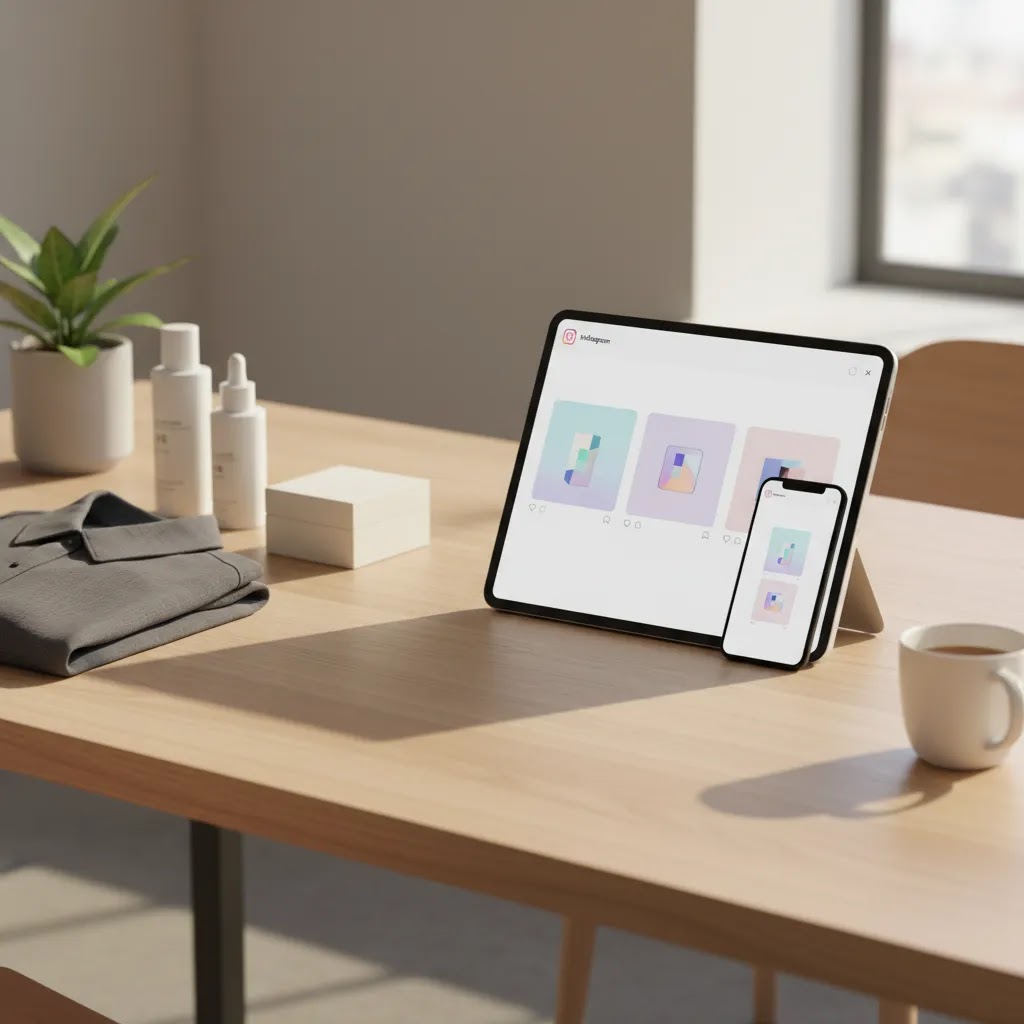
If you sell physical products online, your Instagram creative has to do more than look polished. It needs to show your product in context, match your brand style, and help shoppers imagine owning it. That is where an instagram mockup generator can help. The right tool can speed up campaign production, support product launches, and give you more variation for paid social, organic posts, and creator-style visuals. If you are still building your visual workflow, it also helps to understand how mockups fit into a broader product photography studio setup. In this guide, I will evaluate the best current options from the available data, explain where they work well for ecommerce brands, and show you how to choose a tool that actually supports conversion-focused creative rather than just producing novelty images.
Contents
Overview
An instagram mockup generator helps you place product images into scenes or promotional layouts that resemble real Instagram posts, ads, feeds, or lifestyle content. For ecommerce brands, that matters because raw catalog photos rarely cover every campaign need. You may need launch teasers, story-ready assets, ad concepts, creator-style product placement, or styled visuals for different audiences.
From the current tool data available, the strongest options are not traditional feed-template mockup libraries. They are AI-assisted image tools that support the actual building blocks of Instagram-ready creative: background generation, white background cleanup, resolution improvement, object cleanup, and contextual placement. That makes them especially relevant for product brands that already have product photos but need more usable variations fast.
If you are comparing workflow options, it is also worth reviewing practical alternatives such as photoroom style editing workflows and deciding when an in-house mockup workflow is good enough versus when you should brief a product photographer for original assets. In many stores, the best answer is a mix of both.
Instagram UI Mockups vs Product Creative Mockups
Here is the thing, “instagram mockup generator” gets used for two different jobs, and picking the wrong type can waste a lot of time.
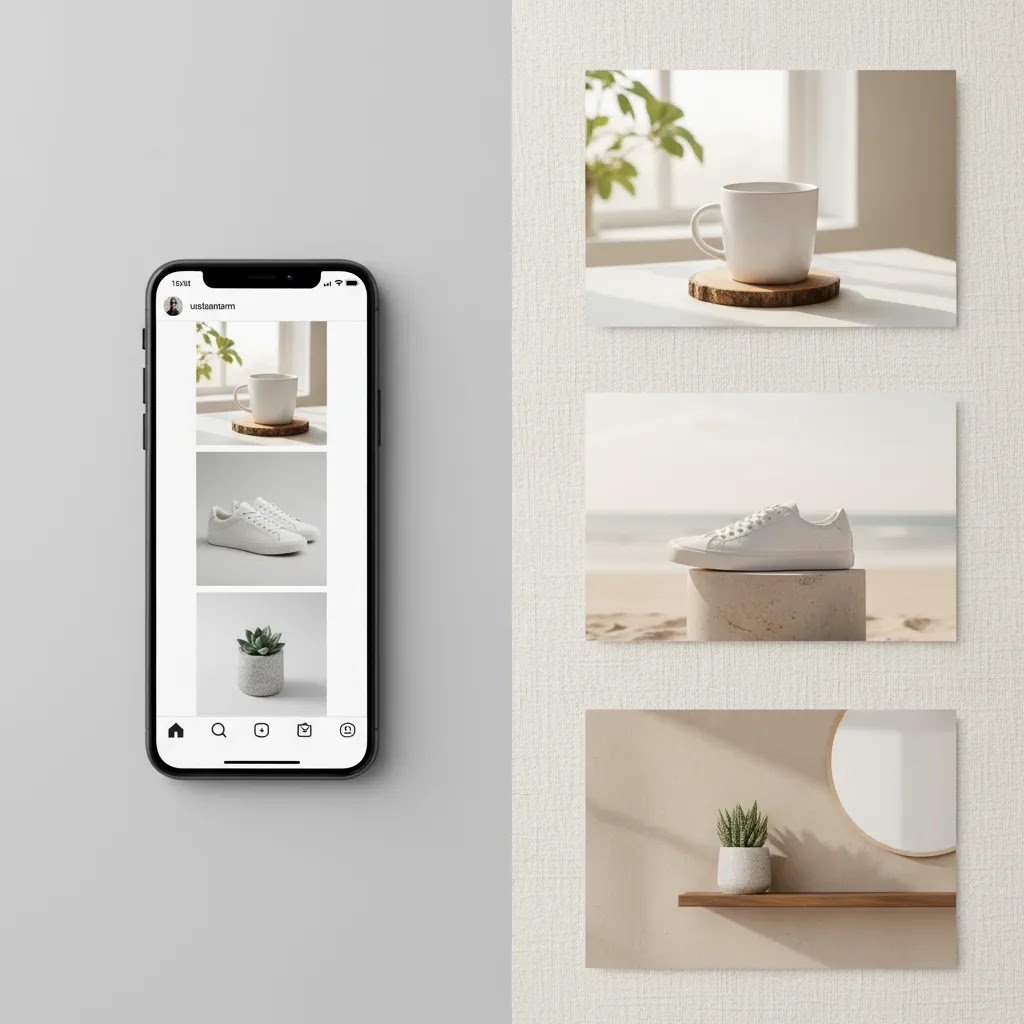
UI-style Instagram mockups are the “it looks like Instagram on a phone” previews. These are used for presentation and approvals. Think agency decks, influencer pitching, or internal reviews where you want to show what a post, story, or profile might look like inside the Instagram interface. Tools in this category often let you simulate details like a username, caption length, likes, comments, geotags, a verified badge, dark mode, or how the header and icons crop your creative.
Product creative mockups are the workflows this article focuses on. These tools help you produce the actual assets you will publish or run as ads. That means background replacement, creating lifestyle context, making a product look clean and consistent, and generating variations quickly so you can test angles across paid and organic. For most Shopify store owners, this is where the real leverage is because it affects both acquisition creative and on-site continuity.
From a practical standpoint, ask yourself one question: what do you need to be “real” right now?
What many store owners overlook is that both can be useful in the same workflow. You might generate three strong creative directions using an AI background or placement tool, then drop the finalists into a UI-style mockup for faster stakeholder approval before you build the full campaign.
Key Features to Look For
Before you choose a tool, focus on the outcomes you need for your store. An ecommerce brand usually gets more value from flexible asset production than from novelty social templates alone.
If you are newer to AI-assisted image creation, AcquireConvert’s broader coverage of ai photography is a useful foundation. It helps frame where AI visuals support merchandising well and where original product photography is still the stronger option.
What Formats You Can Mock Up and Recommended Specs
Most ecommerce brands are not making “Instagram content” in one size. You are producing a set of assets that need to work across placements. The right mockup workflow makes it easier to create once and repurpose without constantly re-editing.
Feed posts (square or vertical)
Feed posts are still your baseline creative format for brand consistency and product storytelling. In many cases, a vertical 4:5 post gives you more screen space than a square. If you are generating scenes or swapping backgrounds, build your master asset with enough margin so your product does not get cramped by cropping.
Stories
Stories are full-screen and faster-paced, which is why they often perform well for promos, drops, and creator-style content. When you mock up a story, be careful with safe zones. UI elements and CTAs can cover the top and bottom of the screen, so keep key product details and any text away from the edges. For product-in-scene visuals, that usually means centering the product and avoiding tiny packaging details that will be hard to read.
Reels cover images
Reels are a video format, but the cover image matters because it affects what people click in the Reels tab and how your grid looks. A common workflow is to generate a strong vertical keyframe style image, then use it as the cover. Think of it this way, your cover needs to communicate the product and hook even when it is cropped down in the grid preview.
Carousel posts
Carousels are an ecommerce workhorse because you can sequence benefits, steps, or a mini product story. Your mockup workflow should help you keep a consistent visual system across multiple slides, which includes consistent lighting, background style, and product scale. If you are using AI-generated scenes, test that the product looks like the same product across the whole set, especially for color-sensitive items.
Video mockups and animated concepts
A lot of “mockup generators” are image-first, which is fine if you are producing post creatives, story frames, and reel covers. If your goal is a true video mockup that previews motion, transitions, and timing, you may need a separate video workflow. Consider this before you commit to a tool solely because it says it supports reels. Some tools support reel-related assets by helping you create the still creative components, not by exporting finished video.
For most Shopify store owners, the practical move is to create one strong master visual per concept, then adapt it across placements. Build with enough padding for crops, keep your product readable at small sizes, and avoid placing critical text where UI overlays typically sit.
Top Instagram Mockup Generator Tools
1. Creator Studio
Creator Studio is the best overall fit from the available tool data for brands that want a central workflow for producing Instagram-ready product visuals. Rather than locking you into one mockup format, it gives you a broader creation environment for generating multiple asset types.
For ecommerce teams, that flexibility matters. You can use one workspace to test visual directions, create ad-style concepts, and build a repeatable content pipeline around launches or seasonal campaigns.
The trade-off is that it may require more creative direction from you than a fixed instagram feed mockup template tool.
2. Magic Photo Editor
Magic Photo Editor is a strong choice if your main need is to turn existing product images into polished social assets quickly. It is better suited to merchants who already have decent product photography and need editing flexibility more than full scene design from scratch.
This kind of tool can be especially practical if you want to create assets that bridge the gap between clean catalog shots and more styled social posts.
3. AI Background Generator
AI Background Generator is the best fit if your mockup needs revolve around changing scene context fast. For many product brands, this is the real job of an instagram mockup generator. You already have the product image, but you need a fresh environment for a reel cover, carousel, story visual, or ad mockup.
It is less suited to stores that want a strict instagram profile mockup layout or UI-style feed framing.
4. Background Swap Editor
Background Swap Editor is one of the more practical ecommerce options here because it focuses on a single task that often makes or breaks Instagram creative: replacing weak or inconsistent backgrounds. If your current product images feel too plain for social, this can be a direct upgrade path.
This is more of a production tool than a classic mockup gallery, but for many stores that is actually more useful.
5. Place in Hands
Place in Hands stands out for product categories where scale, handling, or real-world context influences buying decisions. Beauty, wellness, accessories, and small packaged goods are obvious fits. It can help create creator-style or UGC-style images that feel more native to Instagram.
That also makes it relevant for brands exploring adjacent formats like ai makeup generator workflows, where visual context and human presence often affect engagement.
The main limitation is category fit. It is not equally useful for every product line.

Pros and Cons
Strengths
Considerations
Watermarks, Free Plans, and Export Controls
What many store owners overlook with “free mockup generator” claims is that free often means one of four limitations: watermarks, low export resolution, restricted templates, or limited commercial usage rights. None of these are inherently bad, but you want to know before you build a workflow around a tool.
If you are planning to use mockups for paid social, check your export settings and output quality early. A watermark or a soft, low-resolution export might be acceptable for internal approvals, but it can look unprofessional in ads and it can reduce trust when people click through to your Shopify product page.
Here is a practical checklist that usually saves time:
From a buying process standpoint, free tiers can be useful to validate speed and workflow fit. Once you know the tool can reliably produce assets you will actually publish, it is easier to decide whether a paid plan is justified for your content volume.
Who It’s For
This category is best for ecommerce brands that already have product images and need to turn them into stronger Instagram creative without waiting on a full design or photography cycle. If you run a Shopify store, manage paid social in-house, or need faster launch assets for new SKUs, these tools can be a practical fit.
They are especially useful for lean teams handling catalog updates, campaign testing, seasonal pushes, and retargeting creative. If your brand relies heavily on polished editorial visuals, you may still want original photography for hero campaigns and use mockup tools for variation, testing, and content volume.
AcquireConvert Recommendation
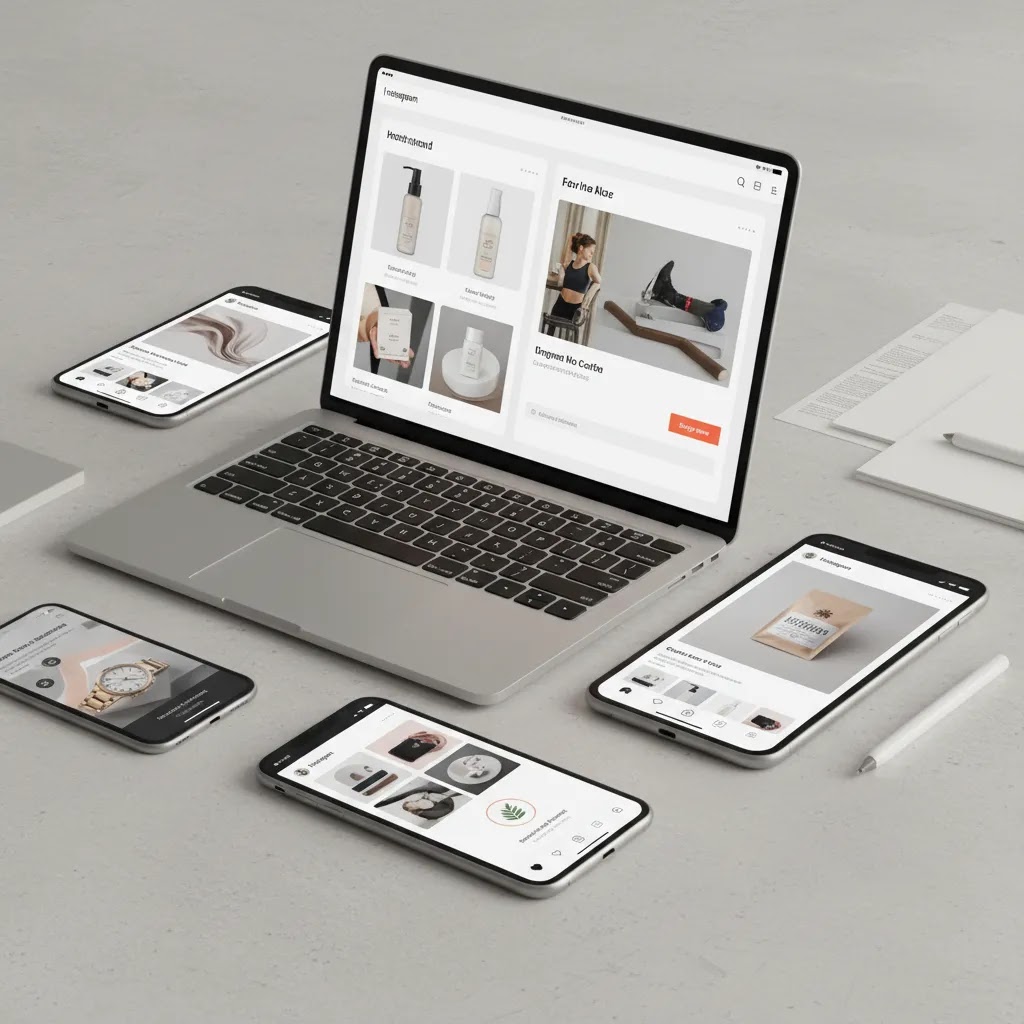
If you are choosing an instagram mockup generator for a product brand, start by mapping it to the job you actually need done. Do you need better backgrounds, more creator-style context, sharper images, or a flexible editing workflow? That is the decision point that matters most.
At AcquireConvert, we look at tools through the lens of real ecommerce operations, not just polished demos. Giles Thomas’s background as a Shopify Partner and Google Expert is especially relevant here because social creative does not sit in isolation. The assets you create for Instagram often influence click-through rate, landing page continuity, and the perceived quality of your product offer.
If you want a broader view of the visual content stack, explore our Catalog Photography coverage and related guidance on AI UGC Content. Compare options side by side, read the full breakdowns, and use these guides to decide where AI editing supports your workflow versus where custom photography is still the better investment.
How to Choose the Right Tool
For most product brands, the best choice comes down to five criteria.
1. Start with your content bottleneck
If your issue is plain backgrounds, choose a background-focused tool. If your issue is weak lifestyle context, prioritize contextual placement. If your issue is content volume, choose a broader workspace like Creator Studio. Do not pay for complexity you will not use.
2. Match the tool to your product category
Beauty, wellness, accessories, and small consumer goods often benefit from hand-held or creator-style visuals. Home, decor, and larger products may benefit more from scene generation and background control. Apparel brands may still need a more specialized t shirt mockup generator or shirt mockup generator if garment fit and fabric drape are central to the sale.
3. Think beyond Instagram
Your best asset workflows usually support more than one channel. The same creative may appear in Meta ads, email headers, product page galleries, or retargeting campaigns. A tool that only solves one narrow social template use case may create more work later.
4. Protect product accuracy
Product realism matters. If color, texture, packaging details, or scale are critical to conversion, review every output carefully. AI-assisted mockups can save time, but they should not introduce confusion or visual claims your real product cannot support.
5. Use mockups where they add value, not everywhere
Experienced ecommerce operators usually blend asset types. They use original product photography for PDP trust, AI-assisted creative for campaign variation, and edited visuals for paid social testing. That hybrid approach is often more effective than relying on a single source of imagery for everything.
If you are unsure whether to keep building in-house or outsource, compare the trade-offs between mockup tooling and a professional product photographer. For stores with growing SKU counts, the right answer is often operational, not aesthetic. Choose the setup that your team can maintain consistently.
Frequently Asked Questions
What is an instagram mockup generator?
An instagram mockup generator is a tool that helps you create visuals that resemble Instagram-ready content, ads, or styled social posts. For product brands, that often means placing products into new scenes, editing backgrounds, or creating more lifestyle-oriented assets from existing product photos rather than designing every image from scratch.
Are these tools the same as an instagram feed mockup template?
No. Some tools are template-first and focus on profile or feed layouts. The tools evaluated here are more production-focused. They help create the visual assets you would publish on Instagram, especially for ecommerce campaigns, rather than only simulating what a feed or profile screen looks like.
Can I use an instagram mockup generator free?
Some of the listed tools include pages labeled as free tools, such as AI Background Generator. Availability, usage limits, and feature access may change, so check the provider directly before building your workflow around a no-cost plan. Free access can be useful for testing fit before committing.
Is an AI mockup generator good enough for paid ads?
It can be, especially for concept testing, fast variations, and seasonal creative. Still, you should review outputs carefully for realism, brand consistency, and policy compliance. In many cases, AI-generated or AI-edited visuals work best as part of a broader creative mix rather than your only ad asset source.
What is the best option for Shopify product brands?
The best option depends on your workflow. Creator Studio is the strongest all-around choice from the available data if you want flexibility. Background-focused tools are better if you already have good product photography and just need more campaign variation. Shopify brands should choose based on operational fit, not novelty.
Do I still need original product photography?
Usually, yes. Original photography remains important for PDP trust, accurate merchandising, and premium brand presentation. Mockup and AI editing tools are most useful for extending asset variety, speeding up campaign production, and supporting creative testing. They rarely replace every core image need for a serious ecommerce brand.
Are these tools useful for beauty brands?
Yes, especially for beauty, cosmetics, skincare, and wellness products where context and human presence often improve engagement. Tools like Place in Hands can help create more relatable social imagery. If you sell in this category, adjacent guidance around AI-led beauty visuals can also be useful for campaign planning.
What if I need strict ad mockup generator or UI mockup layouts?
The current tools are stronger for product visual creation than strict interface-style mockups. If you need exact Instagram ad frames, profile screens, or UI-specific layouts, you may need a separate design tool or template library. These tools are better for the underlying product creative itself.
How should I test whether a tool is worth it?
Pick one product line, create 5 to 10 assets for a real campaign, and assess speed, quality, consistency, and reuse potential across channels. The best tool is usually the one your team can use repeatedly without creating extra editing or approval bottlenecks. Focus on workflow efficiency, not just visual novelty.
How do I make an Instagram mockup?
Start by choosing which type of mockup you mean. If you need a UI-style preview, create your post image first, then place it into an Instagram screen layout and customize the visible details you want to present, such as caption length, likes, comments, or a location tag. If you need a product creative mockup, begin with your product photo, clean the background, generate or swap in a scene, then export in the sizes you actually use for feed and stories.
Is there a free mockup generator?
Some tools offer free access tiers or free tools, but “free” can come with limitations like watermarks, lower export resolution, or restricted commercial usage. If you are planning to use mockups in ads, test a real export first and confirm usage terms before you rely on a free plan.
Can ChatGPT create Instagram posts?
ChatGPT can help you draft captions, hooks, and carousel copy, and it can help you plan creative concepts. It does not generate finished Instagram UI mockups by itself, and for images you will typically use a dedicated design tool or an AI image editor. If you use AI-generated copy, review it for accuracy, brand voice, and any claims that could create ad policy issues.
Does Canva have Instagram mockups?
Canva is commonly used for Instagram design templates and layout-based visuals, and it can be useful for presenting how creative will look in a post or story format. If your goal is product-in-scene creation, background generation, or realistic product editing, you may still want the AI image tools covered in this guide, then bring the finished assets into a design tool for text and layout.
Key Takeaways
Conclusion
The best instagram mockup generator for your brand depends less on flashy output and more on how well it fits your ecommerce workflow. If you need an all-purpose creative environment, Creator Studio is the strongest option from the current data. If your main challenge is turning existing catalog photos into more engaging social assets, the editing and background tools may be a better fit. The practical approach is to test one real campaign, judge the output against your brand standards, and see whether it saves time without reducing trust. For more grounded evaluations like this, compare options side by side on AcquireConvert, explore our Shopify-focused visual content guides, and use Giles Thomas’s expert-led resources to make smarter creative decisions for your store.
This article is editorial content created for informational purposes and is not a paid endorsement unless explicitly stated otherwise. Pricing, plan availability, feature access, and tool terms are subject to change, so verify current details directly with each provider before purchasing. Any performance outcomes discussed are illustrative only and not guaranteed. AI-generated or AI-edited visuals should be reviewed for product accuracy, brand consistency, and advertising compliance before use.

Hi, I'm Giles Thomas.
Founder of AcquireConvert, the place where ecommerce entrepreneurs & marketers go to learn growth. I'm also the founder of Shopify agency Whole Design Studios.