Place Product in Hands Mockup AI (2026 Guide)

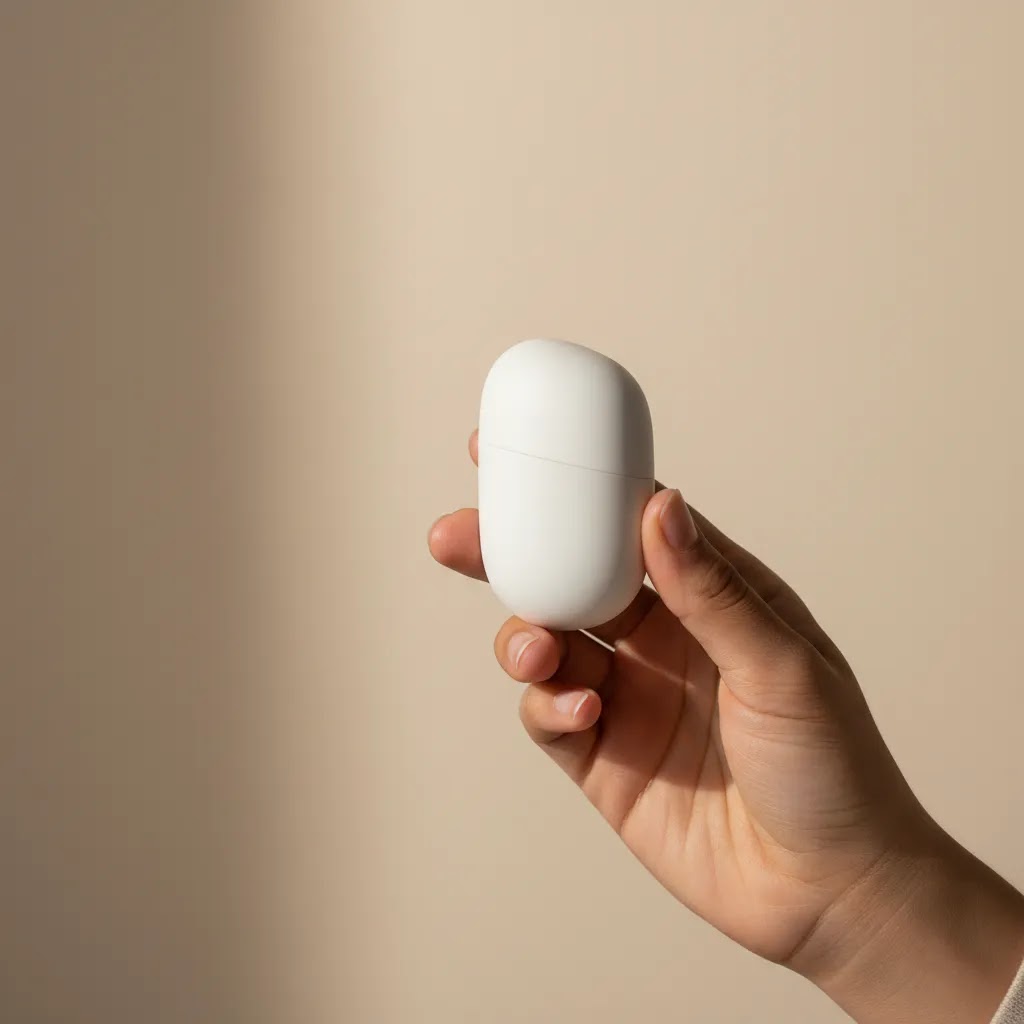
If you sell online, you already know that flat packshots are not always enough. Shoppers often want context. They want to see scale, grip, texture, and how a product looks in real use. That is where a place product in hands mockup can help. Instead of organizing a full reshoot, many ecommerce teams now test AI-assisted image workflows to create hand-held product visuals faster. For Shopify merchants especially, this can be useful for PDP image variation tests, paid social creatives, and seasonal campaigns. If you are still weighing AI image workflows against a traditional product photography studio, this guide will help you evaluate where AI-generated hand mockups fit, where they save time, and where a real shoot is still the better choice.
Contents
What a place product in hands mockup actually does
A place product in hands mockup uses AI image generation or editing to position your product inside a realistic hand-held scene. In practice, this means you can take an existing product image and create a new asset that shows the item being held, presented, or used, without booking talent, props, or a studio setup.
For ecommerce brands, the main value is speed and variation. You can create alternate hero images, ad creatives, email banners, or collection visuals that feel more human than a standard white-background product shot. This can be especially helpful for beauty, wellness, accessories, gadgets, and small packaged goods where scale and touch matter.
That said, AI mockups are not a perfect replacement for original photography. They work best as a production shortcut for testing concepts, refreshing campaign assets, or extending a catalog. If you are exploring broader workflows like ai photoshoot creation or comparing different forms of ai product photography, hand-placement imagery is one of the more practical starting points because the commercial use case is clear.
Key features to evaluate
Not every AI image tool handles product-in-hand visuals equally well. The best choice depends on whether you need simple mockups, editable scenes, or production-ready assets for your storefront and ads.
1. Product placement realismLook closely at finger positioning, shadows, grip alignment, and product edges. If the hand appears to float, distort, or cover important packaging details, the image may undermine trust rather than support conversion.
2. Editing controlSome tools are better for one-click generation, while others give you more scene control. In the current product set, Place in Hands is the most directly relevant option because it is purpose-built for this exact use case. If you need broader editing flexibility, Magic Photo Editor or Creator Studio may offer a better workflow around scene refinement.
3. Background and context optionsSometimes a hand-held image works best on a clean background. Other times you want a lifestyle setting. Supporting tools like Background Swap Editor, AI Background Generator, and Free White Background Generator can help you create cleaner variants for PDPs and richer versions for ads.
4. Image quality outputSmall visual flaws are more noticeable on high-intent product pages than on social ads. If you plan to use AI mockups on a Shopify PDP, resolution matters. A tool such as Increase Image Resolution can help polish output, but it will not fully fix poor underlying generation.
5. Workflow speed for catalog teamsIf you manage many SKUs, speed matters as much as image quality. The right workflow should let you create multiple hand-held variants without repeating heavy manual edits. This is where AI can be genuinely useful for growth-stage brands trying to expand visual coverage across product lines.
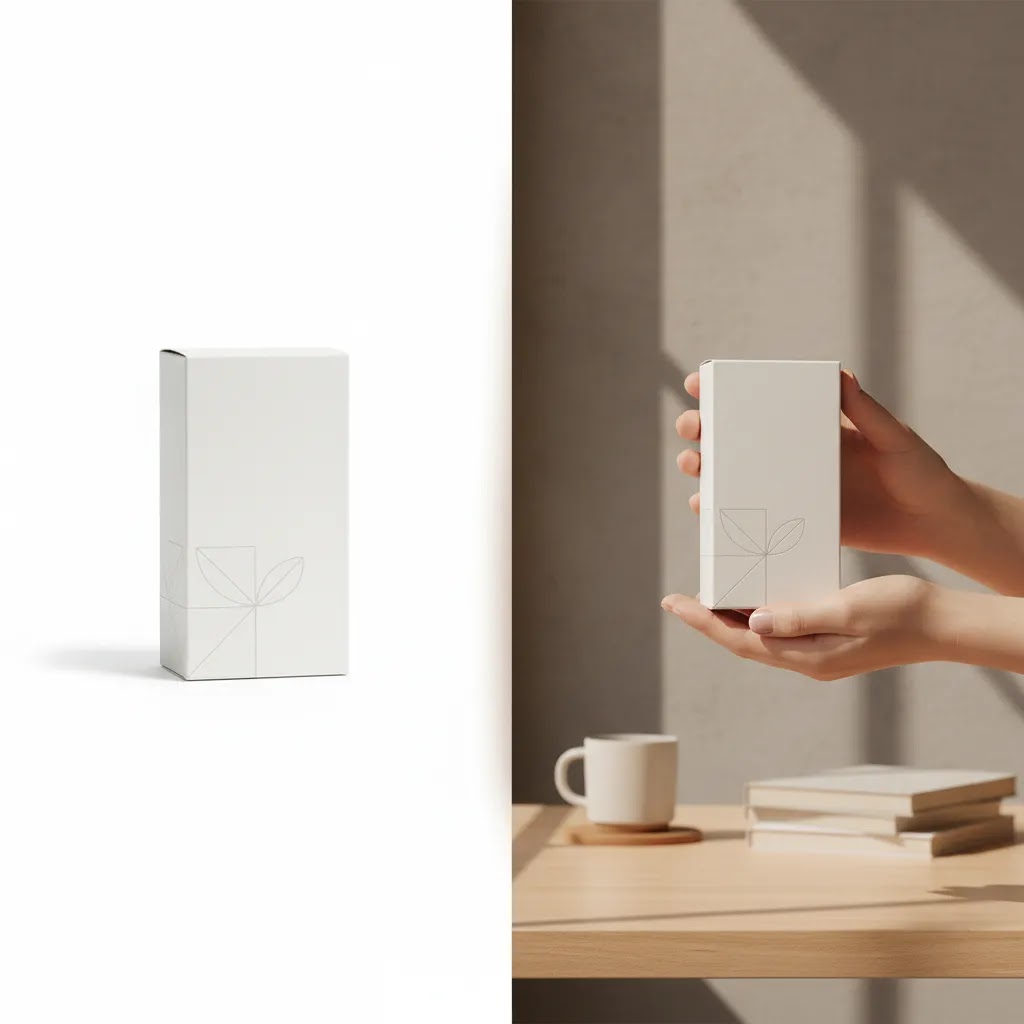
How to prep your product image so the “place in hands” result looks real
Here is the thing, most “AI hands look weird” problems start before you generate anything. If the input product image is messy, low resolution, or shot at an odd angle, the output almost always looks like a composite.
From a practical standpoint, you will usually get the best results when your product image has four basics in place: a clean cutout (or transparent background), correct perspective, enough resolution to hold up on a Shopify PDP, and lighting that makes sense once the product is “in hand.”
Pre-flight checks that matter
Start from your best hero imageYour hero packshot is typically the sharpest, cleanest, and most brand-consistent image you have. That makes it the best starting point for a hand placement workflow. If your catalog has multiple angles, avoid the extreme ones at first. Front-on or slight three-quarter angles tend to composite more believably than steep top-down angles.
Remove the background cleanlyJagged edges, leftover background color, or fuzzy cutouts are the fastest way to get “melted fingers” where the hand blends into the product edge. If you are working with a tool that accepts transparent PNGs, use that. If you are working with an editor, zoom in and check edges around logos, caps, droppers, and thin packaging corners.
Keep perspective and scale believableIf the product is photographed from above but the generated hand is presented straight-on, it will look off even if the hand anatomy is fine. The same goes for scale. A lip balm that looks the size of a deodorant stick breaks trust. Your goal is not “cool,” it is “believable in half a second.”
Match lighting directionConsider this, if your product has a hard highlight on the left side, but the generated hand scene reads as light coming from the right, the composite looks fake. Start with product photos that have simple, soft lighting if you can. They tend to adapt to new contexts better than high-contrast, heavily styled shots.
Common failure modes and how to reduce them
Warped logos and typeAI can sometimes bend packaging text or distort brand marks, especially on cylindrical products. If you see that, try a more straightforward product angle and reduce how aggressive the scene prompt is. In many cases, a simpler background and a more neutral hand pose produces a cleaner label.
Incorrect grip for the product typeA heavy jar held with two fingertips, or a thin sachet gripped like a phone, looks wrong even if it is technically “in a hand.” This is where iterating the hand pose matters. For most Shopify stores, you want the grip to match how the product is actually picked up in real life.
Mismatched scaleIf the output keeps scaling the product oddly, go back to your source file and make sure it is not cropped too tight and that the product boundaries are clear. Some workflows behave better when the product is centered with a bit of breathing room around it rather than filling the entire frame.
Unnatural edges where fingers overlapWhen fingers cover parts of the packaging, watch the edge transitions. If the tool is smearing pixels or creating strange “soft” boundaries, you may get better results by choosing a pose where the hand supports the product rather than gripping across key label areas. For PDP use, you typically want the label visible anyway.
Pros and Cons
Strengths
Considerations
Where to get hand holding product mockup PSDs vs generating with AI
What many store owners overlook is that there are really two common routes to “place product in hands” visuals.
The first is the traditional design route, downloading a hand holding product mockup PSD (or a mockup pack) and dropping your label or packshot into a smart object. The second is generating or editing the image with AI. Both can work, but they solve different problems.
When a PSD mockup template is a better fit
A good PSD hand mockup can be a strong option when you need repeatability and control. If you run a Shopify store with a large catalog and you want a consistent visual style across dozens of SKUs, templates can be easier to standardize than AI outputs.
Think of it this way, if your marketing team wants the same hand pose, the same skin tone, the same crop, and the same shadow style across a whole product line, a PSD workflow usually gives you that consistency.
Now, when it comes to choosing a PSD/mockup pack, here is what actually matters for ecommerce use:
The reality is that PSD mockups also have a hard limitation. Your product shape still needs to fit the template. If your packaging is an unusual shape, or your product has complex reflections, a generic hand mockup template can look off fast. It can also be tricky to get truly realistic finger overlap when the template was designed for a different object.
When AI generation or AI editing is the better fit
AI tends to win when you need variety fast, or you want more natural variation across creatives. If you are testing a new product, launching seasonal campaigns, or creating multiple ad angles for prospecting, AI can help you explore more options without hunting for the “perfect” PSD that matches your exact product.
AI is also useful when you want lifestyle context beyond just a hand on a plain background. A PSD mockup can look very “template-like” unless you have a designer pushing it further.
That said, AI outputs often require more human review. You are trading pixel-level control for speed and flexibility, so you need an approval workflow before publishing widely.
A simple decision checklist for Shopify teams
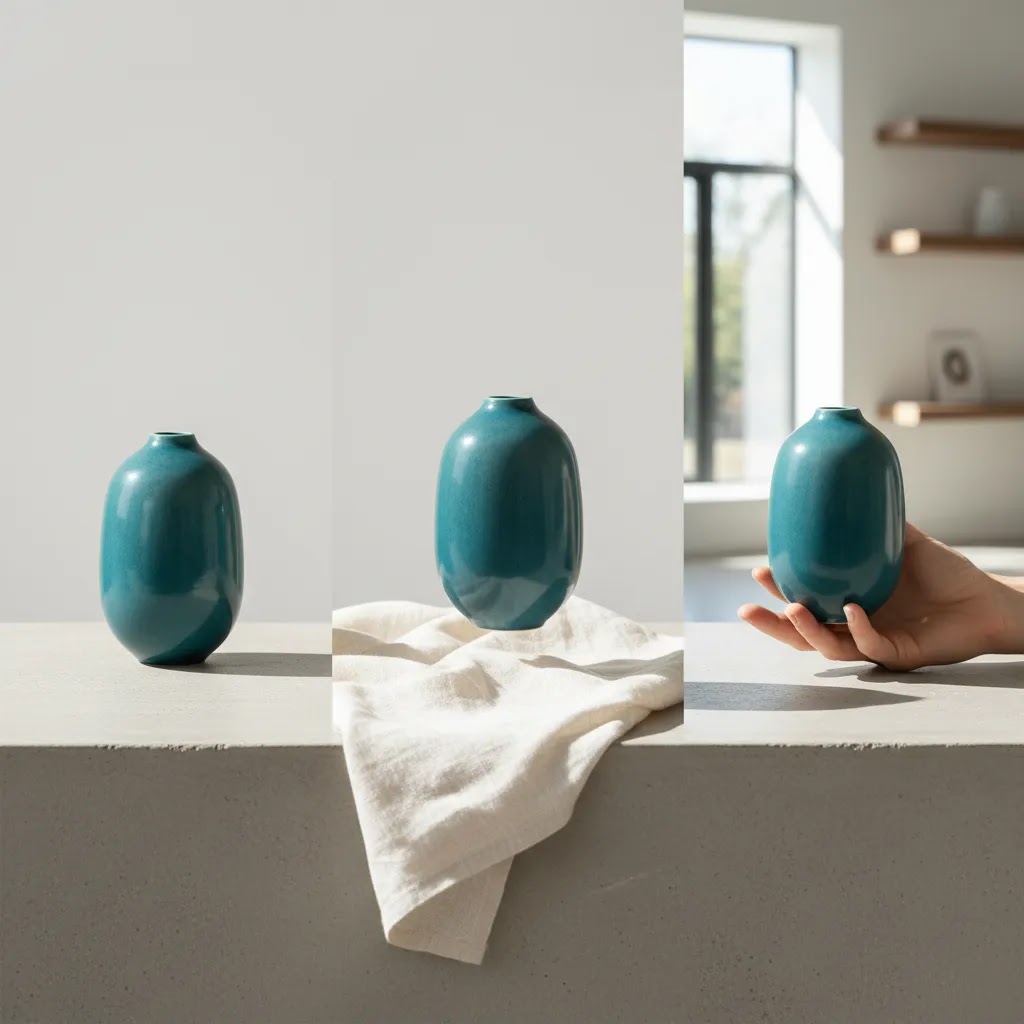
Who this approach is for
This approach fits ecommerce teams that already have solid product images but need more contextual assets without running a full production cycle. It is particularly practical for Shopify brands selling cosmetics, supplements, candles, skincare, electronics accessories, jewelry, and other handheld products.
If your goal is to test merchandising angles quickly, AI hand mockups can be a smart middle ground. You get something more expressive than a plain cutout, but faster than a full shoot. If your store depends heavily on realism, texture accuracy, or premium brand storytelling, AI should usually support your image stack rather than replace original photography.
AcquireConvert recommendation
For most store owners, the best way to use AI hand mockups is as a selective ecommerce production tool, not as an all-purpose replacement for photography. Start with your best-selling SKUs and test one or two hand-held variants on high-traffic product pages, retargeting ads, or email campaigns. That gives you a controlled way to judge whether the format improves engagement for your category.
AcquireConvert takes a practical view here. Giles Thomas is a Shopify Partner and Google Expert, so the advice is grounded in how ecommerce operators actually build product pages, test creative, and manage acquisition. If you are comparing workflows, review our guide to photoroom for another popular route, and if your product category overlaps with beauty or personal care, our ai makeup generator analysis is also worth reading. You can also browse the wider Catalog Photography section for related production decisions.
How to choose the right workflow
If you are deciding whether to use a place product in hands mockup workflow, judge it against four practical criteria.
Match the image to the page intentOn a product detail page, shoppers need clarity first. Your hand-held image should support the buying decision, not replace the clean core product image. Keep white-background or transparent product shots for primary merchandising, then use hand-in-frame assets as supporting visuals.
Start with your strongest existing photographyAI performs better when the source image is sharp, well-lit, and separated clearly from the background. If your current catalog images are inconsistent, clean them up first. Resources on Lifestyle Product Photography can help you think through when contextual imagery adds more value than another edited packshot.
Use the right tool for the jobIf your only goal is to generate a hand-held scene, Place in Hands is the clearest direct-fit tool in the provided product set. If you need broader scene manipulation, add-on background changes, or multiple edits in one workflow, Creator Studio or Magic Photo Editor may be better suited. If you need to standardize images for catalog use, white background tools may still be more important than hand placement.
Review for merchandising accuracyBefore publishing, check label readability, proportions, skin tone realism, fingertip shape, and whether the hand hides any important product details. This matters even more for paid traffic because ad creatives get judged quickly. A strange visual can reduce trust before the shopper even reaches your PDP.
Test in a controlled wayDo not replace your entire image library at once. Add one or two mockups to a few top products and monitor engagement signals such as click-through from collection pages, time on PDP, add-to-cart behavior, or ad creative response. Results will vary by niche, price point, and how much tactile reassurance your buyers need.
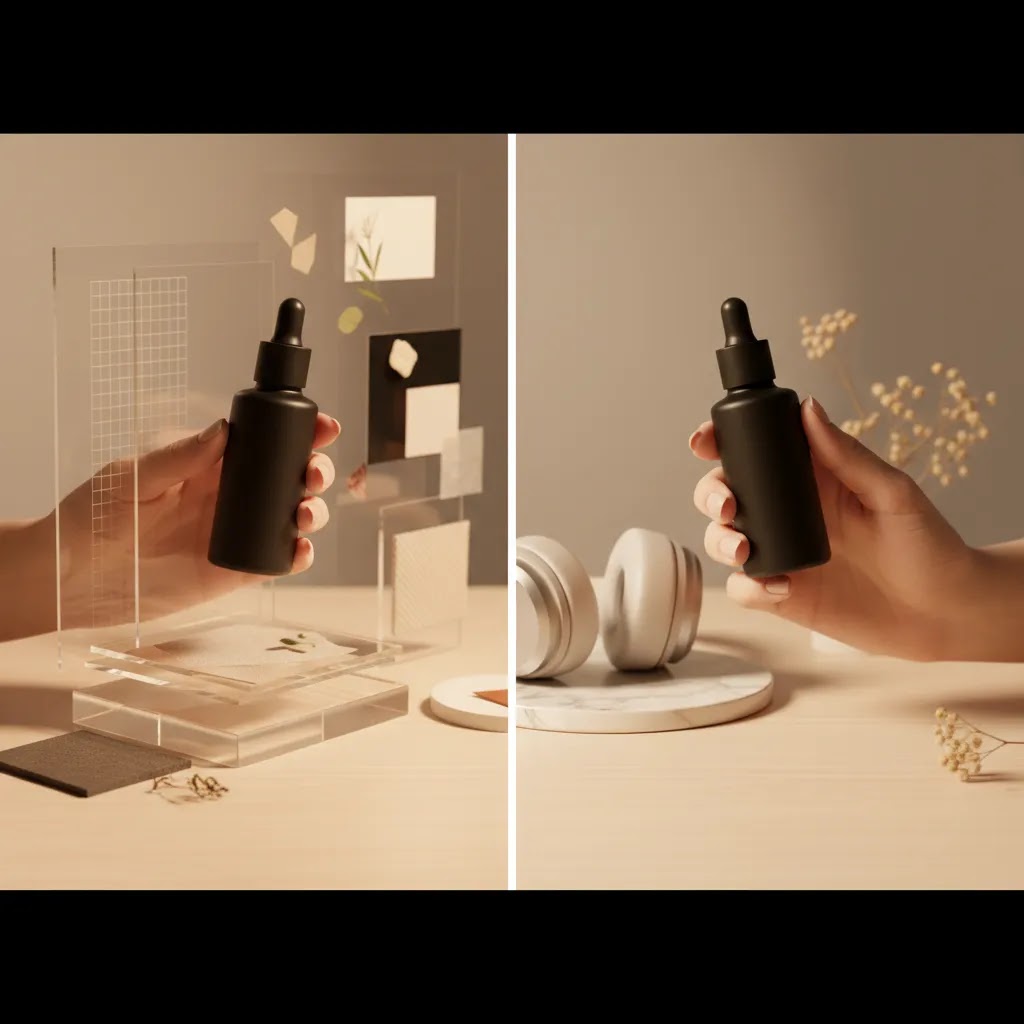
Usage rights and licensing: AI outputs vs “free hand mockups”
If you are using hand mockups in ecommerce, licensing is not a boring detail. It is part of risk management, especially if the images end up in ads, influencer landing pages, or your Shopify homepage.
A lot of competitor content targets searches like “place product in hands mockup free” for a reason. Store owners want fast assets. The catch is that “free” often means there are terms attached, and those terms may not match how you actually plan to use the image.
What to watch with “free” PSD hand mockups
Some downloads are free for personal use, but restrict commercial use. Some require attribution. Others allow commercial use but limit redistribution, which can matter if you are sending files to contractors or agencies.
Before you use any mockup file in a Shopify PDP or a paid campaign, check the license for:
AI-specific usage considerations
AI tools have their own terms. Most reputable tools clarify whether you can use outputs commercially, but you still want to confirm the current policy, since terms can change. Keep your original source files and exported outputs so you can show what was created and when.
For sensitive categories, be extra careful. If the image implies a use case that is not accurate, or it makes the product look materially different, it can create trust issues. It can also create ad policy problems depending on the category and platform. Ad platform policies change, so verify current guidelines before making major creative changes across Google Ads or Meta Ads.
A simple safeguard workflow for Shopify teams
For most Shopify store owners, you do not need legal process overhead, but you do need a repeatable checklist. A practical approach is:
Frequently Asked Questions
What is a place product in hands mockup?
It is an AI-generated or AI-edited image that shows your product being held in a person’s hand. Ecommerce brands use it to add context, show scale, and make product images feel more human without arranging a full photoshoot.
Is a product in hands mockup good for Shopify product pages?
Yes, it can be, especially as a secondary image. On Shopify PDPs, the best use is usually to support your main product image, not replace it. Shoppers still need a clear, accurate first image before they see more lifestyle-oriented variations.
Can AI replace a real product photography session?
Sometimes for testing, not always for final brand photography. AI is useful when you need more creative variations quickly, but high-end launches, premium branding, and tactile categories often still benefit from real photography with controlled lighting and styling.
Which tool is most relevant for this specific use case?
Based on the available product data, Place in Hands is the most directly relevant tool because it is built around putting products into hand-held scenes. Other tools in the same set support background editing and broader image refinement.
Will hand mockups improve conversions?
They may help in some cases, especially if your shoppers need better scale or use context. But there is no universal result. Image performance depends on product type, traffic source, price point, and how the mockup fits with the rest of your merchandising.
What products work best with this format?
Small to mid-size items usually work best. Think skincare, cosmetics, supplements, candles, small electronics, phone accessories, and packaged goods. Very large products or items with complex reflections can be harder to render convincingly.
Are AI hand mockups suitable for ads?
Often yes. Paid social and display creatives usually tolerate more styled or conceptual visuals than PDPs do. Even so, you should still review realism carefully because unnatural hands or distorted packaging can hurt credibility.
How should I review output before publishing?
Check product proportions, label readability, hand anatomy, shadows, and overall lighting consistency. Then compare the image next to your existing catalog assets to make sure it feels consistent with your brand rather than obviously artificial.
Where can I download a place product in hands mockup PSD (and is it safe for commercial use)?
You can find PSD hand holding product mockups from many design marketplaces and mockup libraries, but the more important step is verifying the license terms before you use it commercially. Many “free” mockups have restrictions, and even paid packs can vary in what they allow for ads, client work, and modification. Always read the license, save a copy for your records, and confirm it covers your intended use on Shopify and in paid campaigns.
What is the difference between a hand holding product mockup PSD and an AI “place in hands” tool?
A PSD mockup usually gives you a fixed base photo with editable layers, so you can drop your product artwork into a smart object and control the final look with predictable edits. An AI tool generates or edits the scene dynamically, which can give you more variation and speed, but also more inconsistency. PSDs tend to be better for strict brand consistency across a catalog, while AI can be better for generating lots of creative options quickly, as long as you review the output.
How do I make a product-in-hand mockup look realistic (shadows, scale, and grip)?
Start with a sharp, high-resolution product image with a clean cutout. Use a product angle that matches the hand pose, and pay attention to lighting direction so shadows make sense. Make sure the grip fits the product type and that the hand does not cover key label information. If you see warped logos, odd scale, or unnatural finger overlap, simplify the scene and iterate until the composite reads as believable at a glance.
Are “free hand mockups” really free, and what licensing should I check before using them in ads?
Sometimes they are free, but often with conditions. Check whether the mockup is allowed for commercial use, whether attribution is required, and whether there are limits on use in paid advertising. If you plan to run the creative on Meta Ads or Google Ads, you want licensing terms that clearly allow commercial and promotional usage. When in doubt, use assets with clear licensing, keep documentation, and add an approval step before publishing.
Key Takeaways
Conclusion
A place product in hands mockup can be a practical addition to your ecommerce image workflow if you use it with clear intent. It is most valuable when you need faster creative variation, better product context, or a way to test more human-centered visuals without the cost and time of a full reshoot. The key is not to treat AI as automatic. Treat it like any other production tool: choose the right use case, check the output carefully, and test it against real merchandising goals. If you want more grounded guidance, explore AcquireConvert’s photography resources and related comparisons. Giles Thomas’s Shopify and Google expertise gives store owners a useful filter for deciding what is worth testing and what still needs a traditional production approach.
This article is editorial content and not a paid endorsement unless explicitly stated otherwise. Product availability, features, and pricing are subject to change, so verify current details directly with the provider before making a decision. Any performance or conversion impact discussed here is illustrative only and not guaranteed.

Hi, I'm Giles Thomas.
Founder of AcquireConvert, the place where ecommerce entrepreneurs & marketers go to learn growth. I'm also the founder of Shopify agency Whole Design Studios.