Product Photographer: How to Choose One (2026)

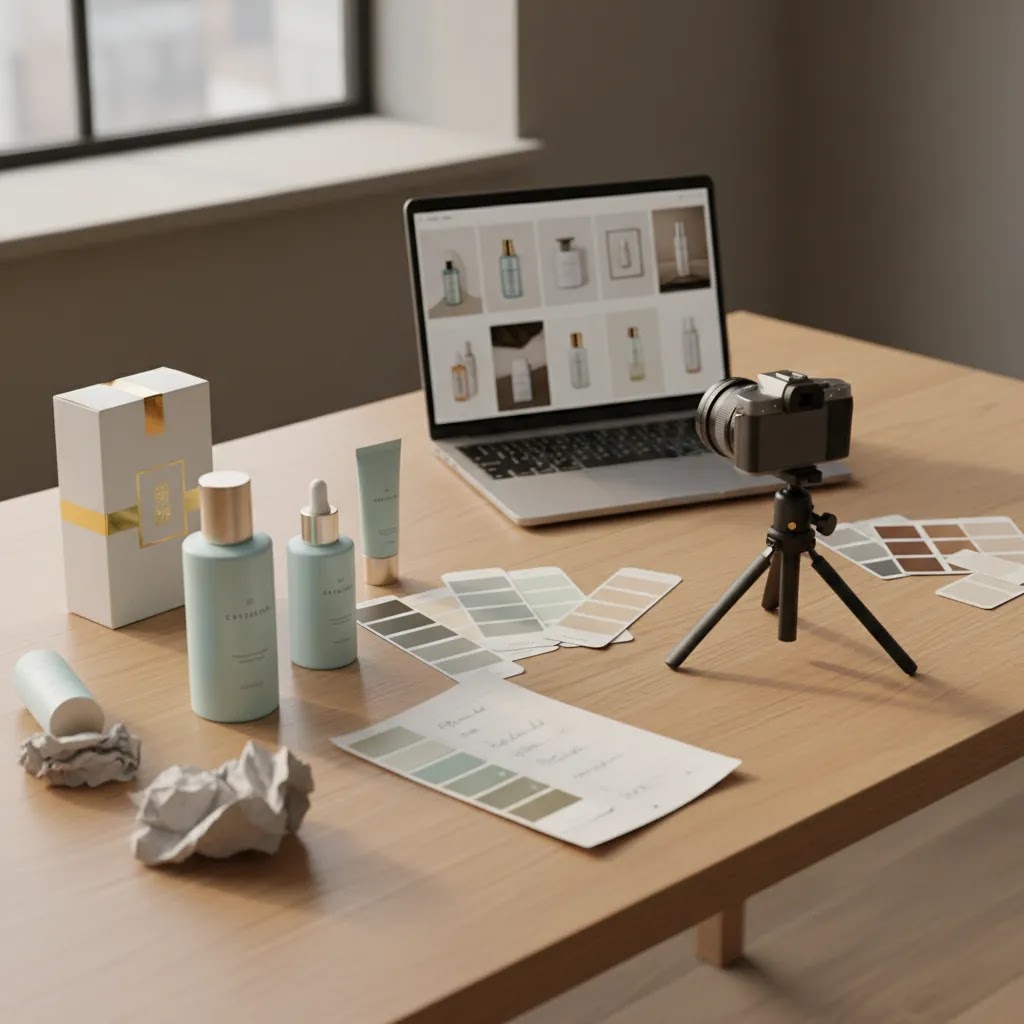
If you are close to hiring a product photographer, the real question is not just who takes attractive pictures. It is who can create images that fit your store, your margins, your product category, and your conversion goals. For most ecommerce brands, the right choice is a photographer who understands selling online, not just photography technique. That matters even more if you need consistent PDP images, lifestyle shots, marketplace compliance, or content for Shopify collections and ads. At AcquireConvert, Giles Thomas evaluates ecommerce tools and workflows through a practical store-growth lens as a Shopify Partner and Google Expert. This guide is for merchants who want to compare photographers with more confidence, understand realistic product photographer cost expectations, and avoid paying for visuals that look good but do not support sales.
Contents
What a Product Photographer Actually Does
A product photographer creates commercial images designed to help sell physical products online and offline. In ecommerce, that usually means a mix of clean packshots, white-background images, detail shots, scale references, lifestyle scenes, and sometimes short-form creative assets for ads or social media.
For store owners, the best photographers do more than compose a nice image. They understand crop ratios, marketplace image rules, visual consistency across a catalog, and how photography affects click-through rate and conversion rate optimization. If you sell on Shopify, Amazon, Etsy, or wholesale channels, those needs can vary by channel.
If you are still deciding whether to shoot in-house or outsource, reviewing a product photography studio setup can help you compare the long-term tradeoff. Some brands can handle basic catalog images internally, while others benefit more from specialist support.
AcquireConvert generally looks at this decision from a merchant economics angle: can the provider deliver a repeatable workflow, category-specific quality, and commercially useful assets without creating bottlenecks for launches and restocks? That is the standard to use, especially for beauty, fashion, home goods, and other visual-first categories.
How to Evaluate the Right Fit
The right product photographer is usually the one whose process matches your product type and sales channels. Portfolio quality matters, but so does category relevance. A skincare product photographer, for example, should know how to handle reflective packaging, translucent bottles, ingredient textures, and close-up retouching without making packaging claims look misleading. A 360 product photographer needs a different workflow again, especially if you want interactive views for high-consideration products.
Start with style fit. Ask whether the photographer is strongest in plain-background catalog work, premium editorial work, or conversion-focused ecommerce photography. Those are not always the same skill set.
Next, check deliverables. You want exact clarity on image counts, angles, retouching depth, file formats, crop variants, and usage rights. If you need assets for marketplaces, paid social, email, and your Shopify storefront, spell that out before the quote is approved.
Then review production logistics. Good operators have a documented intake process for shipping, shot lists, props, brand guidelines, and approval rounds. If that part feels vague, delays usually follow.
It is also worth comparing photographer-led work with AI-supported options. For some brands, tools discussed in this photoroom review or this ai mockup generator guide may help reduce the number of manual shoots needed for secondary assets. That does not replace a strong core shoot, but it can stretch creative output further.
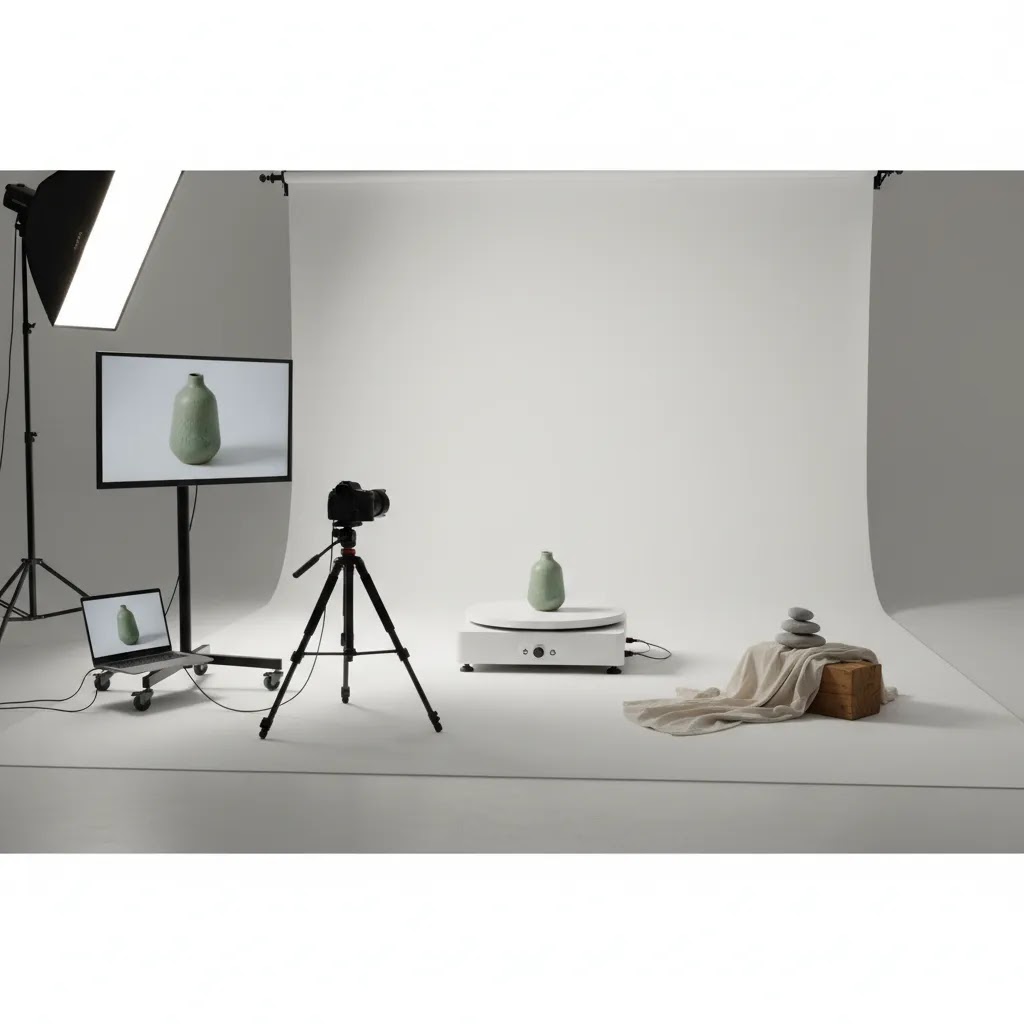
Product Photography Services and Deliverables Checklist
Here is the thing: most merchants are not really buying “a photoshoot.” You are buying a specific set of outputs that need to work across Shopify, marketplaces, and ads. Photographers and studios often bundle these outputs into packages, and the names vary. The underlying deliverables are usually pretty consistent.
From a practical standpoint, it helps to know the common service types you can actually buy, and when each one tends to matter most.
Common ecommerce product photography service types (and when you use them)
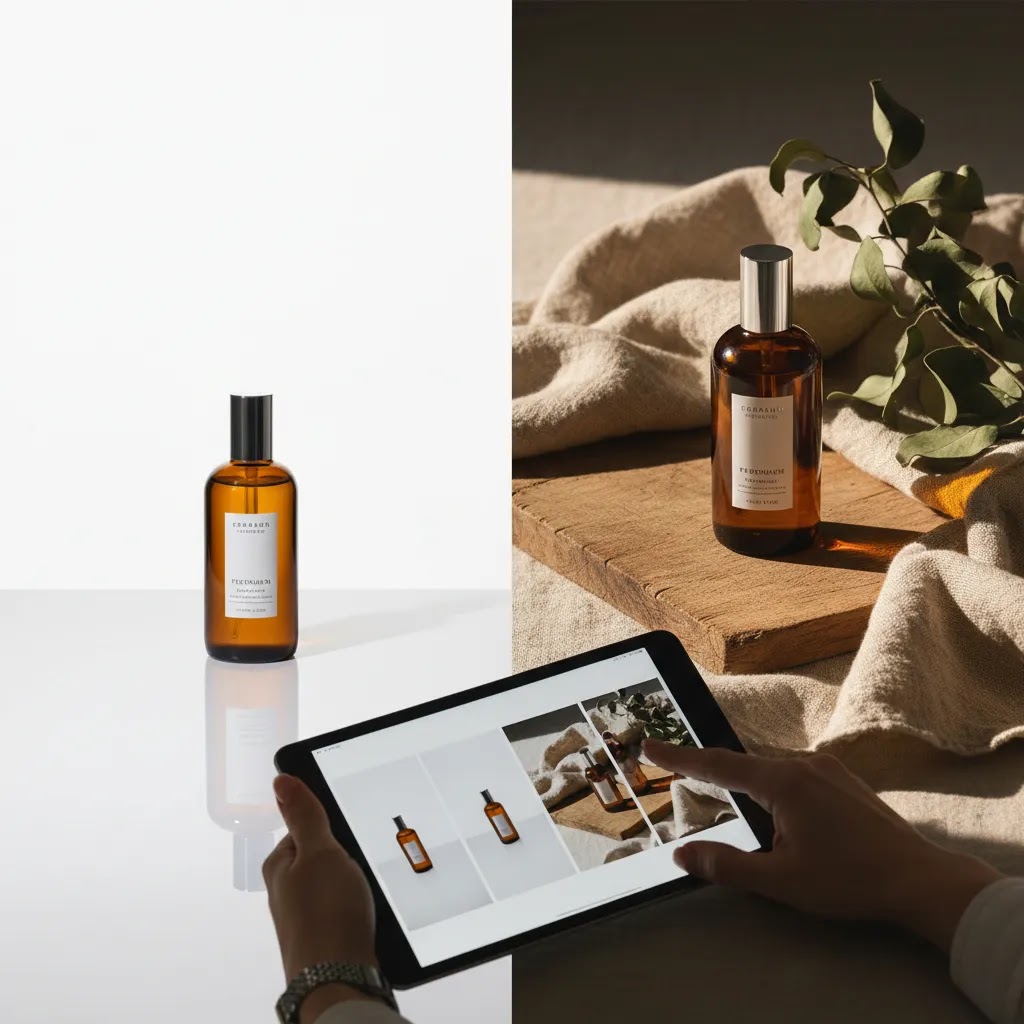
White background packshots (catalog) are the baseline for most Shopify PDPs and marketplace listings. These are the clean, consistent images you need for collection grids, product cards, and anywhere you want shoppers comparing items quickly. If you are selling on marketplaces, this is usually the most compliance-sensitive style, so consistent backgrounds and accurate product representation matter.
On-white or off-white “premium catalog” is similar to white background, but shot with slightly softer highlights, shadows, or a warmer base. This is common for premium brands that still want consistency but do not want a sterile look. It can work well on Shopify PDPs, but if you also sell on marketplaces you may want to confirm that the background still meets their guidelines.
Detail shots and texture shots are the “conversion support” images. Think of close-ups that answer questions your product description cannot, such as fabric weave, embossing, material finish, applicator details, or skincare texture. These are usually for Shopify PDPs, and can also be repurposed in ads and email.
Lifestyle imagery is where you pay for context. These shots support premium positioning and can improve creative performance in ads for some brands, especially when the shopper needs help imagining the product in their life. Lifestyle is also where costs can climb quickly because of sets, props, locations, models, and approvals.
360 photography is typically used when the product has physical detail shoppers need to inspect, such as footwear, bags, or higher-priced items where “I need to see every angle” is a real buying requirement. For Shopify, 360 can be valuable, but it only pays off if it is implemented well and the site experience stays fast.
Stop motion and basic product video are common add-ons when you want a short, loopable asset for ads or product pages. For ecommerce, these are often more effective when they show something specific: scale, how it opens, how it dispenses, or a feature demonstration. A “pretty” video without a product story can be less useful than you think.
A deliverables checklist you can use to compare quotes
When you are comparing photographers, try to force the quote into a simple checklist. If any of these are unclear, you are not really comparing like-for-like.
Usage rights and licensing: what to confirm in plain language
Many studios position their usage as “unlimited” or “royalty-free.” That can be fine, but you still want to verify what it actually means in the contract. Consider this: you might need to use images on Shopify, in Meta ads, in Google Ads, in email, on marketplaces, and in wholesale materials. Confirm whether all of that is included, whether there are time limits, and whether there are exclusions such as packaging, out-of-home, or resale to third parties. If you use contractors or agencies, it is also worth confirming whether they can use the files on your behalf without needing separate permission.
Pricing and Costs
Product photographer price structures vary widely, so the most important step is understanding what is actually included. Most ecommerce brands will see quotes based on one of four models: per image, per product, half-day or full-day rate, or a monthly retainer for ongoing content.
Per-image pricing can work well for straightforward white-background catalog shoots. It becomes harder to compare once props, advanced retouching, model fees, or multiple output sizes are involved. Per-product pricing is often easier for merchants because it aligns more closely with a launch or collection plan.
A realistic product photographer cost also needs to include non-shoot expenses. These may include shipping, sample prep, steaming, styling, prop sourcing, set building, model talent, licensing, rush turnaround, and extra revision rounds. If you need video, GIFs, or 360 assets, expect those to be quoted separately.
For small Shopify stores, the key question is not just whether the quote feels affordable. It is whether the images will be reused across PDPs, collection pages, ads, email, marketplaces, and social. Higher upfront spend can make sense if the asset library supports several channels over time.
If you are exploring alternatives before hiring, category resources on Catalog Photography and E Commerce Product Photography can help you compare professional shoots with in-house and AI-assisted options.
Typical Product Photographer Pricing Benchmarks
Merchants often ask for a simple number, like “what is the going rate per photo?” The reality is that pricing is usually driven by volume, complexity, and turnaround, plus how standardized the shoot is. That said, there are a few common patterns you will see across quotes.
For studio-style ecommerce catalog work, you will often see tiered per-image pricing that gets cheaper as volume increases. The bigger the batch and the more consistent the setup, the easier it is for a studio to quote a predictable rate. For lifestyle and creative shoots, day rates and production fees become more common because the work is less repeatable.
In many cases, studios also set minimums. That could be a minimum number of products, a minimum number of final images, or a minimum dollar amount per project. This is not necessarily a red flag. It is how they protect their time and keep production efficient.
What “flat rate per photo” usually includes (and what it often excludes)
When a quote says “$X per photo,” ask what is baked in. For many ecommerce photographers, the flat rate typically includes the basics: a standard setup, basic background cleanup, basic color correction, and delivery of final high-resolution files. It often excludes things that can materially change your total cost, such as:
This is why two “per photo” quotes can look similar on the surface but land very differently once you add the real deliverables your Shopify store needs.
Turnaround windows and rush fees: how they tend to affect cost
Turnaround is usually priced like operational priority. A standard timeline might be acceptable for planned launches, but it can be painful if you are constantly restocking and need new SKUs live quickly. Faster turnaround often means the studio is reshuffling their calendar, adding staff hours, or pushing retouching through sooner, which is why rush fees are common.
For most Shopify store owners, the sanity check is simple: if your product launch cadence is weekly or you drop seasonal collections, you may want to pay for a workflow that stays consistent under time pressure. If you launch quarterly, you can usually optimize for cost and quality with a more standard timeline.
How to sanity-check a quote against your SKU count and content needs
Think of it this way: you are not buying “images,” you are building a content library. Before you approve a quote, map it to your catalog reality.
Once you have those numbers, you can usually spot quotes that are missing key components. You will also be able to tell whether a retainer makes sense for ongoing drops, versus a one-off project for a catalog refresh.
Trust and Credibility Checks
Before you hire, look for evidence that the photographer can operate like a business partner, not just a creative freelancer. A polished Instagram feed is not enough.
Ask for category-specific examples, especially if your products are reflective, fragile, regulated, size-sensitive, or shade-dependent. A famous product photographer may have a strong portfolio, but that does not automatically mean they are the right fit for catalog-heavy ecommerce work.
Check whether they provide a written scope, turnaround expectations, approval process, and licensing terms. Usage rights are one of the biggest blind spots for merchants. You do not want to assume you can use images in paid ads, packaging, marketplaces, and reseller materials if the contract says otherwise.
Also ask how files are delivered and archived. Consistent naming conventions, organized folders, and reliable handoff practices matter if your team is updating Shopify product pages regularly.
Where AI enters the workflow, ask directly how much of the output is photographed versus generated or composited. Foundational reading on ai photography can help you frame those conversations, especially if authenticity is important to your brand. For cosmetics and beauty-adjacent brands, adjacent workflows like this ai makeup generator guide may also shape how much you shoot versus edit later.
Remote vs Local Product Photography: How Remote Studios Work in Practice
Many store owners assume hiring a product photographer means finding someone local. The reality is that a lot of ecommerce photography is now “studio-style” and remote by default: you ship product samples, they shoot to a standardized spec, you approve proofs online, and the final files land in your inbox ready for Shopify.
Remote can work very well for standardized catalog images, especially when consistency matters more than in-person creative direction. The key is understanding the workflow so you know where delays and miscommunication usually happen.
A typical remote studio workflow, step by step
While every team is different, a solid remote process often looks like this:
What many store owners overlook is that remote success is mostly about documentation. If your shot list and standards are clear, remote can be predictable. If your standards live in someone’s head, remote becomes guesswork.
Risk reducers when you are shipping inventory to a studio
If you are shipping products, treat it like you are shipping inventory to a fulfillment partner. That mindset helps.
Also ask what happens if a product arrives damaged or is not shoot-ready. Some studios will pause and ask for replacements. Others will shoot “as is” unless you specify otherwise.
When local is still worth it, and when remote is typically fine
Local is often worth it when you need on-set art direction, complex lifestyle sets, talent coordination, or real-time decisions about styling and composition. If you are building a campaign around a specific mood, local collaboration can reduce iterations.
Remote is typically fine for standardized catalog work: white background, consistent angles, repeatable lighting, and clear shot lists. For most Shopify store owners who need reliable PDP and collection imagery at scale, that studio-style consistency is often the main requirement.
Pros and Cons
Strengths
Considerations
Who It's Best For
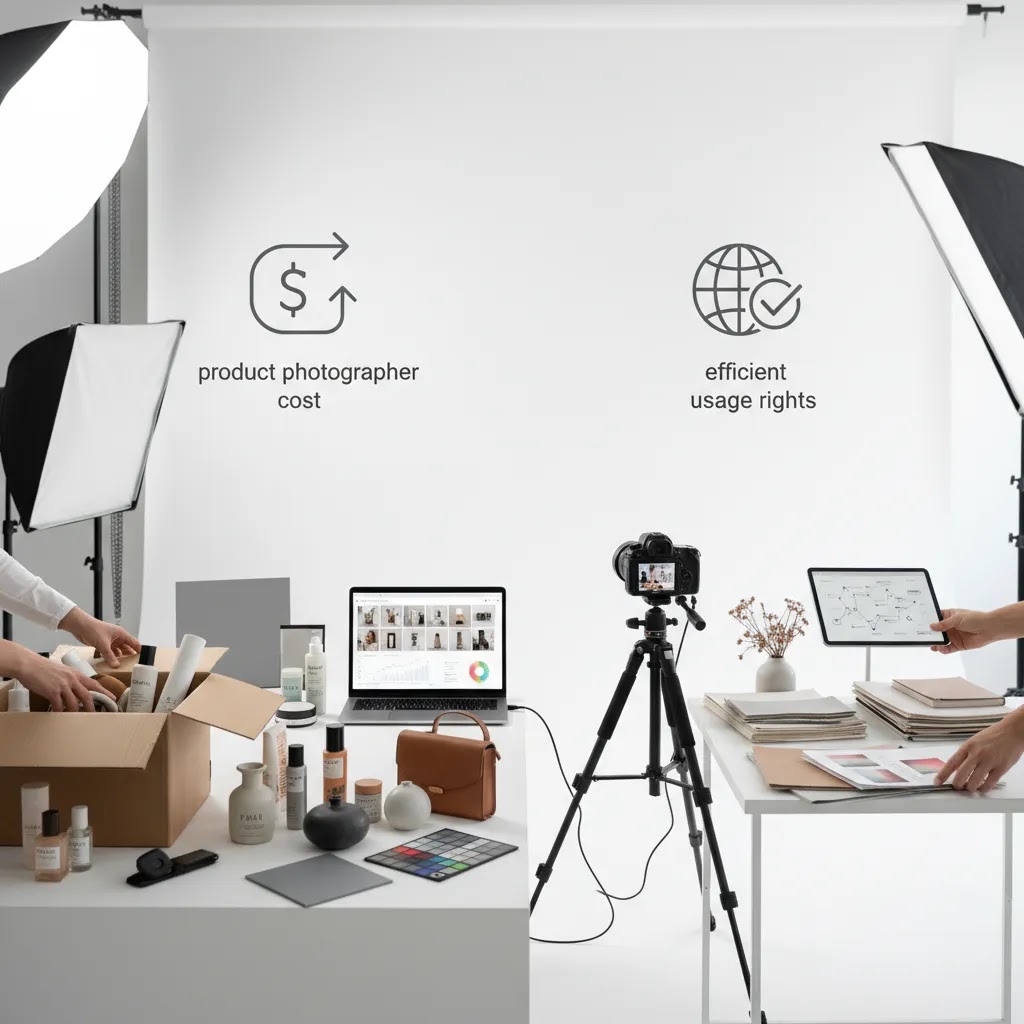
Hiring a product photographer is usually the best move for brands that have already validated demand and now need better assets to support scale. That includes Shopify stores improving PDP quality, Etsy sellers who want cleaner listings, skincare and cosmetics brands that need texture and packaging accuracy, and teams preparing for wholesale or paid acquisition.
It is especially useful if you lack internal time, space, or photography skill. On the other hand, very early-stage brands with a tiny catalog and limited traction may be better off starting with a simpler in-house workflow, then upgrading once product-market fit and repeatable demand are clearer.
How to Get Started
Start with a short brief before contacting anyone. Include your product count, sales channels, target customer, preferred style, and where the images will be used. Then create a shot list with required angles, dimensions, and any must-have detail shots.
Next, shortlist three to five photographers with relevant portfolio samples. Ask each one the same practical questions: what is included in the quote, how many revisions are covered, who owns usage rights, what the turnaround is, and whether they have experience with your product category.
Before committing to a large catalog, consider a paid test project. One or two products is often enough to evaluate communication, styling judgment, consistency, and how well the final files fit your Shopify theme and merchandising needs.
Once selected, document your standards. Share brand references, product positioning, packaging rules, cropping preferences, and competitor examples you like or want to avoid. This usually improves first-round approval quality and reduces expensive reshoots.
Frequently Asked Questions
What is a product photographer?
A product photographer is a commercial photographer who creates images of products for sales and marketing use. In ecommerce, that often includes white-background photos, lifestyle images, close-up details, and campaign visuals designed for product pages, marketplaces, ads, and email. The best ones understand both visual quality and how online shoppers evaluate products before buying.
What does a product photographer do?
A product photographer plans, shoots, and delivers product images that are meant to sell. In practical ecommerce terms, that usually includes preparing a shot list, lighting the product for accurate color and materials, capturing a consistent set of angles, and retouching and exporting files in formats that work for Shopify product pages, collection grids, ads, and marketplaces. They may also handle props, styling, and simple video or 360 outputs depending on your needs.
How much does a product photographer cost?
Costs vary based on product complexity, image count, retouching, styling, usage rights, and turnaround time. Some charge per image, others per product or by day rate. A lower quote is not always better if it excludes licensing, props, or revisions. Ask for a full scope so you can compare total cost, not just the headline number.
How much should I pay for product photography per photo?
It depends on what you are buying. A standard white-background catalog image is often priced differently than a lifestyle image with props or a complex retouching requirement. Many studios price per image with volume breaks and sometimes a minimum order, while others price per product or by day rate for more creative work. The best way to choose a fair rate is to compare quotes using the same deliverables: angles per SKU, retouching level, included revisions, output crops, turnaround, and usage rights.
Should I hire a product photographer or use AI tools?
That depends on your catalog and brand stage. A professional photographer is usually the better choice for hero images, launches, and premium positioning. AI tools may help extend existing assets, generate variations, or support secondary content. Many merchants now use a hybrid workflow, with photographed core assets and AI-assisted creative variations layered on top.
What should I ask before I hire a product photographer?
Ask about category experience, turnaround, usage rights, retouching level, revision limits, file formats, shipping process, and whether they have worked on ecommerce-focused image sets before. Also ask to see examples similar to your products, not just their most visually impressive work. The goal is commercial fit, not only artistic style.
Do I need a local product photographer?
Not always. A local product photographer can simplify communication, sample handling, and in-person collaboration, which may help for fragile or high-touch products. But many ecommerce brands work successfully with remote studios by shipping products and managing approvals online. Process quality and category fit often matter more than location alone.
Is a skincare product photographer worth paying more for?
Often, yes. Skincare products can be difficult to shoot well because of reflective packaging, transparent bottles, texture shots, and shade accuracy. A photographer with relevant experience may save you money over time by getting usable images faster and reducing the risk of reshoots. That is especially important if you rely on close-up detail and premium branding.
Can an Etsy product photographer also support my Shopify store?
Usually yes, provided they can deliver the image sizes, cropping, and usage rights you need across both channels. Etsy listing needs and Shopify PDP needs overlap, but they are not identical. Ask whether they can produce a consistent asset package that works for product pages, collection grids, paid ads, and email as well.
How much money do product photographers make?
It varies widely based on location, experience, niche, and whether they run a studio with repeat ecommerce clients. Some work as freelancers with project-based income, while others build predictable revenue through retainers and high-volume catalog work. If you are hiring, the more useful takeaway is that professional photographers price to cover time, equipment, studio overhead, post-production, and business risk, not just the hours spent shooting.
How do I become a product photographer?
Most product photographers start by learning lighting, composition, and editing, then building a portfolio around real products. If you want ecommerce clients, you typically need to prove you can deliver consistent angles, clean backgrounds, accurate color, and reliable file handoff for Shopify workflows. Many photographers build traction by specializing in a category, such as skincare, food, jewelry, or apparel, and by developing a clear process for intake, shot lists, proofing, and licensing.
Key Takeaways
Conclusion
If you need images that support product pages, paid acquisition, marketplaces, and ongoing merchandising, hiring the right product photographer can be a smart investment. The key is choosing someone with proven ecommerce judgment, clear processes, and category-specific experience, not just a strong-looking portfolio. For smaller stores, a test shoot is usually the best next step because it reduces risk and shows whether the photographer can deliver assets that actually fit your Shopify workflow. If your catalog changes constantly or your budget is tight, a hybrid approach with selective professional shoots and AI-supported edits may be more practical. The most reliable decision comes from comparing style, workflow, rights, and total cost side by side before you commit.
Disclosure: AcquireConvert may receive affiliate compensation from some links mentioned across the site, where applicable. This article is editorial in nature and is intended to help ecommerce merchants make informed decisions. Photography results and business impact vary based on your niche, traffic, offer strength, implementation quality, and how images are used across your store and marketing channels.

Hi, I'm Giles Thomas.
Founder of AcquireConvert, the place where ecommerce entrepreneurs & marketers go to learn growth. I'm also the founder of Shopify agency Whole Design Studios.