Product Photography and Videography (2026 Guide)

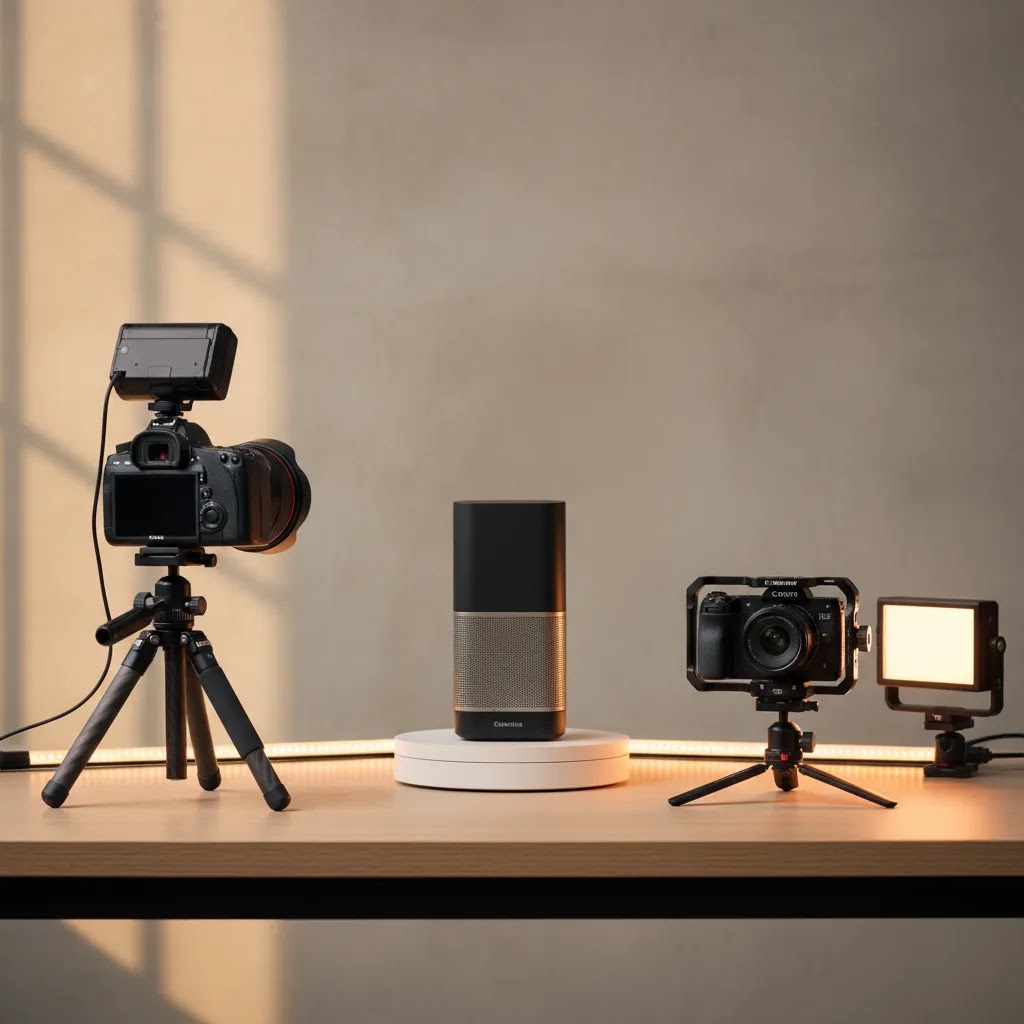
If you sell online, your visuals do more than make your store look polished. They answer buyer questions, reduce hesitation, and shape how premium your brand feels. The challenge is deciding whether still images are enough or whether you also need video. For many ecommerce teams, the real answer is not one or the other. It is both, used at the right stage of the customer journey. A clean product gallery may handle detail and consistency, while short product videos can show scale, texture, fit, movement, and use cases that photos alone may miss. If you are weighing studio shoots, lifestyle content, or AI-assisted production, start by understanding how each asset supports conversion. For foundational setup decisions, our guide to product photography studio planning is a useful first step.
Contents
When You Need Both Photography and Videography
Product photography and videography serve different jobs in an ecommerce funnel. Photography is usually your baseline asset. You need it for product pages, collection pages, marketplaces, paid ads, email campaigns, and feed-based channels. It gives shoppers the clear, repeatable views they expect, especially on Shopify product templates where consistency matters.
Video becomes more valuable when a product benefits from demonstration. Think apparel in motion, beauty application, kitchen tools in use, electronics with moving parts, or premium goods where texture and finish matter. In these cases, a short clip may answer questions that would otherwise create returns, support tickets, or abandoned carts.
For many stores, the trigger to invest in both is not brand size. It is product complexity and sales channel mix. If you sell on your own site plus social platforms, marketplaces, and paid channels, a combined asset library gives you more flexibility. You can use stills for structured merchandising and video for persuasion.
This is also where AI enters the workflow. Tools and guided workflows can help teams create variations, alternate scenes, or faster creative testing. If you are evaluating that route, see our coverage of ai product photography to understand where AI helps and where a traditional shoot still makes more sense.
What Each Format Does Best for Ecommerce
Photography is best for precision. It handles white background shots, detail crops, packaging views, color variants, and marketplace compliance. If you sell on Amazon, eBay, Google Shopping, or structured catalog environments, still imagery is often non-negotiable. Buyers use it to inspect shape, material, dimensions, and included components.
Videography is best for context and confidence. It shows drape in clothing, shine in cosmetics, movement in accessories, and the before-and-after effect of a product in use. For brands investing in paid social, product detail page engagement, or landing pages, video can strengthen storytelling and make the offer feel more tangible.
Used together, the two formats cover both information and persuasion. Photos let shoppers compare. Videos let them imagine ownership. That combination is especially useful for higher-AOV products, gifting items, products with multiple steps, or visually differentiated brands.
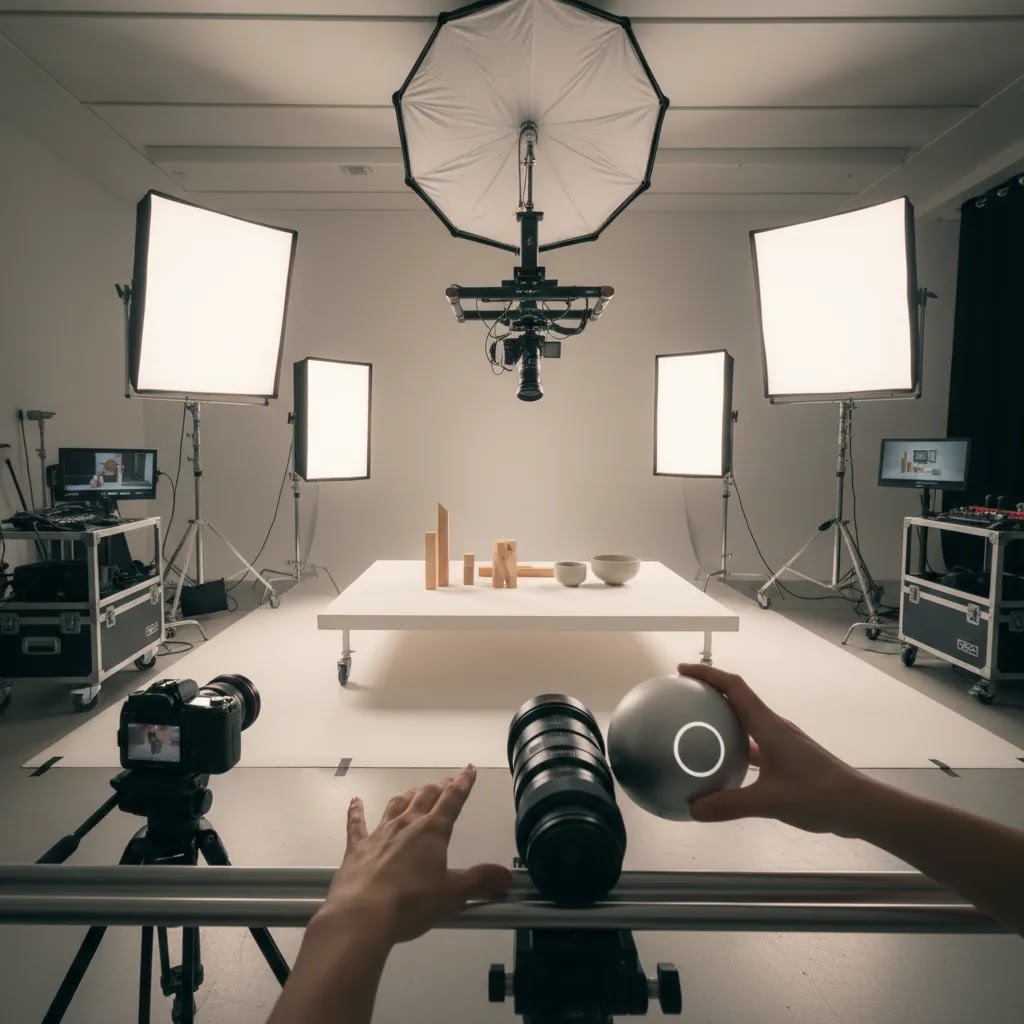
From a production standpoint, combining them in one planning cycle often saves time. Your shot list, props, lighting setup, models, and creative direction can serve both outputs. That does not mean every store needs a full commercial production. A simpler setup with strong stills and a few purposeful clips is often enough.
There is also a middle ground between a full studio shoot and purely manual production. AI-assisted tools can help with editing, variation generation, and scene creation. For example, ProductAI offers tools like AI Background Generator, Free White Background Generator, and Increase Image Resolution. These can be useful for catalog cleanup or testing alternate creative directions, though they are not a complete replacement for well-planned source photography.
If your team is experimenting with synthetic scenes or lower-lift concept generation, our article on ai photoshoot workflows can help you judge where that approach fits. If video is becoming a bigger part of your content mix, the broader Product Video & Animation category is also worth reviewing.
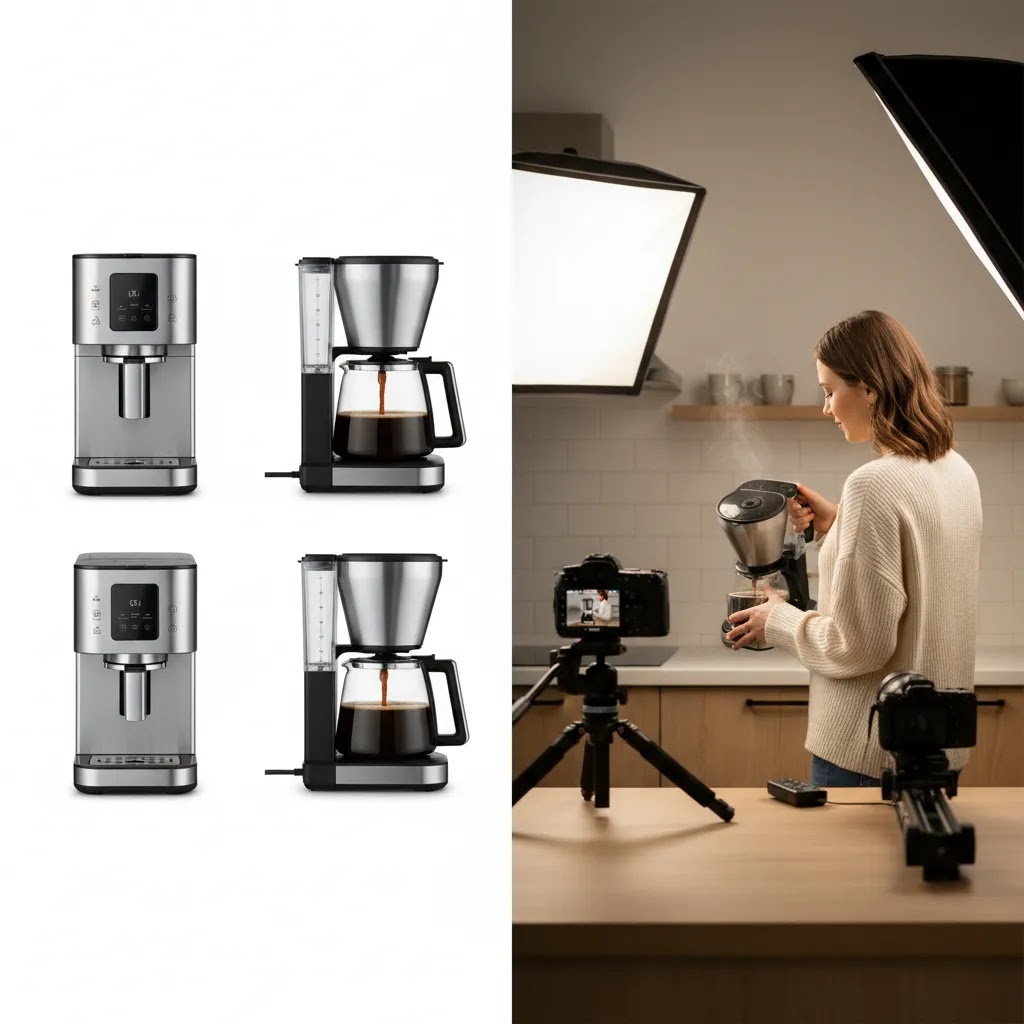
Product Photography Setup for Beginners (DIY Studio, Phone, and Table)
Here’s the thing: most Shopify store owners do not need a complicated studio to get “good enough” product photography that looks consistent and sells. What you need is repeatability. The same lighting, the same distance, the same angles, and the same editing decisions across your bestsellers and variants.
A simple DIY setup most stores can replicate
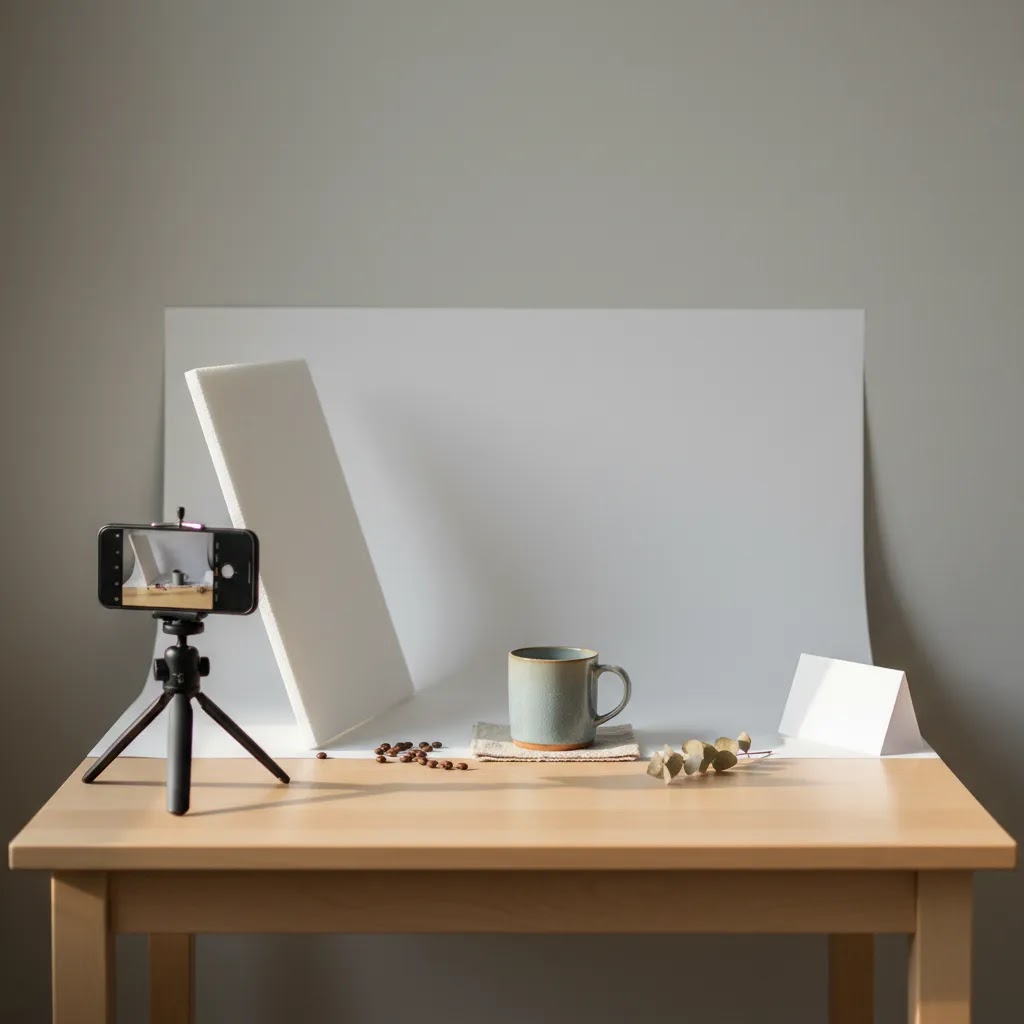
If you are starting from scratch, you have two realistic paths: use window light well, or use inexpensive continuous lights consistently. Window light can look great, but it changes throughout the day, which makes it harder to keep color consistent across SKUs. Continuous lights take a little setup, but they are predictable, which matters when you are building a catalog over weeks, not one afternoon.
For window light, pick a single window with indirect light, avoid direct sun, and shoot at the same time of day. Put your product near the window and use a white foam board or reflector opposite the window to fill shadows. For continuous lights, aim for a soft, even look by diffusing the light. A basic softbox setup, or a light paired with diffusion, typically looks more “store-ready” than a bare bulb.
Backdrop choice matters more than many people think. For clean catalog shots, a white sweep (paper, vinyl, or a simple poster board curve) is often the fastest to edit and the easiest to standardize. For lifestyle-leaning shots, a neutral surface can work well, but keep it consistent so your collection pages do not look like a random mix of styles.
Color consistency is the silent conversion issue. If one SKU looks warm and another looks cool, shoppers start doubting what they will actually receive. Set a single white balance per shoot (do not leave it on auto if you can avoid it), keep your lighting type consistent (do not mix window light with indoor bulbs), and photograph a simple gray card at the start of each session if you want a reliable reference for editing.
A phone-first workflow that still looks professional
You can absolutely shoot product photos on a modern phone and get results that are good enough for a Shopify product page, especially when you control lighting and keep your framing consistent. The biggest difference between “phone photo” and “product photo” is stability, exposure control, and repetition.
Use a tripod or a stable mount, even a small tabletop one. Turn on gridlines, center your product, and keep the camera height consistent. Avoid the ultra-wide lens unless you specifically need it, because it can distort shapes and make products look odd. If your phone has a 1x and 2x option, the 2x (or equivalent) often looks more natural for product shots because it reduces distortion.
Lock focus and exposure on the product and keep it locked as you shoot the set. Most phones let you press and hold to lock, then adjust brightness slightly. That one step can reduce the “every image is a different tone” problem that makes collections look messy.
A repeatable checklist helps you move faster and keeps your catalog consistent:
From a practical standpoint, crispness comes from stability and light, not from buying a more expensive camera. If your images look soft, it is usually camera shake or low light. Fix those two things first.
When a product photo table or light tent actually makes sense
A product photography table, sometimes called a sweep table, and a light tent can be a smart buy if you sell small items that are hard to light well. Think jewelry, reflective accessories, cosmetics packaging, small glass bottles, or glossy products where reflections can look messy fast. These setups help you control reflections and get a more even look without having to build a full lighting rig.
They are not magic, though. Common mistakes include mixed lighting (using the tent plus overhead room lights), harsh reflections from undiffused lights, and inconsistent positioning that makes editing harder. Turn off other room lights, use the tent’s lighting consistently, and mark where the product sits so each SKU is framed similarly.
If you are selling reflective products and you are fighting glare in every shot, that is often a sign you either need better diffusion, better flags (simple black boards to control reflections), or a specialist shoot. The goal is not perfection, it is believable product representation that a customer will recognize when it arrives.
Pros and Cons
Strengths
Considerations
Product Video Shoot Ideas That Actually Help Conversion (Shot List and Use Cases)
What many store owners overlook is that ecommerce video is not about making a cinematic brand film. It is about removing uncertainty fast. Your best-performing product video often looks simple, because it is focused on answering the exact questions that stop someone from clicking “Add to cart.”
A practical shot list you can reuse across products
If you want a repeatable structure, use a standard shot list and only swap what is product-specific. This keeps your content consistent across the catalog and makes filming faster.
Think of it this way: show the product first, then show the proof. If you open with a long branded intro, many shoppers will not stick around. Lead with the clearest view of the product, then demonstrate the benefit.
Format guidance by placement (PDP, ads, marketplaces)
On a Shopify product detail page, silent-friendly video usually works best. Many visitors will watch without sound, especially on mobile. Keep the clip short, use clear visuals, and consider text overlays if you need to clarify steps. Make sure the first second shows the product clearly, because that is what gets someone to keep watching.
For paid social, you will typically want cutdowns. Start with a hook that is visual, not verbal, then move quickly into either the result or the key feature. The goal is not to reuse your product page video unchanged, it is to reuse the same shoot. Capture wide shots and close-ups in the same session, then edit into multiple versions for different placements and lengths.
If you also sell through marketplaces, keep those clips straightforward and compliance-friendly. Avoid exaggerated claims and make sure demonstrations are accurate. Platform policies change, so it is worth checking current guidelines before you build a whole campaign around a specific format or promise.
Category examples to make it concrete
For apparel, focus on fit and movement: a front and side view on a model, a quick walk, and a close-up of fabric texture or stretch. For beauty, focus on application and texture: show the product on skin, show the finish in different light, and include a close-up that feels honest. For tools or home products, focus on setup and result: show the parts, show the first step, then show what “done” looks like. Keep it real. If the result varies, say or show that variation rather than implying every customer gets an identical outcome.
The reality is that one good shoot can power multiple assets if you plan for it. Capture a clean “PDP version” first, then grab a few extra angles specifically for ad cutdowns. That usually gives you the most conversion value without turning content creation into a full-time job.
Who Should Invest in Both
This approach is strongest for ecommerce brands that need both conversion assets and reusable campaign creative. Apparel, beauty, home, accessories, wellness, and premium consumer goods often benefit most. If shoppers need to see movement, texture, application, or scale, stills alone may leave too many questions unanswered.
It also makes sense for Shopify merchants running multichannel acquisition. If you rely on paid social, creator-style ads, and strong product detail pages, you will usually get more mileage from a mixed library of still and motion assets. By contrast, if you mainly sell standardized products in a marketplace environment, professional photography may deserve priority before video.
Professional Product Photography and Videography: Budgeting, Rates, and What to Ask Before You Hire
Consider this before you hire: the price is rarely just “how many photos.” Quotes often include usage, retouching expectations, studio time, and revisions. If you understand the cost drivers, you can compare proposals properly and avoid surprises.
Common cost drivers (and why quotes can look wildly different)
Professional pricing varies by market, experience, and production complexity, but the structure usually falls into a few buckets. Some teams charge a day rate, which can be efficient if you have a lot to shoot and your shot list is consistent. Others charge per SKU or per final image, which can feel simpler for smaller catalogs, but can get expensive if your products require lots of angles and retouching.
Usage and licensing can also matter. If you are using the content for ads, billboards, large campaigns, or broad distribution, the quote may reflect that. Retouching is another big lever. Basic cleanup and color correction is very different from heavy compositing, label work, or complex reflection control. If you need models, stylists, props, studio rental, or location fees, those can be separate line items.
Revisions are worth clarifying upfront. Many shoots include a defined number of revision rounds, then additional changes are billed. That is normal. The key is to make sure the first delivery matches what you actually need for Shopify and your ad channels.
What to include in a brief (so you get usable assets back)
A good brief makes your shoot cheaper and your results better, because everyone is aligned before the camera comes out. At minimum, include your shot list, the style reference you want to match, where the assets will be used, and what “done” looks like.
For Shopify specifically, ask for web-ready formats (typically JPEG or PNG depending on background needs) and consistent sizing so your product grid looks clean. File naming and organization sound boring, but they save hours. A folder per SKU, consistent filenames for angles, and separate exports for white background versus lifestyle can keep your team moving.
When to hire a specialist vs DIY plus AI-assisted post
For most Shopify store owners, DIY can be the right move for simple products, early-stage catalogs, and fast iteration. AI-assisted editing can help you clean up backgrounds, generate variations, or repurpose assets, as long as you review outputs for accuracy before publishing. That said, some product types are genuinely harder to shoot well. Reflective objects, transparent packaging, liquids, and glossy surfaces can require advanced lighting control. The same goes for 360 workflows, stop motion, or complex demos where continuity matters.
If you are spending more time fighting reflections and color shifts than actually shipping product, it may be smarter to hire a specialist for those hero SKUs, then use your in-house setup for the rest of the catalog. In many cases, a hybrid approach is the most commercially sensible: pro help where it matters, and a repeatable in-house workflow for everything else.
A Practical AcquireConvert Recommendation
For most store owners, the right move is not to ask whether photography or videography is better. Ask which customer questions you need to answer before purchase, and which channels those assets must support. That is the more commercially useful decision framework.
At AcquireConvert, we approach this from the perspective of actual ecommerce execution. Giles Thomas is a Shopify Partner and Google Expert, so the emphasis is on assets that help merchants sell across storefront, search, and paid media, not just create attractive visuals. If you are comparing AI-assisted production methods, practical editing workflows, or studio-first setups, explore our Catalog Photography resources, review the BOFU guide to photoroom, and use adjacent guides to narrow down what should be shot, edited, or generated first.
How to Decide What to Produce First
1. Start with the product page job to be done
If your product page already has strong imagery but buyers still ask how the item works, fits, pours, applies, or moves, video is likely the missing asset. If the page lacks clean front, side, detail, and scale imagery, fix photography first. Still images usually carry the heavier load in structured ecommerce browsing.
2. Match assets to channel requirements
Amazon, eBay, Google Shopping, and many comparison environments depend heavily on compliant still imagery. Social ads, landing pages, and brand storytelling often benefit more from short-form video. If you sell across both types of channels, your production needs are naturally broader.
3. Prioritize SKUs, not your full catalog
You do not need both formats for every product on day one. Start with hero products, highest-margin lines, or the SKUs you actively advertise. In many stores, 10 to 20 percent of the catalog drives the majority of attention. Build dual-format assets there first, then expand.
4. Consider whether AI can reduce repetitive work
AI can be useful for background cleanup, image expansion, concept mockups, and testing alternate scenes. ProductAI also offers tools like Background Swap Editor, Place in Hands, Magic Photo Editor, and Creator Studio. These may help lean teams create more variants or campaign-ready visuals, but they still require quality control. Product accuracy matters, especially for color, packaging, texture, and claims-sensitive categories.
5. Decide where authenticity matters most
In some categories, especially beauty and fashion, realism and trust are central. AI-assisted visuals can support ideation or speed up production, but they should be used carefully where skin tone, fabric movement, or shade accuracy affect buying decisions. If that overlaps with your category, our cross-hub guide to the ai makeup generator topic shows why realism standards matter so much in visual commerce.
A useful rule is this: use photography for product truth, use videography for product understanding, and use AI where it improves efficiency without weakening trust. That balance tends to serve ecommerce brands better than choosing one format simply because it is currently trending.
Frequently Asked Questions
What is photography and videography in an ecommerce context?
Photography covers still product images used in galleries, ads, catalogs, and marketplaces. Videography covers moving visual content such as demos, lifestyle clips, unboxings, and short product explainers. In ecommerce, they work best as complementary assets. Photos provide inspection and consistency, while video helps shoppers understand function, movement, and real-world use.
Do all ecommerce stores need both product photography and videography?
No. Many stores can start with strong photography alone, especially if the products are simple and easy to understand visually. Video becomes more important when buyers need to see fit, movement, setup, application, or scale. The decision should come from customer questions, channel mix, and how much explanation the product needs before purchase.
Which should I invest in first, photography or videography?
For most ecommerce businesses, photography comes first because it supports product pages, collection pages, and marketplace listings. Once that baseline is strong, add video for hero products, paid campaigns, and pages where motion or demonstration can reduce hesitation. If your item is visually straightforward, stills may carry most of the load for a while.
Can AI help with product photography and videography workflows?
Yes, in many cases AI can help with editing, background generation, scene variation, and asset repurposing. It is often most useful as a workflow layer rather than a total replacement for production. For store owners exploring that route, our coverage of ai product photography explains where the efficiency gains are most practical.
Is video worth it for Shopify product pages?
Often yes, especially for products where movement, use, or texture affects the buying decision. On Shopify, a short and purposeful video can improve understanding without forcing shoppers to read long blocks of copy. It tends to work best when paired with clear still imagery, strong product benefits, and a page layout that keeps the path to purchase simple.
How many videos does a product really need?
Usually one or two well-planned videos are enough for a product detail page. Start with a short overview clip and, if needed, a more specific demonstration or lifestyle cut. More assets are not always better. The goal is to answer likely pre-purchase questions and support campaign reuse, not create video for every angle just because you can.
Can AI-generated visuals replace a professional shoot?
Sometimes AI can reduce the need for reshoots, alternate backgrounds, or basic catalog cleanup. It is less dependable as a full replacement where realism, compliance, or exact product representation matters. Most brands get better results using AI alongside real source assets. If you are testing synthetic scenes, keep an eye on consistency, product accuracy, and brand trust.
What products benefit most from both formats?
Apparel, beauty, accessories, home goods, tools, wellness products, and premium consumer items often benefit most. These categories usually involve texture, motion, application, or styling context that still images alone may not fully capture. For standardized goods with low complexity, professional photography may be enough until advertising or brand storytelling needs expand.
How does this relate to lifestyle photography?
Lifestyle photography shows the product in context, helping shoppers picture ownership and use. Videography extends that benefit by showing movement and sequence. If your brand relies on aspiration, routine, or visual transformation, lifestyle stills and short clips can work very well together. The key is staying consistent with your product truth and your customer expectations.
How much should I pay a photographer for a product shoot?
Pricing varies a lot based on your product type, location, and the level of production. Most quotes are built around a day rate or per-SKU pricing, plus retouching time, usage/licensing, and any add-ons like models, stylists, props, or studio rental. If you want a number you can plan around, ask for a quote that breaks out each line item and confirms exactly what deliverables you are getting per SKU, including how many final images, what backgrounds, and how many revision rounds are included.
What is the 20 60 20 rule in photography?
The “20 60 20” rule is often used as a simple planning idea: roughly 20 percent of your effort goes into capturing the image, around 60 percent goes into lighting and setup (which is what makes the image look professional), and the final 20 percent is editing and finishing. The exact percentages are not a strict formula, but the message is useful for ecommerce. Better lighting and consistency usually improve your catalog more than chasing a different camera.
What are product photography ideas for ecommerce that don’t require a studio?
Use a window-light setup with a white backdrop, shoot on a phone with a tripod, and create a repeatable set of angles for every SKU. Add a simple scale shot, like the product in hand or next to a familiar object, and include a few detail crops that show texture or key features. Keep your lighting consistent and avoid mixing different light sources, because color shifts across products can make a Shopify collection page look inconsistent.
What are the best product video shoot ideas for ecommerce product pages?
Start with a short silent-friendly clip that shows the product clearly in the first second, then add a quick sequence that demonstrates the core use case. Practical ideas include a “what’s in the box” shot, a scale-in-hand shot, a slow pan or simple 360, feature close-ups, and one short start-to-finish demo. Keep claims and demonstrations accurate, and prioritize the questions that typically drive hesitation in your category, like fit, texture, setup, or results.
Key Takeaways
Conclusion
For ecommerce brands, product photography and videography are not competing investments. They solve different parts of the buying decision. Photos help shoppers inspect. Video helps them understand and imagine use. If you choose based on product complexity, channel mix, and your highest-value SKUs, you will usually make better creative decisions than if you treat visual production as a branding exercise alone. AcquireConvert focuses on exactly these practical choices for online sellers. If you want a clearer path forward, explore our related guides on ai photoshoot workflows, product photography studio setup, and category resources for catalog production. That will help you decide what to shoot, what to edit, and what to test next with confidence.
This article is editorial content created for educational purposes and is not a paid endorsement unless explicitly stated otherwise. Pricing and product availability for third-party tools are subject to change, so verify current details directly with the provider. Any performance outcomes discussed are illustrative only and may vary based on product type, execution quality, channel mix, and store context.

Hi, I'm Giles Thomas.
Founder of AcquireConvert, the place where ecommerce entrepreneurs & marketers go to learn growth. I'm also the founder of Shopify agency Whole Design Studios.