Product Photography Backdrop Boards (2026 Guide)

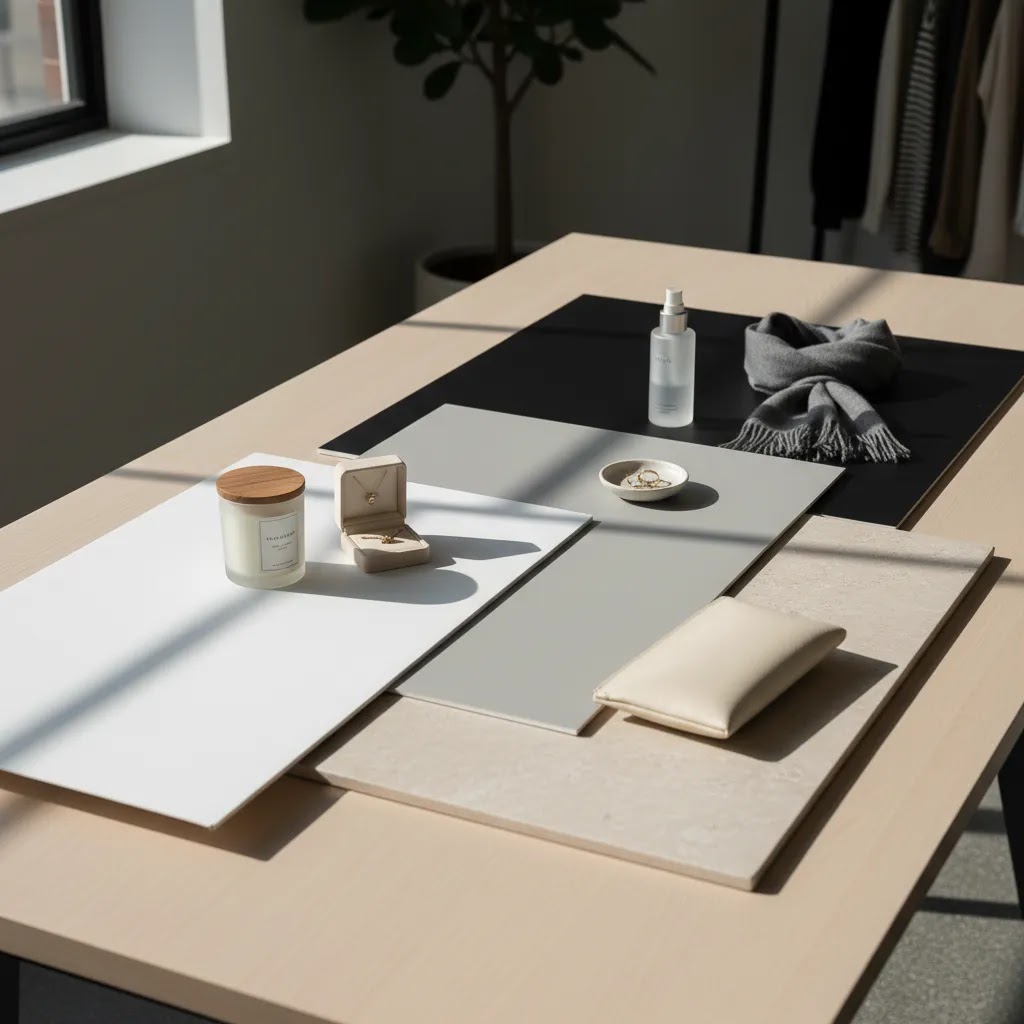
If you sell online, your backdrop choice affects more than aesthetics. It changes how polished your product pages look, how consistent your catalog feels, and how much editing work your team has to do later. The right product photography backdrop boards can help you create cleaner shadows, better edge contrast, and a more repeatable setup for Shopify product pages, marketplaces, and social content. If you are still building your setup, start with this product photography studio guide to get your shooting space right first. In this article, I’ll break down the backdrop board sizes and materials that tend to work best for ecommerce, where each option struggles, and how to choose based on your product type, shooting style, and workflow.
Contents
Why backdrop boards matter for ecommerce photography
A backdrop board is one of the most practical tools in a small product photography setup. It gives you a controlled surface behind or beneath your item, so you can produce more consistent images without rebuilding the scene for every shoot.
For ecommerce, consistency usually matters more than artistic experimentation. A customer scrolling through collection pages wants clear product detail, natural color, and a catalog that feels trustworthy. Backdrop boards help create that consistency whether you are shooting jewelry, skincare, apparel accessories, candles, or packaged goods.
They are especially useful if you handle catalog photography in-house and need repeatable results. A board setup can work for straight-on hero shots, flat lays, angled lifestyle images, and simple social assets. It also cuts down the visual noise you often get from household tables, walls, or inconsistent paper backgrounds.
For many store owners, backdrop boards sit in the middle ground between a casual DIY setup and a full commercial studio. They are practical, portable, and often easier to manage than fabric sweeps or painted walls. If you later want to extend physical photography with synthetic scenes, it also helps to understand how ai photoshoot workflows compare with real surfaces and lighting.
What size backdrop board should you buy?
The right size depends on the products you sell and the framing you need. Many merchants buy boards that are too small, then compensate by cropping tightly or spending more time retouching edges. That usually shows up as inconsistent product pages.
Here is a practical way to think about board sizes:
If your catalog includes multiple SKUs with different dimensions, medium-to-large boards usually give you the best long-term value. They let you shoot hero images, crop for marketplaces, and create social content from the same session.
White boards remain the safest option for straightforward listings. If your primary goal is clean product page imagery, this guide to white background photography is a useful companion. Black or dark boards can work well too, especially for reflective products or premium branding, but black backdrop photography is less forgiving. Dust, fingerprints, and uneven lighting tend to show up faster.
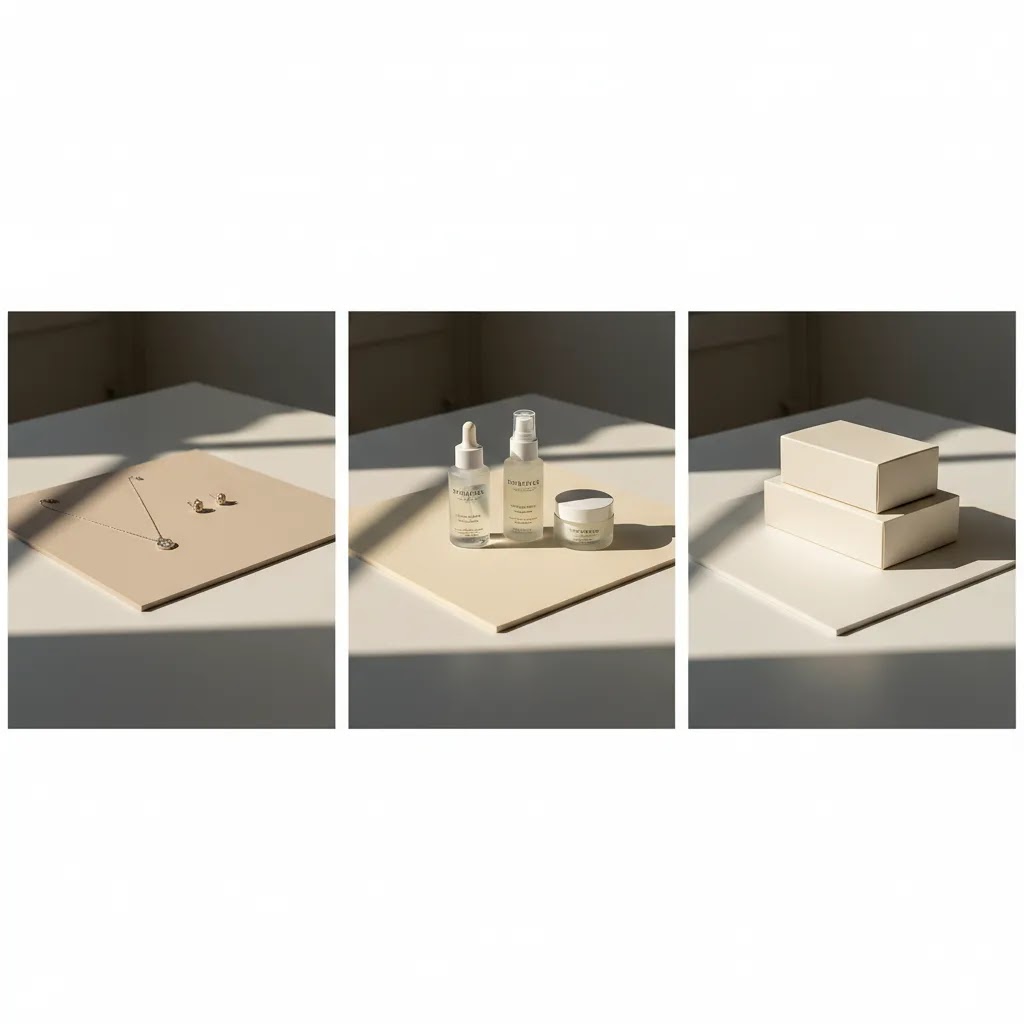
Best materials for product photography backdrop boards
Not all boards behave the same under light. Material affects glare, durability, color accuracy, and how often you need to replace the surface. That matters if you shoot frequently for product launches, collection refreshes, or seasonal campaigns.
Foam board
Foam board is lightweight, inexpensive, and easy to move around a small workspace. It is a sensible starting point for DIY product photography backdrop needs. White foam board also doubles as a bounce surface to soften shadows.
The trade-off is durability. Edges dent easily, the surface marks quickly, and it may warp over time. For merchants shooting every week, foam board often becomes a replaceable consumable rather than a long-term asset.
PVC boards
PVC is more durable than foam board and easier to wipe clean. It works well in busy ecommerce workflows where products, props, and hands move in and out of frame constantly. If you shoot cosmetics, food packaging, or anything that can smudge, PVC is practical.
Its main downside is that some PVC surfaces can produce unwanted reflections. You need to test your lighting angle carefully, particularly for glossy products.
MDF or hardboard panels
These are sturdier and can provide a stable, professional-feeling surface. They are useful if your setup stays in one place and you want a backdrop board that will last. They are also a common base for faux finishes like concrete, stone, or matte painted effects.
The drawback is weight. If you shoot from a spare room, move locations often, or store your gear after each session, hardboard may feel inconvenient.
Laminated boards
Laminated surfaces are a strong option if you want a cleaner premium finish with better resistance to spills and wear. They can work very well for product catalog photography where consistency is the priority.
Still, laminate quality varies. Some surfaces look too artificial on camera, especially faux marble or highly patterned finishes that pull attention away from the product.
Acrylic sheets
Acrylic can create polished reflections that suit beauty, fragrance, and luxury products. This style is common in high-end backdrop photography and promotional ad creatives.
But acrylic is not beginner-friendly. It scratches easily, fingerprints show up quickly, and glare control is harder than most merchants expect. Unless reflective styling is central to your brand, acrylic is usually a secondary surface rather than your only board.
Paper-faced boards and poster boards
These work well for experimentation, one-off campaigns, and low-cost color tests. They are useful if you are learning how to shoot product photography and want to test compositions before investing in more durable materials.
The downside is short lifespan. Creases, stains, and edge wear appear fast, especially if you reuse them for multiple SKUs.
If you are comparing physical shooting with synthetic workflows, it helps to review where ai product photography may save time and where a real board still produces more believable texture, shadows, and product-edge accuracy.
Backdrop board finishes, glare control, and keeping whites consistent
Most store owners focus on size and material first. What many store owners overlook is the finish. The finish impacts glare, edge halos, how “clean” your whites look on camera, and how much time you spend fixing hotspots in editing.
Matte vs. satin vs. glossy: what changes on camera
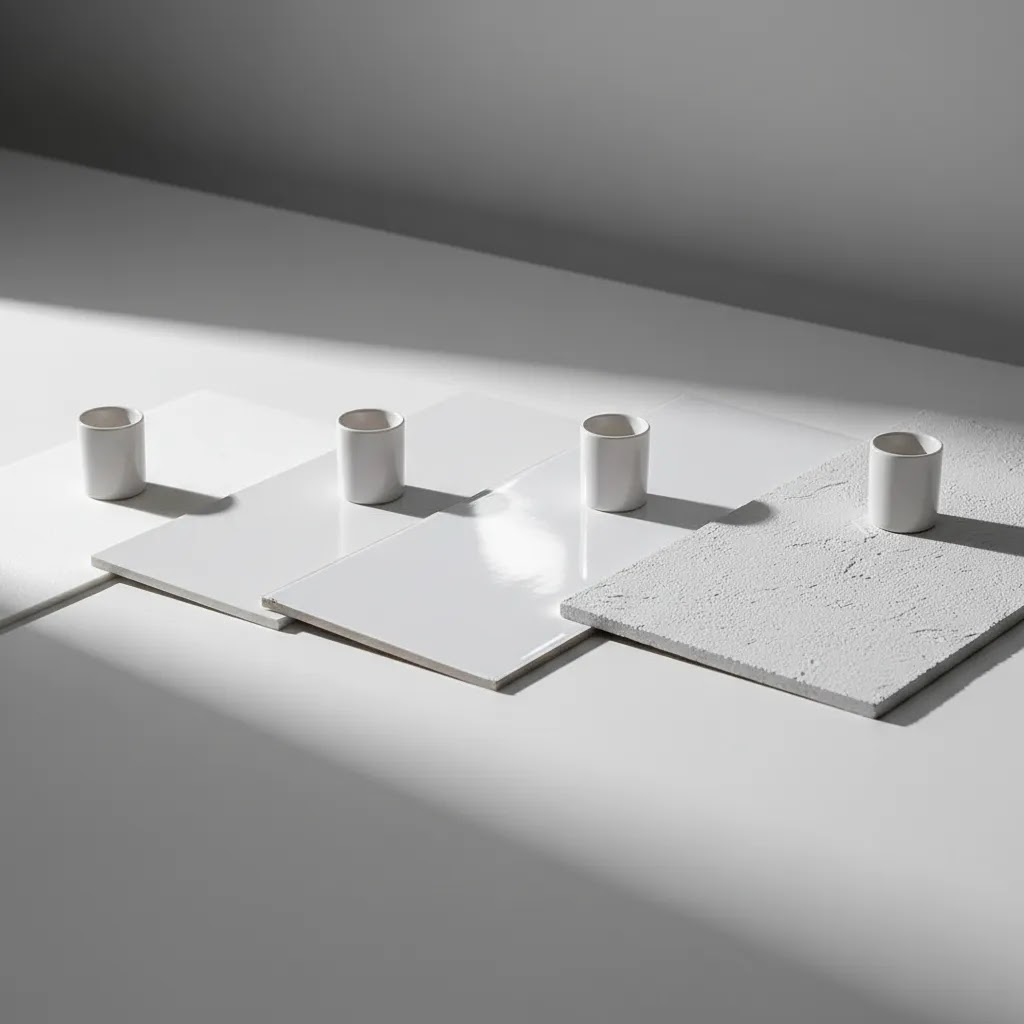
Matte finishes are usually the safest for ecommerce hero shots. They scatter light instead of reflecting it directly back into the lens. That typically means fewer hotspots, cleaner product edges, and less work removing weird reflections from glossy packaging.
Satin finishes sit in the middle. They can look more premium than a dead-flat matte, but you may see soft highlights depending on your light position. Satin can be a good compromise for textured boards, especially faux stone or concrete, as long as your products are not overly reflective.
Glossy finishes create the most problems in a small setup. They reflect your light source, your room, and sometimes even your camera shape back into the scene. Gloss can work if you want a deliberate reflection (common with acrylic), but for most Shopify product pages it increases retouching time.
White boards are the easiest place to get this wrong. A glossy or even semi-gloss “clean white” board can look great in person, then produce a bright hotspot behind the product that blows out detail and makes edges harder to cut cleanly.
How to light backdrop boards to reduce glare and hotspots
The way this works in practice is simple: glare happens when the reflection angle lines up with your camera. You usually fix it by changing angles, not by buying more gear.
Consider this before you blame the board. In many small home studios, the ceiling and nearby walls create reflections too. That is why “everything was white” is not always the ideal setup for reflective products. You often want one controlled dark surface nearby to shape the reflections.
Common “clean white” pitfalls: scuffs, halos, and consistency across shoot days
White boards show wear fast. Small scuffs that look harmless in real life can read as gray streaks on camera. They also create extra work if you want a consistent catalog across months of product launches.
Edge halos are another issue. If your background is too bright and your product edge is reflective or translucent, you can get a light fringe that makes the product look cut out or fuzzy. The fix is often to slightly lower background brightness and improve side lighting on the product so the edge has definition.
From a practical standpoint, consistency across shoot days matters more than getting “perfect white” in one session. If you want your Shopify collections to look cohesive, standardize three things and keep them the same each time you shoot: your board, your product distance from the background, and your light placement. That is how you avoid a mix of cool white, warm white, and blown-out white across SKUs.
Pros and Cons
Strengths
Considerations
Who should use backdrop boards?
Backdrop boards are a strong fit for ecommerce teams that want more control without building a full studio. If you run a Shopify store, manage products in-house, or regularly shoot new arrivals, they are one of the simplest upgrades you can make to your workflow.
They are especially useful for beauty, home goods, accessories, packaged food, supplements, stationery, and gift brands. These categories often benefit from clean catalog imagery plus a few styled shots for ads and email campaigns.
If your products rely heavily on skin tones, texture, or face-based presentation, you may need a mixed workflow. For example, a cosmetics brand might use physical backdrop boards for packshots while exploring tools and references around an ai makeup generator for concepting or creative support in adjacent content.
How to choose the right board for your store
Store owners usually make a better decision by choosing for workflow first and style second. A backdrop that looks attractive on social media may still be the wrong choice for a product catalog if it slows down production or causes editing headaches.
1. Start with your main image requirement
If you need marketplace-friendly hero images, choose a matte white board or white two-board setup first. A white backdrop for product photography tends to be the safest starting point because it supports clean exports, strong contrast, and consistent collection pages.
2. Match the board to product size and shape
Flat products like notebooks or cosmetics palettes work well on smaller flat lay product photography boards. Taller items such as bottles, candles, and pouches usually need both a base and an upright board. If you sell bundles or gift sets, leave more space than you think you need.
3. Prioritize finish over pattern
For catalog product photography, subtle textures generally outperform bold patterns. Faux stone, wood, or concrete can work, but the more visual texture you add, the more your product must compete for attention. If your images need to convert rather than just decorate, keep the backdrop secondary.
4. Think about maintenance
If your team shoots often, wipe-clean materials matter. PVC and laminate are usually easier to maintain than foam or poster board. This becomes more important when you have multiple staff members handling products or when you shoot cosmetics, oils, or powdered goods.
5. Plan for editing and post-production
Some merchants want every shot physically captured. Others are happy to clean up backgrounds later or extend scenes with editing tools. If that sounds familiar, you may want a hybrid workflow using physical boards for source images and a finishing tool such as photoroom for cleanup, resizing, or alternate background outputs.
For merchants testing AI-assisted editing, ProductAI also offers tools like AI Background Generator, Free White Background Generator, and Increase Image Resolution. These can be useful after a shoot, but they work best when the original photo is already clean, well-lit, and sharply framed.
How to set up a sweep with backdrop boards (and support them properly)
Here’s the thing. A lot of ecommerce photography looks inconsistent because the background changes from SKU to SKU. The fix is usually a sweep setup, which means a smooth transition from “floor” to “wall” with no visible corner line.
Backdrop boards make sweeps practical in small spaces because you can build a repeatable mini set on a desk or table, then pack it away.
Using two boards to create a seamless base-to-background sweep
A two-board setup is simple: one board is flat on the table as your base, and the second board stands behind it as the background. The goal is to remove the hard 90-degree corner by creating a gentle curve where the boards meet.
In practice, you do that by pushing the vertical board slightly forward so it bends into a curve, then stabilizing it so it does not pop back and create a crease. This matters for catalog consistency because a crease line can read like a horizon, and that line may shift from photo to photo depending on where the product sits.
To support the boards, most small studios use basic, removable options like clips, small stands, or removable tape. You are not trying to permanently mount anything. You are trying to create a setup you can rebuild in the same way every time you shoot.
Flat lay setup notes: camera alignment and consistent cropping
Flat lays look straightforward, but they fall apart fast when the camera angle is slightly off. If you want product pages to look consistent across a collection, keep your camera parallel to the board so the product stays square and proportions do not warp.
Think of it this way: you want repeatable margins. Leave similar space around each product so your crops feel consistent on Shopify collection grids, and so you can reuse the same aspect ratios for marketplaces and ad placements without rethinking every image.
If you are shooting overhead, make sure you actually have the space to get the camera high enough. Many stores end up too close, which forces a wide lens and adds distortion around the edges of the frame.
Storage, longevity, and when to replace versus resurface
Boards last longer when you store them properly. Warping usually comes from humidity and poor storage, not from shooting. Avoid leaning boards at an extreme angle for months, and keep them away from radiators, damp basements, or direct sun near windows.
Cleaning routines matter too. Wipe boards down after shooting, especially if you work with powders, oils, or anything that sheds particles. If a board starts showing permanent scuffs, you have two options: resurface it (for example, by re-laminating or applying a fresh top layer, depending on the board type) or treat it as a replaceable part of your setup. For many high-volume Shopify stores, replacing a worn white surface is cheaper than spending hours fixing marks in post.
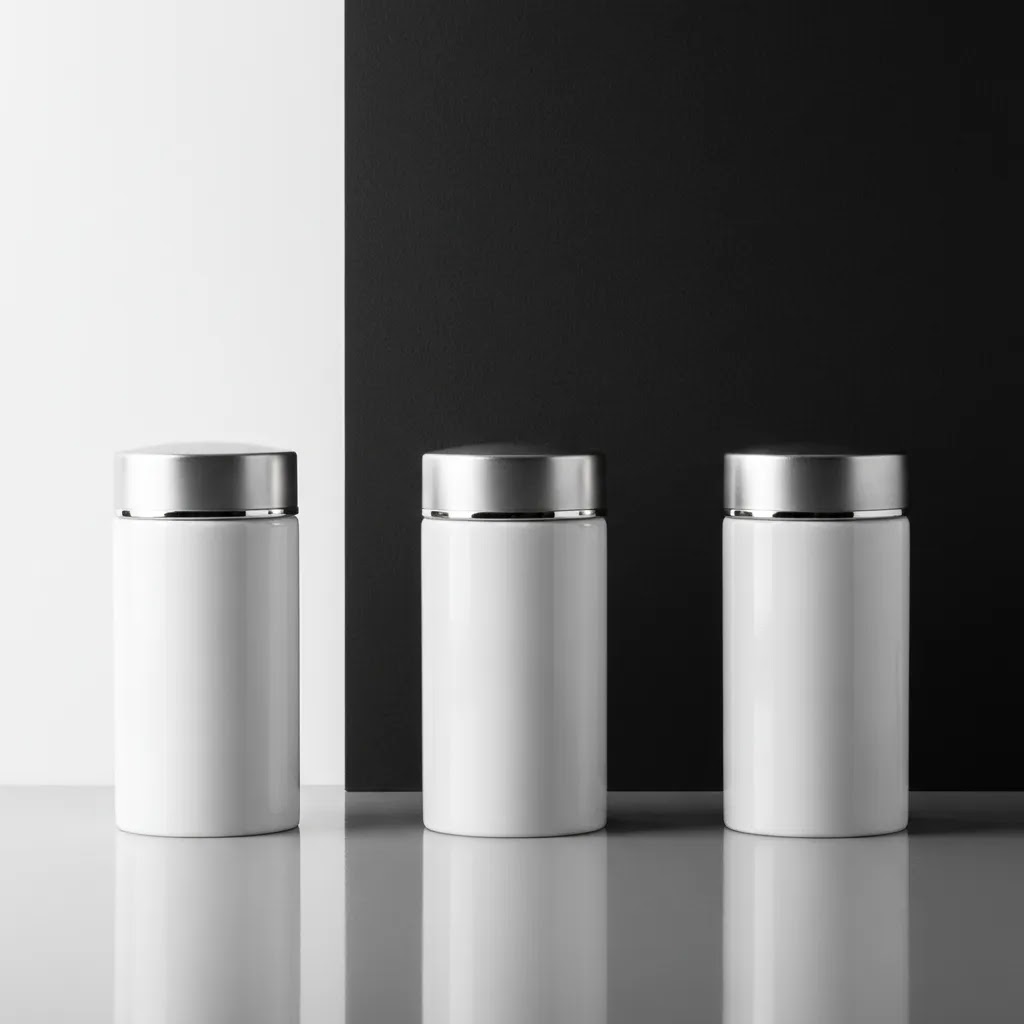
Recommended board sizes and building a repeatable kit
Once you know boards help, the next question is what to actually buy so your catalog stays consistent as you add new SKUs. Competitors often do a better job here than most photography guides, so I’ll make it more concrete.
A practical size matrix by product type
Small items like jewelry, watches, single cosmetics, supplements, and small accessories typically work best on small-to-medium boards. You want enough space for a clean crop without cutting too close to the product, and enough room to control shadows.
Medium items like skincare bottles, candles, pouches, and boxed beauty products usually want medium boards at minimum, especially if you are doing a two-board setup. Taller products need more background height than you expect, because you still need negative space above the product for clean composition and cropping.
Large items and bundles like shoe boxes, gift sets, apparel bundles, and multi-SKU kits typically benefit from large boards, and often extra depth. Extra depth matters because it gives shadows somewhere to fall without hitting the edge of your surface, which is a common reason images look “home made.”
How many boards do you actually need for repeatability?
For most Shopify store owners, a minimal kit is one matte white board in a medium or large size, plus a second matching board for two-board sweeps. That gets you through the majority of catalog needs with a consistent look.
A growing kit usually adds one darker option (often gray or black) and one subtle texture that matches your brand. The key is to standardize your main surface, not rotate through five different backgrounds for five similar products. Catalog consistency is a conversion asset. Customers notice when product pages look like they were shot in different stores.
Special handling for food and oily products
If you shoot food, drink, or oily products (or even cosmetics that can leak), prioritize wipe-clean and stain-resistant surfaces. Porous DIY materials can absorb oils and color, and those stains tend to show up as uneven patches on camera long after you think you cleaned them.
Washable surfaces also help when you do content days with multiple setups. You can shoot, wipe down, and reset quickly, without carrying yesterday’s smudges into today’s product launch photos.
Are double-sided boards worth it?
Double-sided boards can be worth it if you are tight on storage or you shoot often enough that changing setups needs to be fast. The main caveat is consistency. If one side is your “standard catalog white,” commit to it and keep lighting notes so you can recreate the same look next month. The other side can be for secondary content, seasonal campaigns, or ad creative variations.
AcquireConvert recommendation
If you are building an in-house product photography process, start simple. A medium or large matte white board setup is usually the most practical first buy for ecommerce. It supports core catalog needs, works across multiple product categories, and gives you cleaner source files for product pages, ads, and email campaigns.
From there, add one darker or textured board only if it serves a clear brand purpose. That sequence is usually more effective than buying several visually interesting surfaces that create inconsistency across your catalog.
AcquireConvert focuses on practical workflows for online stores, not just photography theory. Giles Thomas brings the perspective of a Shopify Partner and Google Expert, which is useful if your image decisions need to support both conversion and acquisition. If you want to compare physical setups with AI-assisted production, review the related guides on ai photoshoot and ai product photography. They help clarify when a real backdrop board is the better choice and when software can speed up production.
Frequently Asked Questions
What is the best color for product photography backdrop boards?
For most ecommerce catalogs, white is the safest and most flexible option. It helps products stand out, works well with marketplaces, and usually simplifies editing. Black or textured boards can be effective for brand-led shoots, but they are less forgiving and may not suit every SKU in your store.
What is the best color backdrop for product photography (white vs. black vs. gray)?
White is usually best for clean catalog consistency and marketplace-style hero images. Black can work well for premium branding and reflective products, but it tends to show dust and lighting issues faster. Gray is a strong middle ground because it can hold detail in both highlights and shadows, and it often makes it easier to keep exposure consistent across different product colors.
Are foam boards good enough for ecommerce product photos?
Yes, for many small stores they are a practical starting point. Foam boards are light, inexpensive, and useful for both backgrounds and bounce light. The main limitation is durability. If you shoot often, they may dent, warp, or stain faster than PVC or laminated boards.
What size board works best for flat lay product photography?
That depends on product size and how much negative space you want. Smaller items such as cosmetics, jewelry, and stationery can work on compact boards. If you want flexibility for cropping, text overlays, or multi-product layouts, a medium-to-large board usually gives you better options.
What is the best backdrop board for flat lay product photography?
A matte board is usually the best choice for flat lays because it reduces glare and keeps the surface looking consistent across multiple shots. Size matters just as much. Choose a board that lets you keep consistent margins around the product so you can crop your images the same way for Shopify collection pages and ads.
Can I use a black backdrop for product photography?
Yes, especially for premium, moody, or contrast-heavy compositions. Black backdrop photography can look excellent for fragrance, tech accessories, and luxury packaging. The challenge is control. Dust, glare, and inconsistent lighting are more visible on dark surfaces, so setup quality matters more.
Do I need two backdrop boards or just one?
One board is enough for flat lays and simple tabletop images. Two boards are more versatile because they create both a floor and a background plane. That setup is often better for bottles, jars, pouches, and any product that needs a clean vertical background behind it.
Are double-sided backdrop boards worth it?
They can be worth it if storage space is limited or you want faster setup changes. The main trade-off is consistency. If you want a cohesive catalog, pick one side as your default for product pages and keep your lighting and product placement consistent whenever you use it.
Are backdrop boards better than paper rolls?
They are often easier for small ecommerce setups because they are portable, rigid, and quick to reposition. Paper rolls can still be a strong choice for larger products or higher-volume studios. Boards tend to work better when space is limited and you need fast setup changes.
Can AI replace physical product photography backdrop boards?
Sometimes for certain outputs, but not always. AI can help with background cleanup, alternate settings, and post-production variations. Physical boards still give you reliable real-world shadows, texture interaction, and more predictable product-edge accuracy. Many merchants end up using a hybrid workflow rather than choosing only one approach.
What material is easiest to clean?
PVC and many laminated boards are usually easiest to wipe down between shoots. That makes them useful for beauty, food-adjacent packaging, and products handled frequently during setup. Foam and paper-faced boards are less forgiving if they get dirty or creased.
How do you clean and maintain product photography backdrop boards?
Start by removing dust and loose particles first, since wiping a dusty board can create fine scratches. For wipe-clean surfaces like PVC and many laminated boards, a soft microfiber cloth with a small amount of gentle cleaner usually works well. For foam and paper-faced boards, keep cleaning minimal because moisture can warp the surface or leave marks. If a white board starts showing scuffs on camera, it is often faster to replace it than to spend time fixing every image in post.
Key Takeaways
Conclusion
The best product photography backdrop boards are the ones that make your shooting process more consistent, not more complicated. For most online stores, that means starting with a simple white setup in a practical size, then adding other materials only when they support a specific creative or merchandising goal. If you are refining your visual workflow for Shopify or another ecommerce catalog, AcquireConvert is a strong place to continue your research. You can explore more on catalog photography, review related AI-assisted image workflows, and use Giles Thomas’s practitioner-led guidance to choose a setup that fits how your store actually operates.
This article is editorial content for educational purposes and is not a paid endorsement unless explicitly stated otherwise. Pricing, product availability, and tool features are subject to change, so verify current details directly with the provider. Any photography or conversion outcomes mentioned are not guaranteed and depend on your products, lighting, workflow, and implementation.

Hi, I'm Giles Thomas.
Founder of AcquireConvert, the place where ecommerce entrepreneurs & marketers go to learn growth. I'm also the founder of Shopify agency Whole Design Studios.