Product Photography Classes: Where to Learn (2026)

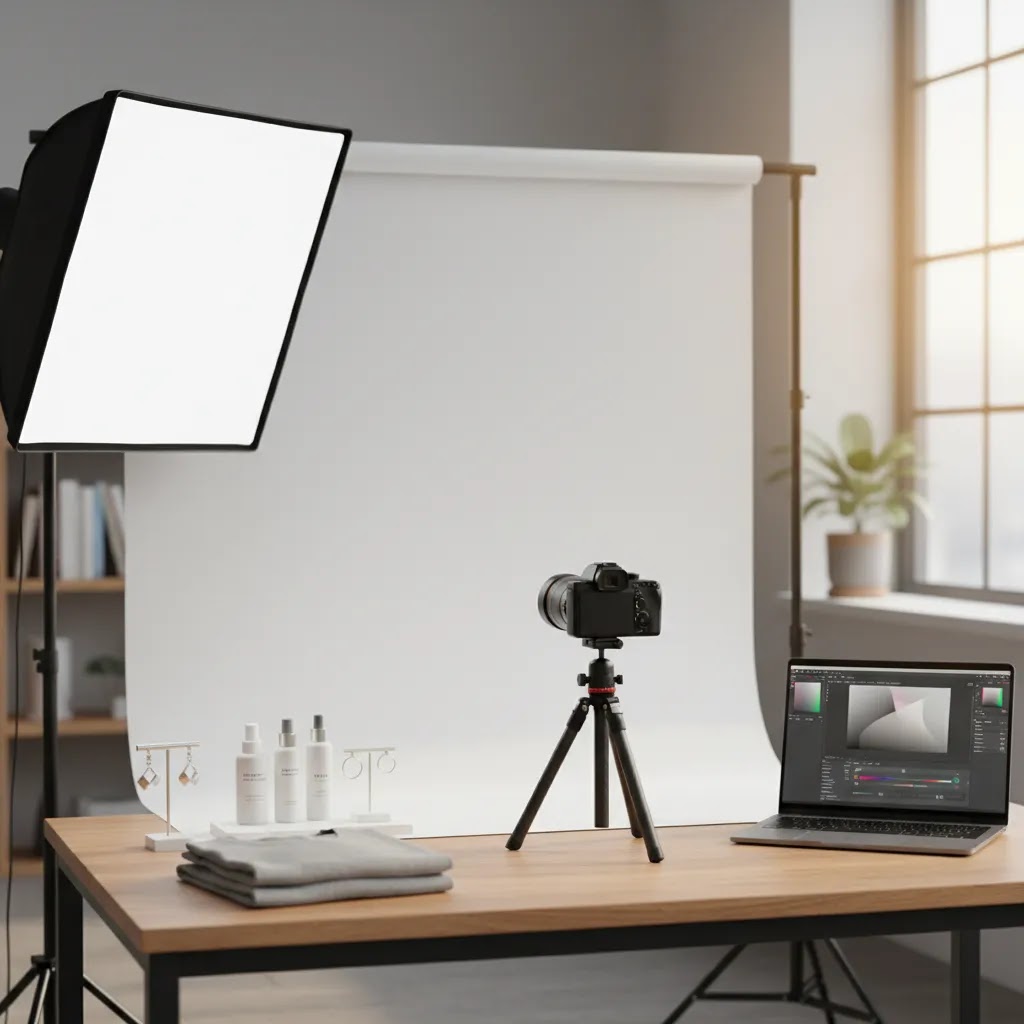
If you sell online, product photos do more than make your store look polished. They shape click-through rate, conversion confidence, and how premium your brand feels. The challenge is figuring out where to learn. Some product photography classes focus on camera technique, lighting, and styling. Others are better for ecommerce teams that need faster image production, cleaner white backgrounds, or AI-assisted workflows. This matters whether you are handling small product photography yourself, planning t shirt product photography, or comparing the real product photography cost of doing it in-house versus outsourcing. If you are still building your setup, start with this guide to a product photography studio so you can match the class to the kind of shots your store actually needs.
Contents
What Product Photography Classes Should Teach
The best product photography classes are not just about taking prettier pictures. For an ecommerce store owner, the real goal is creating images that help shoppers understand the product fast, reduce hesitation, and support buying decisions across product pages, ads, email, and marketplaces.
A strong class should cover the foundations first. That includes lighting control, exposure, lens choice, composition, color accuracy, and how to handle reflective, textured, or small products. If the course skips those basics, it may leave you with images that look acceptable on social media but inconsistent on a store collection page.
For ecommerce specifically, classes should also address shot planning. You need to know the difference between white background catalog images, lifestyle scenes, detail shots, scale references, and comparison images. That is where understanding the ai photoshoot approach can help too, especially if you are trying to expand image variety without organizing full location shoots.
Practical editing skills matter just as much. Product image work usually involves background cleanup, cropping consistency, dust removal, shadow handling, and export settings for store speed. For many merchants, learning ecommerce-friendly post-production has more day-to-day value than advanced camera theory alone.
If a class helps you connect image quality to conversion impact, workflow speed, and brand consistency, it is likely worth your time.
Key Skills and Tools Worth Learning
When you evaluate product photography classes, look beyond the lesson title and ask what workflows you will actually walk away with. The most useful training for ecommerce usually combines technical instruction with repeatable production systems.
First, your class should teach how to build a shot list by product type. Website product photography for jewelry, skincare, apparel, supplements, and home goods all require different approaches. Small product photography often needs tighter light control and sharper focus stacking. T shirt product photography needs fit, fold, or flat-lay decisions before the camera comes out.
Second, it should include background and scene management. Catalog images often need plain, standardized backgrounds, while paid social and homepage banners need more context. If your workflow includes AI-supported editing, it is worth learning where ai product photography can save time and where hands-on photography still gives you better control.
Third, editing tools should be part of the curriculum. Based on the current product data available, useful tools in this space include AI Background Generator, Free White Background Generator, Increase Image Resolution, and Remove Text From Images. These can support merchants who need cleaner catalog imagery, marketplace compliance, or quick creative testing.
Fourth, look for classes that address production efficiency. Ecommerce teams rarely shoot one hero image and stop there. You may need dozens of SKUs, multiple aspect ratios, and image variations for ads, product pages, and email campaigns. Training that includes file naming, batching, lighting consistency, and export standards will usually be more useful than a purely artistic course.
The right class should help you create a repeatable system, not just one good-looking photo.
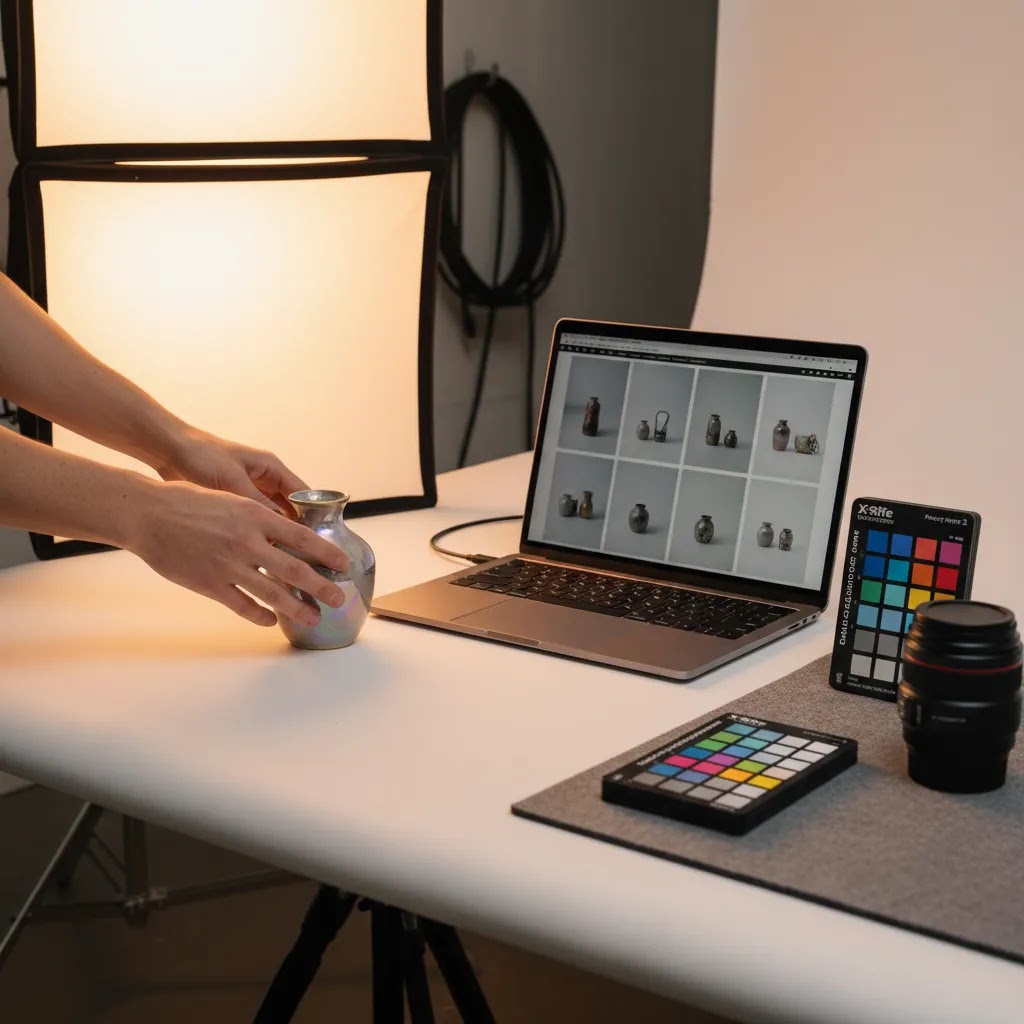
Product Photography Class Formats: Online vs In-Person vs Workshops
Here is the thing. “Product photography classes” can mean very different learning experiences. Choosing the right format matters because ecommerce photography is not only about understanding concepts. You need a workflow you can repeat when a new SKU lands on your desk, and that is where the delivery format can help or hurt.
How to choose a format based on your catalog and learning style
From a practical standpoint, your product volume and the type of feedback you need should drive this choice. If you have a large catalog and need to move fast, an online course that teaches a repeatable mini studio setup and batching workflow may be the most realistic path. If you are struggling with specific problems, like glare on glossy packaging, inaccurate color, or flat-looking textiles, an in-person class may be worth it because you can get real-time corrections while you shoot.
Short workshops can be a solid middle ground when you want a fast reset on lighting basics or styling, without committing to a longer program. They can also be useful if you are searching for something “near me” and you want hands-on time without a long schedule.
What makes an in-person class worth the time
In-person training is most valuable when it includes things you cannot easily replicate alone. Live lighting demos where you see the effect of moving a modifier a few inches. Hands-on styling with real products. Critique time where the instructor reviews your images and explains what to change, not just what is wrong.
It also helps if the class gives you access to studio gear you might not own yet. That does not mean you need to buy the same equipment afterward. The point is learning what different light sources and modifiers actually do, so you can make smarter choices for your home setup.
How to make an online class stick for ecommerce execution
What many store owners overlook is that online learning only pays off if you turn it into routine. A good approach is to create weekly shoot assignments using your actual products, not sample objects. Even one focused session a week can build momentum if you commit to a repeatable setup.
Think of it this way. Your goal is not “learn photography,” it is “build a mini production line.” Set up a consistent shooting area, document your lighting placement, decide on your crop and framing rules for collection pages, and write a simple SOP so you can recreate results when you are busy. That SOP can be as simple as: where the product sits, where the lights go, what camera height you use, what settings you start with, and how you export for Shopify. Once that is in place, your improvements compound because every new shoot uses the same baseline.
Pros and Cons
Strengths
Considerations
Who Should Invest in Classes
Product photography classes make the most sense for merchants who update inventory regularly, launch new collections often, or want tighter control over how products appear online. If you run a Shopify store and your biggest issue is slow content production, better training can be more valuable than buying another app.
They are especially useful for founders doing images in-house, small ecommerce teams without a dedicated photographer, and brands comparing the ongoing product photography business cost of outsourcing versus building an internal workflow. They can also help agencies and freelance creators standardize deliverables for ecommerce clients.
If your catalog is highly visual and fast-moving, learning the basics plus modern editing workflows is usually a smart investment.
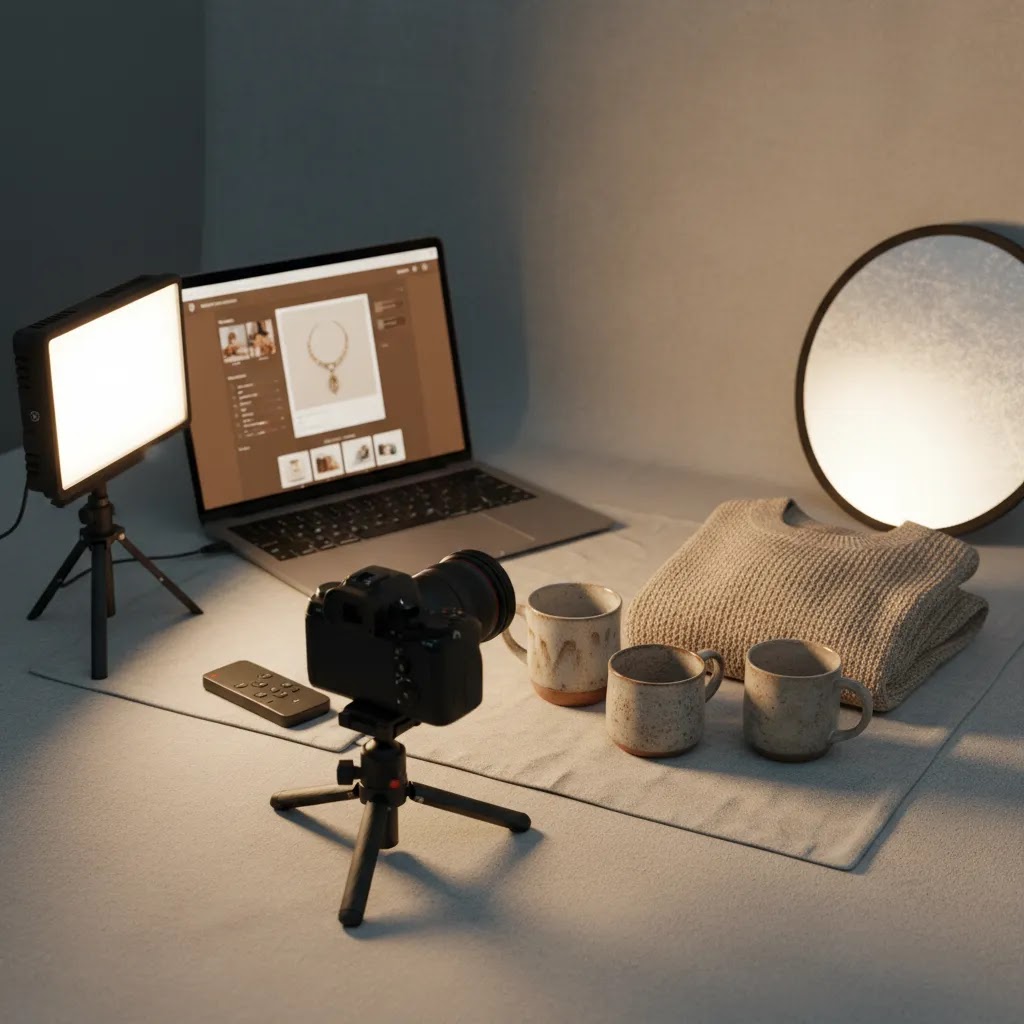
If You Want to Become a Product Photographer, Not Just Shoot for Your Store
Consider this. Some store owners start by learning product photography to fix their own catalog, then realize there is demand locally for ecommerce photography help. If that is you, the path from “I can shoot my products” to “clients pay me for deliverables” is real, but you need to think in terms of outcomes, not just images.
A practical path from store-owner skills to paid work
Start by building a small portfolio that shows you can produce consistent ecommerce-ready sets, not one-off hero shots. In practice, that usually means a tight catalog set (clean backgrounds, consistent angle, consistent crop), a lifestyle set (a few scenes that show the product in use), and a before and after retouch example (so a client can see your cleanup and color handling).
Clients will typically expect you to be able to repeat results across multiple SKUs, and to deliver images that work in thumbnails, product pages, and ads. That repeatability is often the difference between a hobbyist and a commercial shooter.
How ecommerce deliverables differ from “pretty photos”
The reality is that ecommerce photography is production photography. Details matter that have nothing to do with artistic taste. File naming needs to be organized so a team can upload quickly and avoid mismatches. Angles should be consistent across a collection so the storefront looks cohesive. Cropping should be predictable so product grids do not jump around.
You also need to understand where the images will be used. Shopify product pages, collection thumbnails, email banners, and marketplace listings all have different constraints. Delivering the right aspect ratios and keeping product representation accurate is part of the job, especially for regulated categories or products where color accuracy is critical.
Usage rights also come up faster than most beginners expect. If you take on client work, you will want a clear agreement about where the images can be used (site, ads, marketplaces) and whether exclusivity matters for the brand. If you are not sure, keep it simple and make sure expectations are written down before you shoot.
How to think about pricing and packaging services
Pricing varies, and it is not only about time spent pressing the shutter. What impacts cost is usually SKU count, styling complexity, whether the client needs lifestyle scenes, the turnaround time, and the depth of retouching required. Some clients care most about speed and consistency. Others want heavier styling and more post-production polish. Your packages should reflect those differences, so you are not quoting the same way for a 10-SKU catalog refresh and a creative campaign shoot.
AcquireConvert's Recommendation
If you are choosing between traditional classes and newer AI-supported workflows, the best route is usually a hybrid one. Learn the fundamentals first so you can judge image quality properly, then add tools that speed up production where they genuinely help. That is the practical approach most growth-stage ecommerce operators end up taking.
AcquireConvert covers this area through a store-owner lens rather than a general photography one. Giles Thomas brings the perspective of a Shopify Partner and Google Expert, which matters because product images are not only creative assets. They affect merchandising, paid traffic efficiency, Shopping visibility, and product page performance.
For merchants comparing AI-assisted editing options, our photoroom resource is a useful next step. If you are working in beauty or cosmetics, the crossover between catalog imagery and virtual try-on style content also makes this guide to an ai makeup generator relevant. You can also browse the broader Catalog Photography section for related tactics and workflows.
How to Choose the Right Class
There is no single best product photography class for every store. The right choice depends on your product type, your production volume, and whether you are learning to shoot, edit, or manage a full content workflow.
1. Match the class to your product category
A course for beverages or cosmetics may not help much with apparel, furniture, or electronics. Start with your most important SKU category. If your store depends on clean packshots, pick a class that emphasizes white background consistency. If brand storytelling is more important, choose one with lifestyle setup and composition training.
2. Check whether the class is ecommerce-specific
General photography training is not always enough. Ecommerce product photography needs consistency across a full catalog, not just one standout image. Look for lessons on product pages, thumbnail clarity, marketplace requirements, compression, and cropping for storefronts.
3. Prioritize workflow, not only camera settings
A useful class should teach you how to repeat the process across many products. That includes shot lists, lighting templates, naming conventions, retouching steps, and exports for web use. If you are comparing in-house production with outsourcing, this also gives you a better basis for understanding product photography cost and expected turnaround.
4. Look at how the class handles AI and editing tools
Many merchants now combine studio photography with AI editing, background generation, or resolution enhancement. That can work well if the training is honest about limitations. AI can help with variants, backgrounds, and creative testing, but your class should still emphasize color accuracy, brand consistency, and factual representation.
For more on this broader shift, the E Commerce Product Photography category is worth reviewing alongside course options.
5. Make sure the investment matches your stage
If you are early stage, you may only need enough training to produce solid website product photography and a few ad creatives. A larger catalog brand may need a more structured approach with editing SOPs, reusable lighting setups, and a defined approval process. The right class should fit the scale of your operation now, while giving you room to improve.
Choose training that helps you make better decisions repeatedly. That is what creates long-term value, whether you keep production in-house or hire later.
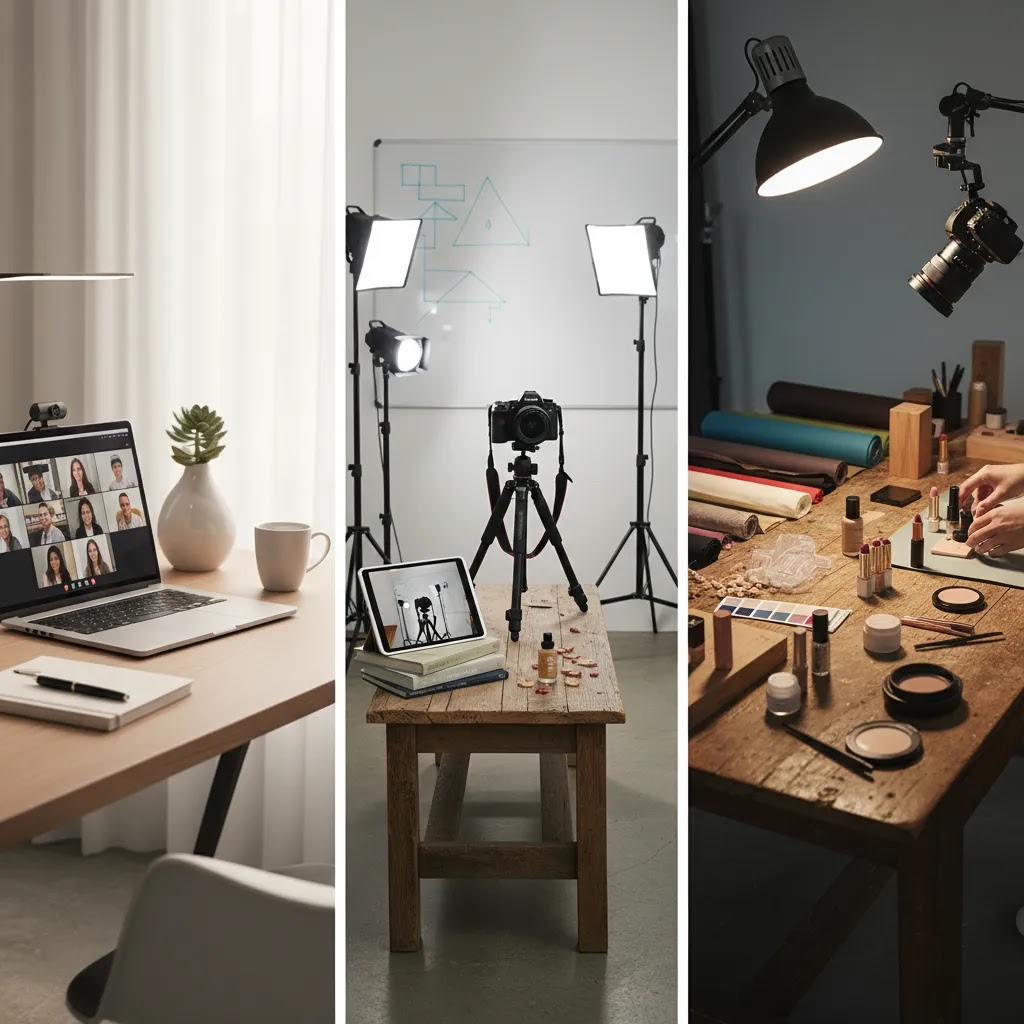
Photography “Rules” That Actually Matter for Ecommerce (And How to Use Them)
When you are learning, photography can feel full of rules. Most of them are really just shortcuts for making images readable. For ecommerce, “readable” usually means: the product is clear at thumbnail size, the collection page looks consistent, and the shopper does not have to work to understand what you are selling.
What shoppers feel, even if they do not know the names, is whether your images are consistent and easy to scan. If your hero shot crops change wildly from product to product, shoppers lose their place while scrolling. If your lifestyle images are busy, the product can disappear in the scene. The rules that matter are the ones that protect clarity and consistency.
Composition basics that show up in conversion, not just aesthetics
Start with framing consistency across a collection. Pick one camera height and one product size in frame, then stick to it. This is not about being rigid. It is about making your collection grid look calm and intentional, so the shopper can compare products quickly.
Next, prioritize clean negative space where you need overlays. If you use your product photos in ads, email headers, or homepage banners, you often need room for text. Planning that space at the shoot stage can save you from awkward crops later.
What the “50/50 rule” means and how to apply it to product images
The “50/50 rule” is commonly used as a simple balance idea. Half the frame is your subject area and half is supporting space. In ecommerce terms, it is a reminder not to cram the product edge-to-edge unless you have a specific reason.
For packshots, 50/50 can mean: keep consistent breathing room around the product so it looks uniform on collection pages and does not feel cramped. For lifestyle images, it can mean: let the environment support the product, but do not let props take over the frame. If the background becomes the star, you may get likes, but you can lose product clarity.
What the “20/60/20 rule” means and how to use it for thumbnails and banners
The “20/60/20 rule” is often used to think about spacing and visual weight. The middle 60 percent is where your main subject lives, and the outer 20 percent bands on each side are breathing room, context, or space for overlays.
For ecommerce, this can be a helpful mental model when you shoot with multiple placements in mind. If you keep the product mostly in the central area, you give yourself flexibility to crop for square thumbnails, 4:5 social placements, and wider banner images without chopping off important details. It also helps when you later run background cleanup or AI-assisted background generation, because the edges of the frame are less likely to contain critical product information.
When to ignore the rules
Now, when it comes to ads, sometimes the best creative is the one that breaks your catalog rules. You might test tighter crops, off-center framing, or asymmetry because it grabs attention in a feed. That can work, but keep it separate from your core catalog system. Your Shopify product pages and collection grids usually benefit from consistency, while your paid creative benefits from testing and variation.
Frequently Asked Questions
Are product photography classes worth it for small ecommerce brands?
Yes, often they are, especially if you add products regularly or need more control over your visual brand. A strong class can help you improve image consistency, reduce avoidable outsourcing costs, and understand what quality standards matter most for ecommerce. The value usually comes from building a repeatable workflow, not from learning advanced photography theory alone.
What should beginners look for in product photography classes?
Beginners should look for courses that cover lighting, composition, white background shooting, basic editing, and ecommerce image requirements. It also helps if the class includes practical assignments using products similar to yours. Courses that only focus on creative photography may be less useful if your immediate need is clean, conversion-friendly catalog imagery.
Do I need an expensive camera to benefit from a class?
No. In many cases, lighting, stabilization, and editing technique matter more than the camera body itself. A class that teaches how to control reflections, shadows, and color accuracy can be useful even if you start with modest equipment. As your store grows, you can upgrade gear based on the limits you actually encounter.
Can product photography classes help with product photography pricing?
Yes. Once you understand shot complexity, setup time, retouching effort, and output requirements, you will be better equipped to evaluate product photography rates from freelancers or studios. Even if you do not plan to shoot in-house long term, education helps you scope projects more clearly and compare quotes more confidently.
Are AI tools replacing the need to learn product photography?
No, not completely. AI tools can support editing, background replacement, image cleanup, and creative variation, but they do not replace judgment around accuracy, merchandising, and brand fit. Learning the fundamentals helps you spot weak outputs and use AI more effectively. That is why many ecommerce teams combine photography basics with selective automation.
What types of product photography matter most for ecommerce?
The essentials usually include white background images, hero shots, detail close-ups, scale references, and lifestyle images. Depending on your category, you may also need flat lays, on-model shots, texture shots, or comparison visuals. The right mix depends on how much explanation your product needs before a shopper feels ready to buy.
How do classes help with product photography automation?
Good classes can teach the operational side of image production, including batching, consistent lighting, shot lists, file naming, and template-based editing. That foundation makes automation tools more useful later. Without a consistent process, software tends to expose workflow problems rather than solve them.
Should Shopify store owners learn photography or outsource it?
It depends on catalog size, margin, and how often your imagery changes. Many Shopify merchants benefit from learning enough to handle routine product launches and quick creative updates internally. Outsourcing can still make sense for major campaigns or highly technical shoots. The most practical middle ground is often a mix of in-house basics and specialist support.
How to learn product photography?
Learn it the same way you would build any ecommerce skill: fundamentals first, then repetition. Start with lighting control (because it drives quality more than camera specs), then learn consistent framing and basic editing for web. After that, practice on your own products with a simple shot list so you are building a repeatable workflow, not just experimenting. Many store owners improve fastest when they keep the setup constant and change one variable at a time, like light position or background distance.
How do I become a product photographer?
Build proof you can deliver ecommerce-ready sets consistently. Create a small portfolio with clean catalog images, a few lifestyle shots, and at least one before and after retouch example. Then focus on production details that clients care about: predictable angles, clean file organization, correct exports for Shopify and marketplaces, and accurate representation. If you do paid work, keep usage expectations clear upfront so there are no surprises about where images can be used.
What is the 20 60 20 rule in photography?
It is a common spacing guideline where the center 60 percent of the frame holds the main subject, and the outer 20 percent on each side is breathing room or supporting space. For ecommerce product photography, it can help you keep products centered for thumbnail clarity and make cropping easier across different placements like collection grids, ads, and banners.
What is the 50 50 rule in photography?
It is a simple balance idea where the subject and supporting space are roughly split, so the frame feels readable and not cramped. In ecommerce, that usually translates to leaving consistent margins around a product for cleaner collection pages, and avoiding lifestyle scenes where props or background overwhelm the item you are actually trying to sell.
Key Takeaways
Conclusion
The best place to learn product photography depends on what your store actually needs. If your goal is consistent catalog images, choose classes built around ecommerce workflows. If you need more creative range, look for training that includes lifestyle setups and post-production. Most merchants get the strongest return by learning the fundamentals first, then layering in AI-supported tools where they save real time without sacrificing accuracy.
AcquireConvert is a strong next stop if you want practical guidance from an ecommerce specialist perspective. Giles Thomas brings Shopify Partner and Google Expert experience to topics that connect photography with traffic, merchandising, and conversion. To keep researching, explore our guides on ai photoshoot workflows and ai product photography so you can build a learning path that fits your store.
This article is editorial content for educational purposes and is not a paid endorsement unless explicitly stated otherwise. Pricing, features, and tool availability are subject to change, so verify current details directly with the provider. Any performance or workflow outcomes mentioned are not guaranteed and will vary by product type, store setup, team skill level, and implementation quality.

Hi, I'm Giles Thomas.
Founder of AcquireConvert, the place where ecommerce entrepreneurs & marketers go to learn growth. I'm also the founder of Shopify agency Whole Design Studios.