Best Product Photography Course (2026 Guide)

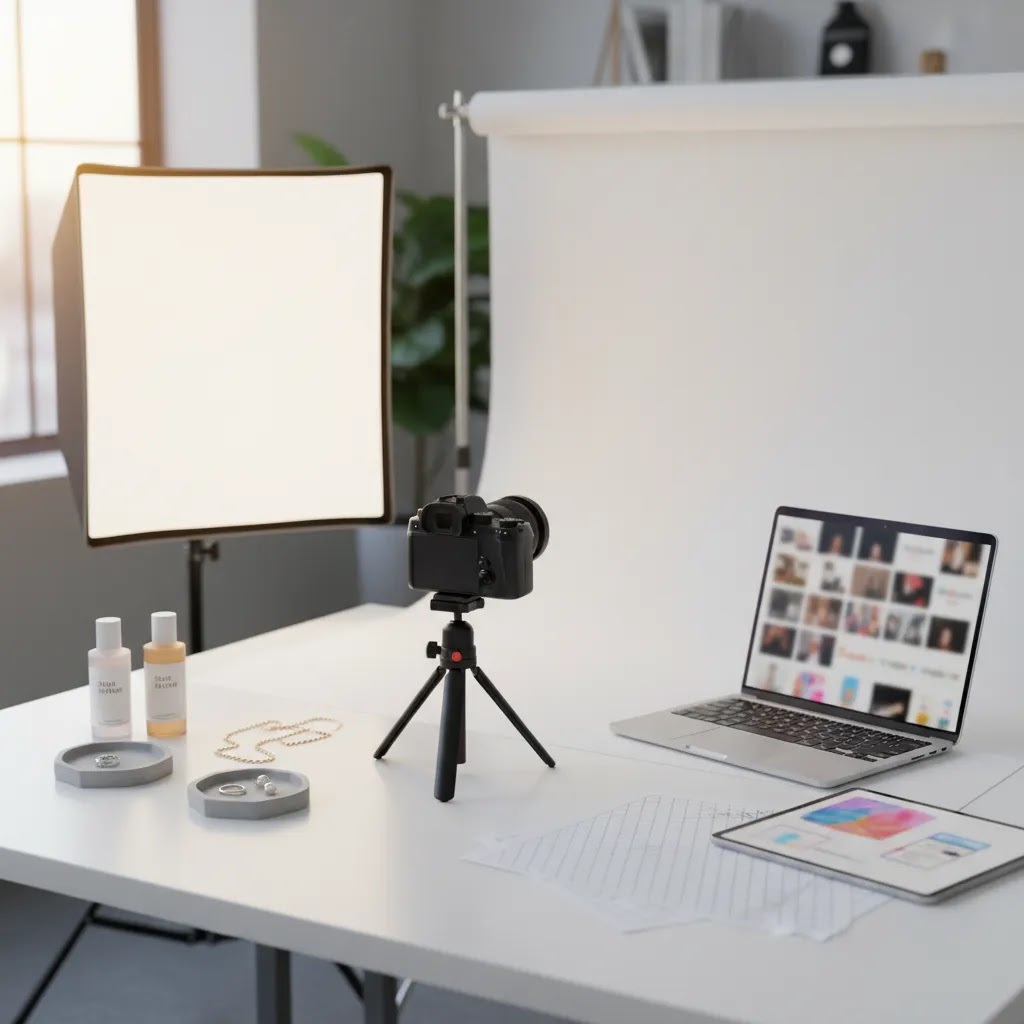
If you run an ecommerce brand, the right product photography course can improve more than your images. It can sharpen your product page workflow, reduce creative bottlenecks, and help you publish visuals that fit Shopify collections, paid ads, email campaigns, and marketplaces. The challenge is choosing between in-person training, a product photography course online, and newer AI-focused options. Some are built for camera fundamentals. Others are better for lighting, retouching, video, or fast catalog production. Before you enroll, it helps to understand how each format affects your store's actual content needs. If you are still setting up your shooting workflow, start with this guide to a product photography studio so you can match the course to your equipment, space, and output goals.
Contents
What makes a product photography course worth paying for
A strong product photography course should help you create assets that are usable in a selling environment, not just technically attractive images. For most store owners, that means clean white background shots, consistent collection imagery, a repeatable lighting setup, lifestyle images for social proof, and a simple retouching process that does not eat your week.
The best programs usually teach four things well. First, they cover camera and lighting basics clearly enough for non-professionals. Second, they show how to build repeatable processes for batches of products. Third, they include post-production, especially background cleanup, color consistency, and cropping for ecommerce layouts. Fourth, they explain how image choices affect conversion, trust, and merchandising.
That last point matters more than many course pages admit. A beautiful image style is not always the most useful one for a Shopify catalog. A home decor brand may need room-context shots. A beauty brand may need texture, shade, and ingredient detail. An apparel store may care more about fit, drape, and alternate angles. That is why course selection should start with your catalog type and content volume, not just the instructor's portfolio.
If you are considering faster production methods, AcquireConvert also has practical coverage of ai photoshoot workflows and where they may fit alongside traditional studio training.
Online vs in-person vs AI-assisted learning
An online product photography course is usually the best fit if you want flexibility and repeat access to lessons. You can learn at your own pace, revisit lighting diagrams, and practice with your own products instead of copying a classroom demo. This format tends to work well for Shopify merchants managing content in-house.
In-person classes can be stronger if you need feedback on your setup, camera handling, or lighting placement. They are also useful if you specifically want a product photography course near me because you learn better by doing, asking questions in real time, and working with gear before you buy it.
AI-assisted learning is different. It is not a replacement for photography fundamentals, but it can be a useful layer on top. If you already understand composition and lighting, AI tools may help with background generation, cleanup, and alternate scene creation. That is especially relevant for stores producing large catalogs or frequent campaign assets. For a deeper look at where automation fits, see AcquireConvert's resource on ai product photography.
A good rule is simple. Learn capture fundamentals first, then decide where editing automation can save time without lowering trust or accuracy.
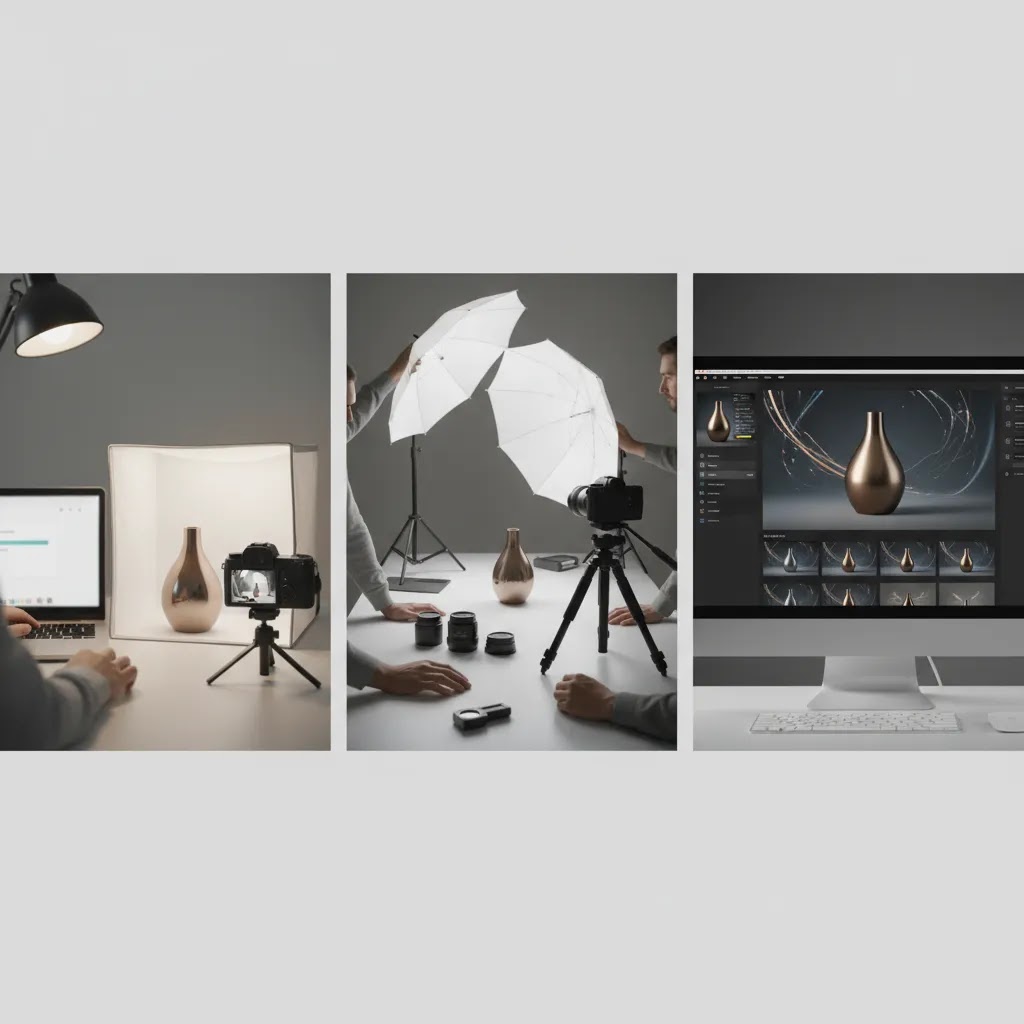
What you will learn in a great product photography course
Most course pages talk about “professional results,” but the skills that matter for ecommerce are more specific. A great product photography course teaches you how to style products so they read clearly at thumbnail size, control light so surfaces look accurate, and edit consistently so your Shopify collection pages look cohesive.
Competitor courses that actually produce usable ecommerce output usually nail three core competencies: styling, lighting control, and editing fundamentals. If any of these are missing, you can end up with pretty single images that do not scale across a catalog.
Styling: making the product look like the product
Styling is not just “props.” It is the set of decisions that make your item instantly readable. That includes picking the right surface, managing wrinkles, removing dust, straightening labels, and choosing angles that show what matters to the buyer.
From a practical standpoint, styling lessons should help you answer questions like: Can a shopper understand size, finish, and key features in three seconds? Do variants look like they belong together? Do your images feel consistent when Shopify stacks them into a grid?
Lighting: controlling reflections, shadows, and background separation
Lighting is where most store owners either level up fast or stay stuck. “Confidently controlling light” is not about buying expensive gear. It is being able to produce the same look, on purpose, across different products and shoot days.
In practice, that typically means you can do things like: create soft, repeatable light with diffusion, use modifiers to control highlight shape, flag reflections off shiny packaging, and separate your product from the background without harsh cutouts. A strong product photography lighting course module should explain not only where to place lights, but why that placement changes reflections and shadow edges.
Editing fundamentals: cleanup, color correction, and consistency standards
Editing is not just “make it pop.” Ecommerce retouching is mostly about accuracy and repeatability: cleaning up dust and scratches, correcting white balance so colors match what you ship, keeping backgrounds consistent, and exporting in the right size and crop so images align on product pages.
Here is the thing: for Shopify catalogs, consistency often matters more than aggressive retouching. A course is more useful when it teaches a simple workflow you can apply to 50 SKUs, not a complex process that only works for one hero image.
Product-type techniques you should see in the syllabus
Different products break “generic” photography advice. If you sell jewelry, chrome, glass, or glossy packaging, reflections are the subject, not a side problem. If you sell cosmetics or skincare, texture and color accuracy matter because customers buy based on subtle cues. If you sell large items, the challenge becomes even lighting, scale, and shooting space.
When you review a course outline, look for signs the instructor has a plan for your category. That could be macro and focus stacking for small items, glare control and polarizing approaches for reflective surfaces, and repeatable setups for larger products where distance and background control are harder.
Best product photography course options by use case
There is no single best product photography course for every merchant. The right option depends on whether you need foundational training, local in-person instruction, AI-supported workflows, or ecommerce-specific production habits.
1. Best for ecommerce beginners: a fundamentals-first online course
If you are still learning exposure, composition, and white balance, start with an online course that focuses on tabletop setups, white background product capture, and batch consistency. This kind of product photography course online is usually the safest first investment because it builds a durable skill base. Look for modules on lighting products with limited space, photographing reflective items, and editing for marketplaces and Shopify themes.
For beginners, the biggest value is repeatability. You want a process you can use every week, not a one-off hero shot tutorial.
2. Best for local hands-on feedback: in-person workshops in your city
If you are searching for product photography brisbane, product photography vancouver, or another city-specific option, prioritize workshop providers that let you practice with real products. In-person coaching is most helpful when you struggle with shadows, light modifiers, tethered shooting, or camera settings. It can also shorten the time between learning and implementation because someone can correct your setup on the spot.
The trade-off is that location-based courses vary widely in quality. Some are aimed at general photography enthusiasts rather than ecommerce operators, so review the syllabus carefully.
3. Best for scaling content production: AI-supported course plus editing tools
If your team already knows the basics, an AI product photography course may be more useful than another general lighting class. The goal here is not to fake photography skill. It is to speed up repetitive tasks like background cleanup, alternate scene generation, and image prep for campaigns.
Useful tools in this workflow include AI Background Generator, Free White Background Generator, and Increase Image Resolution. These are most helpful after you understand how product accuracy, shadows, reflections, and perspective affect customer trust.
4. Best for advanced catalog teams: lighting plus retouching specialization
A professional product photography course is worth considering once your core setup works but your output still looks inconsistent. In many cases, the bottleneck is not shooting. It is lighting control, file handling, and post-production standards. A stronger intermediate or advanced course should cover product photography lighting course material, retouching workflows, and image standards for categories with difficult surfaces like jewelry, glass, cosmetics, and metal packaging.
If your catalog relies heavily on appearance detail, post-production discipline often matters as much as capture technique.
5. Best for conversion-focused brands: lifestyle and merchandising instruction
Some merchants do not need better technical shots. They need better selling images. A lifestyle product photography course or ecommerce product photography course can help you think in terms of buyer intent, angle selection, sequence design, and merchandising context. That is especially useful if your PDPs need a stronger balance of white background, in-use, detail, and scale-reference images.
Beauty and personal care stores may also find crossover value in learning how generated visuals are used responsibly in adjacent creative workflows such as this guide to an ai makeup generator, particularly when testing creative directions before full production.
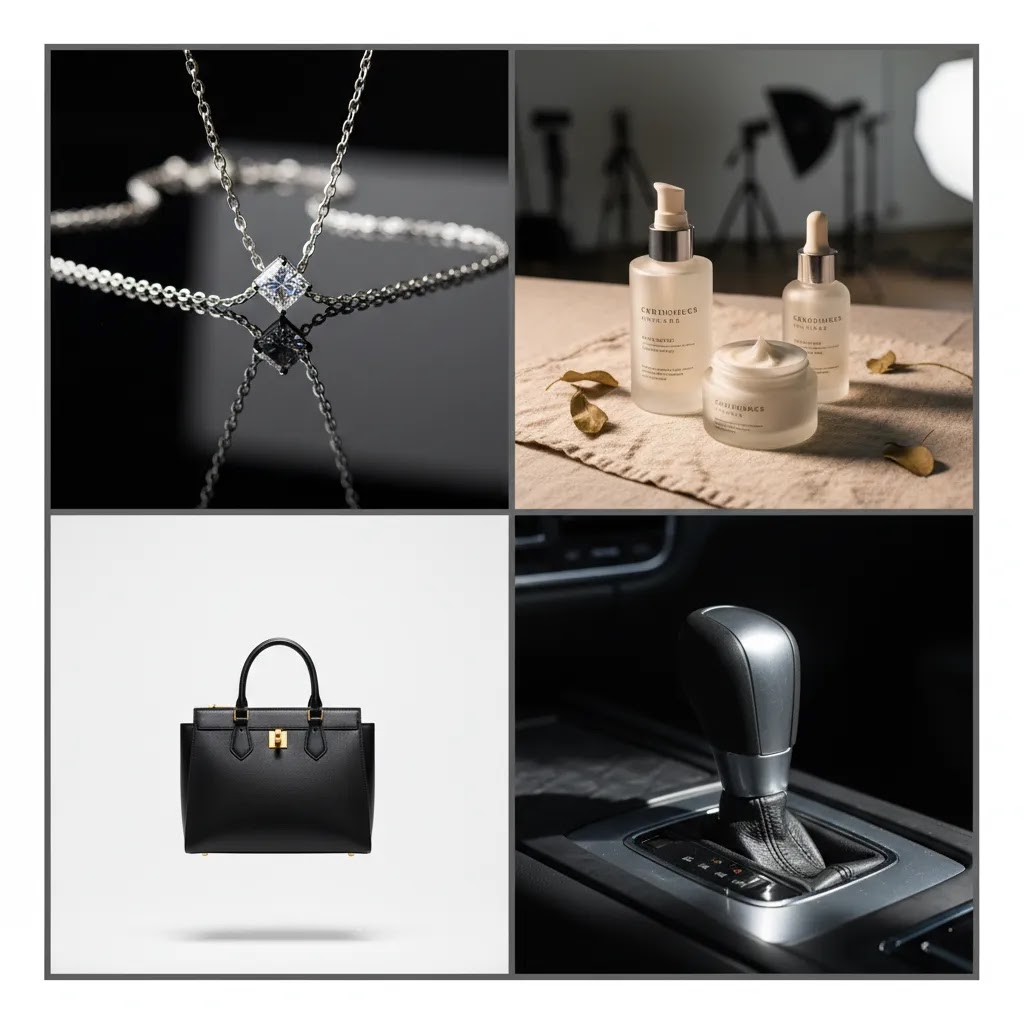
Course fit by product category (jewelry, cosmetics, cars, and everything in between)
What many store owners overlook is that “product photography” is not one skill. A course that is perfect for ceramics can be a bad fit for jewelry, and a course that nails moody lifestyle sets might not help you produce clean, consistent Shopify catalog images.
Use the category examples below to sanity-check the fit. You are not looking for the prettiest portfolio. You are looking for training that matches the problems your products create in real lighting and real fulfillment conditions.
Jewelry, watches, and other small reflective items
Small products magnify every mistake. If you sell jewelry, look for course examples that show true-to-life metal color, controlled reflections, and sharp detail where it counts. Macro technique matters, but so does surface prep and reflection management.
In assignments, it is a good sign if the course teaches consistent angle sets (front, side, detail) and explains how to keep gemstones, polished metal, and glossy finishes from turning into bright blobs or dark mirrors.
Cosmetics, skincare, and glossy packaging
Beauty categories need accuracy. If your lipstick shade, foundation tone, or skincare texture is even slightly off, customers notice, and returns can creep up. Courses that work for this category usually show how to manage glare on packaging, keep labels readable, and light texture without making it look artificial.
Look for clear guidance on white balance, consistent backgrounds across shades, and editing workflows that prioritize “match what ships” over dramatic grading.
Apparel and soft goods
Apparel is not just lighting. It is styling systems. Courses that fit apparel should cover fabric handling, wrinkle control, consistent folds, and how to maintain the same framing and scale across sizes and colors. If you shoot flat lays, you want repeatable top-down setups. If you shoot on mannequin or model, you want consistent posing and light that shows drape and texture.
Large items, furniture, and bulky products
For larger products, the challenge is often space and control. You need even light across the item, clean separation from the background, and a way to show scale. A course is more transferable when it includes setups for working farther back, controlling spill light, and keeping vertical lines looking natural.
Automotive, industrial, and high-gloss surfaces
Cars and high-gloss industrial products are basically reflection management problems. The way this works in practice is you shape the light by shaping what the product reflects. Look for coursework that shows how to create long, controlled highlights, reduce unwanted environment reflections, and keep panels looking smooth without over-editing.
Quick red flags when you review a course portfolio
Some course portfolios look impressive, but the lessons may not transfer to your catalog realities. Be cautious if most examples are one-off hero shots with no consistent angle set, if the instructor hides behind heavy filters that would distort product color, or if the work avoids common ecommerce requirements like pure white backgrounds, variant consistency, and repeatable cropping for collection grids.
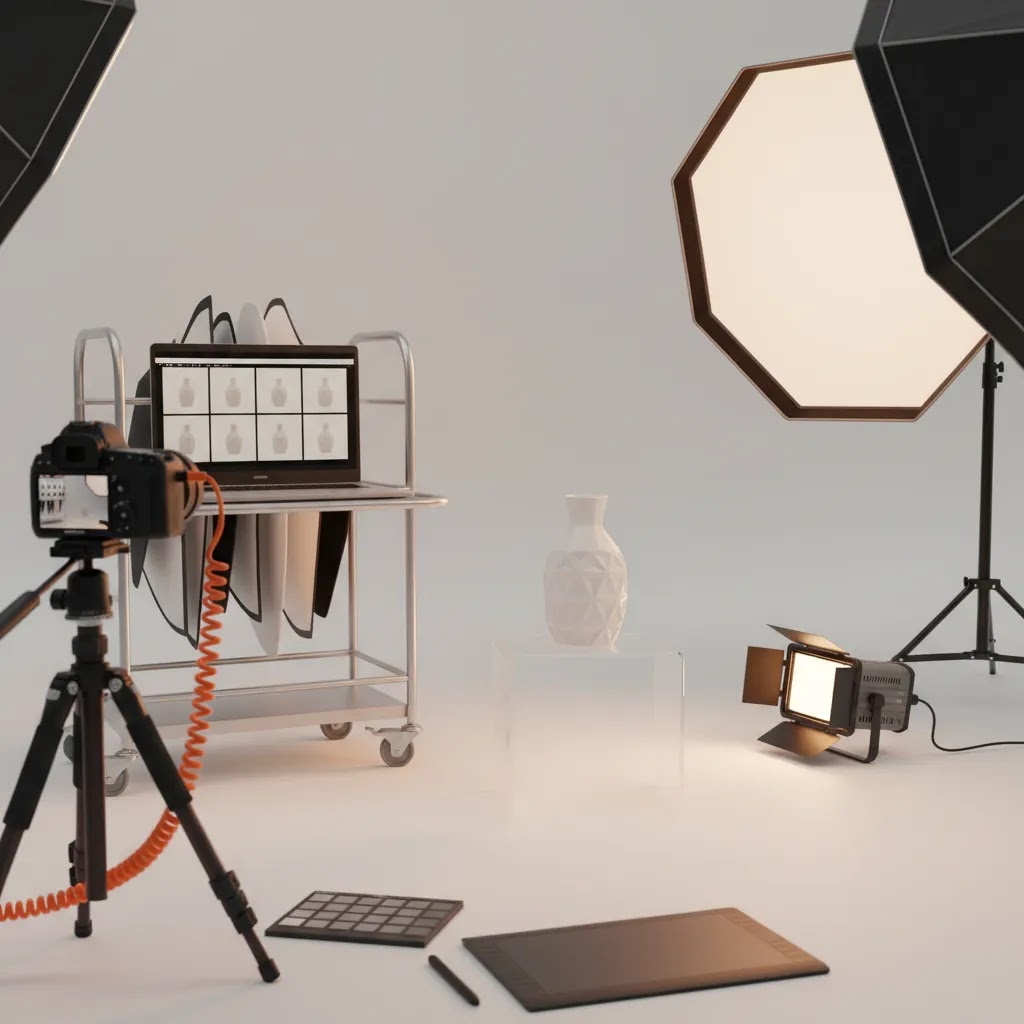
Pros and Cons
Strengths
Considerations
Who this is for
This evaluation is for Shopify merchants, ecommerce teams, and brand operators who want a practical way to improve product imagery without hiring a full studio team right away. It is especially relevant if you manage your own PDPs, need faster catalog output, or want to reduce the gap between creative quality and conversion performance.
It is also useful if you are deciding between traditional camera-based training and newer AI-enhanced production methods. If your store depends on visual trust, such as apparel, beauty, home goods, accessories, or gifting, course fit matters because image quality affects both merchandising and buyer confidence.
If you want to get hired: product photography jobs, portfolios, and client work
This guide is written for merchants, but some readers are also learning product photography to get hired, win freelance clients, or add a service line alongside their store work. If that is you, your course choice matters in a slightly different way. You need skills, and you also need proof you can deliver consistent ecommerce output on a deadline.
A product photography portfolio that attracts ecommerce clients typically shows consistency sets, not just highlights. Think of it this way: a brand hiring you wants to see you can shoot and edit 10 to 30 SKUs so they look like one cohesive catalog, with predictable angles, predictable lighting, and predictable crops.
Useful portfolio inclusions for ecommerce work often look like: clean white background images (with consistent shadows), a small set of lifestyle images that match the brand, a few close-up detail shots, and at least one before-and-after retouching example so a client can see your cleanup and color accuracy process. Category variety can help too, but only if you can maintain consistency within each set.
Now, when it comes to client work, expectations are usually less romantic than course promo videos. You will get a brief, you will have usage requirements, and you will be expected to deliver files that fit a Shopify workflow. Basic usage rights and delivery details are not legal advice, but you should expect to clarify where images will be used (site, ads, marketplaces), how long they will be used, and whether a client needs raw files or just finals. The biggest reason ecommerce clients pay for product photography is reliability. One perfect hero image is nice, but consistent production is what actually keeps stores shipping new creative.
AcquireConvert recommendation
For most ecommerce brands, the smart path is to choose a course that teaches capture fundamentals first, then layer in workflow tools that save production time. That usually means learning lighting, composition, file consistency, and retouching before you rely on generated backgrounds or scene creation. Giles Thomas approaches this from a practical operator's angle as a Shopify Partner and Google Expert, which is useful if your real goal is not just better images, but stronger product pages and more efficient content production.
If you want to compare education with implementation options, read AcquireConvert's take on photoroom, then browse the broader Catalog Photography hub for adjacent workflows. For a stronger grounding in setup and technique, the Product Photography Fundamentals category is a useful next step.
How to choose the right course
1. Start with your catalog type. Small boxed products, apparel, cosmetics, and reflective items all need different handling. If the course examples do not resemble your products, some lessons may be less transferable than they first appear. A beauty merchant will care more about color accuracy and texture. A homeware brand may care more about scale and room context. Fit matters.
2. Check whether the course is built for ecommerce, not just photography. The strongest programs connect visuals to product pages, marketplaces, ads, and content reuse. If the syllabus focuses only on artistic image-making, you may miss practical topics like batch shooting, cropping standards, collection page consistency, and variant management.
3. Look closely at lighting and editing coverage. A lot of weak courses spend too much time on camera menus and not enough on what actually shapes image quality. For store owners, lighting control and post-production usually have more day-to-day impact than advanced camera theory. If your current pain point is inconsistency, prioritize a course with clear retouching and workflow modules.
4. Decide how much feedback you need. Self-paced online learning is efficient if you can troubleshoot on your own. If you repeatedly struggle with shadows, focus, reflections, or file prep, in-person learning may be worth the higher cost. Search terms like product photography course near me are often a signal that you need direct feedback, not just more theory.
5. Be realistic about AI. AI can help with scene generation, cleanup, and experimentation, but it works best when you already understand what a trustworthy product image should look like. If you want to practice with editing support, tools like Magic Photo Editor, Background Swap Editor, and Place in Hands may support your workflow. They are best treated as production aids, not substitutes for learning visual standards.
A good final check is to ask whether the course will help you publish better images faster within the next 30 to 60 days. If the answer is unclear, keep looking.
Frequently Asked Questions
What is the best product photography course for beginners?
The best starting point is usually an online course that covers lighting, composition, white background shooting, and basic retouching for ecommerce. Beginners often get more value from a repeatable shooting process than from advanced artistic lessons. Look for examples that match your product category and show how to produce consistent images across an entire catalog.
Is an online product photography course enough for a Shopify store owner?
In many cases, yes. If your goal is to improve PDP images, collection consistency, and ad creative production, a strong online course can be enough. It helps most when you practice with your own products while learning. If you need direct feedback on setup problems, an in-person workshop may still be the faster route.
Should I choose an in-person course near me or learn online?
Choose online if you want flexibility, repeat access to lessons, and lower disruption to your weekly operations. Choose in-person if you learn best through live feedback or need help with lighting, camera handling, and difficult products. The better option depends less on location and more on how much guided correction you need.
Are AI product photography courses worth it?
They can be, but mostly for merchants who already understand core photography principles. AI-focused training may help you speed up repetitive editing and campaign asset creation. It is less useful if you still struggle with lighting, framing, or product accuracy. For most brands, AI is a second-layer skill rather than the first thing to learn.
What should an ecommerce product photography course include?
A useful ecommerce-focused course should include white background photography, lifestyle imagery, lighting control, image retouching, cropping, color consistency, and file prep for product pages. It should also explain how image types support merchandising, trust, and conversion. Courses that ignore catalog workflows often leave store owners doing too much guesswork afterward.
What do you learn in a product photography course?
In a strong course, you typically learn three things that map directly to ecommerce output: styling products so they read clearly online, controlling light so shadows and reflections look intentional, and editing for clean, consistent catalog images. The best courses also teach repeatable workflows for batch shooting, color correction, background cleanup, and export settings that keep your Shopify collection grids consistent.
How long does it take to learn product photography?
If you practice consistently, many store owners can learn a basic, usable setup in a few weeks, then improve quality over the next couple of months as they refine lighting control and editing standards. Timeline depends on how complex your products are and how often you shoot. Reflective items and color-critical categories like beauty typically take longer because small lighting and editing mistakes are more obvious.
Do I need Photoshop or Lightroom for product photography classes?
Not always. Some courses teach with Photoshop, Lightroom, or both, but the real requirement is that you can do consistent cleanup, color correction, and exports. If your course is editing-heavy, having a standard tool helps you follow along. If you are using AI-assisted editors for background cleanup or variations, you still want to review outputs carefully for product accuracy before publishing, especially for color, labeling, and fine details.
How do I build a product photography portfolio to get clients?
Build a portfolio that shows you can produce consistent ecommerce sets, not just one-off hero shots. Include at least one complete product set (multiple angles with consistent crops and lighting), a white background example, a lifestyle example, and a before-and-after retouching comparison. If you can, add variety across a few product types, while keeping each set internally consistent. Ecommerce clients usually care most about reliability, accuracy, and repeatability.
Do I need expensive equipment before taking a course?
No. You can learn a lot with a modest setup if the course teaches lighting well. For many stores, the bigger issue is not camera price. It is controlling shadows, reflections, and consistency. Start with a course that works with practical equipment and simple setups, then upgrade gear once you know what is actually limiting your results.
Can a photography course help reduce content production costs?
It may, especially if you currently outsource every small product update or campaign image. Learning an in-house process can reduce reshoot requests, improve turnaround time, and give your team more control over launches. Savings depend on your catalog size, quality expectations, and how much content you produce each month.
What is the difference between a product photography lighting course and a general photography class?
A lighting-specific course focuses on how to shape shadows, highlights, reflections, and background separation for products. That is often more useful for ecommerce than a broad photography class, which may cover portraits, landscapes, or general camera operation. If your images feel flat or inconsistent, lighting training usually has the clearest practical payoff.
Should I learn product photography video at the same time?
If short-form video is already important for your product pages, social ads, or landing pages, it can make sense. If still photography is weak, fix that first. Good stills remain the foundation for most collections and marketplaces. Once that workflow is stable, product video can be a strong extension of the same lighting and styling setup.
Key Takeaways
Conclusion
The best product photography course is the one that helps you produce useful selling assets consistently, not the one with the most polished promo page. For most ecommerce brands, that means starting with strong fundamentals, then adding specialized learning in lighting, retouching, lifestyle scenes, or AI-supported workflows as your catalog grows. If you sell on Shopify, your training should map back to real store tasks like updating PDPs, launching collections, and creating ad-ready visuals quickly. AcquireConvert is built for that kind of practical decision-making. If you want the next step, explore related guides across catalog photography, compare AI-assisted editing options, and use Giles Thomas's practitioner-led resources to build a workflow that fits your store rather than someone else's studio.
This article is editorial content created for educational purposes and is not a paid endorsement unless explicitly stated otherwise. Pricing and tool availability are subject to change, so verify current details directly with each provider. Any performance or workflow outcomes discussed are not guaranteed and may vary based on your product type, team capability, and implementation.

Hi, I'm Giles Thomas.
Founder of AcquireConvert, the place where ecommerce entrepreneurs & marketers go to learn growth. I'm also the founder of Shopify agency Whole Design Studios.