Product Photography Denver: Local Studios (2026 Guide)

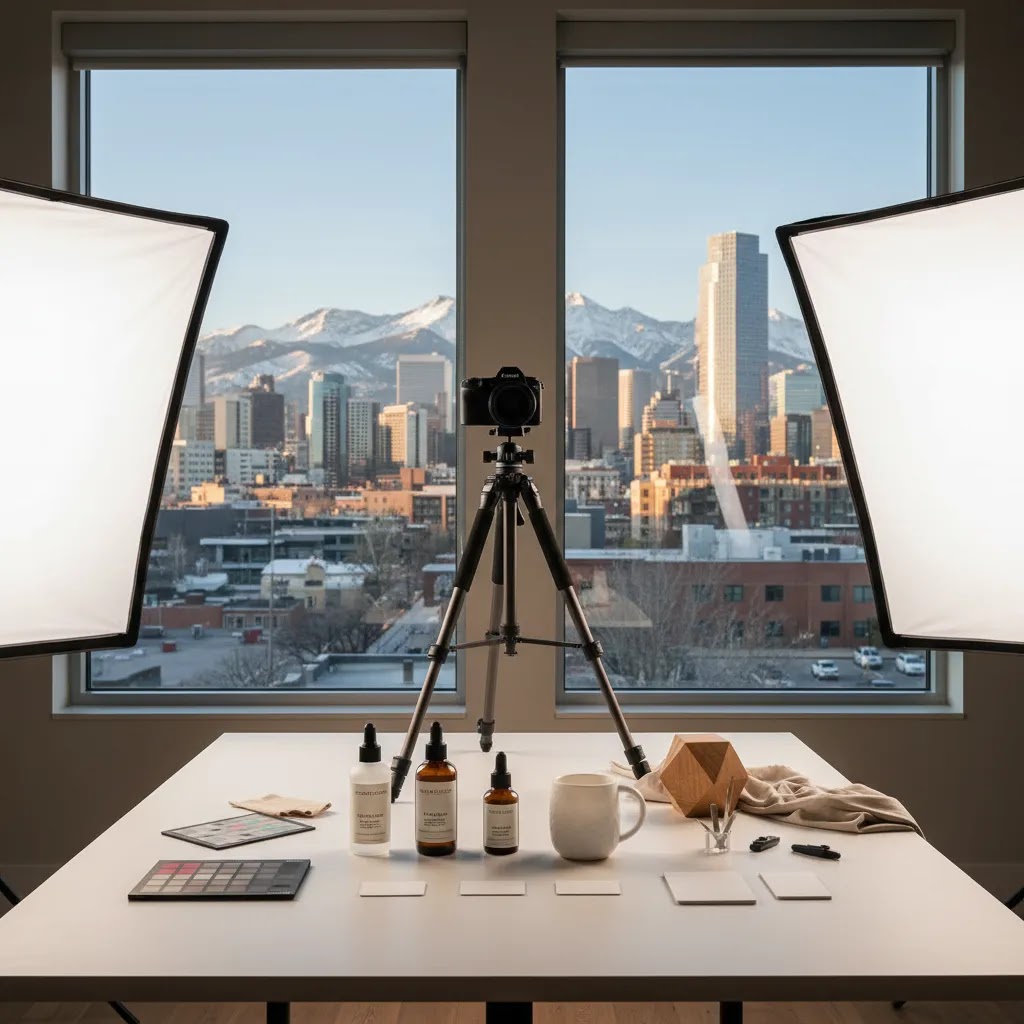
You have a good product, your Shopify store is live, and traffic is starting to come in, but your images still look like they were shot on a folding table under kitchen lights. That is a common turning point for ecommerce brands in Denver. At some stage, DIY photos stop being good enough for ads, product pages, wholesale decks, and marketplaces. You need sharper visuals, more consistency, and a setup that helps customers trust what they are buying.
If you are searching for product photography denver, you are probably deciding between hiring a local studio, working with a freelance specialist, or using AI tools to reduce production time and cost. This guide will help you sort through those options in a practical way. You will see what local studios usually offer, how to evaluate whether a product photography studio is the right fit, what to ask before booking, and where AI can help without lowering quality. For Shopify merchants, the goal is not just prettier images. It is better product understanding, stronger conversion potential, and a visual system you can actually maintain as your catalog grows.
Contents
Why local studios still matter for ecommerce brands
AI image tools have improved fast, and for some catalogs they can save a lot of time. Still, local product photography matters, especially when your products need accurate scale, material texture, color control, or careful styling. If you sell cosmetics, food, apparel accessories, home goods, or handmade products, a buyer often needs visual proof that the item is real and worth the price.
That is where a Denver-based studio can help. You can ship products locally, review samples faster, and often speak directly with the person planning the shoot. From a practical standpoint, that usually means fewer rounds of confusion over framing, props, color expectations, and file usage rights.
For most Shopify stores, a strong studio partner gives you more than a few hero images. They can create a repeatable system for collection pages, product detail images, bundle shots, and ad creatives. If you are still comparing studio work with solo specialists, AcquireConvert also has a useful breakdown of what to look for in a product photographer when you need more flexibility or niche expertise.
DIY vs studio vs high-volume photo services
Here is the thing: “hire a studio” is not always the right answer, even if you can afford it. For Shopify store owners, the best option depends on how many SKUs you have, how often you launch, and whether you need repeatable content for ads every month.
Most stores end up choosing between four paths: DIY in-house, a local Denver studio, a remote category specialist, or a high-volume service model that is built for throughput and consistency.
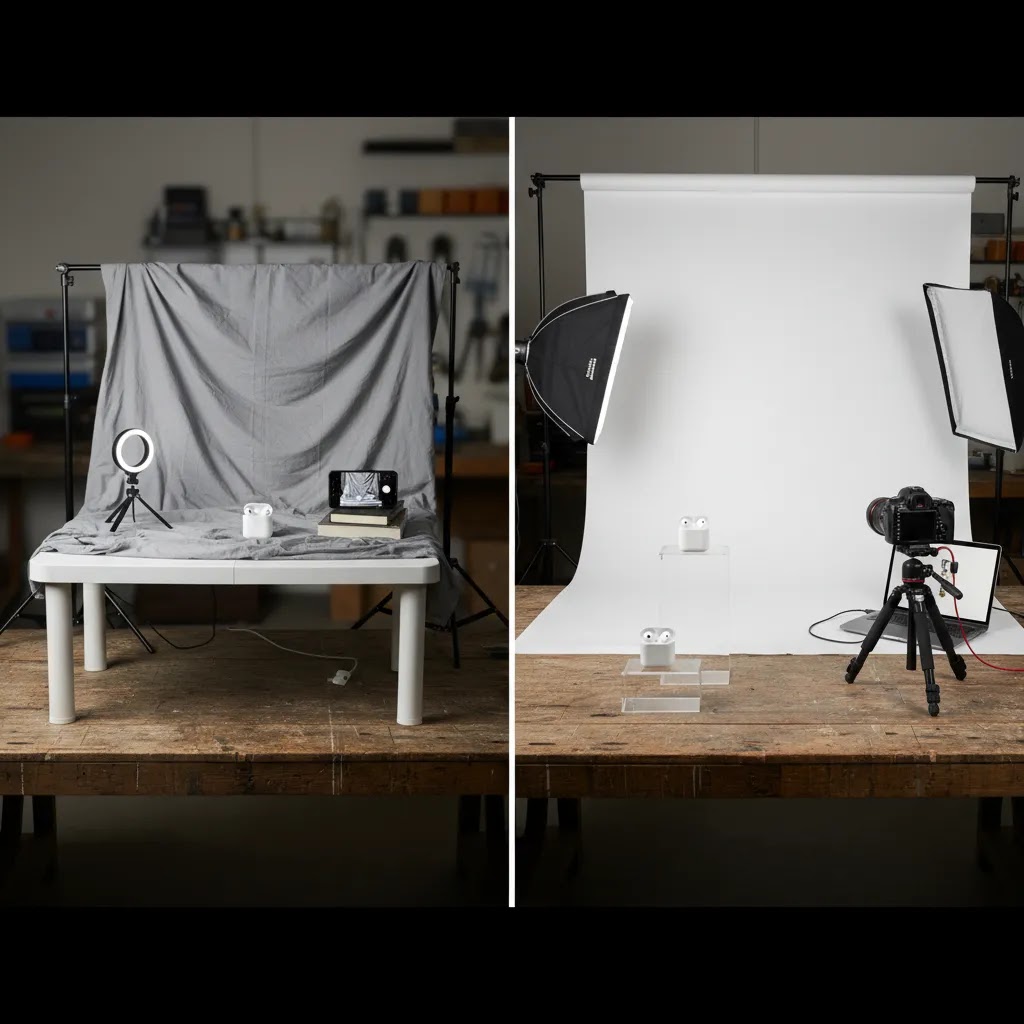
DIY is usually the smartest move when you are validating demand, your SKU count is small, and your product is straightforward to shoot. It can also be useful for fast content like behind-the-scenes, UGC-style ad tests, and quick seasonal updates. The tradeoff is consistency. If your lighting, angles, and editing change every time you shoot, your collection pages can start to look messy, and that can make your brand feel smaller than it is.
A local Denver studio is often the best fit when you need physical handling, accurate color, controlled lighting, and a reliable process you can repeat. It is especially helpful for glass, reflective packaging, textured materials, and anything where you want confident, conversion-friendly detail shots. Local can also reduce friction when you need to drop off inventory, approve props, or fix an issue quickly.
A remote specialist can make sense if they are exceptional in your category and have a proven ecommerce workflow. Think of products like jewelry, watches, beauty, or food, where category-specific styling and lighting are a skill on their own. The downside is logistics and iteration. Shipping delays and back-and-forth revisions can slow you down if you are trying to hit a launch date.
A high-volume service model can be practical when you need repeatability at scale, especially for larger catalogs, frequent variant launches, or ongoing marketplace requirements. These providers tend to be operationally strong and may offer standardized shot types, predictable editing, and batch processing. The tradeoff is that creative flexibility can be limited, and you still need to manage your briefs carefully so every SKU gets the right angles and crops for Shopify.
From a practical standpoint, a hybrid pattern is common. If you have under 10 to 20 SKUs, you can often start with DIY plus selective professional work on your top sellers. If you are in the 20 to 100 SKU range, a studio or structured service model tends to pay off because consistency starts to matter across collection pages. If you have 100 plus SKUs or frequent drops, you usually need a production system that can deliver on schedule, with standardized shot lists, naming conventions, and ongoing capacity for refresh cycles.
What Denver studios usually offer
Not every local studio is built for ecommerce. Some focus on commercial campaigns. Others are better set up for catalog volume. The difference matters because your needs as a store owner are usually operational, not artistic alone.
Standard ecommerce packshots
These are the clean white or neutral background images used on Shopify product pages, Amazon listings, Google Shopping feeds, and marketplaces. They prioritize consistency over dramatic styling. If your catalog has dozens or hundreds of SKUs, this is often your baseline requirement.
Lifestyle and branded scenes
These shots help customers imagine the product in use. A Denver studio may build these on set or shoot in local locations. Lifestyle images often work well for landing pages, paid social ads, and email campaigns, but they take more planning than simple product isolation shots.
Flat lays, detail crops, and scale shots
What many store owners overlook is how much conversion value comes from secondary images. Close-ups of stitching, lids, ingredients, packaging texture, or dimensions may answer objections that your product description misses. In practice, this means fewer “Will this look like the photos?” concerns before purchase.
Retouching and post-production
Retouching quality varies a lot. Some studios include dust removal, color correction, clipping paths, and shadow work. Others charge separately for every edit. If your products are reflective, transparent, or highly textured, post-production quality may matter as much as the shoot itself.
How to choose the right fit for your store
The right studio depends on your product type, order volume, and channel mix. A handmade jewelry brand needs a different setup than a supplement company or a furniture seller. Here is the practical filter to use.
Match the portfolio to your product category
Do not hire based on general polish alone. Look for products with similar surfaces, shapes, and packaging challenges. A studio that photographs beer cans well may not handle glass skincare bottles or matte black electronics with the same skill.
Check whether they think like an ecommerce operator
Ask how they handle variant shots, naming conventions, aspect ratios, and export sizes. If they only talk about mood boards and creative vision, they may be better suited to campaign work than catalog production. The reality is, Shopify merchants often need both creativity and process discipline.
Review consistency across a full set
One beautiful hero image is not enough. Ask to see a complete product set, including front, angle, detail, packaging, and in-use images. A strong ecommerce workflow keeps lighting, scale, and framing consistent across your whole collection.
Ask about revision policy
Revisions are where many shoots become frustrating. Clarify how many are included, what counts as a reshoot versus a retouch, and how feedback should be delivered. A structured feedback loop usually saves both time and money.
Where AI fits into the workflow
AI should not be treated as a replacement for every product shoot. It works best as a layer in your workflow. Think of it this way: studio photography captures the product truth, while AI may help you scale variations, backgrounds, and creative formats once that truth is established.
If you are evaluating ai photography for ecommerce, start with low-risk use cases. Background cleanup, white background generation, and size upscaling are often safer than asking a tool to invent entirely new product angles.
Useful AI tasks for ecommerce teams
AcquireConvert covers practical AI image workflows in several places, including its guide to photoroom and its broader Catalog Photography hub. Those resources are useful if you are balancing local photography with faster content production for campaigns.
You can also test AI image utilities directly through tools like AI Background Generator, Free White Background Generator, or Increase Image Resolution. Features and availability may change, so it is worth checking the current provider pages before building a workflow around them.
Questions to ask before booking
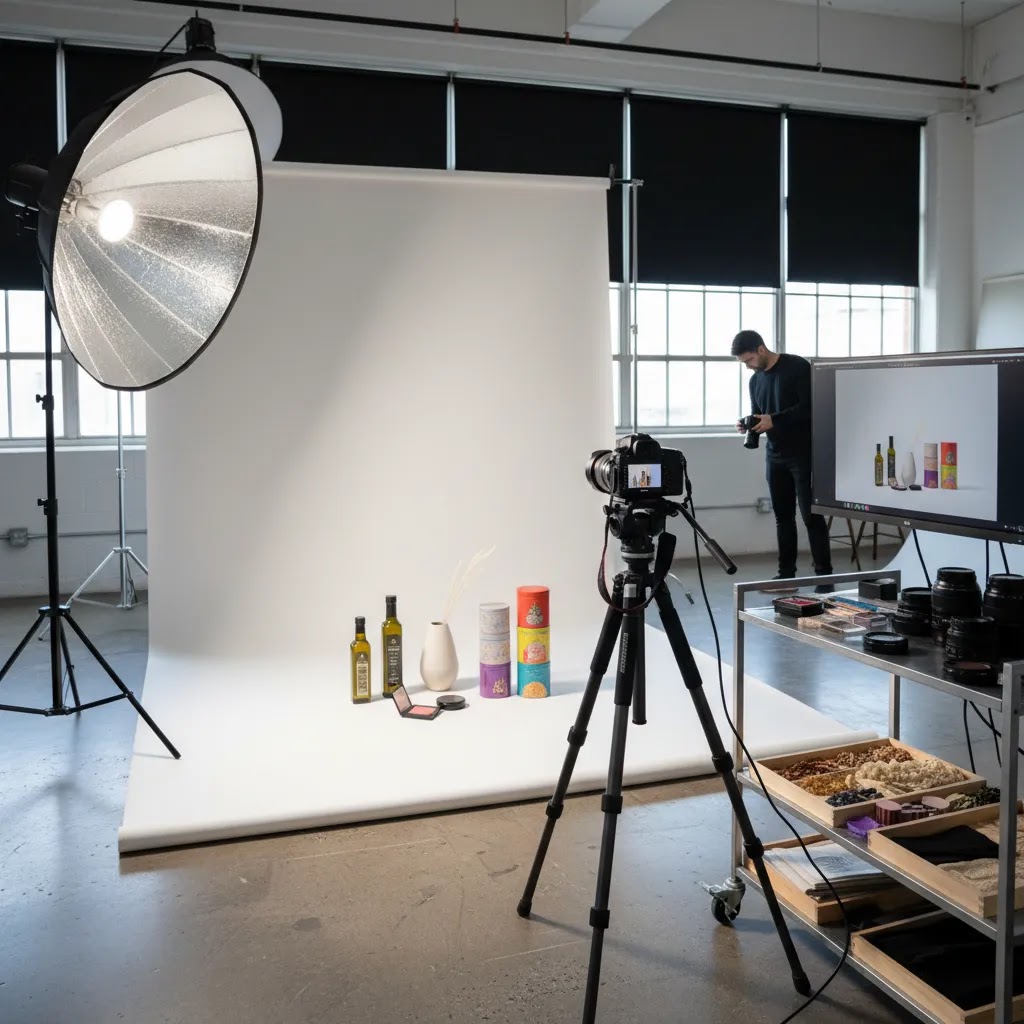
A short discovery call can save you from a disappointing shoot. Here are the questions that tend to reveal whether a Denver studio understands ecommerce production or not.
Consider this a stress test. If answers are vague, your production process will probably be vague too. Good studios can explain both the creative side and the operational side in plain language.
Turnaround time and production speed
Competitors talk about speed for a reason. If you run a Shopify store, photography is not just a branding project. It is often the thing blocking a product launch, holding back a collection page refresh, or forcing you to run ads longer than you want with stale creative.
What “fast” looks like depends on complexity, but in many cases a basic packshot batch can be delivered in days, while styled lifestyle shoots may take longer because there is more pre-production, prop sourcing, and retouching. The key is not the fastest promise on the call. It is whether the studio can give you a realistic schedule, then hit it.
From a practical standpoint, you want milestones you can manage, not a vague “we will send them soon.” A typical production timeline you can plan around looks like this:
The reality is, there are almost always delays somewhere, shipping, missing samples, last-minute packaging changes, or a product that looks different under studio lighting than it did in your mockups. Build a buffer for that, especially if you are launching around holidays or seasonal demand.
Now, when it comes to making speed actually useful, ask the studio to deliver in a sequence that matches merchandising priorities. For most Shopify store owners, that means priority SKUs first. Get the images for your best sellers and the hero products for your collection pages delivered first, then fill in the long-tail SKUs after. That way you can start publishing, updating collection grids, and refreshing ads while the rest of the batch finishes.
Costs, timelines, and deliverables
Pricing for product photography in Denver varies based on volume, complexity, styling, and post-production. A simple packshot project may be priced per image, per SKU, or by day rate. Styled shoots usually cost more because they include planning, props, set building, and longer edit time.
Do not compare quotes on price alone. Compare what is actually included. One studio may quote lower but exclude retouching, usage rights, or alternate crops for ads. Another may charge more upfront and save you time later by delivering files ready for Shopify, Amazon, email, and paid social.
Turnaround is another detail worth checking carefully. If you are launching a seasonal collection, ask for a production schedule with milestones. For many stores, late image delivery is more damaging than a slightly higher fee.
If you are still deciding whether to outsource locally or use a broader service model, the Product Photography Services category can help you compare how different providers structure their offers.
Denver product photography pricing benchmarks
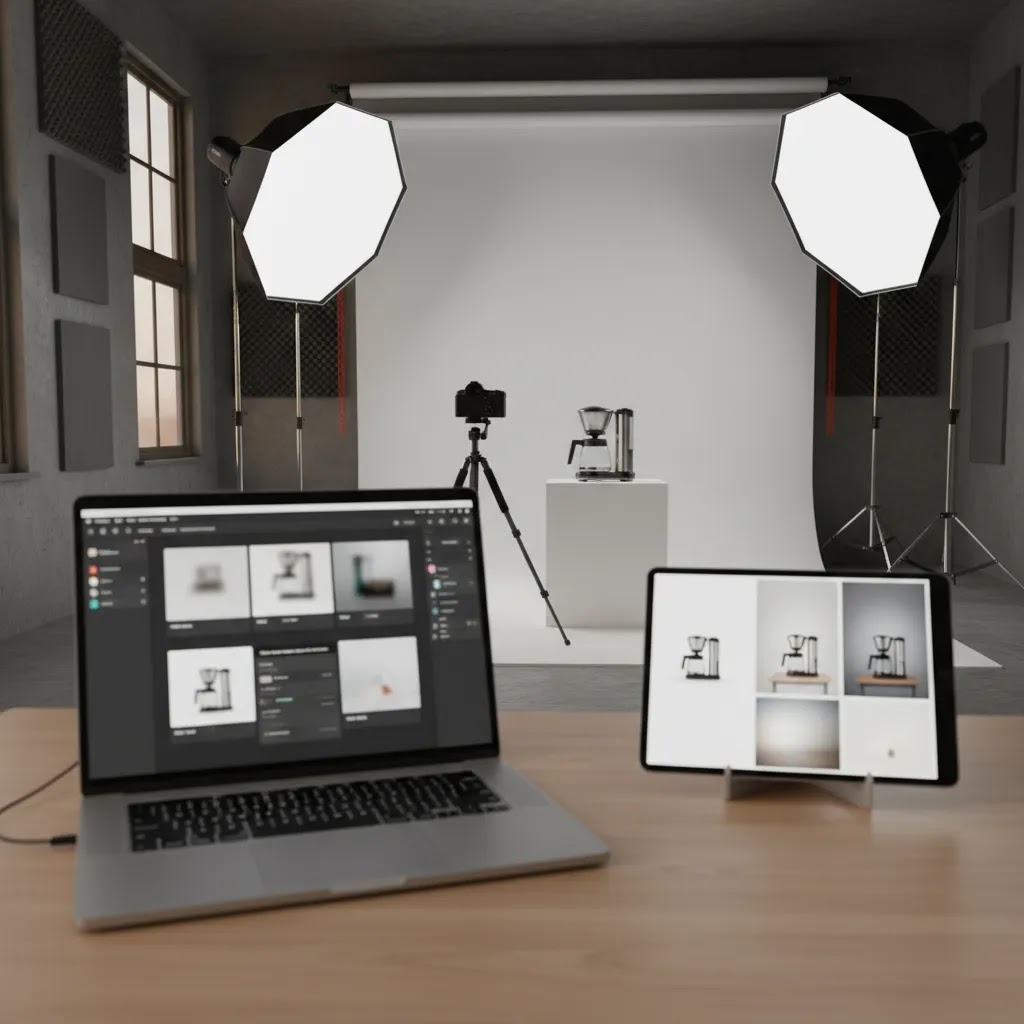
Most store owners want a quick anchor before they start collecting quotes. The challenge is that photography can be priced in a few different ways, and two quotes that look similar can include totally different deliverables.
In Denver, you will typically see a few common pricing models. Some studios quote per final photo, which can work well when you only need a small number of hero images or a very specific shot list. Others price per SKU, which is often clearer for Shopify catalogs because you can define a standard set per product, like hero plus two angles plus a detail. You will also see half-day and full-day rates, which can be a better deal when you have a lot of products that can be shot efficiently in the same setup, especially for consistent white background packshots.
Entry-level packshot work is often quoted at something like $20 to $60 per final image for straightforward products, while more complex items and higher-touch retouching can push higher. For day rates, it is common to see projects quoted in the hundreds to low thousands per day depending on the team size, styling needs, and post-production. Those are not universal numbers, but they are useful as a sanity check. If a quote is far outside that range, it is not automatically wrong, but you should understand exactly what is driving it.
What many store owners overlook is that the real cost drivers are usually not the shutter click. It is everything around it. Styling and prop sourcing can add time. Complex materials like glass, glossy packaging, metallic finishes, or reflective labels often require more lighting control and more post-production. The number of angles per SKU matters a lot. One hero image is not the same as a full set with front, back, side, top, ingredient label, and scale shot. Video add-ons can also change the scope quickly, especially if you want multiple aspect ratios for ads. Usage and licensing scope can matter too, so it is worth clarifying whether the quote covers your store, ads, email, and marketplaces, and whether there are time limits.
A clean way to compare quotes is to think in terms of cost per usable asset, not cost per photo. A single “image” for ecommerce often turns into multiple deliverables once you factor in the way you actually use it. You may need a square crop for collection pages, a 4:5 for paid social, a 16:9 for a banner, plus a tighter detail crop for the product page. When you compare studios, ask them to spell out in writing what you will receive per SKU: how many final selects, how many angles, whether alternate crops are included, what export sizes you get, how files will be named, what is included in retouching, and how many revision rounds are included. That level of clarity makes it much easier to compare providers without surprises after the shoot.
Best workflow for Shopify stores
The best setup is usually hybrid. You do not need every image type from the same source. Many growing stores use local photography for core assets and AI or lightweight editing for expansion tasks.
A practical hybrid model
This is especially useful if your brand has both conversion-focused product pages and content-heavy acquisition channels. Giles Thomas often frames ecommerce growth through both acquisition and conversion, and product imagery sits right in the middle of that. Strong images may improve click-through from ads, while also helping more visitors feel confident enough to buy once they land on your store.
If you sell beauty products, there is another AI angle worth reviewing. Visual consistency across product and model imagery matters, which is why a cross-hub resource like ai makeup generator can be relevant when your catalog overlaps with cosmetics merchandising.
The strategies and tools discussed in this article are based on current ecommerce best practices and publicly available information. Results will vary depending on your store, niche, and implementation. Always verify tool pricing, features, and platform compatibility directly with the relevant provider before making purchasing decisions.
Frequently Asked Questions
How much does product photography in Denver usually cost?
It depends on the type of shoot, number of SKUs, styling complexity, and retouching needs. A basic white background catalog shoot is usually priced differently from a styled lifestyle production. Some providers charge per image, others per product, and some use half-day or full-day rates. The most useful way to compare quotes is by deliverables, not headline price. Ask what is included in editing, file exports, usage rights, and revisions. A lower quote can become more expensive if key pieces are billed separately after the shoot.
Is a local Denver studio better than hiring a remote product photographer?
A local studio can be a better fit if you want faster logistics, easier communication, or tighter quality control over physical products. That is especially true for fragile items, products with subtle color variation, or shoots that need creative direction. A remote specialist may still be a strong option if they have deep category experience and a proven ecommerce process. The right answer depends on how hands-on you want to be, how quickly you need assets, and whether shipping samples back and forth adds avoidable friction.
What image types should a Shopify store request from a studio?
Most Shopify stores should ask for a core set that includes a hero image, multiple angle shots, detail close-ups, packaging views, and at least one image that shows scale or usage context. If your products are sold through ads or email campaigns, lifestyle images and alternate crops may also be useful. The exact mix depends on what customers need to feel confident before buying. If shoppers often ask about texture, size, ingredients, or how an item looks in use, your photo set should answer those questions visually.
Can AI replace product photography for ecommerce?
Sometimes, but not fully for every store. AI can be very helpful for editing, background replacement, scene generation, and scaling creative production. It is less dependable when exact product representation matters, especially for reflective materials, regulated product categories, and items where customers expect precise color and finish. For many ecommerce brands, AI works best after you already have a solid base of real photography. That gives you source images that are accurate, brand-aligned, and easier to adapt for marketing without drifting too far from the real product.
What should I send a Denver studio before the shoot?
Send a clear shot list, SKU count, brand guidelines, reference images, intended usage channels, and any product handling notes. If your products come in variants, explain which colors, sizes, or bundles need separate assets. It also helps to share examples from your current Shopify store so the studio understands how the images will appear on collection pages and product pages. The better your pre-production brief, the fewer surprises you will face after delivery. Clear planning usually matters more than trying to fix direction after the shoot is complete.
Are AI-edited product images safe to use on Shopify and ads?
Usually, yes, if the final image still represents the product honestly and meets platform requirements. Problems tend to appear when AI changes the shape, color, packaging details, or perceived size in a misleading way. For ads and product pages, accuracy matters. You want customers to receive what the image suggests. A practical rule is to use AI for enhancement and production efficiency, not for altering the product into something it is not. Always review outputs carefully before publishing them across your storefront or ad accounts.
How do I know if a studio understands ecommerce, not just commercial photography?
Ask process questions. Can they handle repeated SKU formats, consistent framing, Shopify-ready file delivery, revision rounds, and multi-channel crops? An ecommerce-focused team usually understands that image production is tied to operations, merchandising, and conversion, not just aesthetics. They should be able to talk about file naming, turnaround expectations, variant management, and catalog consistency. If the conversation stays only on creativity and not execution, they may be better suited to campaign work than ongoing product image production for an online store.
Should I use 3D product photography or standard studio photos?
That depends on what you sell and how customers evaluate your product. Standard photography works well for most catalogs and is often the simpler place to start. 3D can be useful for configurable products, premium design-focused items, or products that benefit from interactive viewing angles. It can also support AR or richer merchandising experiences. Still, it tends to require more planning and a stronger technical process. If your immediate goal is improving basic product page clarity, standard studio images usually deliver value sooner than a full 3D rollout.
What is the fastest way to improve existing product images without a full reshoot?
The fastest path is usually selective editing. Clean up inconsistent backgrounds, correct exposure, improve resolution where needed, and replace weak hero images first. If you only have a few products driving most of your revenue, start there. You may not need to rebuild the whole catalog at once. For some stores, a mix of retouching and AI-assisted cleanup can extend the life of existing assets while you plan a better studio shoot for top sellers or new launches. This staged approach is often more manageable operationally.
How should I choose between studio photography and phone-based DIY images?
If your catalog is small, your margins are tight, and your products are visually simple, DIY images can work for testing demand. Once your store depends on paid acquisition, wholesale outreach, or stronger brand presentation, professional photography often becomes more worthwhile. The question is less about whether your phone can take a photo and more about whether your visuals create enough trust to support conversion. If image inconsistency is making your store look smaller or less credible than it is, that usually signals it is time to upgrade.
How much should I pay a photographer for a product shoot?
You will usually pay based on one of four structures: per final image, per SKU, half-day, or full-day. For a Shopify catalog, per SKU or day rate pricing is often easier to manage because you can standardize what “done” means for each product. As a rough calibration, straightforward packshots are often priced at tens of dollars per final image, while more complex products and heavier retouching can cost more. The most reliable way to decide if a quote is fair is to compare the cost to the usable assets you will actually get, like hero plus angles plus details plus ad crops, and confirm what is included in retouching, revisions, and usage rights.
How much does a product photo shoot cost?
It ranges widely based on scope. A small batch of simple products shot on a white background may be a few hundred dollars, while larger catalogs, lifestyle sets, and projects with styling and prop sourcing can move into the thousands. If you need multiple angles per SKU, multiple aspect ratios for ads, or video add-ons, cost can climb quickly. Ask for a line-item breakdown so you can see what is driving the quote, then compare providers on deliverables and process, not just the headline number.
What is the 80/20 rule in photography?
For ecommerce photography, it usually means a small set of images does most of the commercial work. Your hero image and a handful of supporting shots typically influence most purchase decisions, while the rest of the catalog images contribute less. For Shopify stores, this often translates into prioritizing your top revenue SKUs first and capturing the shots that remove the biggest buying objections: clear hero, accurate scale, key details, and any packaging or label information customers need to trust the product.
How many photographers are making over $300,000 a year?
It is hard to pin down a reliable number because photography income is reported differently across regions, specialties, and business models. Some commercial and high-volume ecommerce photographers do reach that level, usually by operating more like a production company than a solo shooter, with repeat clients, standardized workflows, and higher throughput. As a buyer, the practical takeaway is that a higher-priced studio is not necessarily better for your Shopify store. What matters is whether their process, quality, and delivery speed match your catalog needs and your launch schedule.
Key Takeaways
Conclusion
Finding the right product photography Denver partner is really about building a visual system your store can grow with. A good local studio can help you create reliable, conversion-friendly images that support your Shopify product pages, ads, and retention campaigns. The best choice is rarely the cheapest or the most artistic on the surface. It is the one that understands your product, your workflow, and the commercial role the images need to play.
Your next step is simple: shortlist two or three local studios, send the same shot brief to each, and compare how clearly they respond on process, pricing, and deliverables. If you are also exploring AI-supported workflows, review AcquireConvert’s related guides on studio setups, AI image tools, and catalog photography strategy so you can build a system that fits your store now and scales later.

Hi, I'm Giles Thomas.
Founder of AcquireConvert, the place where ecommerce entrepreneurs & marketers go to learn growth. I'm also the founder of Shopify agency Whole Design Studios.