Product Photography Packages Explained (2026)

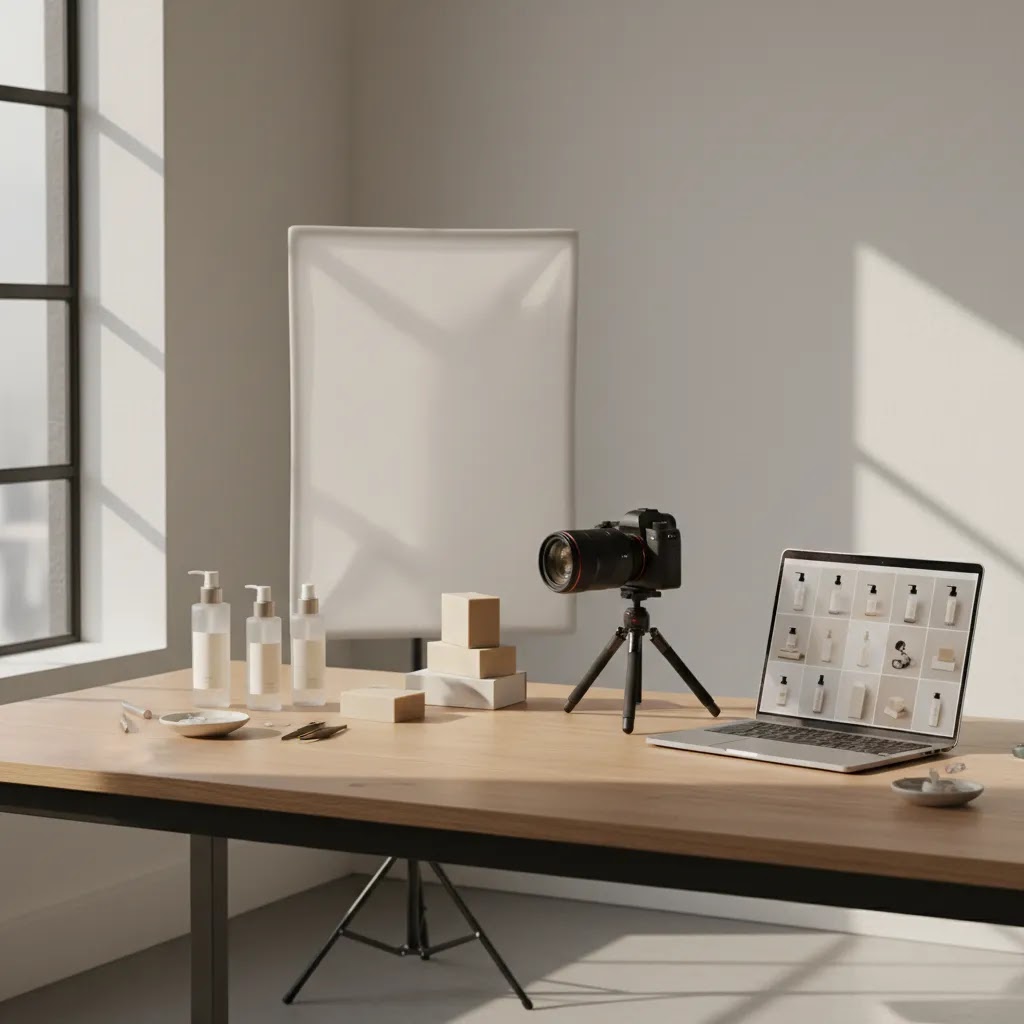
Product photography packages can look simple on a quote, but what matters is what you actually receive for the price. For ecommerce brands, that usually means more than a photographer showing up with a camera. It can include shot planning, editing, background removal, styling, retouching, file exports, and usage rights. The right package depends on your catalog size, product type, and where the images will be used, from Shopify product pages to Instagram ads. If you are comparing options, the goal is not finding the lowest photography packages prices. It is finding a setup that gives you usable assets that support conversion. At AcquireConvert, Giles Thomas reviews ecommerce tools and workflows through a practical Shopify-first lens, so this guide focuses on what store owners should check before signing off on any photography package.
Contents
What Product Photography Packages Usually Include
Most product photography packages are bundled service offers built around a set number of products, a set number of final images, and a defined production process. That process often covers pre-shoot planning, image capture, post-production, and delivery in web-ready formats. If you are also comparing a product photography studio, look closely at how each package defines those stages, because two quotes with similar prices can include very different levels of work.
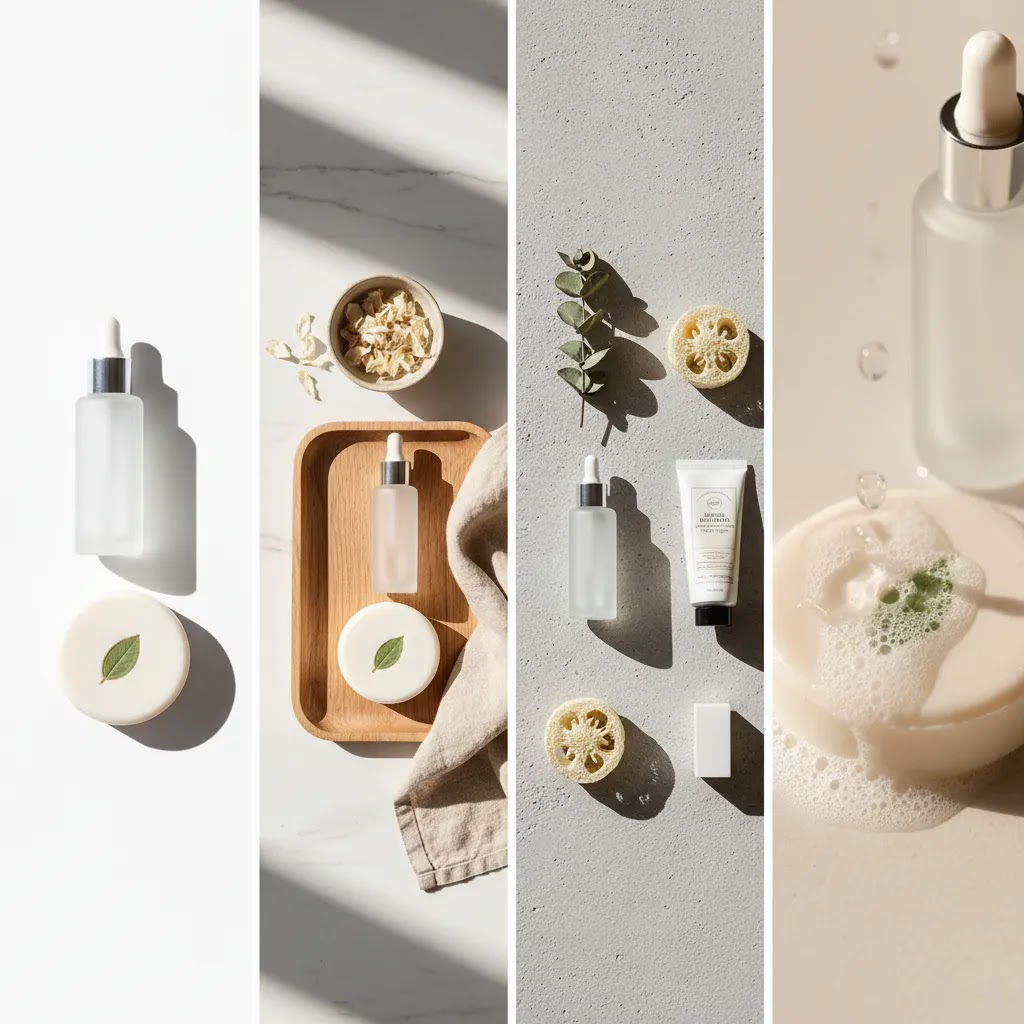
For ecommerce stores, the most common package types are white background catalog photography, lifestyle photography, flat lays, detail shots, and social-first creative. A minimalist product photography package may work for simple SKU pages, while lotion product photography or soap product photography often needs more styling because texture, shine, packaging, and ingredient positioning matter more. Fashion, cosmetics, and gift brands usually need a wider mix of image types than stores selling basic accessories or replacement parts.
Package structure also changes based on whether you use a traditional studio service, in-house production, or AI-assisted workflows. Some merchants now mix standard photography with tools that support ai photoshoot concepts or post-production workflows. That can be useful when you need more variation for campaigns but do not want to reshoot every product from scratch.
If a package is being marketed to ecommerce brands, ask one core question: will these images be ready for product pages, collection pages, ads, email, and marketplaces without extra paid work later? That is where many offers look stronger on paper than they do in practice.
Common Package Features and Deliverables
The best photography pricing packages are clear about deliverables. You should know exactly what is included before your products are shipped or the shoot starts. For most Shopify stores, these are the features worth checking first.
Shot count per product: Some packages price by product, others by final image. A basic catalog package may include one to three angles per SKU. That may be enough for low-consideration items, but not for products where shoppers want close-ups, scale references, or packaging details.
Background and styling: White background is standard for many catalogs, but brands selling skincare, candles, fashion accessories, or premium packaged goods often need unique product photography or moody product photography for campaigns. If you want Instagram product photography, confirm whether props, styling boards, and set design are included or billed separately.
Retouching and editing: Basic edits usually mean color correction, cropping, and cleanup. Advanced retouching may cover dust removal, reflection control, label straightening, and texture balancing. If you are evaluating AI-supported workflows, guides on ai product photography can help you decide where traditional photography stops and software-led editing becomes more efficient.
File delivery specs: Good ecommerce packages deliver correctly sized JPG or PNG files for Shopify, plus larger files for ad creatives or print if needed. Clarify aspect ratios, compression levels, naming conventions, and whether transparent PNGs are part of the package.
Usage format: Some packages focus only on PDP images, while others also include banner crops, square social exports, and vertical ad versions. This matters if you want one shoot to support your store, Meta ads, email, and organic social.
Revision rounds: One or two revision rounds are common, but many packages limit revisions to editing tweaks rather than reshoots. If your products are reflective, translucent, or difficult to style, revision policy matters a lot.
For beauty brands, photography needs can overlap with creative tools such as an ai makeup generator, especially for concepting and campaign variants. Still, those assets do not replace the need for accurate core product images on your store.
What Happens After You Book a Product Photography Package
Here is the thing: a lot of frustration with product photography packages comes from uncertainty about the workflow. You pay, you ship your inventory, then you wait. A good provider will make the process predictable, and you can usually spot that before you commit by asking what happens between booking and final delivery.
In many cases, the workflow looks like this:
From a practical standpoint, you can avoid delays by preparing a few basics before you book:
What many store owners overlook is that some packages are designed to be frictionless. You might see offers described like “express checkout” or “no shot list.” That model can be useful if you need speed and you trust the provider’s standard approach, but you typically give up some control. You may have fewer opportunities to specify angles, fewer proofing steps, and stricter revision limits. If your products are simple and consistency is your main goal, that tradeoff could be fine. If your products are reflective, high-end, or have strict brand requirements, you usually want a package with clear shot planning and proofing built in.
Pricing and Costs
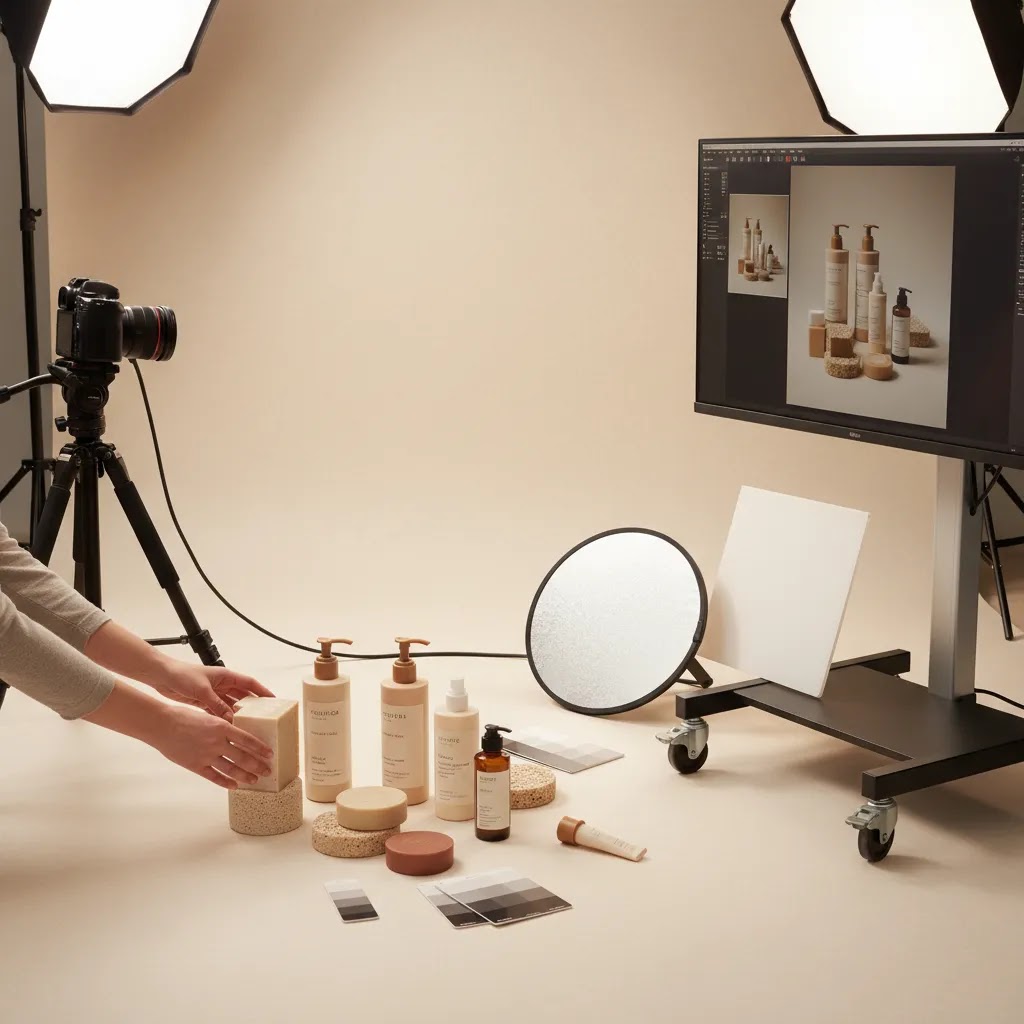
Photography packages pricing varies widely because the real cost is driven by labor, styling complexity, retouching depth, and output volume. A low quote may cover only a single clean image per product with light edits. A higher quote may include creative direction, multiple angles, close-ups, lifestyle scenes, advanced retouching, and formatted exports for several channels.
In practical terms, product photography pricing packages usually fall into these models:
Before you compare photography packages prices, check what is excluded. Common extra costs include return shipping, steaming or prep, on-set styling, prop sourcing, model fees, hand model fees, rush turnaround, heavy retouching, and alternate crops. For example, lotion product photography may need shine control and close-up texture shots, while soap product photography may need ingredient styling or water effects, which can move pricing upward.
If you are considering software-assisted production alongside a service package, a tool review such as photoroom can help you judge whether post-production tasks like background cleanup or ad-ready resizing can be handled more cost-effectively after the shoot.
For Shopify merchants, the smart approach is to price the package against the assets you will actually use over the next 60 to 90 days, not just the immediate shoot list. That gives you a better sense of value than comparing quotes in isolation.
Add-ons and Specialty Deliverables to Ask About
Now, when it comes to photography packages pricing, the headline deliverables are only part of the story. Many providers offer add-ons that can be genuinely useful for ecommerce, but only if you are clear on what you are buying and why you need it.
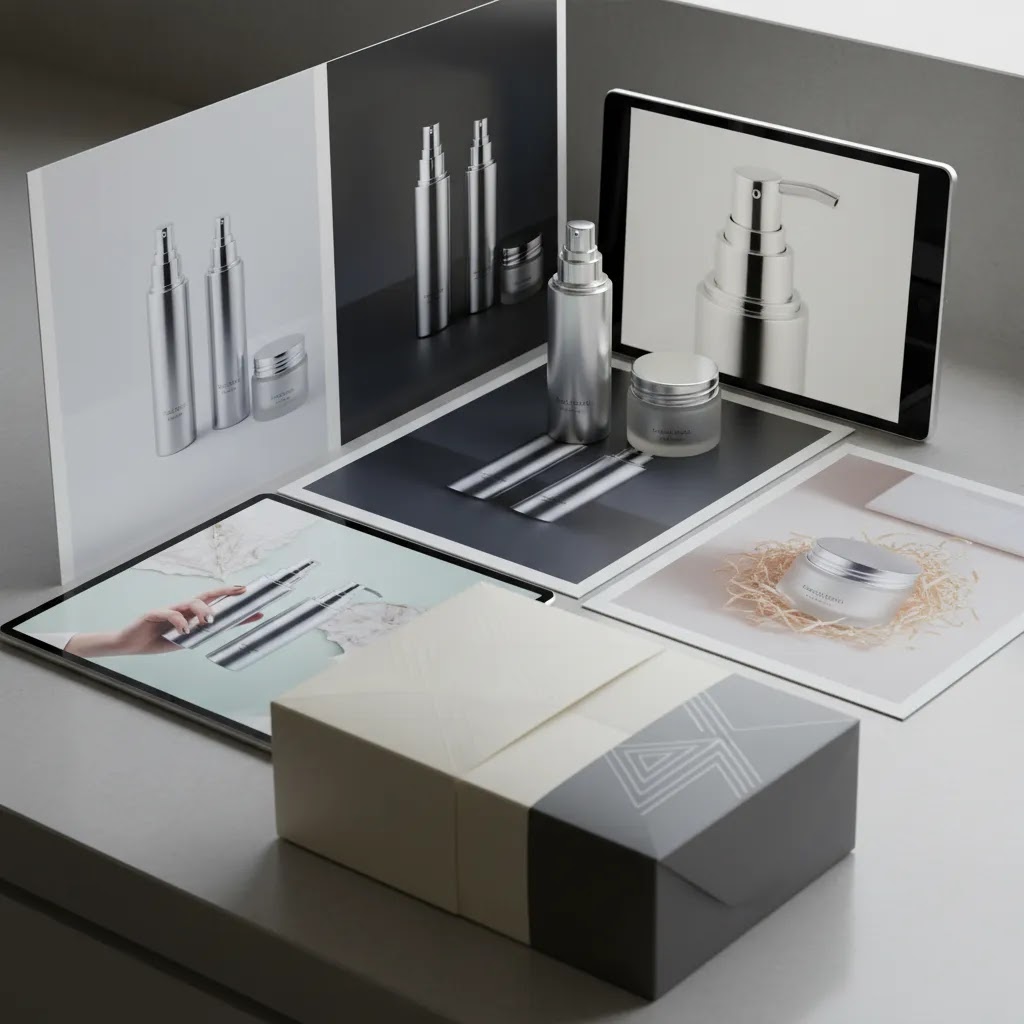
Some of the most common specialty deliverables you will see include:
For most Shopify store owners, these add-ons make sense when they map to a real job:
Consider this before you pay for any add-on: is it extra capture time, or is it post-production only? A 360 spin usually requires a dedicated capture setup and more shots, not just editing. An infographic might be mostly design and retouching, but it still depends on whether the base angle exists and whether the provider needs to capture a specific view to support the callouts.
For interactive deliverables like spins, clarify the technical details upfront. Ask what file format you will receive, whether you are getting a folder of frames or a hosted viewer, and what is required to run it on Shopify. Some stores can handle frame-based viewers with the right theme or app setup, but you want to know the hosting and implementation requirements before you commit, especially if speed matters for mobile shoppers.
Pros and Cons
Strengths
Considerations
Choosing the Right Package for Your Use Case
Think of it this way: the right package is the one that matches the job you need done in the next 30 to 90 days. If you pick a package based only on a low price per image, you can end up with the wrong mix of shots, or a workflow that does not match how your Shopify store actually sells.
Here is a quick way to match the package to the use case:
Choosing between per-image, per-product, and day-rate pricing usually comes down to catalog similarity and styling complexity:
What many store owners overlook is the guardrail that prevents mismatched packages: define your minimum viable shot set for conversion, then add the creative layer for acquisition channels. For many Shopify PDPs, the baseline is clear front angle, alternate angle, detail shot, and a scale or context image when relevant. Once that baseline is covered, you can decide how much of your budget goes into lifestyle variations, infographics, and extra crops for paid social. That approach usually keeps you from overspending on creative while still missing the basics that shoppers need to buy.
Frequently Asked Questions
What should be included in product photography packages for Shopify stores?
At minimum, you want a clear shot list, defined number of final images, editing scope, file specs, turnaround time, and revision policy. For Shopify stores, it also helps if the package includes crops and file sizes that work well on product pages, collection pages, and ad placements. If that is missing, you may end up paying more later for simple formatting work.
How do photography packages prices usually get calculated?
Most providers price by product, by final image, or by studio time. The right model depends on your catalog. If every SKU needs the same treatment, per-product pricing is easier to manage. If some items need more angles, detail shots, or styling than others, per-image pricing may be more accurate and fair.
Are minimalist product photography packages enough for ecommerce?
Often, yes, for core catalog coverage. Minimalist product photography works especially well for clean product pages, marketplaces, and stores that need visual consistency. It may not be enough for premium branding, social campaigns, or hero banners. Many stores do best with a blend of clean catalog images plus a smaller batch of styled creative shots.
What is the difference between catalog photography and Instagram product photography?
Catalog photography is built for clarity, consistency, and shopper decision-making. Instagram product photography is usually more styled and attention-driven. It may use props, dramatic lighting, and lifestyle context. Both have value, but they serve different jobs. Catalog images support conversion on your store, while social images help attract clicks and brand engagement.
Can AI reduce the cost of product photography packages?
In some cases, yes. AI tools may help with background cleanup, alternate scene generation, or extra campaign variations after a core shoot is completed. They are most useful when you already have solid source images. For brands exploring this route, browsing the wider catalog photography topic and related posts on e commerce product photography can help you compare traditional and AI-assisted workflows more realistically.
How many images per product do most ecommerce brands need?
Many stores need at least three to five usable images per SKU: front, side, back or alternate angle, detail shot, and scale or lifestyle image where relevant. Some products need less. Others need more. Jewelry, skincare, apparel, and giftable items typically benefit from additional close-ups and styled images because shoppers rely more heavily on visual cues.
Is moody product photography a good idea for product pages?
It can work for brand storytelling and campaign sections, but it should not replace accurate catalog imagery. Moody product photography often makes products feel more premium or editorial, but it can also hide texture, color, or packaging details. For most stores, it works best as a supplement to clean, conversion-focused images rather than the only visual style.
How much should I pay a photographer for a product shoot?
There is no single number because it depends on what you are buying: a few clean catalog images, a full lifestyle campaign, or a packaged service that includes planning, styling, and retouching. The best way to judge pricing is to back into your required deliverables. Start with how many products are included, how many final images you need per product, and how heavy the retouching is. Then confirm what is included around file formatting, revisions, and usage formats. Two quotes that look similar can be very different once you account for editing depth, channel exports, and add-ons like infographics or 360 spins.
What is the 20 60 20 rule in photography?
The 20 60 20 rule is a simple way some photographers describe attention allocation: roughly 20 percent of the effort goes into setup and planning, 60 percent goes into capture and on-set adjustments, and 20 percent goes into editing and delivery. It is not a formal standard, but the idea is useful for ecommerce because it reminds you that planning and post-production matter. If a package looks cheap because it is only priced around shoot time, you may be paying later for the parts that make images usable on Shopify, like consistent cropping, cleanup, and exports.
What is the 50 50 rule in photography?
The 50 50 rule is often used informally to describe a balanced split between capture and editing. For product work, that usually means getting the photo as close as possible in-camera, then using retouching to refine, not to rescue. For Shopify merchants, this matters because heavy editing can increase turnaround time and cost, and it can also introduce accuracy issues if color or texture gets pushed too far. If your products have strict color requirements, ask how the provider handles color consistency and approvals during proofing.
How many photographers are making over $300,000 a year?
There is no reliable single statistic because photography income varies by niche, geography, and business model. A small number of photographers and studios do reach that level, typically by running a scalable operation with repeat clients, retainers, higher-volume production, or specialized commercial work. For a Shopify store owner, it is usually more useful to focus on whether the provider has a repeatable workflow, clear package caps, and consistent deliverables than on any income benchmark. Those factors tend to correlate more directly with a smooth production experience.
Key Takeaways
Conclusion
If you are reviewing product photography packages, focus less on the package name and more on what lands in your Dropbox at the end. A useful package should match your catalog needs, brand style, and channel mix. For some stores, that means clean white background images and fast turnaround. For others, it means a hybrid of catalog, lifestyle, and social-first creative. Giles Thomas and AcquireConvert look at these decisions through the lens of practical ecommerce performance, especially for Shopify merchants that need assets to support both conversion and acquisition. Your next step is simple: list the exact image types your store needs this quarter, then compare providers against that list instead of comparing quotes alone. That will usually lead to a better buying decision.
Disclosure: AcquireConvert may receive affiliate compensation from some links to third-party tools or services, where applicable. Any pricing, service scope, or performance expectations should be confirmed directly with the provider before purchase. Results vary based on your product type, traffic, niche, creative direction, and implementation, so no specific commercial outcome is guaranteed.

Hi, I'm Giles Thomas.
Founder of AcquireConvert, the place where ecommerce entrepreneurs & marketers go to learn growth. I'm also the founder of Shopify agency Whole Design Studios.