Product Photography UK: Cost and Options (2026 Guide)

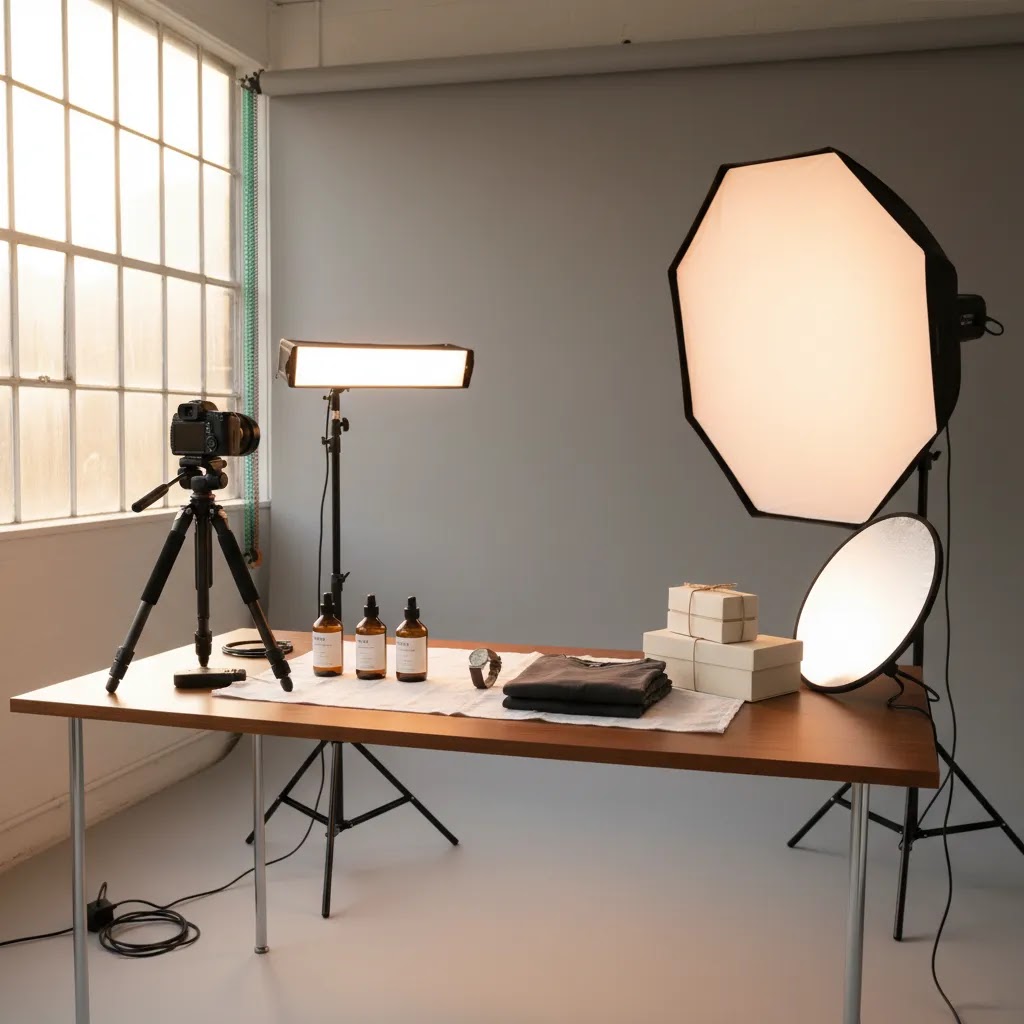
You have a Shopify store, your products are solid, and traffic is coming in, but conversions still feel weaker than they should. For many UK store owners, the problem is not pricing or product quality. It is the photography. Flat packshots, inconsistent lighting, weak backgrounds, or badly cropped mobile images can make even good products feel untrustworthy. That is especially true for fashion, beauty, jewelry, watches, and gift products, where shoppers judge quality in seconds.
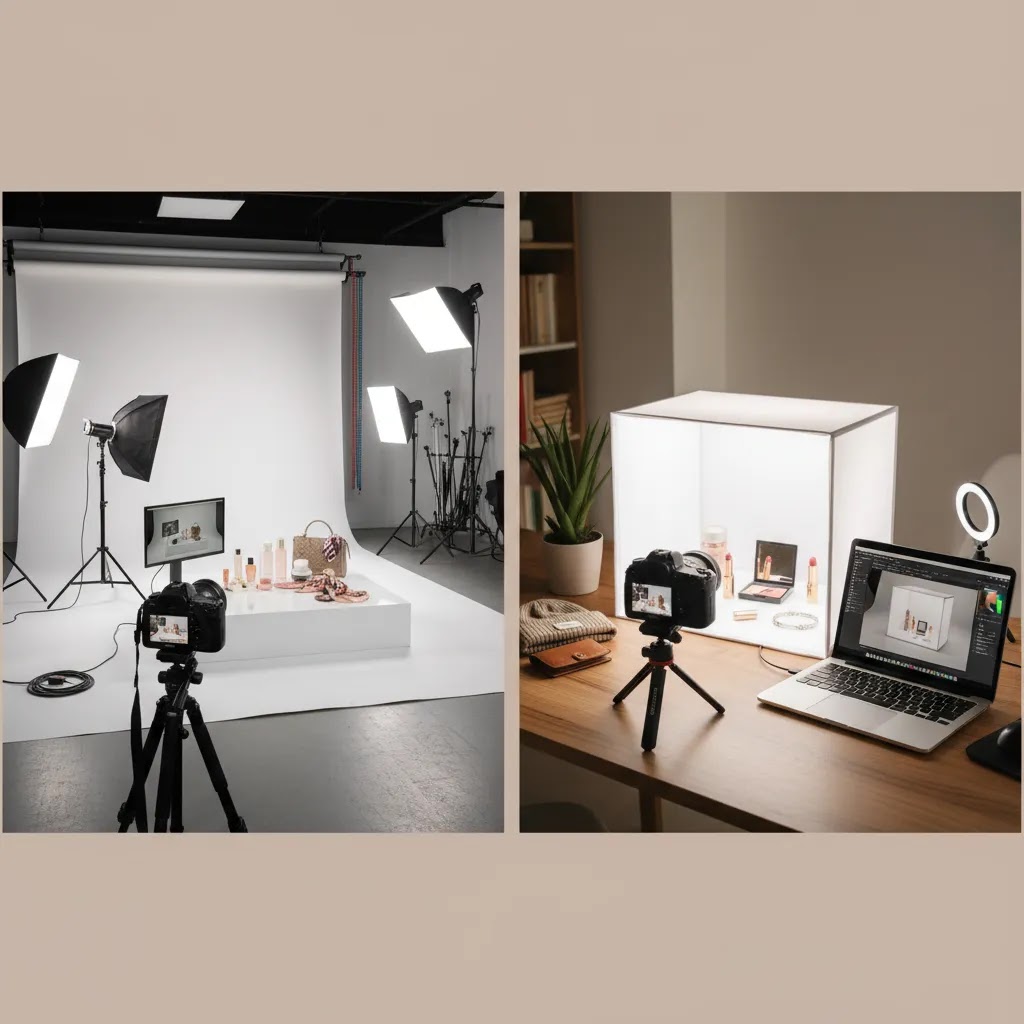
If you are comparing product photography uk options, you are usually deciding between three paths: hire a studio, work with a freelance product photographer, or handle part of the process yourself with editing and AI tools. Each route has a different cost, workflow, and level of control. This guide breaks down what UK ecommerce brands typically pay, what deliverables to expect, and how to choose the right setup for your stage of growth. If you are still weighing studio formats, AcquireConvert also has a useful primer on product photography studio options worth reviewing alongside this article.
Contents
What product photography costs in the UK
Here is the reality, UK product photography pricing varies a lot because photographers price around complexity, not just image count. A simple white background shoot for ten skincare bottles is very different from a styled lifestyle campaign for apparel, or a reflective watch shoot that needs precise lighting and retouching.
For most ecommerce stores, you will usually see pricing fall into a few broad bands:
These are not guaranteed market rates, but they are directionally useful if you are building a shortlist. Always ask whether quotes include retouching, clipping paths, color correction, file resizing, and usage rights. Two quotes can look similar at first glance while covering very different deliverables.
UK studio service models: turnaround, shipping, and what’s included
Once you start requesting quotes, you will notice that many UK studios are not only selling photography. They are selling a logistics bundle, meaning they try to make the shoot feel like a predictable production line for ecommerce teams.
That is useful, but it also makes comparing quotes harder because two studios can both say “packshots with retouching,” while the reality of what you get looks very different.
Collection, return delivery, and why it affects planning
Many studios offer UK-wide collection and return delivery, either included or as a line item. From a practical standpoint, this changes your launch calendar. Your products are out of your warehouse, you may not be able to ship those SKUs, and you might need extra units if you are also sending samples to creators or running retail.
Before you book, clarify what the studio expects on intake. Some want products labeled by SKU and variant, some want a printed shot list inside the box, and some want you to include spare packaging if items arrive scuffed. If you are sending high value products or anything fragile, confirm who carries the risk while items are in transit and while they are in the studio. This is usually a paperwork question, not a photography question, but it can prevent expensive headaches.
Typical turnaround expectations, and what changes them
Turnaround is often sold as a competitive advantage, but it depends on volume and retouching depth. In many cases, a small batch of simple packshots can be delivered faster than a large catalog with complex editing and multiple angles per SKU. Lifestyle sets can take longer because set building, prop sourcing, and art direction add steps before anyone picks up a camera.
Now, when it comes to turnaround, ask for two timelines, the shoot date window and the delivery date for finals. Some teams confuse “we can shoot next week” with “you will have edited finals next week.” If you are planning a Shopify launch, those are not the same thing.
What “included retouching” usually means
Studios often include a baseline level of retouching, but baseline can mean very different things. At the lighter end, it might be dust cleanup, minor label straightening, and basic color correction. At the heavier end, it may include advanced reflections control, shape corrections, label rebuilds, and consistent shadows across a full set.
What many store owners overlook is revision policy. Some studios include one round of minor revisions per image, others charge for revisions, and some only revise if the image does not match the agreed brief. Before you pay a deposit, get clarity in writing on what counts as a revision, how many rounds are typical, and whether revised files reset delivery timelines.
A simple inclusions checklist to compare quotes apples-to-apples
If you are choosing between providers, use a basic checklist so you are not comparing marketing language. Ask each studio to confirm:
When you do this, you usually find that the “cheaper” quote is sometimes only cheaper because it assumes fewer angles, lighter retouching, or less predictable delivery. That might still be fine, but you want the tradeoff to be explicit.
What drives the price up or down
What many store owners overlook is that photographers are not just charging for camera time. They are pricing the handling time around each SKU, how difficult the product is to light, and how much cleanup happens after the shoot.
Product type matters more than store owners expect
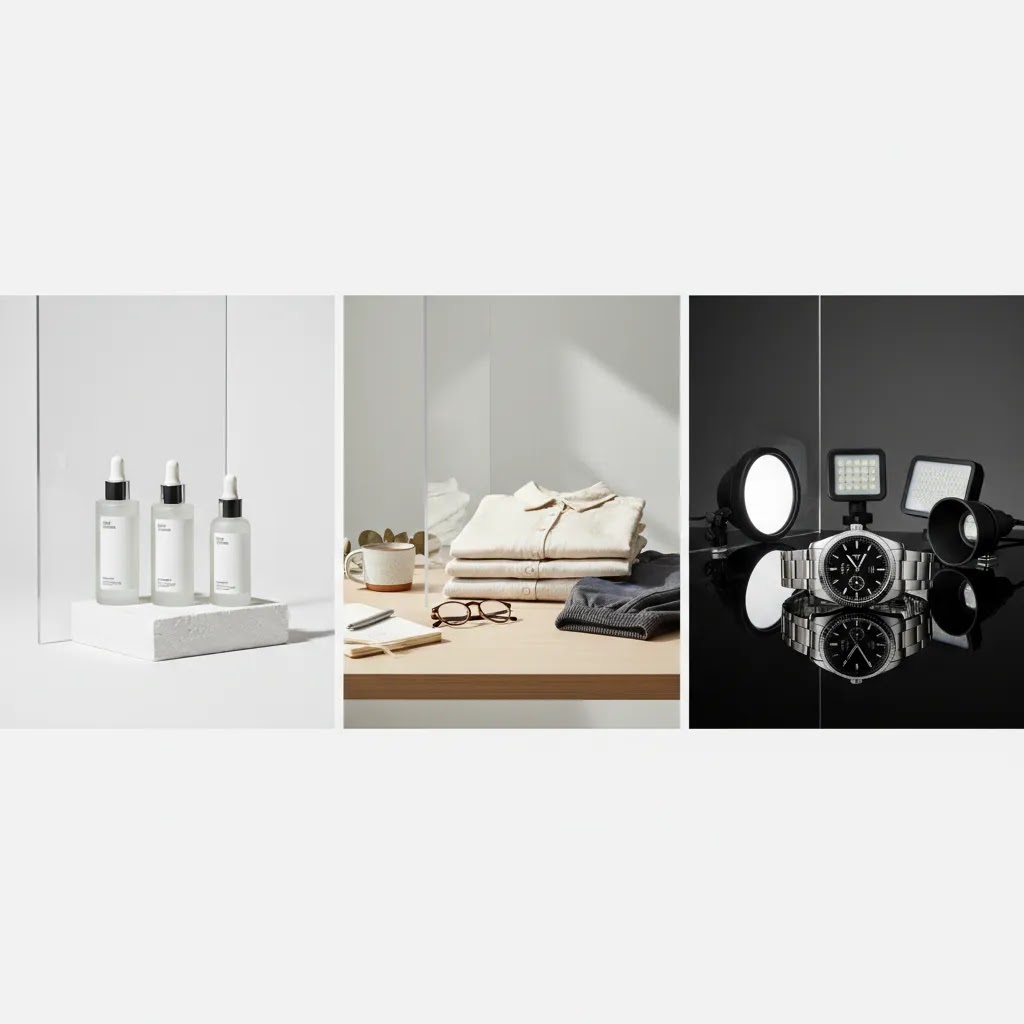
Tshirt product photography is usually easier than cosmetics on mirrored surfaces or a polished metal watch. Folded tees, hanging garments, and flat lays can move fairly quickly if the brief is clear. By contrast, product photography beauty work often needs texture accuracy, label sharpness, and careful handling of glass, pumps, and reflective packaging.
Shot list complexity changes the economics
If you want front, side, back, detail crop, in-hand shot, ingredient texture, and homepage banner crops for every SKU, that is not a basic packshot brief anymore. It may still be worth it, but you should expect pricing to reflect the extra setup and editing product photography workload.
Volume can lower cost per image
For many UK brands, larger catalogs reduce the cost per finished image because lighting setups can stay consistent across a batch. That is one reason Catalog Photography workflows are usually more efficient than one-off custom shoots.
Retouching is often where hidden costs live
White on white product photography sounds simple, but it often takes careful retouching to keep edges crisp and shadows natural without making the product look cut out. If your quote does not specify retouching depth, ask for examples of final delivered files before you commit.
Which photography style fits your store
You do not need every style for every product. In practice, the best ecommerce photography mix depends on how customers evaluate the item and what objections they need resolved before buying.
White background shots for clarity and consistency
For core product page galleries, white background images are still the standard because they keep attention on the product and work well across collection pages, search results, and paid ads. They are especially effective for supplements, homeware, packaged goods, and many beauty items. If your team is trying to standardize catalog imagery, AcquireConvert’s coverage of E Commerce Product Photography is a useful category to explore for adjacent decisions.
Lifestyle imagery for context and perceived value
Lifestyle product photography UK brands use well can improve perceived quality because shoppers see scale, use case, and brand positioning. A candle on a shelf, a serum on a vanity, or a jacket worn outdoors gives meaning to the product beyond the packshot. This style often supports homepage banners, social ads, and email campaigns more than collection grids.
Close-up detail for premium categories
Watches, jewelry, leather accessories, and beauty products often need macro detail. A shopper buying a premium face cream or a stainless steel watch wants to inspect texture, finish, and construction. Product display photography for these categories should answer the buyer’s quality questions before they need to contact support.
3D and spin imagery for complex products
If you sell furniture, technical goods, luggage, or customizable products, 3d product photography software or spin capture may be worth exploring. It is not necessary for every store, and it can be expensive, but it may help when product shape, angles, or dimensions are a major buying factor. Stores sometimes mention 3d product photography dubai or other overseas specialists when comparing providers, but for a UK merchant the bigger question is turnaround time, revisions, and compatibility with your ecommerce workflow, not just location.
Packshots for marketplaces (Amazon) and channel-specific requirements
If you sell on Shopify and marketplaces, your e commerce product photography uk needs can split into two categories: brand images that help you convert on-site, and compliance images that help you list and stay live on marketplaces.
The reality is that marketplaces reward consistency and compliance. Shopify rewards clarity too, but you have more freedom to use lifestyle, props, and creative crops that match your brand.
Why Amazon-style packshots are different from Shopify images
Marketplace main images are typically expected to be simple, consistent, and rules-based. That often means clean white backgrounds, consistent angles, and no extra props that could be interpreted as accessories, bundles, or misleading add-ons. For many product types, you can still use lifestyle images in the secondary slots, but the “main” image tends to be much stricter than what you would choose for a Shopify hero slot.
Always verify current marketplace image rules before you shoot, since policies can change. The key takeaway is that a great Shopify product image can still be the wrong file for a marketplace listing.
Practical shot list differences: marketplace set vs Shopify PDP set
Think of it this way, marketplaces need fewer creative decisions and more repeatable execution. A common structure is:
If you are planning one shoot, ask your photographer or studio to separate these in the shot list. That helps you avoid paying lifestyle rates for basic compliance images, and it prevents “creative” edits that can cause marketplace rejections.
How to plan a two-track workflow so you do not pay for re-shoots
A lot of overspending happens when stores shoot for one channel, then realize they need different crops, backgrounds, or aspect ratios for another channel. A two-track workflow is usually cheaper because you capture once, then export variants.
From a practical standpoint, that means you brief for:
This is also where editing and AI tools can help, as long as you do not change the product itself. You might shoot a clean packshot master, then create additional background variants for Shopify campaigns, while keeping the marketplace version strict and compliant.
Hire a pro or do it in-house
This decision usually comes down to volume, brand standards, and how often your catalog changes.
When hiring a professional makes sense
If you are launching a new range, rebranding, or selling products where finish and detail drive conversion, professional photography often makes sense. A good product photographer can save you weeks of trial and error, and may produce a more consistent set of assets for Shopify product pages, collection thumbnails, Meta ads, and Google Shopping feeds.
This is especially true if you need beauty product photography UK specialists, reflective product work, or model-based apparel shoots. From a practical standpoint, specialists reduce the risk of unusable images that look fine on a laptop but weak on a mobile PDP.
When in-house is the better call
If you add products weekly, work with low-margin SKUs, or need fresh content for testing, in-house production may be more sustainable. Many stores start with a simple setup: softbox lights, tripod, phone or mirrorless camera, a clean table, and a repeatable backdrop. Over time, they improve with better editing rather than buying more gear.
For stores in this position, AcquireConvert often frames the decision in operational terms rather than creative ones. The question is not just “can you shoot it?” It is “can you produce publishable images consistently, on time, and in a format your store actually needs?”
A hybrid model is often the sweet spot
Many Shopify brands use pro product photography for hero assets and handle routine catalog updates themselves. That gives you polished homepage and launch visuals while keeping everyday SKU maintenance manageable. For most stores, this is the most financially sensible option once the catalog starts growing.
How to vet UK photographers and studios using proof, not vibes
Most stores start by looking at portfolios, which makes sense. The problem is that a portfolio can be beautiful and still be a poor fit for your workflow. If you are searching for product photography uk reviews or trying to pick between studios based on social proof, use proof points that relate directly to ecommerce execution.
What to look for in reviews and portfolios, beyond star ratings
Reviews matter, but they are easy to misread. Look for signals that match how you operate as an ecommerce brand:
Consider this, you are not only buying images. You are buying predictable production that you can repeat every time you add new SKUs.
Process questions that reveal whether they will be easy to work with
If you want to avoid surprises, ask process questions that force specifics:
The way this works in practice is simple. If they can answer these clearly, they probably have a repeatable system. If they stay vague, you are likely to become the project manager, and you will pay for that in revisions.
Run a low-risk paid test before you commit to a full catalog
If you have a large range, you do not have to bet everything on one shoot. A small paid test batch can tell you what you need to know. Pick a handful of SKUs that represent your real challenges, such as a reflective item, a label-heavy item, and a product with multiple variants.
When the files arrive, inspect them like an ecommerce operator, not like an art director. Good delivered files for Shopify typically have consistent framing, predictable crops that look good on mobile, and file names you can map to SKUs without manual detective work. If you plan to upload at scale, ask for a naming convention that matches your product handles or SKUs before the test starts.
If the test delivery is strong, scaling up to the rest of your catalog becomes a lot less risky.
Where AI and editing fit in
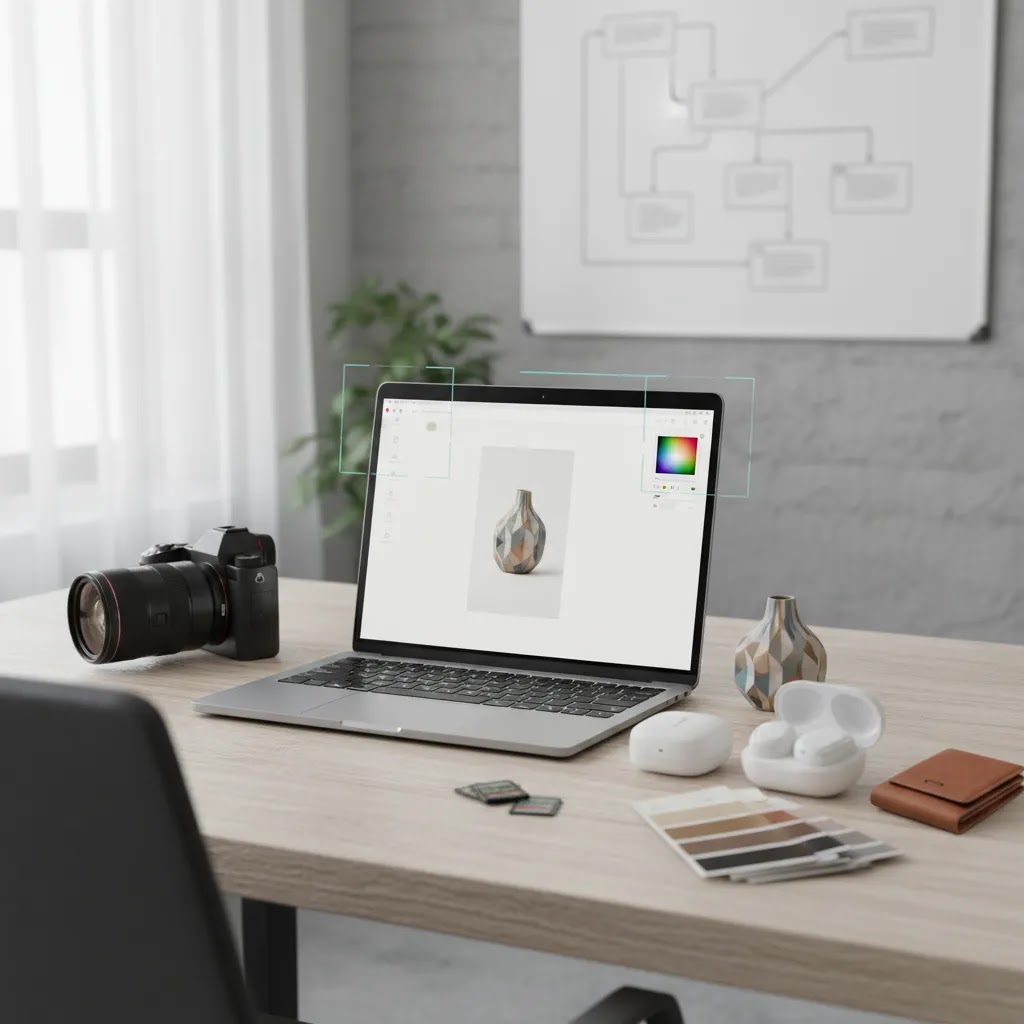
AI tools have changed the economics of ecommerce imagery, but they have not removed the need for strong source photos. Think of it this way, AI is often best at accelerating cleanup, background changes, and concept generation. It is less reliable when the original lighting, angles, or product texture are poor.
Where AI helps most
Background product photography tasks are a strong use case. If you have clean source images, tools like the AI Background Generator or Free White Background Generator can help create cleaner marketplace and Shopify-ready variations faster. If the product image itself needs more flexible editing, the Magic Photo Editor or Background Swap Editor may be useful for testing creative directions.
Where AI still needs oversight
Beauty, fashion, and close-up product work still need human review. Labels can distort. Edges can look artificial. Colors may drift from the actual SKU. If you sell cosmetics, the crossover between product imagery and virtual beauty content is growing, and AcquireConvert’s piece on AI makeup generator examples shows how that trend is developing. Still, for ecommerce listings, accuracy matters more than novelty.
Use AI to support, not replace, your workflow
If you are evaluating AI photography, use it to reduce repetitive editing, generate variants for campaigns, or rescue weaker backgrounds. Do not assume it can replace all lighting, styling, and retouching decisions. For many stores, AI works best after you establish a reliable visual standard first.
How to brief a photographer well
A weak brief is one of the fastest ways to overspend. If your photographer has to guess your framing, cropping, aspect ratios, or brand mood, revisions can stack up quickly.
Give your photographer these basics before the shoot:
Here’s the thing, a strong brief protects both sides. It makes quotes more comparable, reduces revision friction, and increases the chance that your first delivery is actually usable.
How Shopify stores should measure photo ROI
Do not judge photography only by whether the images look nicer. Judge it by whether the new assets improve how shoppers move through your store.
For most Shopify stores, the useful metrics are:
The difference between stores that benefit from better imagery and stores that do not is usually implementation. If you invest in stronger photos but keep weak copy, slow pages, and unclear shipping information, results may be limited. Photography supports conversion, it rarely fixes the whole funnel by itself.
That balanced view is part of what makes AcquireConvert useful for store owners. Giles Thomas’s Shopify and Google background tends to keep the discussion practical, connecting images to traffic quality, PDP behavior, and merchandising decisions rather than treating visuals as a standalone branding exercise.
The strategies and tools discussed in this article are based on current ecommerce best practices and publicly available information. Results will vary depending on your store, niche, and implementation. Always verify tool pricing, features, and platform compatibility directly with the relevant provider before making purchasing decisions.
Frequently Asked Questions
How much does product photography cost in the UK for ecommerce stores?
It depends on the product type, shot count, styling needs, and retouching depth. Simple white background packshots are usually the lowest-cost option, while beauty, jewelry, watch, and lifestyle shoots often cost more because they require more setup and editing. Many providers quote per image, per SKU, or by half-day and full-day rates. Before comparing vendors, ask what is included in the quote. Retouching, clipping paths, file exports, and usage rights can change the real cost significantly.
Is product photography profitable for a small Shopify store?
It can be, but only if the photography solves a real buying friction point. If your current images make products look low quality, unclear, or inconsistent, better visuals may improve trust and help more shoppers reach checkout. If your main problem is poor traffic quality or weak pricing, photography alone may not move much. For a small store, the most practical approach is often to improve top-selling SKUs first, measure product page behavior, and expand once you can see where better images are helping.
What is the best option for tshirt product photography?
Tshirt product photography usually works best with a mix of clear catalog shots and a few lifestyle images. Flat lays, ghost mannequin images, and model shots each serve a different purpose. Flat lays are quick and cost-effective. Ghost mannequin photos help show shape. Lifestyle images help shoppers imagine fit and use. If you sell many variations, consistency matters more than creativity. Keep angles, lighting, and cropping standardized so your collection pages look organized and shoppers can compare products quickly.
Do I need lifestyle product photography UK services if I already have white background images?
Not always, but many brands benefit from having both. White background images are better for clarity, consistency, and marketplaces. Lifestyle images help build brand context, communicate scale, and increase creative flexibility for landing pages, ads, and email. If your products rely on emotional appeal or visual merchandising, lifestyle content is often worth adding. If your store is highly functional, such as spare parts or commodity accessories, white background photography may carry more of the load. Match the style to how customers make the buying decision.
What should I ask before hiring a product photographer?
Ask to see examples from your category first. A photographer who shoots clothing may not be the right fit for watches or cosmetics. Then confirm pricing structure, turnaround time, retouching policy, revision terms, and file specifications. You should also ask whether they understand ecommerce requirements, not just creative photography. Your images need to work on product pages, collection pages, mobile screens, and ad placements. If you are still shortlisting options, reviewing guidance around choosing a product photographer can help you compare providers more effectively.
How do UK product photography studios handle product collection and delivery, and what should I insure for?
Many studios can arrange UK-wide collection and return delivery, either included in the quote or billed separately. Confirm exactly what courier method is used, how products should be packed, and how SKUs should be labeled so nothing gets mixed up. For insurance, ask who is responsible at each stage, in transit to the studio, while the products are on-site, and on the return journey. If you sell high value or fragile items, it is worth clarifying declared values and any exclusions before shipping stock out.
What is the typical turnaround time for product photography in the UK?
Turnaround varies by studio capacity, the number of SKUs, and how much retouching is required. Simple white background packshots for a small batch are often faster than lifestyle sets or reflective product work that needs heavier post-production. When you request a timeline, ask for two dates, when the shoot is scheduled and when edited finals will be delivered, plus whether revisions change the timeline.
How much does Amazon product photography cost in the UK, and what images do I actually need?
Costs depend on whether you are buying simple compliance packshots, a full listing set with multiple angles and detail shots, or a broader lifestyle set for secondary slots and ads. What you need typically starts with a compliant main image on a clean background, then a set of secondary images that show angles, features, scale, and what is included. Requirements can change, so check current marketplace image rules before you finalize the brief. If you also sell on Shopify, plan your shot list so you can export both marketplace versions and on-site lifestyle versions from the same capture, rather than paying for a second shoot.
How do I choose the best product photography studio in London versus a UK-wide studio?
Location matters less than process for most ecommerce stores. A London studio can be convenient if you want to attend the shoot, approve sets live, or do fast in-person drop-offs. A UK-wide studio can still work well if they have a reliable intake system, clear prep requirements, predictable turnaround, and a consistent retouching standard. Compare them based on category experience, consistency across full SKU sets, revision policy, and how organized their file delivery is for Shopify, not just on the city name.
Can AI replace a professional product photography workflow?
Usually not on its own. AI is helpful for background cleanup, concept testing, and creating image variations, but it still depends heavily on decent source images. For many categories, especially beauty, apparel, and reflective products, AI can introduce inconsistencies that need manual review. It is best treated as a workflow assistant, not a full replacement for lighting, styling, and quality control. If you want a grounded view of where it fits, AcquireConvert’s resource on AI photography is a sensible next read.
Is white on white product photography better than lifestyle photography for conversions?
One is not automatically better than the other because they answer different customer questions. White on white product photography is ideal when shoppers need a clean, consistent view of the item. Lifestyle photography is stronger when context, scale, or brand mood affects the sale. Many stores convert better with a combination of both. A common setup is to use white background images for the first few gallery slots and then include one or two lifestyle or in-use images later in the carousel.
What about editing product photography after the shoot, should I do it myself?
If your needs are basic, such as background cleanup, sizing, and minor color correction, doing some editing in-house can make sense. It gives you faster turnaround and lower ongoing costs. If you need advanced retouching, reflective surface cleanup, color-critical beauty work, or highly polished hero images, outsourcing is often safer. The key is consistency. Your store will look stronger if every image follows the same visual standard, even if the edits are relatively simple. Mixed editing quality across a catalog tends to hurt trust.
Should ecommerce brands consider tools like Photoroom for simple catalog images?
For some stores, yes. Lightweight editing tools can be useful for removing backgrounds, producing marketplace-ready images, or speeding up routine catalog tasks. They are most helpful when your source photos are already clean and well lit. They are less effective as a rescue plan for poor original photography. If you are comparing lightweight editing routes, this AcquireConvert review of Photoroom may help you decide whether that kind of workflow suits your catalog and team setup.
What is the difference between a studio shoot and a regular ecommerce setup?
A studio shoot usually gives you more control over lighting, consistency, styling, and output quality. That matters for premium products, launch assets, and categories where detail is critical. A regular in-house ecommerce setup is usually faster and cheaper, especially for ongoing SKU updates. Neither is automatically right for every store. The decision comes down to how often you add products, what level of visual polish your category demands, and how much internal capacity you have. If you are comparing formats, start with your workflow needs, not just image aesthetics.
Key Takeaways
Conclusion
If you are evaluating product photography UK options, the right choice is rarely the cheapest quote or the most polished portfolio on its own. It is the setup that fits your catalog size, your margins, your brand standards, and the way your customers actually shop. A skincare brand, a watch store, and a t-shirt business may all need very different image strategies, even if they use the same Shopify theme.
Your next step is simple. Audit your top 10 product pages and identify where current images leave questions unanswered. Then decide whether those gaps are best solved with a studio, a freelancer, better in-house editing, or selective use of AI tools. If you want to keep researching, explore AcquireConvert’s Catalog Photography resources or review the broader E Commerce Product Photography category for more practical guidance on building a visual system that supports conversion.
Results from ecommerce strategies vary depending on store type, niche, audience, budget, and execution. Nothing in this article constitutes a guarantee of specific outcomes. Third-party tool features and pricing are subject to change: verify current details directly with each provider.

Hi, I'm Giles Thomas.
Founder of AcquireConvert, the place where ecommerce entrepreneurs & marketers go to learn growth. I'm also the founder of Shopify agency Whole Design Studios.