ProductAI Alternatives: Top AI Product Photo Tools


You have a product to launch, a Shopify store to update, and a photo backlog that keeps growing. That is usually the moment store owners start looking for productai alternatives. Maybe ProductAI works well for some of your images, but not all. Maybe you need cleaner white-background shots for marketplaces, more believable lifestyle scenes for paid ads, or stronger editing control before publishing to your product page.
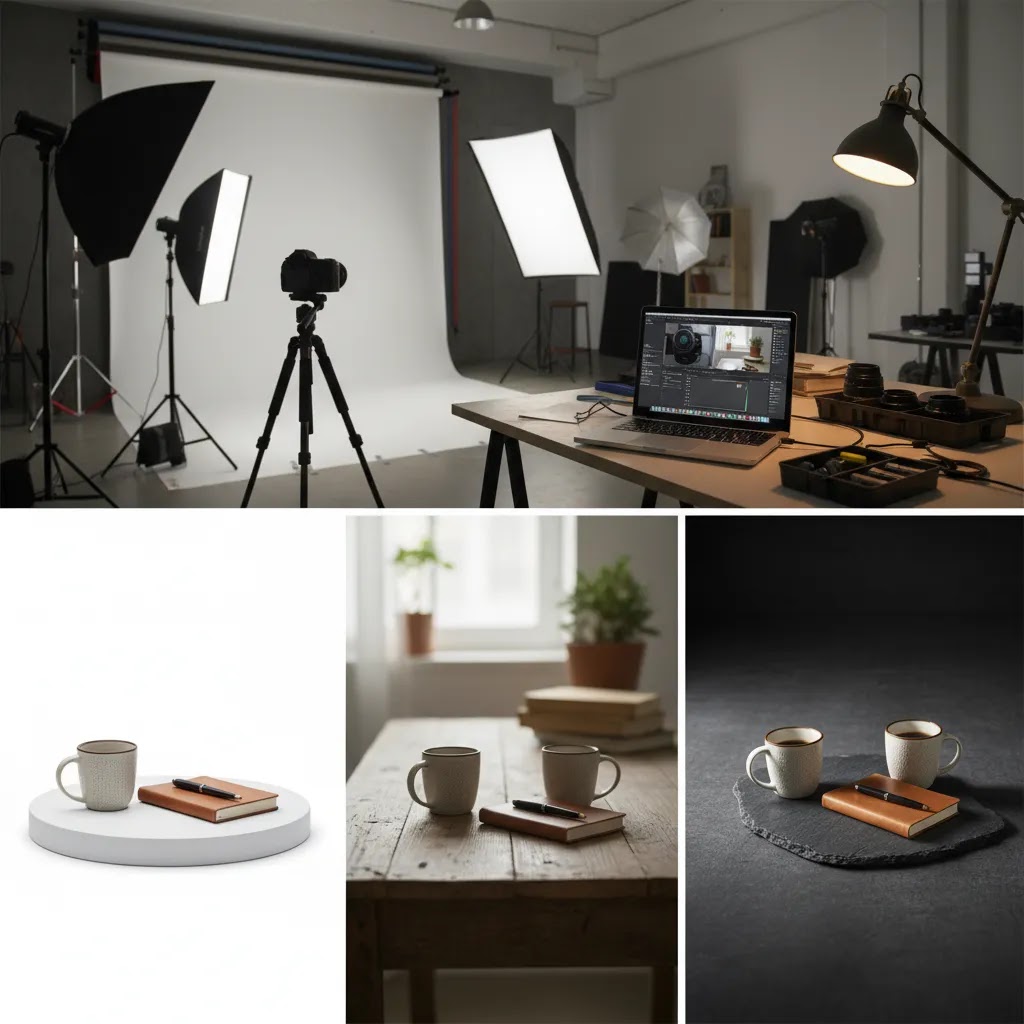
The practical question is not just which tool looks impressive in a demo. It is which AI product photo tool actually fits your workflow, product type, and quality standards. A skin care brand, a jewelry store, and a home goods seller all need something slightly different. If you are still refining your visual setup, it also helps to understand what a solid product photography studio process looks like before handing too much over to automation.
This guide breaks down the strongest options, where they tend to work best, and what to watch for if you care about conversion, consistency, and usable ecommerce images rather than AI hype.
Contents
Why store owners look for alternatives
Most merchants do not search for productai alternatives because they dislike AI. They search because they have real production constraints. They need more images, faster turnaround, lower creative costs, or more flexibility across channels.
In practice, one tool rarely handles everything well. A tool may generate strong lifestyle scenes but struggle with accurate edges on transparent products. Another may be excellent for marketplace-ready cutouts but weak for branded campaign visuals. If you sell on Shopify, Amazon, and Meta at the same time, that matters a lot.
What many store owners overlook is that image quality affects both acquisition and conversion. A stronger hero image can improve click-through rate from ads or collection pages. A clearer secondary image can reduce hesitation on the product page. That is why AcquireConvert often frames photography as both a branding and sales issue, not just a creative one.
There is also a trust factor. If your AI images look artificial, mismatched, or inconsistent from one product to the next, customers may question the product itself. That is especially true in categories where detail matters, such as beauty, apparel, jewelry, and premium home goods.
What to look for in an AI product photo tool
Before comparing tools, get clear on the job you need done. The best ai alternative for your store depends less on popularity and more on the image tasks you repeat every week.
Background control matters more than most merchants think
If you need marketplace-ready images or clean PDP galleries, background accuracy should be high on your list. Tools like AI Background Generator, Free White Background Generator, and Background Swap Editor show how important this category has become.
For most Shopify stores, clean edges, believable shadows, and consistent lighting are more useful than dramatic scenes. If your main issue is catalog consistency, spend less time chasing cinematic outputs and more time comparing background replacement quality. You can also review AcquireConvert's broader White Background Photography resources if that is your main requirement.
Editing control usually beats full automation
Some AI tools are designed for one-click generation. Others give you manual control over cropping, prompt variation, image repair, or selective replacement. The reality is that ecommerce teams often need a middle ground.
A fully automatic result may be fast, but if it places your product at the wrong angle or changes important details, you still need to fix it. Tools such as Magic Photo Editor and Creator Studio reflect that shift toward guided editing rather than pure generation.
Resolution and output quality affect usable conversion assets
A generated image that looks fine in a small preview may break down on a zoomed product page or a retina display. That is why upscaling and sharpening features matter. If you are working with older photos or supplier images, tools like Increase Image Resolution can be just as useful as a scene generator.
The goal is not just attractive output. The goal is publishable output across your storefront, marketplaces, emails, and ad creatives.
A simple way to choose the right ProductAI alternative
Here is the thing, most store owners pick an AI photo tool based on the prettiest example image. That is a fast way to end up with a workflow that looks great in a demo and falls apart on a real Shopify catalog.
A more reliable approach is to score tools against the exact constraints you have. You can do this in a spreadsheet in 15 minutes, then run a small test batch before committing.
A practical scoring matrix you can use
Rate each tool from 1 to 5 for the outputs you actually need. For most Shopify stores, these categories cover the decisions that affect conversion and operational speed:
Think of it this way, a tool can be a 5 out of 5 for lifestyle, but if it is a 2 out of 5 for consistency, it can create more work than it saves once you try to scale.
Red flags to check before you commit
Most tools will produce a few impressive images. The real question is what they break. When you test, watch for issues that can damage trust or create support tickets:
From a practical standpoint, if you see these issues on 2 out of 10 images in your test set, they will usually show up at scale. That is where the hidden cost comes from, because you end up re-editing or re-shooting anyway.
Pick based on your real bottleneck
If your main problem is backlog cleanup, prioritize background accuracy and batch processing. If your main problem is new lifestyle assets for ads, prioritize lifestyle realism and editing control so you can art direct outcomes. If your main problem is marketplace compliance, prioritize simplicity, repeatable exports, and strict accuracy.
If you sell across Shopify plus marketplaces and feed-based channels, prioritize the strictest requirement first. In many cases that means you build a clean, consistent base set of product images, then use more creative AI scenes as secondary assets for ads, email, and content.
Top ProductAI alternatives to consider
If you are evaluating productai alternatives, these are the main tool types worth comparing. Some are full platforms, while others are better seen as specialist utilities inside your photo workflow.
1. PhotoRoom for quick commercial edits
PhotoRoom is often one of the first options merchants compare because it is fast, practical, and built around common ecommerce tasks. It tends to work well for background removal, templated scenes, marketplace image prep, and fast content creation for social or ads.
Its strength is speed and usability. Its limitation, for some brands, is that outputs can feel templated if you do not customize them carefully. If you need rapid production for a broad catalog, it may be a strong ai alternative. If you are building a premium visual brand, you may need more art direction and manual review.
2. Specialist background and cleanup tools
Sometimes the best alternative is not another all-in-one generator. It is a sharper tool for the exact problem you keep having. If your team spends hours removing packaging text, cleaning supplier images, or standardizing backgrounds, focused tools can save more time than a full scene generator.
Examples include Remove Text From Images for cleanup and background-focused products that prioritize catalog accuracy. This route often works well for stores that already have decent raw photos but need them cleaned up for conversion use.
3. Lifestyle scene generators for ad creative and social
If your store relies on visual storytelling, you may care less about perfect cutouts and more about context. Lifestyle generators help you place products into believable environments, hands, or usage scenarios. A tool like Place in Hands fits that need well for certain categories.
Think of it this way, a coffee tumbler, serum bottle, or phone accessory often sells better when customers can visualize scale and use. Still, these images need close review. Fingers, reflections, and product proportions are common weak points in AI generated photography alternatives.
4. Human-led photography support when AI is not enough
There are plenty of cases where AI should support, not replace, your process. Reflective surfaces, luxury goods, fabric detail, and highly regulated categories can still benefit from a skilled product photographer. That does not mean AI has no role. It may still help with retouching, variations, or testing concepts before a real shoot.
The best setup for many brands is hybrid. Use real photography for core accuracy and AI for scale, variants, and speed.
5. Category-specific AI tools
Some niches need more specialized outputs than a general tool can provide. Beauty is a strong example. If you sell cosmetics, shades, or face-adjacent products, general-purpose generators may not handle skin tones, texture, and application realism well enough. In that case, niche resources like AcquireConvert's guide to the AI makeup generator space may be more relevant than broad ai generated photography alternatives.
Fashion and apparel specific ProductAI alternatives: virtual models and on-body imagery
Apparel is one of the few categories where general AI product photo tools can be the wrong comparison set. If what you really need is consistent on-body imagery, virtual model shots, or pose-consistent outputs across a whole collection, you will usually get further by evaluating fashion-focused AI rather than general background replacement and scene generation.
The reality is that apparel shoppers are buying fit cues, drape, and how the product looks on a human. That is a different job than making a clean cutout of a bottle or a candle. For many stores, the best workflow is a mix, with simple catalog images for accuracy and fashion-specific tools for on-model context.
What to test specifically for apparel
When you test AI for fashion, do not just ask if the image looks good. Ask if it is consistent and truthful enough to support returns and customer expectations. In your test set, check:
What many store owners overlook is that apparel errors can be subtle. The image may look fine at thumbnail size, then break at zoom, or when a customer compares two colorways side by side.
Where this fits in a Shopify workflow
For most Shopify fashion brands, the safest place to start is not the PDP hero image. Start with secondary images, collection thumbnails, and paid social creative where the job is to communicate vibe and styling, then earn the click.
Now, when it comes to your PDP hero, you can use AI if it is extremely consistent and you have a strict manual review process. Many stores keep at least one "ground truth" photo per product, usually a clean front shot, then use AI-assisted on-model visuals to expand angles, poses, and seasonal context.
No matter what, do a manual review for realism and brand compliance before you publish. That includes checking that the product shown matches the actual variant being sold, especially for colorways and prints.

Which tool fits which ecommerce use case
The right choice depends on where the image will be used and what your customers need to see before buying.
For Shopify product pages
Your first priority should usually be clarity. Customers need accurate color, scale, texture, and packaging. White or neutral backgrounds often outperform more dramatic concepts in the core gallery because they reduce distraction. If you are learning the basics, start with AcquireConvert's AI photography guide and compare that with your live PDP needs.
For product pages, use AI to improve consistency, add secondary angles, or create supporting context images. Be careful about relying on AI for the primary image unless you are confident the product representation is precise.
For paid social and creative testing
Ad testing is where AI tools often shine. You can create multiple backgrounds, crops, color themes, and lifestyle scenes faster than a traditional shoot would allow. From a practical standpoint, this helps you test concepts before committing more creative spend.
Still, ad performance depends on audience, offer, competition, and placement. Better visuals may help, but they do not fix weak messaging or a poor landing page. Giles Thomas's broader AcquireConvert approach has long emphasized that acquisition and conversion need to work together, especially for Shopify brands running paid traffic.
For marketplaces and feed-based channels
Amazon, Google Shopping, and similar channels often need simpler, policy-friendly imagery. In those cases, tools with strong white-background output usually matter more than lifestyle generation. You need consistency across a large catalog and minimal editing friction.
If your priority is catalog volume, explore resources in the Catalog Photography category and focus on speed, edge detection, and repeatable export quality.
For email and retention campaigns
Email often gives you more room for visual storytelling. AI-generated scenes can work well for seasonal campaigns, bundles, gift guides, and win-back sequences. Here, customers already know your brand, so you can use more stylized images if the product remains recognizable.
Match the image style to buyer intent. High-intent traffic usually needs clarity. Warmer audiences can handle more creative expression.
Implementation checklist for Shopify and marketplace compliance when using AI product photos
If you use AI-generated or AI-edited product photos, treat compliance as part of your workflow, not an afterthought. Policies and enforcement can change, so always check the latest guidelines for the channels you sell on. Your goal is simple: do not mislead shoppers, and do not create images that get rejected, suppressed, or questioned.
Keep a clean "ground truth" set of originals
Even if AI becomes a big part of your process, keep a folder of original photos that represent the real product accurately. This gives you a reference point for color, geometry, labels, and what is actually included in the box. It also helps when you need to roll back changes quickly or resolve a customer dispute.
Feed and PDP details that affect performance
For shopping feeds and high-intent clicks, simpler usually wins. Over-stylized hero images can look nice on Instagram, but they can underperform or trigger compliance issues in shopping contexts if they obscure the product.
A lightweight internal QA process that scales
You do not need a huge team to quality-check AI images, but you do need a repeatable process. Before you publish a batch:
The way this works in practice is that you catch problems early. That saves you from fixing 200 listings later, or worse, training customers to distrust your product photos.
How to test AI photo tools without damaging conversion
The safest approach is not to replace your whole catalog at once. Test intentionally.
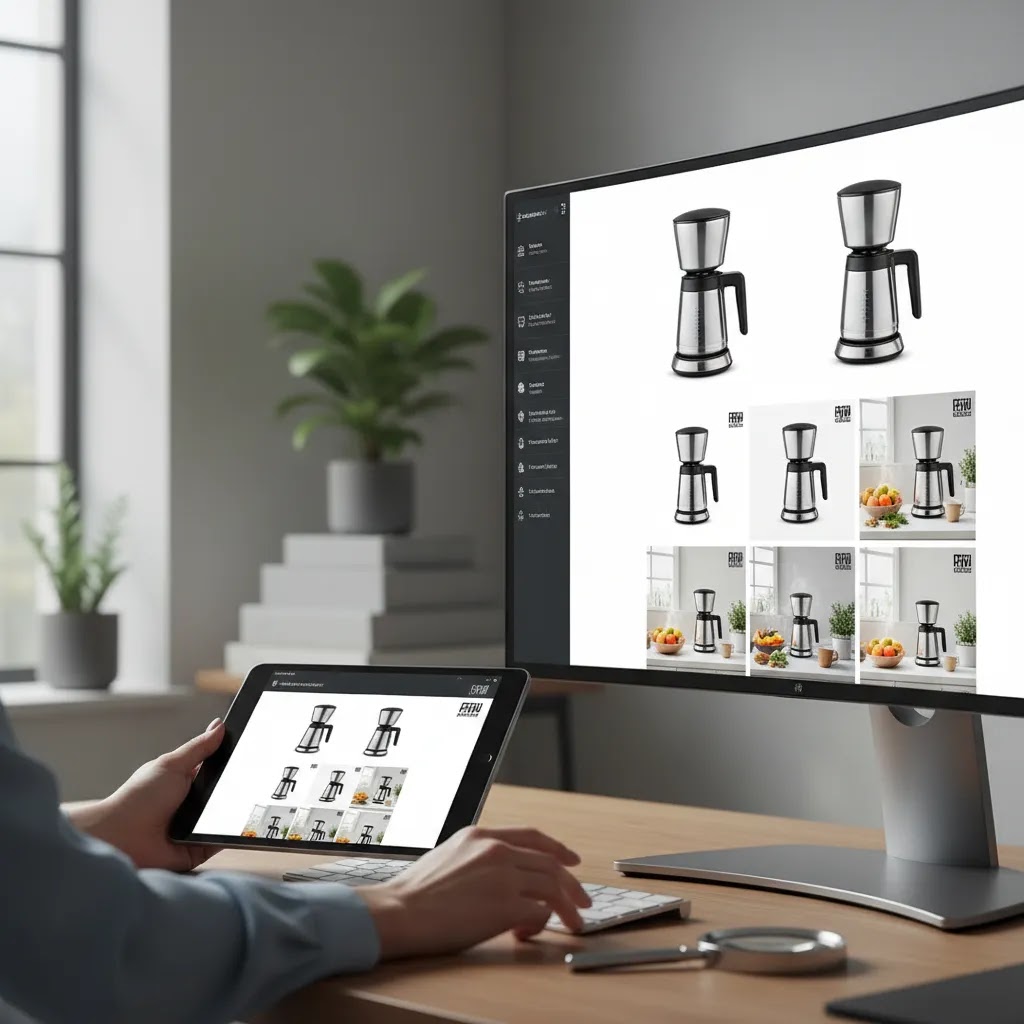
Consider this, some AI images improve engagement at the top of the funnel but reduce confidence closer to purchase. A dramatic hero image may attract attention, while a more accurate product shot may convert better. That is why testing should include both traffic and conversion signals.
If you already have a studio setup, use AI to extend your asset library rather than replace the strongest originals. That approach usually lowers risk and gives you a more realistic benchmark.
Common mistakes when using AI generated product photos
Store owners often assume the main risk is low image quality. The bigger risk is mismatch between the image and the buying decision.
Using stylized scenes where accuracy is required
If a customer needs to judge finish, scale, ingredients, or included accessories, a heavily generated image may cause confusion. This is especially common in beauty, supplements, and technical accessories.
Ignoring consistency across the catalog
One stunning AI image does not help if the rest of the collection looks unrelated. Lighting, angle, framing, and background style should feel intentional from one product to the next.
Skipping manual review
AI still makes strange errors. Labels drift. Caps change shape. Product proportions shift. Skin and hand placement can look unnatural. You need a review process before publishing anything at scale.
Assuming lower cost always means better economics
AI can reduce production time, but only if outputs are usable. If your team spends hours fixing flawed generations, the cost advantage shrinks quickly. Sometimes a simple real shoot plus light editing is the more efficient choice.
The strategies and tools discussed in this article are based on current ecommerce best practices and publicly available information. Results will vary depending on your store, niche, and implementation. Always verify tool pricing, features, and platform compatibility directly with the relevant provider before making purchasing decisions.
Frequently Asked Questions
What are the best productai alternatives for Shopify stores?
The best productai alternatives for Shopify stores depend on what you need most: catalog cleanup, white-background images, or lifestyle scenes. Many merchants do well with a mix of tools rather than one platform. If your store needs fast editing and repeatable outputs, a tool like PhotoRoom may fit. If you need more branded control, you may prefer an editor-led workflow. For most stores, the best choice is the one that produces accurate, publishable images consistently and fits your team's speed, review process, and product complexity.
Can AI product photo tools replace a professional product photographer?
Sometimes, but not always. AI tools can handle a surprising amount of routine work, especially for background cleanup, simple catalog images, and quick creative testing. They are less reliable when products have reflective surfaces, fine texture, complex transparency, or strict visual compliance needs. A professional shoot often still wins for high-value hero imagery or premium branding. Many ecommerce teams now use a hybrid model, with core assets created by a photographer and AI used for variations, experiments, and supporting content.
Are AI generated photography alternatives good for white-background product images?
Yes, many ai generated photography alternatives work well for white-background output, especially when the original image is reasonably clear. That said, quality varies based on shadows, edge handling, and how cleanly the product separates from the background. Items with glass, fur, metallic finishes, or translucent packaging can still be difficult. If your main goal is channel compliance and visual consistency, prioritize tools that specialize in background replacement rather than purely creative generation. Always review zoom quality before publishing to product pages or marketplaces.
How should I evaluate an AI alternative before using it across my whole catalog?
Start small and compare against your current best-performing images. Choose a limited product set, generate new versions, and test them in a controlled way. Look beyond whether the image looks appealing in isolation. Measure whether shoppers click, stay engaged, and add to cart at a similar or better rate. Also monitor support questions and returns for clues that the images may be creating confusion. The right tool is the one that helps your merchandising process, not just the one that creates the most dramatic preview images.
Do AI product photo tools work well for beauty and cosmetics brands?
They can, but beauty is one of the stricter categories for image realism. Skin tones, texture, finish, and shade representation all matter. If you sell cosmetics, general-purpose tools may help with pack shots, backgrounds, and campaign concepts, but they can struggle with believable human application visuals. That is why niche references, such as AcquireConvert's coverage of the AI makeup generator category, are often more useful than broad comparisons. Beauty brands should review outputs carefully before using them in conversion-focused placements.
Is PhotoRoom a strong ai alternative to ProductAI?
For many stores, yes. PhotoRoom is often a strong ai alternative because it is practical, fast, and built around common ecommerce editing tasks. It tends to suit merchants who want fast turnaround and simple workflows more than those who need highly art-directed brand imagery. If you want a deeper look at how it fits into an ecommerce image workflow, AcquireConvert's PhotoRoom resource is a useful next read. The main question is whether speed or creative control matters more for your store.
Will AI product images improve conversions automatically?
No. Better images may improve engagement or conversion for some stores, but there is no automatic lift. Performance depends on product type, page layout, traffic quality, price point, customer expectations, and how accurate the images are. A polished image can help customers feel more confident, but only if the product details remain trustworthy. In some cases, simpler and more accurate photos outperform more stylized AI visuals. Treat photography as one part of the conversion system, alongside copy, reviews, shipping information, and offer strength.
What features matter most when comparing product photo AI tools?
Focus on background quality, editing control, output resolution, consistency across a catalog, and how quickly your team can produce usable assets. If you sell on multiple channels, export flexibility and channel suitability matter too. Some tools are better for marketplaces, while others are better for branded social creative. You should also evaluate whether the tool preserves product accuracy, since visual errors can damage trust. Features and pricing change often, so verify current details with the provider before choosing a paid workflow.
Should I use AI photos for the main image or only secondary product images?
That depends on how accurate the results are. For many stores, AI works best for secondary images, supporting lifestyle scenes, and campaign creative first. The main image usually carries the heaviest burden for clarity and trust, especially on Shopify product pages and in shopping feeds. If you plan to use AI for the primary image, compare it closely with a real photo and look for changes in product shape, color, or packaging. Secondary placements are often a safer place to begin testing.
Where can I learn more about ecommerce product photography strategy?
A good next step is to study both AI-specific workflows and the fundamentals behind strong catalog imagery. AcquireConvert has useful resources across Catalog Photography and foundational topics like product photography studio setup. That combination matters because AI tools work best when you already understand what makes an image useful for ecommerce. If your team gets the basics right first, you will make better choices about which automation tools are actually worth adding.
What is the best AI for product shots?
The best AI for product shots is the one that produces accurate, publishable images for your main sales channels. For many Shopify stores, that means starting with strong background removal and consistent lighting before worrying about lifestyle scenes. If your priority is white background compliance, prioritize tools that keep edges clean and preserve product shape. If your priority is creative testing, prioritize tools that let you control prompts, crops, and variations without changing the product itself. Whatever you pick, test on your actual SKUs and review results at zoom before using them on high-traffic product pages.
Which app is best for product photography?
If you want a practical app for everyday ecommerce editing, PhotoRoom is a common choice because it is built around typical catalog tasks like cutouts, background changes, and quick creative assets. That said, the "best" app depends on your workflow. Some stores need speed and batch output, others need tighter control and a more manual editing process. Your best move is to choose a small set of products, run a repeatable before-and-after test, and judge the app by how often it produces usable images without extra fixes.
Which AI is 100% free?
Most serious AI product photo tools are not 100% free at scale. Many offer free trials, limited free credits, or free versions with caps on exports, resolution, or commercial use. If cost is your main constraint, focus your testing on whether the free tier produces images you can actually publish, not just preview. Also verify licensing terms and feature limits directly with the provider before you use any output in ads, marketplaces, or your Shopify store.
Who are the competitors of ProductAI?
Competitors of ProductAI typically fall into a few groups: ecommerce-focused editors that handle background removal and fast commercial layouts, specialist cleanup tools that solve one problem well, lifestyle scene generators for ad creative, and category-specific tools for niches like beauty or apparel. The right comparison set depends on whether you are trying to clean a catalog, generate lifestyle content, or keep strict channel compliance. For most stores, the real competitor is not one platform, it is a workflow that combines accurate originals with AI-assisted variations.
Key Takeaways
Conclusion
If you are comparing productai alternatives, the smart move is to start with your actual ecommerce workflow, not a feature list. Ask yourself what problem you are trying to solve. Do you need cleaner white-background images, faster creative testing, better lifestyle scenes, or less manual editing time? Once that is clear, the right tool choice usually becomes easier.
For most stores, there is no single winner across every use case. A practical combination of AI editing, selective generation, and real photography often produces the best results. That is especially true if your brand depends on visual trust and product accuracy.
Your next step could be as simple as choosing ten products and testing one new workflow this week. If you want more context before deciding, explore AcquireConvert's guides on AI photography, browse the wider Catalog Photography hub, or compare specialized tools based on the exact type of imagery your store needs.
Results from ecommerce strategies vary depending on store type, niche, audience, budget, and execution. Nothing in this article constitutes a guarantee of specific outcomes. Third-party tool features and pricing are subject to change: verify current details directly with each provider.

Hi, I'm Giles Thomas.
Founder of AcquireConvert, the place where ecommerce entrepreneurs & marketers go to learn growth. I'm also the founder of Shopify agency Whole Design Studios.