How to Use AI for Product Photography (2026 Guide)

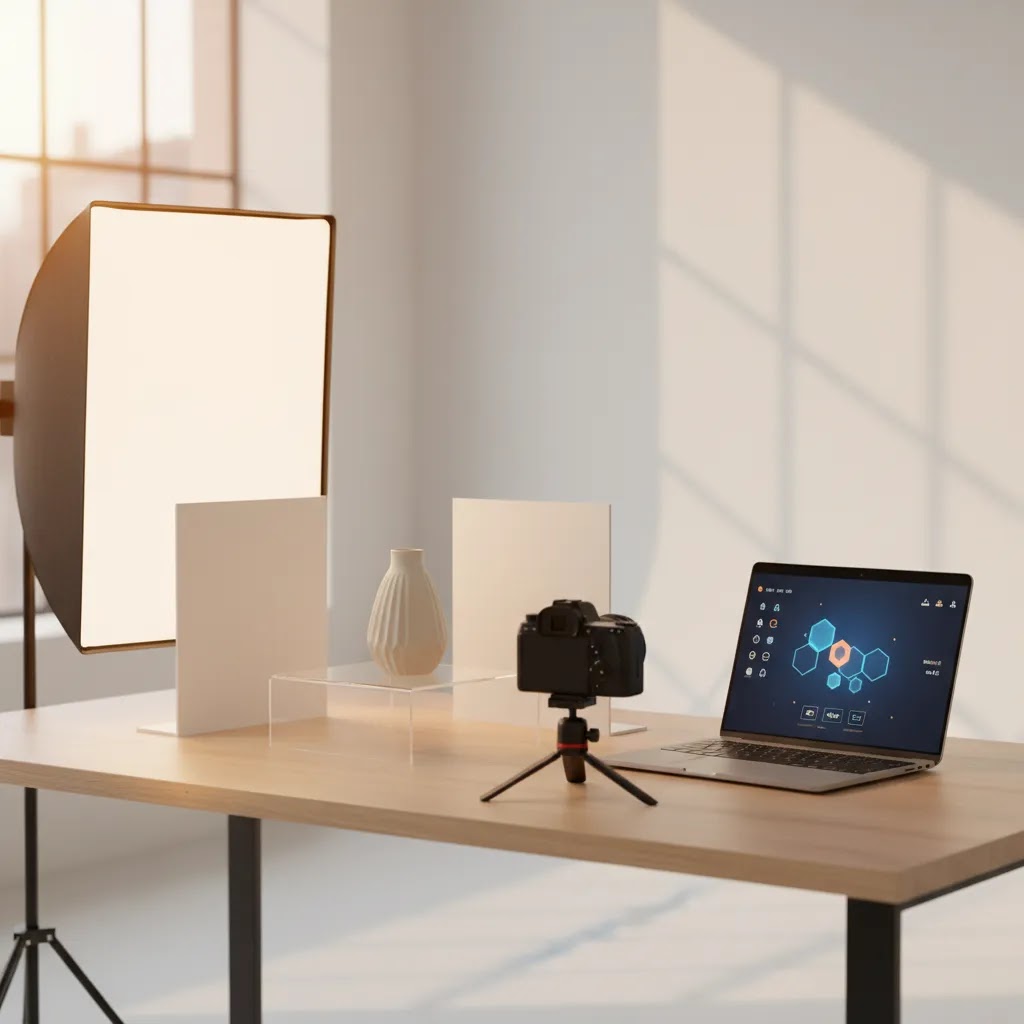
You have a product ready to sell, your Shopify page is live, and your ads are starting to run, but the photos still look like they were taken in a rush on a kitchen table. That is a common point of friction for store owners. You know strong visuals matter, especially for product photography for e-commerce, but hiring a full team or building a complete product photography studio is not always the first move. This is where AI starts to become useful.
If you want to use ai for product photography, the goal is not to fake your catalog or trick customers. The goal is to produce cleaner, more consistent, more conversion-friendly visuals with less manual work. In practice, that may mean removing backgrounds, improving lighting, generating alternate scenes, or creating lifestyle images for your product photography for website pages and ads. AcquireConvert covers this topic from a practical ecommerce angle, shaped by Giles Thomas's experience as a Shopify Partner and Google Expert, so this guide focuses on where AI helps, where it falls short, and how to use it without hurting trust.
Contents
What AI can actually do for product photography
Many store owners hear "AI photography" and assume it means typing a prompt and getting perfect product images instantly. The reality is more useful and more limited than that. AI is strongest when it improves or extends a real image you already captured.
For most Shopify stores, AI helps in four practical ways: background cleanup, lighting correction, resolution enhancement, and scene generation. If your base image is reasonably sharp and well framed, AI can often turn it into something polished enough for collection pages, PDP galleries, and ad creative tests.
That is why it helps to think of AI as a production assistant, not a replacement for product truth. If you want a broader overview of how this category is developing, AcquireConvert's guide to ai photography is a useful starting point for understanding where AI fits into a modern ecommerce workflow.
What AI handles well
What still needs your judgment
The best workflow for store owners
If you are using ai for product photography, your results usually depend more on workflow than on the specific tool. A weak source image creates weak output. A decent source image gives AI something usable to build from.
Here is the process that tends to work best for small and mid-sized ecommerce teams.
1. Start with a real photo of the actual product
Use your phone or camera to capture the product in clear, even light. Keep the frame simple. Make sure the shape is obvious and the most important details are visible. This is especially important if you sell items where texture, stitching, packaging, or finish affects buying decisions.
2. Clean the image before generating anything extra
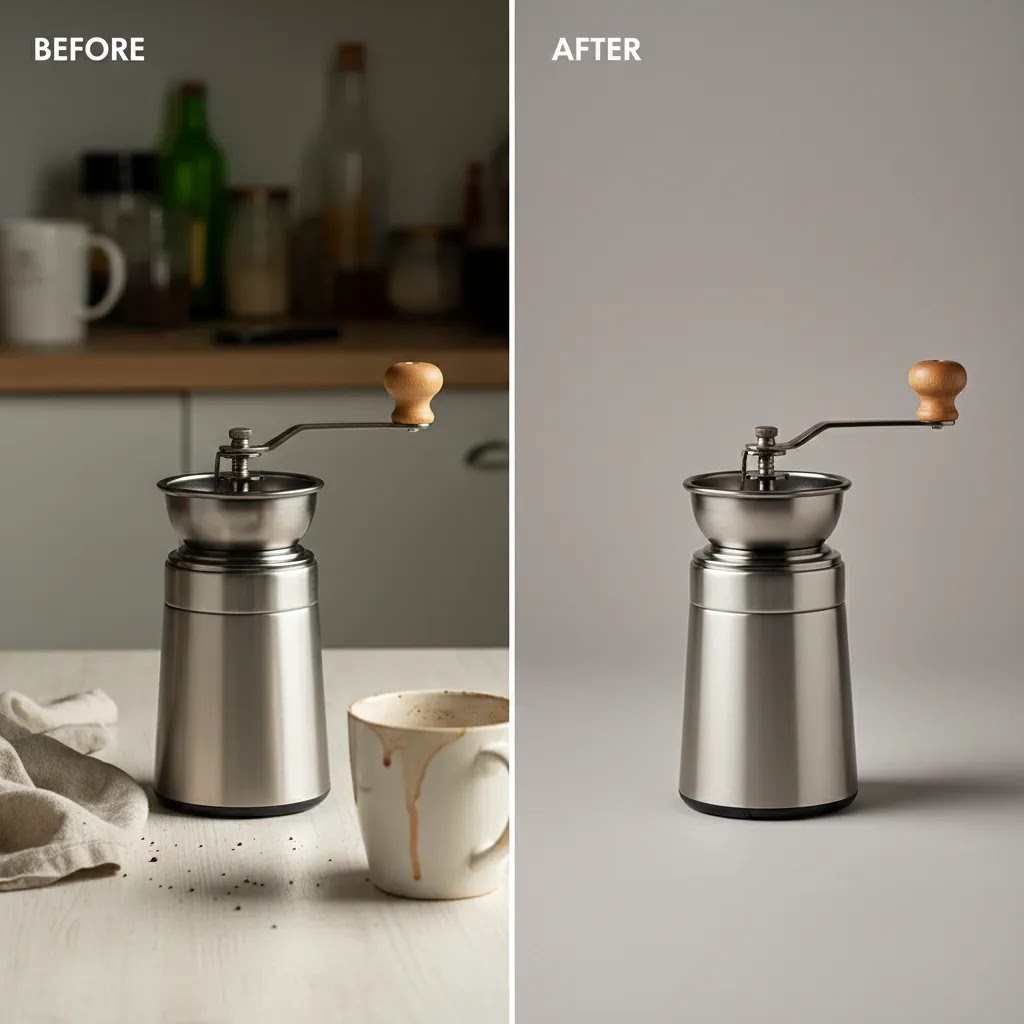
Before you create lifestyle scenes, remove distractions. Tools such as AI Background Generator, Free White Background Generator, and Remove Text From Images can help produce cleaner source files. Features and availability may change, so verify current details with the provider before relying on any workflow.
3. Build image sets, not one-off hero shots
Your product page needs more than one nice image. In practice, you want a consistent set: white background main image, two to four detail shots, one scale image, and one or two lifestyle images. That gives customers both clarity and context.
4. Review every AI output manually
Never publish AI-generated product imagery without checking it against the real item. Look for wrong shadows, missing edges, odd reflections, stretched proportions, or inaccurate colors. These mistakes are common enough that a fast review step is worth building into your process.
Lighting, angles, and capture still matter
One of the biggest misconceptions around ai tools for product photography is that lighting no longer matters. It still does. AI can improve an image, but it cannot fully rescue bad fundamentals.
If you want better output, focus first on the basics of Product Photography Fundamentals. Good source material gives you cleaner edits, more believable backgrounds, and fewer strange artifacts.
What lighting to use for product photography
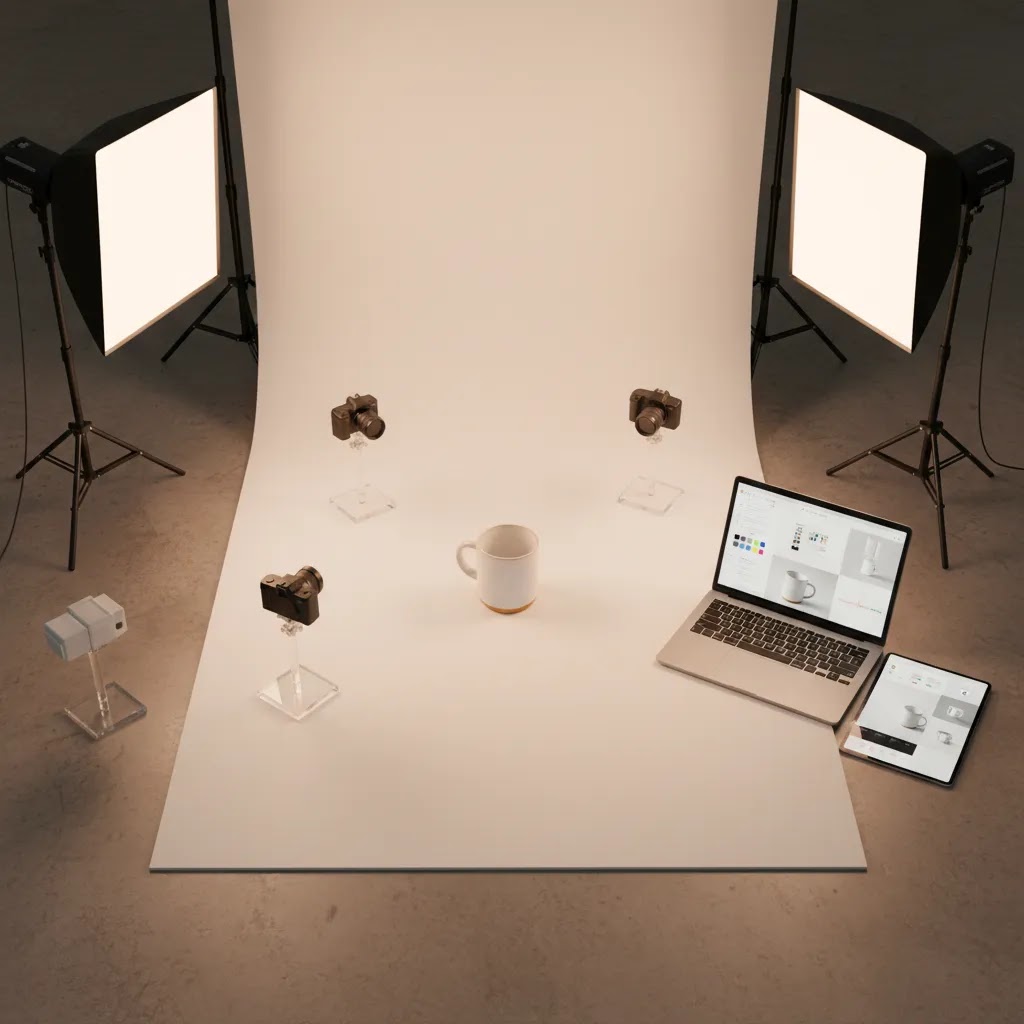
For most products, soft and even lighting works best. Window light with a diffuser can work for smaller items. A simple continuous light setup also works well if you want more control. The key is consistency. If one image is cool-toned and another is warm-toned, AI edits can exaggerate the mismatch.
When you are deciding what lighting to use for product photography, think about your product material. Glossy packaging, glass, and metal need more careful reflection control. Fabric, paper goods, and matte items are usually more forgiving.
Best angles for product photography
The right angles for product photography depend on the product category, but a practical baseline includes front, three-quarter, side, back, and close-up detail shots. If you sell on Shopify, those angles usually cover what a buyer needs to assess shape, size, and quality. AI can then help standardize backgrounds or place those angles into new scenes.
If you sell rotating or highly dimensional products, a turntable for product photography can still be useful. It helps you capture consistent angles quickly, which gives AI more uniform inputs to work with later.
Where AI works best in ecommerce
AI does not need to be used across your entire catalog to be valuable. In many cases, the best gains come from applying it in a few high-impact areas.
Catalog consistency
If your store has been built over time, your product images may look inconsistent. Different backgrounds, different crops, and different lighting styles can make a Shopify collection page feel less trustworthy. AI can help normalize those differences by standardizing backgrounds and sizing.
This is especially helpful for stores managing growing SKUs without a dedicated product photographer on staff. You may still hire a pro for flagship products, but AI can support the long tail of your catalog.
Testing lifestyle imagery
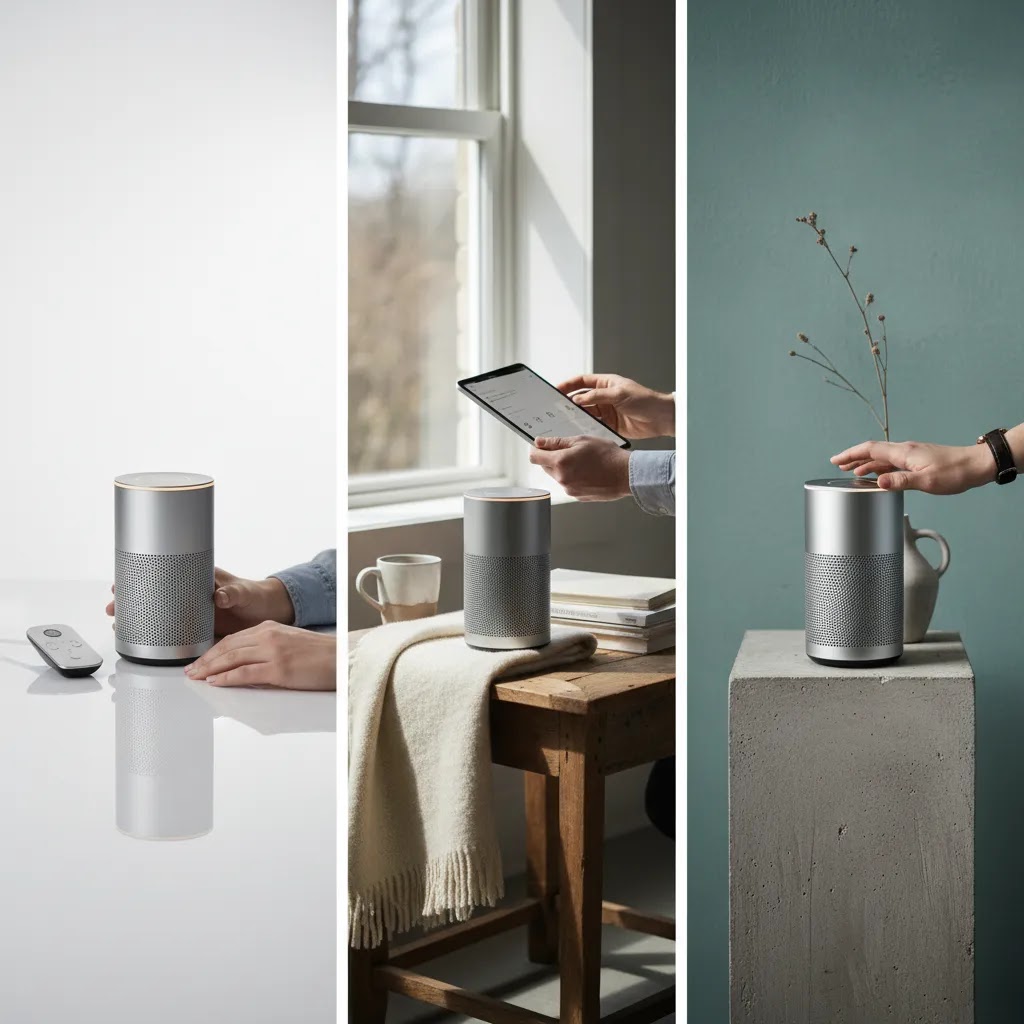
One strong use case is generating multiple lifestyle concepts from one approved source image. You might test a kitchen setting for a homeware product, a desk setting for office accessories, or an outdoor scene for travel gear. This can speed up creative testing across product photography for website banners, landing pages, and paid social.
Consider this carefully, though. The best results come when the scene supports the real use of the product. If the generated context feels fake or overstyled, customers often sense it immediately.
Fast creative variations for ads
For ad testing, AI may help you produce several image variants without reshooting the product each time. That can support faster iteration, especially if you run Shopping, Meta, or retargeting campaigns. Performance will still depend on targeting, competition, offer quality, and spend level, but faster creative production can make testing easier.
AI product photos with models: what works, what breaks, and how to keep it believable
For many Shopify stores, the biggest gap between "good enough" product photography and imagery that actually sells is on-body context. Shoppers want to see fit, scale, and how the product looks in real life. AI can help you generate model and lifestyle variations, but it is also one of the easiest places to create images that look convincing at a glance and questionable up close.
When AI models and lifestyle scenes can help
AI model imagery tends to be most useful when your goal is context, not precision. If you sell apparel basics, accessories, jewelry, hats, sunglasses, bags, or beauty products, a believable lifestyle scene can help customers imagine use and style. This can also support paid social testing, where you want multiple concepts fast, then you keep only what performs and feels on-brand.
Think of it this way: if the product does not require millimeter-level fit decisions, AI lifestyle images can be a practical add-on to your gallery.
When it tends to look off and create problems
AI model images often struggle when the purchase decision depends on exact fit, drape, or material behavior. Tailored apparel, compression products, sheer fabrics, complex knits, and items with very specific texture can quickly look wrong. The same is true for products where exact color matching matters, because skin tone, lighting style, and background color can shift how your product reads.
The reality is that if an AI image makes the product look more flattering than it is, you might see higher click interest but you may also see more returns or customer complaints. That tradeoff is not worth it for most independent stores.
How to structure inputs for more realistic results
If you want AI model images to look believable, your inputs do most of the work. Start with consistent product angles and clean cutouts. A front-facing product shot with even lighting is much easier to place onto a model or into a scene than a dramatic angle with heavy shadow.
From a practical standpoint, these details typically matter most:
Quality control for model images before you publish
Model images deserve a stricter QA pass than basic background removal. Check hands, fingers, jewelry placement, and skin tone transitions. Zoom in on seams, straps, and logos. If the product has a specific functional claim, make sure the AI image does not accidentally exaggerate results or show a feature the real product does not have.
What many store owners overlook is brand safety. Even if an image looks visually fine, ask whether the styling, model vibe, and setting match your audience. If it does not feel like your brand, it is usually better to keep the image out of your main Shopify gallery and use it only for limited ad tests, if at all.
Where you should be careful
Here is the thing. AI product imagery can save time, but it can also create trust problems if you use it without restraint. Ecommerce shoppers are quick to notice when a product image feels too polished, too synthetic, or too different from what arrives in the box.
Color-sensitive products
If you sell cosmetics, apparel, or home decor, color accuracy matters a lot. AI may shift tones subtly, and that can increase returns or customer dissatisfaction. This issue shows up often in beauty content, which is one reason a niche workflow like AI makeup generator content needs extra scrutiny.
Marketplace and policy issues
Some marketplaces and ad channels have stricter expectations for image accuracy than your own website. If you create AI-enhanced visuals for Shopify, that may be fine for your PDP gallery or supporting lifestyle images. But your main marketplace image may still need a plain, compliant product shot with minimal editing.
Over-editing that hurts conversion
The safest rule is simple: use AI to clarify the product, not to disguise it. If your generated background, shadow, or prop styling makes the item look different in size, color, or finish, you may get more clicks but fewer satisfied buyers.
AI product photography legality, licensing, and disclosure
Store owners ask this a lot, and it matters if you are investing in a workflow: are AI product photos actually legal to use commercially? In many cases, yes, but "legal" usually comes down to a few practical points, not a single universal rule.
What legality typically comes down to in practice
First, check the tool's terms. Some AI tools allow commercial use, some restrict certain outputs, and some place conditions on how you can use generated content. If you are building a repeatable catalog process, you want to be confident you have commercial usage rights for the images you export.
Second, be careful with brand elements you do not own. AI can accidentally recreate or enhance logos, trademarks, or recognizable packaging in a way that causes problems. Even if you are not trying to copy another brand, a generated scene might introduce a logo on a prop, a branded label in the background, or a lookalike design that is too close for comfort.
Third, model and likeness questions can get complicated fast. If you are using AI model images, you need to understand whether the tool is providing you rights to use that likeness commercially, and whether there are restrictions around sensitive categories. Policies vary by tool and change over time, so treat this as a checkpoint, not a one-time assumption.
Disclosure and avoiding misleading product claims
Now, when it comes to disclosure, your own Shopify site usually gives you more flexibility than marketplaces. You may not be required to label every AI-assisted image. But you do need to avoid misleading customers. If an AI image meaningfully changes the product's appearance, such as changing the color, adding features, altering texture, or showing results the product cannot deliver, you are creating risk.
Ad platforms and marketplaces can also have their own rules around manipulated media, before-and-after claims, or deceptive imagery. Those policies change, so it is worth checking current guidelines before you scale an AI creative approach in Google Ads or Meta.
A practical risk-reduction checklist
If you want to use ai for product photography without creating unnecessary issues, use a few guardrails:
None of this is meant to scare you off. It is just the reality of running an ecommerce brand. The more your visuals influence buying decisions, the more important it is that they remain commercially honest.
Tools and features to look for
If you are comparing an app for product photography or an AI editing platform, focus less on hype and more on output control. The tool matters, but your use case matters more.
Useful features for ecommerce teams
For example, a platform with a strong editor can help you go beyond automatic cleanup. Tools such as Magic Photo Editor, Background Swap Editor, and Increase Image Resolution support common image prep tasks that matter in ecommerce. Tool features can change over time, so always confirm fit before building a repeatable workflow around them.
If you are considering mobile-first editing, it can also help to compare specialist apps such as Photoroom against browser-based editors and AI image platforms. The best choice depends on whether you prioritize speed, team collaboration, or precise creative control.
Choosing an AI product photography tool: a simple evaluation framework (plus what to test)
Most stores do not fail with AI product photography because the tool is "bad." They fail because the tool is a bad fit for their catalog, or because the workflow does not hold up once you scale beyond a few images.
For most Shopify store owners, the simplest approach is to evaluate tools the same way you would evaluate an app for anything else: can it produce consistent results fast enough, with enough control, without creating new problems you have to fix later?
A practical rubric for evaluating tools
When you are comparing ai tools for product photography, look at these areas:
What to test before you commit
Before you pay for anything long-term, test with your real products, not demo files. Use the same SKU across 5 to 10 variations, then check whether the tool stays stable or starts drifting.
Here are practical tests that tend to reveal issues early:
If you are serious about scale, the goal is not just one great output. The goal is predictable quality across your catalog.
Where different tool categories fit
Most options fall into three buckets, and knowing which bucket you need prevents a lot of wasted time.
For most Shopify store owners, it is normal to use more than one tool. One for clean catalog outputs, and another for lifestyle experimentation. What matters is that the final images match your brand and your product reality.
How to roll this out on Shopify
Once you have a workable image process, the next step is to apply it systematically inside your store. This is where many merchants lose momentum. They edit a few images, like the result, and then stop short of full implementation.
Create a simple image standard
Document what each product page should include. For example: one white background hero image, three standard angle shots, one close-up texture shot, and one lifestyle image. This keeps your catalog consistent as new products are added.
Prioritize your top-selling and top-traffic products first
Do not start with all SKUs. Start with the products that matter most to revenue or acquisition. Those pages give you the clearest read on whether new photography is helping engagement and conversion quality.
Review impact using store-level metrics
Look at product page engagement, add-to-cart rate, return reasons, and customer questions. If improved imagery is doing its job, customers may need less reassurance before buying. That does not guarantee better conversion, but it often improves the quality of the shopping experience.
AcquireConvert regularly publishes practical guidance in areas like Catalog Photography and related visual merchandising topics, so if you are building out a broader media workflow, those resources are worth exploring next.
The strategies and tools discussed in this article are based on current ecommerce best practices and publicly available information. Results will vary depending on your store, niche, and implementation. Always verify tool pricing, features, and platform compatibility directly with the relevant provider before making purchasing decisions.
Frequently Asked Questions
Can I use AI for product photography if I only have a smartphone?
Yes, in many cases you can. A modern smartphone is often good enough to capture a strong base image if you use stable lighting, keep the product in focus, and avoid cluttered backgrounds. AI works best when the original image is already clear and reasonably accurate. For small Shopify stores, this is often the most practical starting point. You do not need a full commercial setup before you begin using ai for product photography. What matters most is consistent capture, careful review, and using AI to refine rather than invent what your product looks like.
Does AI replace the need for a professional product photographer?
Not completely. AI can reduce the amount of manual editing and reshooting you need, but there are still situations where a professional product photographer adds real value. Premium launches, luxury items, reflective surfaces, and brand campaigns often benefit from expert lighting and styling. The difference between stores that use AI well and stores that get disappointing results is usually not whether they avoid professionals entirely. It is whether they know when to use AI for efficiency and when expert photography still makes commercial sense.
What types of products work best with AI-enhanced photography?
Products with clear shapes and straightforward surfaces often work best. Think packaged goods, accessories, home items, small electronics, and many DTC products with simple silhouettes. AI can usually clean up these images and create consistent backgrounds without too much trouble. Products that depend heavily on exact color, texture, or fit, such as apparel or cosmetics, need more care. If you sell beauty items, reviewing category-specific workflows like AcquireConvert's content around an AI makeup generator can help you understand where extra checks are needed.
Which AI is best for product photography?
The best option depends on what you are trying to do. If your priority is clean catalog imagery, background removal and white background export tools are usually the most reliable starting point. If your priority is lifestyle creativity, a scene generation tool may be useful, but it needs stricter review for product truth. From a practical standpoint, the best AI for product photography is the one that produces consistent results for your specific SKUs, exports at a quality that looks sharp on your Shopify theme, and lets you fix mistakes quickly when the AI gets details wrong.
What is the 20 60 20 rule in photography?
The 20 60 20 rule is a simple way to think about where your results come from. It is often described as 20 percent gear, 60 percent lighting and setup, and 20 percent editing. The exact percentages are not scientific, but the idea is useful for ecommerce: AI editing helps most when your lighting and capture are already solid. If your source photo is dark, blurry, or full of harsh shadows, AI has to guess too much, and the output becomes less reliable.
Are AI product photos legal?
In many cases, they can be, but it depends on the tool you use and how you use the images. You typically need to confirm the tool's terms allow commercial usage, and you should avoid generating or including brand elements you do not have rights to use, such as logos, trademarked designs, or recognizable packaging from other brands. You also need to avoid misleading customers if AI edits materially change how the product looks or what it does. If you are advertising, selling on marketplaces, or running regulated category offers, it is worth double-checking current platform rules before scaling AI imagery.
What lighting should I use before editing with AI?
Soft, even lighting is usually the safest choice. Natural window light can work well if it is diffused and consistent. A basic continuous light setup can also work if you want more control and repeatability. Harsh shadows and mixed color temperatures create more problems for AI editing because the software has to guess what belongs to the product and what belongs to the environment. From a practical standpoint, if your source image looks clean to your eye before editing, the AI output is much more likely to stay believable and useful on your product pages.
Can AI-generated lifestyle images hurt customer trust?
They can, if they make the product look unrealistic. Customers usually respond well to lifestyle imagery when it gives helpful context, such as showing scale, use case, or environment. They respond poorly when the image feels overly synthetic or when the product appears different from what arrives. The reality is that AI lifestyle images work best as supporting images, not as a substitute for showing the actual item clearly. Keep your hero image grounded in reality, then use AI-generated scenes to expand the story around the product in a controlled way.
Should I use AI images for Shopify product pages or ads first?
For most Shopify stores, start on product pages first. That gives you more control and lets you review how customers respond before using those assets in paid campaigns. Once you know which image styles feel trustworthy and on-brand, you can adapt them for ads. Ad performance depends on much more than imagery alone, including audience targeting, competition, product-market fit, and spend level. Starting on-site first usually gives you a safer testing environment and helps you avoid scaling creative approaches that may attract clicks but not qualified buyers.
What is the difference between AI background removal and AI image generation?
Background removal edits an existing real product photo. Image generation creates or extends a scene around the product, sometimes with new props, shadows, or environments. Background removal is generally lower risk because it preserves the original product appearance more closely. Image generation can be useful for speed and variety, but it needs more manual review. If you are still learning how to use ai for product photography, start with cleanup tasks first. Once you are comfortable with that, move into scene generation for lifestyle content and ad creative testing.
Do I need a turntable for product photography if I am already using AI?
Not always, but it can help. A turntable for product photography is useful when you want consistent angles across multiple images or a full 360-style asset workflow. AI does not replace the need for clean, repeatable capture if your product benefits from showing many sides. For jewelry, bottles, footwear, and sculptural products, a turntable can save time and improve consistency. If your catalog is simpler, you may not need one. Think of it as a production aid, not a requirement for using AI well.
How can I keep AI-edited product images consistent across a large catalog?
Set standards before you edit at scale. Decide on image dimensions, crop ratios, background style, shadow treatment, and the number of gallery images each product should include. Then batch similar products together so your edits stay visually aligned. What many store owners overlook is that consistency often matters more than individual image perfection. Customers move across collection pages quickly, and inconsistent visuals can make the store feel less polished. Building a repeatable process, even a simple one, usually delivers more value than chasing dramatic one-off AI effects.
Where can I learn more about building a better AI photography workflow?
A good next step is to review broader educational content on Catalog Photography and category-level image planning, then go deeper into specialist topics like Photoroom or workflow setup. AcquireConvert approaches these subjects with an ecommerce-first lens, which is useful if your priority is not just making nice images but improving how products sell online. That kind of guidance is particularly helpful if you want to connect photography choices to conversion, merchandising, and customer acquisition rather than treating visuals as a separate creative task.
Key Takeaways
Conclusion
If you want to use ai for product photography well, the smartest approach is not to hand over your entire visual strategy to a tool. It is to build a workflow that combines real product capture, sensible editing, and careful review. That usually leads to better product photography for e commerce than either raw DIY images or heavily generated visuals on their own.
Start small. Pick five important SKUs, improve the source images, test white background versions, then create one or two realistic lifestyle variations. Review them on your Shopify product pages and see whether the presentation feels clearer and more persuasive. If you want more practical guidance after that, explore AcquireConvert's related resources on Catalog Photography and image workflows. The goal is not perfection on day one. The goal is a repeatable process that helps your products look trustworthy, consistent, and easier to buy.
Disclaimer: Results from ecommerce strategies vary depending on store type, niche, audience, budget, and execution. Nothing in this article constitutes a guarantee of specific outcomes. Third-party tool features and pricing are subject to change: verify current details directly with each provider.

Hi, I'm Giles Thomas.
Founder of AcquireConvert, the place where ecommerce entrepreneurs & marketers go to learn growth. I'm also the founder of Shopify agency Whole Design Studios.