What Is Product Photography? Beginner Primer (2026)

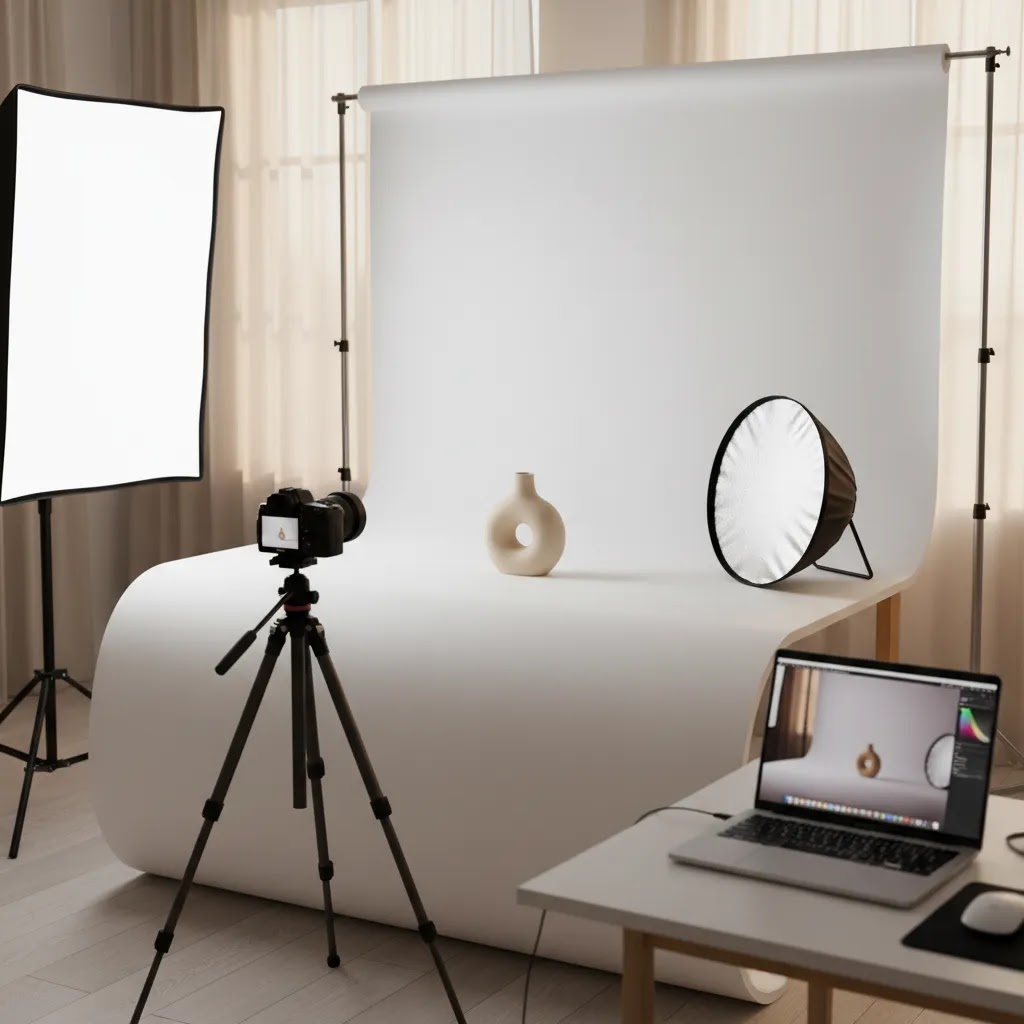
If you run an online store, product photography is not just a creative task. It is part of your sales process. The right images help shoppers understand what you sell, reduce hesitation, and set expectations before purchase. In simple terms, product photography is the practice of photographing products for commercial use, usually for ecommerce listings, ads, social posts, marketplaces, and catalogs. If you are still building your setup, it helps to see how a proper product photography studio is structured before you spend money on gear. This primer covers what product photography means, the most common styles, the equipment you actually need, where AI fits, and how to think about quality as a store owner.
Contents
What product photography means
Product photography is the creation of product-focused images for commercial use. You will also hear it described as commercial product photography, ecommerce product photography, catalog photography, packshot photography, and lifestyle product photography depending on the image style and where it will be used.
For ecommerce, the goal is straightforward: show the product clearly enough that a shopper can make a buying decision with confidence. That usually means clean detail shots, consistent angles, accurate colors, and context images that help people picture the product in use.
If you sell on Shopify, Amazon, Etsy, or your own site, product images affect conversion more than many store owners expect. Shoppers cannot touch the item, so your photos have to do the work of a retail shelf, a sales associate, and a fitting room all at once.
That is why product photography tends to sit across multiple disciplines. It supports merchandising, branding, paid ads, SEO image assets, and customer experience. If you need inspiration for different image formats beyond plain white background shots, these product photography ideas are a useful next step.
The main types of product photography
There is no single format that works for every store. Most brands end up using a mix of image types.
1. Standard catalog or packshot photography
This is the clean, isolated product image you see on product pages and marketplaces. It often uses a white or simple background and focuses on accuracy. For many stores, this is the foundation of ecommerce product photography.
2. Lifestyle product photography
Product lifestyle photography shows the item in a real-world setting or in use. It helps customers understand scale, mood, and fit. Apparel, beauty, home goods, and wellness brands often rely on this format to tell a stronger visual story.
3. Detail and close-up photography
These shots highlight materials, stitching, ingredients, texture, buttons, or finishes. They are especially useful when the product has quality cues that justify the price.
4. Group or collection photography
This style presents bundles, color ranges, or product families. It can improve collection pages and promotional creative.
5. AI-assisted product photography
AI photography generally refers to using software to edit, enhance, restage, or generate product scenes. It may involve background changes, resolution improvement, product-in-hand mockups, or scene generation. For beauty brands, tools and workflows can overlap with visual generators such as an ai makeup generator when creating concept imagery or campaign support assets. AI can speed up production, but it still needs quality control if you want believable commercial results.

Product photography setups by product type
Here is the thing, most beginner advice is written as if you are photographing a matte ceramic mug on a white background. Real ecommerce catalogs are messier than that. Your product type changes how you light, how you position your camera, and how much control you need over reflections and edges.
These setup examples are not about buying expensive gear. They are about solving the most common category problems with simple lighting and smart positioning.
Apparel (flat lay, hanger, ghost mannequin, on-body)
Apparel is all about shape, fit, and fabric texture. For flat lays and hangers, consistency comes from repeatable positioning: same camera height, same distance, same crop. If your tops look like they were shot from different heights, your collection pages will feel chaotic fast.
On-body photography adds the complexity of skin tones and movement. Use a tripod, keep shutter speeds fast enough to avoid motion blur, and keep your light soft so fabric texture reads without harsh shadows. If you have to choose, prioritize clean fit and accurate color over dramatic mood. Mood belongs in lifestyle shots, not your size-critical images.
Jewelry and other highly reflective items
Reflective products are basically mirrors. They pick up your room, your camera, your clothes, and your lights. The way this works in practice is you want a big, soft light source relative to the product, plus careful control of what the product reflects.
A small light tent or heavy diffusion can be worth considering once you get tired of fighting sharp hotspots. Simple black cards or flags placed just outside the frame help define edges and reduce messy reflections. For close-ups, a macro lens can be useful, but only after you have stable support and consistent lighting. Otherwise you will just create sharper versions of the same reflection problems.
Glass, transparent, and glossy packaging
Transparent products need edge definition. If you put clear glass on a white background and blast it with frontal light, it disappears. Consider lighting from the sides or slightly behind to create a clean highlight edge. Use diffusion to keep highlights smooth, then use darker flags to add contour.
Glossy packaging is similar. The label might be readable, but glare can wipe out the branding. Move your lights around before you change your camera settings. Small angle changes often fix glare faster than any edit.
Food and textured products
Food photography is often about texture and appetite appeal, which usually means directional light that creates a bit of shadow. Soft side light works well because it shows shape without making the scene feel harsh. Keep your white balance consistent so your product does not shift from warm to cool across your catalog.
From a practical standpoint, food also has time pressure. If the product changes quickly, lock your composition, take your hero shot first, then move into details and variants. Do not start with experimentation and hope you can recreate the good shot later.
Cosmetics and small products with fine details
Cosmetics can be deceptively hard because you often need clean label readability and controlled shine on tubes, compacts, and bottles. Use diffusion to soften reflections and position lights to keep the main branding panel readable.
For very small details, macro capability can help, but it is not mandatory. Many store owners get further by stabilizing the camera, controlling lighting, and using a consistent background and crop, before they invest in specialty lenses.
What many store owners overlook is that the moment you sell multiple shades or finishes, consistency becomes the product. Your setup needs to make variants comparable, not just pretty one at a time.
What you need to get started
Beginner store owners often ask what do I need for product photography or what camera to buy for product photography. The honest answer is that your setup depends more on your product type than on owning the most expensive gear.
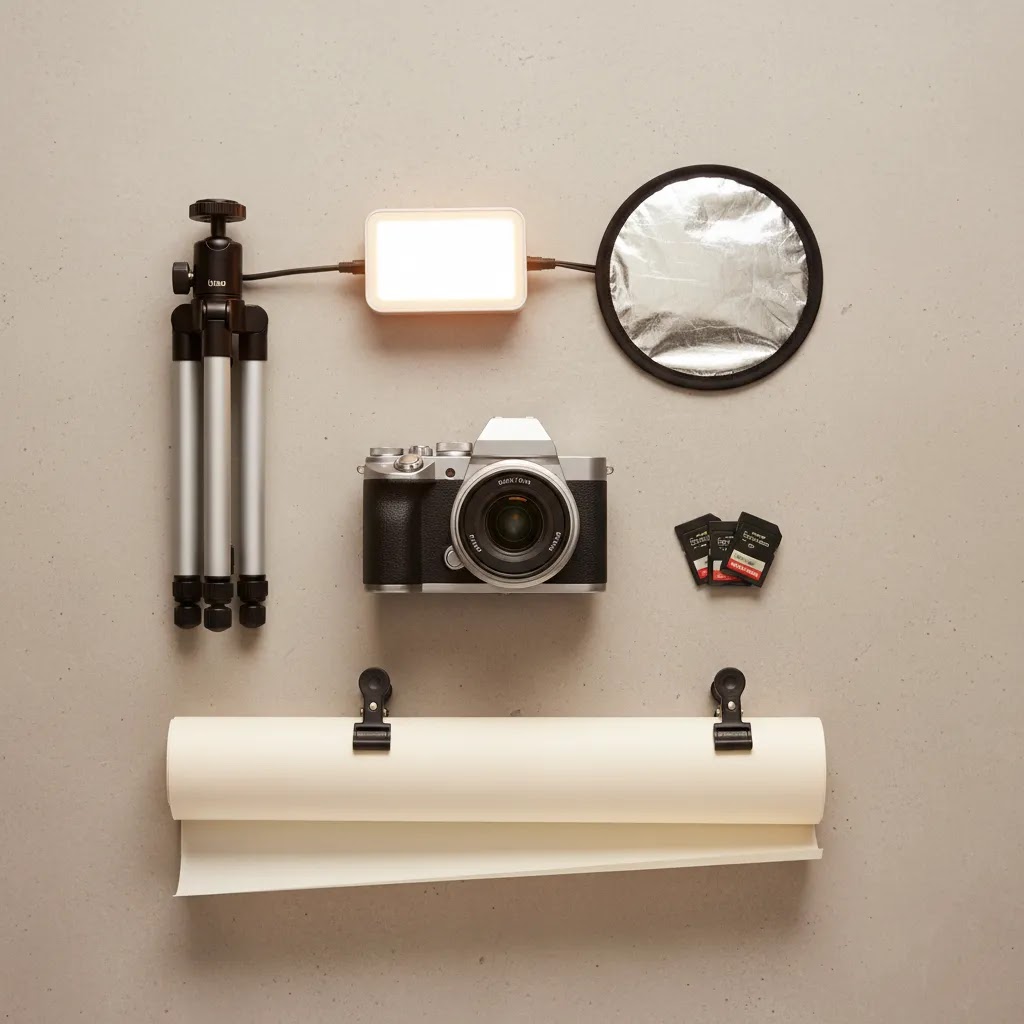
Core equipment
What lighting to use for product photography
For most ecommerce use cases, diffused continuous lighting is the safest starting point. It gives you a predictable view of shadows and reflections as you shoot. Natural window light can also work well for beginners, especially for handmade products, apparel accessories, and home goods. The trade-off is inconsistency across time of day and weather.
If you are building a repeatable setup, work from a consistent shooting area rather than changing your environment every session. A dedicated product photography studio setup often improves efficiency more than buying a better camera body.
AI tools that may help
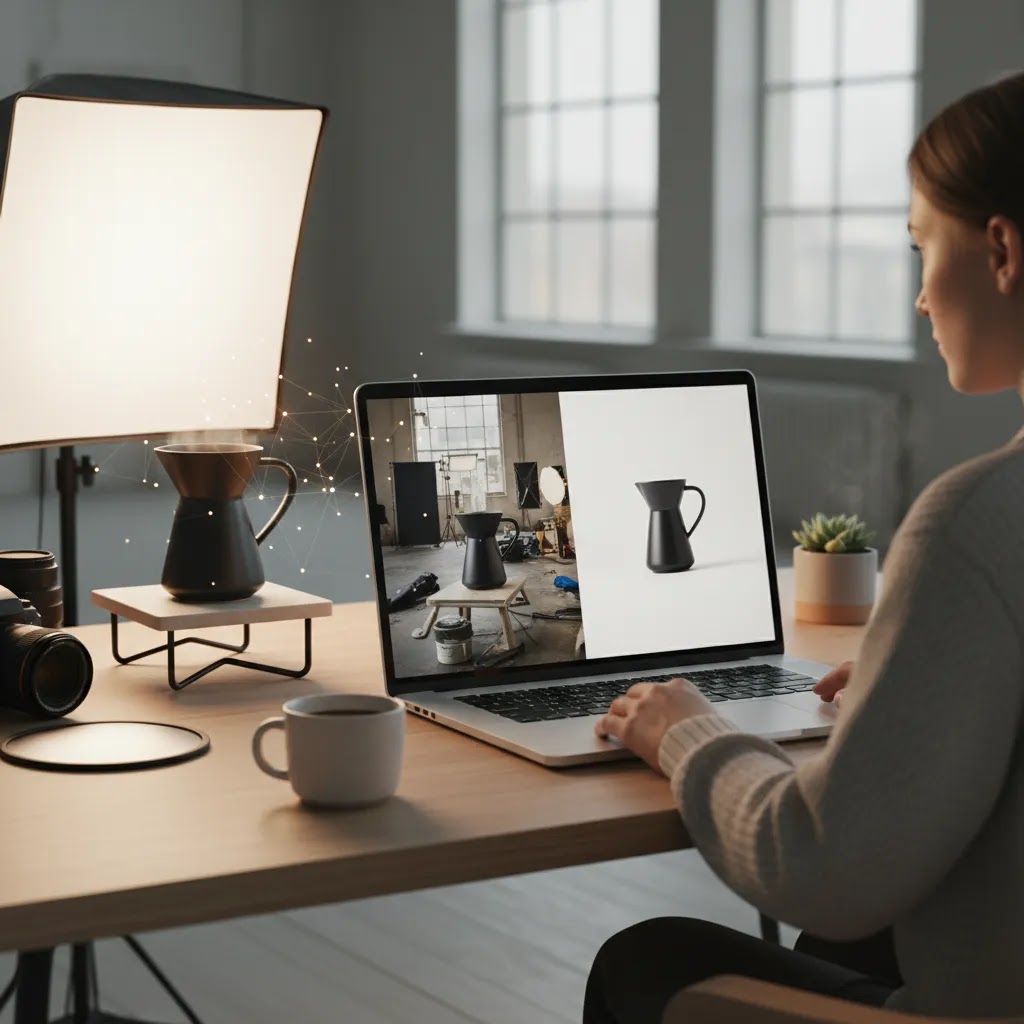
AI is now part of many store owners' workflows, especially when a full reshoot is not realistic. Tools currently available through AcquireConvert-related product data include AI Background Generator, Free White Background Generator, Increase Image Resolution, Background Swap Editor, and Place in Hands. These can help with speed, consistency, and testing different visual styles, though they do not remove the need for accurate source images and brand review.
A practical product photography workflow: prep, shoot, edit, export
Most stores struggle with product photography because they treat each shoot like a one-off. A simple end-to-end workflow helps you get consistent results, even if you are shooting with a phone and one light.
1) Pre-shoot prep (this affects results more than gear)
Consider this, your camera can only capture what is there. If the product is dusty, wrinkled, scuffed, or covered in fingerprints, you are either reshooting or paying for extra retouching later.
Before you take a single photo, do a quick prep pass:
2) Shooting basics: stable, consistent, and color-aware
You do not need to become a camera expert, but you do need control. A tripod gives you that. From there, set up your lighting so it is soft and repeatable, then focus on three common failure points: blur, mixed lighting, and warped perspective.
These basics will cover most ecommerce shoots:
If something looks off in-camera, fix it before you shoot the whole set. Mixed lighting is a classic issue, like window light plus a warm indoor bulb, and it creates color casts that are painful to correct later.
3) Post-production: where consistency is actually created
Editing is not optional if you care about a consistent catalog. The reality is that even good raw photos usually need standardization so your product pages look like they belong to the same brand.
Start with the basics:
AI tools can help with repetitive tasks like background removal, background swaps, and resolution improvement. Just keep human review in the loop, because AI can create odd edges, inaccurate shadows, or slightly wrong proportions that you will notice once the image is on a product page next to real photos.
4) Export: make images fast, sharp, and channel-ready
Export settings are where a lot of store owners lose quality. You want images that are crisp enough for zooming and ads, but not so heavy that they slow your Shopify store.
For most Shopify stores, export a consistent aspect ratio, keep resolution high enough to support zoom, and compress appropriately so pages load quickly. If you are selling on marketplaces, you may need different crops or background requirements, so save an editable master file, then export channel-specific versions rather than repeatedly re-editing the same image.
Pros and Cons
Strengths
Considerations
Who should care most about product photography
Any ecommerce business needs product photography, but it matters most when customers rely heavily on visual cues to decide. That includes fashion, beauty, accessories, home goods, gifts, electronics accessories, and handmade products.
If you are a Shopify merchant managing your own store, product imagery is one of the most practical areas to improve without changing your whole acquisition strategy. Better photos may help your traffic work harder because visitors can understand the offer faster. This is especially true for stores that already have decent traffic but weak add-to-cart rates.
It is also a major priority if you are expanding into marketplaces or paid social, where image quality and consistency shape click-through and buyer trust.
How AcquireConvert recommends approaching it
At AcquireConvert, the advice is to treat product photography as a conversion asset first and a creative exercise second. Giles Thomas's background as a Shopify Partner and Google Expert is useful here because store imagery affects both on-site buying behavior and off-site acquisition performance. The practical starting point is not to chase a perfect studio setup on day one. It is to build a repeatable image workflow that matches your catalog, brand, and channel mix.
Start with clean hero images, then add detail shots and a few lifestyle scenes where context matters. If you are unsure how to structure your image process, explore the broader Catalog Photography topic cluster and the site's Product Photography Fundamentals resources. That gives you a stronger base before investing in lights, props, or AI editing workflows.
How to choose your setup and workflow
If you are evaluating product photography for your store, focus on fit rather than chasing someone else's setup. These are the four criteria that matter most.
1. Product complexity
Simple boxed products, stationery, and non-reflective goods are beginner-friendly. Jewelry, cosmetics, glass, and apparel on-body are more demanding. The more texture, shine, transparency, or fit detail you need to show, the more control your setup must provide.
2. Sales channel requirements
Your own Shopify store gives you more creative flexibility. Amazon and some marketplaces are stricter about white backgrounds and image composition. Paid ads and social posts often need more dynamic creative than your PDP gallery. Plan your shots around where they will actually be used.
3. Brand style versus clarity
Some brands overinvest in mood and underinvest in clarity. Others do the opposite and end up with sterile imagery that does not help the product stand out. The strongest approach is usually a combination: straightforward hero shots for product pages and more expressive lifestyle images for merchandising and campaigns.
4. Production model
You can shoot in-house, outsource to a studio, or mix the two. In-house works well when you need speed and control. Outsourcing can make sense for launches, complex products, or when consistency is slipping. AI tools may help bridge the gap by handling repetitive editing tasks after the original photos are captured.
5. Editing discipline
Editing should correct and standardize, not mislead. Keep colors accurate, proportions believable, and shadows natural. If you use AI-generated scenes, review them with the same care you would apply to ad copy or product claims. A polished image that misrepresents the product can create returns and customer support issues later.
Image quality standards for Shopify, marketplaces, and ads
Product photography is not just about what looks good on your laptop. Your images are judged by where they appear: on a Shopify product page, inside a marketplace grid, in a Meta ad, or in a Google Shopping result. Channel requirements and expectations are a big reason some “nice photos” still underperform.
A channel-driven checklist you can actually use
Most stores get better results when they set a few simple standards and apply them to every SKU:
Shopify product page gallery: what good looks like
For most Shopify store owners, the product detail page is the main conversion surface. A practical gallery mix usually includes:
Resolution is part of this, because shoppers will zoom. You want images sharp enough that zoom does not fall apart, but not so heavy that your pages load slowly. The best approach is usually to keep a high-quality master, then export web-optimized versions for your store.
What many store owners overlook is variant consistency. If a customer switches color, the framing and angle should not change. When it does, it creates friction because the shopper cannot compare like-for-like.
Marketplaces and ads: consistency and compliance matter
Marketplaces tend to be stricter about backgrounds and composition because they want uniform listings. Ads are different. Ads usually reward images that read fast and communicate the product in one glance.
Now, when it comes to paid channels, keep in mind that platform policies change. If you are designing images for Google Ads or Meta Ads, verify current creative guidelines before you build a large batch of assets.
Governance: keep your catalog consistent as you add SKUs
Catalog consistency usually breaks when you add products over time. The fix is not more talent, it is simple rules:
Think of it this way, you are building a system that future-you can run at speed without quality dropping.
Frequently Asked Questions
What is product photography called?
It is commonly called product photography, commercial product photography, catalog photography, packshot photography, or ecommerce photography. The label usually depends on the image style and use case. A plain background product image for a store listing may be called a packshot, while a styled scene is usually referred to as lifestyle product photography.
What is product photography definition in simple terms?
Product photography is the process of creating photos of products for selling, marketing, or promotion. For ecommerce, that typically means showing the item clearly, accurately, and consistently so shoppers can understand what they are buying before they place an order.
What is ecommerce product photography?
Ecommerce product photography is product photography created specifically for online selling. It usually includes hero images, alternate angles, close-ups, and sometimes lifestyle images. The goal is to replace the in-store viewing experience as much as possible and help customers make decisions from a screen.
What is commercial product photography?
Commercial product photography is a broader category that covers product images used in advertising, catalogs, websites, packaging, social media, and other marketing materials. Ecommerce photography is one branch of commercial photography, but commercial work may also include campaign creative and brand storytelling assets.
What is product lifestyle photography?
Product lifestyle photography places the item in a realistic setting or shows it being used. It helps customers understand size, context, mood, and fit. This style is especially useful when your product benefits from being seen in action rather than isolated on a plain background.
What is meant by product photography?
Product photography means creating images that are focused on the product and designed for commercial use. For ecommerce, that typically means photos that clearly show what the item is, what it looks like from key angles, and any details that affect a buying decision, like texture, finish, size, or fit.
What do you need for product photography?
At minimum, you need a camera or smartphone, stable support such as a tripod, controlled lighting, and a clean background. You may also need reflectors, props, and editing software depending on your product type. Consistency matters more than owning the most advanced gear.
What is needed for product photography?
You need a repeatable setup and a simple workflow: a stable camera position, soft controlled light, a clean shooting surface or backdrop, and a way to edit and export images consistently. You also need product prep, like cleaning and steaming, plus a shot list so you capture the same angles and details across all your SKUs.
What camera should I buy for product photography?
If you are just starting, do not assume you need a high-end camera immediately. A recent smartphone or entry-level mirrorless camera can be enough when paired with good lighting and a tripod. For many stores, improving lighting and styling produces a bigger jump in quality than upgrading the camera first.
What lighting should I use for product photography?
Soft, diffused lighting is usually the safest choice. Continuous lights with softboxes are beginner-friendly because you can see shadows as you work. Window light can also be effective, but it is harder to keep consistent from one shoot to the next. Reflective products may need more careful light shaping.
What is AI product photography?
AI product photography usually refers to software-assisted image creation or editing for product visuals. That can include removing backgrounds, swapping scenes, increasing resolution, or placing products into generated settings. It can save time, but it still needs human review to make sure the output is accurate and believable.
What should I charge for product photography?
Pricing varies based on complexity, usage rights, styling, retouching, shot count, and turnaround time. If you are hiring a photographer, ask for pricing by image, by day, or by project scope. If you are a store owner costing your own workflow, calculate labor, setup time, editing, and tool costs before deciding whether in-house production is worth it.
What type of photography does Karl Taylor do?
Karl Taylor is best known for product photography and commercial photography education, with a strong focus on studio lighting and controlled setups for objects, reflective products, and advertising-style images.
Was Linda McCartney a good photographer?
Linda McCartney was widely respected as a photographer. She is known for documentary-style images, particularly portraits and music photography, and her work has been exhibited and published broadly.
Key Takeaways
Conclusion
Product photography is one of the most practical skills or workflows an ecommerce business can improve. It affects how shoppers judge quality, how clearly your offer is understood, and how confidently people move toward purchase. For most store owners, the right next step is not buying every piece of studio gear. It is creating a repeatable system for clean, accurate, channel-ready images. If you want help building that system, AcquireConvert is a strong place to continue. Explore the site's catalog photography resources, compare AI-assisted image tools, and use Giles Thomas's Shopify and ecommerce guidance to make smarter visual decisions for your store.
This article is editorial content created for educational purposes and is not a paid endorsement unless otherwise stated. Pricing and product availability for third-party tools are subject to change, so verify current details directly with the provider. Any performance outcomes discussed are illustrative only and are not guaranteed.

Hi, I'm Giles Thomas.
Founder of AcquireConvert, the place where ecommerce entrepreneurs & marketers go to learn growth. I'm also the founder of Shopify agency Whole Design Studios.