
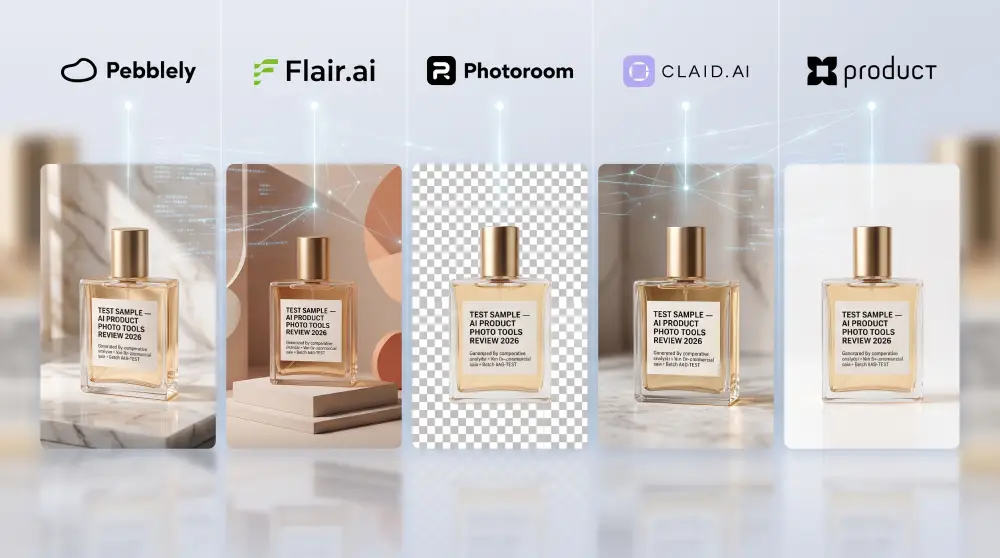
Why It Matters
Type "product photo of a skincare bottle on marble" into Midjourney or DALL-E and you'll get a striking image back in seconds. You'll also, more often than not, get a logo that has drifted into gibberish, label text that's almost but not quite legible, and a cap that's a slightly different shade to the one sitting on your desk. General-purpose generators were built to imagine images, not preserve them. That's a problem when the thing you're photographing has to match a real SKU on a real shelf.
Tools built specifically for product photography solve a narrower, harder problem: keep the product exactly as it is (logo, label, proportions, colour) and change everything around it (the background, the lighting, the setting). That's the whole premise of this guide. We compared five tools built for that job against the criteria that actually matter once you're past SKU 10: catalog scale, brand consistency across a full set, and whether the output can plug into your store without someone re-uploading every image by hand.
Comparison Matrix
Pricing and feature checks below were verified against each vendor's own pricing page. A couple of things worth flagging before you read the table: Pebblely no longer runs a free plan (it did as recently as earlier this year), and Photoroom, Claid.ai, and Flair.ai all now offer some form of API access, just not on the same terms as ProductAI's. Full detail is in the reviews below the table.
| Feature | ProductAI | Photoroom | Pebblely | Flair.ai | Claid.ai |
|---|---|---|---|---|---|
| Price (Monthly) | From €16 (~$17) | From $7.50 (annual) | From $9 (Lite, no bulk gen; $19+ for bulk) | Free, then from $8 | From $15 |
| Catalog Scale | Yes: 40 to 375+ photos/mo by tier, plus a managed Enterprise line for full catalogs | Partial: Batch export caps by tier | Partial: Hard monthly image caps, no rollover | Partial: Credit-capped, ~150 images/mo on the top self-serve tier | Yes: Credit bundles that scale through the API |
| Brand Consistency | Yes: Reusable templates + trained brand models | Partial: Template presets | Partial: Theme-based, more generative per run | Partial: Custom models, capped count per tier | Yes: Custom-trained brand models on Pro+ |
| API Access | Yes: Agent-friendly API, MCP connector, multi-model, pay-per-use | Yes: Separate tiered API ($20+/mo plus per-image) | Partial: Not publicly documented as a self-serve feature | Partial: Early access, gated to the Scale/Enterprise tier | Yes: API-first, from $59 per 1,000 credits |
| Model Agnostic | Yes: Routes across Nano Banana Pro, Seedance 2.0, Veo, and ChatGPT | No: Proprietary pipeline | No: Proprietary pipeline | No: Proprietary pipeline | No: Proprietary pipeline |
Prices checked against vendor pricing pages in August 2026 and shown in each vendor's native currency; they change often, so confirm on the vendor site before you buy.
Detailed Reviews
To go beyond what each vendor's marketing page claims, we opened a real account on all five tools and ran the same two prompts through each, using one plain studio photo of a test product as the only input:
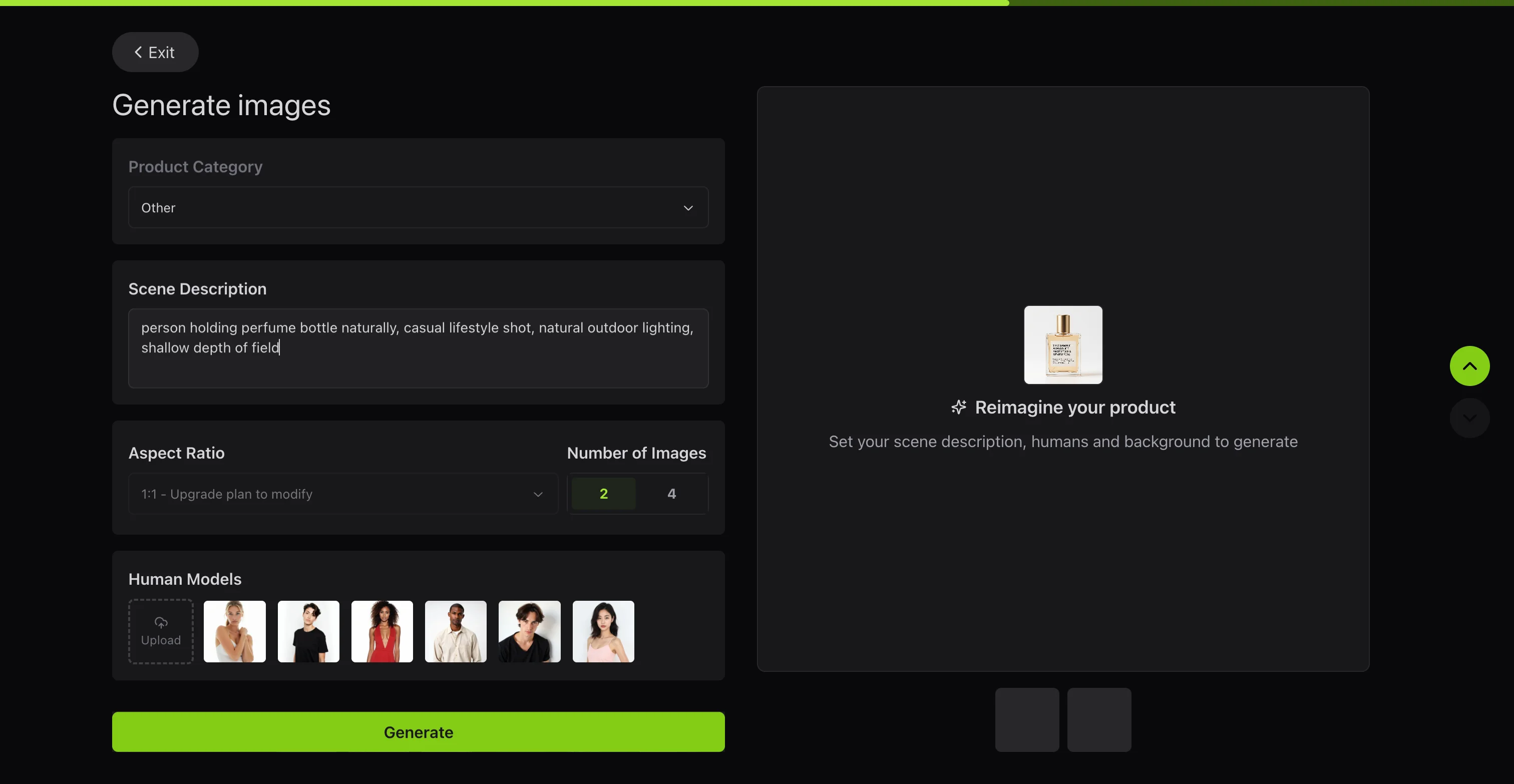
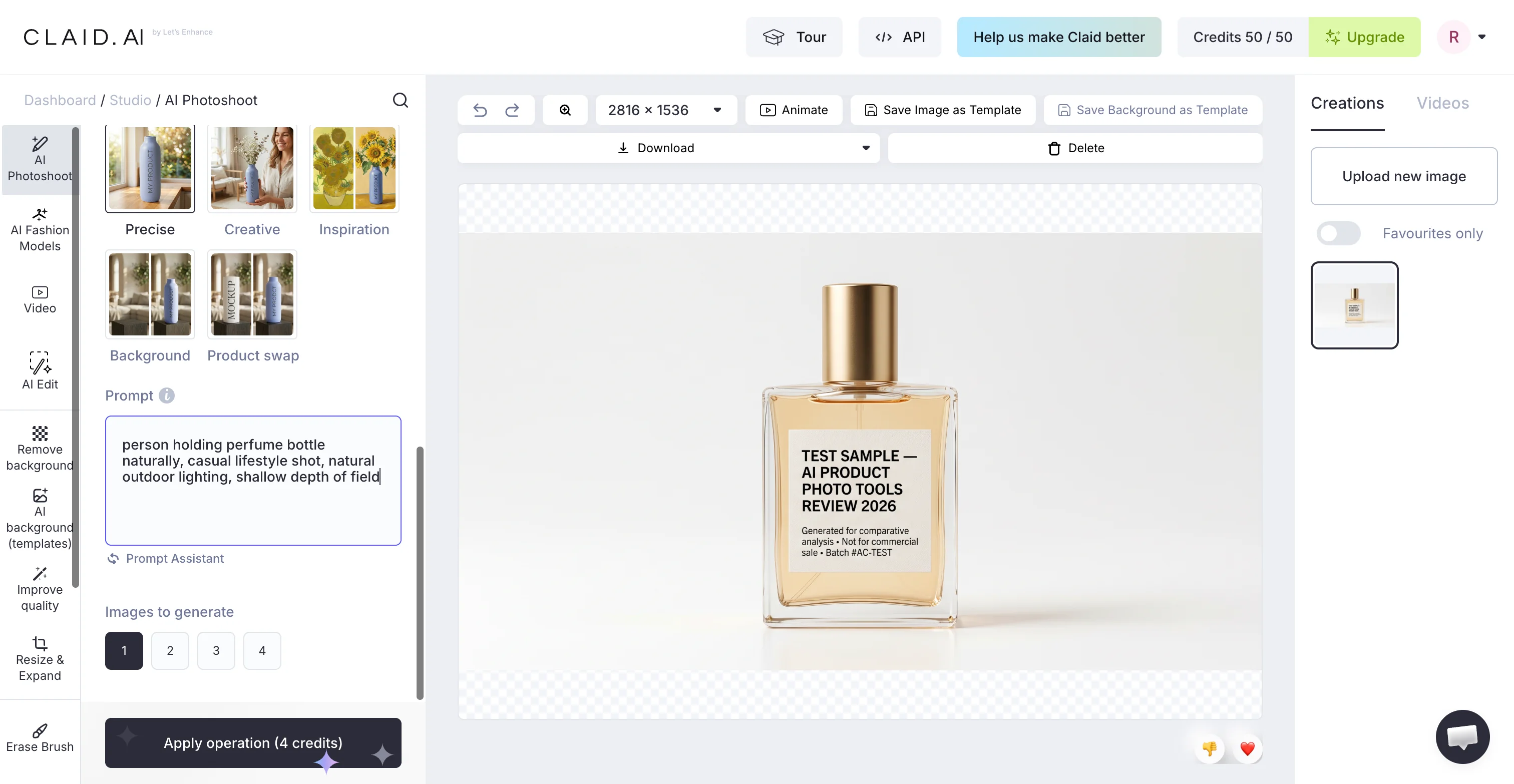
- In hands: "person holding perfume bottle naturally, casual lifestyle shot, natural outdoor lighting, shallow depth of field", testing hand anatomy, grip realism, and lighting consistency.
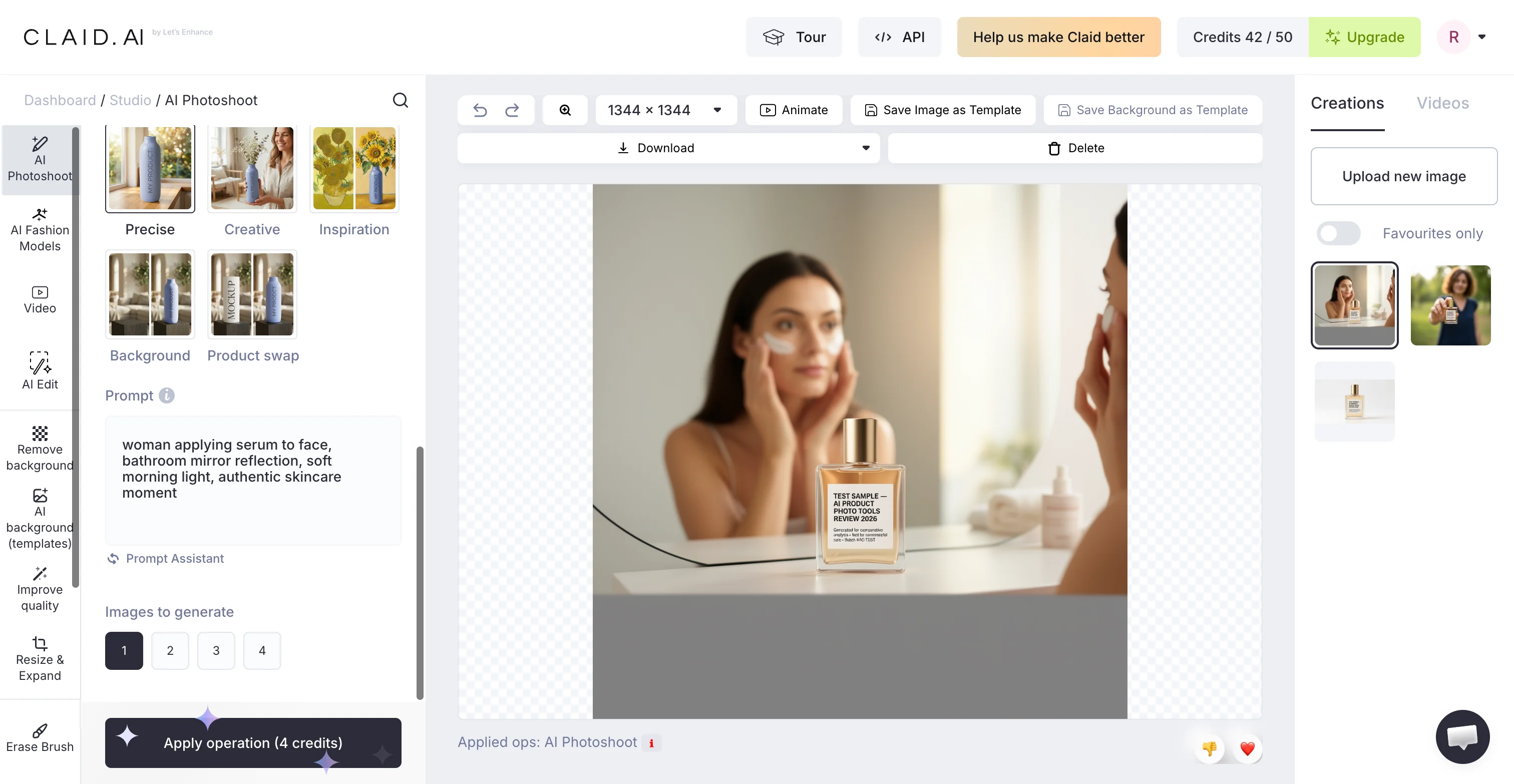
- In use: "woman applying serum to face, bathroom mirror reflection, soft morning light, authentic skincare moment", testing human interaction and texture rendering.
Not every tool let us finish both. Where a free tier blocked a test outright, that's noted below rather than glossed over.
1. ProductAI (The Winner)
Best for: brands with large SKU counts who need consistent, studio-grade shots without manual editing.
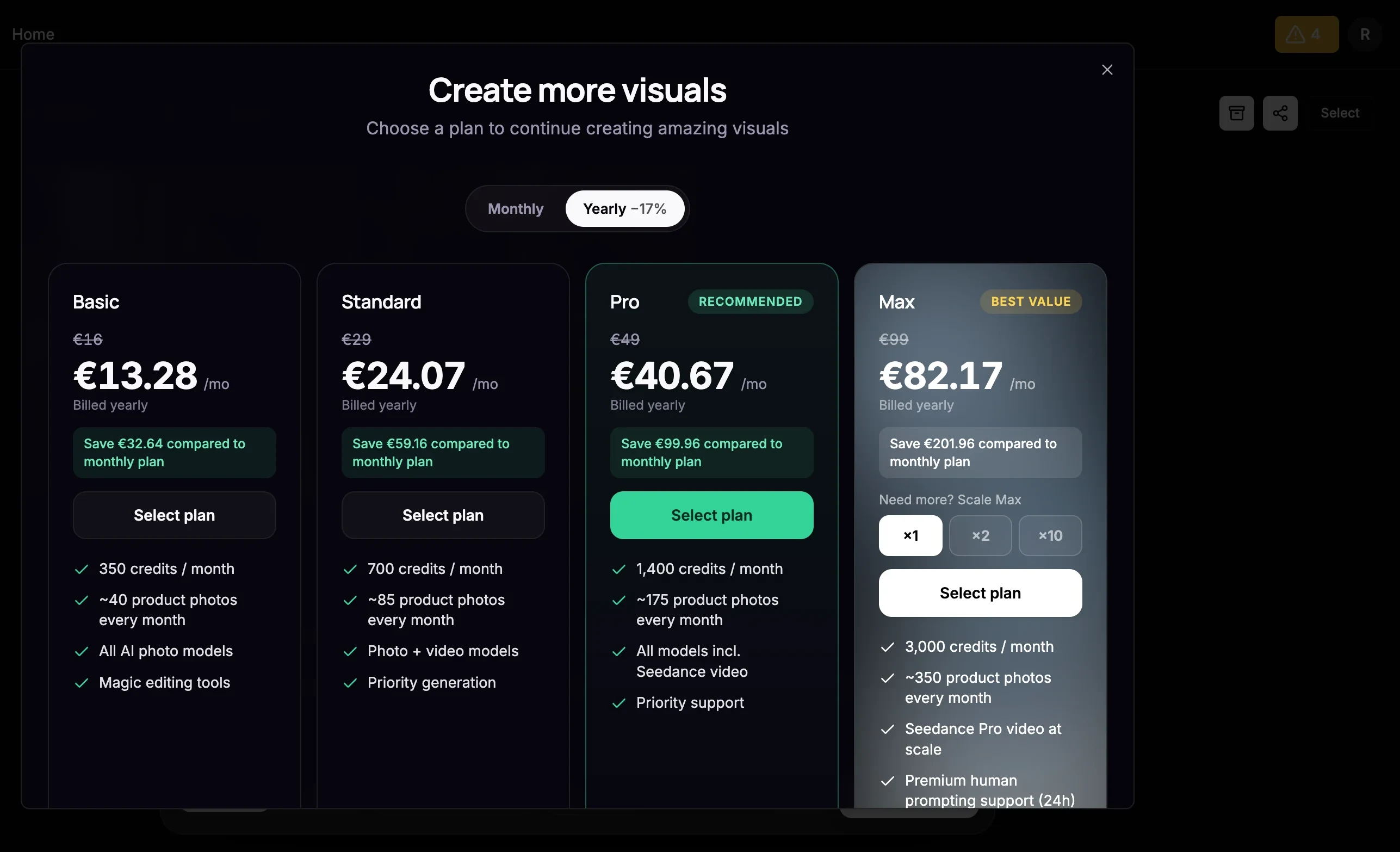
ProductAI is built around the problem most of the other tools on this list treat as an afterthought: keeping a whole catalog looking like it came from one shoot. The self-serve plans run on a credit system rather than a flat per-image fee. Basic (€16/mo, promo pricing available for the first month) gets you around 40 photos, video clips through Seedance 2.0 and Veo, edits through Nano Banana Pro, background swapping, and adaptive templates. Standard (€29/mo) adds 4K export, and Pro (€49/mo) adds AI agents and advanced templates, up to roughly 175 photos a month. For anything past that, an Enterprise line handles full-catalog production directly: a dedicated producer reviews every image for label placement and lighting match before it reaches you, pricing starts from $39 per image with volume discounts on full catalogs, and turnaround is typically 24 hours once the brand reference set is locked.
What separates it from the rest of this list is that it isn't wedded to one underlying model. The Basic plan alone routes work across four different engines depending on what you're generating, which is a genuinely different architecture to the single fine-tuned pipeline every competitor here runs.
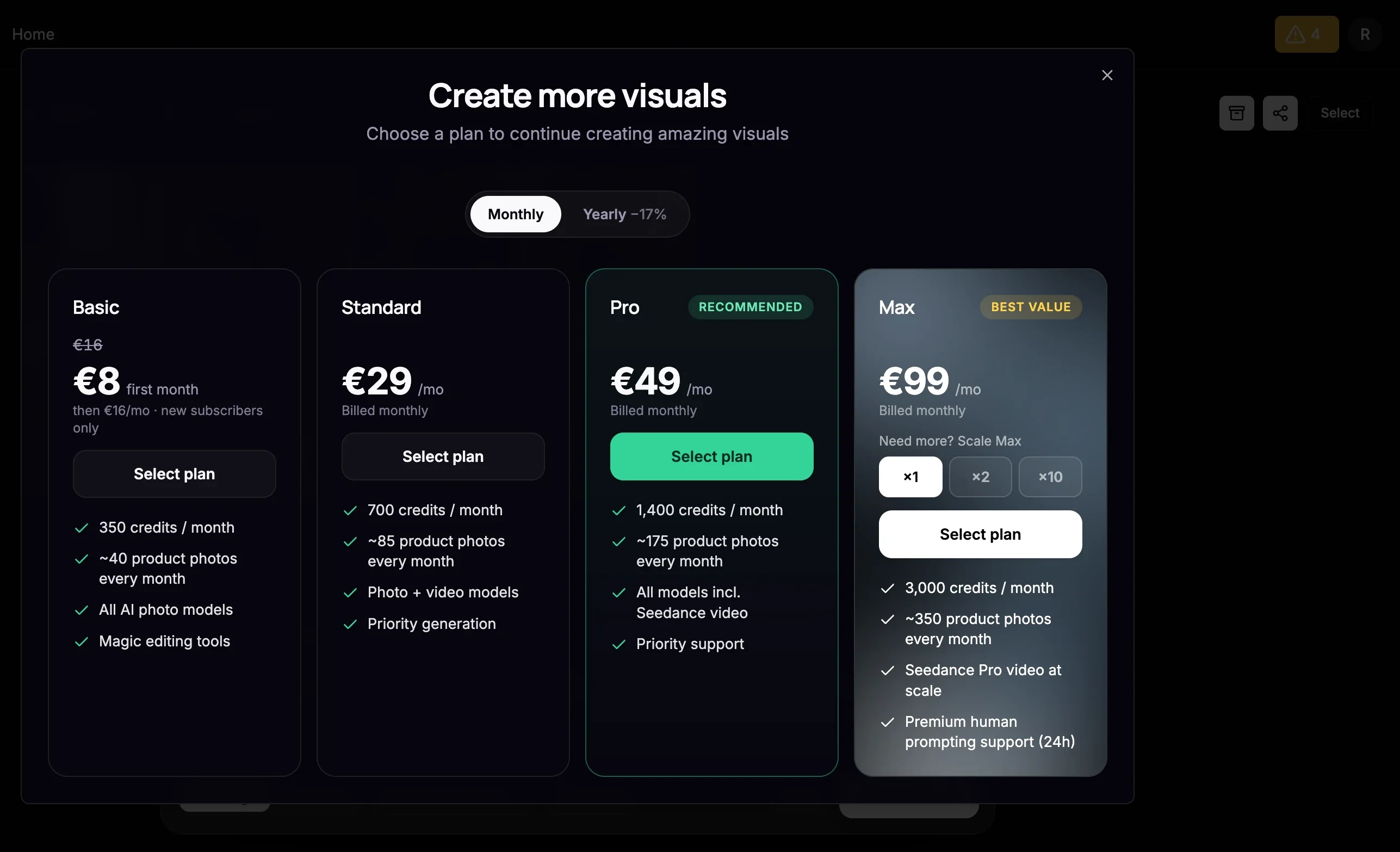
See it in action
We ran one plain studio shot through ProductAI's free plan ourselves rather than take the label-fidelity claim on faith.
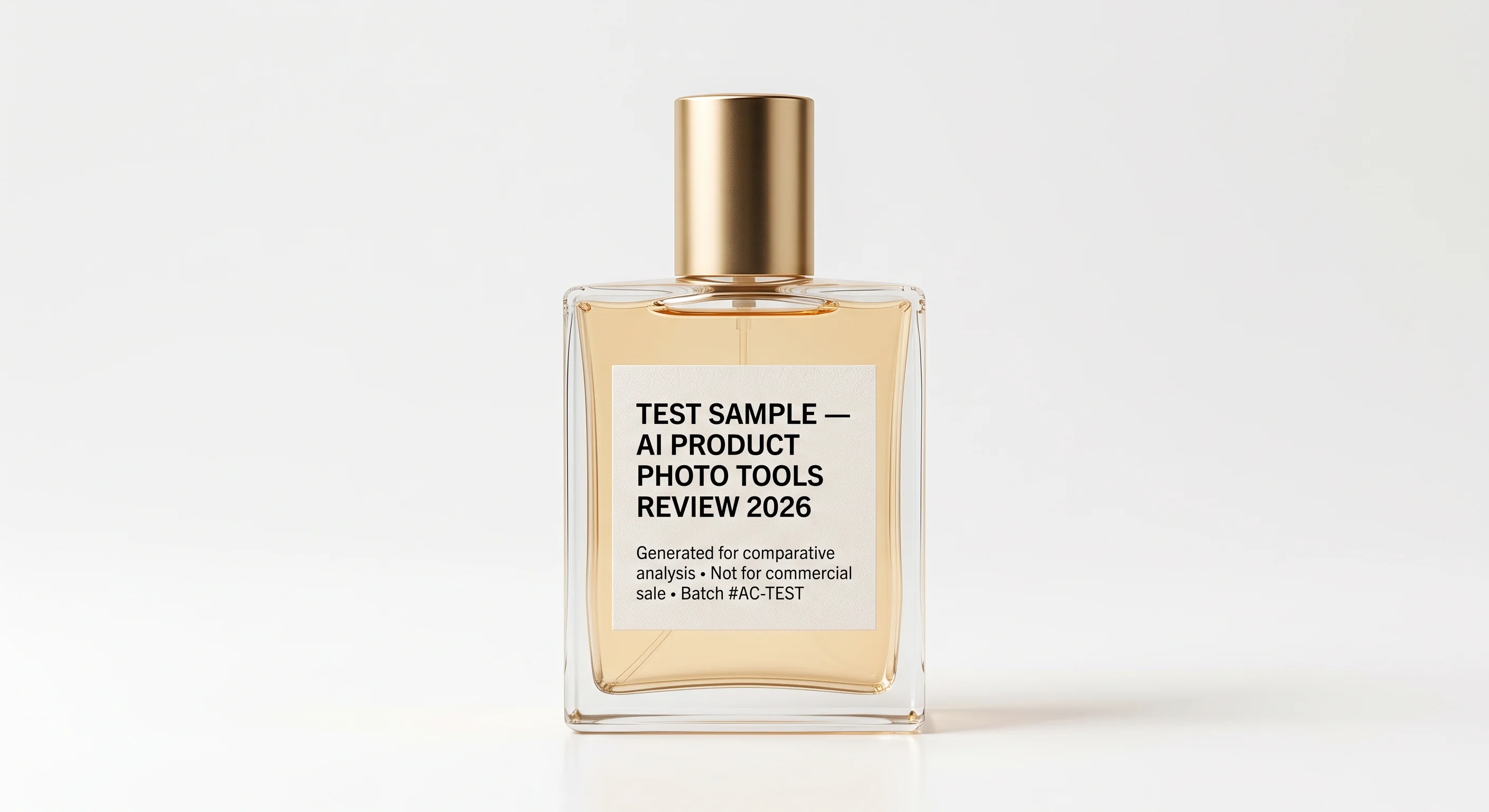
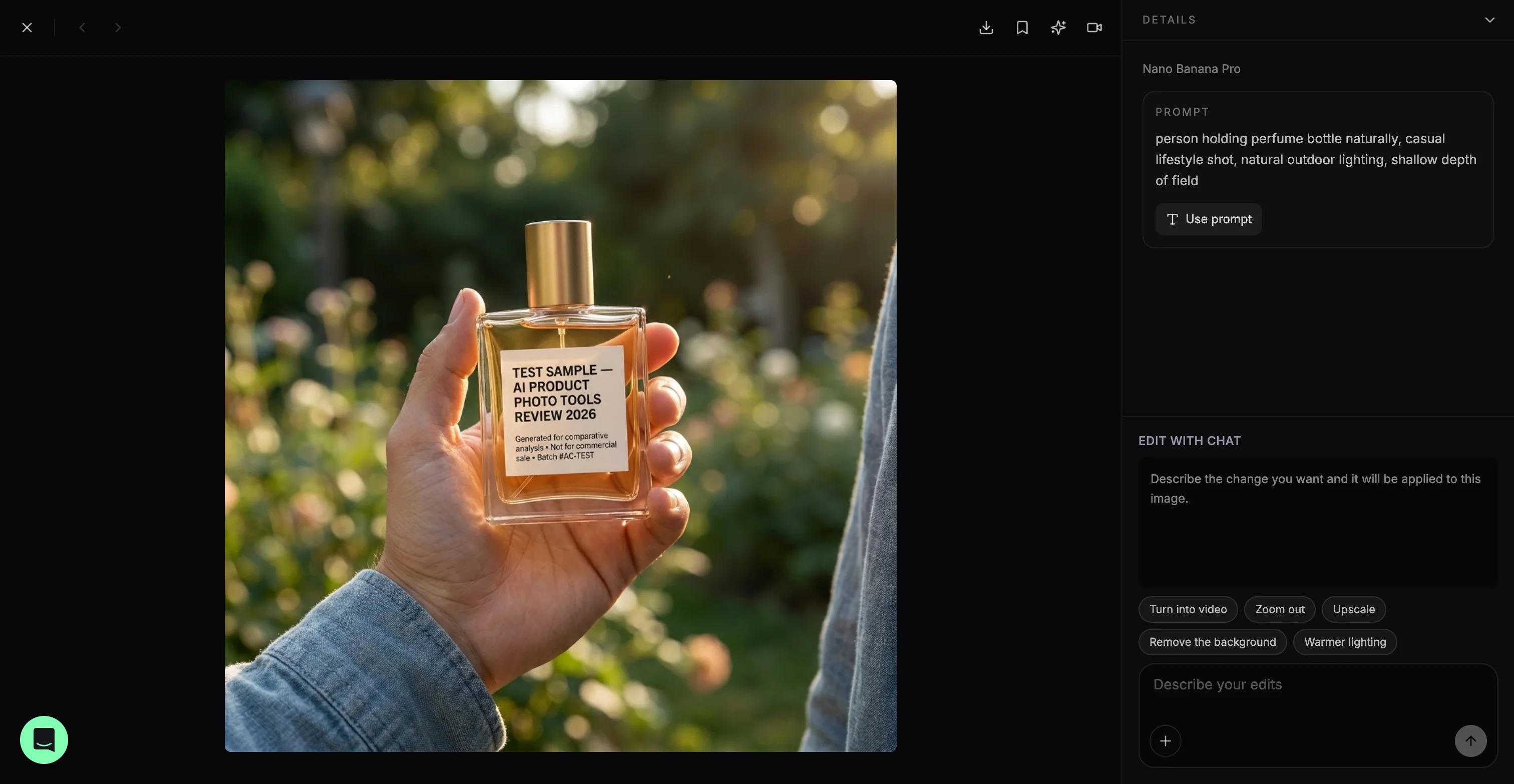
The in-hands prompt, "person holding perfume bottle naturally, casual lifestyle shot, natural outdoor lighting, shallow depth of field" (Nano Banana Pro, 1:1), held the label exactly, small print included, even with a busy outdoor background behind it.
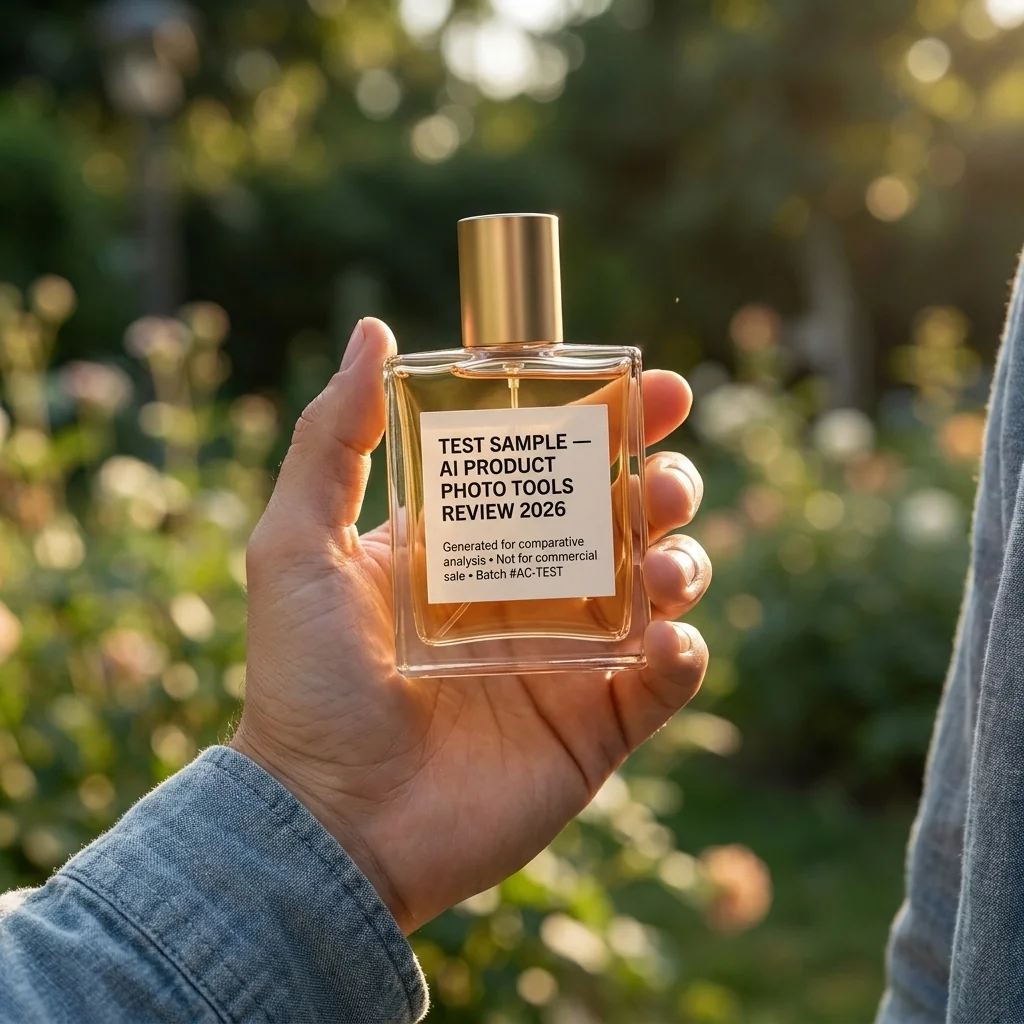
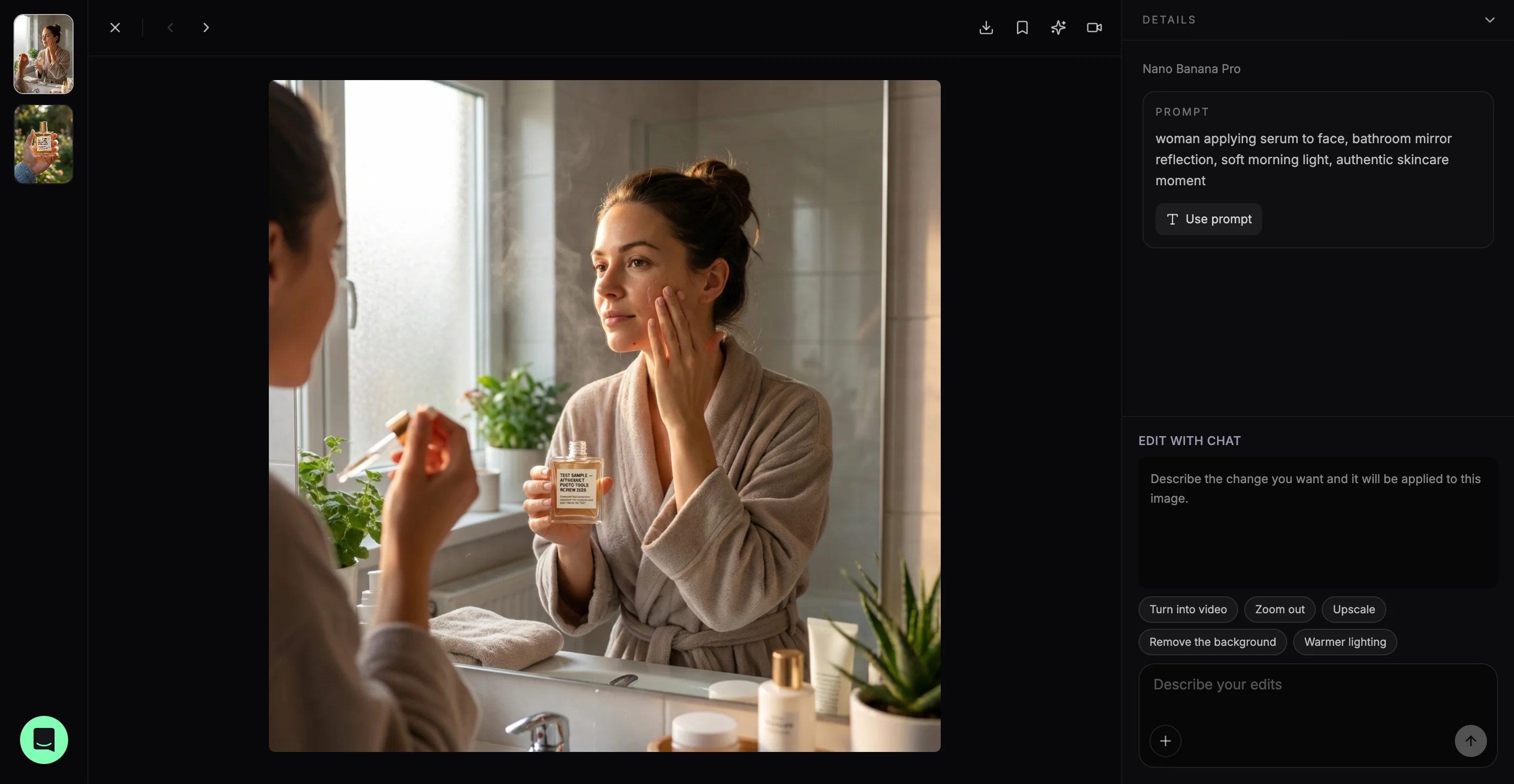
The in-use prompt, "woman applying serum to face, bathroom mirror reflection, soft morning light, authentic skincare moment" (Nano Banana Pro, 1:1), is worth flagging honestly: zoom into this one and the label text has distorted, exactly the kind of drift the intro of this piece warns about. A mirrored reflection plus a small, angled product is a harder case, and it's a fair reminder that even the tool built for label fidelity is worth a second look before you publish, not a blind trust.
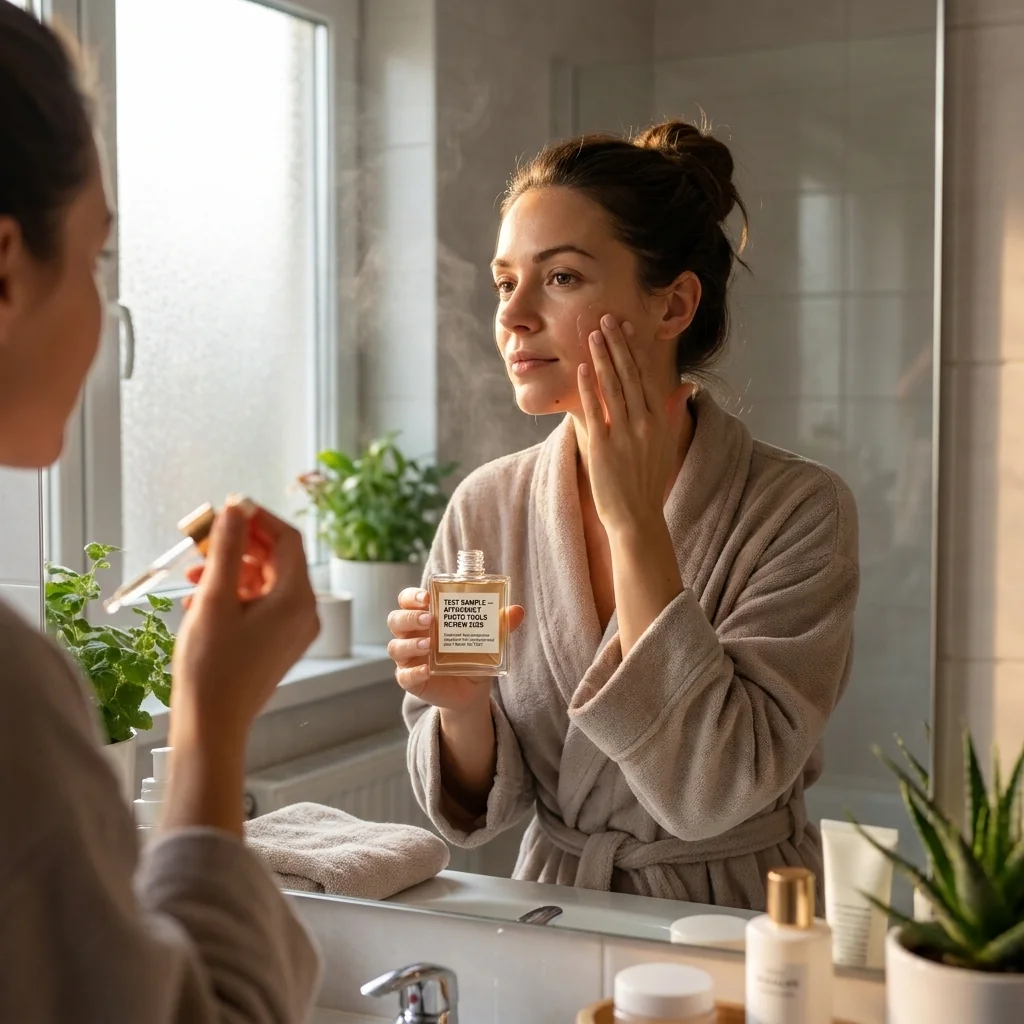
Developer note: ProductAI's API is built to be called by other systems, not just a person clicking through a dashboard. It's pay-per-use, supports bulk generation and webhooks, and gives you access to the same model stack as the app, including Nano Banana Pro for edits. If you're maintaining a Shopify or Shopware catalog, that's enough to build a pipeline that generates and pushes images straight into your product feed rather than exporting from a browser tab and re-uploading by hand. There's also an MCP connector if your workflow is agent-based rather than a traditional REST integration.
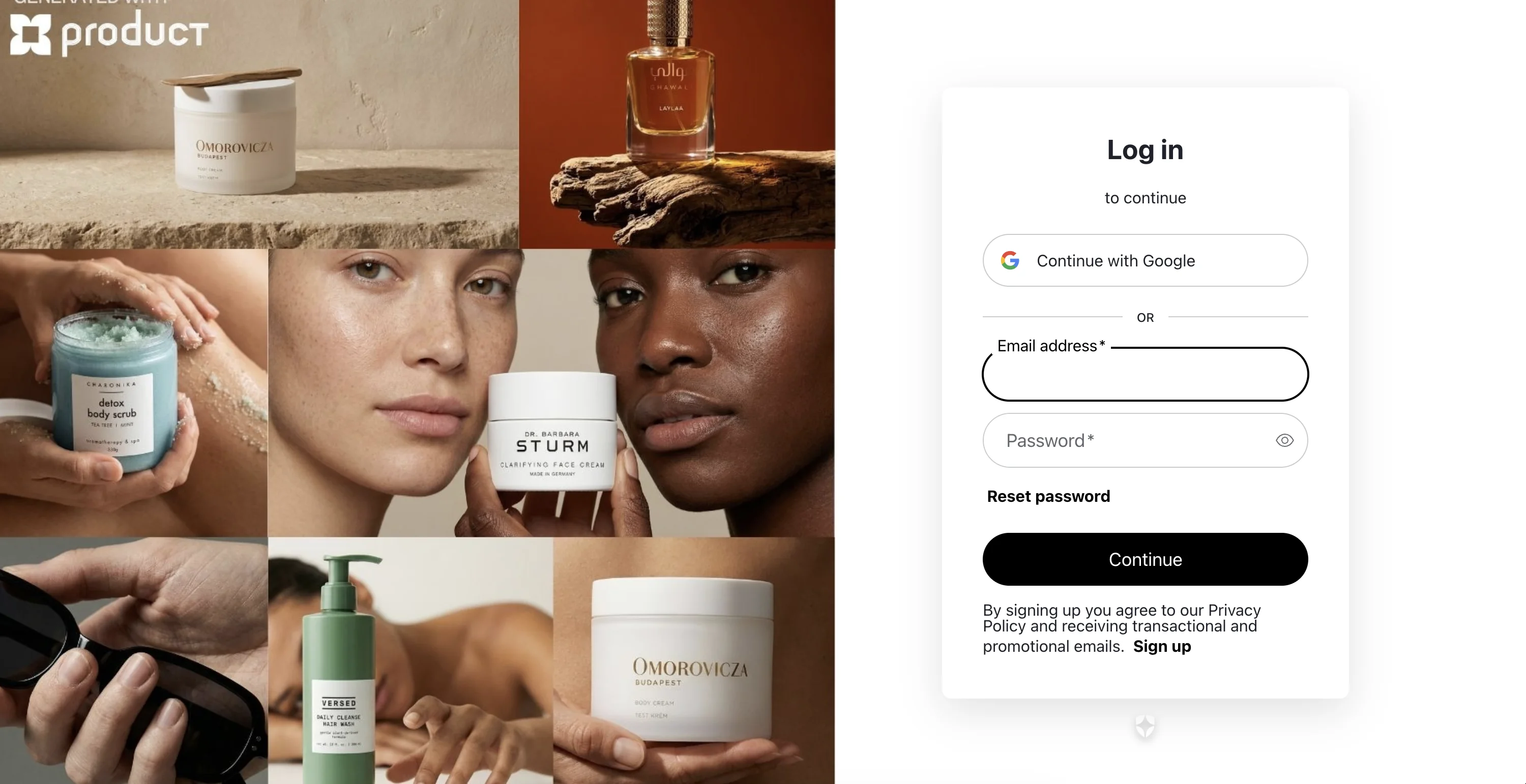
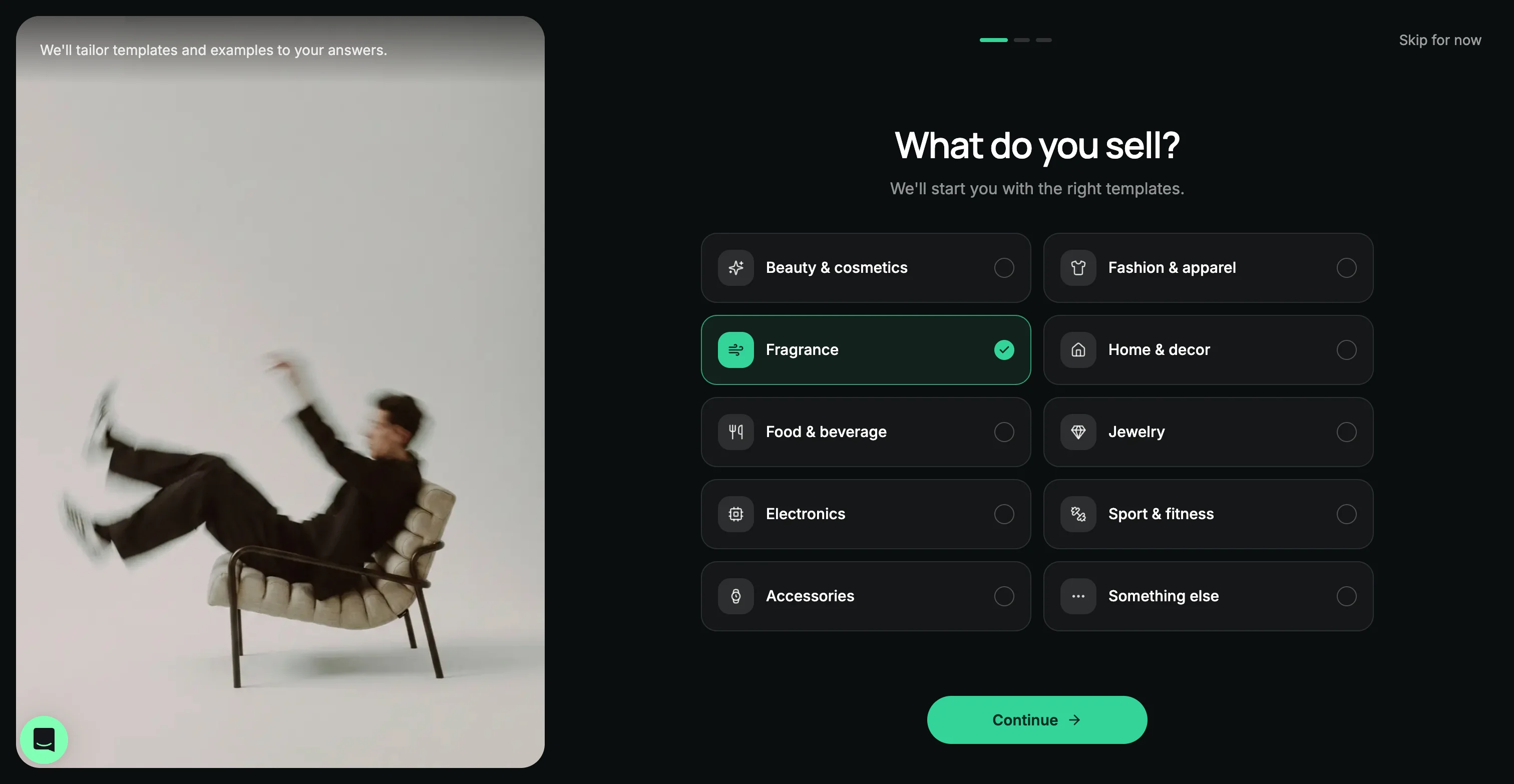
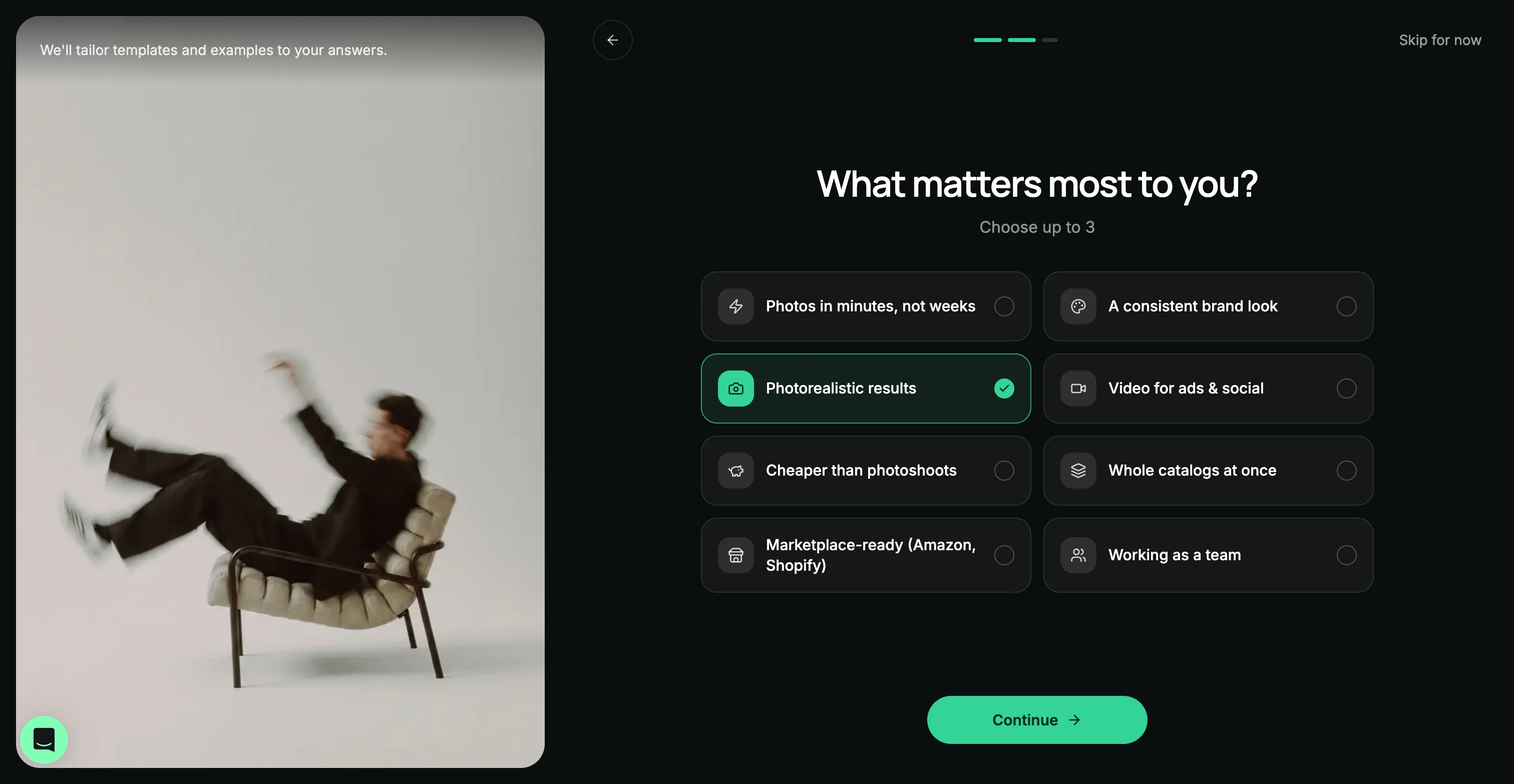
More ProductAI screenshots
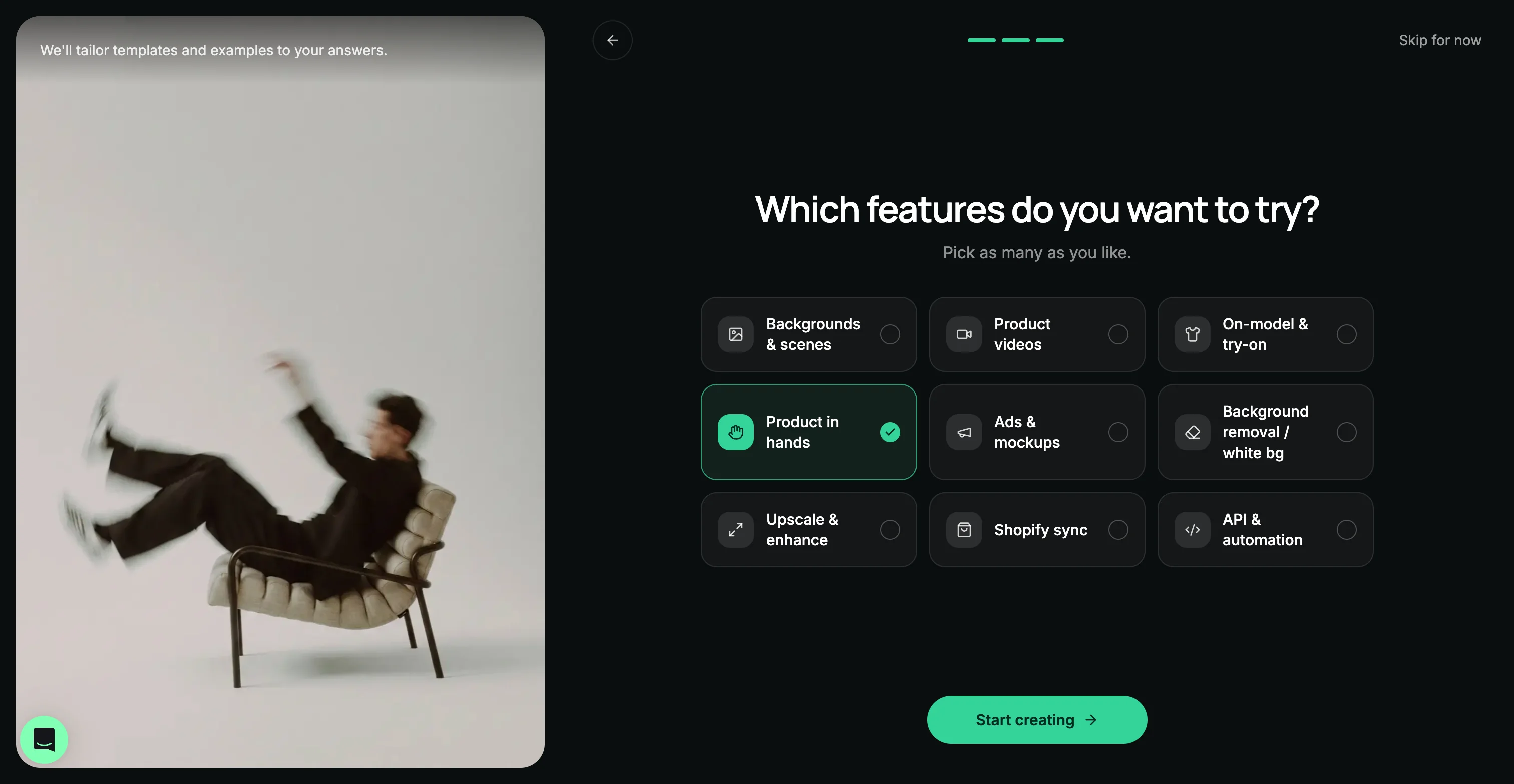
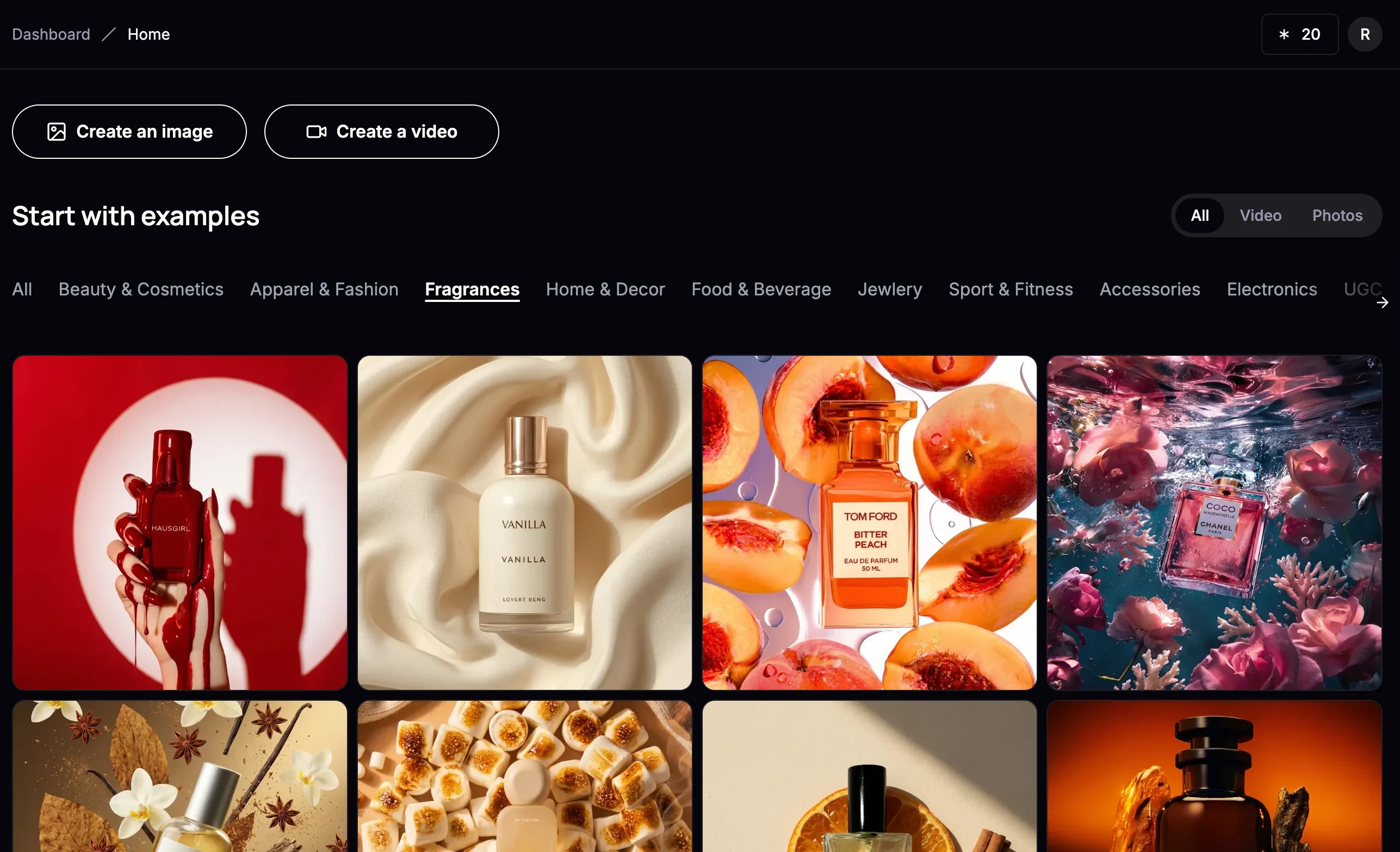
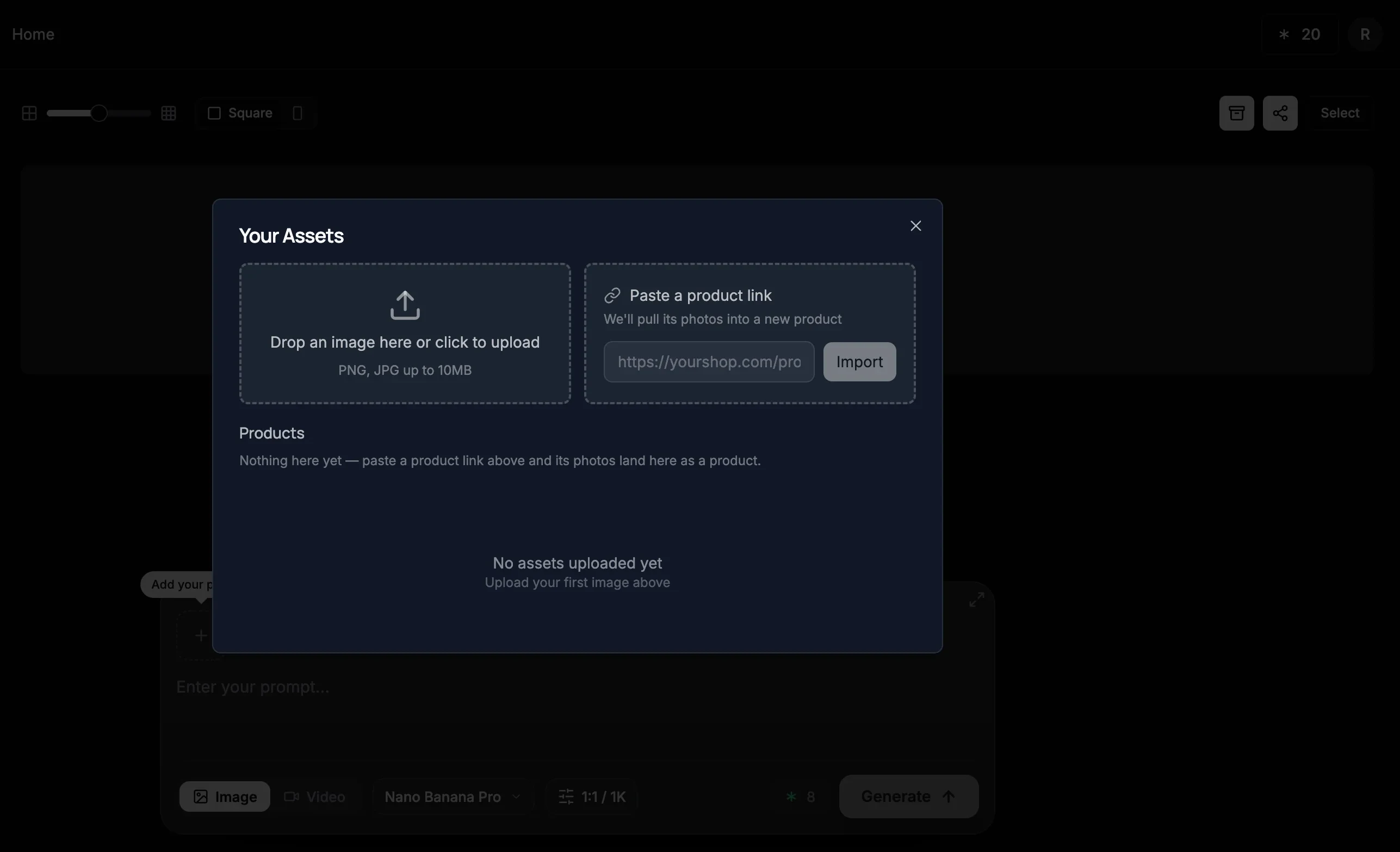
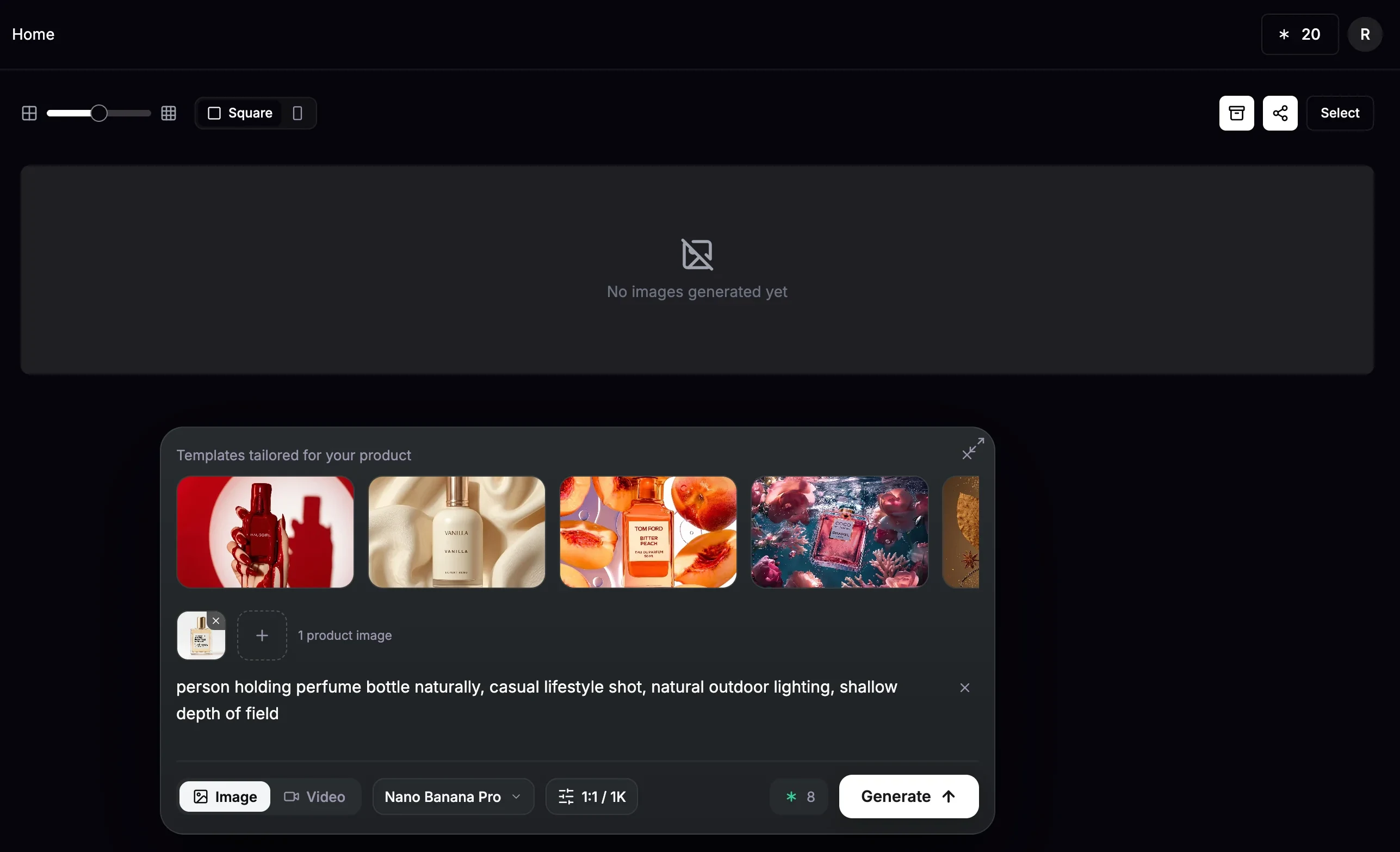
2. Photoroom
Best for: solo sellers and small teams doing quick edits on a handful of listings a week.
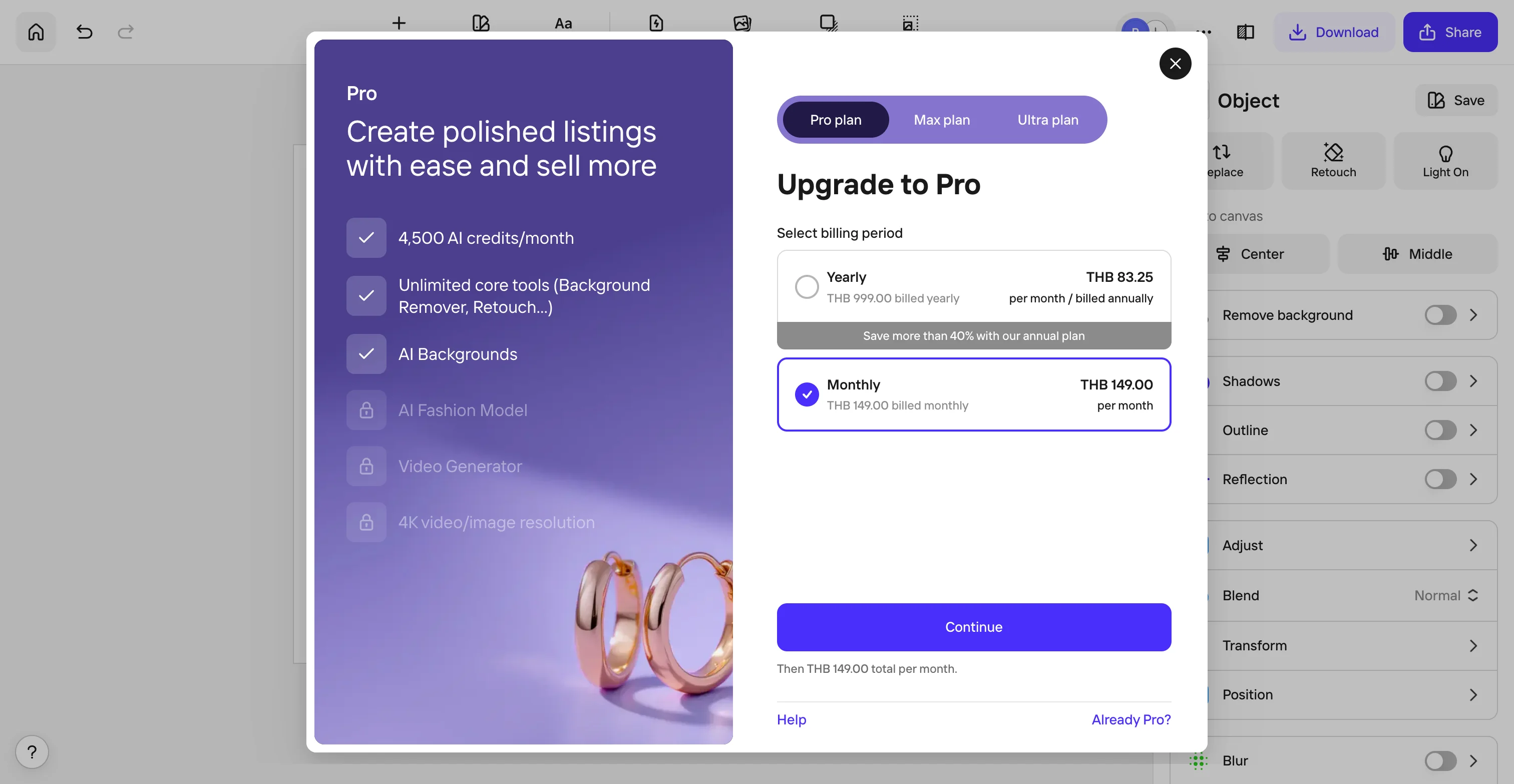
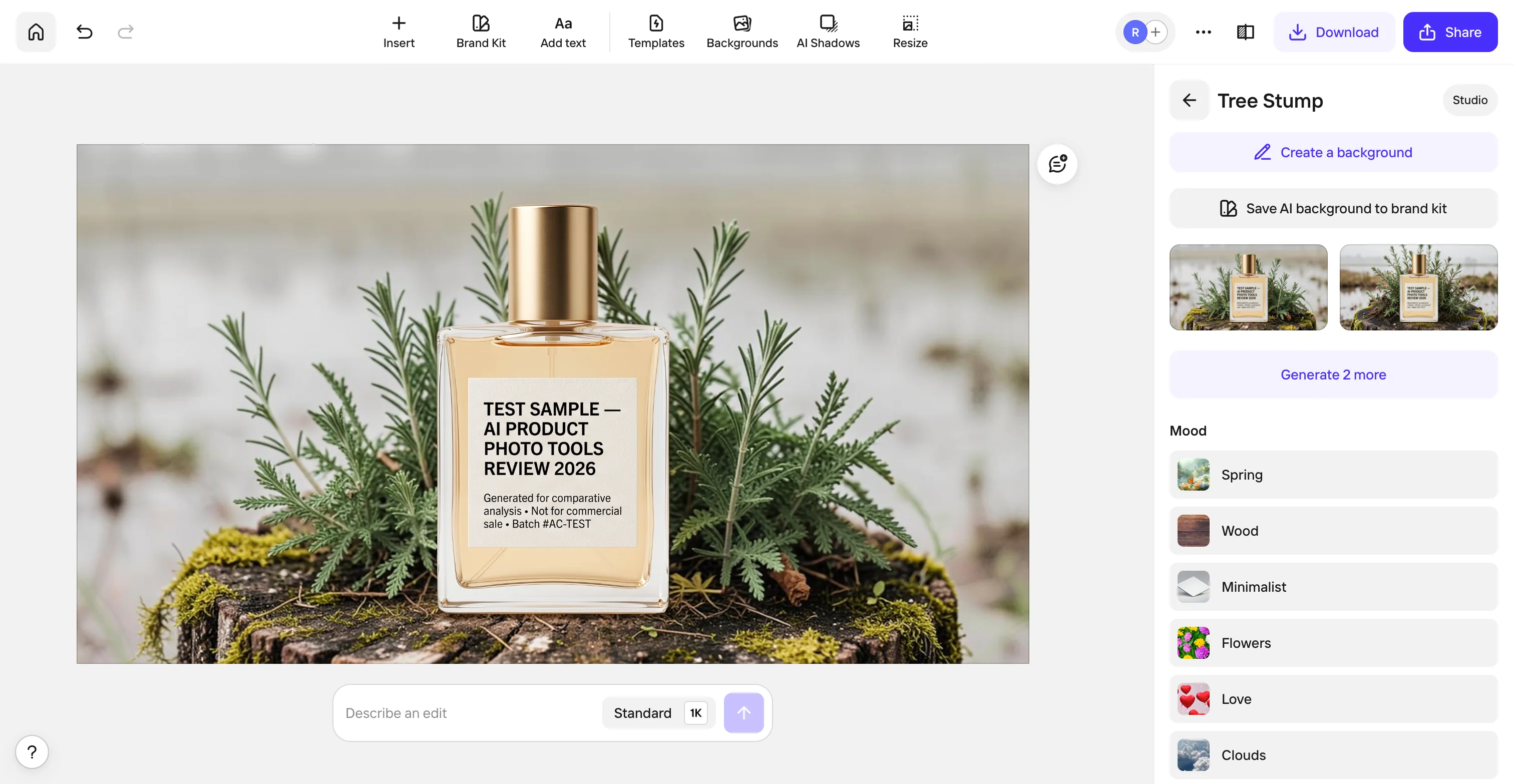
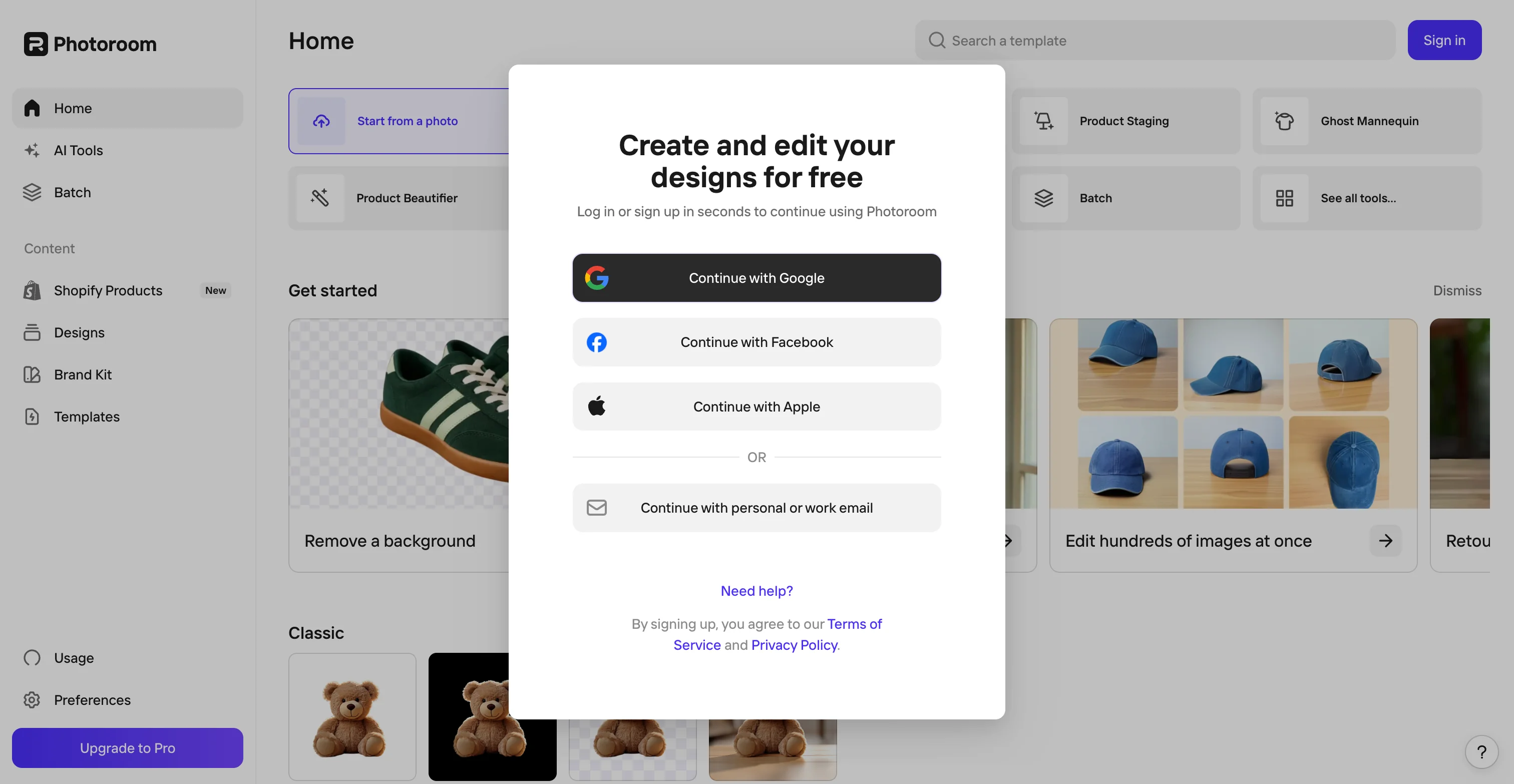
Photoroom is the most mobile-friendly tool on this list, and it shows: fast background removal, a huge library of marketplace-ready templates, and batch editing up to 500 images on its Pro plan. Its preset backgrounds worked fine on the free plan in our test, a mood-based backdrop swap with no AI prompt involved rendered the label perfectly. What the free plan wouldn't do is either of our two scenarios: putting the product in a human's hands or into a lifestyle moment needs its AI Backgrounds tool, and that sits entirely behind a Pro paywall, an upgrade prompt appeared the moment we tried.
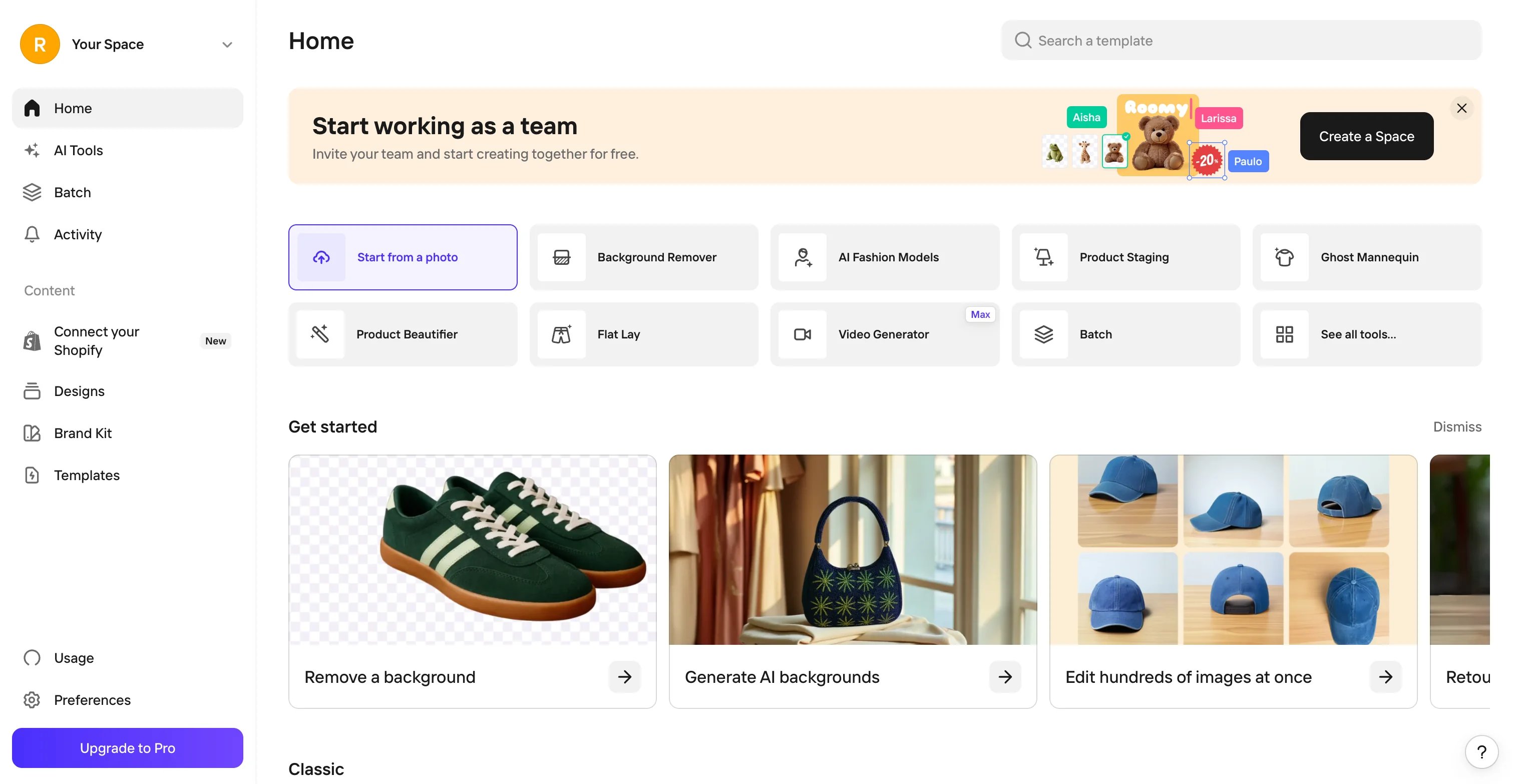
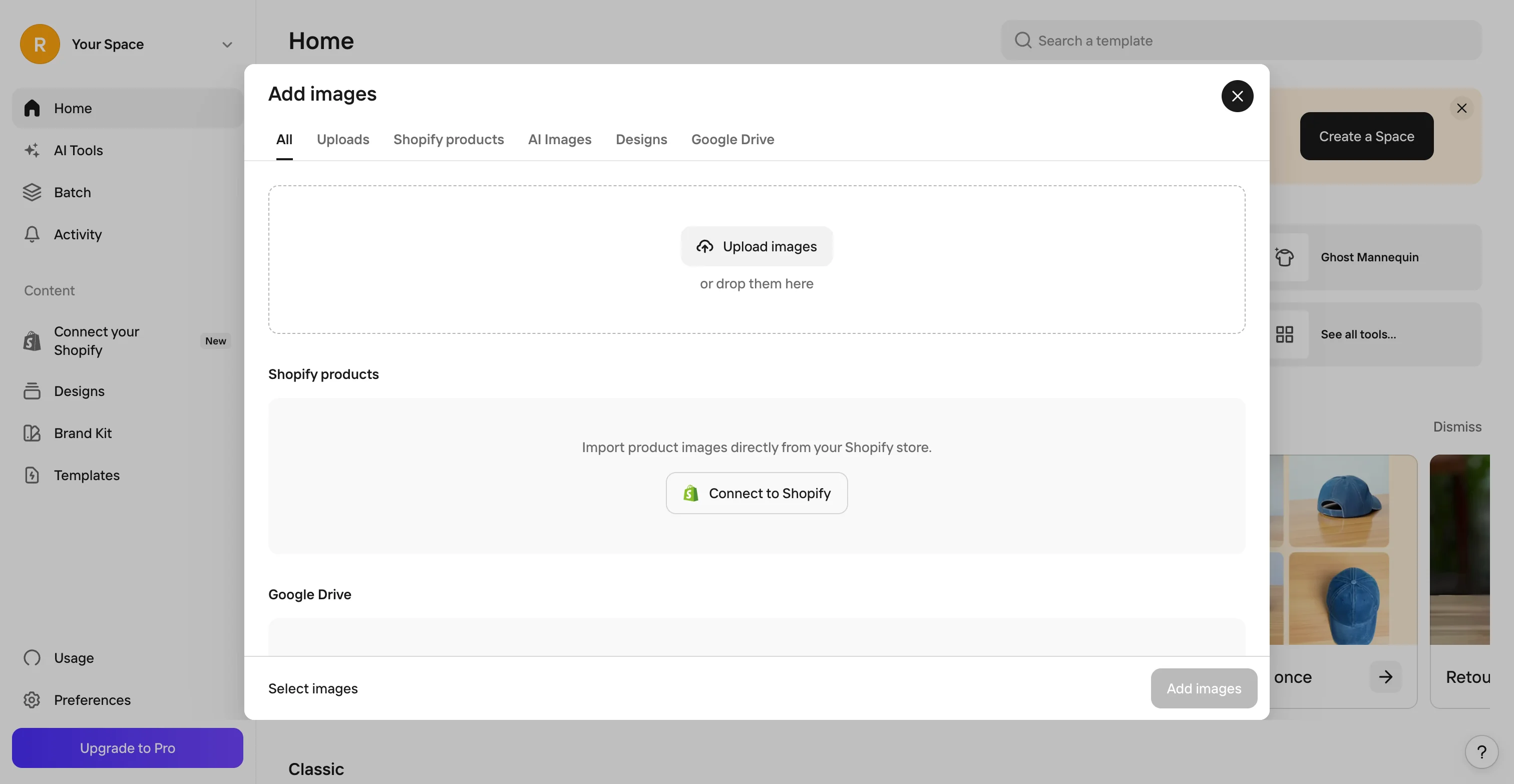
Its free tier is generous on exports, 250 a month, but every export carries a Photoroom watermark and the terms block commercial use outright, so even the parts you can test for free aren't publishable as-is. Worth a mention: the preset (non-AI) backgrounds worked cleanly and rendered the label perfectly, and image import direct from a connected Shopify store is built in, so background cleanup on existing catalog photos is a genuinely fast workflow even before you hit the AI paywall.
Exports and AI credits are tracked on two separate meters, and once you're calling the API on top of an app plan (from $20/month plus per-image fees for background removal, more for editing), the cost per finished image climbs quickly for a 200+ SKU catalog. It's a strong pick if your bottleneck is five to ten listings a month and you want something that works from a phone. It's not built to hold a 500-SKU fashion catalog to one consistent look the way ProductAI's template and brand-model system is.
More Photoroom screenshots
3. Pebblely
Best for: a single hero shot or a small run of social-ready backgrounds.
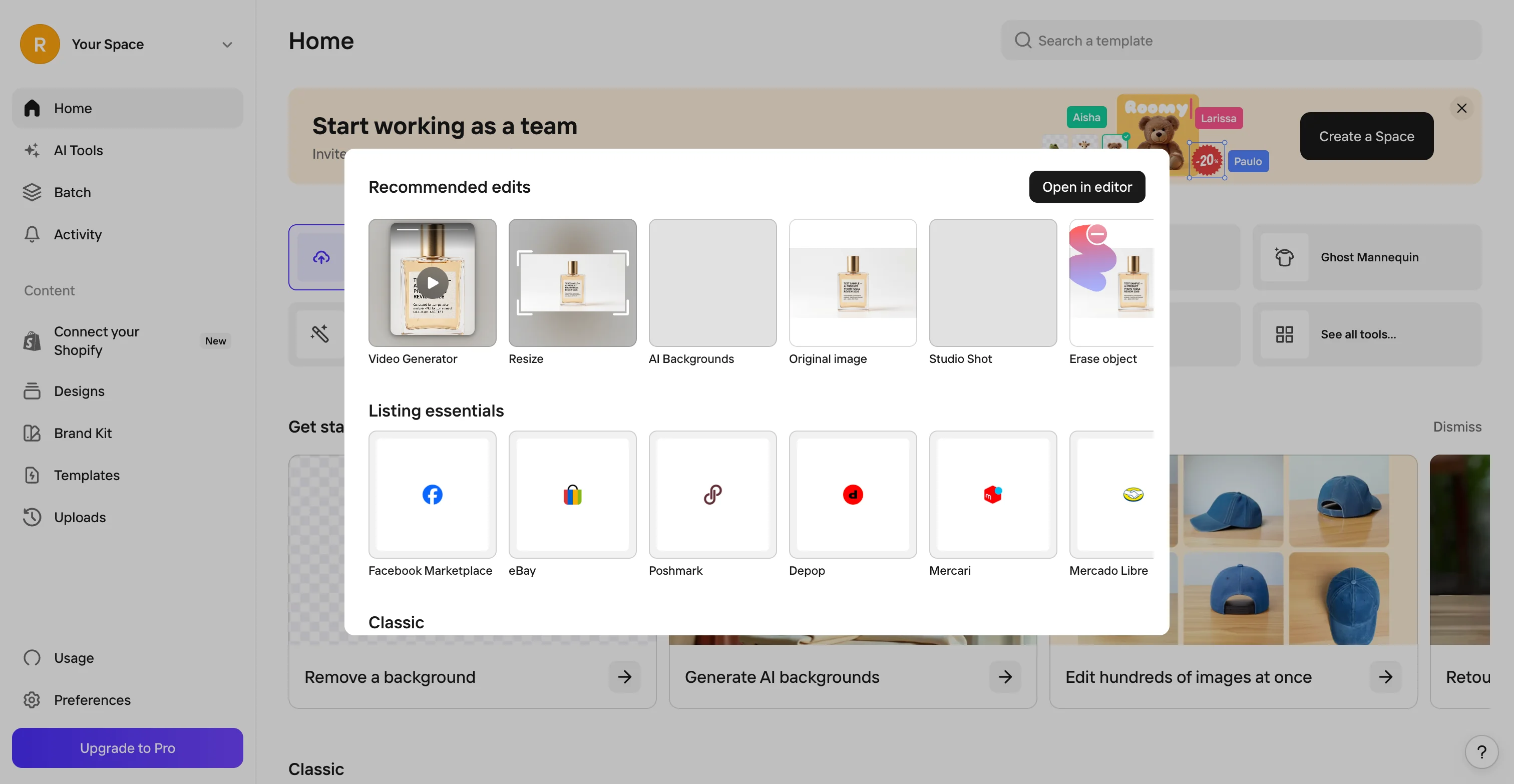
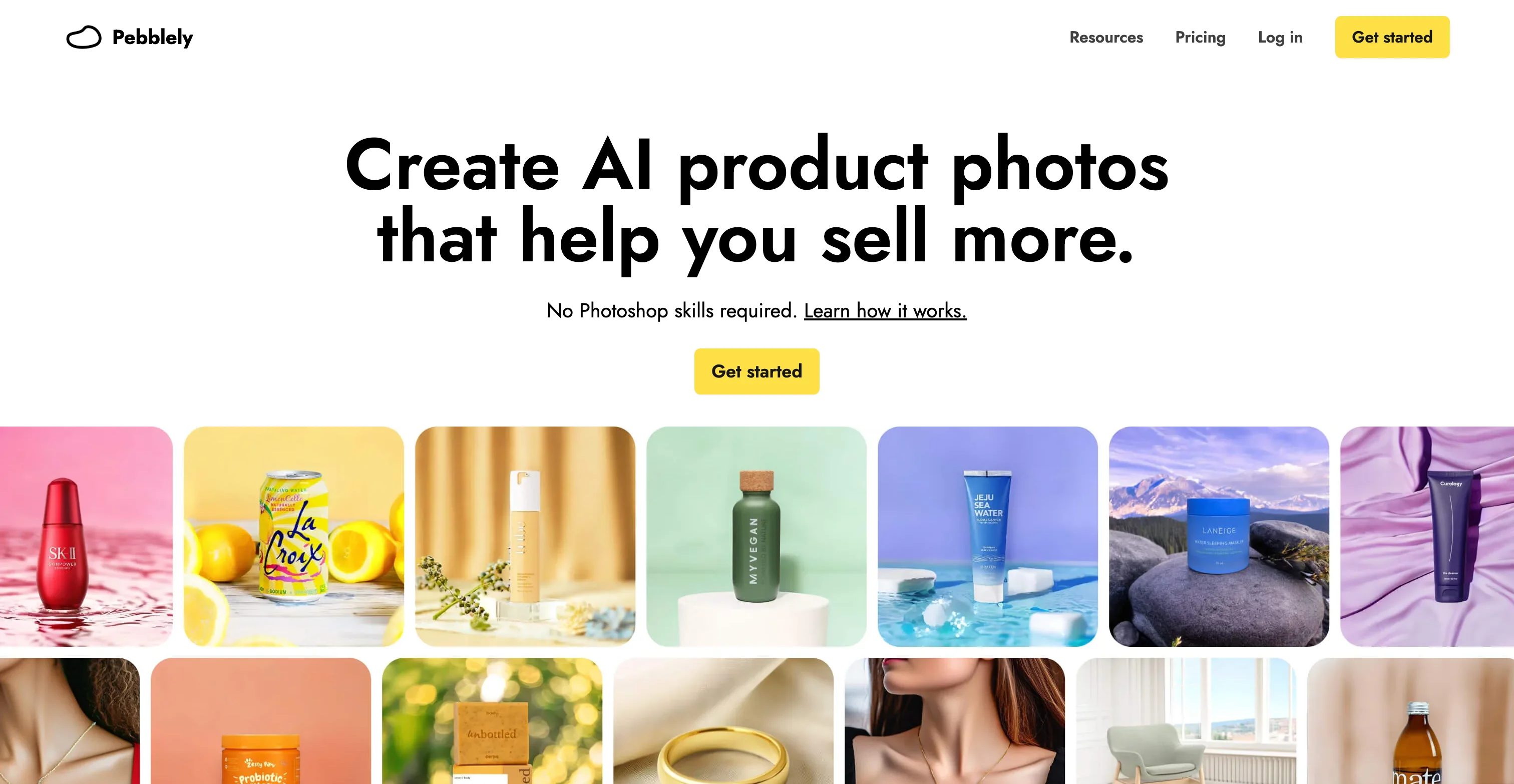
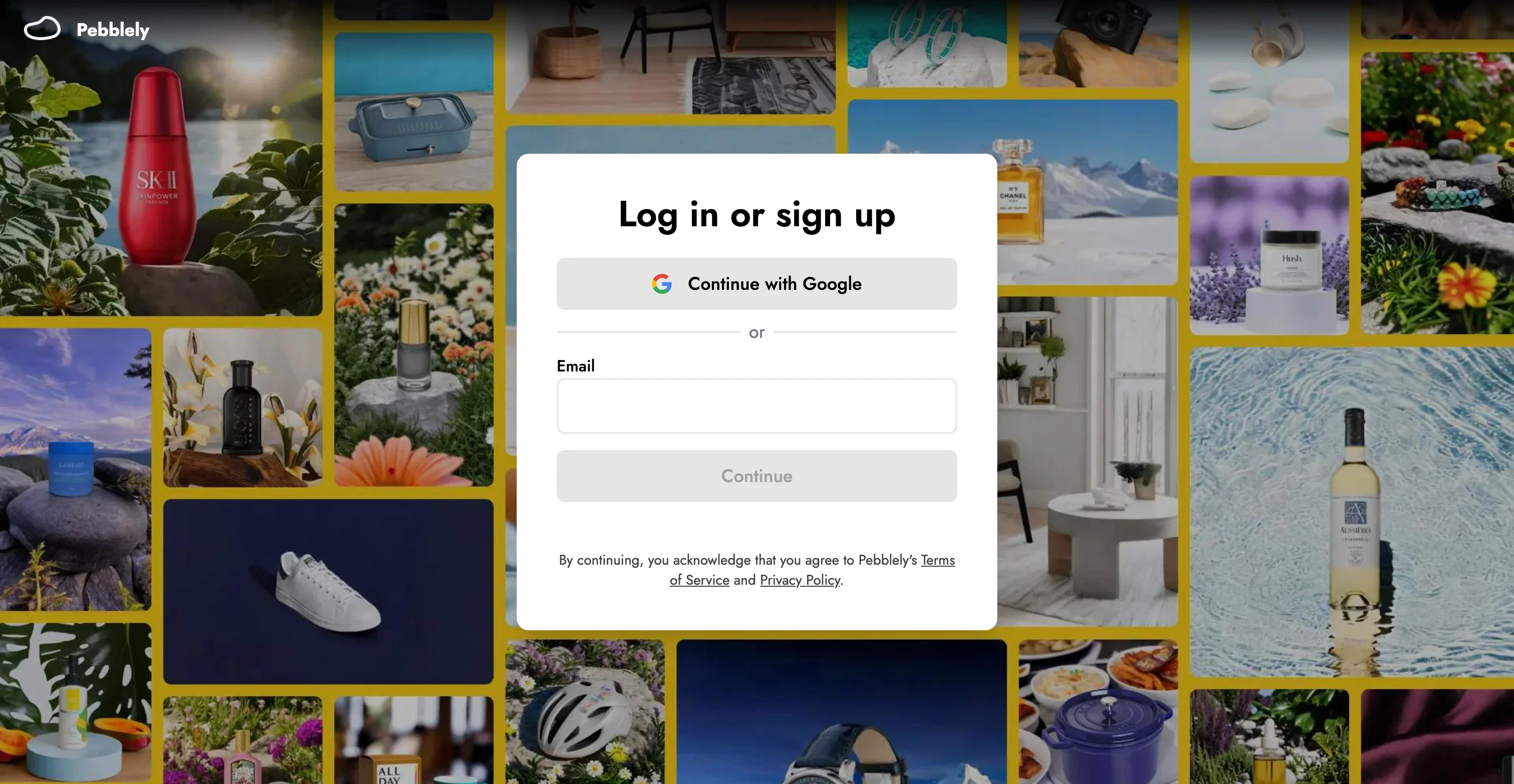
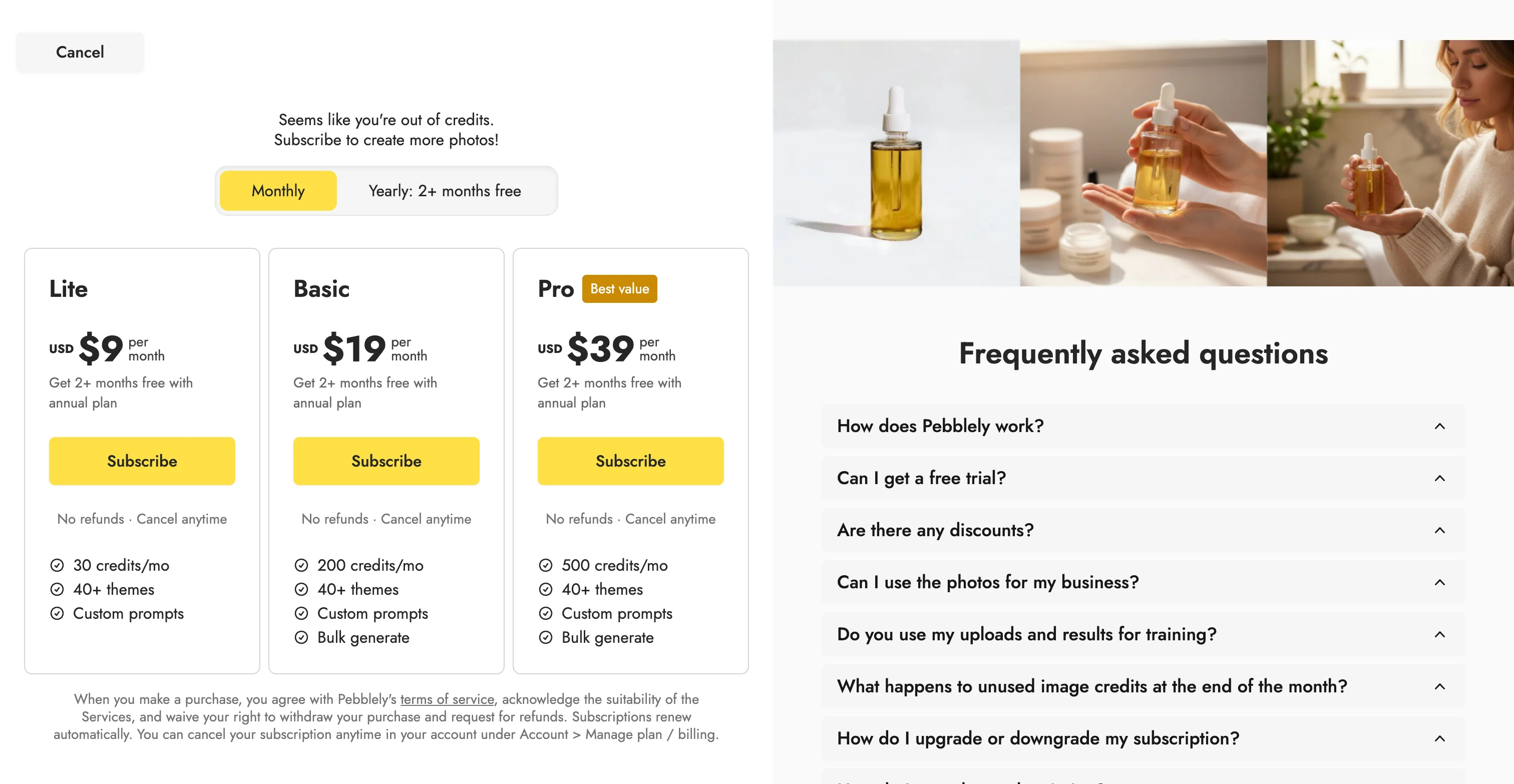
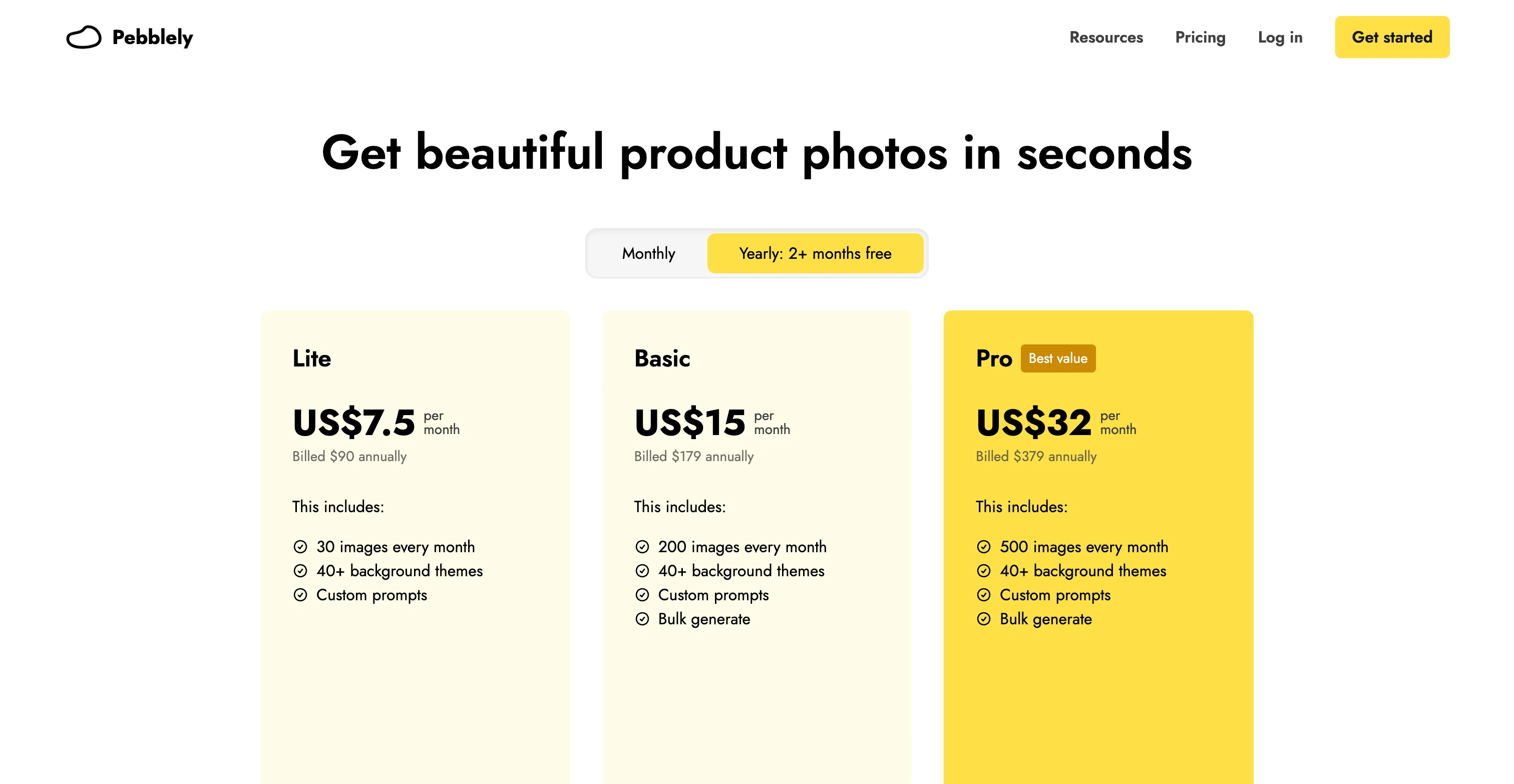
Pebblely is the simplest tool here to point at one product and get a usable background back in seconds, and it's genuinely good at that job, at least on the strength of what's shown pre-signup. We couldn't actually run our own test scenarios here: there's no free account tier at all, just a login wall in front of a paid plan, so evaluating it means paying before you've generated a single image.
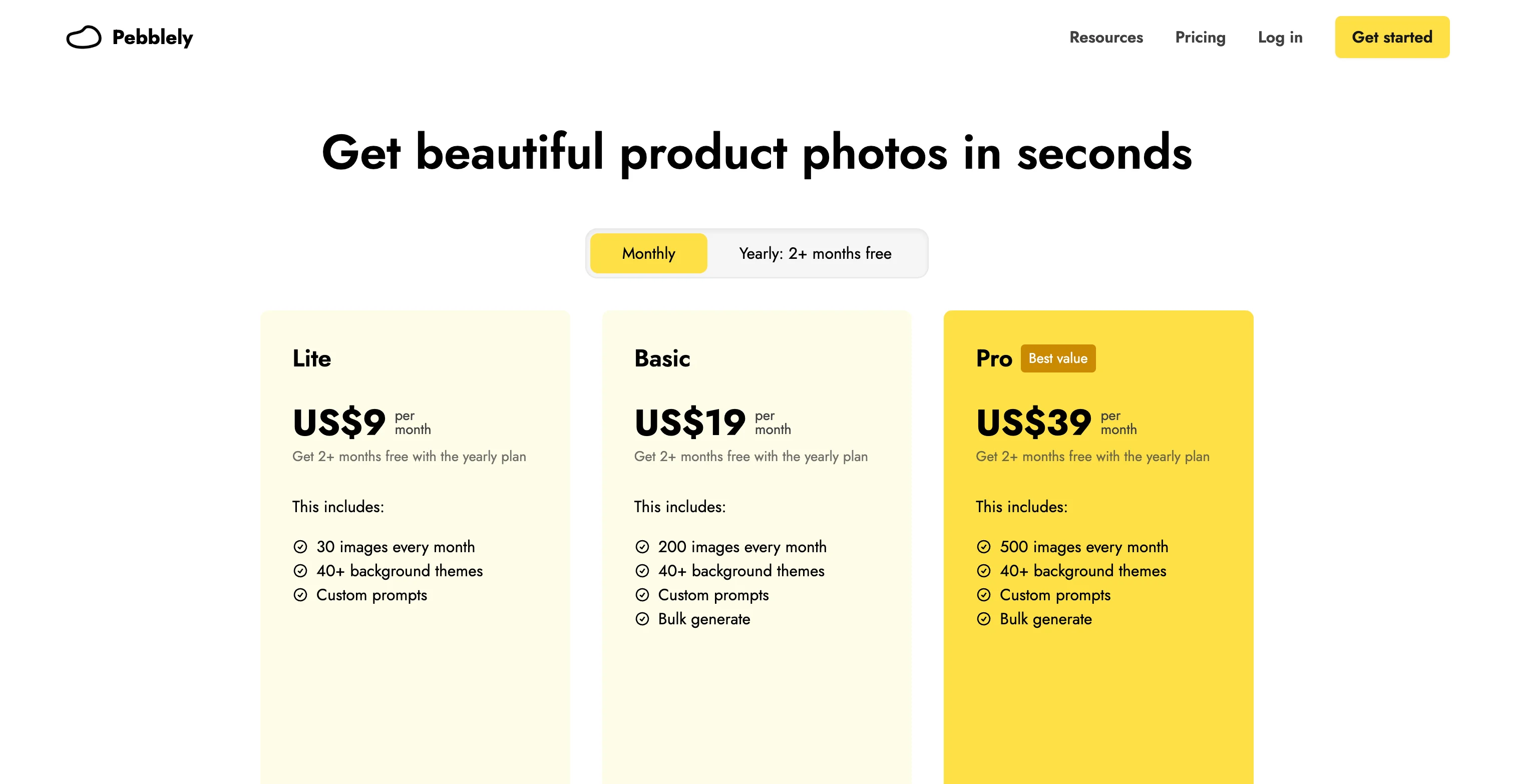
The catch for anyone thinking about scale past that point is the pricing structure: Lite ($9/month, 30 images) doesn't include bulk generation at all, so the real starting point for catalog work is Basic at $19/month, and each paid tier caps out at a fixed number of images a month (200 on Basic, 500 on the $39 Pro plan) with no rollover. A brand running 150 SKUs at just two background variants each is already at 300 images a month, past the entry tier and pushing the ceiling of the next one. Pebblely is great for single-hero shots, but its hard monthly cap makes it a poor fit for a 500-SKU catalog that needs consistent batches month over month.
More Pebblely screenshots
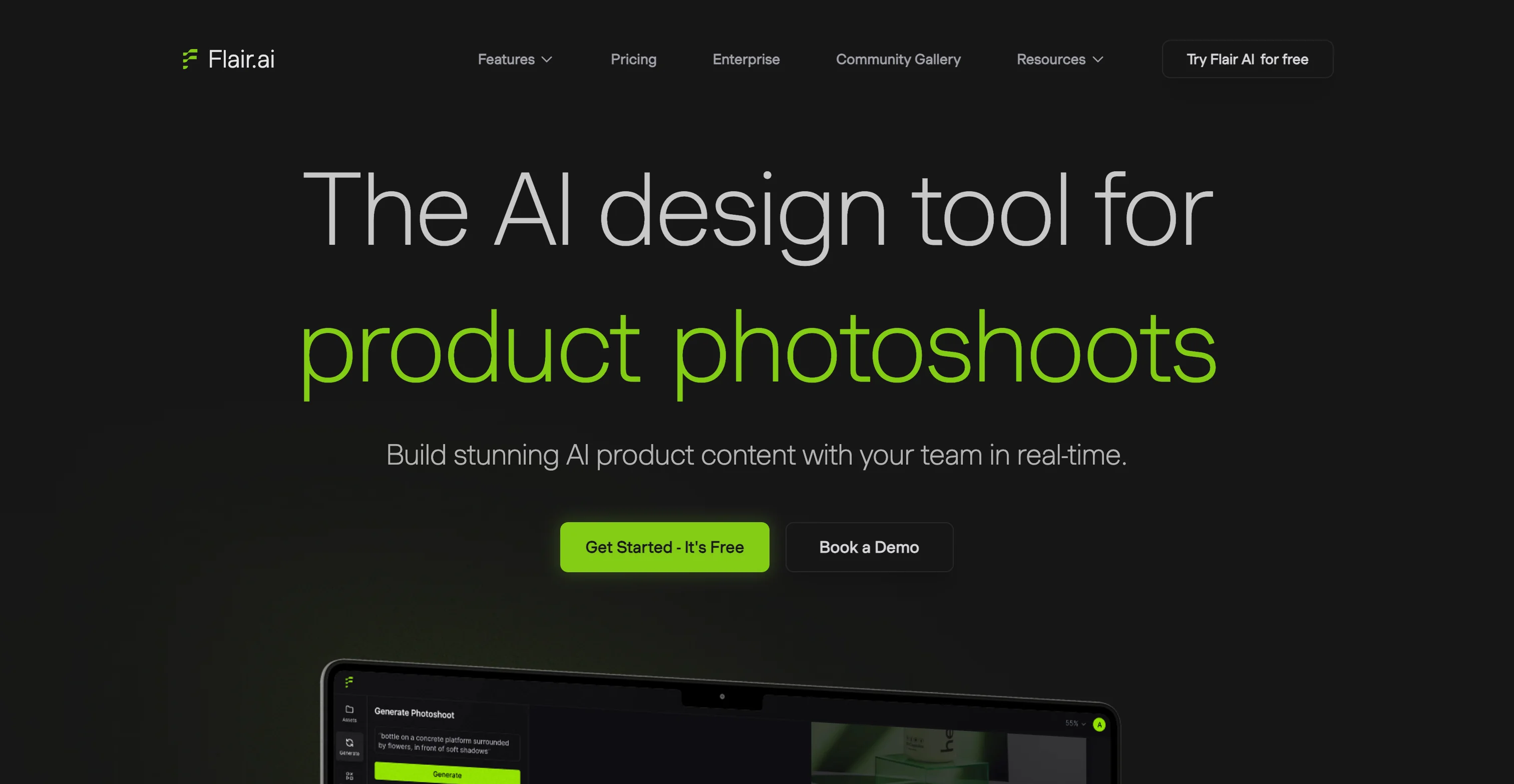
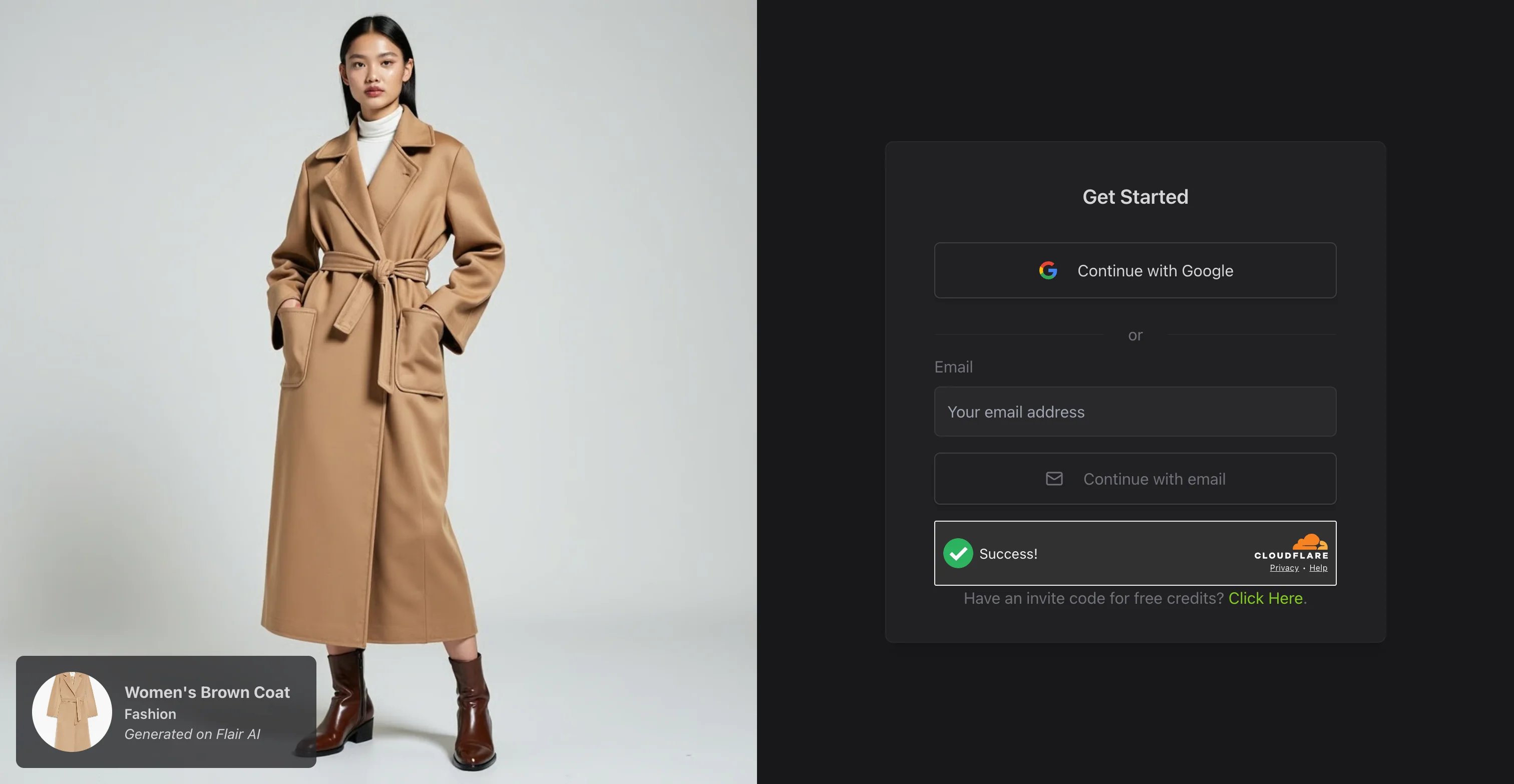
4. Flair.ai
Best for: one striking lifestyle or on-model image for an ad or social post.
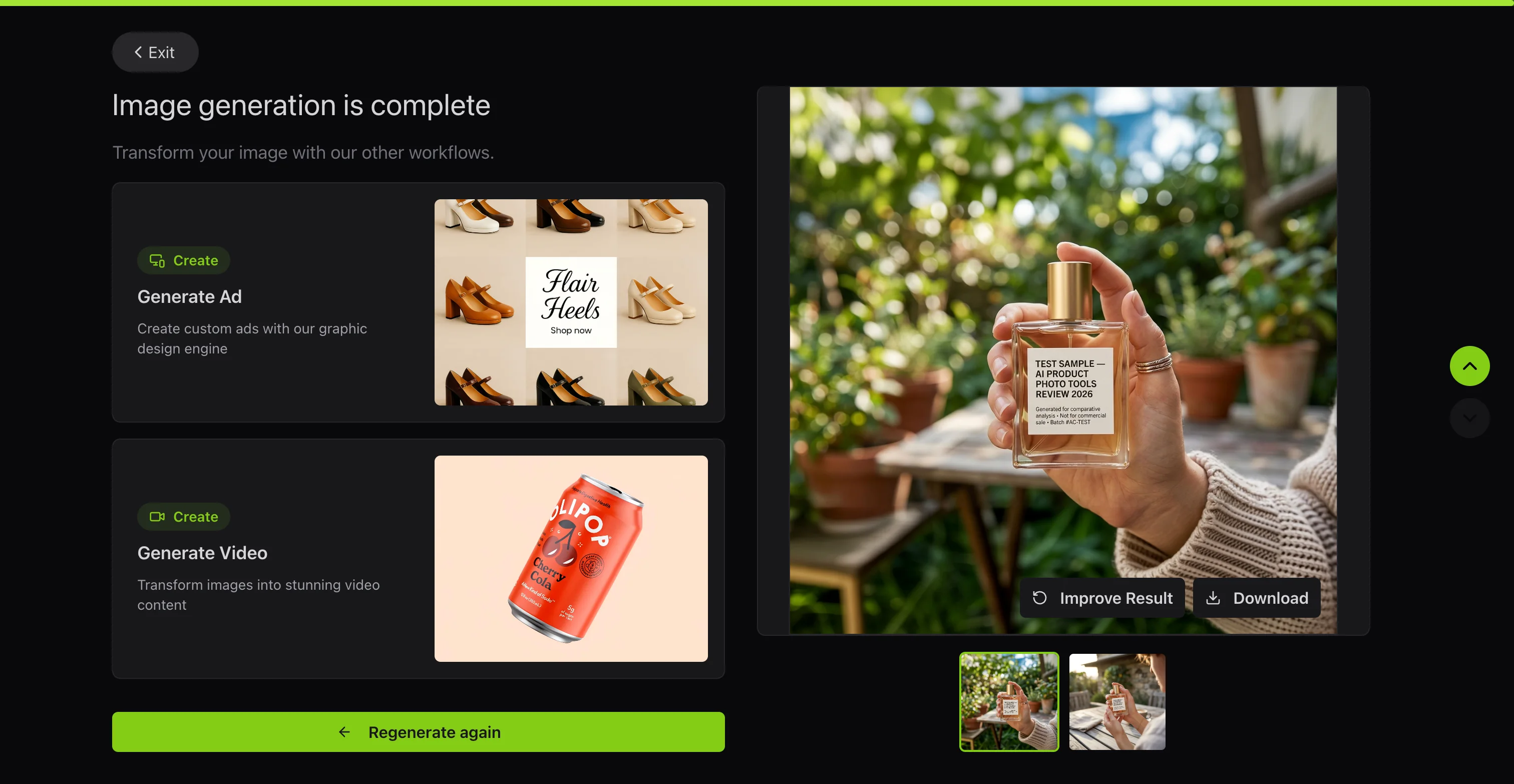
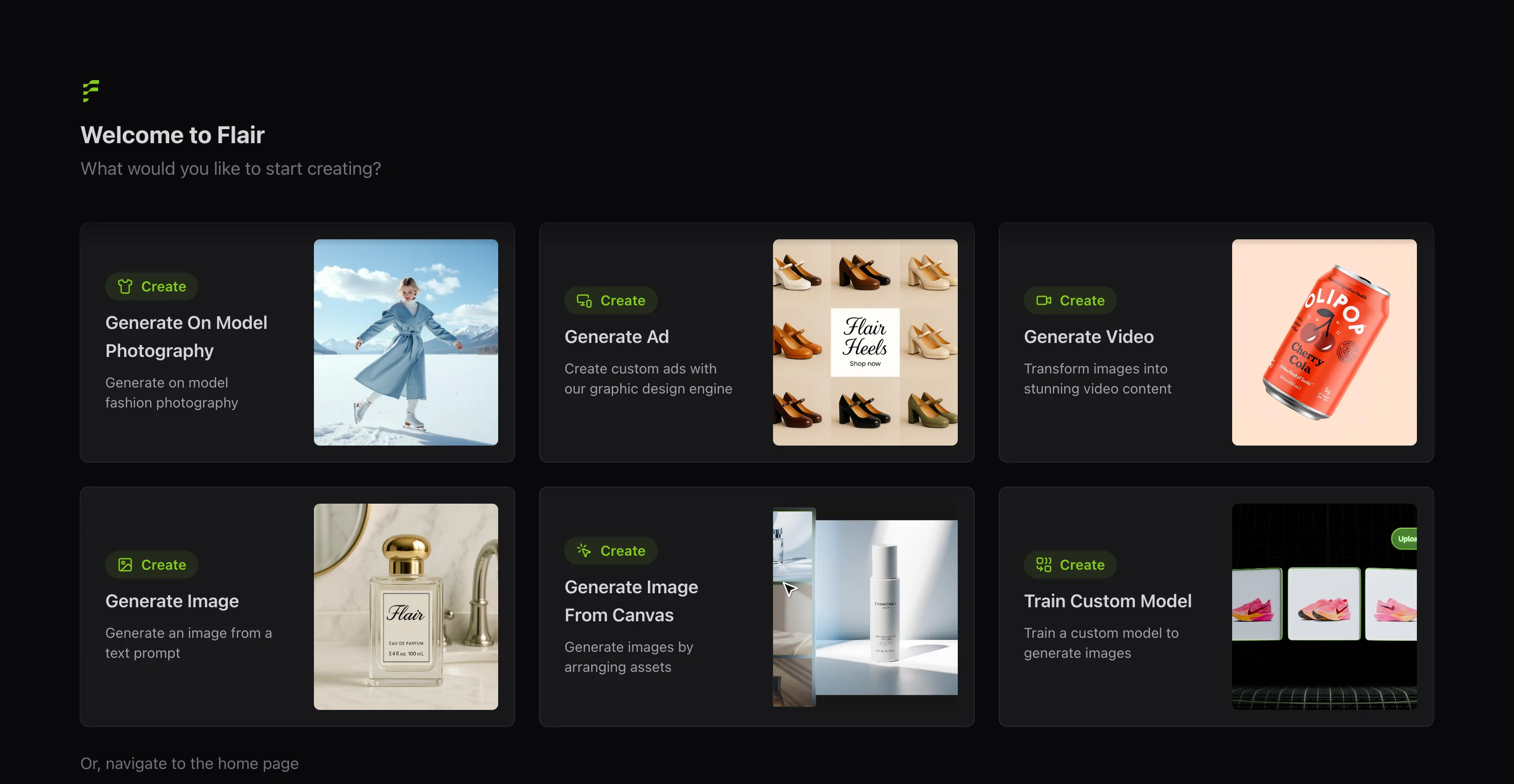
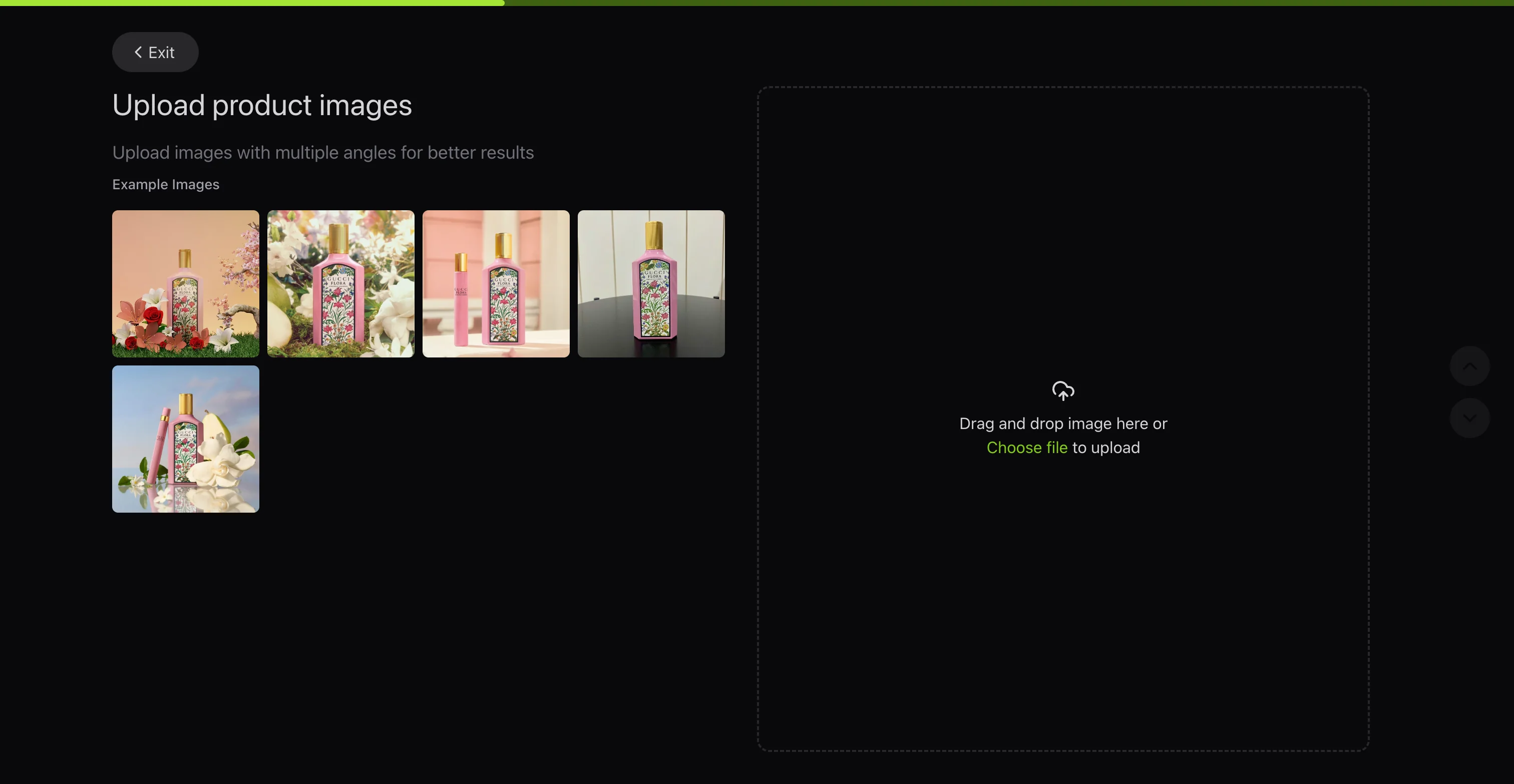
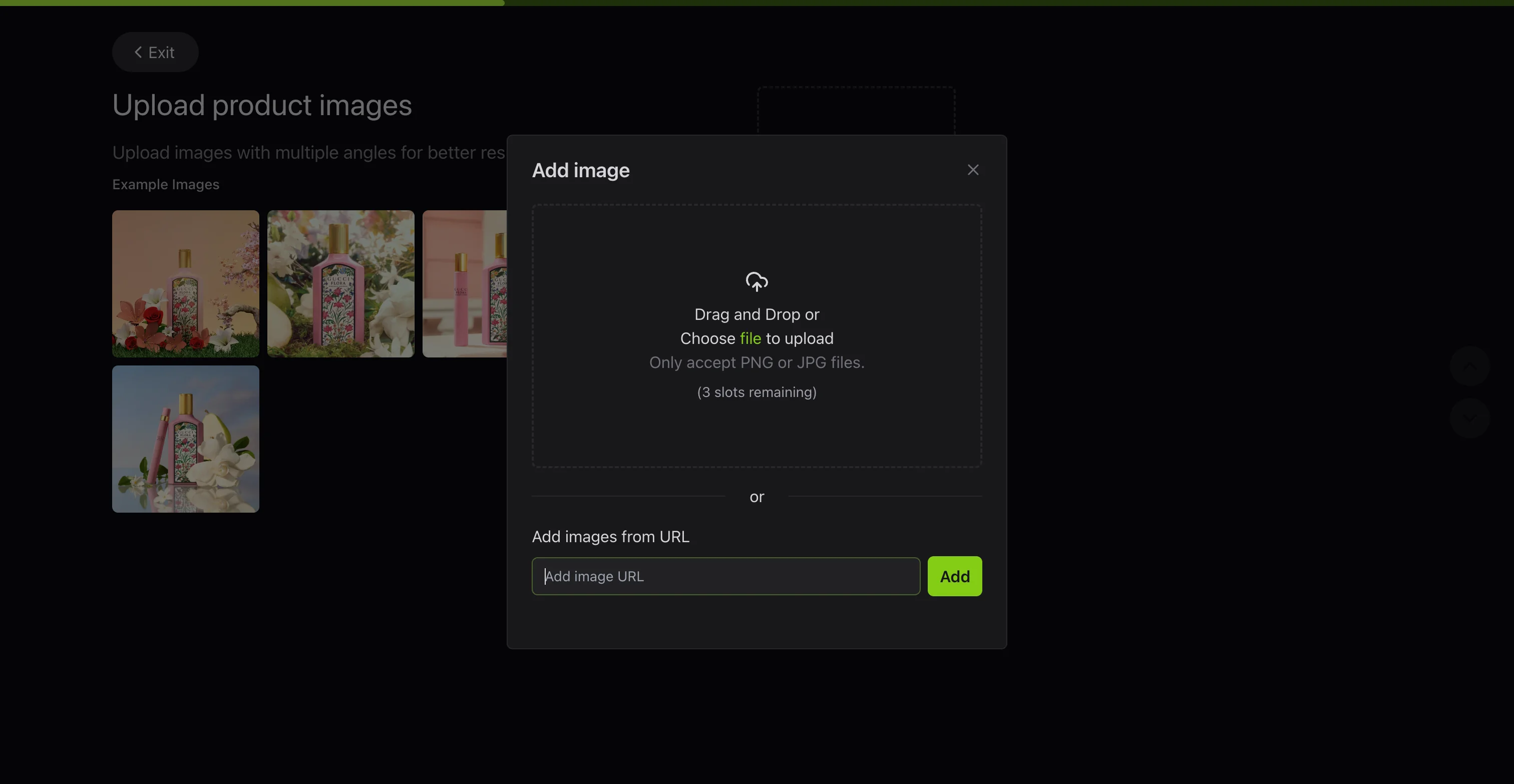
Flair leans creative rather than operational: a drag-and-drop scene builder, props and 3D assets you can compose by hand, and genuinely good on-model apparel shots. That hands-on approach is also its limit for catalog work, and we felt it directly in testing: the free plan advertises 5 generated images, but between the credit cost and generating more than one variation to judge consistency, we had real budget for about 1 finished output before the plan ran dry, enough to complete our in-hands scenario but not the second one.
The second scenario didn't make it past setup, an upgrade modal blocked the in-use prompt outright: "No image generation credits left. You have used all image generation credits. Please upgrade your plan to continue."
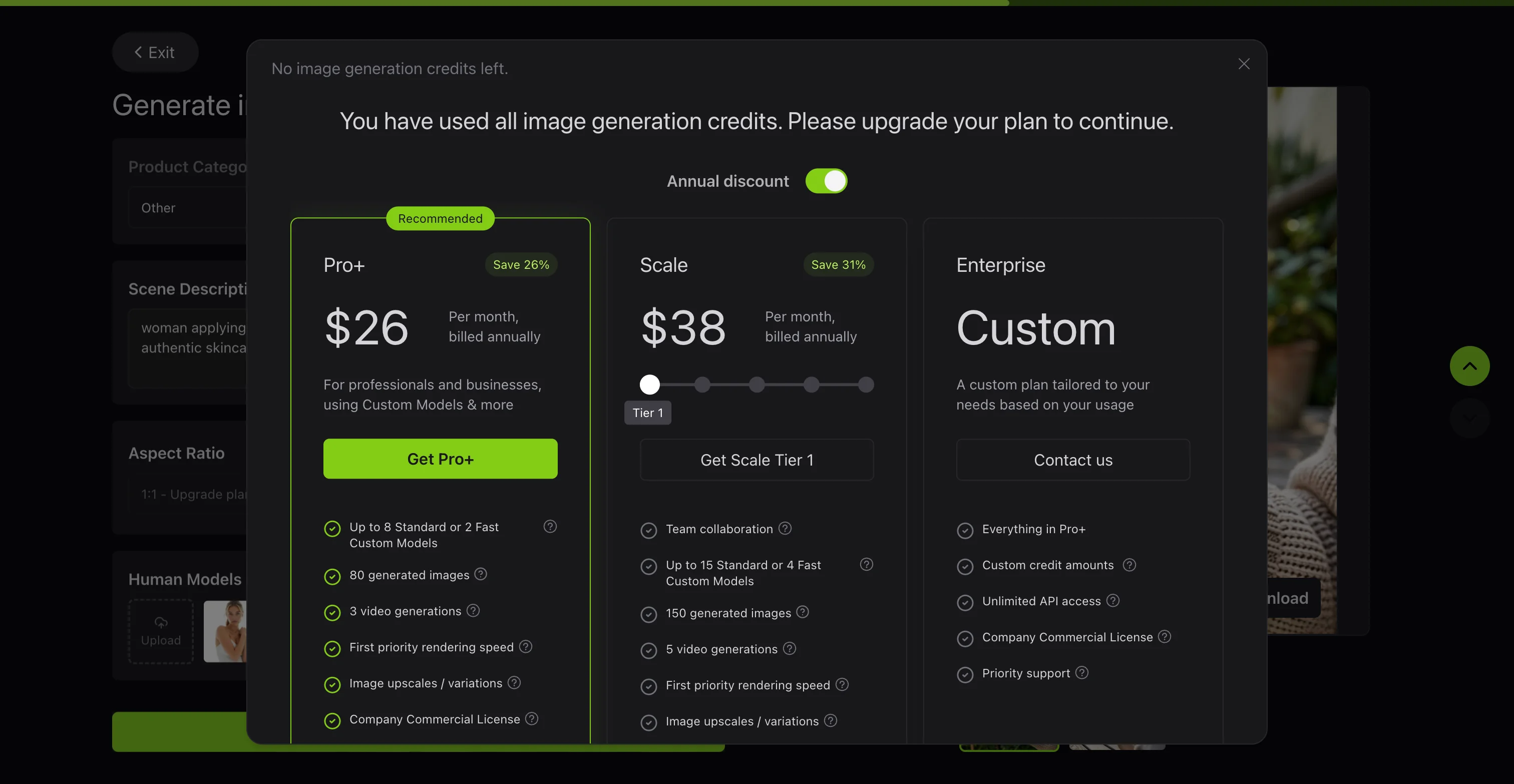
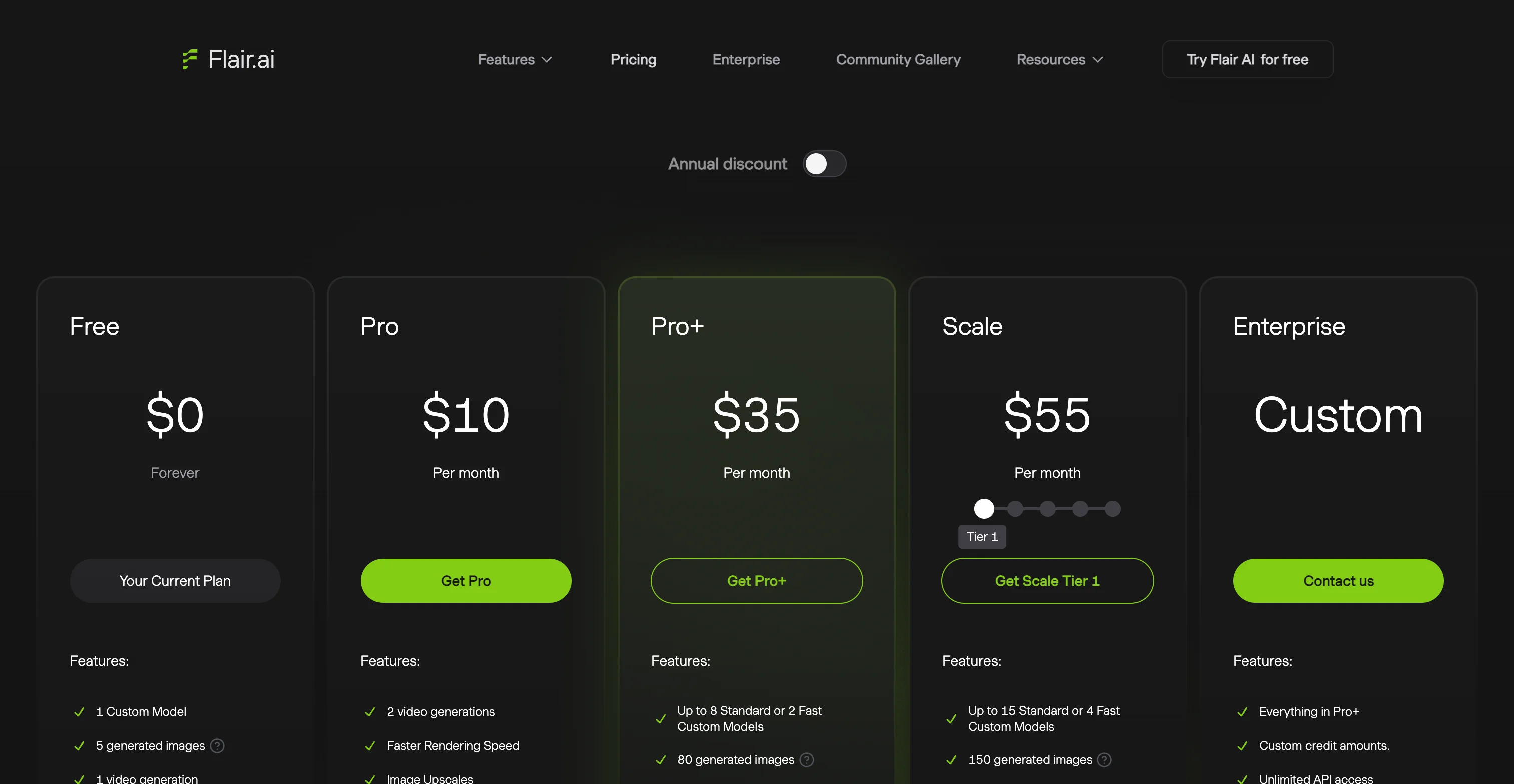
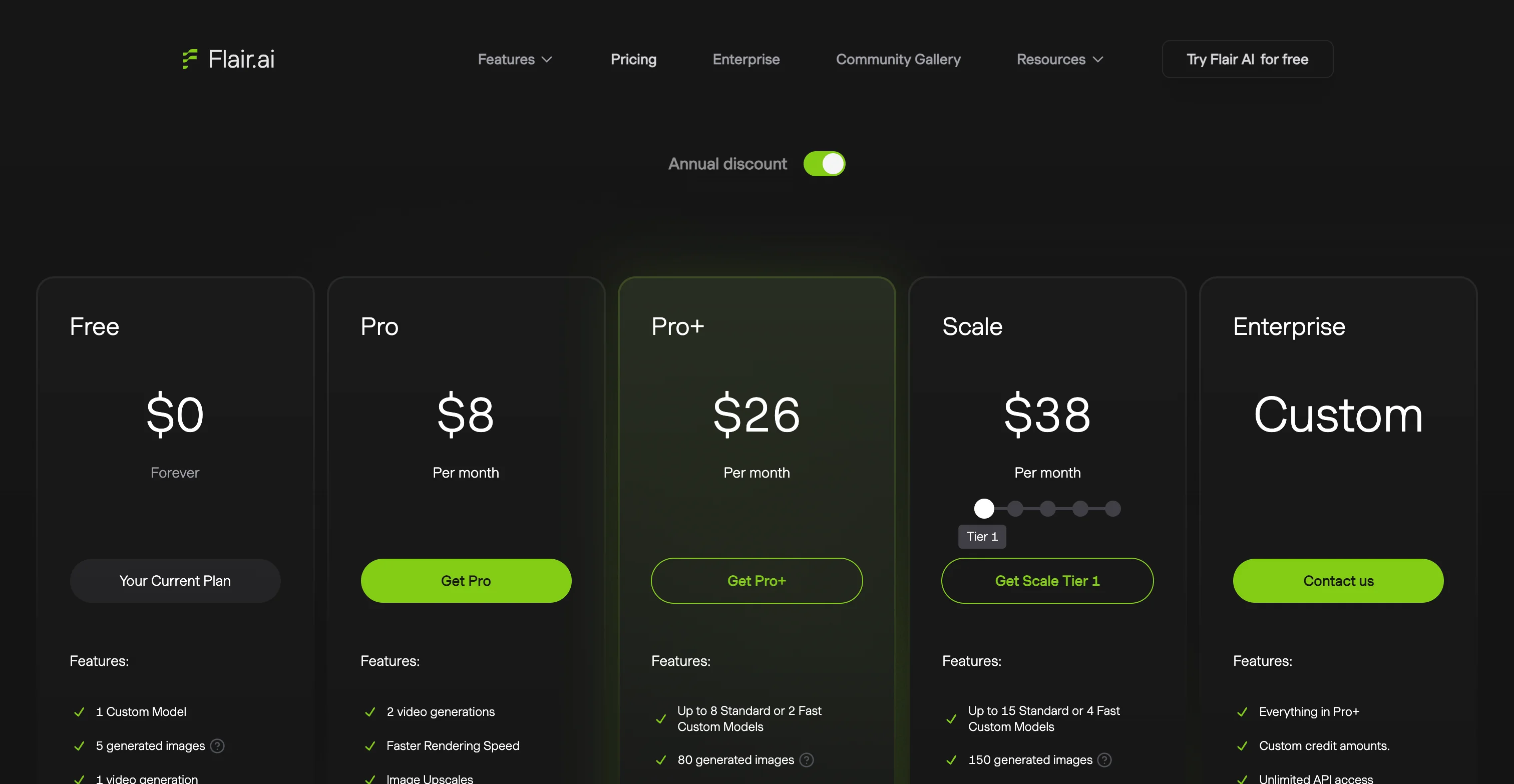
That tracks with the plan's own mechanics: instant generation and ad generation consume credits at roughly four times the standard rate, so even a Pro Plus subscriber with an 80-image monthly allowance can run out in around 20 sessions of real use. Worth knowing before you subscribe: the commercial license isn't included until Pro+ at $26/month, so the entry-level $8/month Pro plan doesn't actually clear you to use the images commercially. API access exists but is gated to the Scale tier and above as an early-access feature, not a day-one option. It's a good tool for a marketing team producing occasional hero images. It's not built to keep hundreds of SKUs looking identical.
More Flair.ai screenshots
5. Claid.ai
Best for: fixing and upscaling photos you already have, rather than generating new scenes from scratch.
Claid's roots are in image enhancement (it grew out of the upscaling platform Let's Enhance), and that heritage still shows: background removal, resolution upscaling to very high megapixel counts, and colour correction are all genuinely strong. It was also the only competitor here that let us complete both test scenarios without hitting a paywall or running dry, the free trial's 50 credits covered both the outdoor in-hands shot and the bathroom mirror in-use shot for 8 credits total, with plenty of budget left over.
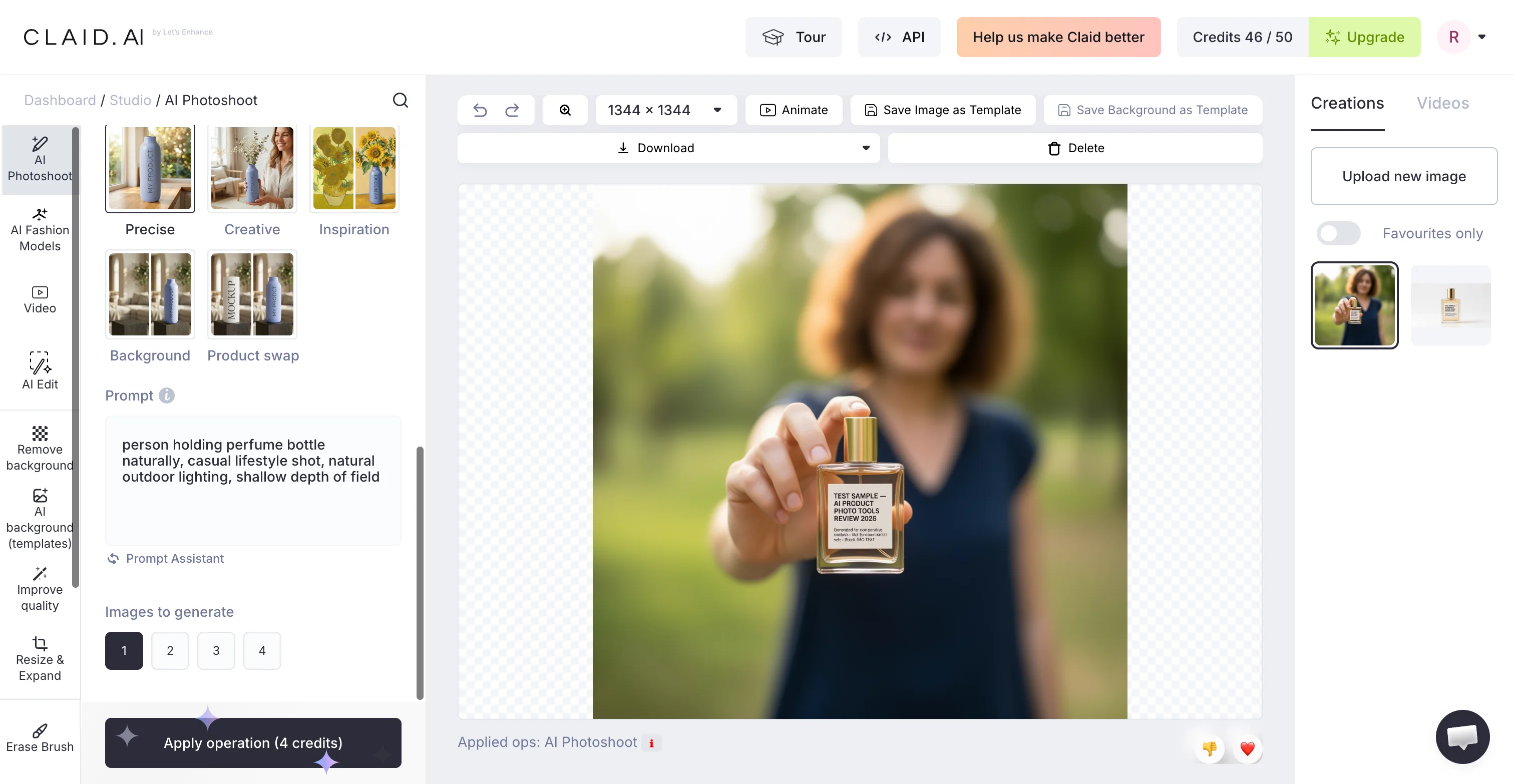
Label fidelity held up well on the large headline text in both images, the fine print underneath came out slightly soft on the in-hands version, a smaller-scale version of the same drift problem every tool on this list runs into somewhere. It also has one of the more mature APIs on this list, self-serve from $59 per 1,000 credits with real batch processing and Zapier support, so it holds up well for developers automating an existing photo pipeline.
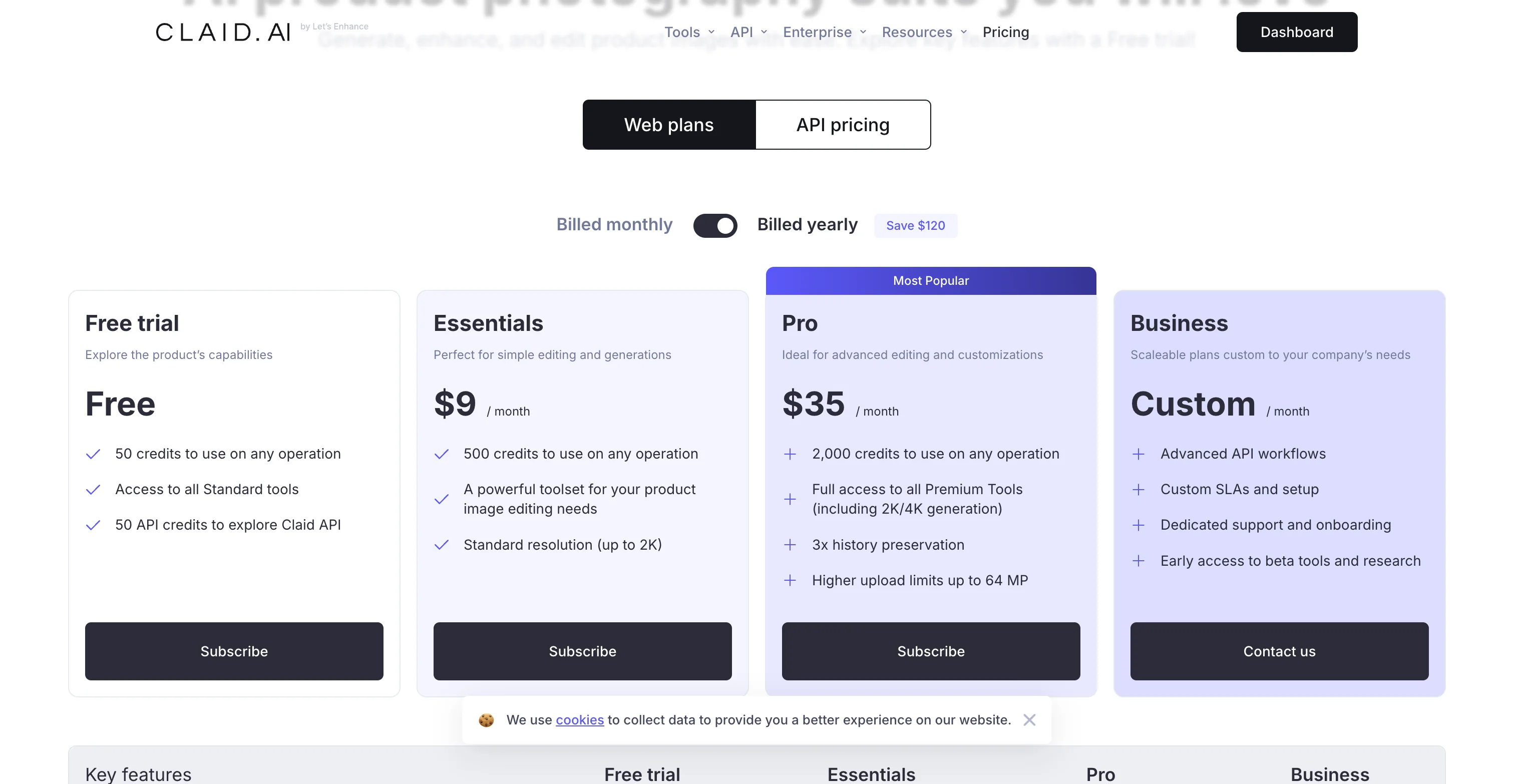
Its free trial is also less restrictive than it looks elsewhere on this list: no watermark and no copyright claim on the output, though history is only kept for 24 hours before it's gone. Where it's a step behind ProductAI is brand-consistent scene generation from a blank slate: Claid is at its best improving a photo you already have, not building a full lifestyle set from a template the way ProductAI's brand-model system is designed to.
More Claid.ai screenshots
Which Tool Should You Choose
Choose ProductAI if: you have a full catalog to shoot, you need exact brand and colour matching across every SKU, or you want an API that can push finished images straight into your store without manual re-uploads.
Choose Photoroom if: you only need background removal and quick edits for five to ten items a month and want solid mobile support.
Choose Pebblely if: you sell one or two products and want fast, social-media-style backgrounds without a bulk workflow.
Choose Flair.ai if: you need one polished lifestyle or on-model shot for a campaign, not a repeatable catalog process.
Choose Claid.ai if: your real problem is fixing and upscaling photos you already have, and you want strong API access to automate that specifically.
Why AI Product Photos Look Inconsistent (And How to Fix Style Drift)
Here's the thing: one of the biggest practical problems store owners run into isn't whether an AI image looks good in isolation. It's whether it matches the rest of your catalog. When AI edits or generates images in batches, you can get what I call style drift, where lighting, shadows, camera feel, background texture, and colour tone shift from one product to the next, even if you think you asked for the same thing each time.
On a Shopify collection page, style drift shows up fast. One SKU looks like it was shot in a bright studio, the next looks warmer, one has a hard shadow, the next is floating with no grounding. Even if each image is individually acceptable, the set can look messy, which can lower perceived brand quality and make the store feel less trustworthy.
From a practical standpoint, the fix is mostly process, not more generation.
How to prevent style drift across Shopify and Etsy listings
Start by locking a reference set. Pick three to five images that represent the look you want for your catalog, for example your best sellers with your preferred lighting and background. Use those as your standard when you generate or edit new images, and compare every batch to them before you upload.
Standardize your crop and aspect ratios early. If you're using square images on Shopify, keep them square all the way through, including your AI exports. If you're mixing 1:1, 4:5, and wide crops, your catalog will look inconsistent even if the background is perfect.
Keep a consistent background recipe. If your brand uses a clean white, make that "true white with a soft natural shadow" every time, not sometimes white, sometimes light grey, sometimes textured. If you use a lifestyle look, define it tightly, for example "light oak countertop, bright window light from the left, shallow depth of field", and keep it stable across the batch.
Use the same prompt structure each time, and if your tool supports it, reuse templates, presets, or seed controls. Not every tool exposes seeds, but the broader point stands: you want repeatable inputs, not one-off creative writing. Repeatability is how you get a catalog that looks like a catalog, not a random set of images.
A lightweight QA checklist before uploading to Shopify
Before you publish, do a quick quality pass on the images that will actually carry conversion weight, especially your first image and your collection thumbnails. Check edges for halos or clipped parts, shadow direction for consistency, and white balance so your product doesn't suddenly look warmer or cooler than your known-good photos.
Colour accuracy matters most on products where "shade" is the product: cosmetics, apparel colourways, home decor, and anything customers buy based on hue. Compare against a real reference photo you trust, not just against other AI outputs.
Know when to stop generating. If you're ten or fifteen attempts in and the tool keeps changing the product finish, text, or geometry, that's a good signal to switch tactics. Use manual edits on a real photo, simplify the background, or revert to a cleaner baseline image rather than forcing a perfect generation that may never arrive.
Product Photography AI Prompts That Actually Work (Backgrounds, Props, and Apparel)
Most disappointing AI product photo results aren't really "bad AI." They're vague inputs. If you want repeatable images that hold up on product pages, you need a prompt structure you can reuse across SKUs and collections.
A simple prompt framework you can reuse
Think of it this way: your prompt should read like a mini creative brief, with guardrails that protect the product. Start with the product, the angle, and the lighting. Then define background, surface, and shadow. Finish with brand mood. Add constraints that prevent product changes.
In practice, your structure could look like this:
- Product + angle: "Photo of a [product], [front three-quarter angle], centered in frame."
- Lighting: "[soft studio lighting], [light coming from left], [natural shadow]."
- Background + surface: "[pure white background], [subtle grounding shadow], [no props]."
- Brand mood: "[clean, premium, minimal]."
- Constraints: "Do not change the product colour, shape, label text, packaging, or logo. No extra objects. No extra text."
Prompt examples for common ecommerce needs
White background (catalog and feeds)
"Photo of a [your product] centered, front angle, soft studio lighting, pure white background, subtle natural shadow under the product, sharp edges, realistic texture. Do not change the product, do not change label text, do not add props, do not add reflections, no extra text."
Lifestyle countertop scene (kitchen, beauty, home)
"Photo of a [your product] on a light oak countertop, bright natural window light from the left, soft shadow to the right, shallow depth of field, clean modern kitchen background blurred, premium minimal aesthetic. Do not change the product colour, shape, logo, or packaging text. No extra accessories."
Holiday theme (use carefully)
"Photo of a [your product] centered on a neutral surface, warm soft lighting, subtle holiday decor in the background out of focus, minimal and tasteful, not cluttered. Keep product exactly the same, no changes to label or colour, no added text."
In-hand context (scale and realism)
"Photo of a [your product] held in a human hand, natural daylight, realistic skin texture, product in focus, background softly blurred. Do not change the product size, shape, or packaging text. No extra items in hand."
Apparel-specific (reducing weird drape and texture artifacts)
"Photo of a [t-shirt/hoodie] on a mannequin, front view, even studio lighting, neutral light grey background, realistic fabric texture, natural folds, accurate seams and stitching. Keep garment colour accurate, do not add logos, do not change neckline, do not alter fit, no extra accessories."
For apparel, you'll typically get better outcomes when you give the AI fewer chances to invent. Simple backgrounds, stable lighting, and clear fit constraints usually beat complex lifestyle scenes for core product images.
What many store owners overlook: negative prompts and guardrails
If your tool supports negative prompts, use them. This is where you explicitly list what you don't want, and it can reduce the most common ecommerce failures: changed logos, altered packaging copy, extra accessories, random text overlays, and "helpful" props that don't match your product.
Even with strong prompts, plan on human review. Any AI output used on a live Shopify product page should be checked for product truth: the goal is to present the item more clearly, not to accidentally create a different item in the customer's mind.
Free vs Paid AI Product Photography Tools: What You Give Up
A lot of store owners search for free AI product photo tools first, and that's reasonable. If you're trying to clean up your first 20 listings or test whether AI editing fits your workflow, a free tier can be enough to learn what's possible. Just don't assume every tool still has one. Pebblely, for instance, has dropped its free plan entirely; ProductAI and Flair.ai still offer one.
Typical limitations to look for in free tiers
Pay attention to export quality and usage rules. Common constraints include watermarks, capped export resolution, limited background quality, monthly credit limits, and fewer controls for repeatable outputs. Another big one is commercial-use terms. Even if a tool lets you generate an image, confirm the licence allows you to use it in a live Shopify store, Etsy listing, and ads.
What each free tier actually gives you (checked August 2026)
The vendor pricing pages rarely lead with this, but it's the part that decides whether a free plan is actually usable for a live store:
- ProductAI: 20 free credits to start. Its FAQ states generated images are yours to use commercially, that doesn't appear to be restricted to paid plans only.
- Photoroom: 250 exports a month, but every one carries a Photoroom watermark and the terms explicitly block commercial use. Fine for testing the interface, not for a real listing.
- Pebblely: no free plan at all on its current pricing page. You commit to at least $19/month before you can generate a single image.
- Flair.ai: 5 generated images a month, forever, plus 1 video. The bigger catch is the commercial license: it isn't included until Pro+ at $26/month, so even paid Pro subscribers at $8/month aren't cleared to use outputs commercially.
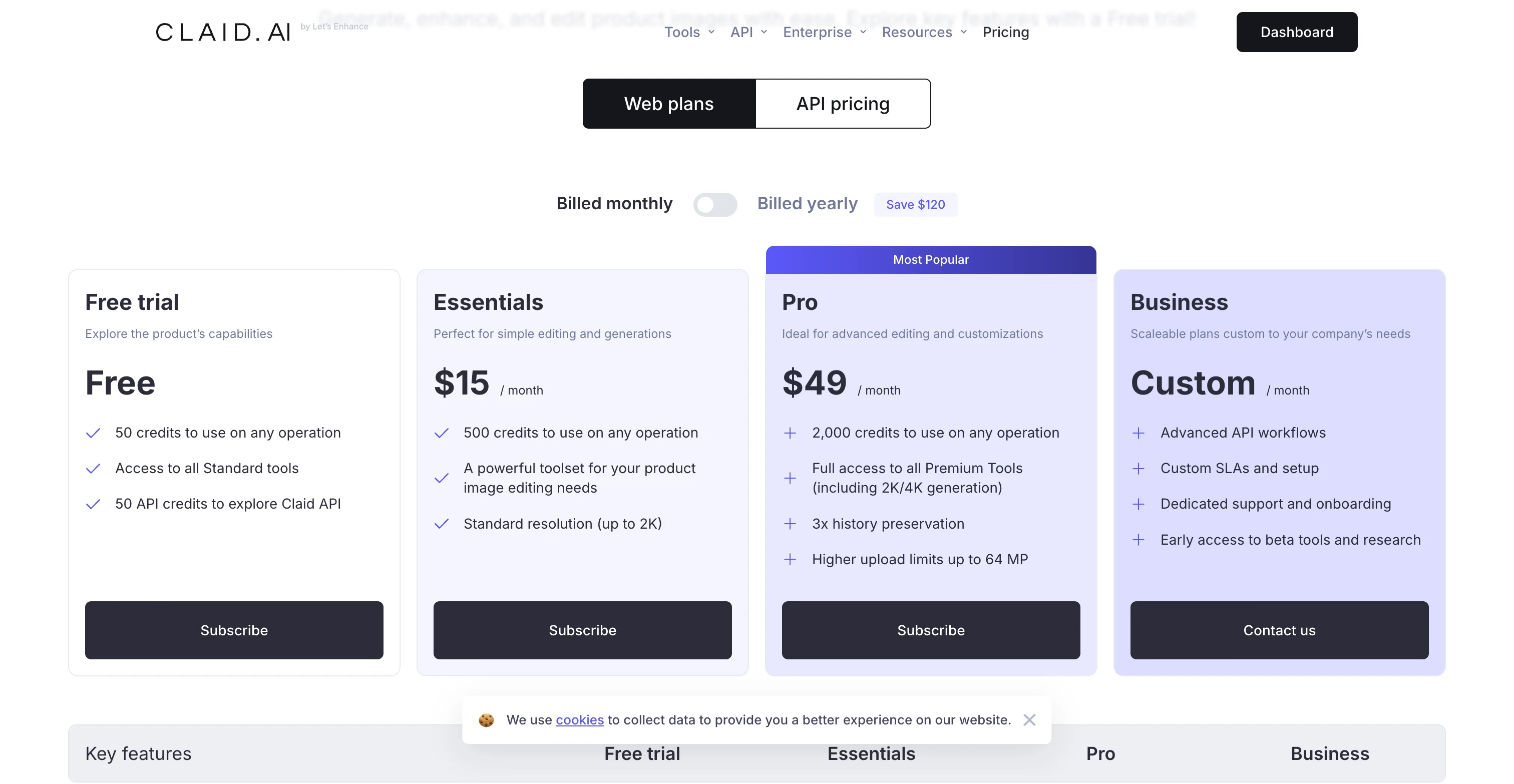
- Claid.ai: 50 credits on the free trial (roughly 12 AI Photoshoots or 50 background removals), and unlike Photoroom there's no watermark and no copyright restriction on what you generate. The catch is a 24-hour history window and a hard stop once credits run out.
When a free tier is fine, and when paid features start to matter
A free tier makes sense when you're testing, drafting, or cleaning up a small set of images, or when the job is narrow, like removing a background from a handful of photos. Paid plans become more worthwhile once you're doing batch processing, need higher-resolution exports for zoom and ads, or want reusable templates that prevent style drift. If you launch seasonal collections, run paid social regularly, or update your catalog every month, consistency and throughput matter more than saving a small amount on a tool.
How to evaluate value without obsessing over pricing tables
Instead of comparing features in isolation, measure workflow impact. Time saved per SKU is one part, but rework rate is the hidden cost. If you save five minutes generating an image but spend ten minutes fixing edges, correcting colour, and re-exporting, that's not a win. In many cases, the tool that produces repeatable, on-brand images with less QA ends up being the cheaper option in real operational terms, even if it isn't the cheapest plan on paper.
Who These Tools Are For
AI product photography tools are a strong fit for ecommerce operators who already understand their image standards and want to move faster. That includes Shopify merchants refreshing collection pages, Etsy sellers cleaning up listing photos, and in-house teams repurposing older assets for ads, email, and seasonal launches.
They're especially useful if you have straightforward products, limited studio time, or a growing catalog that needs consistency more than high-concept art direction. They're less suitable if your brand relies heavily on exact material rendering, luxury positioning, or tightly controlled campaign photography. In those cases, AI can still help with editing and variants, but it works best as support rather than the full production strategy.
Frequently Asked Questions
What is the best AI product photography tool for Shopify stores?
For most Shopify merchants managing more than a handful of SKUs, ProductAI is the strongest fit because of its template system and credit structure built around catalog volume. If your need is narrower, quick single-item edits from a phone, Photoroom is a solid, well-tested alternative.
Can AI product photography replace a professional product shoot?
Usually not completely. AI tools are most useful for editing, enhancement, and creating additional asset variations from existing photos. For hero imagery, premium campaigns, or products where texture and colour accuracy are essential, professional photography still has an important role. Even ProductAI's own Enterprise line leans on a human review step for exactly this reason.
Are AI product photography tools good for apparel brands?
They can be, but apparel is one of the tougher categories. Fabric texture, folds, drape, and fit cues need careful review. Flair.ai in particular has built specifically toward on-model apparel shots. Whichever tool you use, inspect outputs closely before using them on high-intent landing pages or ads.
Which AI tool is best for white background product photos at scale?
ProductAI and Photoroom are the two most dependable options for keeping a white background consistent across a full batch. For occasional single-image cleanup, ProductAI also offers a free background tool that does not require a subscription.
Do these tools list transparent pricing?
Mostly, yes, and we've verified the figures in the comparison table above against each vendor's live pricing page as of August 2026. Pricing on tools in this category changes often (Pebblely dropped its free plan this year, for example), so treat the numbers here as a snapshot and confirm on the vendor's site before you commit.
What is the best AI tool for improving old or low-quality product images?
Claid.ai stands out here. It grew out of an image-upscaling platform, and enhancement and resolution recovery are still its core strength, arguably stronger than its from-scratch scene generation. ProductAI also includes a free image-upscaling tool if you just need a quick fix on a handful of images.
Is Claid.ai good for product photography?
It's a strong choice specifically for fixing photos you already have: background removal, upscaling, and colour correction, backed by a mature, developer-friendly API. It's less suited to generating new brand-consistent lifestyle scenes from a blank slate, which is where ProductAI's template system pulls ahead.
Are AI lifestyle backgrounds safe to use on ecommerce product pages?
They can be, if they stay faithful to the product. The main risk is over-stylization that makes scale, finish, or colour feel misleading. Use AI lifestyle scenes as a complement to accurate core product images, not as the only visual proof on the page.
How should Etsy and Shopify sellers test these tools?
Start with five to ten real SKUs, ideally your hardest ones (reflective surfaces, fine textures, transparent packaging), and compare results against your current workflow. Measure time saved, QA effort, and how well the outputs fit your listing standards before rolling a tool out across the whole catalog.
How do I write prompts for AI product photography so the product doesn't change?
Use a repeatable structure and add explicit constraints. Define the product, angle, lighting, background, and shadow, then add guardrails like "do not change colour, shape, logo, label text, packaging, or proportions" and "do not add props or extra text." If the tool supports negative prompts, use them to list what you want to avoid.
Key Takeaways
- ProductAI is the strongest all-round pick for brands shooting a real catalog, on template consistency, credit scale, and a genuinely multi-model API.
- Photoroom and Pebblely both suit smaller, occasional needs better than full-catalog production, and Pebblely no longer has a free tier.
- Flair.ai is a creative tool for single hero or on-model shots, not a bulk catalog pipeline.
- Claid.ai is the one to reach for when the job is fixing and upscaling photos you already have rather than generating new scenes.
- Free tier really means "free to try," not "free to test properly": in our own hands-on run, Photoroom and Pebblely couldn't complete either test scenario without paying, and Flair.ai's real usable output was closer to 1 image than the 5 it advertises. Only ProductAI and Claid.ai let us finish both scenarios on a free account.
- Always test on your hardest SKUs before committing, and verify current pricing directly with the vendor since it changes often.
Conclusion
The best AI product photo tools can save real time for ecommerce teams, but only the ones matched to your actual workflow. For most merchants shooting a genuine catalog rather than the occasional hero shot, ProductAI's combination of brand templates, credit scale, and API access makes it the strongest starting point of the five tested here. If your need is narrower, one of the other four may be a better, cheaper fit, and that's exactly what the comparison above is for. Start with a handful of your hardest SKUs, compare the output against your current photos, and only then decide what belongs in your production stack.
Hi, I'm Giles Thomas.
Founder of AcquireConvert, the place where ecommerce entrepreneurs & marketers go to learn growth. I'm also the founder of Shopify agency Whole Design Studios.