AI Video Background Generator (2026 Guide)

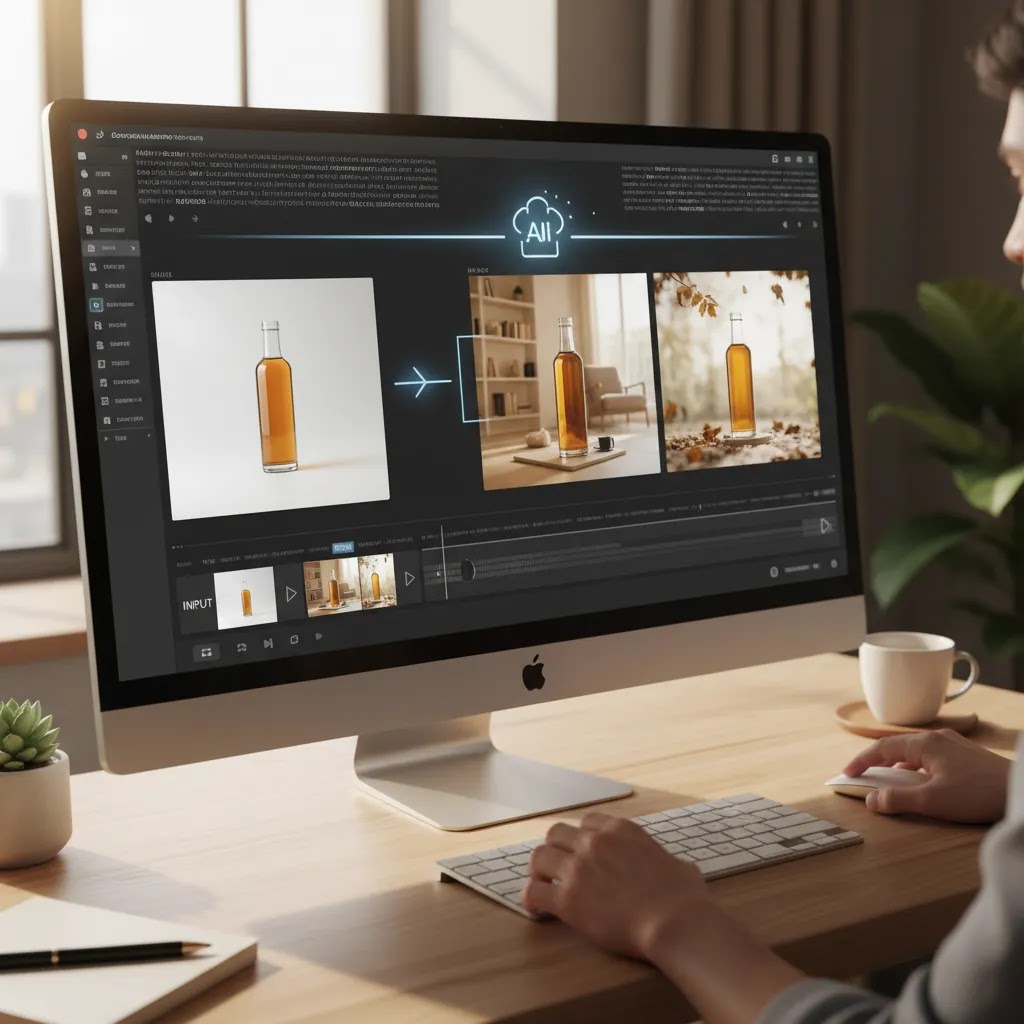
If you sell online, product visuals have to do more than look polished. They need to help shoppers understand the item, trust the brand, and picture the product in use. That is where an ai video background generator can be useful. It may help you turn plain clips into cleaner product demos, lifestyle-style scenes, or ad creatives without booking a full studio shoot for every variation. If you are still comparing image-first tools, start with this guide to ai background generator workflows. In this article, I will look at what matters when evaluating AI background tools for product video content, where current ecommerce image tools fit, and how to choose an option that matches your store’s production needs rather than buying more software than you will actually use.
Contents
What an AI video background generator should do for ecommerce
For most store owners, the job is not simply “generate a cool background.” The real job is to make product content more usable across product pages, paid social, email campaigns, and short-form ads. A good AI workflow should help your product stay visually clear while reducing the cost and friction of producing multiple creative variations.
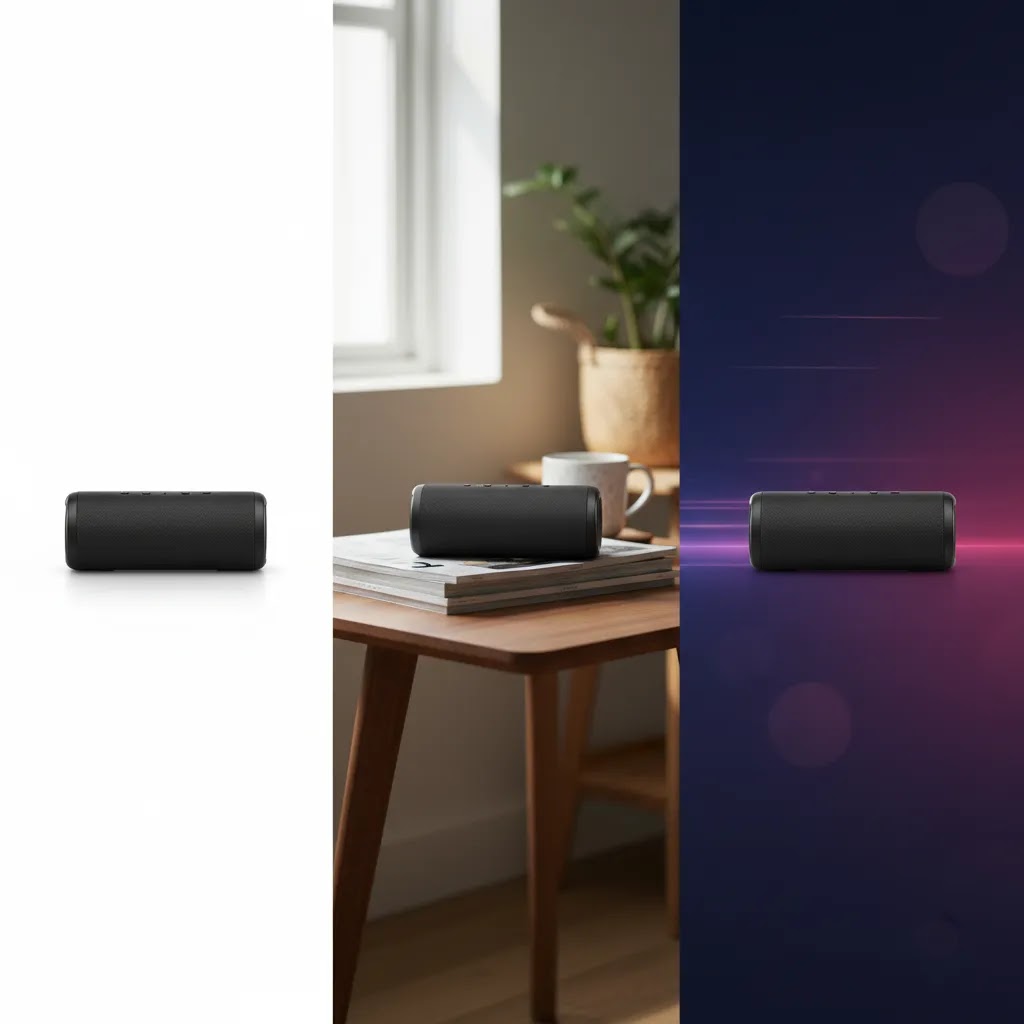
That matters most for merchants managing seasonal launches, testing multiple audience angles, or building ad creatives for different placements. You may need a clean white-background demo for your PDP, then a more styled scene for Instagram or Meta ads. In practice, many teams start with still-image tooling before moving into video, because product extraction, cleanup, and scene consistency are the hard parts.
Based on the current tool data available, AcquireConvert’s connected product set is strongest on image editing and product-scene creation rather than dedicated video-background generation. Relevant options include AI Background Generator, Background Swap Editor, Magic Photo Editor, and Creator Studio. These can still be highly relevant if your “video” workflow begins with generating high-converting product scenes, storyboards, or layered creative assets.
If you are also comparing object isolation and cleanup, this breakdown of ai background remover tools is a useful next step.
How AI video background generation actually works
Here is the thing, most tools that claim to be a video background ai generator are really doing one of a few common workflows. Knowing which workflow you are buying into helps you predict quality, editing effort, and where the output might break.
Workflow 1: Background replacement (masking and compositing)
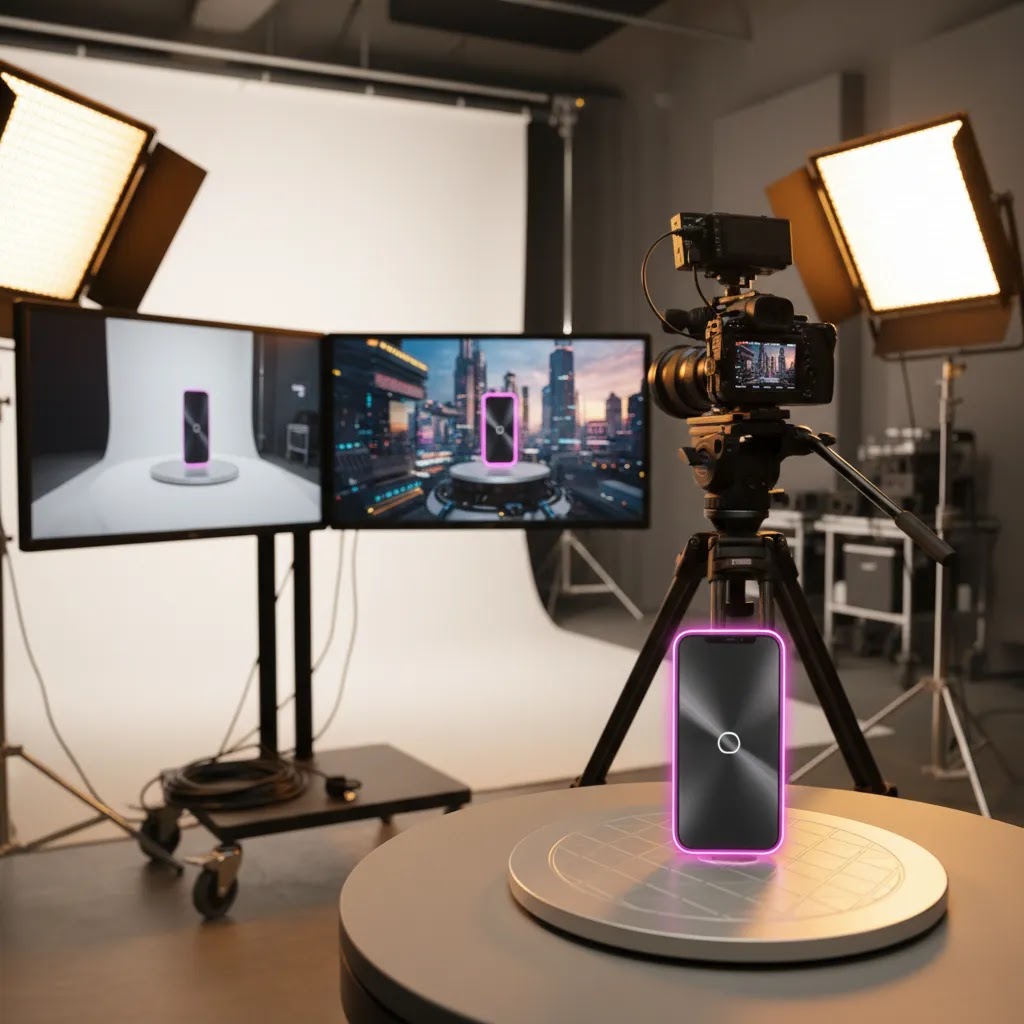
This is the most “product-safe” approach in many ecommerce cases. The tool isolates the product (or model) using a subject mask, then swaps the background behind it, frame by frame. The better the mask, the more believable the result. If you are filming on Shopify content days, the practical win is you can shoot once, then create multiple environments without reshooting.
From a practical standpoint, background replacement works best when your original video makes the product easy to separate, for example, clean contrast between subject and background, stable framing, and minimal motion blur.
Workflow 2: Text-prompted background generation
This is where you describe the scene in text, then the tool generates a background behind your subject (or sometimes regenerates parts of the full frame). It can be useful for fast concepting and ad experimentation, but it can also introduce brand and accuracy problems if the tool invents shadows, props, or lighting that does not match your product footage.
Think of it this way, text prompts are great for exploring ideas, but you still need a human eye on the output before using it on a PDP or in a paid campaign.
Workflow 3: “Image to video” background motion
Some tools start with a still image (or a single frame) and generate subtle motion in the background, like light movement, parallax, or animated texture. This can be a good middle ground if you want motion without the complexity of full video compositing. For ecommerce, it is often used for short clips and ad placements where the product stays anchored and the background movement creates a little extra scroll-stopping effect.
Inputs that usually determine quality
Most quality issues trace back to the source footage. You do not need a Hollywood rig, but you do need predictable inputs.
Clean product footage matters. A stable camera matters. Consistent lighting matters. If you have a clean plate (a shot of the background with the subject removed) that can help some workflows. If not, you are relying on the tool to create an accurate subject mask and handle fine edges like hair, transparent packaging, glass, or reflective surfaces.
Common problems to watch for before you publish
What many store owners overlook is that video artifacts are more damaging than image artifacts because they are repeated over time. Before you ship an asset to your Shopify theme, Meta ads, or an email embed, watch the clip carefully.
Edge flicker is a common one, where the outline of the product jitters or crawls from frame to frame. Haloing is another, where you see a faint outline around the product like a cutout. Warped product geometry can happen if the tool “rebuilds” parts of the product incorrectly, which is risky for anything where size and shape matter. Unnatural shadows are a big trust killer, especially on “white studio” style clips. Texture drift across frames can also show up, where the background pattern changes in a way that feels fake, even if a shopper cannot explain why.
Key features to evaluate
When you are assessing an ai background video generator for product content, focus less on flashy demos and more on operational fit. Here are the features that matter most.
1. Product subject accuracy
Your product must remain true to the original shape, color, texture, and proportions. This is especially important for apparel, cosmetics, accessories, and home goods, where shoppers are making judgments based on visual detail. If the tool changes product appearance too much, it may hurt trust and increase return risk.
2. Scene control
You need enough control to create backgrounds that match your brand. That could mean a clean studio environment, a seasonal setting, or a lifestyle context. Tools like Free White Background Generator and AI Background Generator are relevant because they support foundational scene work that can feed broader creative production.
3. Editing flexibility
Most merchants do not get the perfect output on the first attempt. You need an editor that lets you refine composition, swap environments, or adjust visual balance without restarting from scratch. That is where products such as Background Swap Editor and Magic Photo Editor may fit better than a one-click tool.
4. Workflow speed for teams
If you run frequent promotions, launch products often, or work with a lean in-house team, speed matters. You want a tool that can support repeated content creation, not just one-off experiments. Creator-focused environments like Creator Studio may be better suited to repeatable workflows than standalone utilities.
5. Output suitability for ecommerce channels
Your final creative should work on product pages, marketplaces, ads, and social content. A background concept that looks impressive in isolation may not work if it distracts from the product or feels inconsistent with your store design. If your store still needs stronger foundational visuals, reviewing a best ai photo editor workflow first often makes more sense than jumping straight into complex motion content.
Use cases for ecommerce: PDPs, ads, marketplaces, and catalogs
It is easy to talk about “marketing videos” in the abstract. The reality is each ecommerce placement has different requirements, and your background choices should be driven by the channel, not what looks cool in a standalone preview.
PDP media (Shopify product pages)
On a product detail page, clarity beats creativity most of the time. A dynamic background can work if it supports understanding, for example showing the product in a believable context, but it should not reduce readability of the product itself. If your theme supports product media well, a short clip can help shoppers understand scale, finish, and how the item moves in real life.
Good looks like: the product stays the visual anchor, the background does not introduce confusing props, and lighting feels consistent with the product. If the background makes the product look “cut out,” shoppers can feel it, even if they do not know the term for it.
Paid social ads (Meta, TikTok style placements)
For most Shopify store owners, this is where background variation can be most useful, because creative fatigue is real and you need new angles without reshooting everything. You may test the same product clip against a few different background styles to match different hooks, seasons, or audiences.
Placement matters. Vertical 9:16 is common for short-form. Square 1:1 still shows up in feeds. Landscape 16:9 can still matter for some placements and repurposing. The way this works in practice is you want safe areas for text overlays and UI elements, so do not generate backgrounds that put high-contrast detail exactly where your headline, price callout, or captions must sit.
Marketplaces and listing environments
Marketplaces tend to reward clean presentation, and in some categories they enforce stricter image and video rules. Even when video is allowed, overly stylized backgrounds can work against you if they reduce perceived accuracy. If you are creating marketplace-friendly clips, prioritize product shape accuracy, correct color, and a background that does not imply included accessories that are not actually in the box.
Consider this, the more “official” the listing environment, the more conservative you should be with background generation. Always check the current rules for the channel you are publishing to, since policies and enforcement can change.
Catalog and collection content (sitewide merchandising)
Catalog-style content is all about consistency across a set of SKUs. A background that looks great for one product but not the next is a scaling problem. If you are building collection pages, email banners, or ad carousels, you typically want a small set of repeatable background templates. That is where image-first scene generation can still carry a lot of the load, because you can standardize the look before adding motion.
Presentation and “explainer” style content
If you do product explainers, UGC-style overlays, or short clips that teach shoppers how something works, a controlled background can improve focus. In these cases, a subtle dynamic background may help keep attention, but it should not compete with the product or the on-screen message.
When dynamic backgrounds help versus hurt
Dynamic backgrounds can help when they support brand storytelling, help the product feel more “in use,” or create a scroll-stopping pattern without reducing clarity. They hurt when they distract from the product, reduce perceived truthfulness, or introduce visual noise that makes the item harder to understand.
For many stores, the best approach is conservative motion with strong product anchoring, then you ramp up creativity only when you are confident the clip still reads instantly as “this is the product.”
Pros and Cons
Strengths
Considerations
Who this category is for
An ai video background generator is most relevant for ecommerce brands that already have a steady flow of product content and need more variations without scaling production costs at the same pace. That includes Shopify merchants testing ad creatives weekly, DTC brands launching new SKUs often, and lean teams creating short-form content for multiple channels.
It is especially useful if you already understand your visual brand direction and need speed more than open-ended experimentation. If your current challenge is basic product cleanup rather than motion content, start with image extraction, background control, and scene consistency first. For many stores, that is the step that improves conversion assets fastest.
AcquireConvert recommendation
If you are evaluating this category for a Shopify store, the smartest move is to treat AI video background generation as part of a broader product-content workflow, not as a standalone magic button. Giles Thomas’s experience as a Shopify Partner and Google Expert is particularly relevant here because store visuals affect both on-site conversion and paid acquisition performance. A strong creative process usually starts with accurate product imagery, then expands into testing different scenes and formats.
AcquireConvert is a useful specialist resource if you want to compare those steps side by side. Start with the main Background Removal & Editing hub, then review the supporting guides on ai background generation, background removal, and photo editing. If video is becoming a bigger part of your merchandising or ad strategy, the Product Video & Animation category is the right next stop. That will help you choose a workflow that fits your store’s actual production needs rather than overcommitting to a tool stack too early.
How to choose the right tool
Here is the practical framework I would use if I were choosing an ai video background generator for an ecommerce brand.
Start with the content job
Ask what you actually need to produce. Is it short paid-social creative, enhanced PDP media, product explainers, or marketplace-friendly visuals? The right tool for ad experimentation may not be the right one for product-detail storytelling. Your use case should decide the workflow.
Decide whether image-first is enough
Many merchants search for a free ai video background generator when what they really need is better source imagery. If your product photos are inconsistent, poorly lit, or hard to isolate, fix that first. Tools such as AI Background Generator, Free White Background Generator, and Background Swap Editor may solve the underlying problem more effectively than adding motion too early.
Check editing depth before buying
One-click output is useful, but only up to a point. If you plan to create multiple campaigns or maintain brand consistency, you will want control over the environment, crop, and visual balance. That is why an editor-based workflow can be more valuable than a single-purpose utility, even if it takes slightly longer.
Think in terms of repeatable production
Ecommerce growth usually comes from systems, not one-off wins. Can your team produce ten variations next month as easily as one this week? Can you update assets for a sale, new collection, or seasonal theme without starting over? Creator Studio-style workflows may be more practical if content volume is a real concern.
Validate against conversion goals
The best ai video background generator is not the one with the most dramatic output. It is the one that keeps attention on the product and supports shopper understanding. For most stores, that means testing new creative in places where performance is measurable: collection-page click-throughs, PDP engagement, add-to-cart behavior, and ad efficiency. Results will vary by category, traffic quality, and product complexity, so use structured testing rather than assumptions.

Tool selection shortcuts: free vs paid, watermarking, and export specs
Now, when it comes to choosing tools in this category, most teams do not fail on creativity. They fail on practical constraints like watermarks, export limits, and whether the output is actually usable in the channel that matters.
What “free” typically means for AI background video tools
A free ai video background generator can be useful for testing, but “free” often comes with tradeoffs. That might include limited credits, watermarks on exports, restricted resolution, shorter clip lengths, and fewer controls around commercial use. Pricing varies by provider and changes often, so verify current limits before you build a workflow around it.
If you are producing assets for a Shopify store, the watermark question matters. A watermark may be fine for internal reviews, storyboards, or draft ad concepts, but it is usually not something you want in live PDP media or paid ads.
Export specs to check before you commit
Before you put time into prompts, masking, and revisions, check whether the tool can export what you actually need. Most ecommerce teams should confirm resolution, frame rate, maximum clip length, and file formats. You also want to know whether you can export without a watermark, and whether the output holds up after platform compression, since ad platforms and social feeds can be rough on video quality.
A practical evaluation checklist for store teams
What many store owners overlook is that you do not need to evaluate a tool across your whole catalog. You need to evaluate it across one representative SKU, end to end.
Pick one product that is not “too easy,” for example something with edges, shine, or texture. Run two or three background styles that match your brand, like clean studio, subtle lifestyle, and seasonal. Then export in the aspect ratios you actually publish, and check it in context: in a Shopify product page, in an ad preview, and in whatever internal approval process you use. If it holds up there, scaling becomes far more predictable. If it does not, you have saved yourself weeks of rework.
Frequently Asked Questions
What is an ai video background generator for ecommerce?
It is a tool or workflow that helps you replace, create, or enhance the background behind a product in video content. For ecommerce, the goal is usually to make product demos, social ads, or branded clips more polished without running a full production process for every variation.
Can a free ai video background generator work for product marketing?
It can, depending on your standards and use case. For early testing, lower-cost or utility-style tools may be enough to create concepts and rough creative variations. For paid campaigns or premium product pages, you will usually need stronger editing control and more consistent product accuracy.
Are image tools useful if I need video backgrounds?
Yes. In many ecommerce workflows, image tools are the foundation. They help with product cutouts, white-background assets, lifestyle scene generation, and creative mockups. Those assets can then feed video production, ad design, or motion workflows, especially for small teams working without a dedicated studio.
What should Shopify merchants prioritize first?
Start with clean product imagery, accurate backgrounds, and channel-ready assets. If your PDP images are weak, adding video effects will not solve the core conversion problem. Shopify merchants usually get more value first from image consistency, then from expanding into motion content for ads and richer product storytelling.
Is AI background generation better than a real studio shoot?
Not always. AI may be faster and more flexible for testing concepts, creating variants, or supporting lean content production. A real studio shoot can still be the better option for flagship launches, luxury presentation, regulated categories, or products where exact texture and material detail are critical.
How do I know if a background is hurting conversions?
If the background distracts from the product, creates confusion about scale or use, or makes the item look unrealistic, it may reduce trust. Watch for weaker click-through, shorter product-page engagement, or lower add-to-cart behavior after creative changes. Test background styles against clear metrics instead of relying on taste alone.
Should I choose a one-click tool or an editor?
Choose based on volume and control needs. A one-click tool is fine for quick experiments or simple assets. An editor is usually the better choice if you need repeatable branding, multiple revisions, or campaign-specific creative variations. Most growing stores eventually need at least some level of manual refinement.
What if I cannot find a verified dedicated video tool yet?
Use a staged workflow. Start with strong image generation and editing, create polished source assets, and then move those into your preferred motion or ad-production process. That approach is often more reliable than forcing a single tool to handle every step before the category has fully matured.
What is the best ai video background generator?
The best ai video background generator is the one that matches your use case and quality requirements. For many ecommerce brands, that means strong subject accuracy, predictable exports for your ad placements, and enough scene control to stay on brand. If you are selling products where color and texture accuracy are critical, prioritize tools and workflows that preserve the original product footage rather than heavily regenerating it. Results vary by product type and source footage quality, so test one SKU end to end before committing.
Is there an ai video background generator without watermark?
Some tools offer watermark-free exports on paid plans, and some may allow watermark-free exports during limited trials. It depends on the provider and the plan, and it can change over time. Before you build a workflow around a tool, confirm whether watermark removal is included, what export resolution you get, and whether commercial use is covered for your intended channels.
Can I generate ai background video free?
In many cases, yes, at least for testing. Free access often means limited credits, shorter clip lengths, lower resolution exports, or watermarks. That can still be enough to validate whether a background style works for your product and brand. If you plan to run the assets in paid ads or on a Shopify PDP, you will usually want cleaner exports and more control.
Can an ai video generator create backgrounds from text?
Yes, many tools can generate backgrounds from text prompts. The main tradeoff is consistency. Text-prompted backgrounds can be great for concepting, but they may introduce lighting mismatches, strange shadows, or details that drift across frames. For ecommerce, it is smart to review outputs carefully and favor backgrounds that keep attention on the product and do not create misleading context.
Key Takeaways
Conclusion
An ai video background generator can be genuinely useful for product content, but only if it fits the way your store actually creates and publishes assets. For most ecommerce brands, the best route is to start with strong product isolation, clean scene generation, and editable source visuals, then build toward more advanced motion workflows. That keeps your team focused on conversion-ready creative instead of novelty. If you want a more confident buying decision, compare the related tools and workflows across AcquireConvert’s background editing and product content resources. Giles Thomas’s Shopify Partner and Google Expert perspective is especially helpful if you are balancing on-site merchandising with paid acquisition performance. Read the full breakdowns on AcquireConvert before you commit to a tool stack.
This article is editorial content created for evaluation purposes and is not a paid endorsement unless explicitly stated otherwise. Pricing and product availability are subject to change, so verify current details directly with each provider before making a purchase decision. Any performance impact discussed is directional only and not guaranteed, as results vary by store, product category, creative quality, traffic source, and implementation.

Hi, I'm Giles Thomas.
Founder of AcquireConvert, the place where ecommerce entrepreneurs & marketers go to learn growth. I'm also the founder of Shopify agency Whole Design Studios.