Pictures of Skincare Products: 2026 Guide

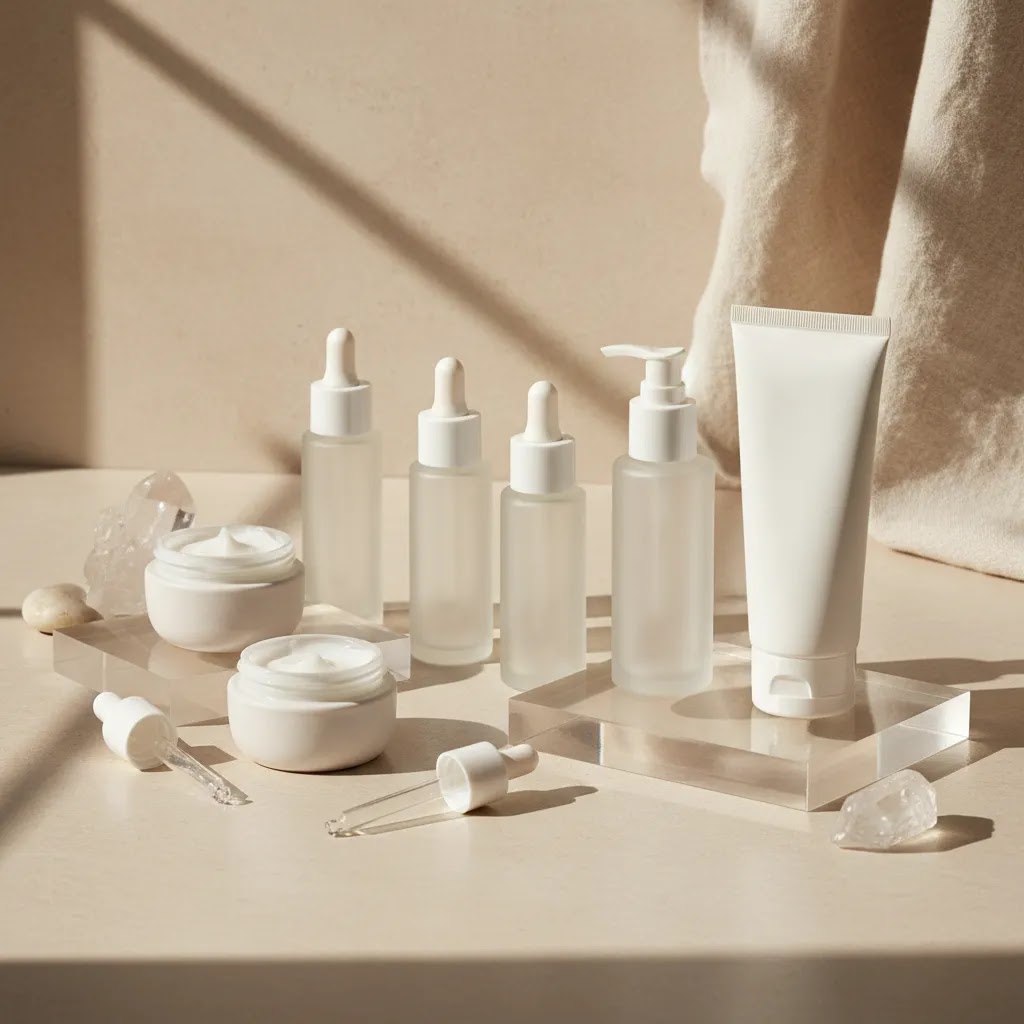
If you sell serums, moisturizers, oils, or cleansers online, your images do a lot of the selling before a shopper reads a single word. Strong pictures of skincare products can help communicate texture, quality, ingredients, and brand positioning fast. Poor lighting, messy reflections, or inconsistent styling usually do the opposite. This guide is built for ecommerce store owners who want better product images without turning every shoot into a full agency production. You will learn how to plan skincare products photography, choose the right light for taking pictures of products, style scenes that feel premium, and edit images so they stay accurate to the item you ship. If you want more category-specific inspiration, AcquireConvert’s ai makeup generator resource is also useful for evaluating beauty visual workflows.
Contents
- Why skincare product photos matter
- How to set up a skincare product shoot
- Lighting that flatters bottles, jars, and tubes
- Skincare shooting problems: reflections, transparency, and accuracy
- Styling ideas for better skincare products pictures
- Skincare photo inspiration and reference sources (what to use legally)
- Editing and optimization for ecommerce
- How to photograph skincare for Shopify and marketplaces (requirements and consistency)
- Pros and Cons
- Who this approach is for
- AcquireConvert recommendation
- How to choose your photography workflow
- Frequently Asked Questions
- Key Takeaways
Why skincare product photos matter
Skincare is one of the most visual categories in ecommerce. Shoppers look for clues about trust, texture, cleanliness, formulation, and brand fit. A clinical white-background image may work well for Amazon-style catalog needs, while a softer lifestyle image can support premium direct-to-consumer positioning.
Most stores need both. Your core product page should usually include clean packshots, close-ups of labels, texture shots, and at least one contextual image showing the product in use or in a styled setting. That mix helps answer the questions customers ask before buying: What size is it? What does the cream look like? Is the packaging matte, glossy, frosted, or transparent? Does the brand feel luxurious, clinical, natural, or playful?
For Shopify merchants, this matters beyond aesthetics. Better products pictures may improve on-page clarity, reduce uncertainty, and support conversion if they match the product description and offer. They can also improve the consistency of your collection pages, ads, email campaigns, and landing pages.
If you are building a broader image system, AcquireConvert’s skincare product photography guide is a helpful next read.
How to set up a skincare product shoot
You do not need a large studio to start taking pictures of products well. You do need repeatability. That means choosing a space, a surface, a lighting setup, and a shot list you can use again when new SKUs arrive.
A practical skincare workflow usually includes:
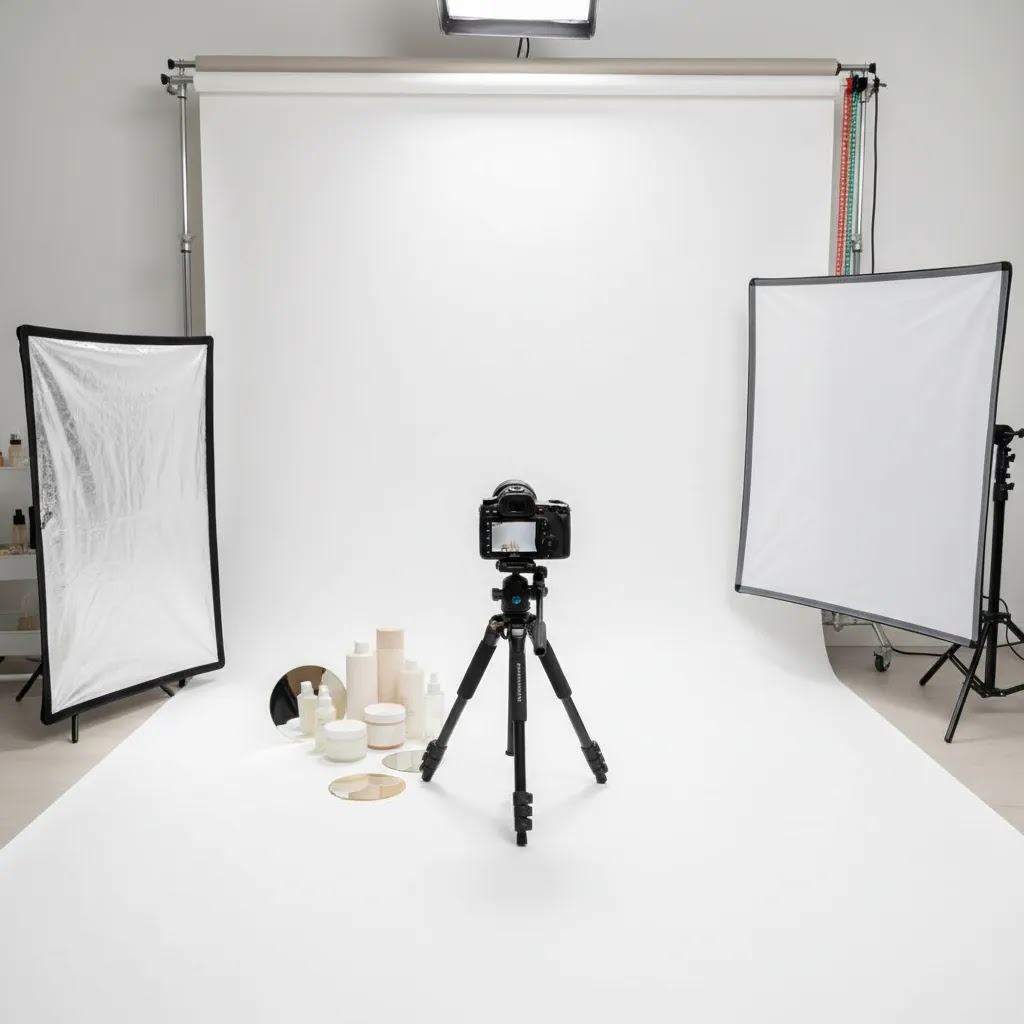
- A clean table near a window or a controlled artificial light source
- White foam board or reflectors to soften shadows
- A tripod to keep framing consistent across products
- A background that matches your brand, such as white, cream, stone, or pale pastel
- A shot list covering front label, angle view, back label, texture, grouped products, and hero image
Before shooting, wipe every bottle and jar carefully. Skincare packaging shows fingerprints, dust, dried product, and tiny scratches very clearly. Transparent packaging is especially unforgiving. If you are shooting glossy containers, adjust the product angle before changing the light. Small rotations often fix reflections faster than moving everything else.
For stores balancing in-house content with occasional outsourced work, it helps to think in systems. A repeatable setup can cover routine launches, while a specialized product photography studio may still make sense for major campaigns or hero images.
Lighting that flatters bottles, jars, and tubes
Light for taking pictures of products matters more than the camera in most skincare shoots. If your lighting is soft and controlled, even a recent smartphone can produce strong ecommerce images. If your lighting is harsh or inconsistent, an expensive camera will not save the shot.
For skincare, soft side lighting often works best because it reveals shape while keeping labels readable. Front lighting can flatten the product. Strong overhead lighting may create distracting shine on caps and jars. Start with one main light source, then use white cards to bounce light back into darker areas.
Window light works well when:
- The light is indirect rather than direct midday sun
- You diffuse it with a sheer curtain if needed
- You shoot at the same time of day for consistency
Artificial light works well when:
- You need consistency across multiple shoot days
- You want more control over reflections
- You are producing content for product pages, ads, and marketplaces in volume
One common mistake in taking pictures of products to sell online is mixing light temperatures. If window light is cool and your room bulbs are warm, whites can shift and packaging colors may look wrong. That creates extra editing work and can make a product page feel inconsistent. For a deeper look at setup options, see AcquireConvert’s Product Photo Lighting category page.
Skincare shooting problems: reflections, transparency, and accuracy
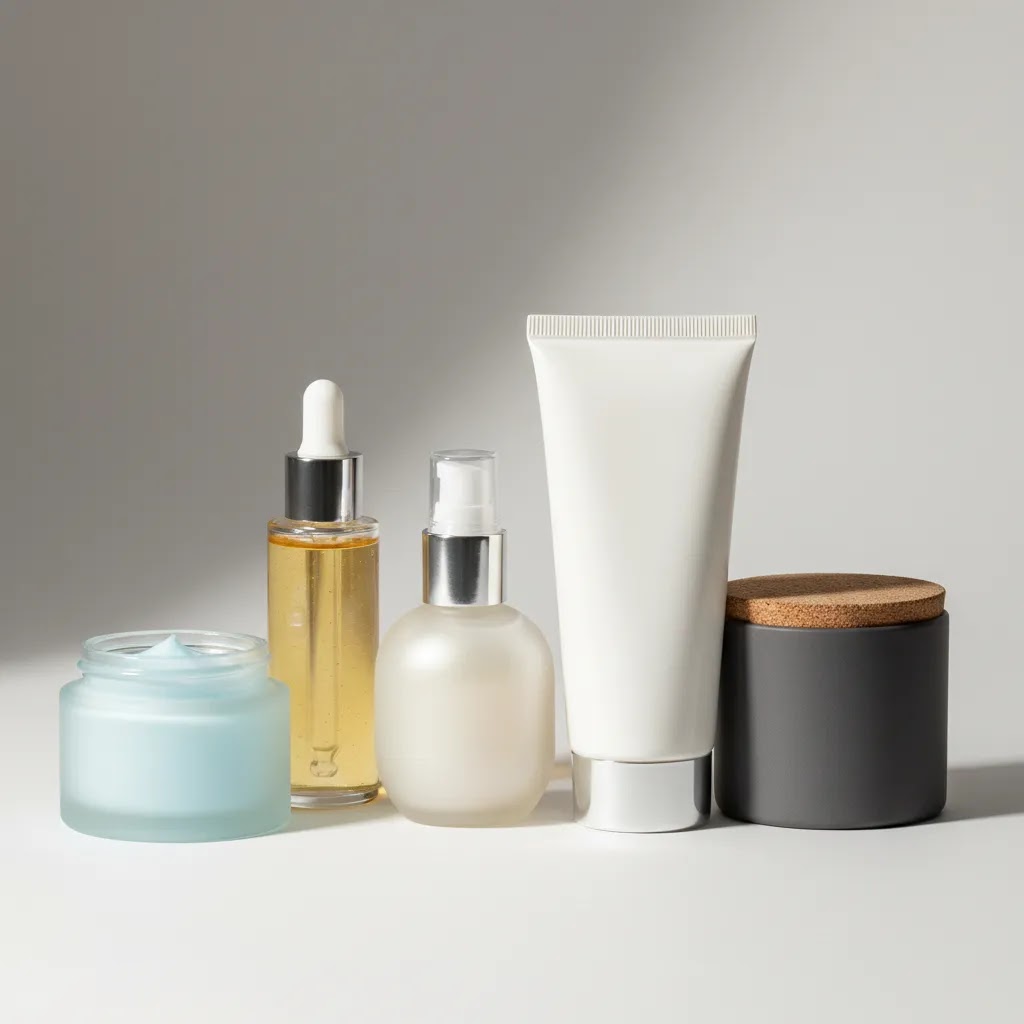
Here is the thing: skincare packaging is designed to look good on a shelf, not under lights at close range. Glossy jars, metallic caps, and clear droppers can look premium in person, then turn into a reflection mess on camera.
How to control reflections on glossy jars and metallic caps
If you can see a bright rectangle or a hard white stripe on the product, that is usually your light source reflecting back. The fastest fix is often diffusion and angle, not more editing.
- Make the light source bigger relative to the product. A softbox, a diffused window, or a light bounced into a white wall typically produces a smoother highlight.
- Change the angle before you change the setup. Rotate the jar or dropper a few degrees, then reframe. Tiny adjustments can move glare off label text.
- Use black cards as “flags” to create clean edges. Placing a black card just outside the frame can add definition to clear or glossy packaging and reduce the blown-out look.
From a practical standpoint, you are trying to decide where you want the highlight to live. A controlled highlight that outlines the bottle can look premium. A highlight that runs through your brand name usually looks like a mistake.
Shooting clear bottles and droppers without losing the label
Clear packaging is unforgiving because it shows everything: the background, your light, and sometimes the liquid level inside the bottle. If your label looks muddy or low-contrast, it is often because the product is blending into the background.
- Add separation. A slightly darker background or a gentle gradient behind the product can help the bottle edges show up without heavy edits.
- Keep the label plane as flat to the camera as possible if readability is the priority. An angled “hero” shot is great, but your front label shot should be straightforward and clean.
- Watch your fill. Too much bounce light can remove contrast and make everything look gray. Add fill slowly until the shadows lift without killing definition.
Keeping “clinical” images accurate (white balance, color, and finish)
Many store owners overlook this: skincare shoppers often care about clinical cues and accuracy. If your packaging is “cool white” and your photo turns it creamy yellow, the whole product page can feel off. The same goes for pastel packaging that shifts hue under mixed lighting.
Set a consistent white balance and stick to it across the shoot. If you shoot on a phone, avoid using multiple auto modes across different products. If you shoot on a camera, pick a white balance setting that matches your lights and keep it fixed for the catalog session.
If you use AI tools for cleanup, be careful about anything that changes the reality of the product finish. Over-smoothing can make matte look glossy. Aggressive background generation can shift edges and label shapes. AI can be a time-saver, but you still need human review before publishing to a live store.
Quick troubleshooting checklist
If your image looks “almost right” but still not store-ready, these are common culprits:
- Hot spots on caps: raise the light, diffuse more, or rotate the cap so the brightest reflection is not facing the camera.
- Muddy labels: reduce fill, increase separation from the background, and make sure your focus point is on the label text.
- Dust and fingerprints suddenly visible: side light makes this worse. Clean again, then soften the light source.
- Uneven whites: check for mixed light temperatures and colored walls bouncing tint back into the scene.
Styling ideas for better skincare products pictures
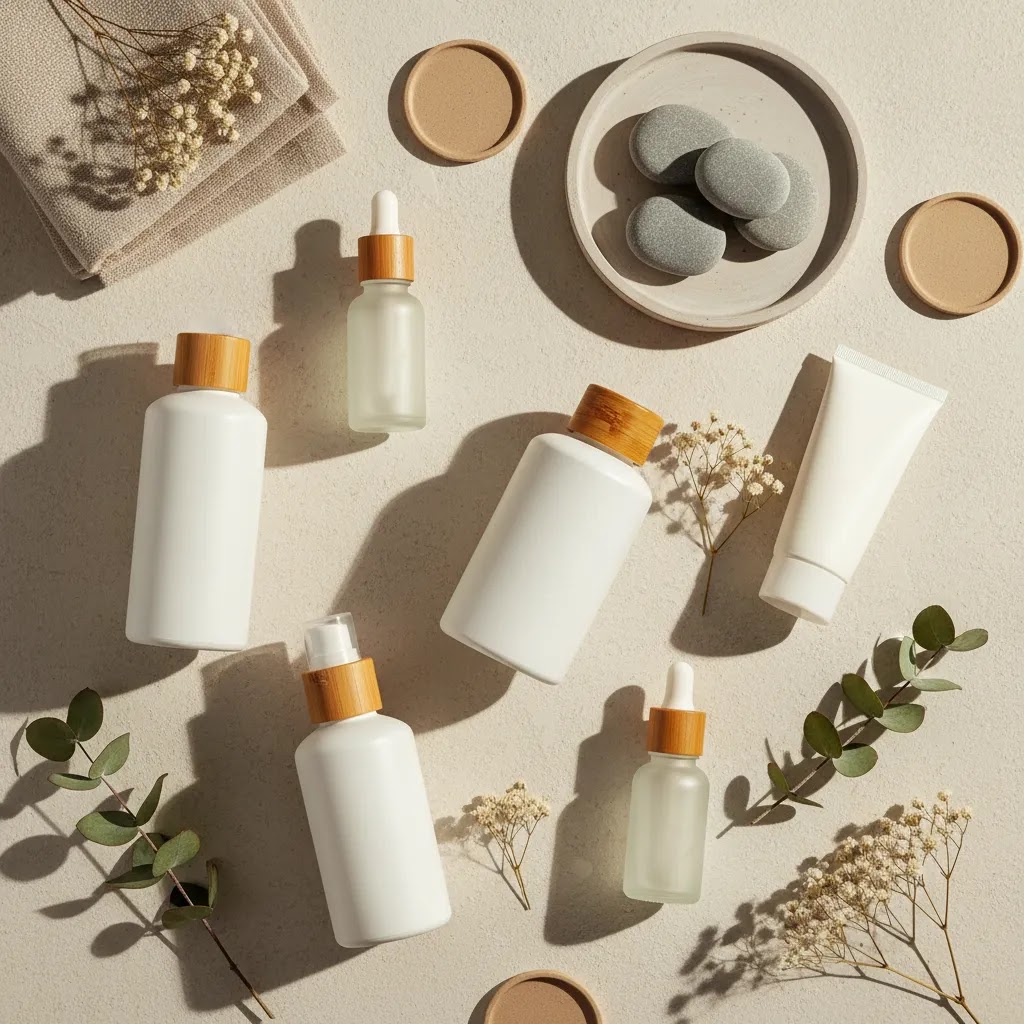
Skincare products photography ideas should support the product, not overpower it. A serum bottle should still be the focal point even if you include water droplets, leaves, towels, stones, or ingredients. Overstyling is one of the fastest ways to make products pictures feel less premium.
Here are practical styling directions that usually work:
- Clinical clean: white or pale gray background, crisp light, minimal props, ideal for dermatologist-led or science-backed brands
- Natural ingredient-led: soft shadows, muted stone or linen, subtle botanicals, works for organic or plant-based positioning
- Luxury editorial: dramatic shadows, reflective surfaces, tighter crops, best for premium skincare lines
- Routine-focused: grouped products in order of use, useful for bundles and regimen pages
- Texture-first: cream smears, droppers, foaming cleanser details, helpful for reducing uncertainty on formula feel
Keep brand consistency in mind. If one moisturizer is photographed in warm beige light and the matching cleanser appears in cool blue light, the range can feel disconnected on collection pages.
If your beauty catalog includes adjacent categories, studying perfume photography can also help, especially for glass, reflections, and premium composition ideas. You can also browse AcquireConvert’s Cosmetics Photography section for more beauty-specific direction.
Skincare photo inspiration and reference sources (what to use legally)
A lot of people searching for pictures of skincare products are really trying to browse, identify, and compare. That often looks like “pictures of skincare products with names” style content. As a store owner, you can use that intent to improve your own imagery, without copying competitors or stepping into licensing issues.
Where to get inspiration without copying
Consider this: the best reference library is usually the one tied to your brand and your actual catalog.
- Your own product range: build a “best-of” folder of your top performing product page images, ads, and emails, then use it as the baseline style guide for new shoots.
- Your own UGC submissions: if customers tag you or send photos, ask for explicit permission to reuse them for marketing. Keep a simple approval record so you know what you can publish.
- Properly licensed stock images: stock can be useful for backgrounds, textures, and lifestyle context, but it should not replace packshots of your real product.
- Your supplier assets: these can help early on, but treat them as temporary. Verify usage rights in writing, and assume other retailers may use the same images.
The reality is that inspiration is normal. Replicating someone else’s exact composition, prop set, and lighting style can create brand confusion and can create rights issues if you are using their image as more than a reference.
A practical “reference vs replicate” workflow
If you want a repeatable process, create a simple mood board for each product line or campaign. The goal is to capture the rules, not the exact photo.
- Angle: straight-on label shot for clarity, 45-degree hero for depth, top-down for routines or flat lays.
- Lighting: soft and bright, moody and directional, high-key clinical, or warm natural.
- Prop density: none, minimal, or ingredient-led. Pick one and stay consistent across the range.
- Background color and surface: white, cream, stone, acrylic, tile, linen. Keep it consistent so collection pages look cohesive.
- Negative space: decide how much “breathing room” you want around the product so you can reuse images across product pages, ads, and email crops.
Then translate that into your brand system. Choose two to three background options, one lighting setup, and a fixed crop style. Document it once so anyone on your team can shoot new SKUs without guessing.
Usage rights basics (why it matters)
If you are using stock, supplier imagery, or UGC, you need to understand usage rights. Licensing and attribution requirements can vary. Some images can be used commercially with restrictions. Some can be used only in certain channels. Some require credit. Some require a specific contract.
Even if an image is “just for reference,” do not download and reuse it on your product page unless you have permission to do that. For most Shopify store owners, the safe approach is simple: publish only images you created, images your team has licensed for commercial use, or UGC you have explicit permission to use.
Editing and optimization for ecommerce
Editing is where good raw photos become store-ready assets. The goal is not to make the product look unreal. The goal is to make it look accurate, clean, and consistent across your storefront and marketing channels.
Your basic editing checklist should include:
- Correcting exposure so labels stay readable
- Balancing white tones so packaging color looks true
- Removing dust, tiny blemishes, and distracting marks
- Keeping crop ratios consistent across the catalog
- Exporting file sizes that load fast without obvious quality loss
If you use AI-assisted image tools, treat them as workflow helpers, not a substitute for product accuracy. For example, tools such as AI Background Generator, Free White Background Generator, and Increase Image Resolution may help with background cleanup or catalog preparation. They can save time for routine edits, but you still need to check shadows, edges, reflections, and label fidelity before publishing.
For Shopify store owners, the practical test is simple: does the final image help a customer feel more confident buying? If the answer is yes, the edit is doing its job. If the product starts looking overly artificial, pull it back.
How to photograph skincare for Shopify and marketplaces (requirements and consistency)
Your photography system needs to work in a Shopify theme grid, in product page galleries, and often in ads and marketplaces too. What looks perfect as a standalone hero image can break down when it gets cropped into a square collection tile or compressed in an ad placement.
Shopify-specific image considerations that affect how your catalog looks
For most Shopify store owners, consistency is the hidden conversion win. A collection page that looks tidy and uniform typically feels more trustworthy than a grid of random crops and background colors.
- Pick a consistent aspect ratio for your main catalog images. Many themes display collection images in a fixed ratio, and inconsistent uploads can lead to awkward crops or uneven spacing.
- Plan for zoom and crop behavior in your product gallery. If your theme supports zoom, your images need to be sharp enough and framed so zooming does not land on empty background.
- Keep variant images consistent. If you sell the same product in different sizes or scents, shoot them with the same camera height, crop, and lighting so the product page does not feel like a patchwork.
Think of it this way: your product page is not just one image. It is a sequence. The sequence should feel like it was shot in one session, using one set of rules.
Marketplace and ad placement constraints (verify current platform policies)
Now, when it comes to marketplaces and ad placements, “good” often means “compliant and clear.” Many placements expect a clean main image, often on white, with the product filling the frame and no confusing props. Some channels also have rules around text overlays, claims, and before-and-after style imagery.
Policies change, so verify current requirements before you shoot a full catalog. The practical takeaway is to capture at least one clean, versatile packshot per SKU that can work as your “default” image across channels, then layer in lifestyle and texture images for your Shopify product page experience.
File naming and organization so you can scale without chaos
What many store owners overlook is operational sanity. If you cannot find your own assets, you will reshoot things you already shot, or you will ship inconsistent images into ads and email because the team grabbed the wrong file.
A simple approach is to name files using your SKU and shot type, then keep versions clear. For example, you might separate hero images from marketplace packshots and keep a consistent naming pattern for front, angle, back label, and texture. That makes it easier to reuse the same images across Shopify product pages, email campaigns, and ad creative without hunting through random folders.
Pros and Cons
Strengths
- A repeatable in-house skincare photography setup can lower content bottlenecks for new launches and seasonal campaigns.
- Consistent images across product pages, collection pages, emails, and ads usually strengthen brand trust.
- Soft controlled lighting can make skincare packaging, textures, and ingredient cues look more premium without a large production budget.
- Texture shots and close-ups may reduce shopper uncertainty around formula appearance and packaging details.
- AI-assisted editing tools can speed up background cleanup and routine image prep when used carefully.
Considerations
- Glossy jars, metallic caps, and clear bottles are hard to photograph well because reflections show up quickly.
- Natural light setups can look beautiful but may be difficult to reproduce consistently across multiple shoot days.
- Heavy editing can create product accuracy issues if packaging color, finish, or texture no longer matches the item delivered.
- Some hero images still benefit from professional production if you need campaign-level polish.
Who this approach is for
This approach is best for ecommerce teams that need better skincare products pictures without building a full commercial studio from day one. It suits Shopify merchants launching new skincare SKUs, founders managing content in-house, small beauty teams creating assets for product pages and paid social, and growth-stage brands that want more visual consistency before outsourcing larger shoots.
It is especially useful if you sell online and need practical answers to how to take pictures of products, how to take good pictures of products, and how to keep those images aligned with your product page messaging. If you already have stable demand and need campaign-quality hero visuals every month, a hybrid model with outside support may be the better fit.
AcquireConvert recommendation
For ecommerce operators, the best photography workflow is the one you can repeat consistently across your catalog. That is where AcquireConvert is useful. The site focuses on practical visual commerce advice for store owners, with guidance shaped by Giles Thomas’s experience as a Shopify Partner and Google Expert. That matters because product images are not only a branding decision. They affect merchandising, landing page clarity, ad creative quality, and search visibility.
If you are refining beauty imagery, start with the related skincare and cosmetics resources on AcquireConvert, then compare where AI-assisted editing might fit into your workflow. The goal is not to chase effects. It is to publish more convincing product visuals that support selling. For beauty brands experimenting with creative concepting, the ai makeup generator article is a useful next step.
How to choose your photography workflow
If you are deciding between DIY photography, AI-assisted editing, or hiring outside help, use these criteria.
1. Catalog volume
If you launch products often, consistency matters more than perfection on every frame. A simple in-house setup with controlled lighting and light retouching may be more valuable than occasional premium shoots you cannot repeat. High-SKU stores usually benefit from a documented process.
2. Packaging complexity
Opaque tubes and matte bottles are usually easier to shoot than clear glass droppers, reflective jars, or metallic finishes. If your products are difficult to light, test whether AI cleanup can help with routine edits, but be realistic about its limits. Complex hero imagery may still require a specialist.
3. Brand position
A clinical skincare line often needs bright, accurate, minimal imagery. A luxury or botanical brand may need moodier styling or more texture-led composition. Your photography should match your pricing, product promise, and audience expectations. Mismatch here can weaken perceived value.
4. Channel requirements
Your website, marketplaces, paid ads, and social channels do not always need the same image style. White-background images may be necessary for some placements, while your product page may benefit from richer editorial shots. Plan for a mixed image set rather than one universal image type.
5. Team capacity
If your team is small, the right system is the one you can manage week after week. That might mean creating clean base photos in-house, then using selected tools for background fixes, resizing, or resolution enhancement. If turnaround time is more valuable than internal control, outsourcing part of the workflow may make more sense.
The practical answer for most stores is a hybrid setup: create accurate base images with a repeatable shooting process, use editing tools cautiously for efficiency, and bring in professional support when launch campaigns or premium positioning demand it.
Frequently Asked Questions
What is the best background for pictures of skincare products?
White, off-white, stone, and soft neutral backgrounds work well for most skincare brands because they keep attention on the product and make packaging easier to read. The best choice depends on your brand position. Clinical brands often benefit from clean white scenes, while natural or premium brands may suit warmer textured surfaces.
Can I use a phone for skincare products photography?
Yes, in many cases you can. A recent smartphone paired with soft lighting, a tripod, and careful editing can produce strong ecommerce images. The bigger issue is usually lighting control, not camera price. If you are taking pictures of products to sell online, focus first on consistency, reflections, and clean composition.
What light is best for taking pictures of products?
Soft diffused light is usually the safest starting point. Indirect window light works well for smaller shoots, while continuous artificial light is better if you need consistency across many SKUs or shoot days. Avoid mixed lighting temperatures because they can shift product color and make packaging look inaccurate.
How many photos should a skincare product page include?
Most skincare product pages benefit from at least five to seven useful images. That often includes a front packshot, angled view, back or ingredient panel, scale reference, texture shot, and one or two lifestyle or routine images. The right mix depends on product complexity and how much education the customer needs before purchase.
Should I show texture in skincare products pictures?
Usually, yes. Texture shots can help customers understand whether a formula looks rich, lightweight, gel-like, foamy, or oily. That may reduce hesitation, especially for first-time buyers. Keep these shots clean and accurate. They should support the product description, not exaggerate what the formula looks like in real use.
Can AI tools help with skincare product photos?
They can help with selective tasks such as background cleanup, white background creation, and resolution enhancement. They are most useful as workflow support tools. You still need to review the output carefully so packaging edges, shadows, textures, and labels remain realistic. Accuracy matters more than novelty on product pages.
Can I use pictures of branded products from suppliers?
You should verify usage rights before doing that. Some suppliers allow approved retail image use, while others restrict where and how those images appear. Even when permitted, relying only on supplier photos can make your store look identical to competitors. Original photography often gives you more brand control and differentiation.
When should I hire a professional instead of shooting in-house?
If your packaging is highly reflective, your brand is positioned as premium, or you need campaign-level hero assets, a professional shoot may be worth it. Many ecommerce brands still handle routine catalog images in-house and outsource only major launches. That hybrid approach often balances speed, cost control, and quality.
What are the top 10 most popular skincare brands?
Popularity changes by country, retailer, and time period, so there is no single definitive top 10 list. From an ecommerce photography standpoint, the more useful takeaway is why popular brands look popular: consistent packshot framing, readable labels at thumbnail size, and a repeatable visual system across the full range. If you want your Shopify collection pages to feel “big brand,” aim for that same consistency rather than chasing a specific brand aesthetic.
What skincare is good for hyperpigmentation?
Hyperpigmentation routines often include ingredients like vitamin C, niacinamide, retinoids, and exfoliating acids, but what is “good” depends on skin type and sensitivity. If you sell products in this category, your images should support clarity and trust: clean front label shots, close-ups of the ingredient panel, and texture images that accurately show opacity and finish. Avoid edits that change product color or imply results. Customers tend to scrutinize claims here, and ad platform policies can be strict, so keep your photography clean and accurate.
What is the best Botox in a bottle?
“Botox in a bottle” is usually marketing language for products that aim to smooth the look of fine lines, often using peptides, retinoids, or hydrating formulas. There is no true topical equivalent to Botox injections. If you sell smoothing or anti-aging skincare, your images should avoid exaggerated before-and-after expectations. Focus on what you can show honestly: packaging, texture, application context, and regimen placement.
Is Bubble ok for 11 year olds?
Age-appropriateness depends on the specific product, ingredients, and a child’s skin, so it is best handled with guidance from a qualified medical professional. From a store owner perspective, if you sell products that parents may buy for tweens, your imagery should support safe expectations: clear product names, straightforward packshots, and gentle lifestyle styling. Be cautious with heavy “clinical” implication in visuals unless your product positioning and compliance support it, and always verify current ad platform and marketplace policies for skincare claims.
Key Takeaways
- Soft controlled lighting usually matters more than an expensive camera for skincare products photography.
- Use a repeatable shot list so your products pictures stay consistent across launches and collection pages.
- Show both clean packshots and texture or lifestyle images to support shopper confidence.
- AI editing tools may help with routine cleanup, but final images still need accuracy checks.
- Choose a workflow based on catalog volume, packaging difficulty, brand position, and team capacity.
Conclusion
Beautiful pictures of skincare products come from control, consistency, and clear brand intent. You do not need an oversized production setup to get there. You need the right light, a repeatable process, and image standards that fit how you sell online. For most ecommerce stores, the smartest move is to build a reliable in-house workflow first, then add editing tools or outside creative support where they genuinely help. AcquireConvert is a strong resource for that next step, especially if you want practical guidance shaped by Giles Thomas’s experience as a Shopify Partner and Google Expert. Explore the site’s beauty and visual commerce resources to sharpen your imagery, improve product page clarity, and build a more convincing storefront.
This content is editorial and for educational purposes only. It is not a paid endorsement unless explicitly stated otherwise. Any third-party tool availability or features may change over time, so verify current details directly with the provider. Photography improvements may support stronger ecommerce performance, but specific results are never guaranteed.

Hi, I'm Giles Thomas.
Founder of AcquireConvert, the place where ecommerce entrepreneurs & marketers go to learn growth. I'm also the founder of Shopify agency Whole Design Studios.