Product Photography Services (2026 Guide)

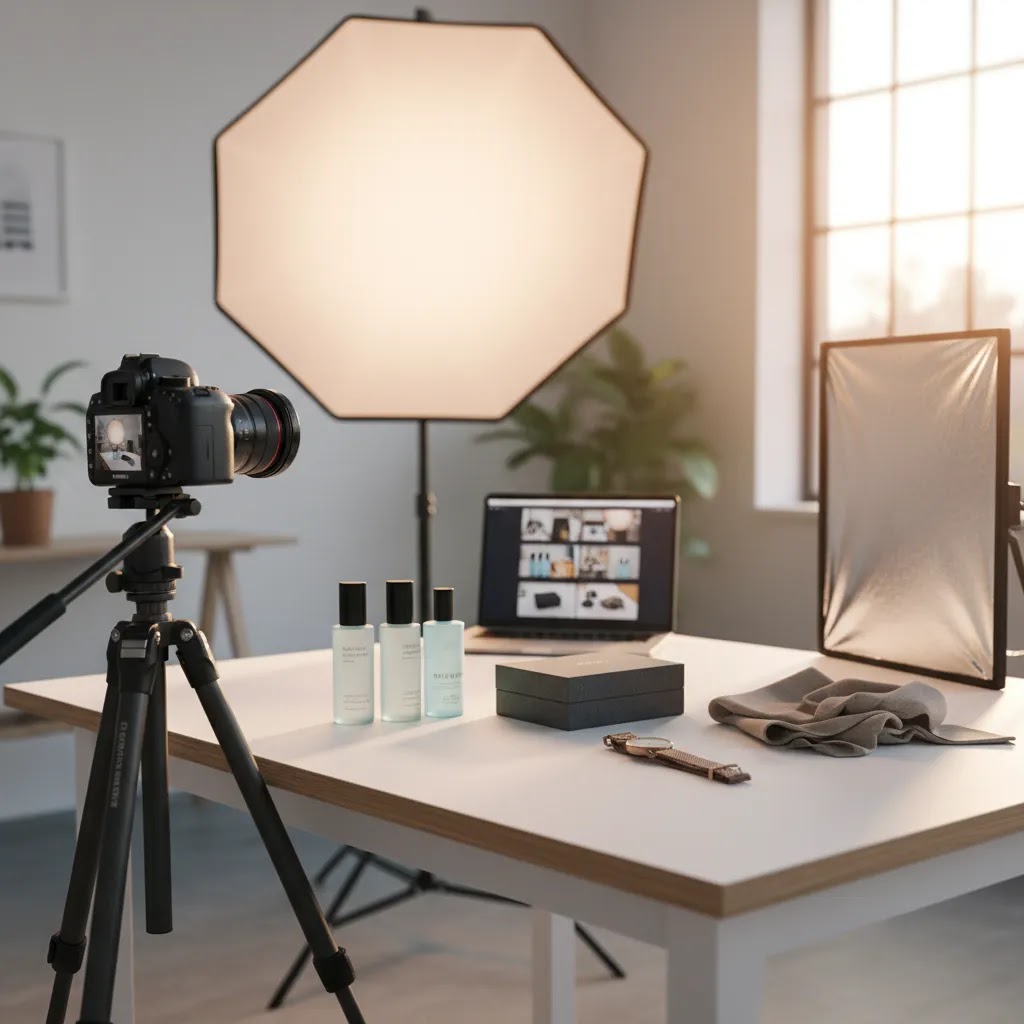
You launch a new product, run ads, and get traffic to your Shopify store, but sales barely move. The copy is decent, pricing is competitive, and your reviews are solid. Then you compare your product page to stronger competitors and the gap is obvious. Their images look polished, consistent, and built for conversion. Yours may look homemade, mismatched, or unclear on mobile. That is usually the moment store owners start searching for product photography services.
If that sounds familiar, this guide will help you make a smart decision. You will learn what product photography services typically include, how to compare studio options, where AI fits, what questions to ask before hiring, and how to choose the right setup for Shopify, Amazon, and other ecommerce channels. If you are still figuring out the broader category, AcquireConvert also has useful context on commercial photography and how it differs from narrower ecommerce-focused shoots.
Contents
- What product photography services actually cover
- How to choose the right service for your store
- What to look for in a product photography studio
- Deliverables you should expect before you hire
- Creative direction and merchandising help
- Traditional studio vs AI-assisted workflows
- Pricing, what store owners are really paying for
- How to evaluate reviews, portfolios, and trusted by claims
- How to brief a photographer so the images sell
- Frequently Asked Questions
What product photography services actually cover
Many store owners assume product photography services just mean someone takes a few clean photos on a white background. In practice, the best providers offer a lot more than that. They help you create image assets that work across product pages, collection pages, marketplaces, email campaigns, social ads, and sometimes print.
A typical ecommerce photography package may include:
- White background product shots
- Lifestyle images showing scale or use
- Detail shots for texture, ingredients, materials, or finishes
- Retouching and color correction
- File exports sized for Shopify, Amazon, and ad platforms
- Image naming and organization for faster upload
That matters because different channels need different assets. Your Shopify PDP may need six to eight images that build trust and answer objections. Amazon product photography services often focus more heavily on compliance, infographics, and image sequencing. A brand selling cosmetics or supplements may also need ingredient callouts and packaging close-ups that reduce hesitation before checkout.
From a practical standpoint, the strongest product photography service is not the one with the fanciest portfolio. It is the one that understands how images support conversion in your actual sales channel.
How to choose the right service for your store
Here is the thing, hiring well starts with knowing what you are trying to improve. If your product pages already get traffic but your add-to-cart rate is weak, you likely need clearer, more persuasive visuals. If your store looks inconsistent, the issue may be brand presentation. If your products are hard to understand online, you may need lifestyle context, scale cues, or 360 views.
Start with the type of product you sell
Small products like jewelry, cosmetics, and accessories often require tighter lighting control and close-up retouching. Apparel needs fit, drape, and on-model or flat-lay decisions. Home goods and furniture usually need room scenes, dimension clarity, and multiple angles.
That is why local intent searches like product photography services near me can be useful, but only if the provider has experience with your category. A nearby studio is convenient. A category-specialist studio is often more valuable.
Match the service to your channel mix
If you sell through Shopify alone, your image strategy can focus on conversion and brand consistency. If you also sell on Amazon, marketplaces may dictate formatting, backgrounds, and image order. If you run paid social, creative testing matters as much as technical quality.
For most Shopify stores, strong ecommerce visuals sit between brand and performance. That is where broader commercial photography services can overlap with direct-response ecommerce needs, but the provider still needs to understand listing image requirements and mobile shopping behavior.
Check the workflow, not just the sample gallery
What many store owners overlook is the process behind the images. Ask how products are received, styled, shot, retouched, approved, revised, and delivered. Ask how long a standard batch takes. Ask whether they keep lighting and framing templates for repeat shoots.
Consistency is usually more valuable than one perfect hero image. If your catalog has 50 SKUs, you need repeatable production, not just creativity.
What to look for in a product photography studio
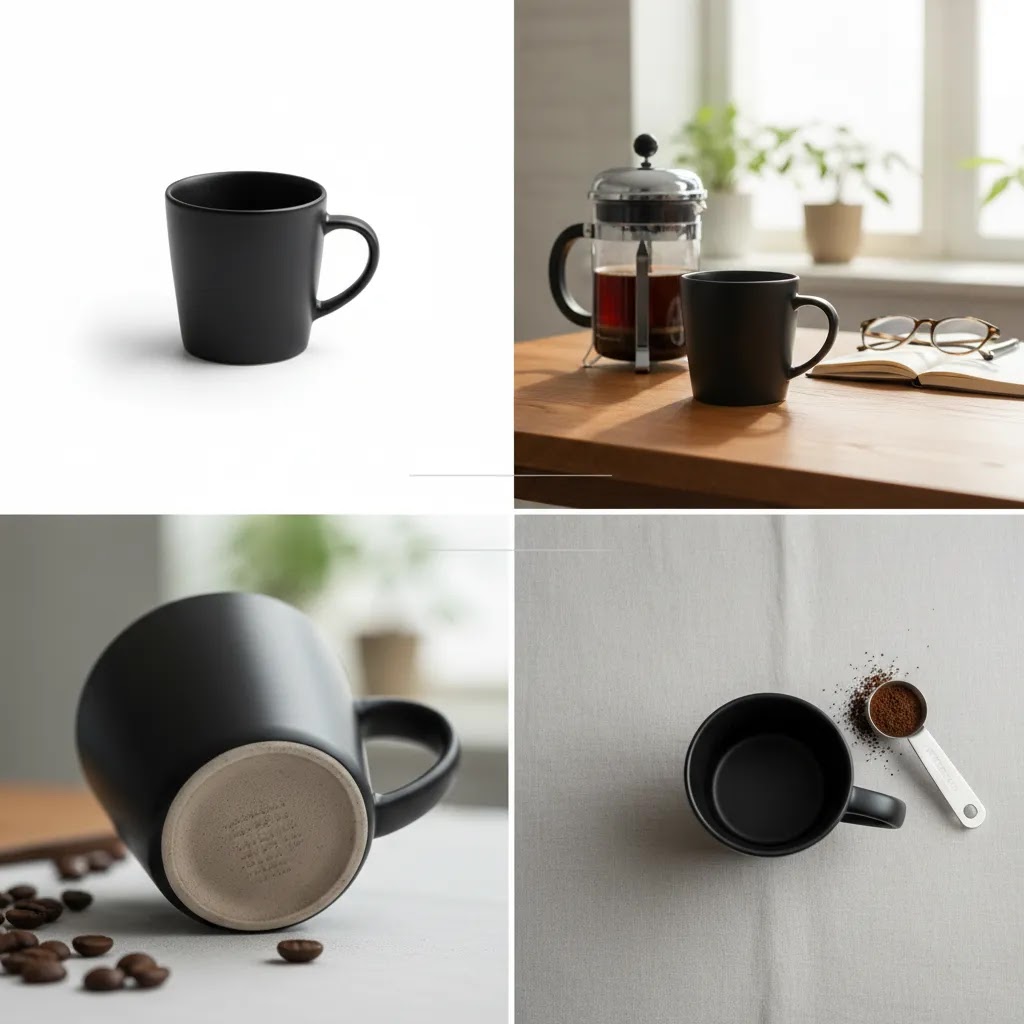
Higher-end studios often sell “consistency everywhere you sell.” That is not marketing fluff. In practice, it means they can produce images that look like they came from the same system, even when you shoot 10 SKUs now and 40 more three months later.
For a Shopify store, this matters because shoppers do not experience your products one at a time. They scroll collection pages, compare variants, and bounce between PDPs. If your lighting, angle, and crop drift from SKU to SKU, the store can feel less trustworthy, even if the individual images are “good.”
What consistency actually means in practice
Look for signals the studio can repeat results, not just create a nice one-off. That usually includes repeatable lighting setups, consistent camera angles, and framing templates that keep your product grid tidy.
Color workflow matters too. If your products are sensitive to color perception, such as apparel, cosmetics, home textiles, or anything where shade names drive purchases, you want a studio that takes color accuracy seriously. That could include calibrated monitors, consistent editing practices, and a clear approach to white balance so “warm” does not become “yellow” across your catalog.
Styling standards are part of this. If you sell bundles, sets, or multi-packs, you want consistent spacing and orientation so shoppers can quickly understand what is included. If you sell premium products, you want consistent shadow and highlight control so images feel intentional rather than randomly lit.
Operational checks that protect your catalog
Consider this, a remote studio is a production partner. You are shipping inventory, trusting them to handle it safely, and relying on their system to get your assets back on time.
Ask how they handle intake and product prep. Do they photograph items as-is, or do they clean, steam, polish, assemble, and prep? For some categories, prep is half the work, and it can be the difference between photos that sell and photos that quietly increase returns because the product looks “off” compared to what arrives.
Also ask how they handle damage, missing items, and returns. A professional studio should have a check-in process, document what arrives, and have a clear policy for what happens if something is damaged or not shoot-ready.
If you need lifestyle, ask whether they have a prop and styling library, or if everything is custom sourced. Either can work, but you want to know what you are paying for and whether you will be able to match the look later when you reorder or launch a new colorway.
Finally, ask how they document setups for future reorders. The best studios track angles, lens choices, lighting positions, styling notes, and crop rules so your next shoot looks like the last one. That is how you avoid a catalog where older SKUs and new SKUs look like different brands.
Approval, revisions, and reshoots
From a practical standpoint, you want an approval process that gives you control without dragging the project out for weeks. Ask if they provide a proofing gallery for selects, whether revisions are included, and how many revision rounds are typical.
Reshoot policies matter too. If an item was shot at the wrong angle, the crop does not match your Shopify grid, or the color looks noticeably off, you want to know what happens next. A clear reshoot policy and realistic turnaround expectations will protect you, especially if you have a launch date tied to ads, email, or an Amazon listing update.
Deliverables you should expect before you hire
One of the biggest causes of disappointment is vague scope. A store owner thinks they bought a full ecommerce image package. The studio thinks they agreed to three basic product shots and light retouching. You can avoid that by clarifying deliverables in writing before the shoot starts.
Ask for a shot list and usage plan
Your shot list should map directly to how the images will be used. Think of it this way, every image should have a job. Hero image, alternate angle, packaging shot, in-use image, scale image, detail crop, infographic base, or marketplace variation.
If you are building a bigger library, a dedicated product photography studio setup may make more sense than one-off freelancing, especially if you plan seasonal launches or regular SKU updates.
Confirm technical specs
Ask about:
- Final image dimensions
- File type, such as JPG, PNG, TIFF, or layered files if needed
- Color profile and retouching level
- Background versioning, white, transparent, or lifestyle
- Aspect ratios for Shopify themes, marketplaces, and social ads
- Mobile cropping considerations
If you sell online, these are not minor details. They affect page speed, zoom quality, and how professional your catalog feels when shoppers browse quickly on phones.
Creative direction and merchandising help
Many studios can “shoot what you send.” That can be fine if you already have a clear visual system and you just need production. But some providers bundle creative direction, styling, and merchandising support, and store owners often miss how valuable that can be for Shopify conversion.
The difference is simple. A production-only shoot is about executing a list. A studio with creative direction helps decide what the list should be, based on how your customer shops.
What creative direction looks like for ecommerce
This could include scene building, prop sourcing, on-brand compositions, and guidance on what to emphasize. For example, a giftable product might need imagery that signals “ready to give,” such as packaging, tissue, and scale. A premium product might need controlled highlights, intentional negative space, and a cleaner set so it reads as high-end on mobile.
Merchandising support often shows up in how products are grouped and presented. If you sell sets, refills, bundles, or collections, good merchandising photography makes it obvious what the shopper gets, what is optional, and what is a variant. That can reduce hesitation and support higher intent clicks from collection pages.
When it matters most for Shopify conversion, and when it does not
Creative direction tends to matter more when shoppers need context. Lifestyle, scale, and “in-use” clarity are common conversion drivers for products that are hard to judge online. It also matters when positioning is part of the sale, such as premium pricing, gifting, or a brand with a strong aesthetic.
Simple catalog is often enough when your product is straightforward, your price point is lower, and your main job is clarity and consistency across many SKUs. In those cases, the win is usually faster production and a cleaner grid, not a big concept shoot.
How to operationalize creative direction without bloat
Here is a practical way to keep it controlled. Define concepts per collection, not per SKU. Reuse sets and props so you get variety without turning every product into a unique production. If you have seasonal launches, you can also build a repeatable set that supports multiple drops with small variations.
Also plan the session around outcomes, not just images. A single shoot can often produce assets for your PDP gallery plus a few crops for ads and email. That is usually more efficient than treating Shopify, paid social, and email as separate creative projects, as long as you define usage upfront and the studio exports files in the formats you need.
Traditional studio vs AI-assisted workflows
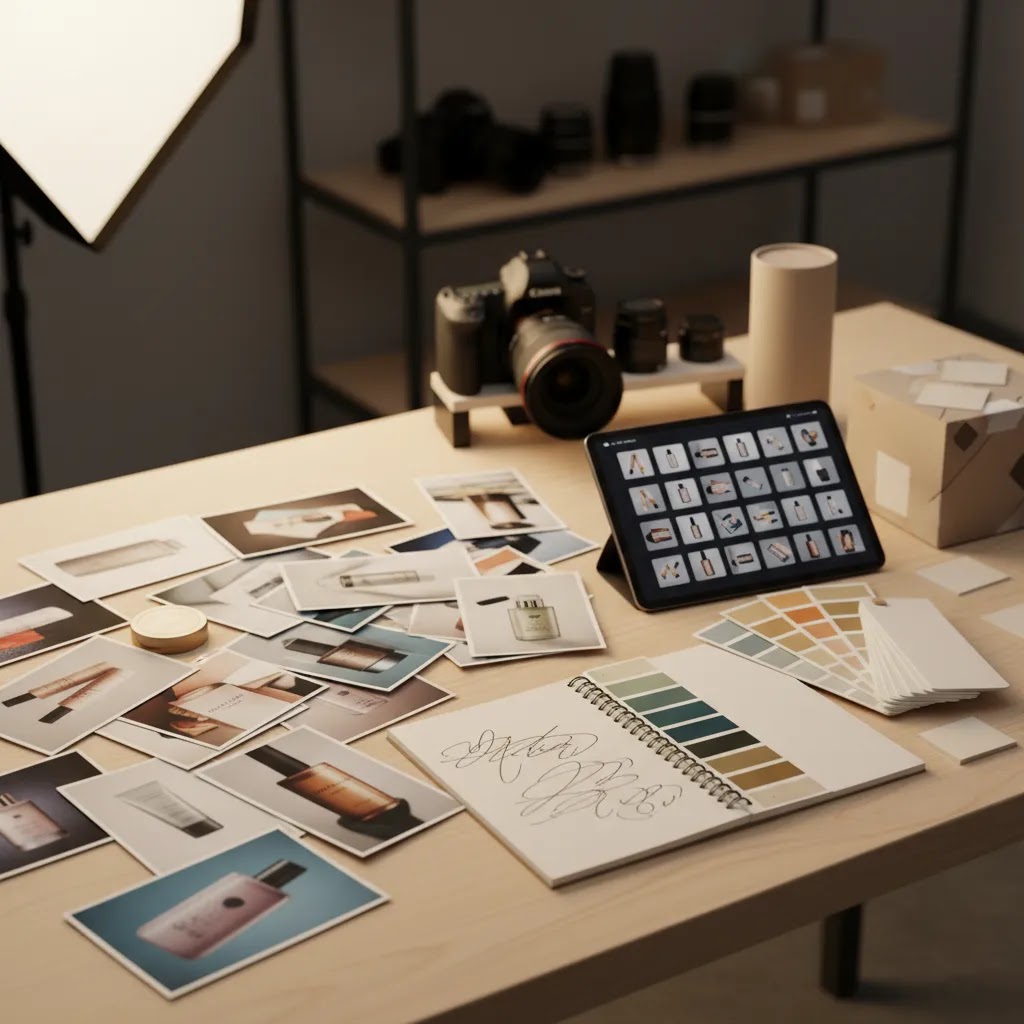
AI product photography services are becoming more common, especially for brands that need faster asset production or want more lifestyle variation without the cost of full reshoots. Still, AI is not a universal replacement for a skilled photographer.
The reality is that AI works best when you already have decent source images. Clean cutouts, consistent angles, and strong lighting give the software more to work with. Poor source photography usually leads to inconsistent outputs, strange shadows, or unrealistic textures.
Where AI can help
AI may be useful for background generation, white background cleanup, resolution enhancement, and creating test variations for ads or collection pages. AcquireConvert covers adjacent topics like designing and building ai products and services, which is a useful reminder that AI is most effective when treated as part of a workflow, not magic.
For example, a merchant might start with a professionally lit packshot, then use tools such as AI Background Generator, Free White Background Generator, or Increase Image Resolution to create additional usable assets. Features and availability may change, so verify current details directly with the provider.
Where traditional photography still matters most
If your products have reflective surfaces, complex materials, exact color requirements, or legal/compliance constraints, human-led photography is still the safer option in many cases. This is especially true for luxury goods, food, cosmetics, and highly tactile products where texture and color accuracy can influence returns as much as conversions.
AI can extend a shoot, but it usually should not define your entire visual strategy without quality control.
Pricing, what store owners are really paying for
Pricing for product photography services varies widely. A simple white background shoot for a few SKUs could be priced per image, per product, per hour, or per project. More advanced packages may include art direction, prop sourcing, model talent, set building, retouching, and usage licensing.
That is why comparing quotes can feel confusing. Two vendors may both offer “10 product images,” but one quote covers clipping paths and basic edits while the other includes concept planning, styling, revisions, and optimized exports for ecommerce platforms.
Common pricing models
- Per product, often used for simple catalog photography
- Per image, useful when deliverables are tightly defined
- Hourly or day rate, common for studio shoots with more complexity
- Monthly retainer, better for brands with ongoing launch calendars
What makes pricing go up
Cost usually increases with product complexity, prep time, styling needs, post-production work, and turnaround speed. 360 product photography services cost more because they involve many frames, controlled rotation, and stitching or viewer prep. Amazon product photography services may include infographic design and marketplace-specific formatting. Apparel shoots may also involve steaming, fitting, model booking, and more approvals.
Now, when it comes to international searches such as product photography services in dubai, product photography services in mumbai, product photography services in delhi, product photography services in karachi, product photography services in lahore, product photography services in udaipur, product photography services in kerala, or product photography services in china, local rates and production standards can vary significantly. Always compare scope, revision policy, and file delivery standards rather than headline price alone.
How to evaluate reviews, portfolios, and trusted by claims
A portfolio can look impressive and still be the wrong fit for your store. Think of the evaluation like a conversion asset audit, because these images are going to sit on your Shopify PDPs and collection pages, not in a photography award submission.
Reviews and “trusted by” logos can be useful too, but only if you know what you are trying to confirm. The goal is reliability and repeatable quality, not just a few standout hero shots.
How to read a portfolio like an ecommerce operator
Start on mobile. If the product does not read clearly when the image is small, it may not do its job in a Shopify collection grid or an ad placement. Then zoom in and look at the edges and finish. Clean cutouts, controlled shadows, and consistent retouching are usually signs of a solid process.
Look across a full set, not a single image. Are the angles consistent from SKU to SKU? Is the crop disciplined so the product occupies a similar amount of space in each frame? Are whites truly consistent, or do backgrounds drift from cool gray to warm cream between items? Those details show up fast on collection pages, and they are hard to fix after the fact.
If your products are reflective, check how highlights are handled. If you sell glass, polished metal, glossy packaging, or anything that tends to mirror the environment, you want to see controlled reflections, not messy studio artifacts that make the product look cheaper than it is.
How to vet reviews and case studies without getting misled
For most Shopify store owners, the most useful social proof answers three questions. Can they deliver consistently across many SKUs, can they hit deadlines, and do they have a clean process when something needs changing.
When you read reviews or look at case studies, look for category match and scale. A studio that can shoot one skincare bottle beautifully may not be set up to handle 120 SKUs with consistent angles, naming, and exports. Also look for evidence of process, such as how intake, shot lists, proofing, and revisions are handled, rather than focusing only on the final hero image.
Red flags to watch for
Over-retouching is a common issue. If the product looks better than reality, you may see higher initial clicks but also more disappointed customers and more returns. That is especially risky with color, texture, and materials, where shoppers expect the photo to match what arrives.
Inconsistent whites and mismatched angles are another red flag. They signal that the studio may not be working from documented templates. You will feel that pain later when you try to add new products and your catalog looks split between two visual systems.
If you sell on Amazon or other marketplaces, confirm they have marketplace experience. A studio can be great for branded lifestyle and still miss important requirements around main image rules, file formatting, or gallery sequencing. Finally, ask about licensing and usage rights. It should be clear whether you can use the images across Shopify, Amazon, Meta ads, email campaigns, and any other channel you rely on.
How to brief a photographer so the images sell
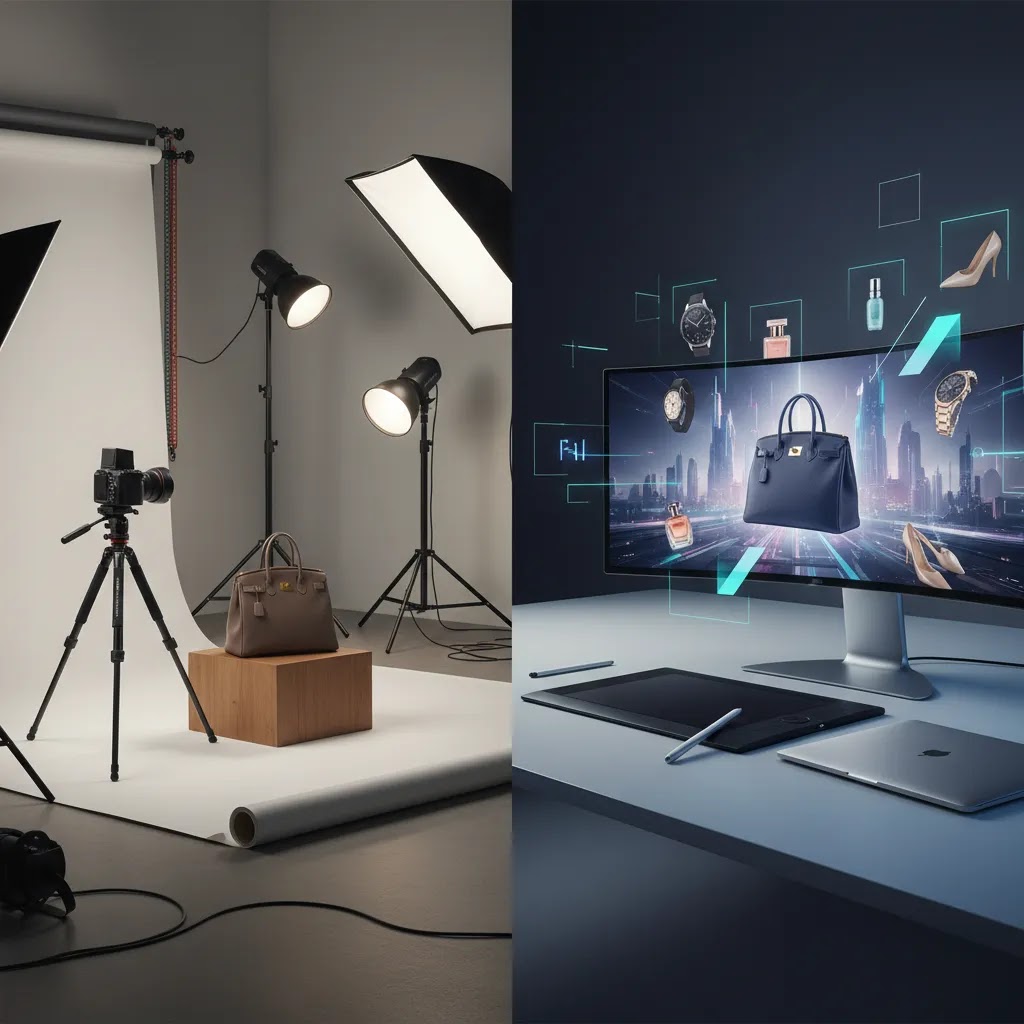
Even the best provider cannot guess your commercial goals. Your brief should connect creative direction to conversion goals. If your hero image needs to increase click-through from collection pages, say that. If shoppers often email support asking about size, show that the shoot needs scale references.
Include these elements in your brief
- Brand guidelines, colors, and visual references
- Your target customer and the buying context
- Sales channels, Shopify, Amazon, wholesale, social ads
- Required shots for each SKU
- Examples of competitor imagery you like or dislike
- Technical delivery requirements and deadline
Think beyond the hero image
For many Shopify stores, the difference between average and strong imagery is not the first image alone. It is the sequence. Image one grabs attention. Image two shows angle and form. Image three proves detail. Image four shows scale. Image five answers fit or usage. Image six reinforces trust with packaging or material clarity.
AcquireConvert regularly approaches ecommerce growth through both acquisition and conversion, and that is useful here. Better visuals can improve ad engagement, but they also reduce friction once visitors land. If you want more category-level context, the site’s Product Photography Services and E Commerce Product Photography resource areas are good next reads.
Your brief should explain what the customer needs to believe after seeing the images. That usually leads to better outcomes than purely aesthetic instructions.
The strategies and tools discussed in this article are based on current ecommerce best practices and publicly available information. Results will vary depending on your store, niche, and implementation. Always verify tool pricing, features, and platform compatibility directly with the relevant provider before making purchasing decisions.
Frequently Asked Questions
How do I know if my store needs professional product photography services?
If your store traffic is steady but conversion rates are soft, weak photography may be part of the problem. Look for signs such as inconsistent image styles, poor zoom quality, missing angles, confusing scale, or low visual trust compared with competitors. This is especially important on Shopify product pages where shoppers often decide within seconds whether the product feels credible. Professional photography will not solve every conversion issue, but it can remove friction and make your product easier to understand, which may improve both add-to-cart behavior and overall brand perception.
Are product photography services worth it for small Shopify stores?
In many cases, yes, but the right level of investment depends on your margins, price point, and catalog size. A small store does not always need a large lifestyle shoot. Sometimes a focused set of clean hero images, detail shots, and a few in-use photos is enough to lift product presentation significantly. If you sell repeatable SKUs with healthy margins, quality visuals can support ads, email campaigns, and PDP conversion over time. Start with your best-selling products first, then expand once you see how stronger visuals affect shopper behavior.
What is the difference between ecommerce product photography and commercial photography?
Ecommerce product photography is usually built to help products sell online across PDPs, collection pages, marketplaces, and ads. It emphasizes clarity, consistency, and conversion. Commercial photography can be broader and may include brand campaigns, editorial images, and promotional visuals for many channels. There is overlap, but the intent differs. If you are choosing between them, review what AcquireConvert means by commercial photography services and compare that with the practical requirements of your store, such as white background images, mobile-friendly crops, and marketplace compliance.
Should I hire locally or work with a remote studio?
Local studios can be helpful if you need hands-on collaboration, frequent pickups, or live art direction. That is why searches like product photography services near me are common. Still, remote studios often work just as well if their intake process is organized and they understand ecommerce needs. Ask how they handle shipping, damage checks, approvals, reshoots, and returns. For many brands, the deciding factor is not distance. It is whether the team can produce consistent images at scale and deliver files in the format your store and marketing channels require.
What should I ask before hiring amazon product photography services?
Ask whether the provider understands Amazon image policies, including main-image background rules, text overlays, infographic design, and gallery sequencing. You should also confirm file dimensions, color accuracy, retouching style, and whether the team can create secondary images that explain use cases or features clearly. Amazon is less forgiving than many Shopify themes when imagery is weak or non-compliant. A provider may be strong at branded ecommerce photography but less experienced with marketplace demands. Request examples of listings they have supported and ask how they balance compliance with persuasive design.
Do 360 product photography services help conversion?
They can, especially for products where shape, finish, or construction matters, such as footwear, furniture, bags, electronics, or premium packaging. A 360 view may reduce uncertainty by showing more of the product than standard stills. That said, it adds cost and production time, so it is not always the first upgrade to prioritize. If your current gallery lacks basic clarity, strong still photography often comes first. Once your core PDP images are solid, 360 content can become a useful enhancement for higher-ticket items or products where tactile confidence is harder to create online.
Can AI product photography services replace a professional shoot?
Sometimes they can support a lean workflow, but full replacement is risky for many brands. AI works best when your source images are already strong and your products are visually straightforward. It can be useful for background changes, test variations, or extending a shoot into more creative scenarios. It is less reliable where precision matters, such as exact color, reflective materials, ingredients, or regulated packaging. If you are exploring this route, keep a quality-control step in place. AI can save time, but it can also create inconsistencies that hurt trust if you publish outputs without review.
How many images should each Shopify product page have?
For most Shopify stores, five to eight strong images per product is a practical starting point. You usually want a hero image, alternate angles, one or two close-up detail shots, a scale or in-use image, and packaging or feature context where relevant. More complex products may need additional frames. The goal is not to fill the gallery for the sake of it. The goal is to answer the main questions a shopper would ask in person. If every image removes doubt, your gallery is doing its job.
What files should I request from a photography provider?
Ask for web-optimized images ready for Shopify upload, plus higher-resolution originals or master files where appropriate. Clarify aspect ratio, background type, file format, naming conventions, and whether you need transparent PNGs for design use. If you run ads or sell on multiple channels, ask for channel-specific exports as well. File handling matters more than many merchants expect. Large, unoptimized images can slow pages, while inconsistent crops can make collection pages look messy. A reliable provider should be able to deliver both quality and operationally useful file organization.
What is the best way to test whether new product photos are working?
Start with your key product pages and compare performance before and after the image update. Watch metrics such as add-to-cart rate, conversion rate, time on page, bounce behavior, and return-related customer questions. If you run paid traffic, you can also test click-through rates on creative that uses the new visuals. Try to change as few variables as possible at once so you can learn what actually moved performance. Better photography often works alongside stronger copy, cleaner PDP layout, and improved trust signals, so evaluate the whole experience, not the images in isolation.
How much do product photography services cost per photo or per product?
It depends on the pricing model and how much work sits behind each finished image. Some providers price per product for a defined set of angles, others price per image, and some quote by half-day or day rate when styling and setup time is the main variable. Costs also shift based on prep requirements, retouching level, lifestyle versus white background, and how fast you need delivery. The practical move is to compare quotes by scope, revision policy, and delivery formats, not just a per-image number.
What is included in product photography services (editing, retouching, and formatting)?
Most services include at least basic editing, such as exposure correction, background cleanup, and light retouching. More complete packages may include color correction, dust removal, label cleanup, clipping paths, shadow creation or removal, and file exports in multiple sizes for Shopify, marketplaces, and ad platforms. Confirm what “retouching” means in their process, and whether formatting includes consistent crops, naming conventions, and folder organization. Those operational details make uploading and maintaining a large Shopify catalog much easier.
How long does a typical product photography project take from shipping to delivery?
Timelines vary based on the studio’s queue, the number of SKUs, and whether the shoot includes lifestyle sets, models, or complex retouching. Many projects also slow down at the approval stage if there is no clear proofing and revision process. When you request a timeline, ask for the full path from intake to proofs to final exports, and clarify how revisions affect delivery dates. If you have a product launch tied to ads or email, build in buffer time so you are not forced to publish unapproved images.
Do product photography services include models, props, and lifestyle sets?
Some do, some do not, and many treat them as add-ons. A studio may offer in-house props, set pieces, and basic lifestyle surfaces, while models are often booked specifically for your shoot. If you need lifestyle scenes, ask what is included, what is custom-sourced, and who owns or pays for props. Also confirm whether you can reuse the same set style for future launches, since repeatability is often what makes lifestyle photography cost-effective over time.
Key Takeaways
- Choose product photography services based on channel needs, product type, and conversion goals, not portfolio style alone.
- Define deliverables clearly before hiring, including shot list, retouching level, file specs, and revision policy.
- AI-assisted workflows can expand image production, but they work best with strong source photography and careful review.
- Compare quotes by scope and process, not headline price, especially across local and international providers.
- A strong brief ties creative direction to shopper questions, helping your images support both acquisition and conversion.
Conclusion
Product photography services are not just a creative purchase. They are an ecommerce performance decision. The right provider can help your products look clearer, more trustworthy, and more persuasive across Shopify, Amazon, paid social, and email. The wrong provider may still deliver nice-looking images, but if those assets do not match your channels, customers, or catalog structure, they may do little to improve sales.
Your next step is simple. Review your top 10 product pages and note where imagery is weak: missing angles, inconsistent backgrounds, poor mobile crops, or no context for scale and use. Then build a short brief before requesting quotes. That one step will make your conversations with photographers far more productive. If you want more practical guidance, explore related AcquireConvert resources on photography workflows, ecommerce image standards, and service selection to make your next shoot more useful for your store.
Results from ecommerce strategies vary depending on store type, niche, audience, budget, and execution. Nothing in this article constitutes a guarantee of specific outcomes. Third-party tool features and pricing are subject to change: verify current details directly with each provider.

Hi, I'm Giles Thomas.
Founder of AcquireConvert, the place where ecommerce entrepreneurs & marketers go to learn growth. I'm also the founder of Shopify agency Whole Design Studios.