AI Jewelry Design for Ecommerce (2026 Guide)

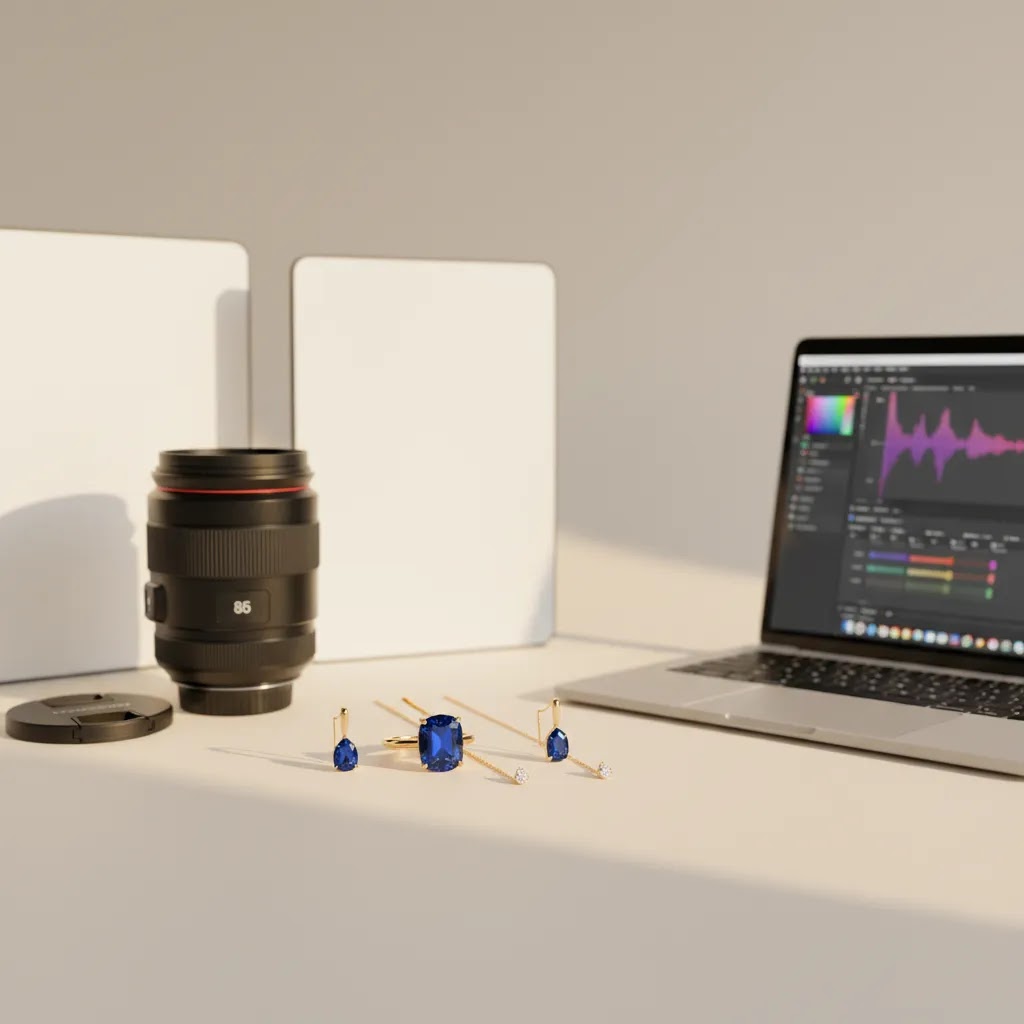
If you sell jewelry online, image quality does a lot of the selling for you. Customers want to inspect stone detail, metal finish, scale, and styling before they commit. That is why interest in ai jewelry design has grown so quickly. Store owners are using AI tools to create cleaner product visuals, test lifestyle concepts, remove distractions, and speed up repetitive editing work without rebuilding their whole workflow. The catch is that AI works best when you know exactly where it helps and where traditional photography still matters. If you are comparing visual workflows, this guide will help you evaluate the right mix of AI generation, editing, and studio assets. For a broader look at related ecommerce tools, start there after this article.
Contents
What AI jewelry design actually means for ecommerce
For most ecommerce brands, ai jewelry design is not one single tool category. It usually means a combination of image generation, background editing, white background cleanup, resolution enhancement, and mockup creation. In practice, that helps you produce photorealistic images faster for product pages, ads, email campaigns, and marketplace listings.
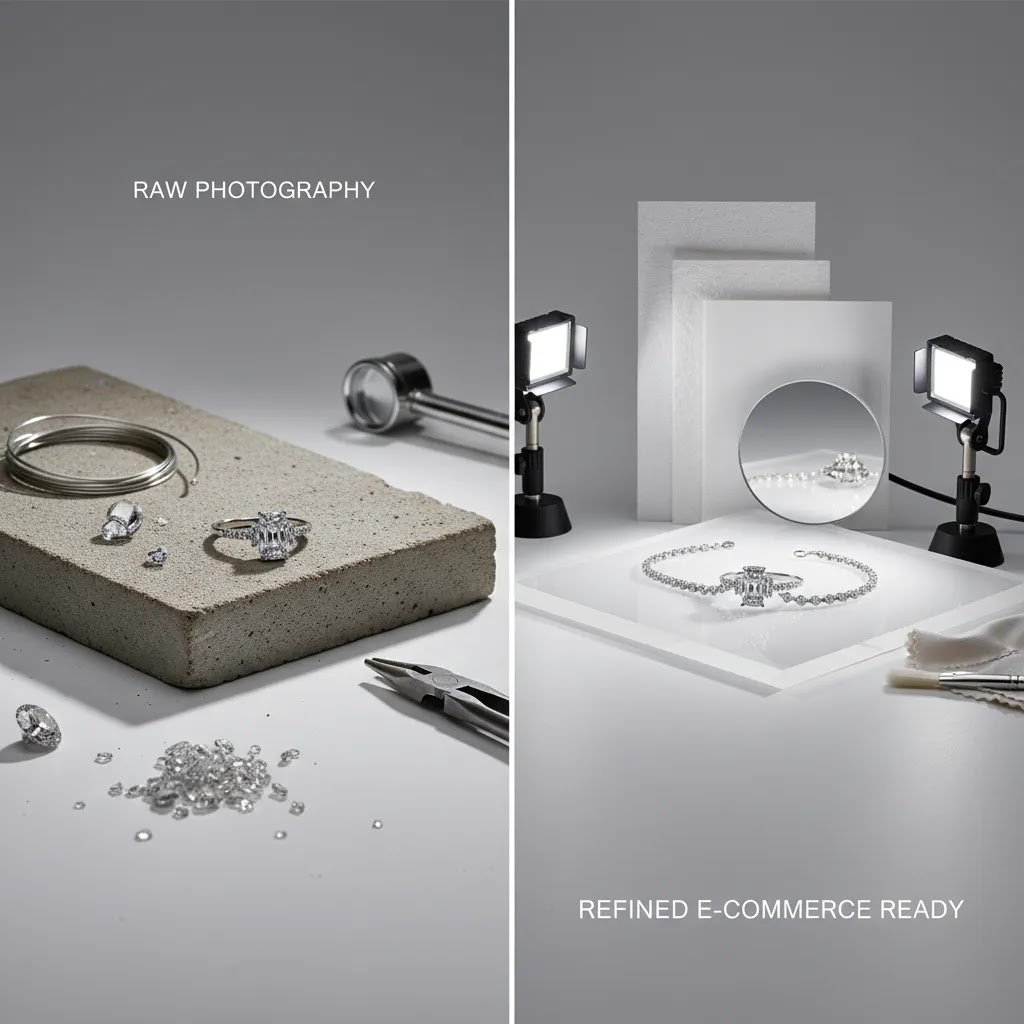
Jewelry is a difficult category because reflective surfaces expose editing mistakes fast. Shadows can look fake, gemstone edges can blur, and fine chain details may break down if the original source image is weak. That means the best AI setup is usually not "replace photography entirely." It is "use AI where it removes friction."
For example, a merchant might photograph a ring once in controlled lighting, then use AI to place it on a white background, create a few styled backgrounds, improve resolution, or generate hand-held presentation shots for social content. That is a very different use case from fully inventing a product image from scratch.
If you sell through Shopify, Amazon, or social storefronts, this matters because each channel expects slightly different image treatments. A clean catalog image may fit marketplace requirements, while branded lifestyle imagery supports higher conversion on your own site. If you also sell on marketplaces, this guide to amazon product photography is worth reading alongside this article.
AI jewelry design generators vs AI editors: which one you actually need
Here is the thing. When most store owners search for ai jewelry design, they are usually comparing two different categories without realizing it.
The first category is text-to-image “jewelry generators.” These are tools that create a concept image from a prompt, sometimes with optional reference images. They are mainly used for ideation, mood boards, and creative exploration.
The second category is AI editors. These tools start from a real product photo and help you do production work: white backgrounds, cleanup, background swaps, scene variants, and resolution improvements. For ecommerce, especially on Shopify where shoppers zoom in and compare variants, editors are often the more reliable way to create PDP-ready images tied to real inventory.
Use a generator when you need concept speed, not SKU accuracy
Generators are useful when you are still exploring a direction, and you are not trying to represent a specific, stocked item perfectly. From a practical standpoint, that can include early concepting for a new collection, building a consistent “look” for a campaign mood board, or testing ad creative angles before you commit to a shoot.
They can also help you communicate a style direction to a manufacturer or internal team, like “oval stone, bezel setting, minimal band, warm lighting” in a way that is faster than searching stock photos.
Use an editor when you need sellable images of real products
If you have the item in hand, or you have existing product photos, AI editors are the safer bet. That is where background cleanup, white background generation, resolution enhancement, and controlled scene variants tend to shine. The goal is not to invent details. It is to keep the product consistent while removing friction from production.
For most Shopify store owners, that translates into a simple rule. Use editors for your main product page images and catalog consistency, then use generation carefully for secondary creative, like social ads, email headers, and concept visuals.
Common failure modes when you try to sell from generated jewelry images
The reality is that jewelry is one of the easiest products for a generator to get “almost right” and that is also what makes it risky. A generated ring can look convincing at thumbnail size while being wrong in ways that matter on a product page.
Common issues include stone shape drift (an oval turns into a round), prong count changes, halo or pavé patterns that do not match the real setting, metal tone inconsistency (yellow gold drifting toward brass), and symmetry problems that do not exist in the physical item. Chains can also “break” in small areas, clasps can look unrealistic, and reflections can become inconsistent across angles.
How to keep AI output aligned with the real product
If you are using AI generation anywhere in your workflow, the best control lever is usually your input. Starting from a high quality source image of the real SKU and using tighter instructions can reduce drift. You still need human review before publishing, especially for hero images and any close-up detail shots.
Think of AI as a fast creative assistant. It can accelerate production, but it does not understand your inventory, your variant rules, or what your customer will interpret as “the item I am buying.”
Key features to look for
Based on the current tool data available, there are several image-focused options relevant to jewelry merchants. These include AI Background Generator, Free White Background Generator, Increase Image Resolution, Background Swap Editor, Place in Hands, Magic Photo Editor, and Creator Studio.
Here are the features that matter most if your products are rings, necklaces, earrings, bracelets, or watches:
For many stores, the strongest setup is not one tool alone. It is a workflow. You might start with real product photos, use white background cleanup for your hero image, generate several branded variants with a background tool, and then create supporting visuals for email or paid social.
If you are still refining your baseline visual standards, it helps to review broader ecommerce photography principles before relying too heavily on AI output.
Prompting and input setup for jewelry: what to specify to get cleaner results
What many store owners overlook is that jewelry prompts need to be more specific than most other product categories. A generic prompt like “gold ring on a white background” gives AI too much freedom, and that is how you end up with distorted prongs, wrong stone cuts, or a metal finish that does not match the item you actually ship.
Specify the product details that shoppers care about
If you want cleaner results, describe jewelry the way a buyer evaluates it. You want to lock down the specifics that signal quality and authenticity: metal type and karat, finish (high polish, brushed, hammered), gemstone type, cut (round brilliant, oval, emerald, pear), stone count, prong count, setting type (bezel, prong, pavé, halo), and any hallmark details like engraving.
For necklaces and bracelets, the chain matters as much as the pendant. Call out chain style (cable, curb, rope, box), thickness, clasp type (lobster, spring ring, box clasp), and whether the shot should show the clasp clearly.
Control the camera and lighting, not just the object
AI tools tend to produce more believable jewelry images when you describe the “photo” as well as the product. That includes the viewpoint (top-down flat lay, 45 degree angle, straight-on), the crop (full product vs macro detail), lighting direction (soft light from the left, diffused studio light), and the background material (pure white, light gray, marble, velvet).
Jewelry is sensitive to highlights, so you typically want soft, controlled lighting in prompts rather than dramatic spotlight effects. That reduces harsh reflections and keeps edges cleaner.
When to start from a real product photo vs pure text
From an ecommerce accuracy standpoint, uploading a real product photo is usually the better starting point when you are creating PDP-ready images for a live SKU. It anchors the metal tone, stone proportions, and overall construction. Pure text can be fine for concept exploration, but it is also where drift happens fastest.
If you are iterating, change one thing at a time. For example, keep the product constant and only adjust background, surface, or lighting. If you change product details and scene details at the same time, it becomes harder to spot where accuracy broke.
A quick jewelry-specific quality checklist before you publish
Before an AI image goes on a Shopify product page, check it like a picky customer would. Zoom in and inspect symmetry, prong shape and count, stone facet realism, chain continuity, clasp realism, and reflections along the metal edge. Then compare it to your real item or your approved photography. If it introduces doubt, it is not ready for your hero image.
Pros and Cons
Strengths
Considerations
Who AI jewelry design is for
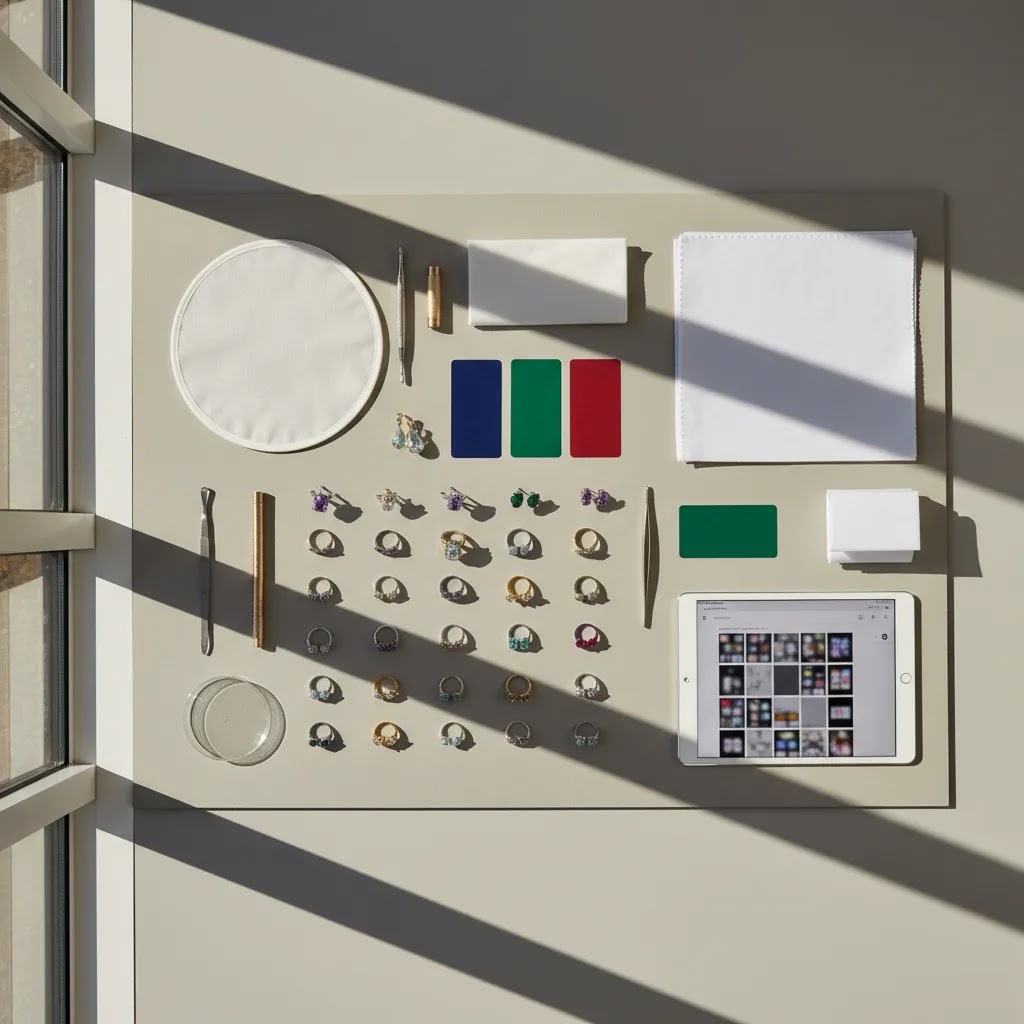
AI jewelry design is usually the best fit for growth-stage ecommerce brands that already understand their product presentation standards and want to create more assets from each original shoot. It is particularly useful for Shopify merchants running frequent launches, seasonal campaigns, or paid social tests where creative variety matters.
It can also work well for smaller brands that cannot justify a full product photography studio setup for every SKU variation. That said, if you sell fine jewelry at a premium price point, you will probably want AI as a support layer rather than a total replacement for professional photography. The higher the average order value, the more important true-to-product detail becomes.
How to use AI to speed jewelry design and prototyping (without breaking ecommerce accuracy)
AI can help you move faster in the early stages of jewelry design, but you want a workflow that keeps “concept” and “commerce” separate. For most Shopify store owners, the winning pattern is using AI to explore directions quickly, then moving into real-world production steps before you build product pages around it.
A realistic workflow: concept, CAD, prototype, photo, then sell
In many cases, AI is best at the first mile: exploring silhouettes, settings, and styling directions. You can generate a range of looks, pick a direction, then hand that direction to a jeweler or manufacturer for CAD and prototyping. After you have a real sample, you photograph the actual item and use AI editing to scale your image production.
Think of it this way. AI can help you answer “what should we make next” faster, while photography answers “what exactly are we selling” accurately.
Where AI helps even if you are not doing custom jewelry
You do not need to be a design house to benefit from this. AI concept visuals can help speed internal approvals, align on a collection theme, and communicate product directions to partners. It can also help you plan a shot list before samples arrive, which makes your real shoot more efficient when the items show up.
For example, you can decide in advance which SKUs need macro shots of prongs, which bracelets need clasp close-ups, and which items need “on-body” scale images.
Guardrails that protect trust on your product pages
If you use AI-generated concept images in marketing, be careful about how and where you deploy them. Do not sell from concept renders unless they are clearly labeled and consistent with what you can deliver. For most stores, concept visuals belong in internal decks, early social teasers, or campaign exploration, not as the main product page hero image.
Once a product is live, keep your PDP centered on real photography of the real SKU, then use AI to create supporting assets that do not change the underlying product details.
AcquireConvert recommendation
From an ecommerce operator's perspective, the smart move is to treat AI jewelry design as a production multiplier. Use it to speed up background work, build campaign variations, and create merchandising assets around a strong set of original photos. That approach is usually more reliable than asking AI to invent luxury-grade product imagery from nothing.
At AcquireConvert, the advice is shaped by Giles Thomas's experience as a Shopify Partner and Google Expert. That matters because your image decisions affect more than aesthetics. They influence product page trust, ad creative testing, merchandising speed, and how consistently your catalog performs across channels. If you want a next step, explore our category on E Commerce Product Photography and, if you are evaluating conversion-focused creative workflows, compare your options with our guide to using a mockup generator. Those resources help you decide where AI fits inside a practical selling workflow, not just a design experiment.
How to choose the right workflow
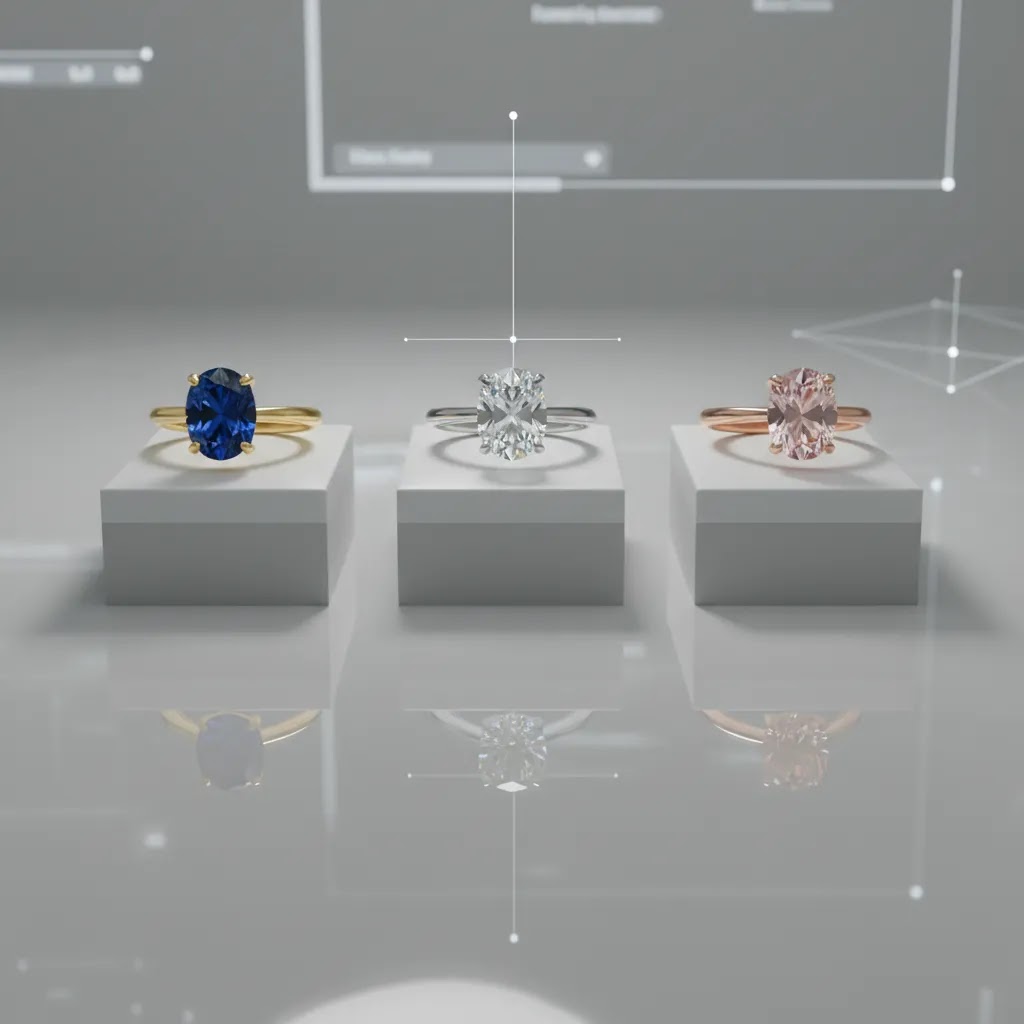
Choosing an AI jewelry design workflow comes down to matching the tool to the image job. Here are five criteria worth using.
1. Start with the image type you need most
If your biggest issue is catalog cleanup, prioritize white background and editing tools first. For that use case, Free White Background Generator and Magic Photo Editor are more relevant than a lifestyle scene tool. If your challenge is ad creative variety, background generation and scene editing may matter more.
2. Separate primary PDP images from secondary assets
Your main product page image needs the highest trust standard. Fine details, scale, and finish must reflect the real item. AI can help prepare these images, but for many stores, secondary images are where AI creates the most value. Think styled backgrounds, social visuals, email banners, and launch graphics.
3. Consider your catalog size and team capacity
A solo founder with 30 SKUs has a different workflow from a brand managing 2,000 variants. If your team is small, a centralized environment such as Creator Studio may be more practical than juggling multiple disconnected tools. If your needs are narrower, a single-purpose tool can be enough.
4. Keep compliance and channel requirements in mind
Amazon, Google Shopping, and your own storefront often need different image treatments. A jewelry image that works beautifully in a campaign may not be suitable for a marketplace main image. Keep one approved, consistent catalog standard and use AI to generate supplemental creative around it. This is where guides on White Background Photography can help tighten standards.
5. Test for realism before scaling output
Do not roll AI visuals across your whole catalog after one good result. Pick five representative SKUs first: a ring, necklace, bracelet, earrings, and a reflective or gemstone-heavy product. Review edge quality, color, shadow consistency, and zoom detail. If those hold up, then expand the workflow.
One final point: AI can speed production, but it does not remove the need for art direction. You still need naming conventions, lighting references, visual standards, and approval checks. That is especially true in jewelry, where buyers often interpret image quality as a signal of product quality.
Frequently Asked Questions
Can AI replace jewelry product photography completely?
Usually not for most serious ecommerce brands. AI can help with editing, background control, mockups, and secondary image creation, but premium jewelry still benefits from real photography for accuracy and trust. The more your customers rely on zoom, texture, and stone detail, the more important a real photographic base becomes.
What is the best use of AI for jewelry stores?
The best use is often post-production support. That includes white background cleanup, resolution improvement, lifestyle scene variants, and campaign creative generation. These tasks can save time while keeping the real product at the center of the visual workflow. It is a practical middle ground for most ecommerce teams.
Are AI jewelry images acceptable for Shopify stores?
Yes, as long as the images accurately represent what you sell and fit your brand standards. On Shopify, your goal is trust and conversion, not just visual novelty. AI-generated supporting images can work well, but your main product visuals still need to feel credible and consistent across the store.
How do I create jewelry product photography on a white background?
Start with a sharp source image in controlled lighting, then use a white background tool to clean the edges and remove distractions. Review reflections, metal color, and gemstone borders carefully. Jewelry is less forgiving than apparel or home goods, so zoom-level inspection is essential before publishing.
Does AI help with marketplace images too?
It can, especially for cleanup and standardization, but marketplace images often have strict requirements. Main listing images usually need a plain background and accurate product representation. Use AI as a production assistant, not as a shortcut that changes the actual look of the item.
What if my jewelry has lots of reflective surfaces?
That is where AI output needs extra scrutiny. Reflective metals and faceted stones are prone to unrealistic highlights, warped edges, and inconsistent shadows. For those products, start with the strongest possible source image. AI tends to perform better when it is enhancing a good photo rather than rescuing a poor one.
Can AI improve old jewelry product photos?
Sometimes, yes. Tools like Increase Image Resolution may help you reuse older images for certain merchandising purposes. Still, resolution alone will not fix bad lighting, weak composition, or inaccurate color. If an original image lacks trust signals, a reshoot may still be the better option.
Should I use AI for luxury jewelry brands?
Yes, but selectively. Luxury brands can use AI to extend campaigns, create concept visuals, and speed up secondary asset production. For hero images and close detail shots, the standard is higher. In many cases, combining professional photography with careful AI enhancement is the safer route.
How do I know if an AI image is good enough to publish?
Check it at thumbnail size and zoomed in. Review edge quality, prong detail, chain continuity, gemstone shape, shadow realism, and color consistency. Then compare it directly with the real product. If any element could create doubt or a mismatch, revise the image before it goes live.
Can I use AI to design jewelry?
Yes, for concepting and early-stage direction. AI can help you explore styles, settings, and collection themes faster, then you can move into CAD and prototyping with a jeweler or manufacturer. For ecommerce, it is usually best to sell using photos of the actual finished item, then use AI to support editing and secondary creative.
What is the best AI for jewelry?
It depends on the job. If you need PDP-ready images for a real SKU, photo editing tools that start from your product photo are typically the most reliable. If you need ideation and concept visuals, a generator may help, but you should expect to review outputs carefully for inaccuracies and avoid using concept images as your main product representation.
What is a new app uses AI to speed jewelry design?
Many newer AI tools focus on speeding visual iteration, either by generating concept images from prompts or by editing real product photos into cleaner catalog and campaign assets. The practical approach is to pick the type that matches your bottleneck: ideation speed for design exploration, or editing speed for ecommerce production.
What is the free software for designing jewelry?
There are free or free-tier tools that can help with parts of the workflow, especially image editing and background cleanup. For true jewelry “design” that leads to manufacturing, you typically still need a CAD-capable process and a prototyping path. If you are using free tools for visuals, keep them focused on concept exploration or supporting assets, and rely on real product photography for accuracy once you are selling.
Key Takeaways
Conclusion
AI jewelry design can save time and expand your creative options, but it works best when paired with a disciplined ecommerce image strategy. For most jewelry brands, the winning approach is simple: use real product photography as the foundation, then add AI where it improves speed, consistency, and campaign flexibility. That gives you more visual output without risking trust on the product page. If you want a clearer path, AcquireConvert is built for store owners making these kinds of decisions. Explore our practical guides on ecommerce imagery, category standards, and creative workflows shaped by Giles Thomas's experience as a Shopify Partner and Google Expert. That will help you choose tools based on selling needs, not just visual novelty.
This article is editorial content created for informational purposes and is not a paid endorsement unless explicitly stated otherwise. Pricing and product availability are subject to change, so verify current details directly with each provider. AI-generated or AI-edited imagery may help improve workflow efficiency, but results vary by product type, source image quality, and implementation. No specific performance or revenue outcomes are guaranteed.

Hi, I'm Giles Thomas.
Founder of AcquireConvert, the place where ecommerce entrepreneurs & marketers go to learn growth. I'm also the founder of Shopify agency Whole Design Studios.