Best AI Product Video Generators (2026 Guide)

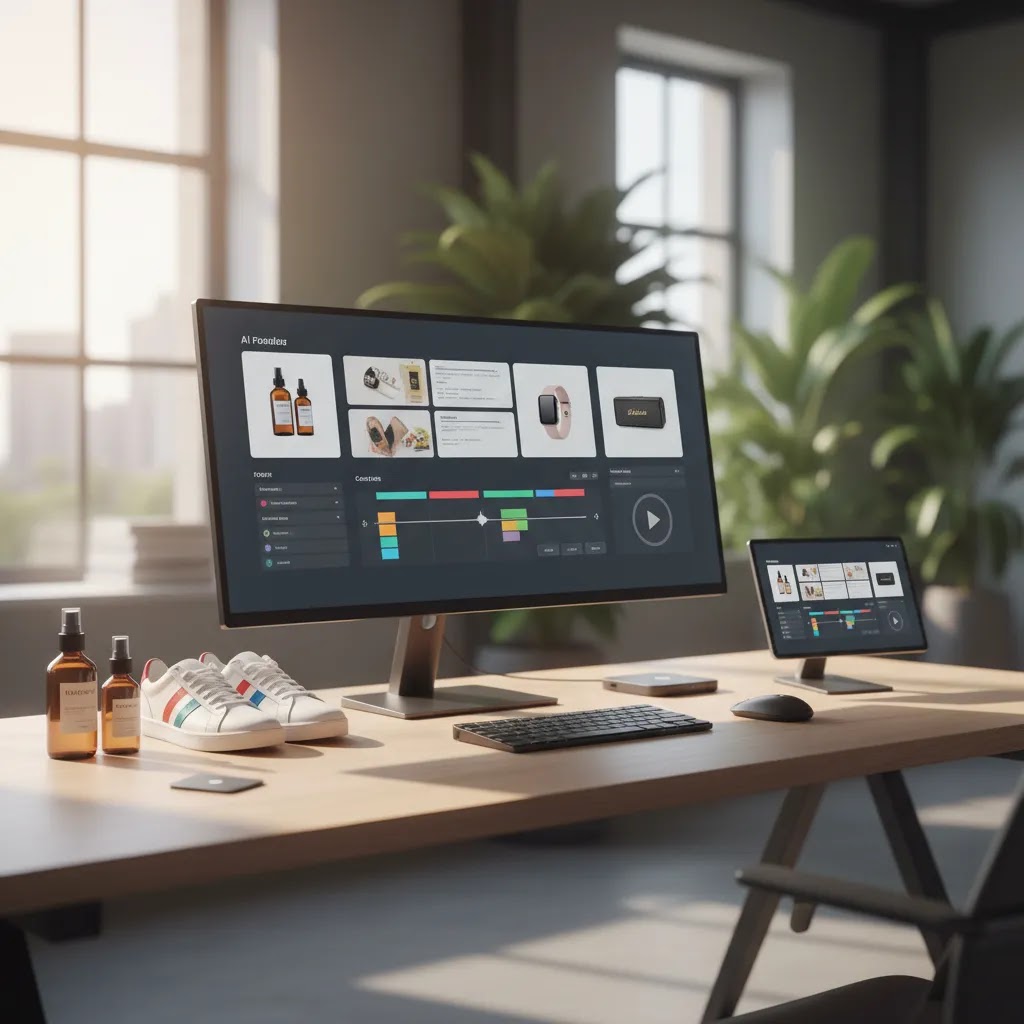
If you are comparing an ai product video generator for your store, you are probably trying to solve a practical problem: creating more product videos without adding a full editing team or long production cycles. For Shopify merchants, product videos can help explain features, show scale, and make ads feel less static, but tool quality varies a lot. Some platforms are better for quick social clips. Others are stronger for structured ad workflows or image-to-video creation. This guide looks at the strongest options for ecommerce use cases, how to evaluate them, and where they fit in a wider video advertising strategy. The goal is not to push one tool for everyone, but to help you choose the one that fits your product catalog, creative workflow, and growth stage.
Contents
- What an AI Product Video Generator Actually Helps With
- Image-to-Video Product Showcases (Getting Realistic Motion From Product Photos)
- Key Features to Look For
- AI Product Videos With Avatars, Voiceovers, Captions, and SFX (What To Use Them For)
- Pros and Cons
- Free Plans, Watermarks, and Rights: What “Free AI Product Video Generator” Usually Means
- Who These Tools Are Best For
- AcquireConvert Recommendation
- How to Choose the Right Tool
- Frequently Asked Questions
- Key Takeaways
What an AI Product Video Generator Actually Helps With
An AI product video generator helps turn your product assets into usable marketing video faster. In practice, that usually means transforming still images, cutout product shots, lifestyle visuals, text prompts, or short clips into video ads, product explainers, or social media creatives.
For ecommerce stores, the appeal is clear. You already have product photography, feature bullets, customer reviews, and offer messaging. A good tool can repurpose those ingredients into short-form videos for product pages, Meta ads, TikTok creatives, email campaigns, or retargeting.
That said, not every AI video tool is built with online stores in mind. Some are generic video editors with AI add-ons. Others focus heavily on ad generation, templates, or script writing. Your best choice depends on whether you need speed, control, realistic motion, batch creation, or tighter creative testing. If you are still early in the learning phase, reviewing ai generated video examples can help you set realistic expectations before you commit.
From the current tool data available to AcquireConvert, the most relevant adjacent ecommerce creative tools include ProductAI offerings such as Creator Studio, Magic Photo Editor, and Background Swap Editor. These are not direct video generators based on the current product data, but they are useful because strong video output usually starts with clean product assets.
Image-to-Video Product Showcases (Getting Realistic Motion From Product Photos)
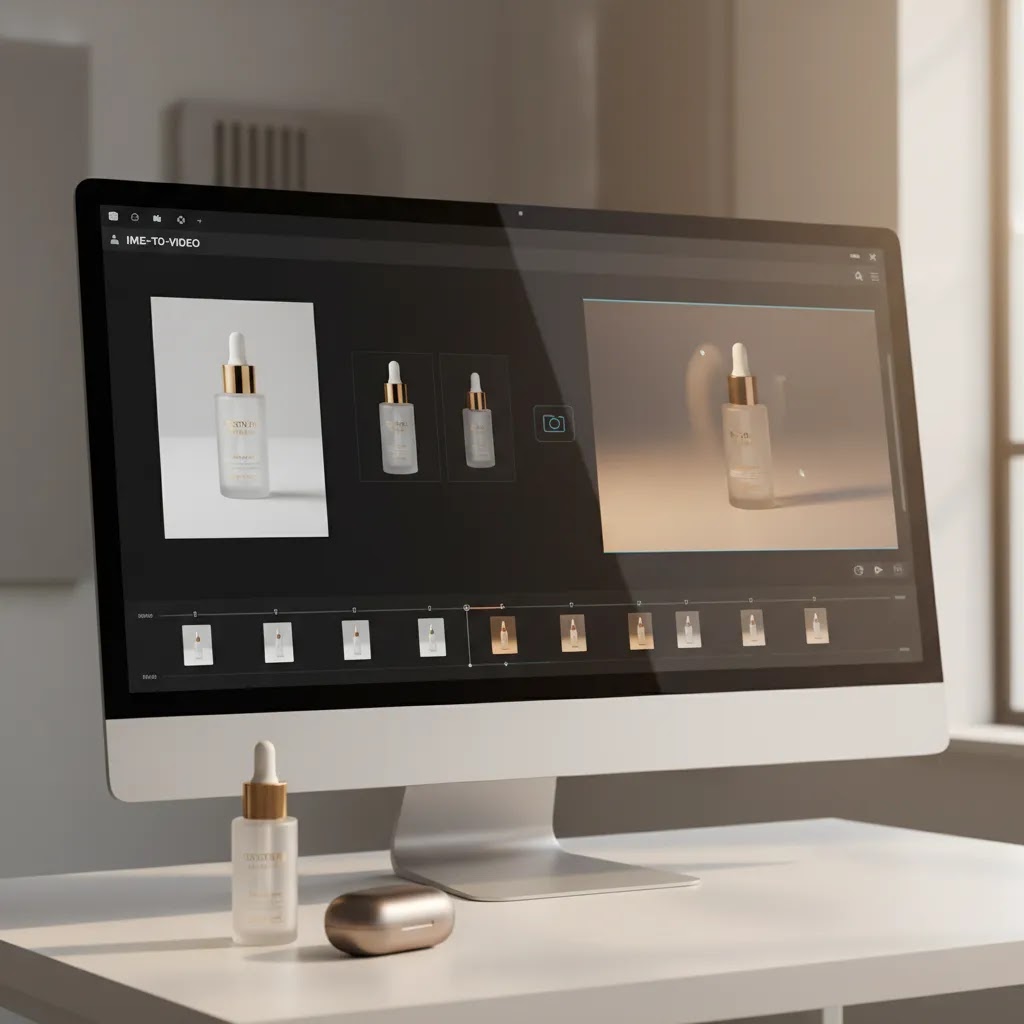
One of the biggest points of confusion when you shop for an ai product video generator is that “image-to-video” is a specific use case. It is different from template-based video editors that animate text and zooms over still images. Image-to-video tools try to create realistic motion between frames, which can look impressive when it works, and distracting when it does not.
Now, when it comes to Shopify products, here is what image-to-video can typically do well, and where you should be cautious:
Packaged goods often work well because the shapes are clean and the branding is consistent. You can usually get subtle camera motion, parallax, and gentle “product floating” effects that feel good in paid social. Artifacts to watch for include warped labels, shifting nutrition panels, or small text that becomes unreadable.
Apparel is mixed. Flat lay or mannequin shots can generate usable movement, but hands, fabric drape, and fit cues can look odd if the model tries to invent motion that was never in the photo. If your product is heavily fit-driven, you may still prefer real try-on clips for your hero assets and use image-to-video for secondary variants.
Jewelry and reflective items are where many tools struggle. Reflections can “crawl,” highlights may jump around, and stones can look like they are changing shape. For some catalogs, a simple animated showcase with controlled zooms and text overlays may outperform an ambitious image-to-video attempt.
Home goods can be strong if you have good lifestyle photos, especially where scale and context matter. The risk is object edges wobbling, patterns changing, or straight lines bending, which can reduce trust fast if your audience is detail-oriented.
From a practical standpoint, your output is only as good as your inputs. If you want more natural motion, prep your images specifically for image-to-video:
- Use consistent angles across variants so the model has less guesswork to do.
- Start with clean cutouts or clean backgrounds, clutter increases weird artifacts.
- Avoid busy reflections on glossy packaging or metal surfaces where possible.
- Keep logos and key text large enough to remain legible after movement and compression.
- Include at least one lifestyle image when context matters, it often produces more believable “camera movement” than a sterile product-only shot.
A simple way to test image-to-video, without overthinking it, is to run the same 6 to 10 second clip in three input styles: a white background cutout, a lifestyle shot, and a close-up detail shot. Keep the prompt and settings consistent. Then judge which version produces the most natural edges, the most stable branding, and the least distracting motion. For many stores, this quick test tells you whether image-to-video is worth scaling across a collection, or whether you should stick to template-based animations for most SKUs.
Key Features to Look For
If you are choosing an AI product video generator for ecommerce, focus on workflow fit rather than broad marketing claims.
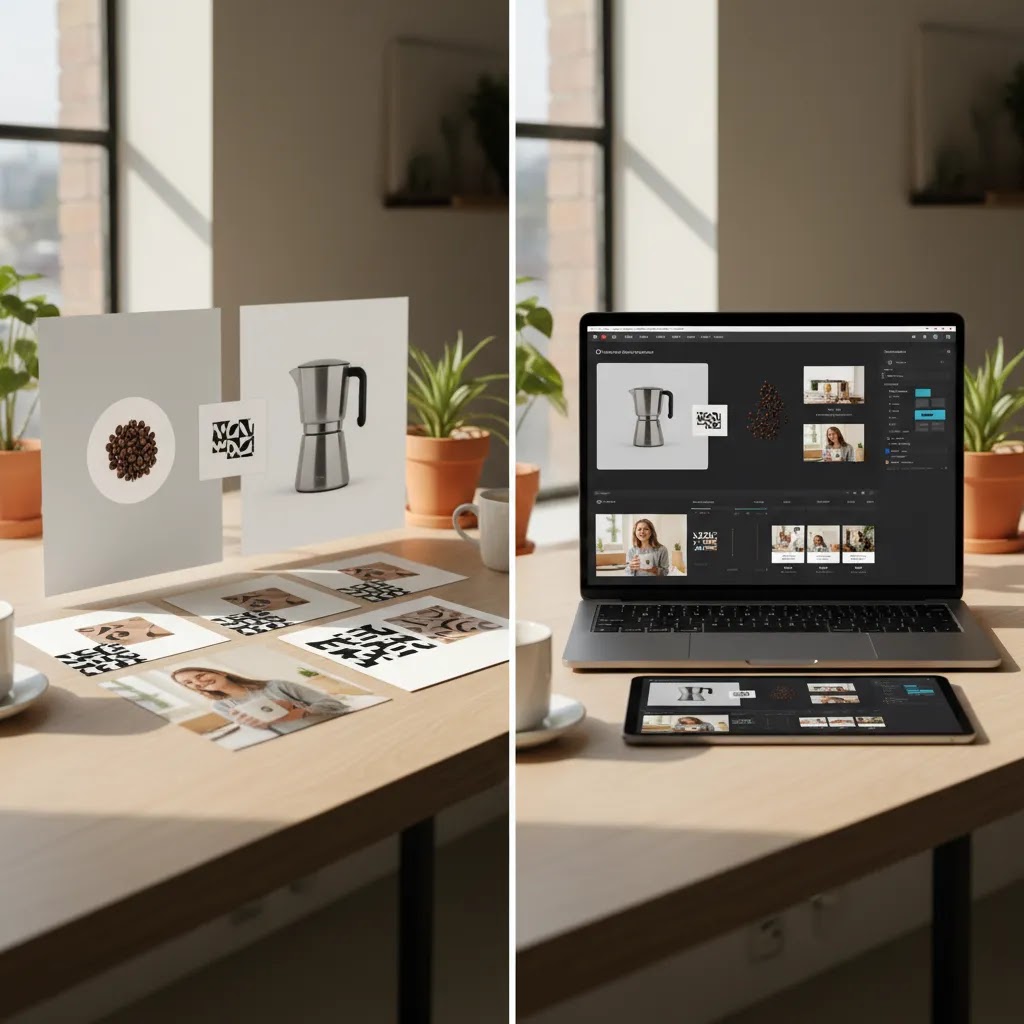
1. Input flexibilityYou want a tool that works with the assets you already have. Many store owners start with PNG product cutouts, white background images, packaging shots, and a few mobile clips. If your current image library needs work first, tools like product photography studio guidance and image editors such as ProductAI's Magic Photo Editor can help you improve source material before generating video.
2. Ad-oriented templatesFor most merchants, product video is not just for aesthetics. It needs to sell. Look for templates built around hooks, feature callouts, before-and-after framing, offer overlays, testimonials, and CTA endings. If your main use case is paid social, this matters more than cinematic polish.
3. Text and branding controlAI speed is helpful, but you still need control over fonts, colors, product claims, timing, and scenes. This is especially important if you test multiple creatives or run offers across different collections.
4. Multi-format exportYour creative needs for a product page differ from what works on TikTok, Instagram Reels, or YouTube Shorts. Strong tools should support multiple aspect ratios and quick versioning so one concept can become several assets.
5. Asset preparation supportVideo quality is often limited by image quality. ProductAI's supporting tools show why this matters. For example, Increase Image Resolution, AI Background Generator, and Free White Background Generator can help merchants clean up inputs before they enter an AI video workflow.
As you compare options, it also helps to think beyond generation alone. Many stores need a broader stack that includes asset cleanup, ai ad generator workflows, and testing support for different placements. That is where the best-fit tool may be the one that saves production time across the full creative process, not just the rendering step.
AI Product Videos With Avatars, Voiceovers, Captions, and SFX (What To Use Them For)
Many ai product video generator tools now push a “done-for-you” workflow: you paste in a product URL or a few bullets, the tool writes a script, builds scenes, generates a voiceover, adds captions, and mixes background music and sound effects. For certain ecommerce use cases, this can be a real speed boost. For others, it can hurt trust if it feels synthetic or off-brand.
Consider this: avatar-led videos usually make the most sense when the goal is fast explanation, not cinematic product demonstration. They can work well for founder-style explainers where you want a “here is what it is and why it matters” intro, UGC-style ad variants where the avatar is essentially a spokesperson, and quick feature walkthroughs for products with a clear functional benefit. They can also be useful if you sell a product that needs a short amount of education, such as how it fits into a routine, how it compares to a common alternative, or what problem it solves.
The reality is that avatars can be a poor fit for some brands. If you are positioned as premium or luxury, or you sell highly tactile products where material quality matters, an obviously AI-generated presenter may reduce perceived quality. The same goes for categories where trust is fragile and your claims need careful phrasing. In those cases, a simple product-led montage with real photography, real customer clips, or a real founder video often lands better.
When you evaluate avatar plus voice workflows, do not just ask “does it look good in a demo?” Stress test the details that matter in a Shopify environment:
- Voice quality and pacing: can you slow it down, add emphasis, and avoid that rushed ad-read vibe?
- Caption accuracy: does it correctly transcribe product names, ingredients, and brand terms?
- Pronunciation: does it handle your brand name, SKU names, and uncommon terms without sounding wrong?
- Subtitle styling: can you match your brand fonts and colors, and keep captions readable on mobile?
- Music and SFX controls: can you adjust volume, disable effects, and avoid audio that feels gimmicky?
- Script and scene editing: can you edit line-by-line and scene-by-scene, or are you stuck with one generated block?
Placement matters too. Paid social placements typically tolerate avatar content better, because users expect fast, explain-it-now creative and you are competing for attention. You should be more cautious using avatar-led videos as the hero video on a product page, especially above the fold. On-site, you are often trying to reduce doubt and increase perceived product quality, so anything that feels “template-y” can backfire. A common approach is to run avatars in ads for testing volume, then graduate the best-performing messaging into cleaner on-site video versions once you know what angle is working.
One more practical point: if an AI tool writes the script and generates the voiceover, you still need a human review before you publish. That includes checking product claims, guarantees, pricing language, and category-specific restrictions. Ad platform policies change, and Shopify merchants should verify current guidelines for the channels they run. Treat the automation as a draft that you approve, not something you ship blindly.
Pros and Cons
Strengths
- AI product video generators can help you create more ad and product-page assets from existing photography, which may reduce creative bottlenecks for lean teams.
- They are useful for testing multiple angles, such as benefits-led, offer-led, or social proof-led messaging, without producing every concept from scratch.
- These tools can be especially valuable for Shopify merchants who already have organized product imagery and want faster creative iteration.
- Many platforms make it easier to export short-form vertical videos for paid social and organic channels.
- When paired with strong source visuals and clear product messaging, AI-generated videos can help stores maintain a more consistent publishing cadence.
Considerations
- Output quality depends heavily on the quality of your original images, copy, and brand assets. Weak inputs usually produce average-looking videos.
- Some tools generate videos quickly but offer limited control over scene logic, pacing, or brand consistency.
- AI-generated motion can still look unnatural for certain products, especially items that need tactile, real-world demonstration.
- Generic templates may make your creatives look similar to competitors if you do not customize them carefully.
Free Plans, Watermarks, and Rights: What “Free AI Product Video Generator” Usually Means
A lot of merchants search for ai product video generator free options because they want to validate the workflow before they pay. That makes sense. The part that catches people out is what “free” typically includes, and what it typically does not include.
In many cases, free tiers are limited in ways that matter specifically for ecommerce. Common restrictions include watermarks on exports, capped export counts per month, limited resolution, fewer templates, restricted brand kits (fonts, colors, logo placement), and slower processing queues at peak times. If you are trying to run ads or publish to a high-traffic product page, those constraints can turn into real friction fast.
Now, when it comes to using AI-generated videos in paid campaigns, rights and licensing are not a boring footnote. They matter. Before you use a “free” tool output in Meta ads, TikTok ads, YouTube placements, or even organic influencer-style posts, check what the provider says about commercial usage. You also want to understand what is happening with any stock footage, avatar usage rights, and music licensing included in the template. If the tool includes background music by default, confirm it is actually licensed for commercial use in ads, and that you can swap it out if needed.
Think of it this way: a free tier is often good enough for concept validation. You can test whether an avatar-led explainer fits your brand, whether your product photos work for image-to-video motion, and whether the editing interface matches your workflow. Paid plans tend to become justified when you need repeatable production without watermarks, consistent branding across collections, higher-resolution exports, and fewer constraints on templates and voice options. For most Shopify store owners, the tipping point is not “does the tool work?” It is “can I use this output in real campaigns without it looking like a trial?”
Who These Tools Are Best For
AI product video generators are usually best for ecommerce teams that need speed and testing volume more than studio-level production. That includes solo founders, in-house marketers, and small creative teams running Shopify stores with frequent launches, seasonal campaigns, or active paid acquisition.
They are a strong fit if you already have decent product images, clear selling points, and a need to turn static assets into short-form video. They are less ideal if your product needs live demonstration, complex storytelling, or highly polished brand filmmaking. In those cases, AI can still support pre-production or versioning, but it may not replace conventional production. If your broader workflow includes creative experimentation, pairing video generation with ad creative ai thinking will usually produce better results than treating the video tool as a standalone fix.
AcquireConvert Recommendation
If you are evaluating AI video tools for a Shopify store, start by auditing your asset readiness before you start trials. That is the step merchants often skip. Giles Thomas's work as a Shopify Partner and Google Expert consistently points back to the same practical truth: better assets and sharper positioning tend to produce better creative outcomes, whether the channel is product pages, paid social, or Google-driven landing traffic.
For that reason, AcquireConvert is most useful as a decision support layer, not just a tool list. Use our specialist ecommerce content to understand where AI video fits in your funnel, where it does not, and how to support it with cleaner product imagery and conversion-focused messaging. You can browse the wider Product Video & Animation topic area, compare related asset workflows in Catalog Photography, and use articles across the site to connect creative decisions to actual store performance. If you want to make a smarter choice, compare options side by side, then pressure-test them against your catalog size, offer cadence, and ad testing needs rather than choosing based on flashy demos alone.

How to Choose the Right Tool
There is no single best AI product video generator for every ecommerce store. The right choice depends on five practical criteria.
1. Start with your use caseIf your main goal is product page conversion support, prioritize clear feature visualization and clean branding. If your focus is paid social, prioritize speed, hooks, text overlays, and multi-variant exports. A tool that is excellent for ad testing may not be the strongest option for on-site storytelling.
2. Check how much manual control you needSome merchants want one-click output. Others need to fine-tune scenes, claims, timing, and CTA placement. If your store has strict brand standards or compliance constraints, choose more control over more automation.
3. Judge the tool by your source assetsThis is where many evaluations go wrong. If your catalog images are inconsistent, cluttered, or low resolution, the tool may not perform well. In many cases, improving images first with tools like ProductAI's Background Swap Editor or Increase Image Resolution will do more for output quality than switching platforms. This is also why learning from structured ecommerce visual workflows matters.
4. Look at volume and workflow efficiencyIf you manage a large catalog or test creatives weekly, small time savings compound quickly. Consider how easily the tool handles templates, resizing, brand kits, and multiple product variants. For growth-stage stores, workflow efficiency often matters more than perfect visual novelty.
5. Measure usefulness, not noveltyThe best evaluation question is simple: will this help you ship more persuasive creative with less friction? Not every AI effect improves conversions. In some cases, cleaner, simpler videos outperform more ambitious outputs. A realistic benchmark is whether the tool helps you create, test, and refresh video creatives consistently.
As you narrow your options, run a trial using one hero product, one evergreen product, and one promotion-led campaign. That will show whether the tool works across your real selling scenarios. Then compare its outputs against your broader ecommerce creative stack, including image editing, merchandising, and offer strategy.
Frequently Asked Questions
What is an ai product video generator?
An ai product video generator is software that uses automation and AI-assisted editing to turn product photos, text, or short clips into marketing videos. For ecommerce stores, that usually means product explainers, ad creatives, social videos, or simple demo-style assets. The quality you get will depend on the platform, the source assets you upload, and how much manual editing the tool allows.
Can a free ai product video generator work for a Shopify store?
It can, especially for testing concepts before paying for a full workflow. Free tools or free tiers are often useful for learning interfaces, trying templates, or validating whether video production speed is your main bottleneck. The trade-off is usually limited exports, watermarks, restricted branding control, or lower-quality output. For active stores, free plans often work best as a trial stage rather than a long-term solution.
Are AI product video generator tools good for paid ads?
They can be, particularly for rapid creative testing. If you run Meta, TikTok, or short-form video ads, these tools may help you produce more variants around hooks, offers, and product angles. The strongest results usually come when you combine AI generation with sound ad strategy, clear messaging, and structured testing. A fast tool alone will not fix weak positioning or poor offer-market fit.
Do I need professional product photography first?
Not always, but you do need usable source assets. Sharp images, clean backgrounds, and consistent lighting make a big difference. If your current visuals are messy, start there. Improving still assets first often lifts video quality more than changing software. That is why many merchants treat product photography and video generation as part of the same creative workflow rather than separate decisions.
What should I test before choosing a platform?
Test one product page video, one paid social ad, and one promotional asset. Use the same product and message across tools so you can compare output quality fairly. Look at speed, edit control, branding, text rendering, export formats, and how persuasive the final creative feels. Avoid judging a platform by demo content alone, because demos rarely reflect your actual catalog quality or campaign constraints.
Can AI-generated product videos replace a real video shoot?
Sometimes for simple use cases, but not always. If your product is straightforward and visually clear, AI-generated videos may cover explainers, ads, and social clips well enough. If your product needs physical demonstration, texture detail, assembly footage, or trust-building founder content, a real shoot still has advantages. Many stores get the best outcome by combining both approaches rather than picking only one.
Is an ai product video generator app enough for ongoing creative testing?
It may be enough for smaller stores or lean teams, especially if you need more output frequency than creative sophistication. For larger brands, it is usually one part of the workflow. You may still need stronger asset preparation, copywriting, merchandising strategy, and post-click optimization. The app matters, but so does the system around it.
How do I know if a tool is worth paying for?
Look at whether it saves you meaningful time, helps you publish more consistently, and gives you outputs you would actually use in campaigns or on-site. A paid plan is worth considering if it removes bottlenecks and supports repeatable creative production. Pricing is always subject to change, so verify current costs and limits directly with each provider before committing.
Should I use AI video on product pages or only in ads?
Both can work, but the creative should match the placement. Product page videos should clarify benefits, show use, and reduce hesitation. Ad creatives should earn attention quickly and connect to a specific audience angle or offer. One asset rarely performs equally well in both places without adaptation, so look for tools that make resizing and message variation practical.
Can I create product videos from images with an AI product video generator?
Yes. Many tools can turn product photos into short videos using either templates (text overlays, transitions, zooms) or image-to-video generation that tries to create realistic motion. Template-based workflows are often more predictable for Shopify catalogs, while image-to-video can look more dynamic but may introduce artifacts like warped labels, unstable edges, or shifting textures. The best way to judge is to test your actual product photos, not stock demo assets.
What is the best AI product video generator free without watermark?
It depends on the provider and the current limits of their free tier. Many “free” plans include a watermark, or only remove it for a limited number of exports, certain templates, or lower-resolution downloads. If your goal is to run paid ads, treat watermark-free exporting as a requirement to confirm during your trial, along with commercial usage rights for music, stock media, and any avatars.
Which is the best AI product video generator for ecommerce product showcases?
The best fit is usually the tool that matches how you need to show the product. For simple showcases, a template-based editor with strong ad layouts, text control, and multi-format exports is often the most reliable option. If you specifically want realistic motion from still images, you will want to test image-to-video output on your product type, because reflective items, small text, and complex patterns can reduce realism quickly.
Can AI product video generators add subtitles, voiceovers, and sound effects automatically?
Many can. Some platforms generate a script, record an AI voiceover, auto-caption the audio, and add music and sound effects in one workflow. The trade-off is that you still need to review pronunciation, caption accuracy, and any product claims before publishing. For ecommerce ads, you also want enough control to adjust pacing, caption styling, and audio levels so the final creative feels intentional, not like a template.
Key Takeaways
- Choose an ai product video generator based on your ecommerce workflow, not marketing hype.
- Strong source images and product messaging matter as much as the generation tool itself.
- For Shopify stores, the best-fit platform is often the one that helps you test more creatives across ads and product pages.
- Evaluate tools using real products and real campaigns before committing to a paid plan.
- Use AI video as part of a wider creative system that includes photography, copy, and conversion-focused merchandising.
Conclusion
The best AI product video generator for your store is the one that fits your assets, your team, and your publishing cadence. If you need fast ad variants, focus on templates and testing speed. If you need on-site product storytelling, prioritize clarity and brand control. Either way, better inputs usually produce better outputs. AcquireConvert exists to help Shopify merchants make those decisions with less guesswork. Explore our Product Video & Animation resources, compare related creative workflows, and use Giles Thomas's practical ecommerce guidance to build a video process that supports real store growth. If you are serious about choosing well, read the full breakdown across AcquireConvert and compare your options side by side before you buy.
This content is editorial and intended for informational purposes only. It is not a paid endorsement unless explicitly stated otherwise. Pricing, product availability, and feature sets are subject to change, so verify current details directly with each provider before making a decision. Any performance outcomes discussed are illustrative only and are not guaranteed.

Hi, I'm Giles Thomas.
Founder of AcquireConvert, the place where ecommerce entrepreneurs & marketers go to learn growth. I'm also the founder of Shopify agency Whole Design Studios.