Branded Content Video Production (2026 Guide)

Branded content video production matters more than most ecommerce teams expect. A strong product video can help shoppers understand fit, texture, use case, and brand personality much faster than static images alone. For Shopify store owners, that often means better product page clarity, stronger paid creative, and more reusable assets across email, landing pages, and social campaigns. The challenge is choosing the right production approach. Some brands need a studio partner. Others can move faster with a lean in-house workflow and AI-assisted editing. If you are weighing those options, start by understanding how branded storytelling differs from direct response creative. Our related guide to video advertising is useful context before you commit budget or creative time.
Contents
- What branded content video production means for ecommerce
- Branded content video production examples: 6 proven content types for ecommerce
- Key production options and tools
- What a branded content video producer actually does (and what to ask for)
- Pros and Cons
- Pricing and packaging: how much branded content video production typically costs and how to scope it
- Who this approach is for
- AcquireConvert recommendation
- How to choose the right production setup
- Frequently Asked Questions
- Key Takeaways
- Conclusion
What branded content video production means for ecommerce
Branded content video production sits between pure product demonstration and pure brand storytelling. It is not only about showing a product on screen. It is about presenting that product in a way that supports positioning, trust, and purchase intent.
For an ecommerce store, that might include short homepage hero videos, product page clips, unboxing content, founder-led storytelling, lifestyle sequences, tutorial edits, or campaign assets for Meta, YouTube, and landing pages. A fashion store may want movement, fabric detail, and styling context. A beauty brand may need close-up texture shots and cleaner color accuracy. A home goods merchant may need room-scale context and use-case storytelling.
The practical question is not whether video helps. In many cases, it can. The real question is what kind of production gives you usable assets without overcomplicating your workflow. Some merchants need a full product photography studio or production partner. Others can create high-quality branded content with a smaller team, structured shot lists, and AI-based post-production support.
If your store is still building its creative system, it can help to review the broader Product Video & Animation category so you can see where branded content fits among demos, ads, and conversion-focused media assets.
Branded content video production examples: 6 proven content types for ecommerce
Most Shopify stores do not need one perfect “brand film.” They need a small set of repeatable video types that can be used across product pages, ads, email, and social. Think of these as templates you can shoot again and again as your catalog evolves.
1. Founder story (trust and differentiation)
What it does: Helps cold audiences understand why your brand exists and why you are credible. This is often most useful on the homepage, About page sections, and top-of-funnel YouTube or Meta placements.
What to film: A simple A-roll interview with the founder, plus B-roll that shows the product in real use, packaging, manufacturing moments, or day-to-day operations. Include at least a few clear product close-ups so the story still connects to what you sell.
Typical formats: 30 to 90 seconds for a “hero” version, plus vertical cutdowns for social. If you can only do one shoot, plan both 16:9 and 9:16 framing on set, or capture wide enough to crop safely later.
Common pitfall: Too much “why” and not enough “what.” If viewers cannot tell what you sell in the first few seconds, performance often suffers.
2. Behind-the-scenes (proof and process)
What it does: Adds credibility for premium or technical products, reduces skepticism, and gives you content that does not feel like an ad. Often works well in email launches, organic social, and retargeting.
What to film: Process shots: mixing, stitching, packing, quality checks, materials, and real hands doing real work. Capture a few “start to finish” sequences so editors can build quick narrative arcs.
Typical formats: 6 to 15 seconds for punchy reels, plus 30 seconds for a fuller edit.
Common pitfall: Shooting “a lot” but not shooting “in sequences.” Random clips look nice, but they are harder to cut into a story that makes sense.
3. Customer story (UGC-style, but controlled)
What it does: Handles objections through social proof. This can support PDP sections, paid social, and YouTube pre-roll, especially if you sell higher-consideration items.
What to film: A customer interview (or scripted prompts) plus real-life usage: unboxing, setup, before and after where appropriate, and moments that show scale and context.
Typical formats: 15 to 45 seconds for ads, with shorter hooks as separate exports. Vertical usually matters most here.
Common pitfall: Over-polishing it until it loses believability. UGC-style content can still be well lit, but it should feel human and specific.
4. Purpose or mission film (positioning and values)
What it does: Builds brand affinity and can justify price points for categories where “why it is made” matters. Often used on the homepage, brand campaigns, and YouTube.
What to film: Brand values, sourcing, community, and impact messages, backed by concrete product and process visuals. Even mission-led videos need product proof, or they can feel disconnected from commerce.
Typical formats: 30 to 90 seconds, plus 15-second cutdowns.
Common pitfall: Staying abstract. If you claim sustainability or quality, show the specifics you are allowed to show and keep claims review in mind.
5. Lifestyle narrative (aspiration and use-case clarity)
What it does: Helps shoppers see themselves using the product. Great for apparel, home goods, beauty, and accessories, and often becomes your best “always-on” creative for paid social.
What to film: Product-in-use moments with clear framing: how it is worn, applied, assembled, styled, or placed in a room. Capture wide shots for context and tight shots for texture and detail.
Typical formats: 6, 15, and 30-second versions, in both 9:16 and 1:1 or 4:5 depending on your ad placements.
Common pitfall: Mood over clarity. Beautiful footage can still underperform if the product is not obvious, or the hook is too slow for scroll behavior.
6. Educational mini-series (objection handling at scale)
What it does: Builds authority and reduces support burden by answering common questions. This is especially useful for technical products, consumables, and anything with “how to choose” complexity.
What to film: A repeatable setup: one presenter, consistent background, and a clear structure. Film multiple episodes in one session: how it works, how to use it, who it is for, what to expect, and comparisons.
Typical formats: 15 to 60 seconds per episode, often vertical-first with captions.
Common pitfall: Teaching without showing. Even educational content needs on-product shots, close-ups, and visible steps.
Consider this: if you plan these formats before you shoot, you typically get more usable exports for Shopify PDPs, ad managers, and email. If you decide formats after the shoot, you often end up with a nice video that is hard to repurpose.
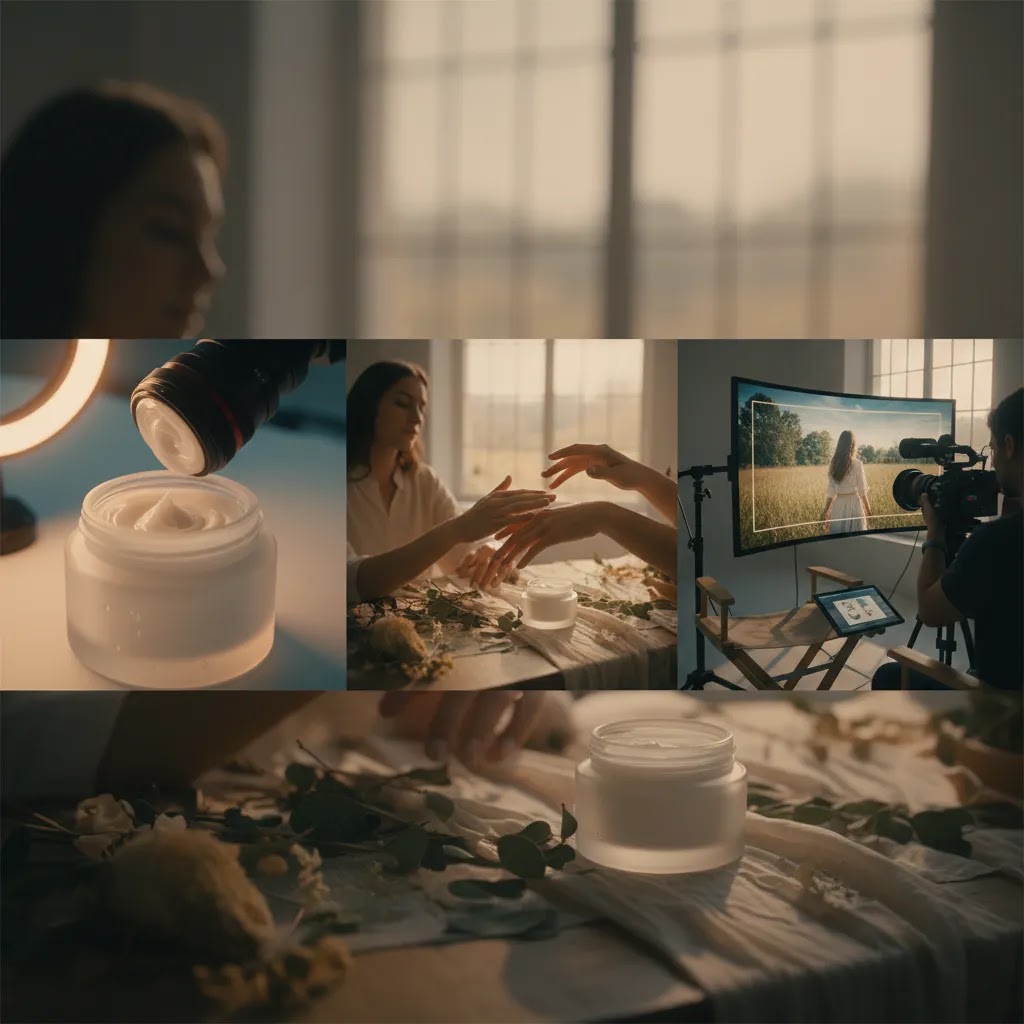
Key production options and tools to evaluate
Branded content video production is usually a mix of planning, capture, and post-production. For ecommerce teams, the most useful setup is the one that creates repeatable assets, not just one attractive campaign.
1. Core pre-production planning
Before you hire a team or open an editor, define the asset list. Most growing stores need a clear shot plan covering product page clips, vertical social edits, paid ad variations, and campaign-level brand storytelling. This is what prevents expensive reshoots.
2. Background and scene flexibility
Branded videos often fail because the setting does not match the product price point or audience. If your in-house setup is limited, background editing tools can help you test cleaner or more lifestyle-oriented looks. AcquireConvert's guide to video backgrounds is useful if you are trying to create more visual variety without rebuilding every set from scratch.
3. Cleanup and editing support
Post-production speed matters. If your team spends too much time removing distractions, each new campaign becomes expensive. For simple visual cleanup, ProductAI offers tools that may support adjacent creative workflows, including AI Background Generator, Free White Background Generator, and Increase Image Resolution. These are image-focused rather than full video suites, but they can still help ecommerce teams produce cleaner supporting assets for storyboards, thumbnails, product frames, and campaign stills.
4. Visual consistency across channels
Consistency matters if you sell across Shopify, marketplaces, paid social, and email. If your product thumbnails, studio stills, and branded clips all look unrelated, your store can feel fragmented. Tools like Remove Text From Images and Background Swap Editor may help with campaign support assets, especially if your creative team repurposes stills from the same shoot.
5. AI-assisted ideation and asset creation
AI video production is getting more attention, but store owners should assess it carefully. AI can help with concepting, scene development, static asset generation, and ad iteration. It is less reliable if you need perfect product accuracy, regulated claims review, or premium brand nuance. If you are comparing this route with more traditional workflows, our article on an ai ad generator can help you think through where automation fits and where it still needs human creative direction.
For teams building visual systems, ProductAI's Magic Photo Editor and Creator Studio may be worth reviewing as part of the wider branded content workflow, particularly for fast-turn asset variation.
What a branded content video producer actually does (and what to ask for)
When store owners hire “a video team,” the roles can get blurry fast. The reality is that branded content video production is usually staffed as a mix of strategy, logistics, and craft. The producer role is the one that prevents the project from drifting, running over time, or delivering files you cannot actually use on Shopify and ad platforms.
Producer vs director, DP, editor, and strategist
Producer: Owns planning and logistics. That includes budgets, schedules, crew booking, locations, permits (if needed), call sheets, and keeping the project moving through post-production. In many small projects, the producer also acts as the main point of contact and helps protect the brief so you get the deliverables you actually need.
Director: Owns creative execution on set. They guide performance, pacing, and what the viewer should feel. Some projects do not have a separate director, and the DP or producer may cover it, but you still want someone accountable for the creative decisions.
Director of Photography (DP): Owns the technical capture. Lighting, camera, lenses, exposure, and overall look. For ecommerce products where color and texture matter, the DP decision can have real downstream impact on returns, claims review, and how “true” the product looks on screen.
Editor: Owns story and pacing in post. This includes selects, assembly, music timing, captions, and exports. A great shoot can still become weak creative if editing does not match the channel or the hook is slow.
Strategist (sometimes the same person as producer or director): Owns messaging, audience fit, and the channel plan. If you are spending on paid traffic, this role matters because the deliverables should map to creative testing, not just brand vibes.
What to confirm before you sign
What many store owners overlook is that most production problems come from missing definitions, not missing talent. Before you commit, confirm who owns each of these items:
- Creative brief ownership: who writes it, who approves it, and whether it includes a clear asset list for PDP, ads, and email.
- Shot list and storyboard responsibility: who creates it and whether it includes product close-ups, use-case moments, and hook options.
- Shoot logistics: locations, props, product prep, steaming, styling, and who supplies talent if people are on camera.
- Post-production scope: edit rounds, turnaround times, who is responsible for captions, and how feedback is collected.
- Usage rights: where you can run the videos (paid social, YouTube, on-site), and how long you can use them.
- Music licensing: who selects music and whether the license covers paid advertising. This is a common gotcha.
- Aspect ratios and placements: 9:16, 1:1, 4:5, 16:9, plus safe margins for captions and UI overlays.
- Deliverable naming and organization: how files will be labeled, versioned, and exported so your team can actually upload and test them.
What “good” deliverables look like for ecommerce
From a practical standpoint, good deliverables are not just “the final video.” They are a small system of exports that support your sales funnel:
- A cutdown plan: 6-second, 15-second, and 30-second versions that preserve a strong hook and keep the product obvious.
- Captions and text-safe framing for vertical placements where sound-off viewing is common.
- Thumbnails or cover frames selected on purpose, not random frames, so your Shopify sections and email embeds look intentional.
- Product-focused selects: tight close-ups, application moments, and detail shots you can reuse across PDP modules and future edits.
- Organized exports: consistent naming, clearly separated by platform or aspect ratio, and delivered in formats your team can implement without re-encoding.
Here’s the thing: you can have a beautiful video and still have weak production value for ecommerce if you cannot reuse it across placements. Producers who understand ecommerce tend to plan deliverables backward from how you will actually deploy and test creative.
Pros and Cons
Strengths
- Branded content video production can communicate product use, quality, and positioning faster than text or still images alone.
- It creates reusable assets for product pages, paid social, email campaigns, landing pages, and marketplace listings.
- For Shopify merchants, well-planned videos may reduce confusion around fit, texture, scale, or application, which can support better pre-purchase clarity.
- It helps smaller brands look more cohesive when storytelling, lighting, and editing match the rest of the site experience.
- AI-supported creative workflows can speed up iteration for supporting assets such as thumbnails, frames, backgrounds, and campaign stills.
Considerations
- Good branded video is harder to produce than it looks. Without a clear brief, the result can be attractive but weak at driving product understanding.
- AI tools can save time, but they are not a complete substitute for direction, shot planning, and brand judgment.
- Hiring a production company may improve polish, but it can also increase costs and reduce agility if you need frequent creative refreshes.
- Not every product category benefits equally from the same style. Beauty, apparel, tech, and home goods each need different production priorities.
Pricing and packaging: how much branded content video production typically costs and how to scope it
“How much does branded content video production cost?” is a fair question, but it is often the wrong way to think about it. The more useful question is what bundle of assets you need per shoot, and how often you need to refresh them. That is what determines whether the work pays off operationally.
What typically drives cost (and why per-video pricing can mislead)
Branded video costs usually rise based on production complexity, not just final runtime. A 15-second ad can be expensive if it requires a large crew, multiple locations, heavy motion graphics, or a lot of licensing.
Cost is commonly influenced by crew size, shoot days, set builds or locations, props and product styling, paid talent, camera and lighting gear, audio needs, motion graphics, edit complexity, number of deliverables, and how many edit rounds are included. Usage rights and music licensing can also change the total, especially if you plan to run the content as paid ads across multiple platforms.
What many store owners overlook is that “per video” quotes can hide the real driver, which is the total asset list. If you need 20 deliverables in multiple aspect ratios, you want that defined upfront so the scope matches how you market.
How to scope a cost-effective package for Shopify
The way this works in practice is building an asset bank from one shoot day. Instead of filming one hero piece and hoping it fits every channel, plan modular scenes you can recombine:
- Film repeatable product modules: unboxing, close-up details, application, key benefit moments, and before and after where appropriate.
- Plan cutdowns before filming, not after. If you know you need 6, 15, and 30-second versions, you can capture the right hooks and transitions on set.
- Prioritize coverage that supports both on-site and paid. PDP clips often need clarity and pace, while ads need hooks and scroll-stopping openings.
- Build a monthly or quarterly cadence you can sustain. A smaller shoot you repeat often is sometimes more useful than one large campaign you cannot refresh.
For most Shopify store owners, that cadence matters because creative fatigue is real in paid social, and your on-site library needs to keep up with new products, bundles, and seasonal angles.
A simple budgeting framework (starter, growth, campaign)
If you want a clean way to scope without getting trapped in line items, think in three tiers:
- Starter scope: A lean shoot focused on core PDP clips and a small set of paid social cutdowns, typically using one location and a tight shot list.
- Growth scope: A broader asset bank designed for testing. More hooks, more variations, more formats, and enough footage to support new edits later.
- Campaign scope: A flagship concept with higher production values, potentially multiple locations, talent, and more advanced post-production, plus a full cutdown plan.
Now, when it comes to agency versus in-house, the decision is usually about frequency and control. If you need weekly content, in-house or a hybrid setup often makes more sense. If you need occasional flagship creative, a specialized partner can be a better fit. Many brands land on a hybrid: outsource the big campaign and keep repeatable product modules internal.
Whatever you choose, verify current platform and music licensing requirements before you lock a plan, since ad policies and licensing terms can change.
Who this approach is for
Branded content video production is a strong fit for ecommerce businesses that have moved beyond basic product photography and need more persuasive creative. That usually includes stores with established traffic, growing paid acquisition, or a product that benefits from motion and context.
It is especially relevant for Shopify brands selling apparel, beauty, accessories, home goods, and products that require demonstration. If you are already testing paid social or YouTube creative, branded content gives you more than a single ad. It gives you a reusable content bank.
If your store is still refining static visuals first, it may make sense to stabilize those assets before expanding heavily into video production.
AcquireConvert recommendation
For most ecommerce operators, the best path is not choosing between fully manual production and fully automated AI. It is building a workflow that uses each where it adds value. Start with clear product messaging, a reusable shot list, and a channel-specific asset plan. Then decide which parts need a crew, which parts can be handled in-house, and which edits can be accelerated with AI.
That practical mix is consistent with AcquireConvert's broader approach. Giles Thomas brings a Shopify Partner and Google Expert perspective, which matters when your video choices affect product page conversion paths, paid traffic quality, and creative testing. If you are comparing production formats, review our guides on video bg remover workflows and Catalog Photography systems to build a more complete visual content process rather than treating video as a one-off project.
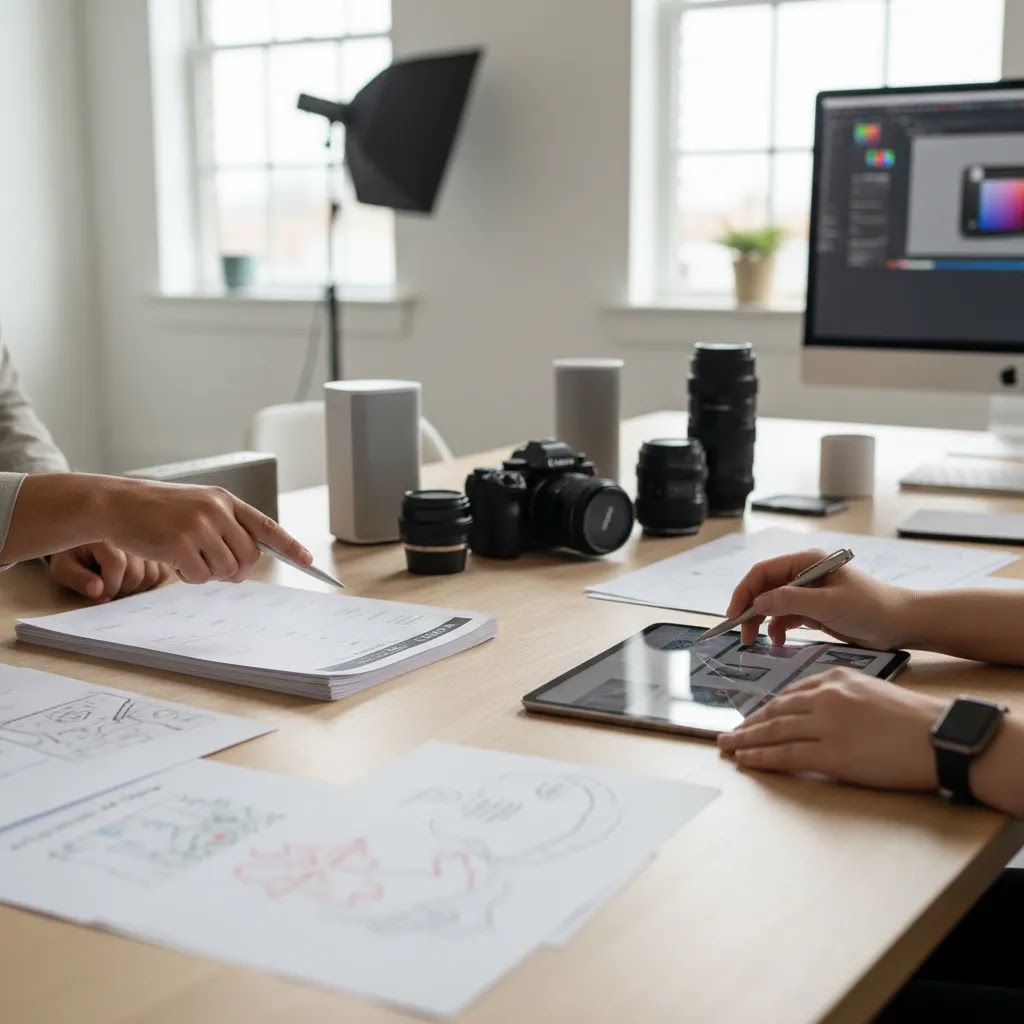
How to choose the right production setup
1. Start with the commercial goal
Ask what the video needs to do. Is it meant to increase product understanding on a PDP, improve click-through on ads, introduce the brand to cold traffic, or support email launches? The answer changes the entire production plan.
2. Match format to product complexity
Simple products may only need short motion clips and cleaner visual framing. More complex products often need product demo video production, close-up sequences, voiceover, captions, and comparison shots. If the shopper needs education before purchase, do not rely on mood footage alone.
3. Decide what must be filmed versus generated or edited
For products where texture, true color, and credibility matter, original footage is usually the safer choice. AI can still help with background treatments, concept frames, or campaign support images. If you operate in beauty or personal care, be especially careful. Claims around appearance, texture, and color need tighter review than many AI-first workflows can guarantee.
4. Build for iteration, not perfection
Many growing stores overspend on a hero video and underspend on variation. In practice, you often need multiple cuts: 6-second hooks, 15-second social versions, PDP clips, and longer explainer edits. A production setup that allows frequent refreshes may outperform a one-time premium shoot.
5. Keep Shopify implementation in mind
If the video is going on a Shopify store, think about file size, placement, theme performance, and page intent. A homepage autoplay background might look attractive but slow down the page or distract from key actions. A concise product clip placed near the add-to-cart area may be more commercially useful.
6. Review workflow ownership
Who will brief the team, approve cuts, upload assets, test variants, and retire underperforming creative? This matters as much as the filming itself. The strongest branded content systems are operationally realistic. They fit the team you actually have.
If you are still refining image-based creative before moving deeper into motion, the E Commerce Product Photography category can help you tighten your visual foundation first.
Frequently Asked Questions
What is branded content video production for products?
It is the process of creating videos that present your product through both storytelling and selling context. Instead of only listing features, the content shows how the product looks, feels, or fits into a customer's life. For ecommerce brands, that often includes product page clips, campaign videos, social edits, and branded demos.
How is branded content different from a product demo video?
A product demo focuses on function and clarity. Branded content adds mood, positioning, and identity. In ecommerce, you often need both. A demo can explain how something works, while branded content can strengthen perceived value and emotional fit. The best stores usually blend those formats rather than choosing only one.
Do Shopify stores really need branded video content?
Not every store needs it immediately, but many benefit once traffic grows and static imagery alone is no longer enough. If your product needs motion, application, or lifestyle context, video can help shoppers evaluate it faster. For simpler products, strong photography and copy may still be the higher-priority investment.
Should I hire a product video production company or keep it in-house?
That depends on your product complexity, creative standards, and production frequency. A company can bring polish and structure. An in-house setup may be better if you need regular asset refreshes and faster testing. Many stores use a hybrid model, outsourcing flagship campaigns while producing everyday creative internally.
Can AI video production replace a human creative team?
Usually not on its own. AI can support ideation, editing, and visual variation, but strong branded content still depends on messaging, brand judgment, and channel strategy. If product accuracy is critical, especially in beauty or apparel, human review becomes even more important before anything goes live.
What should I look for in ecommerce video production?
Prioritize commercial usefulness over pure aesthetics. Look for clear product framing, channel-specific cuts, fast loading, captioning where needed, and footage that supports both paid and on-site use. Ask whether the final deliverables can be reused across PDPs, ads, email, and social posts.
How many video versions should one product campaign include?
In many cases, more than one. A practical campaign often includes a hero version, short paid variations, vertical edits, and one or two product page clips. The right number depends on your traffic mix and testing cadence. Planning these versions before the shoot usually saves time and reduces re-edit costs.
Is there a best AI video enhancer for beauty content?
There is no universal best option from the data available here, and beauty brands should be cautious with enhancement tools. Color, texture, and skin representation need careful review. AI may help with workflow efficiency, but it should not distort product reality or create claims your brand cannot support.
How do I know if my branded content video is working?
Track the metrics tied to placement. On product pages, review engagement, add-to-cart behavior, and conversion path signals. In paid campaigns, look at click-through rate, cost efficiency, and post-click behavior. Performance varies by store, offer, and traffic quality, so use testing rather than assumptions.
What does a branded content producer do?
A branded content producer owns the operational side of the project and keeps the work aligned to the brief. They typically manage budgets, schedules, crew and location logistics, and the handoff between filming and editing. For ecommerce, a good producer also helps ensure you end up with the right deliverables, meaning cutdowns, aspect ratios, captions, and exports you can actually use across Shopify, Meta Ads, and YouTube.
How much should I charge for a branded video?
Pricing usually depends on scope and usage, not just runtime. Crew size, shoot days, locations, talent, motion graphics, edit rounds, and licensing can all change the quote. If you are trying to set pricing, it often helps to price based on a defined package of deliverables and usage rights, rather than a single “per video” number that does not reflect real production effort.
What is the 3 7 27 rule of branding?
It is a rule of thumb used in branding and marketing to describe repeated exposure over time, often framed as someone may need to see a brand at least 3 times to notice it, 7 times to remember it, and 27 times to build familiarity and trust. The exact numbers are not universal, but the practical takeaway for ecommerce is that consistent creative systems and repeatable video formats can matter, because most customers are not ready to buy the first time they see you.
What is a branded content video?
A branded content video is a video that sells through story, context, and identity, not only through features. It still supports commercial goals, but it does it by making the product feel more credible, desirable, or relevant to a specific audience. For Shopify brands, branded content often shows product use cases, lifestyle fit, customer proof, and brand positioning in ways that can be reused across product pages, ads, email, and social.
Key Takeaways
- Branded content video production works best when you define the commercial job of the asset before filming.
- Most ecommerce brands need a blend of storytelling, product clarity, and channel-specific edits.
- AI can support creative workflows, but it is most useful as an assistant, not a full replacement for strategy and review.
- Shopify merchants should prioritize videos that improve product understanding without hurting page performance.
- A repeatable production system usually creates more value than a one-off hero video alone.
Conclusion
Branded content video production can be a smart investment for ecommerce stores that need stronger product storytelling and more versatile creative assets. The right approach depends on your catalog, team, traffic channels, and how often you need fresh content. For some brands, that means working with a production partner. For others, it means combining a lean shoot process with AI-assisted editing and asset variation. The important part is choosing a system you can repeat and measure. If you want a more practical path forward, explore AcquireConvert's specialist resources on product visuals, video workflows, and ecommerce optimization. Giles Thomas's Shopify Partner and Google Expert perspective is especially useful if you are trying to align creative production with store performance and paid growth.
This article is editorial content for educational purposes and is not a paid endorsement unless explicitly stated otherwise. Pricing, product availability, and features are subject to change, so verify current details directly with each provider. Any performance outcomes from branded content video production will vary by store, niche, traffic quality, and implementation. No specific results are guaranteed.

Hi, I'm Giles Thomas.
Founder of AcquireConvert, the place where ecommerce entrepreneurs & marketers go to learn growth. I'm also the founder of Shopify agency Whole Design Studios.