Video Backgrounds for Product Content (2026)

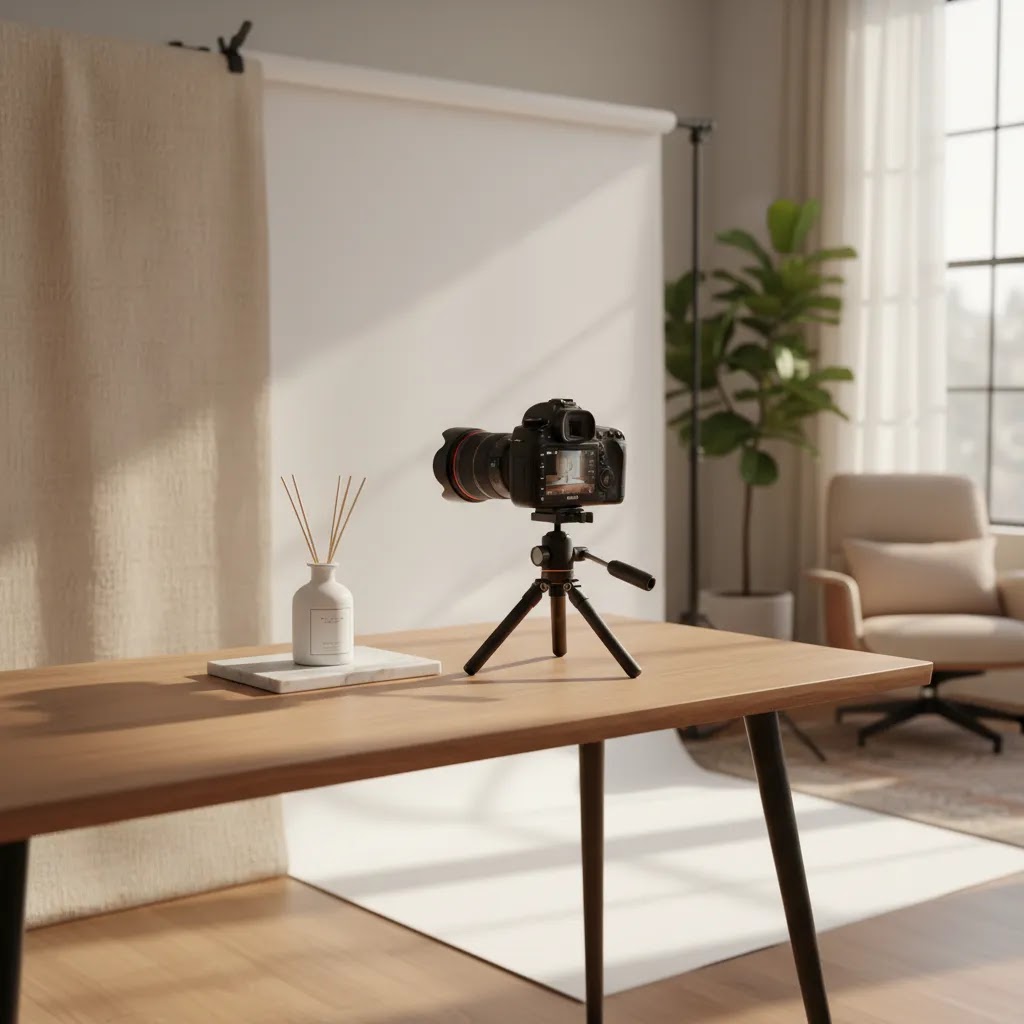
If you sell online, your product videos do more than show what an item looks like. They shape how premium, trustworthy, and relevant your brand feels in a few seconds. That is where video backgrounds matter. The right background can help focus attention, support your positioning, and make a simple product demo video feel polished enough for product pages, paid social, and marketplace listings. The wrong one can distract from the product or make your content feel generic. In this guide, you will learn how to evaluate video backgrounds for ecommerce use, what production options make sense for different store sizes, and where AI fits without overcomplicating your workflow. If you also want broader context on video strategy, see our guide to video advertising.
Contents
- Why video backgrounds matter for ecommerce
- What to look for in video backgrounds
- Where to get video backgrounds (and what “usable” really means for ecommerce)
- Pros and Cons
- Free video backgrounds: when they work and where they usually fall apart
- Who this approach is for
- AcquireConvert recommendation
- How to choose the right background approach
- How to change a video background (practical options for Shopify product content)
- Frequently Asked Questions
- Key Takeaways
- Conclusion
Why video backgrounds matter for ecommerce
Video backgrounds are not just a design choice. For ecommerce brands, they affect product clarity, perceived quality, and how well a shopper understands your offer. A clean white or neutral background can work well for catalog-style product video production, especially when you need consistency across many SKUs. A lifestyle or contextual background can help customers picture the item in use, which may be more effective for fashion, beauty, home, or gift products.
Most store owners do not need cinematic production to make video work. They need backgrounds that support conversion goals. On a Shopify product page, that usually means showing texture, scale, movement, and use case without clutter. In paid ads, it often means stopping the scroll while keeping the product central. For marketplaces, simpler usually performs better because it reduces visual noise.
There is also a workflow decision here. You can film with practical sets, use edited backgrounds, or build AI-supported visuals afterward. If you are already working with a product photography studio, you may want backgrounds captured in-camera for realism. If your team is lean, AI tools and editors can help extend one shoot into multiple creative variations.
That flexibility is why more merchants are reviewing not just video production quality, but also background adaptability across channels.
What to look for in video backgrounds
When you evaluate video backgrounds for product content, look at them through a store owner lens, not just a creative one. The question is not whether a background looks impressive. It is whether it helps a shopper understand and trust the product.
1. Product visibility comes first
Your background should support the item, not compete with it. High-contrast setups, controlled lighting, and restrained movement usually work better than busy scenes. This matters even more for smaller products like cosmetics, jewelry, or accessories, where detail carries the sale.
2. Reusability across channels
A good background approach should work for product pages, social ads, email campaigns, and short-form organic video. If you can only use a clip in one place, production costs rise quickly. Many merchants now build a core set of neutral clips, then create campaign variations from the same source footage.
3. Editing flexibility
If you need to swap, remove, or simplify backgrounds later, your production process should allow for that. This is where background isolation workflows become useful. If you expect to repurpose footage heavily, it is worth understanding when a video bg remover can help and when it may create unnatural edges or motion artifacts.
4. Alignment with your brand position
Luxury brands often benefit from minimal, controlled environments. Fast-moving consumer brands may want brighter, more energetic scenes. Fun novelty products might lean into more playful or even funny video backgrounds, but only if they still keep the product readable. If the background tone conflicts with your price point, customers notice.
5. AI support that saves time, not realism
AI can help with ideation, scene generation, and animation from still assets. That can be useful if you are exploring an ai product video workflow or trying to create concepts before a full production. Still, AI backgrounds should be judged carefully. They can save time, but they may also introduce inconsistencies in shadows, scale, or material accuracy. If you are considering motion from stills, our article on photo animation ai gives a useful next step.
The best background is usually the one that keeps your product understandable, matches the buying context, and can be reused without expensive rework.
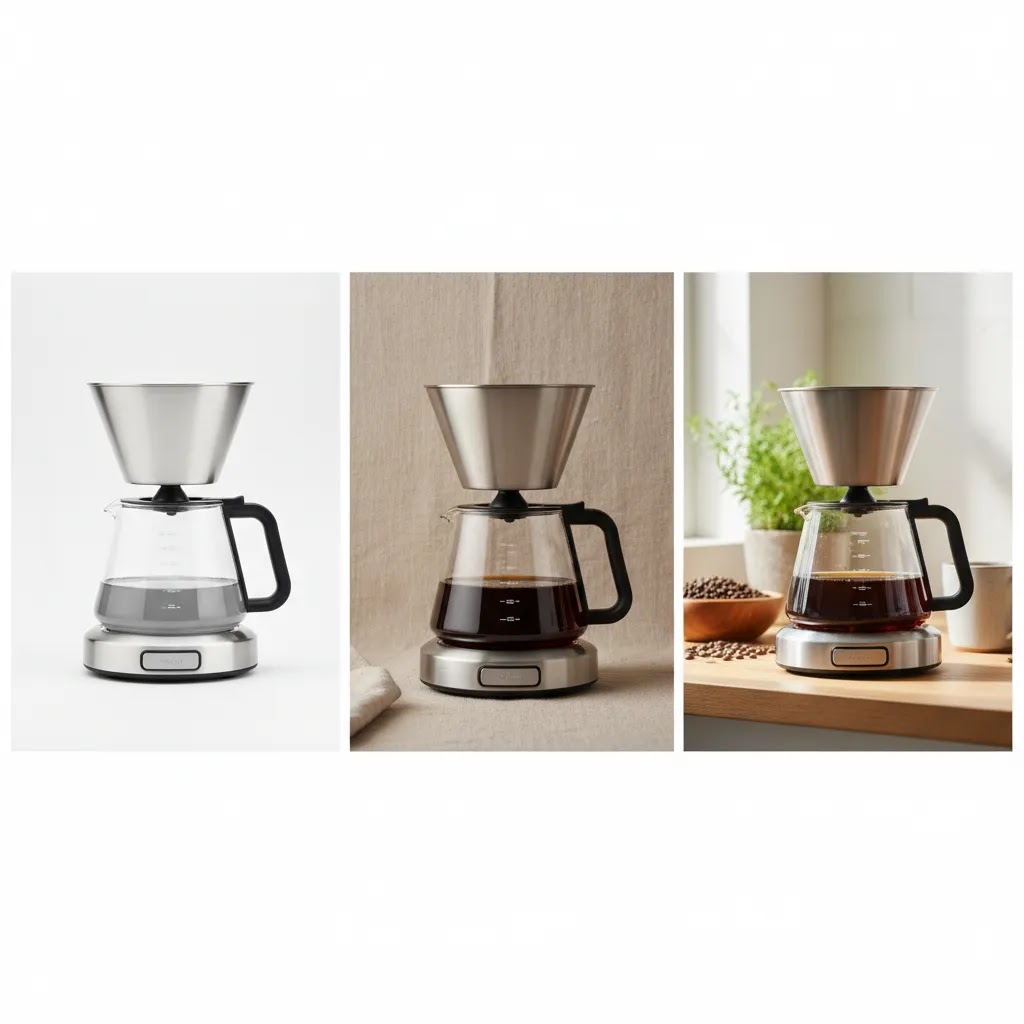
Where to get video backgrounds (and what “usable” really means for ecommerce)
Most competitor advice stops at “pick something that looks good.” The reality is you need backgrounds that are usable in the places that matter: your Shopify product page, paid social placements, and sometimes marketplace listings. Usable means the clip will not fall apart on mobile, will not create licensing headaches later, and will not force you into a heavy editing workflow just to make it look natural.
Stock video libraries (fastest path for most stores)
Stock libraries are usually the quickest way to find motion backgrounds when you need variety. They work well for abstract textures, soft bokeh, light leaks, subtle gradients, seasonal motion, and generic lifestyle motion where the background is not the main story. From a practical standpoint, stock can be a good fit for ad variations and collection-level creative where you are not trying to prove a specific product claim.
Here is the thing though, stock backgrounds can look “stock” fast. If you pick the same popular clips everyone else is using, your ad may blend in, and your product page may feel less premium. If you go this route, you typically get better results by committing to a small set of backgrounds that match your brand, then reusing them consistently.
Template-based editors (when you need speed and consistency)
Template-based editors can be a practical option when you need to ship creative every week and want guardrails. Many store owners use them to turn product footage into multiple versions: different colors, text overlays, or aspect ratios for placements. These tools often include built-in background clips, gradients, and motion graphics that look clean enough for ads.
The tradeoff is creative uniqueness. Templates can keep you consistent, but they can also make your content look like a template. If your products rely on craftsmanship or material detail, keep the template elements subtle so they do not overpower the product.
AI-generated motion loops (useful, but you need to police realism)
AI can generate loopable motion backgrounds or stylized scenes quickly, which is helpful for concepting and for more abstract backdrops. For ecommerce, AI is usually safest when the background is meant to feel like a texture or a vibe, not a literal environment. If the scene includes “real” objects like hands, rooms, or recognizable products, small errors can make the whole video feel untrustworthy.
If you use AI-generated loops, keep a human review step before publishing. Check the clip on a phone, because banding, weird gradients, and unnatural motion often show up more clearly there.
Filming simple in-house backdrops (the underrated ecommerce option)
For most Shopify store owners, filming your own backgrounds is more achievable than it sounds. You do not need a full set build. You can shoot subtle motion on paper rolls, textured surfaces, fabric, or a softly lit wall. Even a slow camera slide across a neutral surface can create a usable looping background.
This approach is especially useful when you want a “real” look that still feels clean. It can also help your brand look distinct, because no one else has your exact lighting, textures, or color palette. The downside is you need to think about consistency, lighting, and how you will store and reuse the footage so it stays efficient.
How to vet a video background fast for PDPs and ads
If you are deciding whether a clip is usable, you can usually identify problems in a two-minute check.
Start with resolution. 1080p is often fine for paid social and many onsite uses, especially if the video is not full-screen. 4K can give you more flexibility to crop and stabilize, but it also increases file size, export time, and storage. If you only choose one standard for a small team, 1080p is typically the practical default, as long as the clip is clean and not overly compressed.
Then check frame rate and motion. If the background is meant to loop, watch the loop point. You want the transition to be invisible. Jumps and “reset” moments can make even a premium product look cheap.
Compression artifacts matter more than many store owners expect. Look for blocky areas, muddy gradients, and color banding, especially in darker clips and smooth backgrounds. Those issues tend to get worse after you export again for ads or upload to platforms that recompress video.
Finally, judge it on mobile. A background that looks tasteful on a desktop monitor can feel busy on a phone. If your product gets visually lost at thumbnail size, it is not the right clip for a product demo video or PDP placement.
Licensing basics (especially “no copyright” claims)
Competitors often call out licensing because it is a common failure point for merchants running ads at scale. “No copyright” is not a license type. It is usually a marketing phrase that does not tell you what you can actually do with the asset.
What you want to confirm is commercial use. Can you use it in ads? Can you use it on product pages? Does it require attribution? Some assets are restricted to editorial use only, which typically means you cannot use them to promote a product or brand. That is a non-starter for ecommerce creative.
What many store owners overlook is how easy it is to lose track of licenses when you have a growing creative library. A simple licensing log can save you time later. Keep a record in the same folder as the asset: where it came from, the license type, the date you downloaded it, and any attribution requirements. If you ever change tools, hire an editor, or bring on a contractor, that paper trail keeps your workflow clean.
Pros and Cons
Strengths
- Strong video backgrounds can improve product focus by removing distractions and guiding the viewer toward key details.
- They help you tailor one product video creator workflow for multiple channels, including Shopify pages, paid ads, and social posts.
- Background choices can reinforce brand positioning, whether you sell premium, playful, minimalist, or lifestyle-led products.
- AI-assisted edits may reduce production overhead for small teams that need more creative variations from limited footage.
- Clean, repeatable backgrounds make it easier to keep a consistent look across a full catalog.
Considerations
- Creative backgrounds can weaken performance if they distract from the product or make dimensions and texture harder to read.
- AI-generated scenes may look unrealistic in motion, especially around reflections, shadows, and fine product edges.
- Highly customized video production can become expensive if each SKU requires a separate set, edit style, or concept.
- What works for ads may not work for product pages, so one background style rarely fits every placement.
Free video backgrounds: when they work and where they usually fall apart
Free video backgrounds can be useful, but you want to be clear about what “free” usually means in practice. In many cases, the library is limited, the visuals are widely used, and the file specs can be inconsistent. That does not make them unusable, it just means you need a tighter filter before you put them into live ads or a Shopify product page.
When free backgrounds can be a good fit
Free backgrounds can work well when the background is supporting content rather than the hero asset. Think abstract motion behind text, subtle texture for a product feature callout, or a quick test for a new ad angle where you are trying to validate a hook before investing in custom production.
They can also be helpful for internal concepting. If you are mocking up what a product video could look like, free assets can help you align your team without committing to a paid library yet.
Where free backgrounds usually fall apart
The biggest risk is generic creative. If your background looks like it came from a “free motion background pack,” your product can end up feeling like a commodity, even if it is not. That is especially risky for premium brands and for products where design is the differentiator.
Another practical issue is quality control. You may run into inconsistent resolution, heavy compression, or files that do not loop cleanly. Some free assets also come with attribution requirements, and some are redistributed in ways that make the licensing unclear. Watermarks are less common than they used to be, but they still show up, and you do not want to discover that after you have already built an ad set around the creative.
Checks to run before you ship a free asset into ads or Shopify
Start with file size and load impact. Video can slow down a product page quickly if you are not careful, especially if it is set to autoplay. Even if Shopify can handle hosting through your theme setup or a video platform embed, you still want to sanity-check how the asset behaves on mobile data. If a background adds friction, it can work against conversion.
Then check for color banding and gradient breakup. A lot of free motion backgrounds rely on smooth gradients, and those are exactly where compression artifacts show up. If you see stepping in the color transitions, it will usually get worse after exports and platform recompression.
Last, ask whether the background makes the product feel generic. If the same clip could sit behind any product in any niche, it may not be helping you differentiate. For ads, that can mean lower thumb-stopping power. For PDPs, it can mean a weaker sense of brand.
A simple workflow to keep free assets brand-safe
If you want to use free backgrounds without your creative looking random, keep the system small and intentional. Pick a limited set of clips that match your brand palette and energy. Standardize basic color grading so the assets feel like they belong together. Then reuse them on purpose, rather than rotating a new clip every week just because it is available.
Think of it this way, consistency is often what makes content look “premium,” even when it is made with simple tools. A tight background set can help your ads and onsite content feel cohesive across campaigns.

Who this approach is for
This evaluation is most useful if you run a Shopify store or another ecommerce business where visuals directly influence conversion. It fits merchants producing product launch videos, demo clips, social creatives, or marketplace assets. It is especially relevant for brands with growing catalogs that want repeatable content systems rather than one-off creative experiments.
If you are deciding between a product video production company, in-house production, or an AI-assisted product video maker workflow, your background strategy is one of the first choices to get right. It affects filming, editing, cost, and how credible your final content feels.
AcquireConvert recommendation
For most ecommerce teams, start simple. Use clean, product-first video backgrounds for core PDP and catalog assets, then add a small number of lifestyle or campaign-specific variations where they serve a clear purpose. That approach tends to be easier to scale and easier to test. As Giles Thomas brings a practitioner perspective as a Shopify Partner and Google Expert, AcquireConvert focuses on the kinds of decisions that matter in real stores: production efficiency, channel fit, and whether creative choices actually support the buying journey.
If you are building ads rather than only onsite assets, our guide to ai ad generator can help you assess faster creative workflows. You can also explore the broader Product Video & Animation section for related production and editing topics that connect directly to ecommerce growth.
How to choose the right background approach
There is no single best answer for every store. The right option depends on product type, your production setup, and where the content will be used. Use these five criteria to make a grounded decision.
1. Match the background to the buying stage
For bottom-of-funnel content like product pages and retargeting ads, clarity usually matters more than spectacle. A neutral or lightly contextual background often works best because it supports inspection. For top-of-funnel paid social, stronger motion and more stylized scenes may help attract attention, as long as the product remains central.
2. Consider the category
Beauty, apparel, food, and home products usually benefit from contextual scenes that show use. Electronics and technical goods often perform better with clean demos that highlight functionality. If your brand depends on material quality, lighting and backdrop texture become more important than visual effects.
3. Audit your workflow capacity
If you have a creative team or agency, practical sets and higher-touch production may be realistic. If you are operating lean, you may need a more modular setup using simple filmed backgrounds plus digital edits. That is often where AI concepting and post-production support are most valuable. They can help extend a shoot without forcing you into a fully synthetic look.
4. Test realism against efficiency
AI can speed up ideation and iteration, but realism still matters in ecommerce. Customers use product videos to reduce uncertainty. If your ai product video generator free test creates inconsistent motion, incorrect proportions, or strange hand interactions, the time savings may not be worth it. Review clips on mobile, because issues often stand out more there.
5. Build for repeatability
The best setup is one you can use again next month. That may mean standardizing a few background templates by collection or campaign type. A merchant with 200 SKUs should not approach backgrounds the same way as a single-product brand. If repeatable visual consistency is a priority, it may help to align video planning with your broader Catalog Photography workflow so stills and motion feel like part of the same brand system.
As a practical next step, review your top 10 products and assign each one to a content type: catalog, lifestyle, demo, or ad creative. Then choose one background style for each type. That will usually give you a clearer production plan than trying to reinvent every video from scratch.
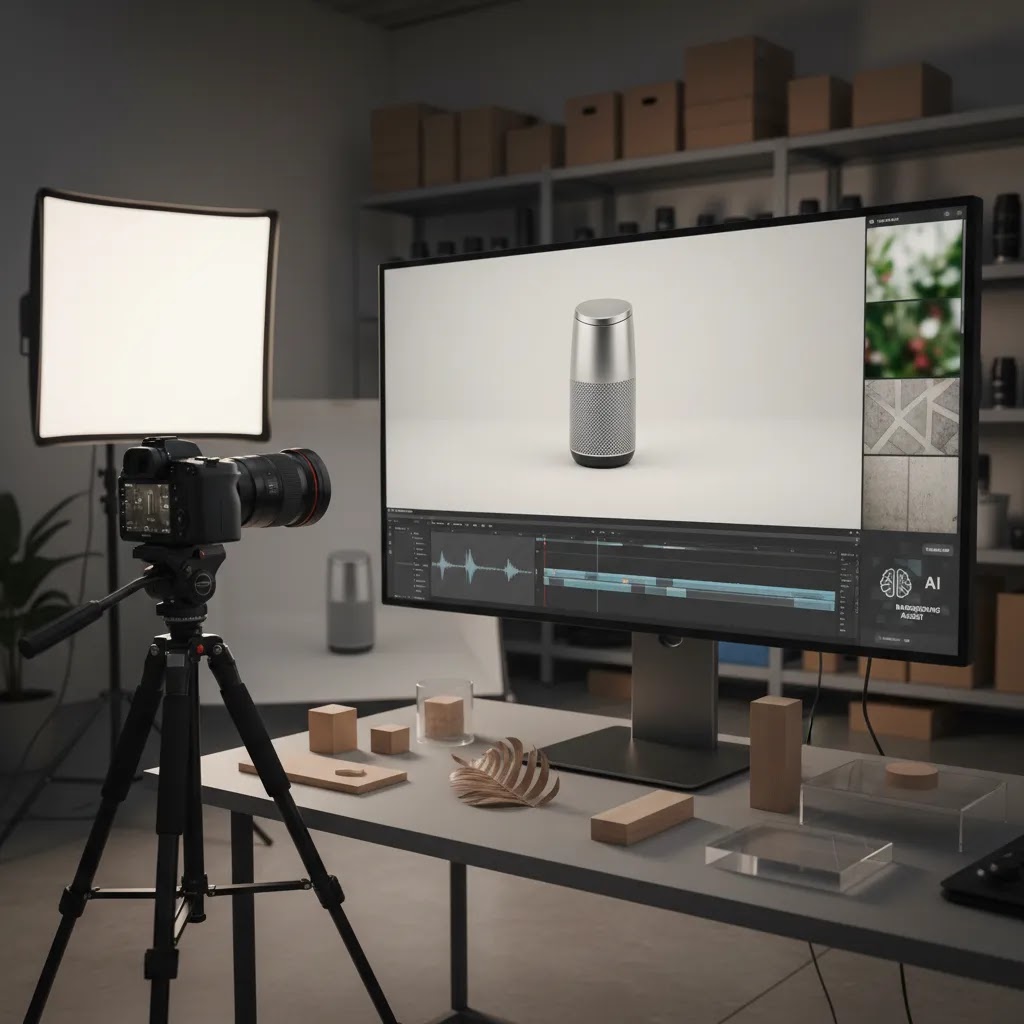
How to change a video background (practical options for Shopify product content)
If you want to change a video background, the approach you choose matters as much as the tool. Most store owners end up in one of three paths: film in a way that makes background change clean, remove the background with an isolation tool, or replace backgrounds directly in a video editor.
The way this works in practice is that you are balancing speed against how “real” the end result feels. For social ads, good enough can be good enough. For PDP videos, trust usually matters more, so you need to be more conservative.
Path 1: Film on a solid backdrop (best if you can plan ahead)
If you have not filmed yet, this is typically the highest-leverage move. A clean backdrop with controlled lighting gives you footage that is easier to isolate later. A smooth, evenly lit background reduces edge chatter and makes it more likely that automatic tools can separate the product cleanly.
For ecommerce products, neutral backdrops also keep your core footage reusable. You can cut the same product demo into a clean PDP version and a stylized ad version without reshooting.
Path 2: Use a background remover (fastest for simple products, not always perfect)
If the footage already exists, a background removal workflow can help you extract the product and place it onto a new scene. This is where a video bg remover can be useful, especially for products with clear edges and minimal motion blur. In many cases, you can get a result that works for short ads, story placements, or quick creative tests.
Consider this, the hard cases are not obvious until you try. Hair, fur, sheer fabrics, glass, reflective metals, and transparent packaging are the usual failure points. Motion blur and fast hand movement can also create a cut-out look. Even when the tool technically removes the background, small edge flicker can make the clip feel artificial.
Path 3: Replace backgrounds inside a video editor (more control, more time)
Replacing the background in an editor can give you more control over mask cleanup, feathering, and color matching. It is usually the path you take when you care about realism and brand finish, or when the product has tricky edges that automated tools do not handle well.
The downside is time. Manual cleanup and rotoscoping can be slow, and you can burn hours chasing perfection. For most Shopify store owners, it is worth reserving this level of effort for hero creatives, bestsellers, or campaigns where the creative is carrying most of the performance.
What to watch for when swapping backgrounds
Background changes fail for predictable reasons. Shadows do not match the new environment. Reflections show the original scene. Edges shimmer because the mask is unstable frame to frame. The product looks like it is floating because there is no contact shadow. Color temperature can also give it away, for example, a warm product clip placed on a cool, blue-toned background.
If you want a quick quality check, look at the edges first, then look at the “grounding” next. If the product does not feel anchored to the scene, shoppers often sense it even if they cannot explain why.
A practical decision rule: ads versus PDP trust
For prospecting social ads, an automated background change may be acceptable if the product remains readable and the clip looks clean on mobile. You are often buying attention, and speed matters because you may test multiple variations.
For Shopify PDPs, be more careful. PDP video is doing a trust job. If the background replacement introduces an artificial look, it can create hesitation, especially for higher-priced products where shoppers are trying to verify materials and finish. In many cases, a real, simple original scene will convert better than a heavily edited background that looks slightly off.
What many store owners overlook is that you can run both. Keep the PDP version clean and realistic, then use more aggressive background swaps for ads where you need creative volume and fast testing.
Frequently Asked Questions
What are the best video backgrounds for product pages?
For most product pages, simple backgrounds work best because they keep attention on the item. White, neutral, or lightly textured setups are often effective for showing details clearly. If you use a lifestyle scene, keep it relevant to the product and avoid anything that competes visually with the main selling points.
Should I use funny video backgrounds in ecommerce ads?
Funny video backgrounds can work if your brand voice is playful and the humor supports the product instead of distracting from it. They are usually better suited to social ads than product pages. Test them carefully, because what improves attention at the top of the funnel may reduce clarity later in the buying journey.
Is AI product video good enough for Shopify stores?
AI product video can be useful for concepting, lightweight creative variations, or turning static assets into motion. For Shopify stores, it is most helpful when it saves time without making the product look inaccurate. If texture, fit, or reflective surfaces are important, review AI outputs closely before publishing.
Do I need a product video production company?
You may not need one if your products are simple to film and your team can manage lighting, editing, and scripting. A product video production company becomes more valuable when you need consistent output across many SKUs, stronger storytelling, or channel-specific edits for ads, PDPs, and marketplaces.
What is the difference between a product demo video and a lifestyle video?
A product demo video focuses on how the product works, what features it has, and how it solves a problem. A lifestyle video shows the product in a real or aspirational setting. Ecommerce brands often need both, with demos supporting decision-making and lifestyle content helping shoppers imagine ownership.
Can I create product videos from photos?
Yes, in many cases you can create motion-based content from still images using animation tools and AI-assisted effects. This can be a practical option if you have strong product photography but limited video footage. If you are exploring that route, see our related guide on photo animation ai.
When should I remove or replace a video background?
You should consider replacing a background when the original scene is distracting, inconsistent with your brand, or unusable across multiple channels. Background replacement can also help if you need localized campaign variations. If that is your workflow, learn where a video bg remover fits and where manual cleanup may still be needed.
How do I choose backgrounds for paid ads versus onsite content?
For paid ads, backgrounds can be more attention-grabbing as long as the product remains obvious within the first seconds. For onsite content, clarity and trust usually matter more. Many brands use more dynamic backgrounds in prospecting ads and cleaner backgrounds on product pages to reduce purchase hesitation.
Can background choices affect conversion rate?
They can, because backgrounds influence clarity, perceived quality, and how quickly shoppers understand what you sell. Still, results vary by category, audience, traffic source, and offer strength. Treat background style as one test variable within your wider product page and creative optimization process, not as a guaranteed performance lever.
How do I put a background for a video?
You typically do it in one of two ways: you either film the product on a controlled backdrop so it is easy to isolate, or you remove the existing background in editing and place the product layer over a new video background. For ecommerce, the key is making the product look anchored in the new scene, with believable edges, shadows, and color match. Always preview the final export on mobile before using it in ads or on your Shopify product page.
Where can I get free motion backgrounds?
You can find free motion backgrounds in free stock video libraries and in some template-based editors that include a free tier. The practical issue is consistency. Before you use any free clip in ads or onsite content, confirm the license allows commercial use, check for attribution requirements, and review the file quality for compression artifacts and clean looping.
Which app can change video background for free?
Some video editing apps and background removal tools offer free plans or trials that can handle simple background changes. Whether it works well depends on your footage. Clean edges, steady lighting, and minimal motion blur are usually the difference between a usable result and a cut-out look. If you are planning to use the clip on a Shopify product page, test a short section first and watch closely for edge flicker, shadow mismatch, and reflections.
Key Takeaways
- Choose video backgrounds based on product clarity first, creative style second.
- Use simpler backgrounds for PDPs and more dynamic ones for attention-driven ad placements.
- AI-assisted backgrounds may help with speed and variation, but always check realism on mobile.
- Build repeatable background systems by product type so production stays efficient as your catalog grows.
- The best ecommerce video background is the one that supports trust, understanding, and reuse across channels.
Conclusion
Video backgrounds are a practical ecommerce decision, not just a creative one. They influence how clearly customers see your product, how premium your brand feels, and how efficiently you can produce content at scale. For most store owners, the smartest approach is to start with simple, repeatable backgrounds for core assets and add more stylized variations only where they serve a clear campaign goal. That keeps production manageable while giving you room to test what resonates.
If you want more guidance, explore AcquireConvert’s Product Video & Animation resources and related visual content coverage. Giles Thomas’s experience as a Shopify Partner and Google Expert helps keep the advice grounded in what actually matters for store growth, not just what looks good in a creative brief.
This article is editorial content for educational purposes and is not a paid endorsement unless explicitly stated otherwise. Any tool capabilities, workflows, or production outcomes discussed here may vary by use case. Results are not guaranteed. If you evaluate third-party services or software mentioned in related resources, confirm current pricing, features, and terms directly with the provider, as these are subject to change.

Hi, I'm Giles Thomas.
Founder of AcquireConvert, the place where ecommerce entrepreneurs & marketers go to learn growth. I'm also the founder of Shopify agency Whole Design Studios.