Video BG Remover: Clean Product Clips (2026)

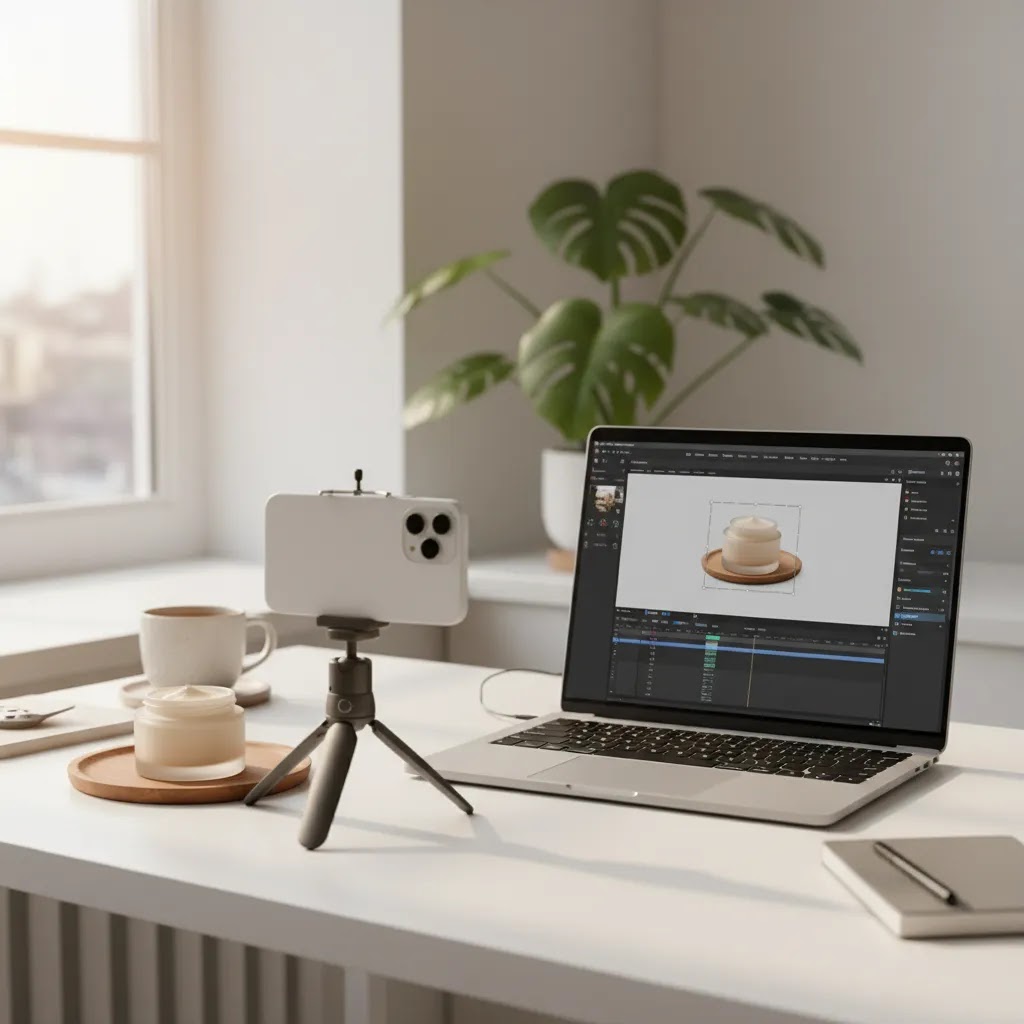
If you sell online, messy video backgrounds can make even a strong product look less polished. A good video bg remover helps you create cleaner product demos, social ads, and marketplace-ready clips without booking a studio every time. For Shopify merchants, that matters because product videos often sit close to the add-to-cart button, paid social creatives, and landing pages where visual trust does a lot of work. This guide looks at what to evaluate before choosing a background remover for video, where these tools fit into your production workflow, and where they fall short. If you are building a broader motion content strategy, it also helps to understand how product clips support video advertising across your store and acquisition channels.
Contents
- What a video bg remover is actually useful for
- Replace the background, do not just remove it
- Key features ecommerce teams should prioritize
- Output formats, transparency, and “no watermark” realities
- Pros and Cons
- Who should use one
- AcquireConvert recommendation
- How to choose the right option
- Upload requirements and footage specs that affect results
- Frequently Asked Questions
- Key Takeaways
- Conclusion
What a video bg remover is actually useful for
A video background remover isolates the subject in a clip so you can replace, simplify, or eliminate the original background. For ecommerce, that usually means turning a handheld product demo, creator clip, or quick phone-shot video into something cleaner and more consistent with your brand.
This is especially useful if your team creates content in batches. You might film ten skincare demos in an office, then swap in a cleaner branded look later. Or you might reuse a product clip across PDPs, paid social, and email campaigns where different aspect ratios and creative treatments are needed.
The biggest advantage is flexibility. Instead of reshooting everything, you can often adapt existing footage for different placements. That can be valuable when you are testing offers, creating seasonal creatives, or trying to keep visual consistency across channels.
Still, a background remover video tool is not magic. Fine hair, reflective packaging, transparent bottles, jewelry, and fast hand movements can all create edge issues. If your product relies on texture, shadows, or realistic context, a fully removed background may look less natural than a controlled set. That is why merchants often combine removal tools with better video backgrounds and a stronger capture setup from the start.
Replace the background, do not just remove it
Most store owners search for a “remove background” tool, then realize the more useful question is what you will replace it with. Removing a background creates a cutout. Replacing the background creates a scene, and scenes are what make a clip feel intentional on a PDP or in an ad.
From a practical standpoint, there are three common replacement options.
Transparent-style output is what people expect, a subject on “nothing,” so you can place it anywhere. The reality is that true transparency is less common in video workflows than in image workflows. It can be useful in certain creative stacks, but for many Shopify merchants the more reliable approach is exporting with a new background baked into the video.
Image backgrounds are the simplest way to improve consistency. You can place a product demo onto a clean gradient, a branded color, or a subtle texture that matches your storefront. This is often enough for PDP clips where you want focus and clarity more than cinematic realism.
Video backgrounds are where ecommerce creative testing gets interesting. You can put the same product clip on top of a soft motion background, a seasonal scene, or a lifestyle b-roll layer that matches an ad concept. For offer testing, this can help you create multiple versions of an ad without reshooting the core demo.
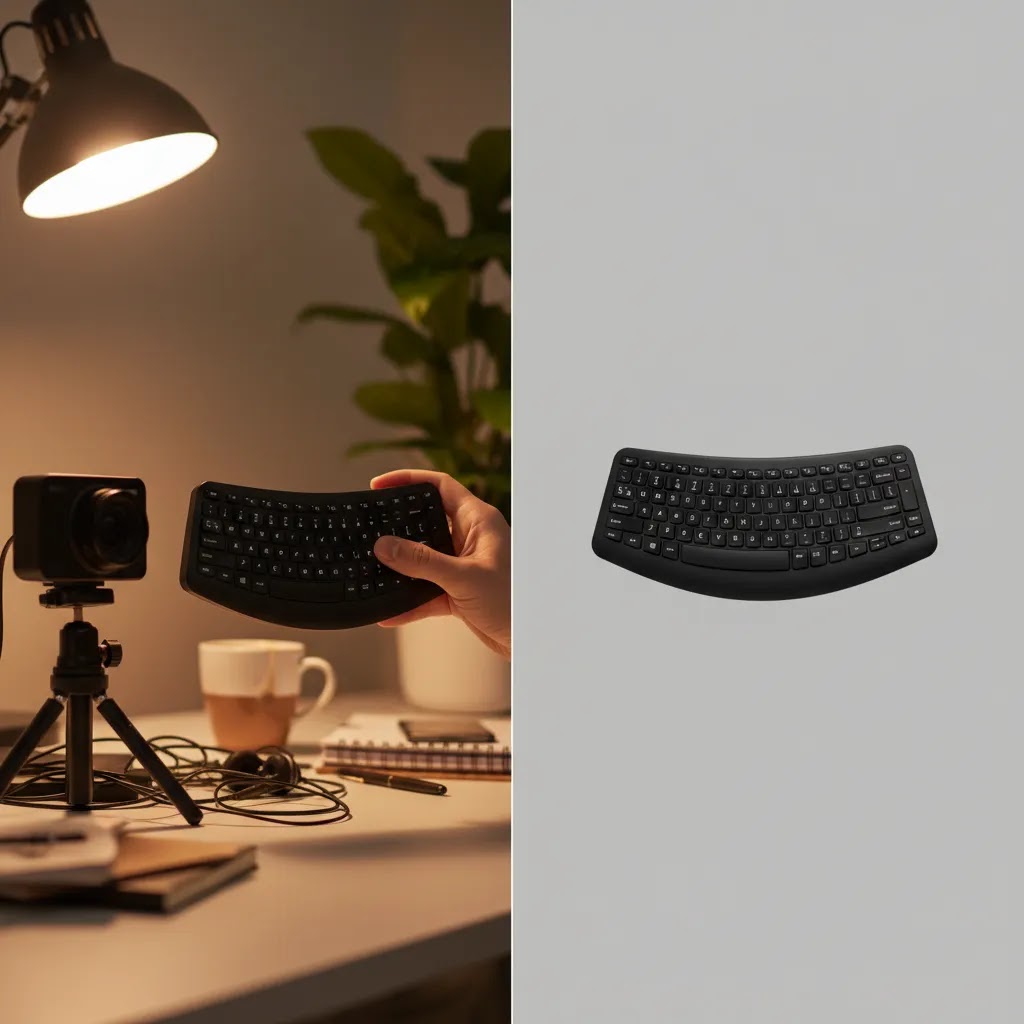
Here is the thing. A background replacement often looks more natural than a cutout on a flat color when your product needs believable depth cues. Think reflective packaging, glass, or anything where shadows and lighting help the viewer understand shape and quality. A flat replacement can make the subject feel like it is floating, which can reduce trust for premium products.
The way this works in practice is simple. You remove the background once, then iterate on multiple scenes for creative testing. That can save time, but you still need to watch for common artifacts like edge flicker, wobble around hands, and missing shadows. If a tool offers shadow controls or edge refinement, it can make the final result feel less “cut out” and more like a real shot.
Key features ecommerce teams should prioritize
If you are evaluating a video background remover, start with output quality before anything else. A clean edge around the product matters more than a long feature list. For ecommerce clips, viewers notice poor masking fast, especially on bottles, apparel, accessories, and products shown in-hand.
Subject detection accuracy should be your first checkpoint. Tools that work well on a person speaking to camera may struggle with small packaged goods, soft fabrics, or products held close to the lens. Ask whether the tool can keep natural contours without clipping corners or creating a halo effect.
Export flexibility is next. You may need square, vertical, and horizontal outputs for PDPs, Meta ads, TikTok, or YouTube. A strong workflow lets you remove the background once, then adapt the clip for several placements without rebuilding from scratch.
Editing controls also matter. If you can refine the cutout, soften edges, or place the product into a cleaner branded scene, the tool becomes more usable. For still image workflows, tools like AI Background Generator, Free White Background Generator, and Background Swap Editor show the kind of background editing flexibility many merchants already expect from product imagery.
Speed matters too, but only after quality. If your team publishes frequent product updates, social ads, or creator-led clips, a fast workflow saves time. But a quick export is not useful if the final result looks artificial or requires manual cleanup in another editor.
Finally, think about workflow fit. If you already create static product visuals with tools such as Creator Studio or edit product images in Magic Photo Editor, it makes sense to choose motion tools that fit the same production logic: batch-friendly, reusable, and simple enough for a marketer or founder to operate without a full creative team.
Output formats, transparency, and “no watermark” realities
What many store owners overlook is that “background removed” is not the finish line. The export you get determines whether the clip is actually usable on a product page, in an ad account, or in a marketplace upload flow.
For most Shopify use cases, the most practical export is a standard MP4 with a replaced background. It plays everywhere, uploads cleanly, and it is easy to edit again later. True transparency in video is trickier. Some tools support formats that can carry an alpha channel, often as WebM with alpha, but that is not consistently supported across every ad workflow, editing tool, or marketplace. In other words, transparency can be useful, but it is less plug-and-play than people expect.
If you do want transparency, check what the tool actually exports, and where you plan to use it. A transparent video that does not upload correctly is just a time sink. In many cases, exporting a clean MP4 with the final background already baked in is the fastest path to a clip you can ship.
Now, when it comes to “free” tools, the phrase often hides practical limits. Common constraints include watermarks, resolution caps, restricted export formats, or a processing queue that slows down batch work. Some tools let you preview without a watermark but add it to exports. Others allow one clean export, then lock the rest behind an account or a plan.
To avoid wasting time, verify three things before you commit to a workflow: whether exports include a watermark, what resolution you can export at, and whether you can export in the format you need for your placements. If you are testing a tool for your store, run a real export and upload it to the channel you care about, not just a preview in the editor.
Consider this quick decision guide for common Shopify-driven placements.
- PDP video: prioritize clean edges, stable masking, and a high-resolution MP4 export. A replaced background typically looks more intentional than chasing transparency that may not display consistently.
- Meta and TikTok ads: prioritize aspect ratio variants, export stability, and file sizes that upload reliably. You will usually want MP4, plus the ability to create multiple background variations without reshooting.
- Marketplace listings: prioritize compliance and clarity. Many marketplaces prefer straightforward video formats, so a clean, high-quality MP4 with a simple background is often the safest approach.
Pros and Cons
Strengths
- Helps create cleaner product demos for PDPs, paid social ads, and email creatives without a full studio reshoot.
- Can make existing footage more reusable across different channels and aspect ratios.
- Useful for small ecommerce teams that need a faster content workflow and more brand consistency.
- Works well for test creatives where you want to compare different visual treatments around the same core clip.
- May reduce dependence on highly controlled filming environments for simple product-focused shots.
Considerations
- Quality varies a lot with reflective, transparent, textured, or fast-moving subjects.
- Removed backgrounds can look unnatural if lighting, shadows, and scene depth are not handled well.
- Many merchants still need separate editing tools for trimming, resizing, captions, and final ad assembly.
- Some clips are better shot on a real set than artificially isolated, especially for premium or tactile products.

Who should use one
A video bg remover is most useful for ecommerce teams that publish product clips often but do not have an in-house studio or editor. That includes Shopify merchants running paid social tests, founders filming quick demos on a phone, and lean marketing teams repurposing creator content.
It is a particularly good fit if you sell products that benefit from direct demonstration, such as beauty, accessories, gadgets, home goods, or apparel styling. It can also help if you want visual consistency across your storefront, ads, and social placements.
If your products depend heavily on realism, luxury texture, or environmental storytelling, use removal selectively. In those cases, a stronger physical setup or even a dedicated product photography studio workflow may produce better results than aggressive background isolation on every clip.
AcquireConvert recommendation
For most store owners, the right decision is not simply finding the best video background remover online. It is choosing a workflow that matches how you actually produce ecommerce content. Giles Thomas approaches this from a practical operator perspective as a Shopify Partner and Google Expert. That means looking at whether a tool helps you create assets that are usable on product pages, in ads, and inside broader acquisition campaigns, not whether it only looks impressive in a product demo.
If your product clips are part of a bigger creative system, explore AcquireConvert’s hub on Product Video & Animation for adjacent strategies. If you are experimenting with motion from static assets, our guide to photo animation ai is a useful next read. And if your end goal is performance creative rather than editing alone, review our take on the ai ad generator workflow. That gives you a more complete view of how cleaned-up product clips fit into actual revenue-driving campaigns.
How to choose the right option
Most merchants do not need the most advanced tool on paper. They need one that produces usable product clips with minimal friction. Use these five criteria to evaluate your options.
1. Start with your product type
Background removal is easier for some products than others. Boxes, tools, and rigid items are generally simpler. Hair, flowing fabric, glass, cosmetics packaging, jewelry, and products with transparency are harder. Before subscribing to anything, test with your hardest SKU, not your easiest one.
2. Match the tool to the placement
A clip for a PDP has different needs than a short ad for paid social. PDP videos usually need clarity and clean presentation. Ads may need stronger motion design, text overlays, or scene changes. If you are focused on visual consistency rather than aggressive ad editing, a simpler background remover may be enough. If you need stronger creative assembly, you may need a broader editor too.
3. Check how much cleanup the tool still needs
Automation is only helpful when the result is usable. If every clip needs manual correction, time savings disappear fast. Run a realistic test with hand movement, rotation, and close-up product interaction. Pay attention to edge flicker, missing details, and how stable the subject mask remains frame to frame.
4. Think in batches, not one-offs
Ecommerce teams usually create content in sets. A better tool supports repeatable output across several products and campaigns. That might include reusable templates, quick background swaps, simple resize options, or compatibility with your broader visual workflow. If you already use static asset tools for white background listings or enhanced image cleanup, a related editing stack can make training and production easier. AcquireConvert’s Background Removal & Editing resources can help you map that process.
5. Do not ignore source footage quality
The best video background remover ai workflow still depends on decent footage. Clean lighting, clear subject separation, and controlled camera movement improve results more than most merchants expect. If your clips constantly fail, the issue may be your capture process, not the software. In many cases, better framing, lighting, and simpler staging will improve output before you change tools.
For merchants building a larger content library, it helps to combine background removal with stronger planning around product motion, scene design, and visual hierarchy. That is where resources on video backgrounds and broader visual production can save time later.
Upload requirements and footage specs that affect results
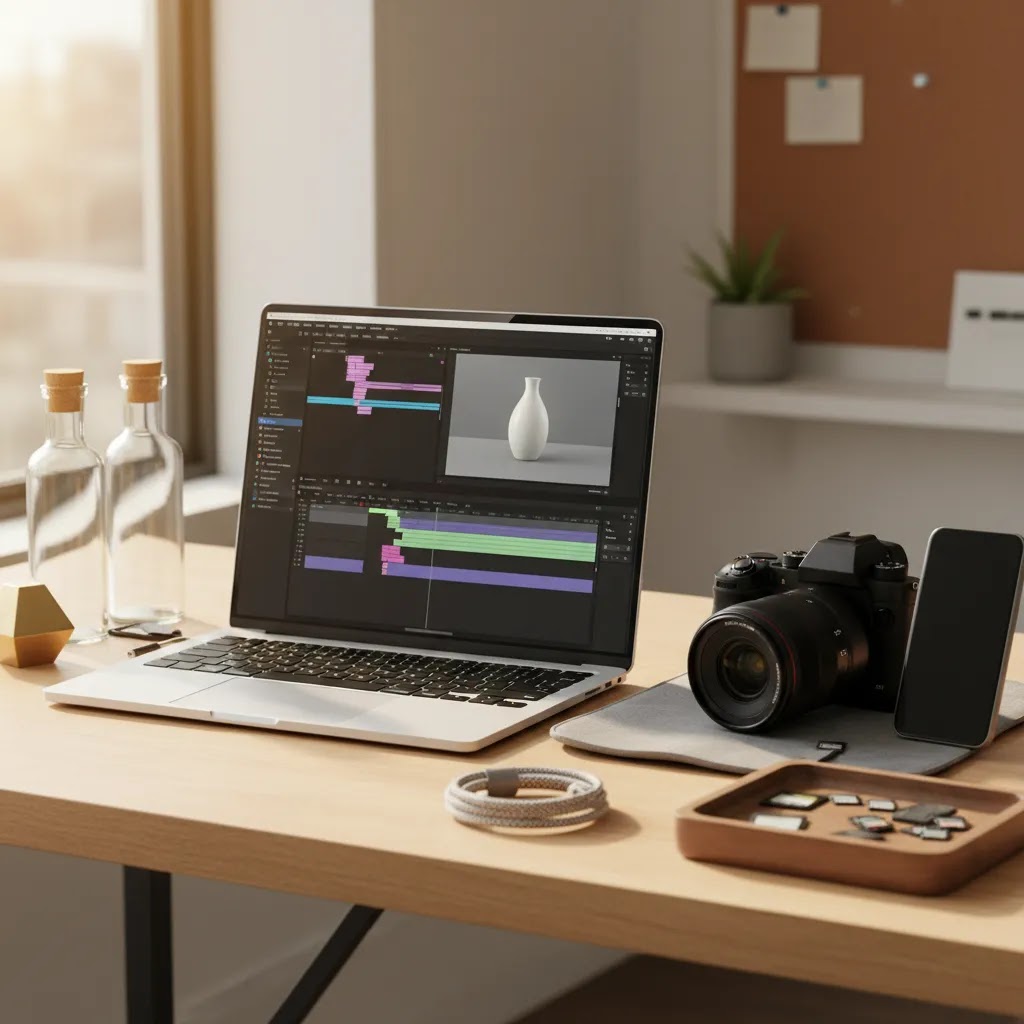
Background removal tools can feel inconsistent if you ignore the basics of file handling. Competitors tend to spell this out because it matters. If your uploads fail, export quality drops, or processing takes forever, it usually comes back to formats, resolution, and how the clip was captured.
Most online video background remover tools support common upload formats like MP4 and MOV. Some also accept WebM and GIF. That said, support varies, and an accepted upload does not always mean you will get a high-quality result. If you want to avoid quality loss, prepare your source clips in a standard format and do not rely on a platform to auto-convert a weird codec.
Capture and prep choices also affect keying quality more than many store owners expect. If you are filming in-hand demos, focus on consistency.
- Resolution: higher resolution typically gives the remover more detail to work with, especially around fingers, edges, and small product features. If you plan to crop for vertical ads later, extra resolution helps.
- Lighting consistency: flickering light sources and mixed color temperature can confuse the mask. Keep lighting stable, and avoid harsh backlighting that washes out edges.
- Background contrast: you do not need a green screen, but you do want separation. If the product and background are the same color, expect more errors and more haloing.
- Motion blur: fast hand movement and low light can create blur, and blur is where masks break. If your phone allows it, use brighter light so the camera can capture sharper frames.
Processing time is another practical bottleneck. A tool can be “fast” on a 5 second clip and still crawl on a 30 second clip with lots of movement. Clip length, resolution, and edge complexity all affect render time. If you are building a batch workflow for a product launch, test a realistic batch size early so you know whether you can process ten clips in an hour, or whether you will need to stagger production across a day.
Frequently Asked Questions
What is a video bg remover?
A video bg remover is a tool that detects the main subject in a clip and separates it from the original background. For ecommerce, that often means isolating a product demo, creator video, or in-hand clip so you can replace the background with a cleaner branded scene or a simple transparent-style effect.
Is a free video background remover good enough for product clips?
Sometimes, yes for simple testing. If your product has clean edges, minimal motion, and straightforward lighting, a free video background remover may be enough for social experiments or internal drafts. For live campaigns or PDP placement, you usually need to inspect export quality closely before publishing anything customer-facing.
Do Shopify store owners need a video background remover?
Not always. If your current product videos already look polished and convert well, adding another editing step may not help. But if you create clips on a phone, work with creators remotely, or repurpose content across several channels, a background remover for video can make your assets more consistent and easier to reuse.
What types of products are hardest for background remover video tools?
Transparent bottles, reflective packaging, fine jewelry, soft fabrics, loose hair, and fast-moving hands are common trouble spots. These objects create edge and motion challenges that can cause flicker or unnatural cutouts. In those cases, stronger lighting and cleaner source footage often matter as much as the software itself.
Can I use removed-background clips in ads?
Yes, many merchants do. Cleaned-up clips can work well in paid social and other short-form ad placements, especially when you need a consistent look across many creatives. Just make sure the final result still feels believable and product-focused. If it looks over-processed, it may reduce trust rather than improve performance.
How is a video background remover different from image background removal?
Image tools only need to solve one frame. Video tools need to maintain that cutout across every frame while handling movement, shadows, and scene changes. That makes video removal harder. If you already use still-image workflows for listings, you can think of video removal as the same idea with more technical complexity.
Should I remove the background or just improve it?
That depends on the product and the channel. Full removal works well for clean, focused demos and modular ad production. Improving the setting can be better for premium products where texture, realism, or lifestyle context matters. Many brands get the best results by mixing both approaches rather than choosing one for everything.
Can AI replace a real studio setup for ecommerce video?
No, not fully. AI can help salvage or adapt footage, but it does not automatically replace controlled lighting, natural shadows, and strong creative direction. For hero assets, launches, or premium brand campaigns, real production often still matters. AI tools are usually best treated as workflow support, not a full substitute.
What should I test before paying for a tool?
Upload footage with your hardest product case, export in the sizes you actually use, and check edge quality on desktop and mobile. Review whether the subject stays stable, whether the background swap looks natural, and how much manual cleanup is still required. Also check if the output suits both PDP and ad placements.
What video formats are supported for video background removal?
Many tools support common uploads like MP4 and MOV, and some accept WebM and GIF. Supported formats and codecs vary by provider, so if you depend on a specific workflow, check the upload requirements before you start editing. For exports, MP4 is typically the most universally usable format for ecommerce placements.
Can I remove a video background without a green screen?
Yes. Many video bg remover tools can isolate a subject without a green screen, especially when there is clear separation between the subject and the background. You usually get better results with clean lighting, steady framing, and a background that contrasts with the product or hands.
How do I remove a video background online without a watermark?
You need to verify the export behavior, not just the preview. Some tools advertise free background removal but add a watermark on export, limit resolution, or restrict formats unless you create an account or upgrade. The safest approach is to export a real clip and confirm it is watermark-free at the resolution you need before you invest time processing a full batch.
How long does it take to remove a video background?
Processing time depends on the tool and your clip. Length, resolution, and how complex the edges are all affect render time. A short, stable clip may process quickly, while longer clips with fast hand movement or fine details can take longer, especially if the service is busy or uses a queue for certain export options.
Key Takeaways
- Choose a video bg remover based on output quality with your actual products, not generic demos.
- Use background removal to extend the life of product clips across PDPs, ads, and social content.
- Expect limitations with reflective, transparent, and fast-moving subjects.
- Better source footage often improves results more than switching tools repeatedly.
- Think in workflows: capture, cleanup, resizing, and ad assembly should all fit together.
Conclusion
A good video background remover can be a useful part of your ecommerce creative stack, especially if you need cleaner product clips without rebuilding your production process from scratch. The key is to judge it by commercial usefulness, not novelty. If the output makes your PDP videos clearer, your ads more adaptable, and your content workflow faster, it is doing its job. If not, the better fix may be stronger source footage or a different production setup.
For more practical guidance, explore AcquireConvert’s resources on Product Video & Animation and related visual workflows. Giles Thomas brings a Shopify Partner and Google Expert perspective to these decisions, with advice built around how real store owners create, test, and improve content that supports conversion.
This article is editorial content and not a paid endorsement unless explicitly stated otherwise. Pricing and product availability are subject to change, so verify current details directly with each provider. Any performance outcomes from video editing or creative tools will vary by product type, footage quality, channel, and execution. No specific results are guaranteed.

Hi, I'm Giles Thomas.
Founder of AcquireConvert, the place where ecommerce entrepreneurs & marketers go to learn growth. I'm also the founder of Shopify agency Whole Design Studios.