Increase Image Resolution for Product Photos (2026)

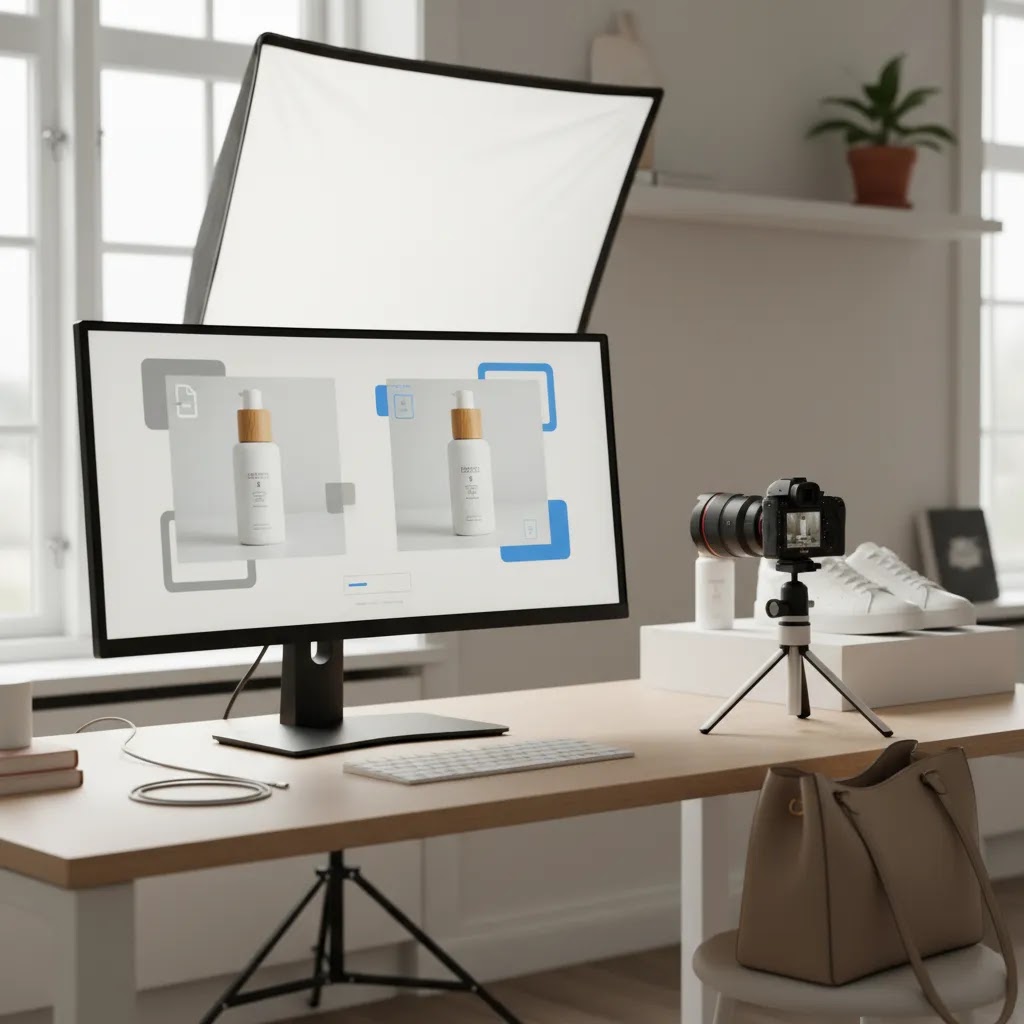
If your product photos look soft, pixelated, or too small for zoom features, you do not always need to reshoot everything. In many ecommerce workflows, the faster fix is to increase image resolution with an AI upscaling tool, then clean up the result before publishing. That matters on Shopify product pages, collection pages, and ad creatives where image quality can affect trust and conversion behavior. If you are still comparing related editing options, it also helps to understand where resolution enhancement fits alongside tools like an ai background generator. In this guide, you will see when image upscaling makes sense, what it can and cannot fix, and how to choose the right workflow for your product photography.
Contents
What increasing image resolution actually means
When you increase image resolution, you are usually enlarging an image while trying to preserve or improve perceived sharpness. For product photos, that often means taking a smaller source file and making it suitable for product page zoom, marketplace uploads, social ads, or higher-density screens.
There is an important trade-off here. Upscaling can improve usability and visual quality, but it cannot recreate perfect detail that was never captured in the original photo. If the source image is heavily blurred, poorly lit, or compressed, AI may improve it, but the result may still need manual review.
For ecommerce store owners, the practical goal is not technical perfection. It is getting product images to a usable standard without slowing your merchandising workflow. In many cases, the best process is to upscale first, then make other edits such as background cleanup or text removal. If you are evaluating adjacent options, AcquireConvert’s Background Removal & Editing resources help map where upscaling fits in the broader image optimization process.
How AI upscaling works (and when it fails)
Here is the thing. Not all “increase image resolution” tools are doing the same kind of work under the hood. Traditional upscaling is basically smart resizing. It estimates new pixels based on the pixels already there. AI upscaling goes a step further. It has been trained on large sets of images, so it tries to predict what detail should look like when the image gets bigger.
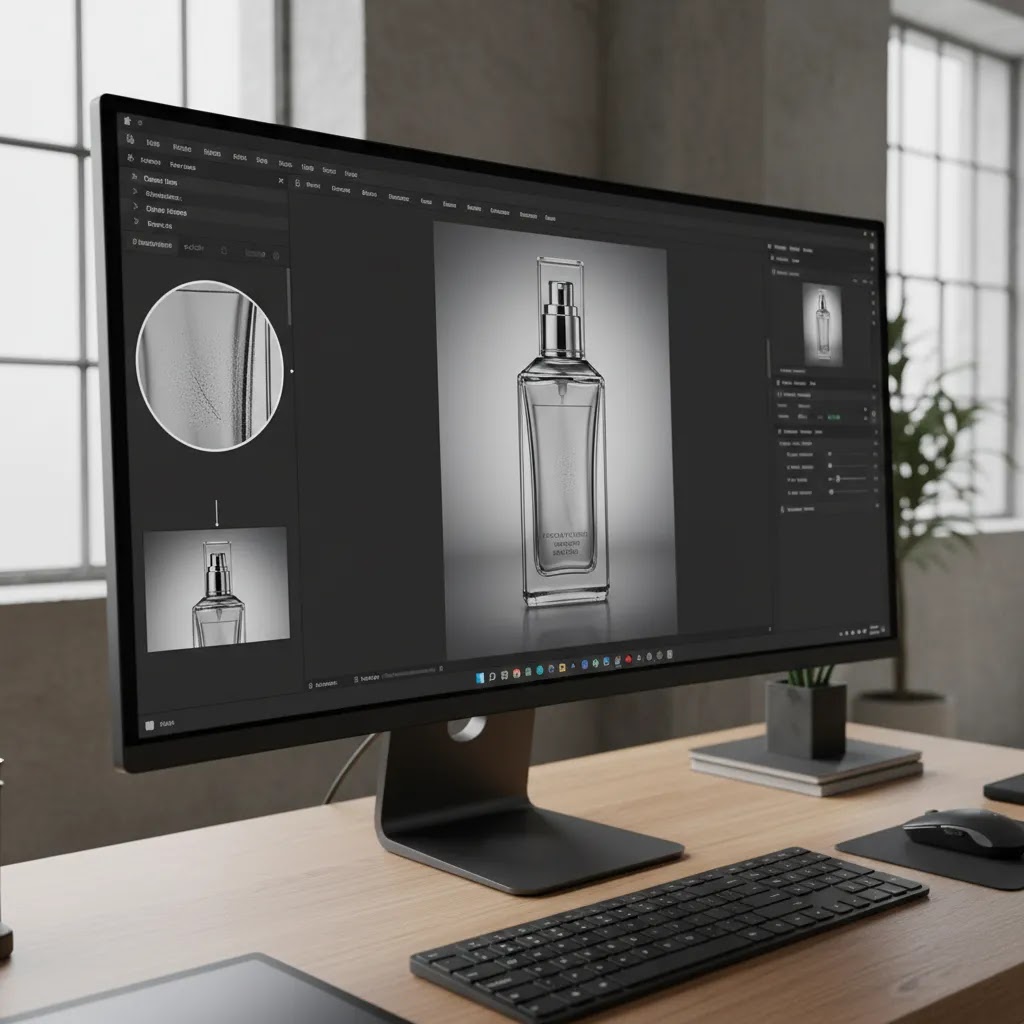
That is why AI can make a low-resolution product photo look sharper than a simple resize. It is also why AI can sometimes invent texture that is not really there. For ecommerce, that matters because shoppers use tiny cues, fabric weave, label printing, embossing, and surface finish, to judge whether a product looks legitimate.
Common failure modes to watch for in product photos
From a practical standpoint, you can usually spot bad upscales in a few seconds if you know what to look for. The most common issues show up around edges, text, and repeating patterns.
When to change tactics instead of pushing a bigger upscale
What many store owners overlook is that “bigger” is not always the best fix. If your source file is borderline, a modest upscale plus light cleanup often looks more believable than an aggressive jump.
In many cases, a 2x upscale is the safer starting point for ecommerce, then you review the result at 100 percent and again in your Shopify theme. A 4x upscale can be useful for very small originals, but it is also where hallucinated detail tends to show up more often.
If the original image has motion blur, bad focus, heavy compression blocks, or blown highlights on reflective products, you can hit a point where no upscaler looks truly credible. That is usually your cue to reshoot, or at least replace the image for your top-selling SKUs where accuracy matters most.
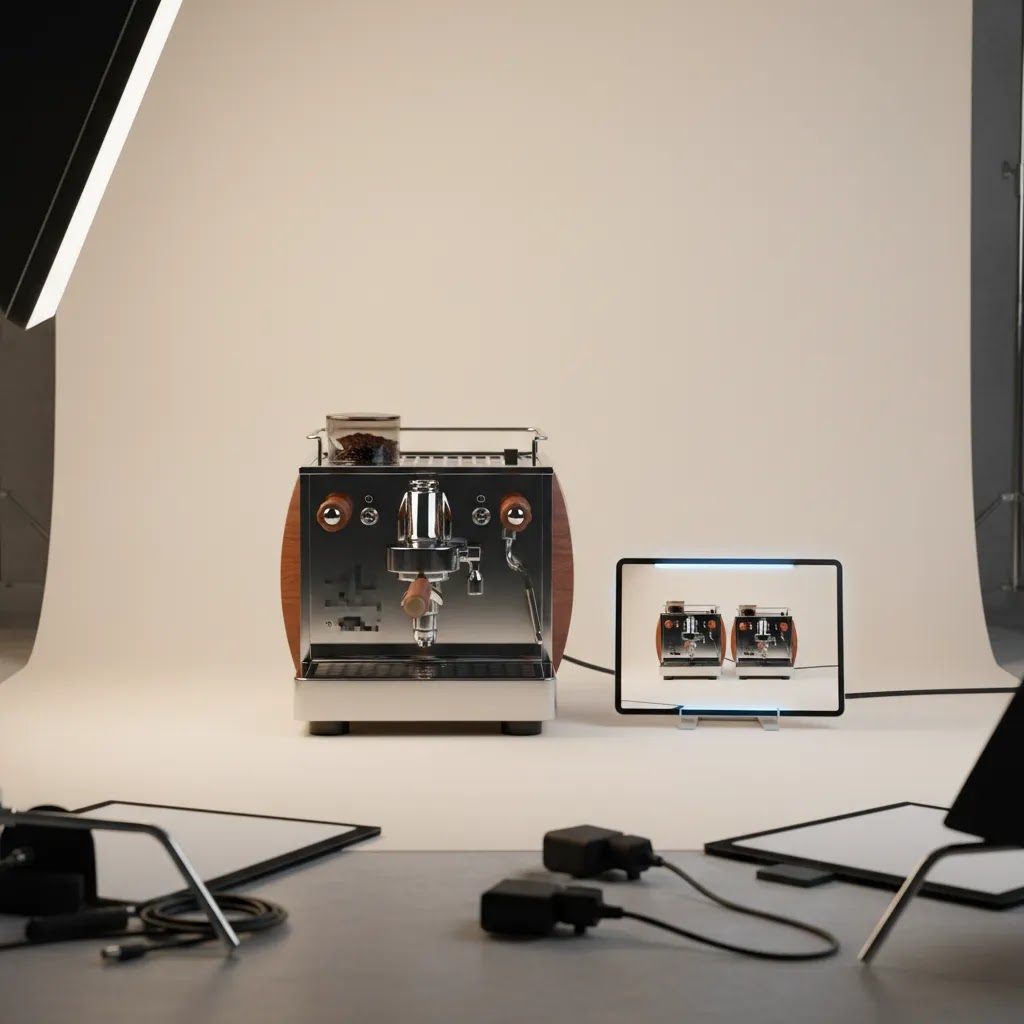
A practical tool option for ecommerce teams
One relevant option from the current tool data is Increase Image Resolution from ProductAI Photo. You can access it here: https://www.productai.photo/tools/increase-image-resolution/?cstmsrc=acquireconvert.
Based on the available data, this tool is purpose-built around increasing image resolution rather than trying to be an all-in-one editor. That can be useful if your main issue is low-resolution catalog images, supplier-provided assets, or older product photos that need to be repurposed for your current storefront.
For a Shopify merchant, the appeal is straightforward. You may need sharper images for theme sections with large media blocks, cleaner assets for collection grids, or better-looking source files before using an image upscaler comparison workflow across your catalog. A focused resolution tool can save time when you are processing many SKUs and need consistency.
That said, a dedicated resolution tool should be judged on output quality, batch efficiency, artifact handling, and how well it fits your existing editing stack. If you often need to fix overlays or packaging marks in the same workflow, you may also want a companion tool that can remove text from image assets before publishing.
Key features to look for before you increase image resolution
If you are choosing an AI tool to increase image resolution online, do not focus only on the promise of “sharper images.” What matters is whether the output works in a real ecommerce environment.
1. Output that still looks natural
The first check is whether the tool preserves product edges, textures, and colors without making the image look artificially sharpened. This matters for fabrics, reflective packaging, jewelry, beauty products, and food items where texture affects buyer confidence.
2. Workflow speed for repeated use
Many merchants are not processing one hero image. They are dealing with variants, bundles, seasonal launches, and supplier refreshes. A good tool should help you move quickly through repetitive image tasks, especially if you are preparing large numbers of product photos for upload.
3. Compatibility with other edits
Resolution enhancement is usually one step in a sequence. You may also need background cleanup, white background exports, or subject placement edits. For example, if your next step is using an ai background remover, the upscaled image should still retain clean edges around the product.
4. Useful for both PDPs and ad creatives
A tool is more valuable if it helps across product detail pages, shopping ads, email campaigns, and social creatives. That gives you one source asset that can support multiple channels, which is helpful for lean teams.
5. Realistic expectations around source quality
AI upscaling works best as an enhancement layer, not a rescue layer. If your source image is extremely poor, it may be more efficient to reshoot or rebuild the asset. Store owners often get better results by combining modest upscaling with stronger source photography, especially when selling premium products.
Shopify-ready output specs: sizes, formats, and performance
Consider this before you export anything. Your goal is not to create the biggest file possible. Your goal is to create an image that looks sharp in your Shopify theme, supports zoom where relevant, and does not bloat page weight. Bigger files can slow load time, and that can affect the shopping experience, especially on mobile.
Practical target dimensions for common Shopify use cases
Exact needs depend on your theme layout, image ratios, and whether you use zoom. Still, most Shopify stores end up in a few common ranges:
Now, when it comes to “4K” intent, it helps to define what you mean. 4K is usually a display resolution concept, not an ecommerce requirement. A 4K-wide export can be useful for certain wide hero banners or for cropping flexibility, but for most product galleries it is often unnecessary.
File format and compression choices that keep quality without heavy files
Format decisions are where many store owners accidentally undo the benefits of upscaling. The way this works in practice is simple: choose a format that fits the type of image, then compress to a level that keeps the product looking believable.
The reality is that the best-looking upscaled image can still be the wrong file if it inflates page size. If you are unsure, export two versions, compare them in your theme on mobile, and keep the smallest file that still looks right.
A quick QA checklist before you publish
Before you upload a batch to Shopify, do a fast quality check. This takes minutes and can prevent a catalog from looking inconsistent.
Pros and Cons
Strengths
Considerations
Who this approach is best for
This approach is usually a strong fit for ecommerce teams that already have product images but need to improve usability and consistency. That includes Shopify merchants updating older catalogs, brands working with supplier images, and lean in-house teams preparing assets for multiple sales channels.
It is especially useful if your images are fundamentally good but undersized. In that case, AI may help bridge the gap without a full reshoot. If your visuals are weak because of lighting, styling, or composition, the better investment may be improving the original capture setup or using a stronger product photography studio workflow before editing.
How to choose the right resolution workflow for your store
If you are deciding whether to use AI to increase image resolution, the smartest approach is to judge it against your actual merchandising needs rather than generic image quality claims.
Start with the job the image needs to do
Ask where the image will appear. Product page galleries, zoom-enabled PDPs, collection thumbnails, email blocks, and social ads all have different requirements. If the main use case is homepage banners or detailed product zoom, resolution matters more than it does for a small mobile collection tile.
Review source file quality first
If the original file is reasonably sharp, AI upscaling may be enough. If it is blurry, badly cropped, or poorly exposed, you may get a better return from replacing the image. This is one of the biggest mistakes store owners make. They try to solve a photography problem with a resolution tool.
Test on a small SKU sample
Do not roll a new workflow across your whole catalog immediately. Pick 10 to 20 products across different categories such as apparel, packaged goods, reflective items, or textured products. Compare the AI-enhanced outputs on desktop and mobile. Check zoom behavior, page load implications, and whether the product still looks true to life.
Think in workflows, not one-off edits
The best setup is often a sequence: improve resolution, clean the background, remove unwanted marks, then export for storefront use. If your store publishes a lot of visual content, it is worth documenting this process so your team follows the same standards every time.
Balance convenience with brand standards
Not every image deserves the same production effort. Use AI enhancement for supporting catalog assets, secondary angles, or historical images that still convert. For bestsellers, launches, and hero creatives, higher-quality source photography may still be the better decision.
AcquireConvert is a useful specialist resource if you want to build that decision-making framework. Giles Thomas brings a practitioner perspective as a Shopify Partner and Google Expert, which is helpful if you are weighing visual quality not just for your store but also for Shopping feeds, paid media, and organic product discovery. You can explore the broader E Commerce Product Photography content hub to compare adjacent image strategies and decide where AI enhancement fits your stack.
Batch and catalog workflow: scaling up without losing consistency
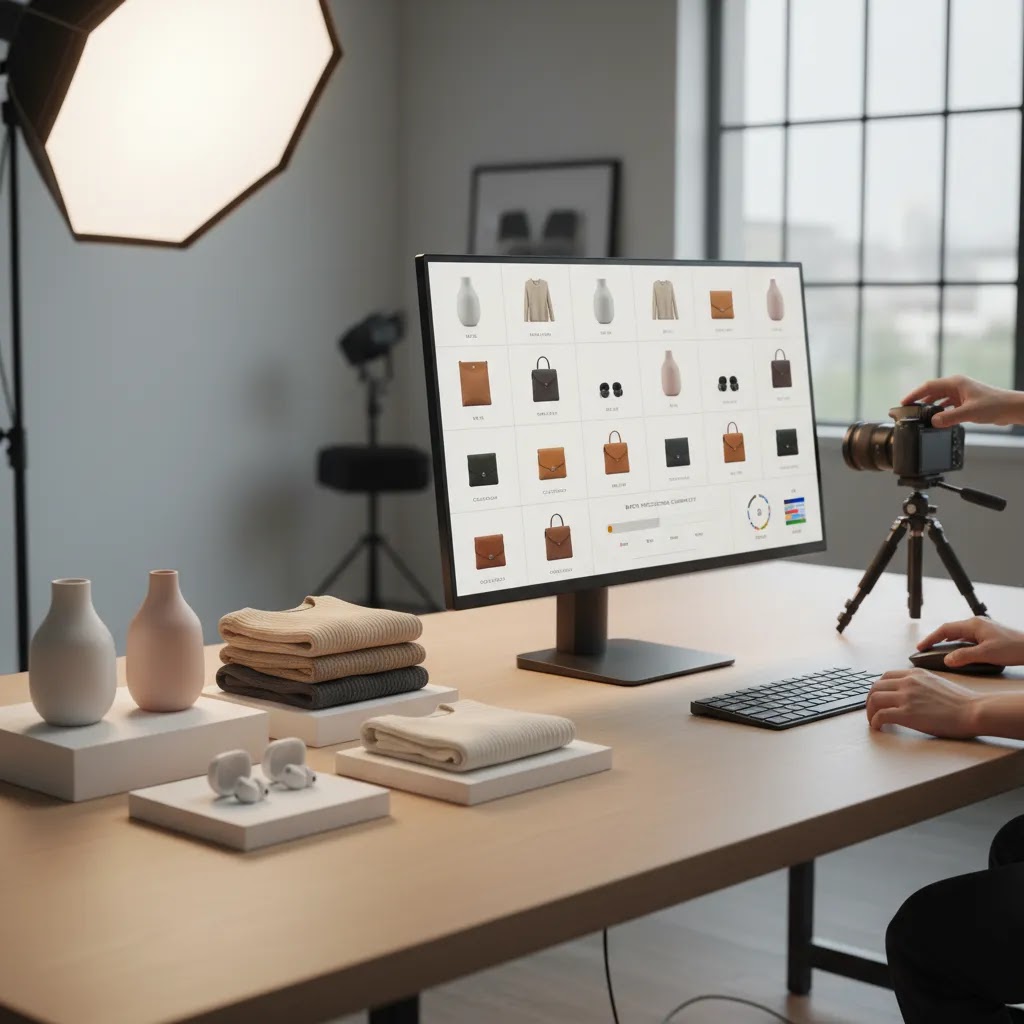
If you only upscale one image, most tools look fine. The real test is what happens when you run 200 SKUs through the process and your collection page suddenly looks like it was built by five different photographers. For most Shopify store owners, the goal is a repeatable pipeline that keeps the catalog consistent.
A repeatable catalog pipeline for many SKUs
Think of it this way: you want a simple order of operations, so each step improves the next step instead of creating new problems.
What many store owners overlook is naming and version control. If you are updating an existing catalog, simple conventions like keeping a “source” version and a “storefront” version can prevent you from re-editing the same image repeatedly, or uploading the wrong file to a variant.
Consistency controls that prevent mixed-quality galleries
Consistency is not just “same background.” It is the same level of sharpness and the same look across the line. If you use different upscale settings per product, you can end up with one SKU that looks crisp and another that looks softly smoothed.
Process tips for lean ecommerce teams
For lean teams, the difference between “we tried AI upscaling” and “we have a working system” is usually documentation and approvals. A simple one-page standard can help, things like target pixel sizes, acceptable file formats, and the top artifacts to reject.
It also helps to have a quick approval step for bestsellers. Even if you automate most of the catalog, your hero SKUs deserve a closer look before you push new images live.
Frequently Asked Questions
Can AI really increase image resolution for product photos?
Yes, AI tools can often enlarge product images and improve perceived sharpness. The best results usually come from source images that are already reasonably clear. If the original file is blurry or heavily compressed, AI may help, but it will not fully replace missing photographic detail.
What is the difference between upscaling and sharpening?
Upscaling increases image dimensions and uses processing to maintain clarity at a larger size. Sharpening mainly increases contrast around edges to make a photo appear crisper. Many AI tools do both together, but they solve slightly different problems in an ecommerce image workflow.
Is increasing image resolution online good enough for Shopify stores?
In many cases, yes. For Shopify product pages, collection images, and some ad creatives, online AI upscaling can be good enough if the source photo is solid. You should still test the final image on your live theme to make sure it looks natural and loads appropriately.
Can I use AI to increase image resolution free of charge?
Some tools offer free entry points or trial-style usage, but access terms can change. If you are evaluating a tool for regular catalog work, check file limits, export restrictions, and commercial-use terms before depending on it as part of your store workflow.
Will AI upscaling improve conversion rates?
Better product images may support trust and reduce friction, which can help conversion in some stores. Still, results depend on your niche, traffic quality, pricing, product-market fit, and the rest of your product page. It is best viewed as one part of a broader conversion optimization effort.
Should I upscale before or after removing the background?
That depends on the image and tool quality, but many merchants get good results by improving resolution first, then doing edge-sensitive edits like background removal. This can preserve cleaner product outlines, especially on detailed shapes, hair, fabric, or transparent packaging.
When should I reshoot instead of using AI?
If the original photo has poor lighting, bad angles, motion blur, or inaccurate color, a reshoot is often the better choice. AI enhancement is strongest when it improves an acceptable image, not when it tries to fix a fundamentally weak product photo from the start.
What types of products benefit most from image resolution tools?
Catalogs with packaged goods, home products, accessories, supplements, and simple apparel shots can often benefit. More challenging categories such as jewelry, beauty textures, or highly reflective products may need closer quality review because small visual distortions are easier for shoppers to notice.
What is the best image upscaler for product photos?
The best option is usually the one that produces natural-looking texture and clean edges on your specific products, while fitting your workflow for batch processing and exports. Many store owners test a short list on a mixed SKU sample, then choose the tool that keeps labels, patterns, and fine details looking believable without creating artifacts. Whatever you choose, plan on doing a human review before publishing images live.
Can I upscale an image to 4K, and should I for ecommerce?
You can often upscale to 4K dimensions, but whether you should depends on where the image will be used. 4K-sized exports can make sense for wide banners or when you need extra cropping flexibility. For most Shopify product galleries, going that large is often unnecessary and can increase file size, which may slow down pages. A better approach is to match your theme’s real display needs, then test quality and load speed.
What size multiplier should I choose, 2x or 4x?
A 2x upscale is usually the safest starting point for product photos because it tends to preserve a natural look with fewer AI artifacts. A 4x upscale can help when the original is very small, but it also increases the chance of distorted textures, weird label text, or over-smoothed details. If you are unsure, upscale at 2x first, review at 100 percent, then only go to 4x if the image still falls short for your Shopify layout or zoom behavior.
What is the maximum image size I can upload to Shopify?
Shopify has limits on image uploads, and those limits can change over time. In practice, most store owners run into constraints around file size and very large dimensions long before they hit a business need for oversized images. The best move is to keep your storefront exports reasonably sized for your theme, then test an upload. If Shopify rejects the file or it loads slowly on the storefront, reduce dimensions or compress further.
Key Takeaways
Conclusion
If you need to increase image resolution for product photos, AI can be a practical option for improving catalog usability without rebuilding your whole image library. The main question is not whether upscaling works in theory. It is whether the output looks credible on your storefront, in ads, and across the channels where shoppers judge your brand. For most store owners, the best approach is to test a focused tool, review results carefully, and combine resolution enhancement with smarter image editing decisions. If you want more ecommerce-specific guidance, AcquireConvert is a strong place to continue your research. Check the site’s image editing resources, compare workflows side by side, and use Giles Thomas’s Shopify and Google expertise to make better visual merchandising decisions for your store.
This article is editorial content for informational purposes only and is not a paid endorsement unless explicitly stated otherwise. Pricing, access terms, and product features are subject to change, so verify current details directly with the provider before making a decision. Any performance or conversion impacts discussed are not guaranteed and will vary by store, niche, traffic quality, and implementation.

Hi, I'm Giles Thomas.
Founder of AcquireConvert, the place where ecommerce entrepreneurs & marketers go to learn growth. I'm also the founder of Shopify agency Whole Design Studios.