AI Makeup Generator for Beauty Images (2026)

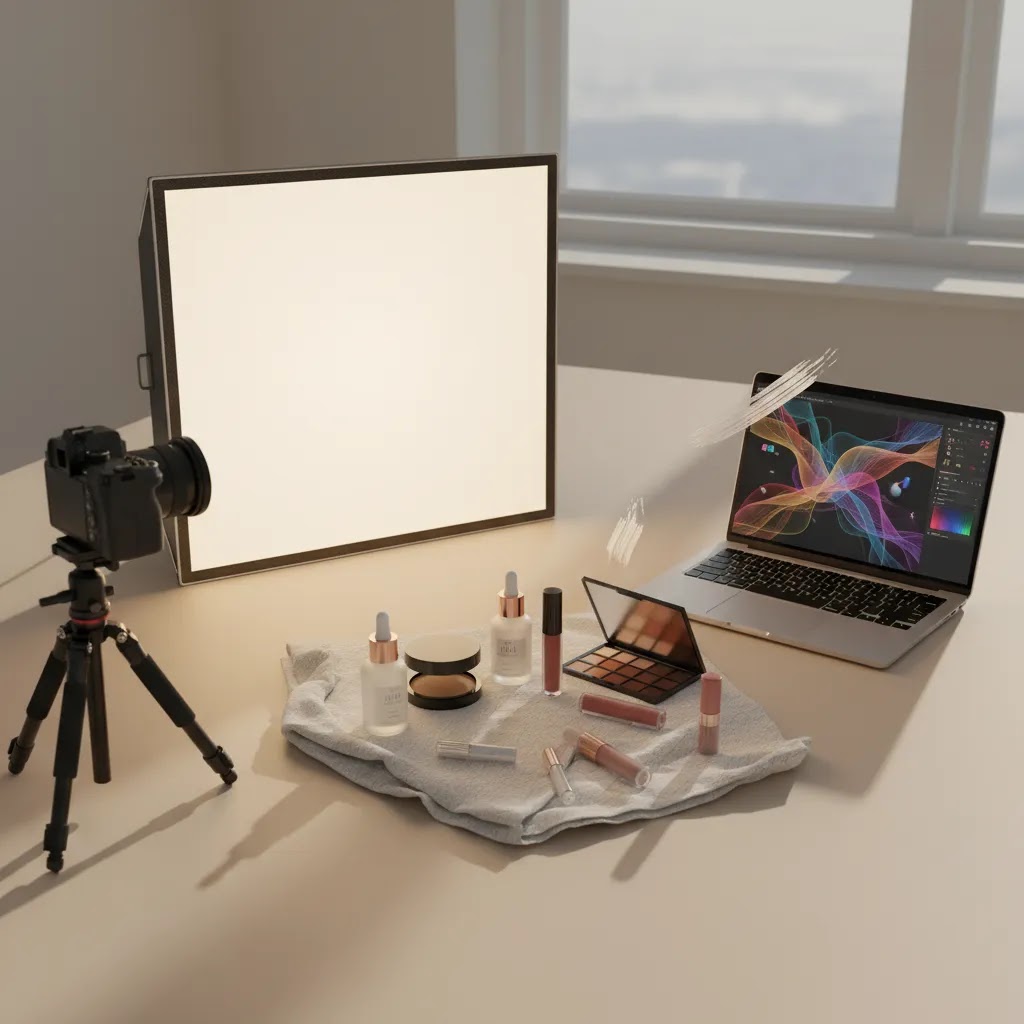
If you run a beauty brand, an ai makeup generator can help you test image concepts faster, build polished creative variations, and reduce the bottleneck that often slows product launches. That said, not every AI image workflow is suitable for ecommerce. You still need clean product visibility, shade accuracy, platform-safe visuals, and assets that fit Shopify product pages, ads, and social campaigns. This is where store owners usually get stuck. The question is not whether AI can create attractive visuals. It is whether it can support conversion-focused beauty imagery without making your products look unrealistic. If you are comparing options, start by understanding where AI styling supports your workflow and where traditional cosmetic photography still matters most.
Contents
What an AI makeup generator actually does
An AI makeup generator usually helps you create or edit beauty visuals by applying cosmetic looks, changing backgrounds, improving image quality, or generating styled variations for campaigns. For ecommerce brands, the most practical use is not replacing all photography. It is speeding up creative production around launches, promos, bundles, and seasonal campaigns.
For example, a skincare or makeup brand might use AI to create cleaner scenes, adjust backgrounds, or generate lifestyle-style compositions after the core product packshot is already captured. That can be useful if you need more content for landing pages, email flows, or paid ads without organizing a full studio shoot every time. If your workflow still depends on foundational packshots, this is where a proper product photography studio setup can still earn its keep.
From the product data available, the most relevant tools in this category are visual editing utilities rather than a dedicated makeup simulator. These include AI Background Generator, Free White Background Generator, Increase Image Resolution, Background Swap Editor, Place in Hands, Magic Photo Editor, and Creator Studio.
Used well, these tools may help beauty merchants create a broader visual set around existing product images. Used poorly, they can produce assets that look attractive but weaken trust because the finish, shade, packaging, or texture no longer matches the actual item.
AI virtual try-on vs ecommerce image generation
Here is the thing, people use the phrase “AI makeup generator” to mean two different things, and mixing them up is where a lot of brand teams make bad image decisions.
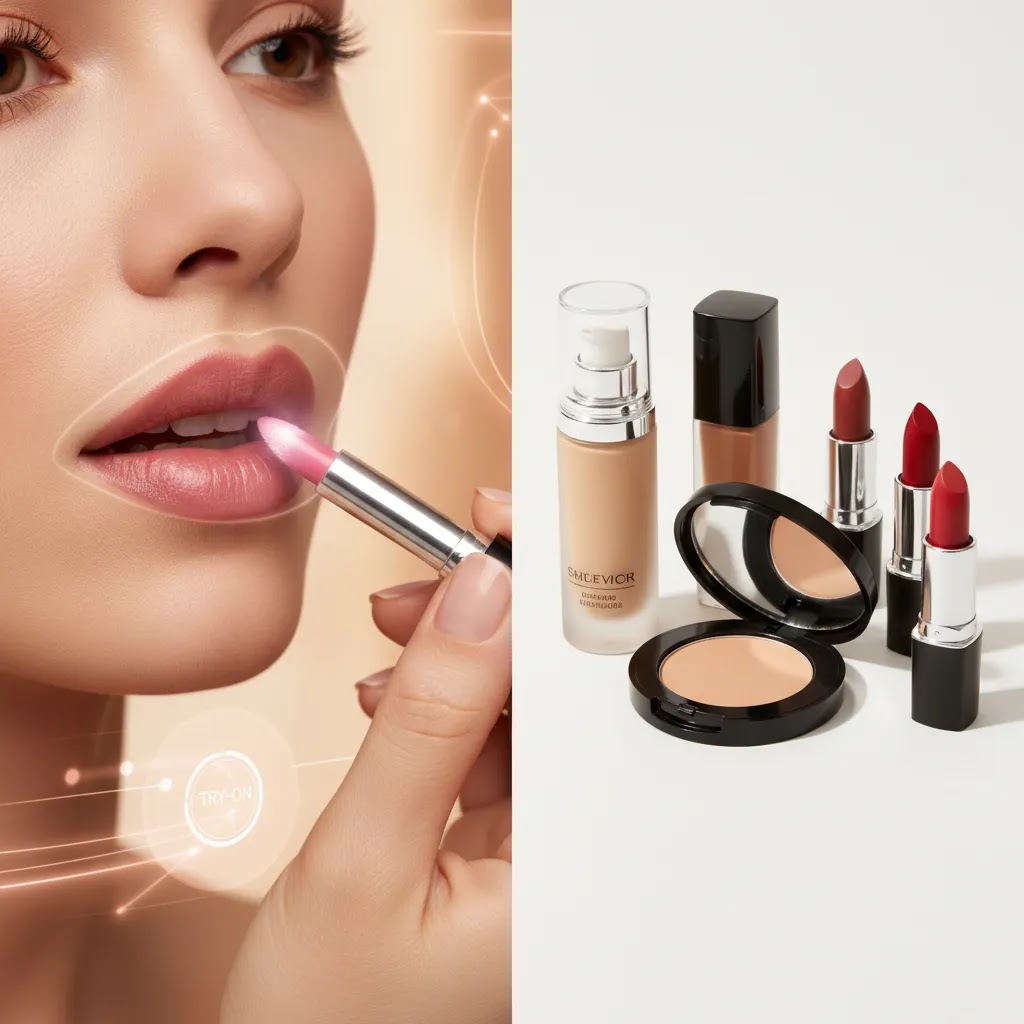
The first meaning is a virtual makeup try-on tool. It applies a “look” to a face photo, usually like a consumer makeover filter. The second meaning is what most ecommerce teams actually need, which is image generation or image editing that supports product and campaign creative, like changing backgrounds, cleaning packshots, improving resolution, or building stylized compositions around a real product image.
Now, when it comes to Shopify product pages, these two uses have very different risk profiles.
Virtual try-on outputs can be great for awareness and experimentation because they communicate vibe, not precision. They can work well as UGC-style social content, ad variations, email headers, and landing page sections where you are selling the “look” and stopping the scroll. But they usually do not belong as your PDP hero image, and they are a risky substitute for a shade selector, because shade accuracy and finish representation can drift. Even small errors can create misrepresentation concerns and can increase returns or customer support friction for color cosmetics.
From a practical standpoint, keep your conversion-critical images grounded in real photography. Use AI editing and generation for supportive visuals and campaign creative. If you want to use a virtual try-on image on-site, it is typically safer as a secondary image or in a “Get the look” section, with clear expectations that it is a styling visualization rather than a guaranteed match.
Consider this quick decision checklist before you publish anything:
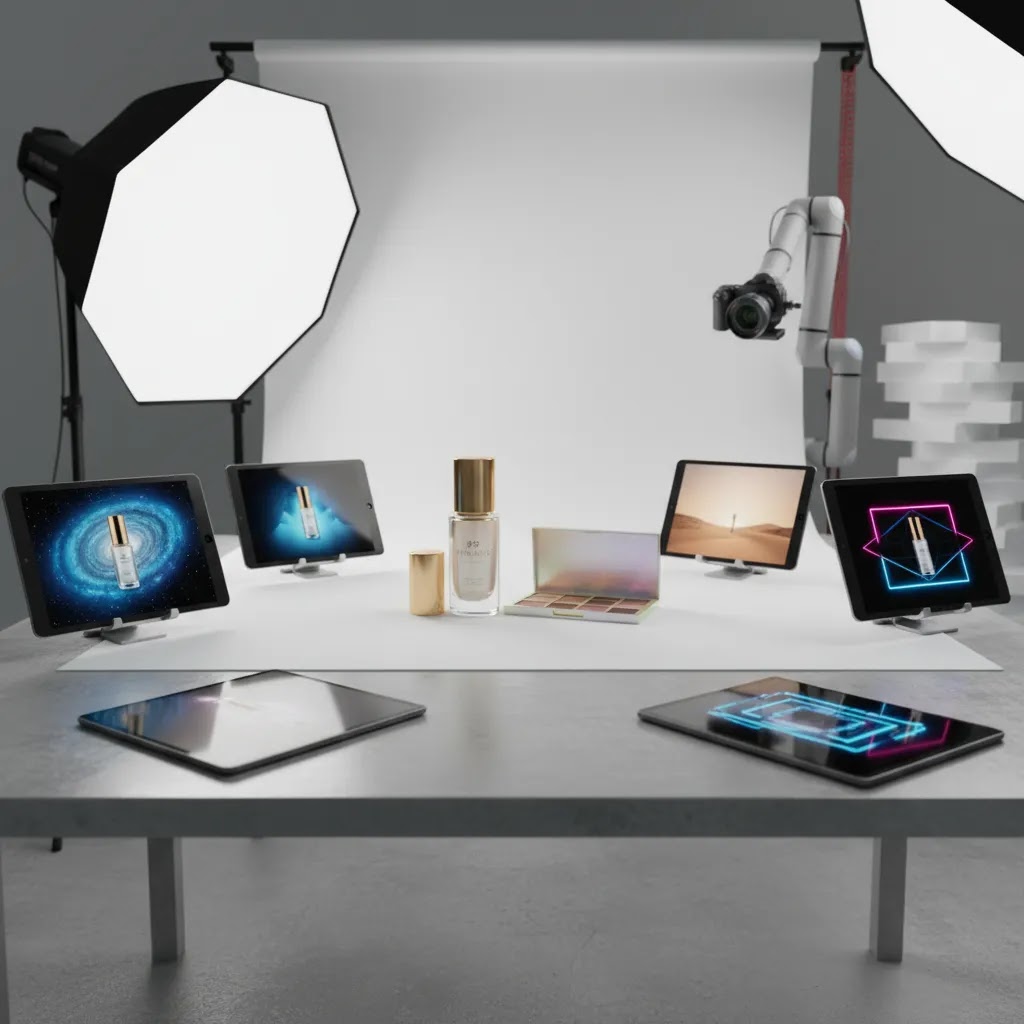
Key features to evaluate
If you are evaluating an AI makeup generator for beauty product images, focus on workflow value rather than novelty. A good setup should help you create sellable visuals faster while keeping product representation credible.
1. Background control for catalog and campaign use
Beauty brands usually need both plain packshots and styled imagery. A tool like AI Background Generator can help you test themed scenes, while Free White Background Generator is better suited to marketplace-ready, clean product images. If you sell across Shopify, Amazon, and paid social, this mix matters.
2. Editable rather than fully synthetic output
For most ecommerce stores, controllable editing beats one-click generation. Magic Photo Editor and Background Swap Editor are more useful when you already have a decent source image and want to adapt it for different placements. That is often safer than generating a fully artificial beauty shot from scratch.
3. Resolution improvements for zoom and mobile
Beauty shoppers inspect packaging details, applicators, texture cues, and finish claims closely. Increase Image Resolution may help when original images are too soft for product-page zoom or retargeting creatives. This can be especially helpful for merchants updating older catalogs.
4. Lifestyle context without a full reshoot
Tools such as Place in Hands can help simulate usage context, which is often valuable in makeup and skincare merchandising. A lipstick, serum, or compact shown in hand can communicate scale better than a flat packshot alone. Pair that with your existing skincare product photography approach if your catalog spans both color cosmetics and treatment products.
5. Centralized asset production
If your team needs multiple outputs from one image set, Creator Studio may be the better fit because it supports a broader production workflow. This matters for brands creating PDP images, collection banners, ad variants, and social content at the same time.
What to customize in AI makeup outputs and how to QA it
What many store owners overlook is that “makeup” edits are not one setting. The best results typically come from treating each makeup element as its own controllable layer, then matching those controls to a specific merchandising job.
Makeup-specific controls that actually matter
If you are using AI to generate model looks for campaigns, bundles, or editorial modules, these are the controls you will usually want to adjust independently:
Think of it this way, if you are selling a bundle called “Soft Glam Set,” you are selling a coordinated story. Separate controls let you keep the look cohesive while still making versions that work for different placements, like a high-contrast ad versus a softer email header.
A QA pass tailored to beauty shoppers
Before you publish AI-modified faces or close-up beauty imagery anywhere near your Shopify PDP, do a consistent quality check. The goal is not perfection, it is preventing the obvious “AI tells” that break trust.
If you are using AI editing tools that touch the full image, it is also worth checking that the product itself has not shifted in apparent size or proportions. Subtle changes can cause shopper doubt, especially in close-up applicator shots.
How to keep a set consistent across variants
The reality is that inconsistency kills the professional feel of a beauty store faster than almost anything else. For shade-heavy catalogs and collection pages, keep your AI workflow consistent by locking a few variables:
This matters for Shopify because collection grids and quick views make it easy for shoppers to compare items side-by-side. If each image looks like it came from a different brand shoot, your catalog feels less trustworthy, even when the products are good.
Pros and Cons
Strengths
Considerations
Who this is for
An AI makeup generator setup is best for beauty brands that already have product images but need more content formats from them. That includes Shopify merchants launching new shades, testing ad concepts, refreshing collection pages, or expanding into social-first creative. It is especially useful for lean in-house teams that cannot schedule new shoots every few weeks.
It is less suitable as your only image production method if you sell products where texture, color fidelity, or finish are central to the buying decision. In that case, AI should support your workflow, not define it. Brands building premium presentation should also review where perfume photography and high-end beauty still depend on stronger art direction than AI alone can usually provide.
AcquireConvert recommendation
If you are deciding whether to adopt an AI makeup generator workflow, the safest approach is to treat AI as a production layer around real ecommerce photography. Start with accurate source images, then use AI editing to expand your asset library for campaigns, landing pages, and social placements. That gives you more flexibility without risking a disconnect between the visual and the delivered product.
This is the practical line many experienced merchants follow. They protect trust on the product page, then experiment more aggressively in top-of-funnel and mid-funnel creative. That approach also fits how Giles Thomas frames ecommerce optimization on AcquireConvert, drawing on his experience as a Shopify Partner and Google Expert. If you want more context before choosing your workflow, explore our guides on pictures of skincare products, broader ecommerce tools, and the full Cosmetics Photography category. For beauty brands that need clearer technical standards, our E Commerce Product Photography resources are also worth reviewing.
How to choose the right setup
Choosing an AI makeup generator is really about choosing the right image workflow for your store. Here are the criteria that matter most.
1. Start with your conversion-critical image types
Separate your image library into two buckets. First, the images that must be highly accurate, such as primary product page shots, shade selectors, ingredient-detail visuals, and packaging close-ups. Second, the images that can be more creative, such as collection banners, paid social variations, and campaign landing page headers. AI is usually a better fit for the second bucket.
2. Match the tool to the task
If you need compliant packshots or cleaner catalogs, white background and background editing tools are often more useful than broader AI image generation. If you need more lifestyle framing, hand-placement and scene editing tools may add value. If you need sharper legacy images, start with resolution enhancement. Avoid paying for complexity you will not use weekly.
3. Protect shade and packaging accuracy
Beauty products are detail-sensitive. Foundation tone, lipstick finish, compact reflectivity, and label typography all influence trust. Review every AI-edited image against the physical item before publishing. This is especially important for stores selling color cosmetics where returns may increase if expectations and delivered reality do not match.
4. Think in channel-specific outputs
Your Shopify PDP needs different imagery than Meta ads or email headers. A good workflow helps you create multiple outputs from one source image. For example, clean white-background images for the PDP, a soft branded background for email, and a more stylized version for acquisition campaigns. This is where a centralized editor or studio workflow can save time.
5. Review whether AI is replacing a real bottleneck
Some brands think they need an AI makeup generator when the real issue is inconsistent photography, poor lighting, or no clear content brief. Fixing those basics may have more impact than adding another tool. If your existing source images are weak, AI editing may only make the inconsistency more obvious. In those cases, upgrading your base process through better skincare product photography standards or a stronger studio workflow often comes first.
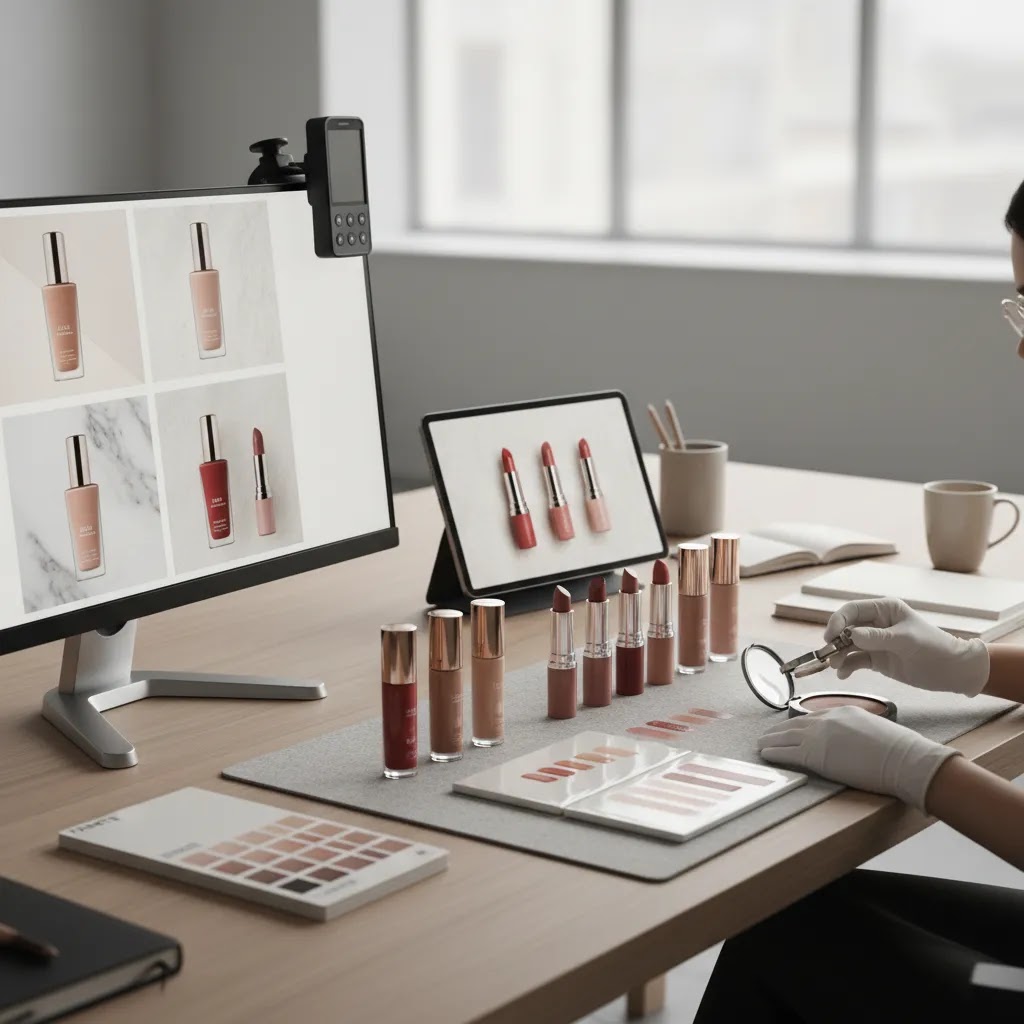
Practical Shopify implementation, placements, and workflow
For most Shopify store owners, the biggest win is not making one perfect AI image. It is building a repeatable system for producing, testing, and rotating creative without breaking your product page trust.
Where these assets typically show up in a Shopify funnel
Different placements tolerate different levels of stylization. If you want a simple way to stay honest and conversion-focused, keep your most creative AI outputs away from the moment of purchase decision, and use them to support discovery and consideration.
If you are running Google Ads for ecommerce, remember that Google’s policies and product ad requirements can change, so verify current guidelines before using heavily stylized imagery in any placement that could be interpreted as misleading for the product being sold.
A lightweight workflow for small teams
The way this works in practice is a simple “source of truth plus variants” approach.
Start from a source of truth packshot that you would be comfortable using on the Shopify PDP. Then create a small set of campaign variants, typically 3 to 6, using background edits, lifestyle placements, and look variations that stay consistent with your brand. Run those variants in ads, email, or landing pages, then keep the winners.
When you pick winners, do not judge purely on what looks nicest internally. Use engagement and onsite behavior signals where you can. For example, your best-looking ad creative might drive low-quality clicks, while a slightly simpler variant could send shoppers who actually browse, add to cart, and buy. The goal is to connect creative to conversion, not just aesthetics.
Common failure modes to avoid
AI can absolutely speed up beauty creative, but the mistakes are pretty predictable.
If you treat AI as a controlled extension of your existing makeup product photography, it can be a strong production advantage. If you treat it as a shortcut around accuracy, it can work against you.
Frequently Asked Questions
What is an ai makeup generator for ecommerce?
It is a tool or workflow that uses AI to create, edit, or enhance beauty-related visuals. For ecommerce, that usually means changing backgrounds, improving quality, adding lifestyle context, or generating campaign-style images around existing product shots. It is most useful when it supports product merchandising rather than replacing accurate packshot photography completely.
Can an ai makeup generator replace beauty product photography?
No, not fully for most stores. It may reduce the amount of manual production needed for creative variations, but core ecommerce images still need accuracy. On Shopify product pages, shoppers want to see the real packaging, finish, and color as clearly as possible. AI works better as an enhancement layer than as a complete replacement.
Which available tools are most relevant from the current product data?
The closest-fit tools in the current data are AI Background Generator, Free White Background Generator, Increase Image Resolution, Background Swap Editor, Place in Hands, Magic Photo Editor, and Creator Studio. These support image enhancement and creative adaptation for beauty brands, though they are not described as dedicated makeup simulation tools in the available product data.
Is this useful for Shopify beauty stores?
Yes, it can be. Shopify merchants often need multiple asset types for PDPs, collection pages, ads, and email campaigns. An AI-assisted workflow may help smaller teams create those assets faster. The key is maintaining product accuracy on conversion-critical pages while using more stylized AI outputs in less accuracy-sensitive placements.
How should I use AI for makeup product photography without hurting trust?
Use original photography as your source of truth. Keep the hero image and key product detail images close to reality. Use AI mostly for background edits, secondary visuals, resolution improvements, and campaign variations. Before publishing, compare edited visuals with the actual item to confirm packaging, color, and proportions still look credible.
What matters more, AI creativity or image accuracy?
For ecommerce, accuracy usually matters more on product pages. Creativity matters more in acquisition and merchandising contexts. The strongest beauty brands do both well. They keep their PDP visuals grounded and trustworthy while using more imaginative visuals in ads, landing pages, or editorial content that introduces the product story.
Does AI help with creative makeup product photography?
It can help with concept exploration, visual variations, and rapid scene testing. That is useful for campaign ideation and content planning. But for premium beauty positioning, brand-specific styling, and texture-sensitive presentation, human creative direction still matters. AI can speed up iteration, but it does not automatically produce brand-right imagery.
Should I use AI for skincare and fragrance too?
Yes, but with different standards. Skincare often benefits from clean, clinical, ingredient-forward imagery, while fragrance tends to rely more on mood, materials, and luxury cues. Your workflow should reflect that. If your catalog spans both, review guidance for perfume photography alongside product-page standards for skincare and cosmetics.
Do I need a full studio if I use AI tools?
No, not always. Many smaller brands can get good results from a simple repeatable setup plus AI editing tools. But if your source imagery is inconsistent, a more controlled studio process may still be worth it. AI tends to perform better when the starting images already have decent lighting, sharpness, and composition.
Can AI tell me what makeup looks best on me?
It can suggest or visualize looks, but it is not a guaranteed “best” answer. Many AI try-on tools can apply different lip, eye, and base styles to your photo so you can compare quickly. What looks best still depends on your preferences, your skin undertone, lighting, and how closely the tool matches real product shades. If you are a brand, treat this type of output as inspiration and experimentation content, not as a precise product matching system.
Is there a free AI for makeup?
Some AI makeup and try-on tools offer free access, usually with limits like credits, watermarks, reduced resolution, or fewer looks. Pricing and access models change often, so check the current terms before you build any workflow around a “free” tier. For ecommerce use, also plan for human review time, because free outputs can still have artifacts that are not suitable for product-focused pages.
Can AI give me a makeover?
Yes, in the sense that it can apply a makeover-style look to a face photo, like changing lipstick, eyeliner, lashes, or overall intensity. That is useful for experimenting with styles and for creating social content quickly. It is not the same thing as accurate makeup product representation, so brands should be careful using makeover visuals anywhere shoppers might interpret the image as a guaranteed shade or finish result.
What is the 2 3 rule for makeup?
People use “2 3 rule” in a few ways, depending on who is teaching it. A common version is a balance guideline: pick 2 features to emphasize and keep the rest softer, or keep intensity to around 3 key elements so the look stays cohesive. It is more of a styling framework than a technical standard. For ecommerce creative, it can be a helpful way to design consistent campaign looks, then generate controlled variations without making each image feel like a different brand.
Key Takeaways
Conclusion
An AI makeup generator can be a worthwhile addition to your beauty content workflow if your goal is faster asset expansion, not unrealistic automation. The best results usually come from combining accurate source photography with targeted AI editing for backgrounds, resolution, and merchandising variations. That gives you more creative range while protecting the trust signals that matter on product pages. If you are actively evaluating your next step, compare options side by side through AcquireConvert’s beauty and ecommerce photography resources, read the full breakdowns in our related guides, and use Giles Thomas’s practitioner-led advice to choose a setup that fits your Shopify store, your catalog complexity, and the way your customers actually shop.
This article is editorial content created for AcquireConvert. It is not a paid endorsement unless explicitly stated otherwise. Pricing for any referenced tools was not available in the provided product data and is subject to change, so verify current rates directly with the provider. Any performance outcomes from AI image workflows may vary by store, product category, traffic source, and implementation quality, and are not guaranteed.

Hi, I'm Giles Thomas.
Founder of AcquireConvert, the place where ecommerce entrepreneurs & marketers go to learn growth. I'm also the founder of Shopify agency Whole Design Studios.