Amazon Product Photography Sydney (2026 Guide)

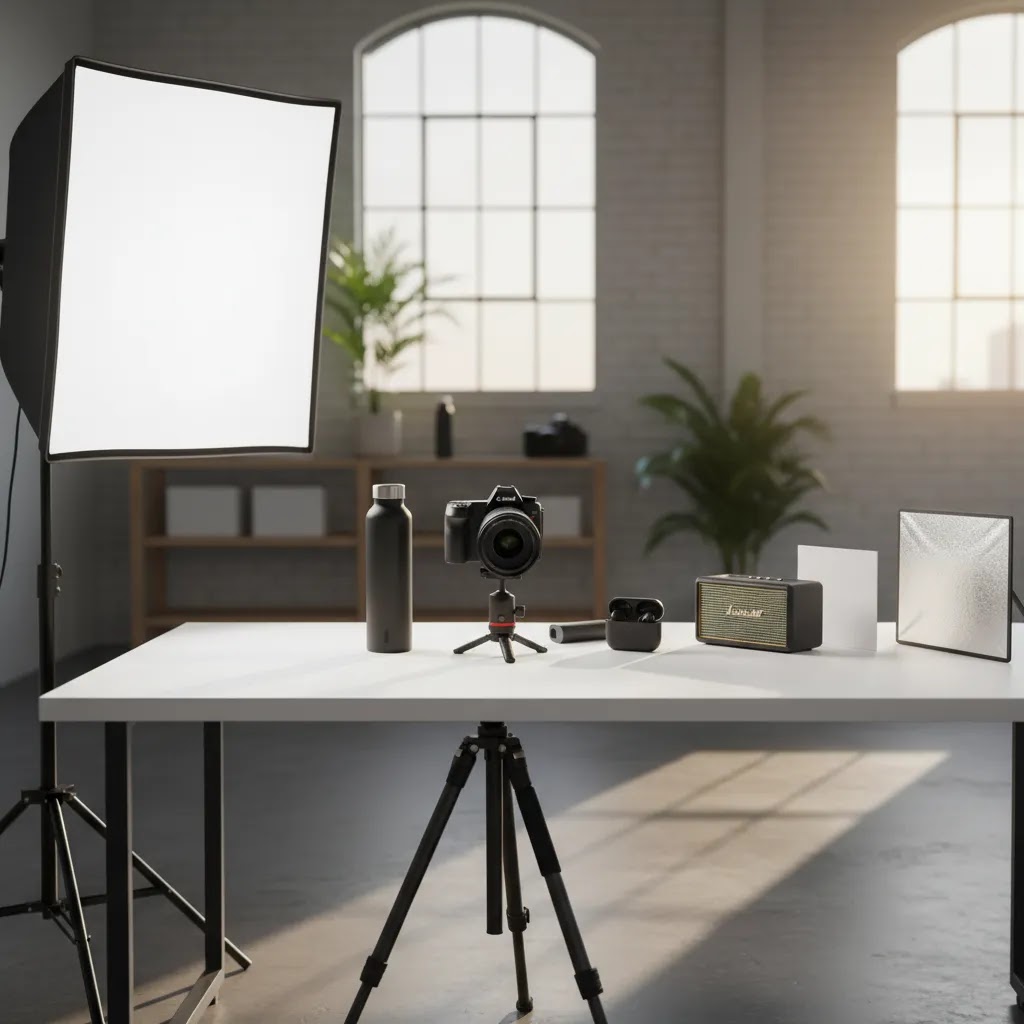
If you sell on Amazon and run your own ecommerce store, product images often do more selling work than your copy. That is especially true when shoppers compare near-identical listings on mobile. If you are looking for amazon product photography sydney services, the real question is not just who can shoot attractive photos. It is who can produce Amazon-compliant images that also support conversion across marketplaces, Shopify, and paid traffic landing pages. This guide will help you assess your options, avoid common mistakes, and choose the right setup for your catalog. If you want a broader view of the tools and services that support this workflow, start with AcquireConvert’s guide to ecommerce tools.
Contents
- What Amazon product photography in Sydney should actually deliver
- Key features to look for in a photographer or studio
- Pros and Cons
- Typical Amazon product photography pricing in Sydney (and what drives cost)
- Who this is for
- AcquireConvert recommendation
- How to choose the right option
- Photographer vs studio vs DIY (and when each makes sense for Amazon plus Shopify)
- Amazon image checklist: exact deliverables to request for a conversion-focused listing
- Frequently Asked Questions
- Key Takeaways
- Conclusion
What Amazon product photography in Sydney should actually deliver
Hiring for product photography sydney services is not the same as hiring for a brand campaign. Amazon images need to satisfy platform rules first, then persuade the shopper. That means your photographer or studio should understand white-background hero images, image cropping for mobile, file consistency across parent-child variations, and the difference between compliance images and conversion-focused secondary images.
For many merchants, the smartest approach is a hybrid one. You use professional Amazon-ready photography for your main images, then add enhanced assets for your own store, social ads, and landing pages. AcquireConvert covers those wider workflows in its guides to amazon product photography and ecommerce photography.
If you are an Amazon FBA seller in Sydney, a good provider should be able to handle single-SKU launches, bundled products, and expanding catalogs without forcing you into a full agency retainer. You may also want support with 360 spins or alternate angles for premium products, especially if your category has higher consideration cycles. In those cases, specialized assets from providers focused on 3D Product Photography can be worth evaluating.
Key features to look for in a photographer or studio
Not every studio that offers professional amazon product photography is a good fit for marketplace selling. Here are the capabilities that matter most.
1. Amazon guideline awareness
Your provider should understand the practical side of amazon product photography guidelines, not just general commercial photography. That includes pure white backgrounds for main images, accurate color representation, minimal distractions, proper framing, and enough resolution to support zoom without making the product look misleading.
2. Catalog consistency
If you sell multiple SKUs, consistency matters as much as image quality. Lighting, shadow style, crop ratios, and angle selection should stay aligned across the range. Inconsistent imagery can make a growing catalog look stitched together, which may weaken trust.
3. Multi-channel usability
The best amazon fba product photography can often be repurposed for Shopify collection pages, Google Shopping creatives, email campaigns, and social retargeting. Ask whether the studio can provide both Amazon-safe files and alternate edits for brand-owned channels.
4. Editing flexibility
Some merchants do not need a full reshoot every time packaging changes. In those cases, editing tools can help you extend the value of an initial shoot. AcquireConvert readers researching post-production workflows may also find tools like Free White Background Generator and Increase Image Resolution useful for certain cleanup tasks, although they are not a substitute for strong original photography.
5. Studio or on-location suitability
For small packaged goods, a controlled studio setup is usually the right choice. For larger items, furniture, or products that need contextual scenes, you may need a dedicated product photography studio or a provider who can work with location-based setups efficiently.
6. Scalable asset creation
If you launch products frequently, ask about batch processes, turnaround times, prop sourcing, and file naming conventions. Strong operational discipline matters more than a flashy portfolio when you are building repeatable listing workflows.
For merchants testing concepts before a full shoot, a mockup generator can help with early creative validation, but it should support, not replace, production-ready marketplace imagery.
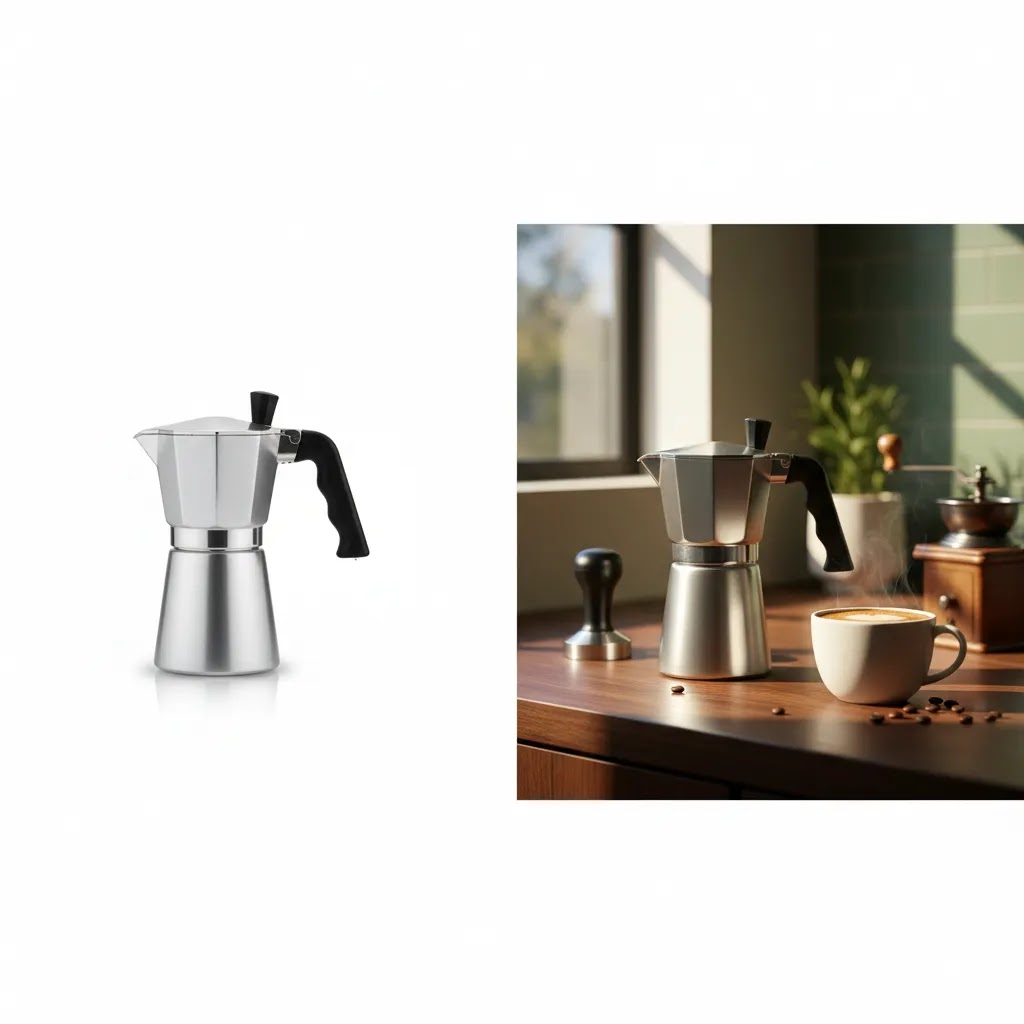
Pros and Cons
Strengths
- Working with a Sydney-based product photographer can simplify shipping, revisions, and communication for Australian brands.
- Professional Amazon-focused photography may improve listing clarity, especially in crowded categories where image quality influences first-click decisions.
- A local studio can usually create assets for Amazon, Shopify, Google Shopping, and social campaigns in one coordinated workflow.
- Experienced providers often understand packaging glare, reflective surfaces, shadow control, and scale issues that DIY setups struggle with.
- Well-managed shoots can create a repeatable template for future SKUs, which helps maintain catalog consistency as you grow.
Considerations
- Not all commercial photographers understand Amazon compliance, so a polished portfolio alone is not enough.
- Costs and turnaround times vary widely, especially if you need infographics, lifestyle scenes, or complex retouching.
- Some studios are strong on hero shots but weaker on conversion-focused secondary images that explain use, scale, or differentiation.
- 3D or 360 asset production can require a separate specialist rather than a standard still-life photographer.
Typical Amazon product photography pricing in Sydney (and what drives cost)
If you are trying to budget for amazon product photography sydney, here is the thing: quotes can look wildly different even when two providers are both "doing Amazon photos." The difference is usually in scope, shot count, and post-production detail, not just in who has the nicer camera.
Pricing also tends to be structured in different ways, for example per final image, per SKU, per setup, or as a half-day or full-day studio rate. That can make comparisons messy if you do not align the deliverables first.
Typical price ranges you will see (as a starting point)
Every studio has its own model and pricing varies, but for Sydney providers you will typically see ranges like these for ecommerce-focused work:
- Single SKU studio set (white background main plus a handful of angles): often priced as a per-SKU package, or per-image, depending on how standardized the product is.
- Multi-SKU batch days: a day rate or half-day rate can be cost-effective when you have lots of similar products and you can prep everything up front.
- Lifestyle scenes: usually higher than studio white-background shots because they introduce styling, props, set building, and often location or model considerations.
- Infographics and callout images: often priced per image, and can be closer to design work than photography if a lot of text, icons, and layout is involved.
- Advanced retouching: typically added when you have reflective packaging, glass, chrome, liquids, dust issues, label alignment, or a lot of small imperfections that need manual cleanup.
- 360 spins or 3D add-ons: commonly priced separately from stills, because capture and production workflows are different, and you may be working with a specialist provider.
From a practical standpoint, the fastest way to get a useful ballpark is to tell providers how many SKUs you have, how many final images you want per SKU, and whether you need lifestyle or infographic work. Without that, you will get a generic range that does not help you plan.
What actually moves the quote up or down
Most Sydney quotes move based on operational complexity. These are the variables that usually matter:
- Number of SKUs and shot count per SKU: Ten SKUs with three angles each is a very different job from ten SKUs with eight angles each plus packaging and scale shots.
- Materials and surface challenges: reflective products, glossy labels, black-on-black items, and clear packaging often take longer to light and retouch.
- Styling, props, and set requirements: lifestyle images can be simple, or they can turn into a full production with sourcing, set dressing, and multiple scene variations.
- Studio vs location: studio is typically more controllable, location introduces travel, setup time, and more variables to manage.
- Revision rounds: a quote that includes one revision pass is not the same as a quote that includes multiple rounds and new composite work.
- Turnaround time: rush jobs often cost more because they disrupt the studio schedule and post-production queue.
- Exports, file formats, and source files: ask whether you get Amazon-ready JPEG exports only, or if you also get layered files for infographics and future packaging changes.
What many store owners overlook is that you can often reduce cost without lowering quality by tightening the brief. If your shot list is clear and your products arrive clean, labeled, and organized by SKU, your provider can typically work faster and more consistently.
How to compare quotes apples-to-apples
When you are looking at two quotes, make sure you are comparing the same unit of work. A few checks that help:
- Cost per final delivered image vs cost per SKU: per-SKU packages can hide the real per-image cost if one provider includes five images and another includes eight.
- Retouching scope: "retouched" can mean anything from basic dust cleanup to complex label straightening and glare removal. Ask what is included.
- Usage rights: some providers price differently depending on whether you use images only on Amazon, or across Shopify, ads, email, and wholesale line sheets.
- Amazon-compliant exports included: confirm that the main image is delivered in a compliant format and that crops are actually built for Amazon grid and mobile viewing.
If you sell on Shopify too, consider requesting a single master shoot that can be exported in multiple crops. It may cost more upfront, but it can reduce repeated shoots and repeated retouching across channels.
Who this is for
This guide is for ecommerce operators selling on Amazon, Shopify, or both, who need a more reliable way to produce listing images. It is especially relevant if you are launching a new private-label product, upgrading from DIY photography, or trying to create one visual system across Amazon and your direct-to-consumer store.
If you are a smaller merchant with a limited number of SKUs, you may only need a focused studio shoot plus light editing support. If you are a growth-stage brand with frequent launches, you need a provider who can build repeatable processes, not just deliver a one-off set of images.
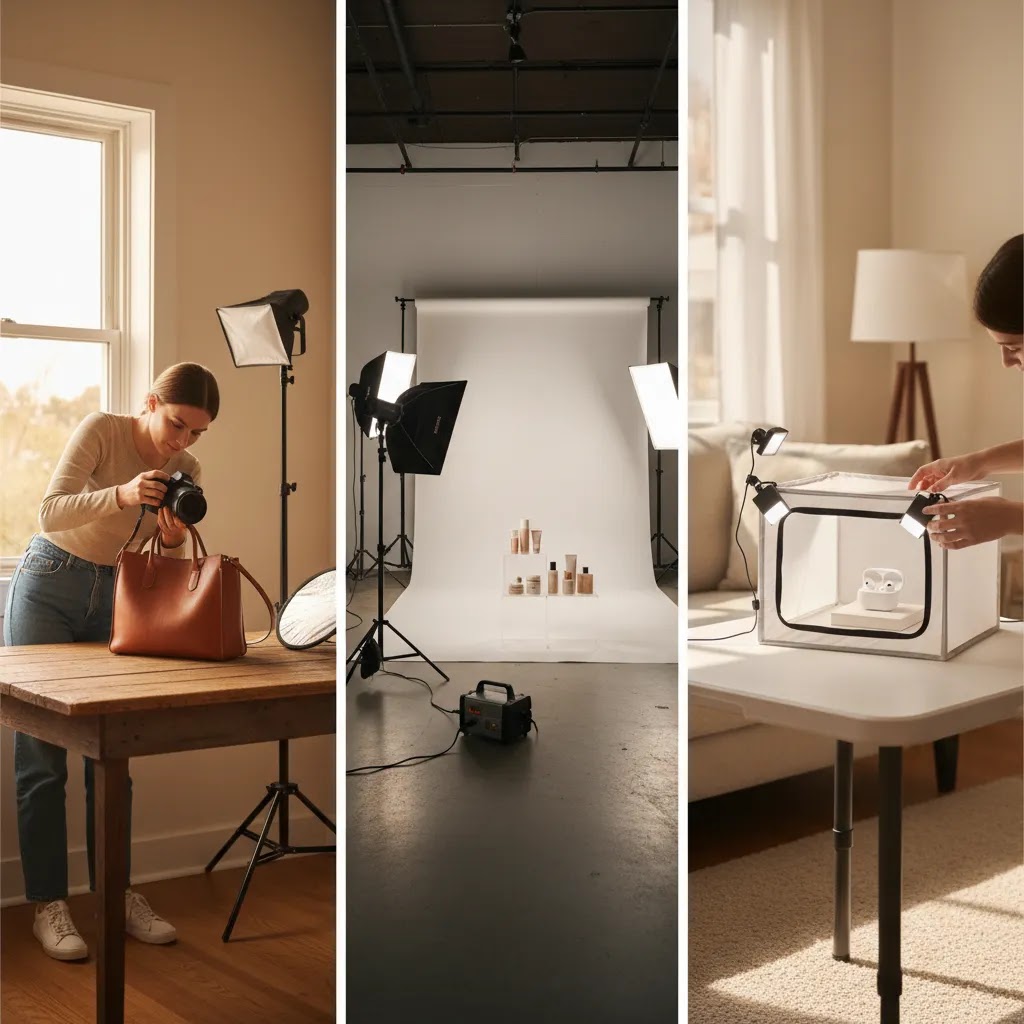
AcquireConvert recommendation
Before choosing a Sydney photographer, define your image stack by channel. Your Amazon main image has one job. Your secondary images, Shopify PDP gallery, and ad creatives have different jobs. That distinction helps you brief better and spend more effectively.
AcquireConvert approaches this from the perspective of practical ecommerce execution, not generic creative advice. Giles Thomas is a Shopify Partner and Google Expert, so the recommendation is to judge photography by how well it supports conversion, feed quality, and cross-channel reuse, not just by artistic style. If you are building a stronger visual workflow, explore AcquireConvert’s E Commerce Product Photography resources for broader strategy and category-specific guidance.
How to choose the right option
1. Start with your channel mix
If Amazon is your primary sales channel, compliance and click-through clarity should lead the brief. If Amazon and Shopify both matter, ask for deliverables that cover white-background mains, infographics, detail shots, and cropped variants for your store theme.
2. Ask to see Amazon-specific examples
General product photography examples are not enough. Review actual marketplace listings or Amazon-ready image sets. You want proof that the provider understands how images function inside a search results grid and on mobile product pages.
3. Check their process, not just their style
A reliable workflow usually includes shot planning, receiving instructions, product prep, standardized lighting, retouching, export specs, and revision rounds. Ask how they handle variation families, reflective materials, and packaging changes. This is where many providers differ.
4. Match the service level to your catalog stage
For a first launch, a lean package with hero images and a few supporting assets may be enough. For established brands, the better option may be a studio partner that can batch-shoot new SKUs monthly. If you sell products that benefit from rotational viewing, compare still photography with 360 or motion options before committing.
5. Clarify file rights and output formats
Make sure you will receive the final export sizes and formats needed for Amazon and your ecommerce stack. Ask whether layered design files, source files, or editable infographic elements are included. Those details affect long-term value more than many merchants expect.
6. Be realistic about DIY alternatives
A home setup can work for simple items if you have the time, equipment, and patience to test lighting. But once you factor in setup time, reshoots, editing, and inconsistency across SKUs, outsourcing often becomes more attractive. This is particularly true if your products rely on visual trust or compete in image-heavy categories like beauty, home, or accessories.
Photographer vs studio vs DIY (and when each makes sense for Amazon plus Shopify)
Choosing between a solo photographer, a studio, or doing it yourself is less about "quality" in the abstract and more about repeatability. Amazon and Shopify both reward consistency, because you are building a catalog, not a one-time campaign.
When a solo photographer can be the right fit
A single photographer can be a great option when you have a small number of SKUs, your products are straightforward to light, and you want direct communication with the person shooting and editing. This can work well for first launches where you need a tight image stack and you want the brief interpreted correctly.
Consider this if you are launching a handful of products and you can batch work efficiently, for example sending everything in one shipment, confirming a shot list, and approving a consistent template for future launches.
When a studio workflow tends to win
For most Shopify store owners who are expanding their Amazon catalog, a studio setup often becomes attractive once SKU count increases. The reason is operational. Studios can have standardized lighting bays, established retouching pipelines, and staff who handle intake, prep, and file delivery. That tends to matter when you want the same crop ratios, shadow style, and scale references across dozens of products.
A studio can also be better equipped for specific problem categories, like glossy packaging, reflective metals, or products that need careful color matching. If your category is competitive, those details can be the difference between images that look "good" and images that look credible next to the market leaders.
When DIY can be sensible, and the checklist that keeps it from falling apart
DIY is most realistic when products are small, non-reflective, and you can commit to a repeatable setup. If you treat DIY as a one-off, your catalog will drift visually over time. If you treat it like a production workflow, it can work.
If you are doing it in-house, focus on repeatability:
- Lock your lighting and camera position: mark positions so reshoots match older SKUs.
- Create a shot list template per product type: do not reinvent angles for every SKU.
- Standardize crops for Amazon and Shopify: pick a consistent product scale in frame, especially across variations.
- Use naming conventions from day one: tie filenames to SKU, variation, and image role so assets are easy to deploy in Shopify and in Amazon uploads.
The reality is that DIY savings can disappear once you factor in your time. Setup, test shots, cleaning products, reshoots, and editing can easily become the bottleneck that slows launches and steals time from acquisition and conversion work.
A hybrid workflow that often makes the most sense
A practical middle ground is to use a pro for the hardest-to-replace work, then handle lightweight variations internally.
The way this works in practice is:
- Pro shoot for hero and core angles: this sets the quality bar and lighting template.
- In-house edits for minor variants: for example small packaging updates, seasonal label tweaks, or resizing exports for ads and Shopify theme crops.
- Plan refresh cycles: reshoot only when the product changes materially or when you need a new lifestyle concept for ads.
If you use AI tools for cleanup or resizing, keep a human review step before images go live. You are protecting brand trust and avoiding accidental inaccuracies that can create customer support issues later.
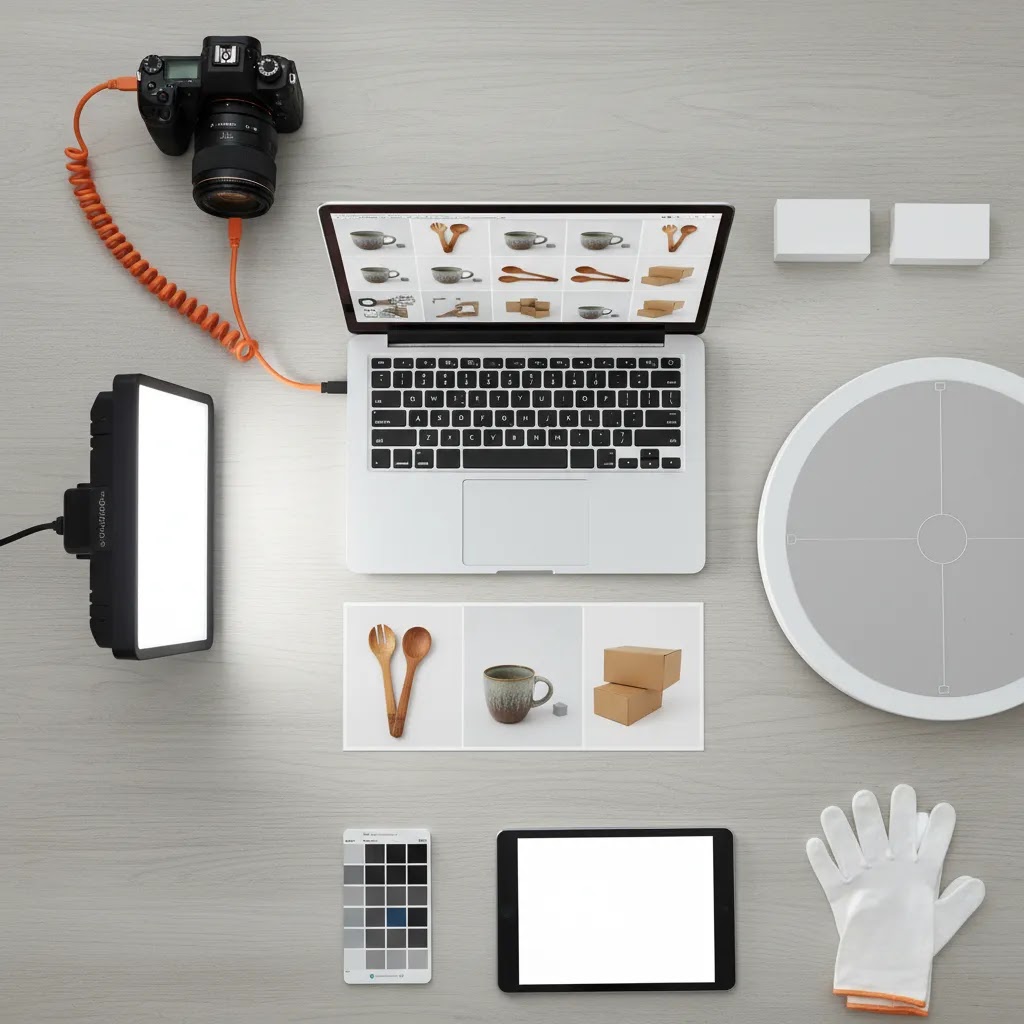
Amazon image checklist: exact deliverables to request for a conversion-focused listing
If you want a quote that actually matches what you need, you have to specify deliverables. Otherwise, you may get a set of images that looks fine in a portfolio, but does not do the selling work your listing needs.
Here is a practical checklist you can use in your brief. Adjust based on product complexity and how many questions shoppers typically have before buying.
A solid Amazon listing image stack (what to ask for)
- Main hero image: white background, clear framing, correct crop, and a version that holds up in Amazon search results thumbnails.
- Angle set: a consistent set of views that makes sense for the product, for example front, back, side, and key detail close-up.
- Scale or dimensions: a visual that answers "how big is it" without forcing the shopper to imagine measurements.
- Feature callouts: one or two images that communicate differentiators fast. These often combine photography with simple design overlays.
- Use or lifestyle context: show the product in use so shoppers understand who it is for and how it works.
- What is included: especially important for bundles, kits, refills, or items with accessories.
- Packaging image: useful for giftability, storage expectations, and reducing confusion when the product arrives.
- Compliance-safe variants: if your category is sensitive, ask your provider to propose alternative versions that stay conservative, then verify against current platform rules before publishing.
For simpler products, you may not need all of these. For complex products, you may need most of them, and you may also want a second lifestyle concept or an extra detail shot that addresses the top objection your reviews tend to reveal.
Mobile-first cropping and variation consistency
Amazon is a mobile-first buying experience, and your images are often judged as tiny thumbnails before a shopper ever clicks. Ask your photographer or studio how they handle cropping and framing for mobile.
Also, if you have parent-child variations, consistency across the variation family is critical. Your grid view should look coherent. That means matching product size in frame, camera height, lighting direction, and background tone, so shoppers can compare colors or variants without feeling like they are jumping between different brands.
What to request for cross-channel reuse (Amazon plus Shopify plus ads)
If you sell on Shopify too, build cross-channel exports into the brief so you are not paying twice for the same work.
Ask for:
- Shopify PDP-friendly crops: versions that fit your theme layout cleanly, especially for square grids and tight mobile galleries.
- Google Shopping-friendly versions: clean product-forward images that tend to work well in feeds, where clarity matters more than heavy design overlays.
- Ad-safe aspect ratios: a small set of crops that work across common placements without awkward trimming.
- Consistent naming conventions: tie each file to SKU, variation, and role, for example hero vs angle vs feature, so uploading to Shopify and Amazon is fast and error-resistant.
When you do this up front, you are treating photography as an asset system, not a one-time creative task. That is usually where ecommerce operators get the most long-term value.
Frequently Asked Questions
What makes Amazon product photography different from regular ecommerce photography?
Amazon photography needs to meet marketplace rules while still persuading shoppers. The main image usually requires a white background and a clear product focus, while secondary images should explain use cases, dimensions, features, and differentiation. Regular ecommerce photography often allows more brand styling and creative flexibility.
Do I need a Sydney-based photographer for Amazon listings?
No, but local access can help if you want simpler logistics, faster sample movement, and easier communication. For Australian brands, a Sydney-based studio may be a practical choice if you are shipping multiple products or expect regular refreshes. The best fit depends more on Amazon experience than postcode alone.
What should I ask before hiring a product photographer for Amazon?
Ask for Amazon-specific examples, turnaround times, revision policy, retouching scope, file delivery specs, and whether they can support both compliance images and conversion-focused secondary assets. If you plan to reuse the images across Shopify and ads, ask about alternate crops and exports for those channels too.
Can I use AI tools instead of a professional photographer?
AI editing tools can help with background cleanup, mockups, or image enhancement in some workflows. They are useful for testing concepts or extending existing assets, but they do not automatically replace well-planned original photography. For Amazon listings, starting with strong source images is still the safer approach in many cases.
How many images should an Amazon listing have?
The right number depends on the category and how much explanation the product needs. In many cases, sellers benefit from a clear hero image plus several secondary images showing features, dimensions, scale, use, and packaging. The goal is to remove buying friction, not just fill every slot.
Is 360 or 3D product photography worth it for Amazon sellers?
It can be, especially for premium or detail-sensitive products where texture, shape, or assembly matters. But it is not necessary for every SKU. Start by improving still images first. If shoppers still need more visual reassurance, 3D or interactive assets may be the next step for your broader ecommerce strategy.
What equipment is needed for a DIY Amazon product photography setup?
A basic setup often includes controlled lighting, a tripod, clean backdrops, reflectors, and editing software. That said, equipment alone does not solve consistency or post-production issues. If you are planning to scale a catalog, process discipline matters as much as gear quality.
Should my Amazon photographer also create Shopify product images?
Ideally, yes. If you sell on both channels, it is more efficient to brief one provider to capture a master set that supports Amazon, Shopify, email, and paid social. You may need different crops or overlays, but the underlying photography can often serve all channels with the right planning.
How much does product photography cost in Sydney?
It depends on whether you are buying a small per-SKU package, a day rate for batch shooting, or a more produced set that includes lifestyle scenes and infographic design. Complexity, shot count, and retouching needs are what typically move the quote. If you want a comparable estimate, define the number of SKUs, the number of final images per SKU, and whether you need lifestyle or callout images.
How much should I pay a photographer for a product shoot?
Pay for outcomes and scope, not for hours alone. A fair rate is usually one where you get the deliverables you need for Amazon compliance plus the exports you will reuse on Shopify and in ads. When comparing quotes, check what is included in retouching, how many revision rounds you get, and whether you are paying per final image or per SKU.
What is the 20 60 20 rule in photography?
In many photography workflows, the idea is that outcomes are driven by three buckets: planning and setup, capture, and post-production. People summarize this as a ratio like 20 percent planning, 60 percent shooting, 20 percent editing, although the exact split varies. For Amazon and Shopify catalogs, planning often matters more than that ratio suggests, because your shot list, consistency standards, and file workflow determine how scalable the result is.
How much do Amazon photographers make?
It varies widely based on experience level, whether they work freelance or within a studio, and how much value they add beyond capture, for example retouching, infographic design, and scalable catalog workflows. Some charge per image or per SKU, others charge day rates, and many studios price based on packages and production complexity. If you are hiring, focus less on what photographers earn and more on what your listing needs to convert and stay consistent across your catalog.
Key Takeaways
- Choose a Sydney photographer based on Amazon listing experience, not general commercial photography alone.
- Ask for image sets that support both Amazon compliance and broader ecommerce conversion goals.
- Prioritize catalog consistency if you plan to launch multiple SKUs or product variations.
- Use AI editing and mockup tools carefully as workflow support, not as a full replacement for strong source photography.
- Brief by channel so your Amazon main image, secondary images, and Shopify assets each do the right job.
Conclusion
Finding the right amazon product photography sydney provider comes down to fit, not hype. You need someone who understands marketplace rules, can produce consistent assets at catalog level, and knows that good ecommerce photography should support conversion across more than one channel. For many merchants, the best decision is a studio or photographer who can handle Amazon basics first and then expand into richer assets for Shopify and paid media as the business grows.
If you want a clearer framework before you brief anyone, explore AcquireConvert’s photography resources and related ecommerce guides. Giles Thomas’s perspective as a Shopify Partner and Google Expert keeps the focus where it belongs: practical decisions that help store owners build stronger product pages, cleaner feeds, and better buying experiences.
This content is editorial and for informational purposes only. It is not a paid endorsement unless explicitly stated otherwise. Pricing, service terms, and product availability are subject to change and should be verified directly with each provider. Any tools referenced are examples of workflow support only, and results from photography, creative changes, or ecommerce optimization are not guaranteed.

Hi, I'm Giles Thomas.
Founder of AcquireConvert, the place where ecommerce entrepreneurs & marketers go to learn growth. I'm also the founder of Shopify agency Whole Design Studios.