Ecommerce Photography Studio: How to Choose (2026)

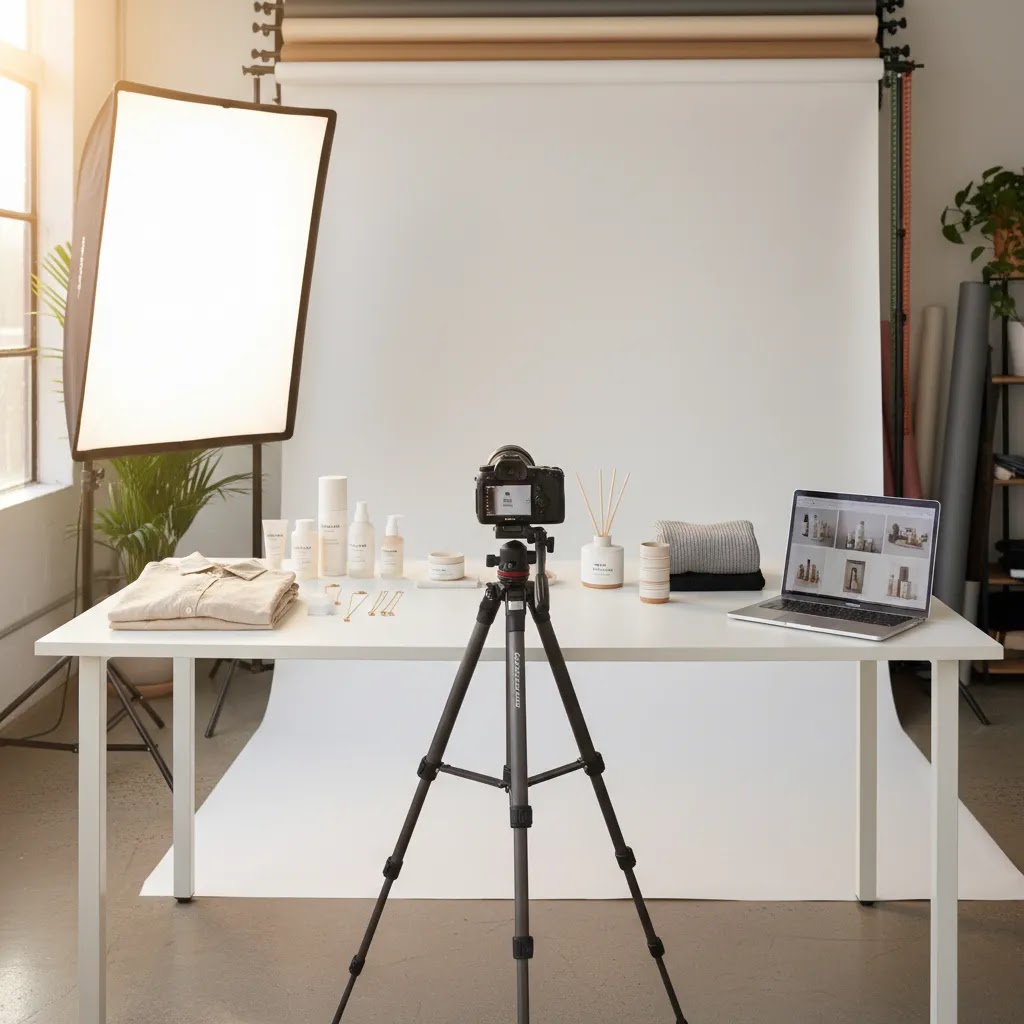
If your product photos are inconsistent, slow to produce, or too expensive to refresh, it may be time to rethink your ecommerce photography studio setup. That does not always mean renting a warehouse or hiring a full creative team. For many Shopify merchants, the right answer is a lean in-house setup, a specialist partner, or a hybrid model that combines physical shoots with AI-assisted editing. This guide is built to help you decide which route fits your catalog, margins, and workflow. If you are still mapping the wider tool stack around product visuals, it also helps to review related ecommerce tools so your studio decisions support merchandising, conversion, and ongoing content production.
Contents
- What an Ecommerce Photography Studio Actually Needs
- Choose, Build, or Hybridize Your Studio
- Key Features to Prioritize
- Working With an External Ecommerce Photography Studio: What to Ask and What to Deliver
- Pros and Cons
- Who This Approach Is For
- AcquireConvert Recommendation
- How to Choose the Right Setup
- Studio Output Specs That Prevent Shopify Problems
- On-Demand and “Creative at Scale” Platforms: When They Beat Traditional Studios
- Frequently Asked Questions
- Key Takeaways
What an Ecommerce Photography Studio Actually Needs
An ecommerce photography studio is not defined by size. It is defined by repeatability. If you can produce images with consistent lighting, framing, backgrounds, file specs, and turnaround time, you have a studio that supports ecommerce.
For most online stores, the baseline requirement is simple: clean product images for PDPs, collection pages, ads, marketplaces, and email campaigns. The complexity grows when you add variants, seasonal launches, model shoots, bundles, or channel-specific creative. A store selling jewelry needs different handling from a brand selling furniture or cosmetics.
A practical studio decision starts with your catalog structure, not with camera gear. Ask how many SKUs you launch per month, how often you refresh creative, whether you need white background assets, and whether lifestyle content is essential for conversion. Stores selling on marketplaces should also account for compliance needs, especially if they rely on amazon product photography standards alongside direct-to-consumer visuals.
If you want a wider foundation before making the studio call, AcquireConvert’s e commerce product photography resources are a useful starting point.
Choose, Build, or Hybridize Your Studio
There are three realistic routes for most merchants.
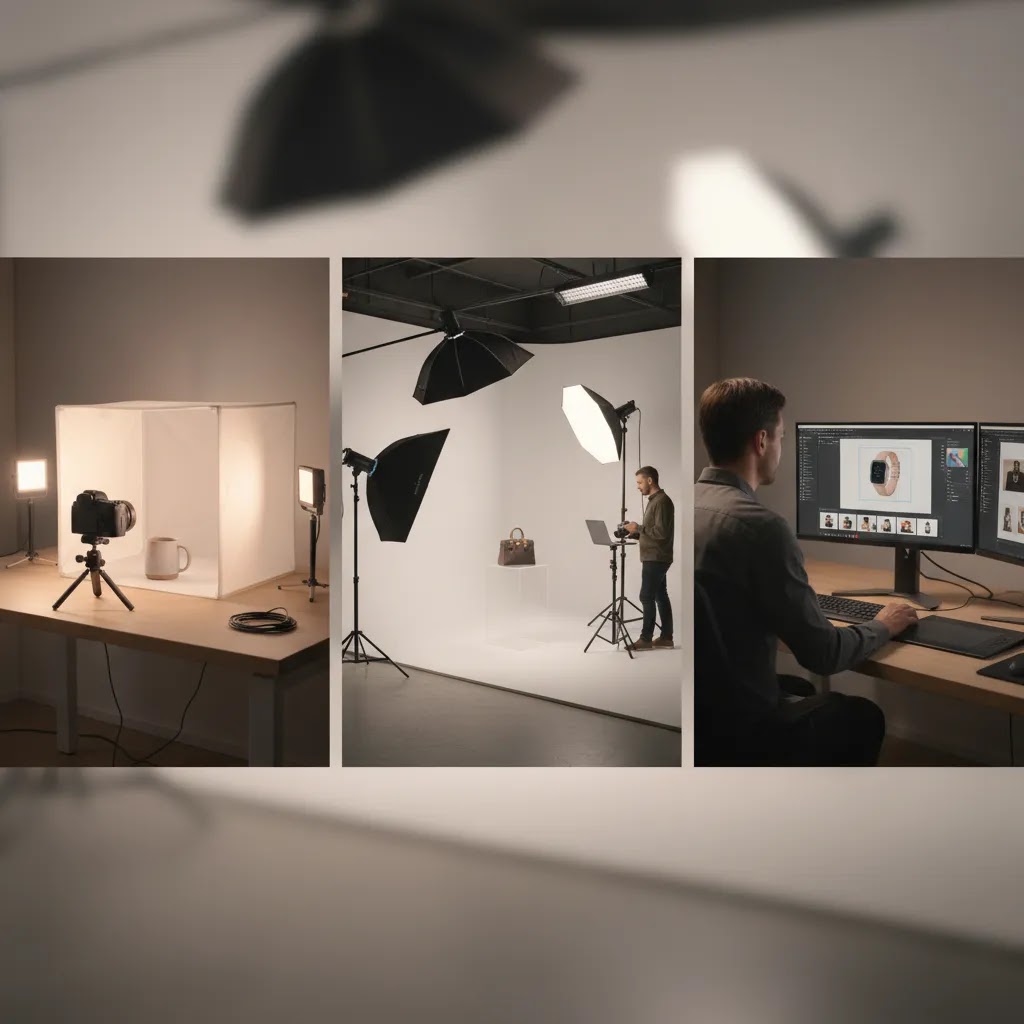
Option one: build an in-house studio. This makes sense when you have recurring photo volume, steady launches, and someone on the team who can own the workflow. In-house gives you more control over brand consistency and may reduce per-shoot costs over time, but it also adds process overhead.
Option two: use an external studio or specialist service. This fits brands that need premium output, model shoots, or advanced styling but do not want to manage equipment, retouching, and production logistics. It is often the better fit for founders who need polished assets without building an internal content operation.
Option three: hybrid. This is the most common and often the smartest. You shoot basics in-house, outsource campaigns, and use AI editing tools to speed up background cleanup, format variations, and creative testing. If your team wants concept flexibility without reshooting every SKU, a mockup generator can support merchandising and ad creative between formal shoots.
Hybrid setups tend to work well for growth-stage Shopify stores because they balance control, speed, and cash flow.
Key Features to Prioritize
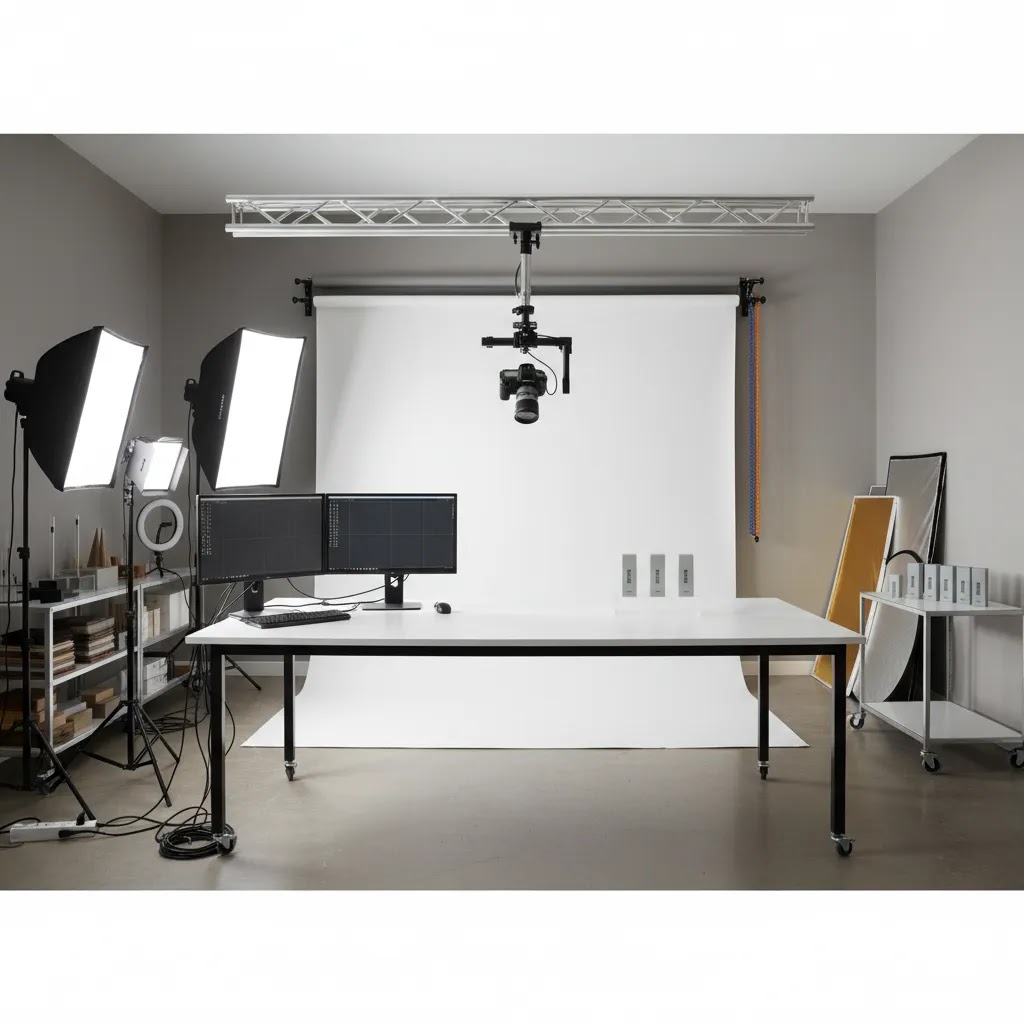
The best ecommerce photography studio setup is the one that improves production reliability without overbuilding for your current stage. These are the features worth prioritizing.
1. Consistent background and lighting control
Your images should look like they belong to the same brand, even when products are shot weeks apart. This matters for PDP trust and collection page cohesion. If you do not have a dedicated set, AI tools can help standardize outputs after the shoot. For example, Free White Background Generator and AI Background Generator are useful when you need alternate background treatments without building multiple physical sets.
2. Fast editing workflow
Shooting is only half the job. Cropping, cleanup, resizing, and channel formatting often become the bottleneck. If you sell many variants or update listings often, efficiency in post-production matters as much as camera quality. Magic Photo Editor and Creator Studio can help teams move faster when basic editing tasks pile up.
3. Output flexibility for multiple channels
Your studio should produce assets for Shopify product pages, collection thumbnails, paid social, email, and marketplaces. That means planning for aspect ratios, file sizes, and alternate creative versions from the start. If your current process only creates one master image per SKU, it will likely slow you down later.
4. Space and process that match your product type
Soft goods, reflective products, food, and beauty items all need different handling. A small tabletop setup may be enough for accessories, but apparel and lifestyle scenes may need a more complete product photography studio workflow with props, backdrops, and room for movement.
5. AI support where it saves time, not where it creates risk
AI can help with cleanup, background changes, compositing, and image enhancement. It is especially helpful for stores that need more output without hiring a larger creative team. Tools like Increase Image Resolution, Background Swap Editor, and Place in Hands may reduce manual editing time. Still, AI should support accurate merchandising, not replace clear, truthful product representation.
Working With an External Ecommerce Photography Studio: What to Ask and What to Deliver
Here’s the thing: outsourcing only saves time if you brief the studio like a production partner, not like a one-off vendor. Most revision cycles in ecommerce photography come from missing inputs, unclear channel requirements, or no definition of what “done” looks like for Shopify.
From a practical standpoint, studios typically sell two deliverable types that solve different problems. The first is clean catalog imagery, often white or neutral background, built for PDPs, collections, and marketplace compliance. The second is lifestyle or brand content, built for ads, landing pages, and social. You can buy both, but you should decide upfront which one is the primary goal for this project because it changes styling, set design, lighting, and retouching time.
What to send a studio so you get usable outputs with fewer revisions
Before you ship product, send a tight package of inputs. This is what many store owners overlook, and it is what keeps your Shopify image library consistent when the next batch gets shot.
- Product samples that match what customers will receive, including the correct colorways, sizes, and packaging version if packaging appears in any shots.
- Your brand guidelines, even if they are simple: preferred background color, how bright or contrasty you want the images, and what “true color” means for your brand.
- Channel requirements: Shopify PDP needs, collection grid expectations, and any marketplace constraints you need to follow alongside your direct-to-consumer visuals.
- A shot list by SKU: hero image, angle set, detail close-ups, scale reference, included accessories, packaging, and any required “proof” photos.
- An angle map: define what “front,” “45,” “back,” and “detail” mean for your category so multiple photographers do not interpret it differently.
- Background rules: pure white vs off-white, shadow style, whether reflections are allowed, and whether the product should float or sit on a surface.
- Retouching boundaries: what can be cleaned up and what cannot. For example, removing dust is fine, reshaping the product is not. This matters for trust and reduces the risk of customer disappointment.
Questions to ask before you book
These questions are designed to reduce risk before you commit budget and ship inventory.
- Turnaround time and what changes it: ask what is realistic for your SKU count and whether peak seasons affect delivery.
- How many revision rounds are included, and what counts as a revision: styling, crop changes, color correction, or full reshoots.
- How they handle color accuracy: what they calibrate, whether they shoot color targets, and how approvals work for critical colors.
- Experience with your product type: reflective metals, glossy packaging, transparent products, food, and fragile items all need specialized handling.
- Styling and prop support: whether they provide props, models, and set design, or whether you need to supply everything.
- File naming and delivery structure: whether assets arrive labeled by SKU and angle, and whether they can mirror your internal conventions.
- Usage rights: confirm you can use the images on your Shopify site, marketplaces, paid ads, and social. Rights and licensing terms vary, so do not assume.
A simple “first project” approach that avoids overcommitting
Consider this: you do not need to hand over your whole catalog on day one. Start with a small SKU batch, typically 10 to 20 products, and treat it like a workflow test.
Include one hero set that is clearly designed for Shopify PDP and collection consistency, plus one lifestyle set that reflects how you plan to advertise. Then evaluate consistency across SKUs, how many revisions were needed, and whether files arrive ready to upload without hours of rework. If the process fits your team, scaling up is straightforward. If it does not, you learned that on a small project instead of a full-season shoot.
Pros and Cons
Strengths
- An intentional ecommerce photography studio improves visual consistency across PDPs, collection pages, ads, and marketplaces.
- In-house or hybrid setups can reduce content bottlenecks when you launch new SKUs frequently.
- AI-assisted editing may help smaller teams create more asset variations without reshooting every product.
- A structured studio workflow supports better file management, naming conventions, and channel-specific image delivery.
- Merchants gain more control over turnaround time, especially for restocks, seasonal updates, and urgent merchandising needs.
Considerations
- Building a studio internally requires time, testing, and staff ownership, not just equipment purchases.
- Low-volume stores may spend more than necessary if they overbuild instead of outsourcing selectively.
- AI image tools are useful for speed, but they still require review to avoid inaccurate product presentation.
- Different product categories need different lighting and styling setups, so one template rarely works for every brand.
Who This Approach Is For
This decision framework is best for Shopify merchants and ecommerce teams that are past the early improvised-photo stage and need a more reliable visual system. It is especially useful if you are launching products regularly, selling across multiple channels, or trying to improve conversion with stronger product presentation.
If you have fewer SKUs and only need occasional imagery, outsourcing may still be the smartest option. If you are scaling and your catalog changes often, a hybrid studio model usually gives you the best balance of speed and quality. The right answer depends less on company size and more on shoot frequency, product complexity, and how central imagery is to your sales process.
AcquireConvert Recommendation
For most store owners, the smartest path is to build a studio only to the level your current catalog demands. Giles Thomas’s perspective as a Shopify Partner and Google Expert is useful here because ecommerce imagery is not just a creative decision. It affects merchandising, ad performance, feed readiness, and on-site conversion. That is why AcquireConvert tends to favor practical systems over oversized setups.
Start with a repeatable core: clean product shots, documented lighting, background consistency, and a simple editing workflow. Add lifestyle or campaign production only when it supports a clear merchandising need. If you are comparing physical production with AI-assisted workflows, review our broader guides on product photography fundamentals and category resources for e commerce product photography. They will help you decide what to handle in-house and what to outsource.
How to Choose the Right Setup
Use these five criteria before you rent space, buy equipment, or sign with a studio partner.
1. Product volume and shoot frequency
If you add products weekly, in-house capability becomes more valuable. If you only refresh images quarterly, outsourcing is often more sensible. The break-even point is usually operational, not purely financial.
2. Catalog complexity
Products with texture, shine, transparency, or fit dependence require more setup control. Apparel, cosmetics, and reflective accessories often need more than a basic tabletop arrangement. Your studio choice should match the hardest product category you sell, not the easiest one.
3. Content mix needed for conversion
Ask what actually helps customers buy. Many stores need a mix of white background images, close-ups, scale shots, and a few lifestyle visuals. Not every SKU needs a full campaign treatment. Focus production where it may improve confidence, reduce returns, or clarify fit and use.
4. Internal team capacity
A founder-led studio can work at low volume, but it often breaks once the business grows. Someone needs to own the shot list, file naming, retouching approvals, and upload standards. If nobody on your team can manage that consistently, an external partner or hybrid workflow may be safer.
5. Editing and repurposing needs
Stores rarely need just one image anymore. You may need marketplace-compliant assets, ad variations, social crops, and updated backgrounds for seasonal campaigns. That is where AI-assisted tools can be useful. For example, removing overlays with Remove Text From Images or creating alternate scenes may extend the value of a single shoot. Still, review outputs carefully so product details remain accurate.
If you are unsure, start with a small pilot. Shoot 10 to 20 SKUs through the model you are considering. Measure turnaround time, revision load, image consistency, and how smoothly assets move into your Shopify workflow. That test will tell you more than a long equipment list ever will.
Studio Output Specs That Prevent Shopify Problems
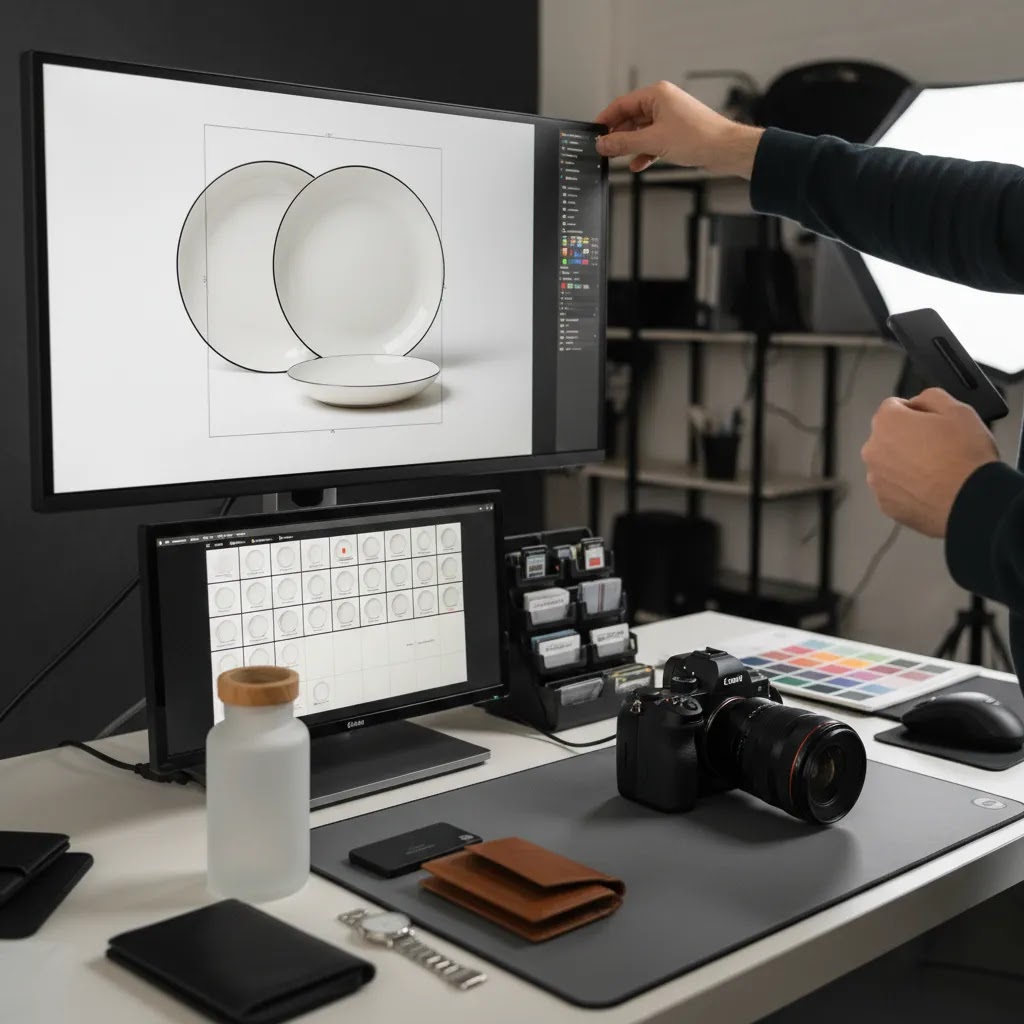
Now, when it comes to Shopify, the fastest way to create merchandising friction is to accept “great photos” that are delivered in inconsistent formats. The images can look beautiful in a folder, then fall apart on collection grids, thumbnail crops, and ad exports.
Aspect ratios and crop safety for collection grids
Collection pages reward consistency. If one product is shot square, another is wide, and another is tall, your grid looks messy and customers have to work harder to scan. Decide on one primary aspect ratio for your catalog images and stick to it.
Think of it this way: you want “crop safe” masters. Leave breathing room around the product so Shopify thumbnails and collection tiles do not cut off key details. This matters even more when you have variants that change silhouette, like different bottle shapes or apparel sizes.
File size vs speed tradeoffs (and when it matters)
Large images can slow down your pages, especially on mobile. Over-compressed images can look cheap. The reality is you want a balance: crisp enough to zoom and show texture, light enough to load quickly.
Ask your studio how they export for web. A common workflow is to keep high-resolution masters for archival use, then deliver web-ready files for Shopify. If you are handling exports internally, set a standard so new images do not quietly bloat your theme performance over time.
JPEG vs PNG for ecommerce products
For most product photos, JPEG is the default because it is efficient for photographs and backgrounds with gradients or shadows. PNG is usually reserved for cases where you truly need transparency, like clean cutouts for design, compositing, or certain marketplace or ad placements. If you use transparent PNGs for everything, file sizes can jump quickly.
What many store owners overlook is that you can plan for both. Get the standard web-ready JPEG set for Shopify, and request a smaller subset of transparent cutouts only for the SKUs and angles that need them.
File naming and delivery structure that helps merchandising
When images arrive as “final_01.jpg,” your team pays the price later. A simple naming convention keeps your catalog manageable as it grows.
- Name by SKU and angle, for example: sku-color-angle or sku-angle-detail.
- Use versioning for seasonal backgrounds, for example: holiday, summer, or evergreen.
- Keep a consistent folder structure by product line or collection so new hires can find assets quickly.
This does not just help Shopify uploads. It makes it easier to reuse the same assets for ads, email, and marketplace listings without redoing the organizational work every time.
Plan “one shoot, many exports” so you do not reshoot for each channel
If you sell on Shopify and marketplaces, you can usually plan a single shoot that feeds multiple outputs. The key is capturing masters with enough space and resolution to create channel-specific crops, plus a consistent angle set that works everywhere.
From a practical standpoint, it helps to decide upfront which assets are meant to be universal, like clean catalog shots, and which assets are channel-specific, like lifestyle images for paid social. That planning step is often cheaper than reshooting later because a marketplace needs a different crop or background treatment.
On-Demand and “Creative at Scale” Platforms: When They Beat Traditional Studios
Traditional studios are still a great option, especially when you need hands-on styling, tight collaboration, or you want to be physically present for the shoot. But there is a modern alternative that can be a better fit for some ecommerce operations: on-demand production platforms that combine bookable shoots with managed editing and standardized delivery.
For most Shopify store owners, this model can make sense when your catalog is growing fast, you need frequent ad creative refresh cycles, or you want predictable output specs without building an internal production team.
Who this model fits best
Consider this route if you are dealing with any of the following: frequent product drops, lots of similar SKUs that need consistent angles, or marketing that depends on constantly testing new creative. It can also work well if you have strong brand guidelines and you want a repeatable system more than a bespoke creative process.
Operational pros and cons compared to local studios or in-house
The upside is often speed and standardization. The process is designed around repeatable outputs, which can reduce the back-and-forth that happens when every shoot is reinvented. Managed editing can also be a win if retouching is your internal bottleneck.
The tradeoff is logistics and creative nuance. You may need to ship products, which adds time and risk if inventory is limited. Creative consistency can be good when the platform is standardized, but it can also feel less flexible if your brand relies on very specific lighting style, textures, or set design. Review cycles also tend to be structured, so you want to know how approvals and revisions work before you commit.
How to evaluate fit without overcommitting
If you are curious, run a controlled test. Choose a small SKU set or a single campaign, then compare three things: turnaround time, consistency across products, and how easy it is to request variations that matter for Shopify and ads. You are not just judging photo quality. You are judging whether the operational system reduces friction in your merchandising workflow.
If the platform helps you publish more consistently without adding review stress, it may be a strong complement to your existing studio approach. If it creates more coordination overhead than it removes, you have your answer quickly.
Frequently Asked Questions
Do I need a dedicated room for an ecommerce photography studio?
No. Many smaller stores start with a controlled tabletop setup in an office or spare room. What matters most is repeatable lighting, a clean backdrop, and enough space to work safely and consistently. A dedicated room helps, but it is not required at the beginning.
Is it better to build a studio or outsource product photography?
It depends on shoot frequency, catalog complexity, and internal capacity. If you launch products often, in-house or hybrid can make sense. If you need occasional high-quality content without managing production, outsourcing is often the better fit. Many brands use both approaches at different stages.
How does AI fit into ecommerce photography?
AI is most useful in editing and creative variation, not as a blanket replacement for all photography. It may help with background cleanup, resizing, compositing, and alternate scene generation. Used carefully, it can speed up workflows. It still needs human review to keep product representation accurate and trustworthy.
What is the minimum setup for a small ecommerce studio?
A basic setup usually includes a camera or modern smartphone, tripod, controlled lighting, backdrop, shooting table or flat surface, and editing workflow. You do not need a large investment to start. The goal is consistency, not complexity. Start simple, document your process, and improve based on your product category.
Should Shopify stores create different images for product pages and ads?
Usually, yes. PDP images should focus on clarity, detail, and purchase confidence. Ad creative often needs stronger context, framing, or lifestyle cues to stop scrolling. Some core assets can be repurposed, but your studio process should plan for both use cases from the start where possible.
How many images does each product need?
That depends on the product, price point, and customer questions. In many cases, stores need a hero shot, alternate angles, close-ups, scale reference, and at least one contextual image. Higher-consideration products often need more. The right number is the amount required to reduce uncertainty and support purchase decisions.
Can a hybrid studio model work for a growing brand?
Yes. Hybrid is often the most practical route for growing ecommerce brands. You can handle core catalog images in-house for speed, then outsource premium shoots or campaigns when needed. This keeps production flexible while avoiding the cost of building a full studio operation too early.
What should I look for in an external ecommerce photography studio?
Look for process clarity, category experience, turnaround expectations, revision terms, and output formats that match your channels. Ask how they handle shot lists, retouching standards, and file delivery. A strong studio partner should make your merchandising workflow simpler, not add more friction after the shoot.
How can I test whether my current images are good enough?
Review your PDPs through a customer lens. Are details clear? Are angles consistent? Do images answer likely purchase questions? You can also compare bounce rate, add-to-cart behavior, and conversion trends before and after image updates. Results vary, so treat changes as tests rather than guaranteed performance drivers.
How much should you charge for e-commerce photography?
Pricing depends on what you are delivering, not just how long the shoot takes. White background product images are usually priced differently than lifestyle images because styling, sets, models, and retouching time change the workload. For a Shopify store, it is smart to price based on a clear deliverable package: number of SKUs, angles per SKU, retouching level, and delivery specs. If you are the merchant buying photography, ask for a quote that itemizes those elements so you can compare vendors fairly.
How much do ecommerce photographers make?
It varies widely based on region, experience, and whether the photographer is doing simple catalog work or full creative production. Many photographers earn based on project volume and repeat clients rather than a fixed “per hour” rate. For store owners, the practical takeaway is to focus less on what a photographer makes and more on whether their process delivers consistent assets that reduce your internal workload and support your conversion goals.
What is the 20 60 20 rule in photography?
The 20 60 20 rule is often used as a simple way to think about attention and iteration: a portion of results comes from fundamentals, most comes from repeatable execution, and a final portion comes from refinement. In ecommerce terms, your first wins typically come from controlling the basics, like lighting consistency, framing, and accurate color. The biggest gains come from building a repeatable workflow across SKUs. The final improvements come from polishing details, like retouching standards and creative variations for ads.
What is the 50 50 rule in photography?
The 50 50 rule is commonly used to emphasize that the work is split between capture and post-production. For ecommerce, that is a helpful mindset because “the shoot” is only half the process. Your final Shopify-ready assets depend just as much on cropping, background consistency, compression, naming, and delivery structure. If your images look great but take forever to edit and upload, the system is not really working yet.
Key Takeaways
- Choose your ecommerce photography studio model based on volume, catalog complexity, and workflow capacity.
- For many Shopify merchants, a hybrid approach offers the best balance of speed, control, and cost discipline.
- Prioritize repeatable lighting, consistent backgrounds, and fast post-production before expanding into complex studio setups.
- Use AI tools to support editing efficiency and creative testing, but always review outputs for product accuracy.
- Run a small SKU pilot before committing to a full studio build or long-term outsourcing arrangement.
Conclusion
An ecommerce photography studio should help you publish better product imagery faster, not add unnecessary operational weight. For some brands, that means a compact in-house setup. For others, it means a specialist partner or a hybrid workflow with AI-assisted editing layered in. The right decision comes from your SKU volume, product type, channel mix, and team capacity. If you want more practical guidance, explore AcquireConvert’s related resources on ecommerce photography and product image workflows. AcquireConvert is built for store owners who want grounded, practitioner-led advice, with guidance shaped by Giles Thomas’s experience as a Shopify Partner and Google Expert.
This article is editorial content and not a paid endorsement unless otherwise stated. Pricing and product availability for third-party tools are subject to change, so verify current details directly with the provider. Any performance outcomes discussed are illustrative only and not guaranteed. AI-generated or AI-edited imagery should be reviewed carefully to ensure accurate representation of your products.

Hi, I'm Giles Thomas.
Founder of AcquireConvert, the place where ecommerce entrepreneurs & marketers go to learn growth. I'm also the founder of Shopify agency Whole Design Studios.