Ecommerce Product Photography Studios (2026 Guide)

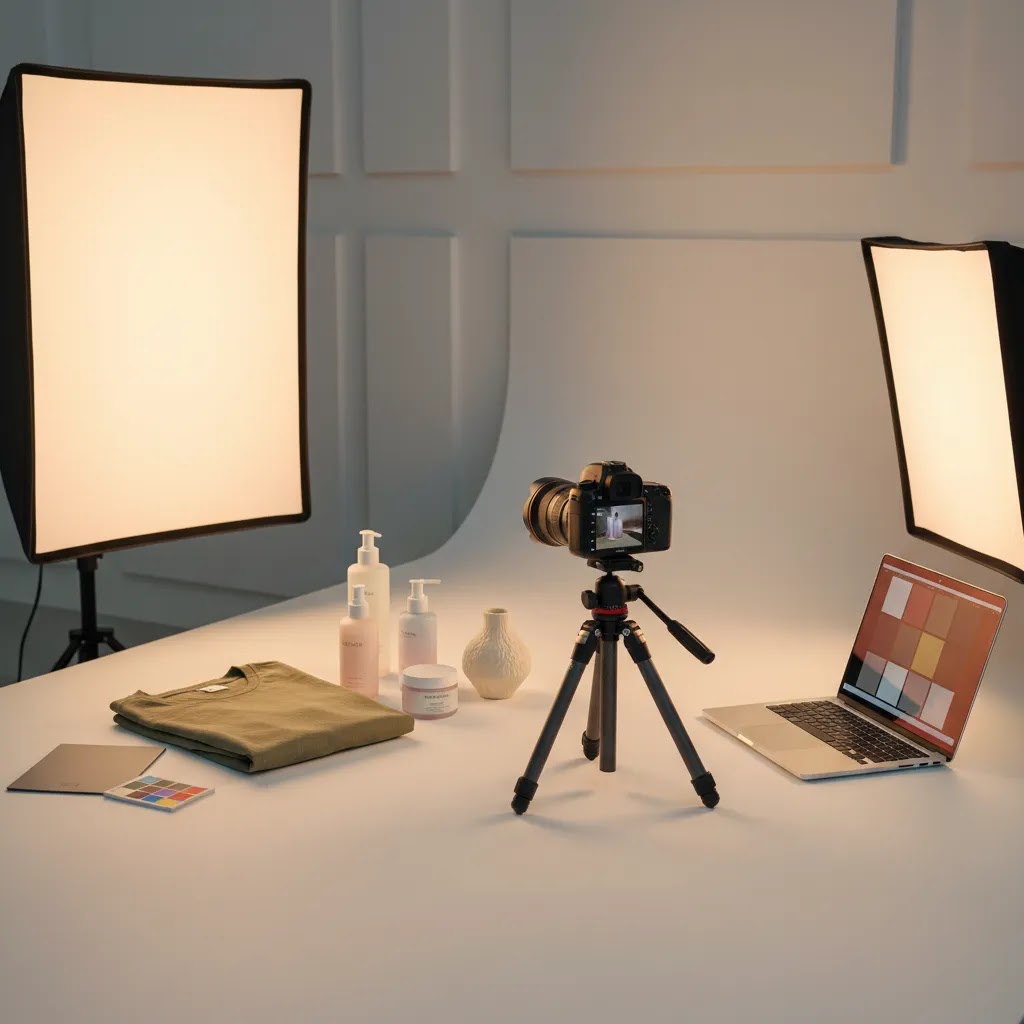
You have products ready to sell, your Shopify store is live, and traffic is starting to come in, but conversion still feels stuck. For many store owners, the problem is not the product itself. It is the photography. Flat, inconsistent, or outdated images can make even a strong product look untrustworthy, low quality, or hard to understand online. That is usually when the search starts for ecommerce product photography studios, and the options can get confusing fast.
Some studios specialize in clean white-background catalog shots. Others focus on lifestyle imagery, video, or AI-assisted workflows. Some charge by the image, others by the day, and some bundle styling, retouching, and listing-ready exports into one package. This guide will help you sort through those choices so you can hire with more confidence. If you are still comparing tools and production options, AcquireConvert also has a helpful overview of ecommerce tools that can support your visual workflow before and after a shoot.
Contents
What ecommerce product photography studios actually do
Not every photography provider is built for ecommerce. A general commercial photographer may produce beautiful images, but ecommerce product photography studios are supposed to create assets that work inside product pages, collection grids, ads, email campaigns, marketplaces, and mobile screens.
From a practical standpoint, that means the studio should understand image consistency, variant coverage, aspect ratios, file naming, retouching standards, and the difference between a hero image and a supporting detail shot. If they do not ask where the photos will be used, that is a warning sign.
Core deliverables you should expect
Most product photography studios for ecommerce offer a mix of these assets:
The reality is that your ideal studio depends on what your store needs to improve next. If customers are unclear about features, detail images matter more. If your brand feels generic, lifestyle imagery matters more. If your catalog is large, process and consistency matter more than artistic flair.
If you are still deciding between a studio and an independent specialist, this AcquireConvert guide to choosing an ecommerce product photographer can help you compare the working models.
Shot types buyers often expect (and how they show up on Shopify)
Studios talk about “deliverables,” but shoppers experience them as questions getting answered. Can I see how it fits? What does the material look like up close? How thick is it? Does it hold its shape? That is why certain shot types show up again and again in high-performing Shopify stores, especially in apparel, beauty, and home goods.
Now, when it comes to choosing a studio, you want to confirm they can produce these formats consistently across multiple SKUs, not just as a one-off test. Consistency in lighting, crop, angles, and retouching style is what makes a product grid look premium and makes a product page feel trustworthy.
Ghost mannequin (especially for apparel)
Ghost mannequin photography is where a garment is photographed on a mannequin and then the mannequin is edited out so the product looks like it is being worn, with shape and structure visible. It is popular for tops, dresses, outerwear, and anything where drape and fit affect the buying decision.
On a Shopify product page, ghost mannequin images often work well as the first or second image in the gallery after the hero shot, because they show shape without requiring a model. The tradeoff is that it usually requires more styling time and more complex retouching, so it can cost more than standard flat catalog angles.
Flat lay (fast, clear, and often underrated)
Flat lay photography is the product shot from above, arranged flat on a surface. It is common for apparel, accessories, and sets. It can be a strong middle ground when you want a clean, consistent look at scale without full on-model production.
From a practical Shopify standpoint, flat lays tend to perform best as supporting images, showing colorways, what is included, or bundle components. Ask the studio how they keep sizing and cropping consistent across products, because small inconsistencies can make collection pages look messy.
On-model (fit, scale, and trust)
On-model photography shows the product being worn or used by a person. For apparel, it answers fit and length questions. For accessories, it establishes scale. For beauty and wellness, it can increase trust if the styling feels believable for your brand.
On Shopify product pages, on-model images usually work best after you have already established a clean hero shot, then use on-model to reduce hesitation around size and proportion. The tradeoffs are real: models, styling, and releases add coordination, and retouching expectations tend to be higher. If you are quoting this, confirm whether model sourcing is included, how many looks are planned per model, and whether you can get both full body and detail crops from the same setup.
360 and 3D spins (useful, but not always necessary)
360 photography uses a sequence of images that lets shoppers rotate a product. Some studios also offer 3D assets, depending on your product and the production method. These formats can help for products with shape complexity, such as footwear, bags, certain consumer goods, or items where shoppers want to inspect all sides.
The reality is that 360 and 3D usually add production time and post-processing steps. They can be worth exploring if your product has frequent “what does the back look like” type questions, or if you sell higher-consideration items where inspection matters. For many stores, a well-planned set of angles plus a couple of tight detail shots is enough to cover the same objections at lower complexity.
Before you book, ask the studio where these formats tend to be used in a Shopify gallery, how they deliver files, and what level of interactivity you will need to support on the storefront. Some stores use these assets only for ads or landing pages, while others build the gallery around them.
How to judge whether a studio fits your store
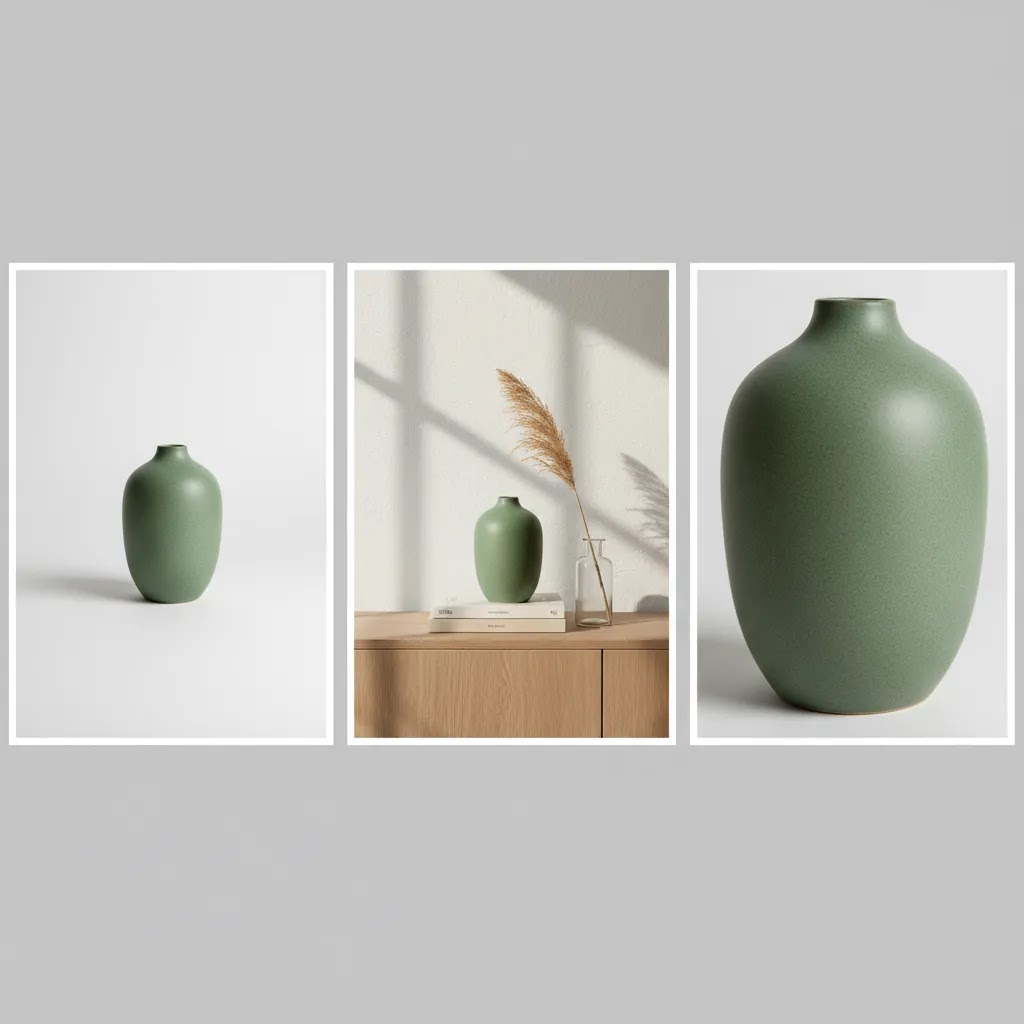
Store owners often choose a studio based on a polished homepage and a few attractive samples. That is understandable, but it is not enough. You need to know whether the team can shoot your type of product, at your needed volume, in a style that actually supports conversion.
Look at category-specific experience
A studio that shoots jewelry well may not be the best choice for furniture, cosmetics, supplements, or apparel. Reflective items, textured materials, transparent packaging, and soft goods all create different technical challenges.
Ask to see examples close to your category, not just their best-looking work overall. A good portfolio should show consistency across multiple SKUs, not one standout hero shot.
Review the studio through a conversion lens
Here is the thing, the goal is not just pretty images. The goal is images that help shoppers understand what they are buying and feel comfortable buying it. That is why image choice connects directly to conversion rate optimization. AcquireConvert has covered how product photos increase conversion rate, and the same principle applies when evaluating a studio portfolio.
Ask yourself: Would these photos reduce uncertainty on a product page? Can you clearly see size, texture, finish, packaging, or use case? If not, the style may be too editorial for ecommerce.
Assess process, not just creative quality
What many store owners overlook is operations. A studio may produce great images but still be a poor fit if they miss deadlines, require unclear prep instructions, or deliver files in a way your team cannot use quickly.
Look for clear intake forms, shot lists, revision policies, sample timelines, and delivery specs. The best ecommerce photography studios usually have a repeatable system, not just talent.
What ecommerce product photography prices usually include
Pricing is one of the biggest points of confusion. Search terms like ecommerce product photography prices or product photography studios near me suggest many store owners are trying to compare quotes that are structured completely differently.
One studio may charge per final image. Another may charge per SKU. Another may quote a half-day or full-day production rate. On top of that, retouching, styling, model fees, props, location costs, and usage rights may or may not be included.
Common pricing structures
Consider this, many studios also present pricing in “menu style” tiers, even if the underlying structure is still per image or per SKU. You might see a flat rate per photo for basic packshots, then a higher per-photo tier for more complex styling or advanced retouching. You may also see price breaks when you commit to a certain number of images or SKUs in a batch, because setup time gets spread out over more deliverables.
Turnaround speed can also affect pricing. A standard timeline is usually the most cost-efficient, while rush work typically means overtime, schedule reshuffling, or faster retouching capacity. The key is not whether a studio offers rush. It is whether the rush timeline still includes a proper proofing and revision step, because skipping that step can create expensive rework later.
In practice, this means the cheapest quote is not always the lowest-cost option. A lower upfront price may exclude retouching, clipping paths, resizing, or alternate crops for ads and marketplaces. You may end up paying more later in editing time or rework.
What to request in every quote
From a practical standpoint, you also want to compare quotes apples-to-apples. A simple method is to calculate your effective cost per usable asset, not just the headline cost per image. If one quote includes retouching, two crops per image for ads, and a reasonable revision round, those are usable assets you would otherwise pay for with internal time. Another quote might look cheaper per image but deliver fewer finished files you can actually deploy across Shopify, Meta ads, Google Shopping, and email.
Usage rights are another area that causes surprises. Some studios include broad usage for your store, ads, and social, while others scope usage more narrowly or treat extended use as an add-on. Before you approve a quote, clarify whether you can use the images across paid ads, marketplaces, retail partner listings, and future campaigns. It is much easier to align on that upfront than to renegotiate after the files are delivered.
For many Shopify stores, a detailed quote is more valuable than a low quote. It tells you whether the studio understands ecommerce requirements or is just estimating loosely.
Mail-in and remote studio workflows (shipping, approvals, returns)
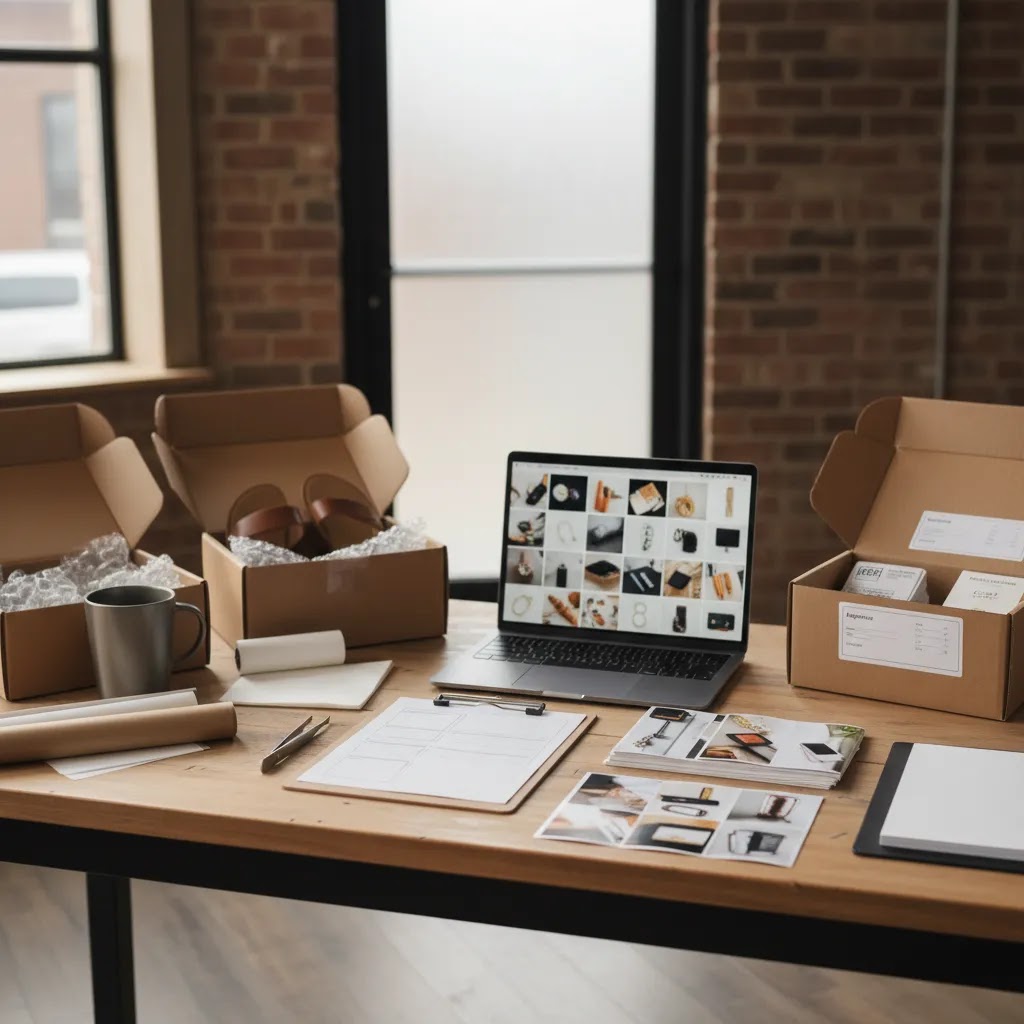
Many ecommerce photography studios work remotely now. You ship products to them, approvals happen online, and finished assets are delivered digitally. For most Shopify store owners, this is a perfectly workable model, as long as you treat it like an operational process, not a casual handoff.
The way this works in practice is usually a predictable sequence. You agree on a quote and shot list, the studio confirms intake requirements, you ship inventory, they photograph within a scheduled window, you review proofs, revisions are applied, and then you get final retouched files plus your products shipped back.
What the end-to-end process typically looks like
Every studio has its own variation, but a standard remote workflow often looks like this:
What many store owners overlook is the proofing step. Proofs are usually not final retouched images. They are there so you can confirm angles, cropping, styling, and consistency before the studio spends time on deeper retouching. That is also why being organized with feedback matters, because vague notes can slow everything down.
Shipping and handling details that prevent expensive mistakes
Remote shoots break down most often because inventory arrives incomplete, unlabeled, or damaged. That is not always anyone’s fault, but it is your problem when a SKU cannot be photographed and your launch deadline is close.
Here are practical details that usually help:
If you sell apparel, also be clear about what “ready to shoot” means. Some studios expect garments to arrive steamed and lint-rolled. Others include that prep in their process. Neither is wrong, but you do not want to discover the assumption after the shoot has started.
How approvals and revisions usually work
Consider this, your goal is not to perfect one image. Your goal is to get a consistent set that works on a live product page. That is why your feedback should be specific and repeatable, not emotional.
Most studios will include a defined number of revision rounds, often one or two rounds on selects or on the full set, depending on the package. The revision policy also usually defines what counts as a revision. Crop and exposure adjustments are different from re-shooting an angle or changing styling choices.
To keep the process efficient, focus your feedback on measurable things: angle consistency, crop ratio, shadow style, background tone, color accuracy relative to a reference, and whether key product details are visible. If something is wrong, reference the SKU and the exact image name, and explain what you want changed. That is how you avoid burning time across long email threads and keep your shoot moving.
Questions to ask before you book a studio
If you are down to two or three options, the right questions will usually reveal which studio is truly equipped for your business.
Questions that expose experience
Questions that protect your workflow
Think of it this way. You are not only buying images. You are buying predictability. A studio that communicates clearly before the project is more likely to save you operational headaches later.
If you need a broader sense of how a professional setup works behind the scenes, this related guide on choosing a product photography studio is worth reviewing.
Where AI fits into ecommerce photography now
AI product photography ecommerce tools are becoming more useful, but they are not a complete replacement for every studio. For some stores, they can reduce reshoot costs, expand asset variety, or help test creative concepts before paying for a larger production.
For example, AI can help with background generation, white-background cleanup, image upscaling, or creating alternate scene variations from an existing product shot. That is especially helpful if you need more ad creatives than your original studio package included.
What AI is good at right now
Where AI still needs caution
AI results vary by product type. Items with fine material detail, exact color matching, regulated packaging, or complex reflections often still need traditional photography and careful retouching. Beauty, apparel, and luxury products also require a stronger eye for brand consistency.
AcquireConvert covers this space from a practical ecommerce angle, especially where visual production overlaps with merchandising and conversion. If you are experimenting with faster content creation, a mockup generator can also help with concept testing before a final shoot.
Useful tool options currently surfaced through AcquireConvert data include AI Background Generator, Free White Background Generator, and Increase Image Resolution. Features and availability may change, so verify current details directly with the provider.
Red flags that can cost you time and sales
Some issues only show up after you have shipped inventory and paid a deposit. Watching for them early can save a lot of frustration.
Warning signs in studio communication
Warning signs in the work itself
The difference between stores that benefit from studio work and stores that regret it often comes down to clarity before the shoot. A detailed brief, sample references, and specific deliverables matter more than broad creative language.
How to choose based on your store stage
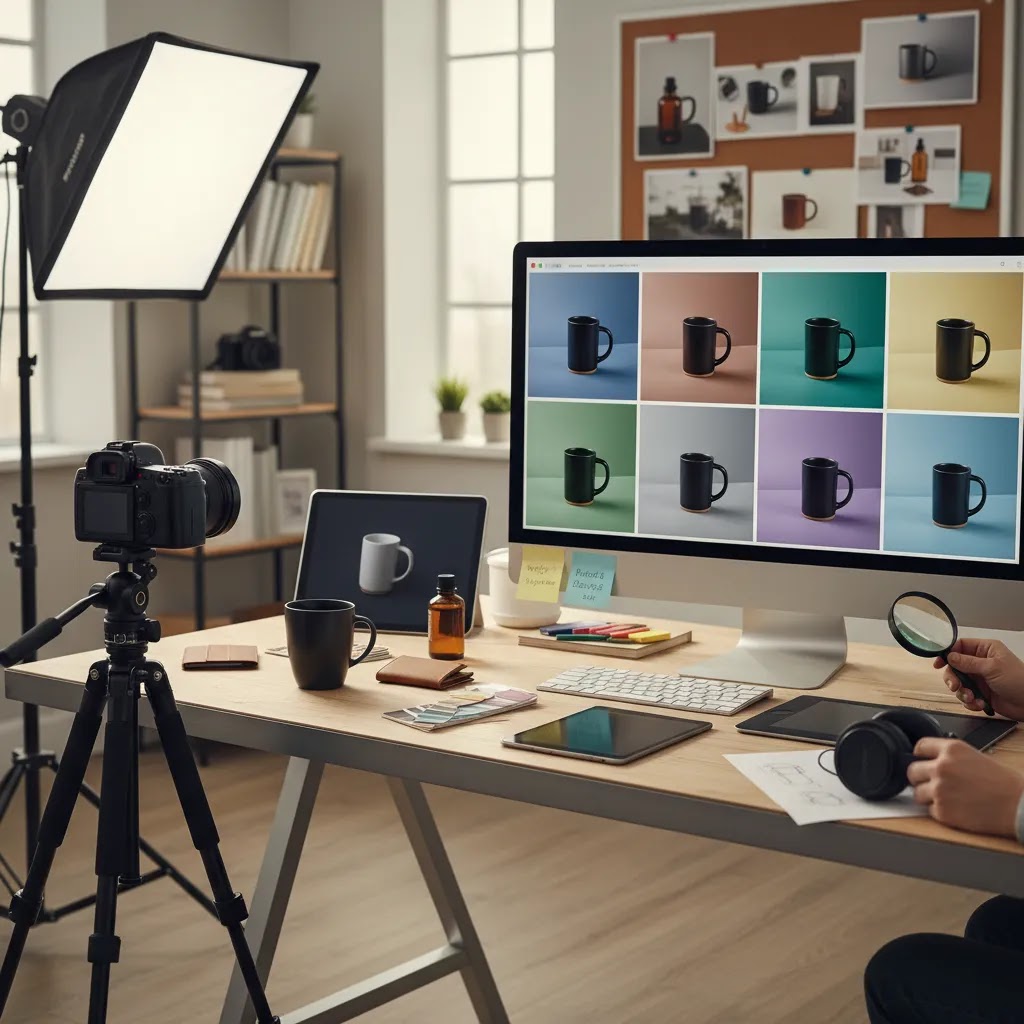
The right answer for a startup brand is not always the right answer for an established catalog business.
Early-stage Shopify stores
If you are validating demand, keep your first project focused. Prioritize clean packshots, a few compelling lifestyle images, and consistency across your top products. You probably do not need a large agency-style production on day one.
For most Shopify stores, the immediate win is having images that look trustworthy, load properly, and show the product clearly across mobile and desktop. The E Commerce Product Photography category on AcquireConvert is a good place to keep researching formats, workflows, and image strategy.
Growth-stage brands
If you are running ads, email campaigns, and frequent launches, a studio with stronger production capacity may be worth the higher cost. At this stage, speed, repeatability, and multi-channel asset delivery start to matter as much as image quality.
You may also want a hybrid model, using studio shoots for hero assets and AI-assisted editing for scale. Tools like Background Swap Editor or Magic Photo Editor can support post-shoot adaptation, but they work best when the base photography is already strong.
Large catalogs and wholesale-heavy stores
Operational discipline becomes critical here. You need a studio partner that can handle naming conventions, variant management, reorder cycles, and consistent lighting across months, not just one campaign. The Catalog Photography category is especially relevant if your store has a high-SKU workflow.
Your best choice is the studio that matches your commercial needs, not the one with the flashiest portfolio.
The strategies and tools discussed in this article are based on current ecommerce best practices and publicly available information. Results will vary depending on your store, niche, and implementation. Always verify tool pricing, features, and platform compatibility directly with the relevant provider before making purchasing decisions.
Frequently Asked Questions
How do I find the best ecommerce product photography studios for my niche?
Start by filtering for studios that show real experience with your product type, not just good-looking general work. Ask for full galleries from similar categories, such as cosmetics, apparel, supplements, or home goods. Pay attention to consistency across multiple SKUs, because that is what matters on a live store. You should also ask how they handle your platform requirements, especially if you sell on Shopify and need web-ready formats. A niche-aware studio usually asks better questions about texture, packaging, color accuracy, and conversion-focused image needs.
Are ecommerce photography studios better than hiring a freelancer?
It depends on your volume, complexity, and need for process. A freelancer may be a strong fit for small shoots, founder-led brands, or projects that need a more flexible creative partner. A studio is often better when you need repeatable output, multiple asset types, or a team that can handle styling, retouching, and logistics. If your catalog is growing quickly, studio structure can be a major advantage. If your needs are smaller, an independent specialist may offer more personalized service and lower minimums.
What should I expect to pay for ecommerce product photography?
Pricing varies widely based on product complexity, number of final images, styling needs, model use, and retouching depth. Simple white-background shots usually cost less than lifestyle productions with props or sets. You may see pricing per image, per SKU, by half-day, or by full production day. The important part is understanding what is included. Ask for delivery specs, revision rounds, editing level, and any extra fees before comparing quotes. A clear quote is usually more useful than a low headline number.
Should I choose a local studio or ship products to a specialist elsewhere?
Local can be helpful if you need in-person collaboration, rapid approvals, or careful handling of fragile items. Shipping to a specialist may still be the better choice if they have deeper ecommerce experience with your category. Many stores work successfully with remote studios because the process is standardized through briefs, sample references, and online review rounds. What matters most is not location alone. It is whether the provider understands ecommerce workflows, communicates clearly, and can deliver files that match your store and ad needs.
Can AI replace ecommerce product photography studios?
For some use cases, AI can reduce the amount of studio work you need. It is especially useful for background cleanup, simple scene generation, and testing alternate concepts. It is less reliable when exact color accuracy, fine material detail, or regulated packaging matters. Many brands will get the best results from a hybrid approach, using a real shoot for core assets and AI for variations or post-production. That balance is becoming more common in ecommerce product photography news and tool development, but implementation quality still matters a lot.
What files should a studio deliver for a Shopify store?
You should expect high-resolution originals plus optimized web-ready files. Ask for consistent crop ratios, naming conventions tied to SKU or product names, and sizes appropriate for product pages, collection pages, and paid media. If you run campaigns across Meta, Google, email, and marketplaces, mention that upfront so the studio can prepare alternate crops or exports. It also helps to confirm file type requirements, especially if your team uses a post-production workflow after delivery. Good studios build these details into their process from the start.
How many photos do I need per product?
Most products benefit from a core set that includes one hero image, several alternate angles, and at least one detail or context shot. The exact number depends on the product and price point. Higher-consideration products often need more visual reassurance, especially if shoppers care about texture, scale, fit, or included components. Very simple products may need fewer images if the item is easy to understand. Start with the friction points on your current product pages. If customers hesitate because they cannot picture the item clearly, add images that answer those questions.
Do lifestyle photos really matter for conversion?
Lifestyle photos can help, but only if they clarify use or strengthen trust. They are most effective when they show scale, context, or the product solving a real problem. A dramatic lifestyle image that looks nice but reveals little about the product may not improve performance. White-background images still do most of the heavy lifting for clarity, especially on collection pages and marketplaces. In many cases, the strongest setup is a combination of clean catalog images and a few well-planned lifestyle shots that support the buying decision.
What is the difference between a product photography studio and an ecommerce product photography agency?
A studio usually focuses on production itself, such as shooting, retouching, and file delivery. An agency may wrap photography into a broader offering that includes creative direction, ad production, merchandising strategy, or brand content planning. Neither is automatically better. If you already know the shots you need, a studio may be enough. If you want help planning campaigns and asset usage across channels, an agency-style partner may be more useful. The right choice depends on whether your problem is execution, strategy, or both.
How do I know if my current product photos are underperforming?
Look for signs such as strong traffic but weak add-to-cart rate, high bounce rate on product pages, frequent pre-purchase questions, or returns driven by mismatched expectations. Heatmaps and session recordings can also show whether shoppers engage with your image gallery or skip past it quickly. If your visuals do not communicate materials, scale, or usage clearly, they may be contributing to friction. Giles Thomas and AcquireConvert often approach this from both the acquisition and conversion side, which is the right way to evaluate image performance in a live store.
How much should you charge for ecommerce product photography?
It depends on the deliverables, not just the time spent shooting. A practical way to price ecommerce work is to start from the number of final assets you are responsible for delivering, then account for production complexity and retouching time. White-background packshots are typically priced differently than lifestyle, on-model, or ghost mannequin work because the prep, styling, and post-production requirements are not the same. Many photographers and studios charge per image, per SKU, or by day rate, and then add line items for models, props, rush turnaround, or advanced retouching. If you are setting your own pricing, clarity about what is included and what counts as a revision matters as much as the number.
How much do ecommerce photographers make?
Income varies widely based on location, client mix, specialization, and whether the photographer operates solo or as a studio with staff. Many ecommerce photographers earn based on repeatable production for brands, which can mean steadier work than one-off creative jobs, but it also comes with operational demands like intake, scheduling, and post-production management. If you are hiring, the takeaway is that pricing often reflects both skill and process capacity. A provider who reliably delivers consistent sets for Shopify-ready catalogs typically has systems in place, and that can be part of what you are paying for.
What is the 80/20 rule in photography?
In ecommerce photography, the 80/20 rule often shows up as this: a small portion of your shot plan drives most of the commercial value. For many Shopify stores, the hero image, a few clean angles, and one or two strong detail shots do most of the conversion work. You can add lifestyle, on-model, and creative variations, but the foundation still tends to be consistent, clarity-first product images. If you are trying to control costs, put your energy into getting the core set right across your best sellers first, then expand into more complex formats once you know what your customers respond to.
How many photographers make over $300,000 a year?
A relatively small number, and it is usually tied to business model rather than camera skill alone. Photographers who reach that level often do it by building a studio operation, specializing in high-value commercial niches, or creating repeatable production for brands at scale. For store owners, the practical point is that high pricing is not automatically a signal of better conversion performance. What matters is whether the provider can consistently deliver the assets your product pages and ad channels need, on a timeline your business can rely on.
Key Takeaways
Conclusion
Choosing between ecommerce photography studios is really about reducing risk. You want a partner who can make your products look clear, credible, and consistent in the places that matter most, your Shopify product pages, ads, emails, and collection grids. The best studio for your business is not always the most artistic or the most expensive. It is the one that understands your catalog, your workflow, and the buying questions your images need to answer.
If you are evaluating options now, start with a short brief, request comparable sample work, and compare quotes line by line. That alone will help you avoid a lot of expensive guesswork. For more practical guidance, explore AcquireConvert’s related resources on ecommerce visuals, photography workflows, and AI-supported merchandising. A better image strategy will not solve every conversion problem, but for many stores, it is one of the clearest fixes you can make this quarter.

Hi, I'm Giles Thomas.
Founder of AcquireConvert, the place where ecommerce entrepreneurs & marketers go to learn growth. I'm also the founder of Shopify agency Whole Design Studios.