Etsy Photography: Shoot Photos That Get Clicks (2026)

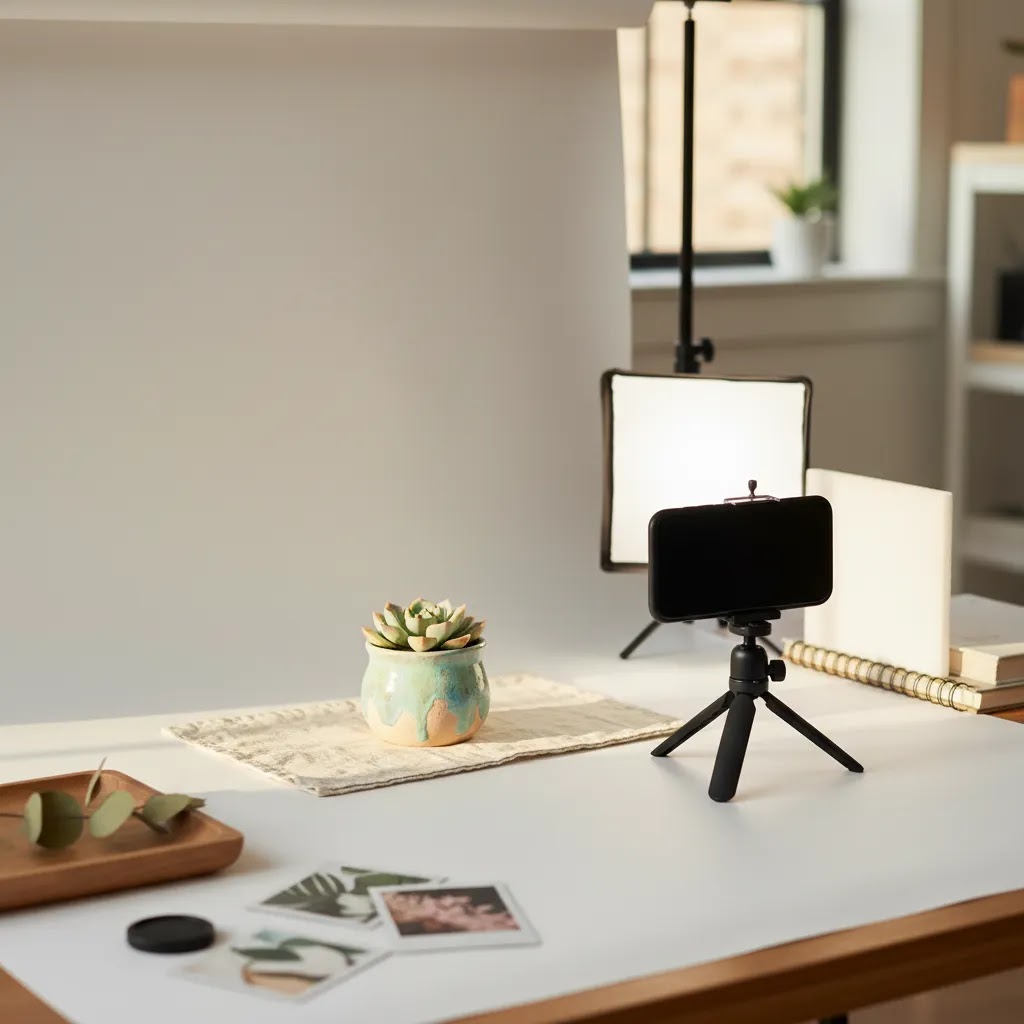
Etsy shoppers cannot pick up your product, feel the material, or inspect the finish. Your photos do that job for you. Strong Etsy photography helps buyers understand scale, texture, color, and use case in seconds, which can influence clicks, favorites, and conversions. If you sell handmade goods, vintage items, or personalized products, your images need to balance clarity with brand style. That usually means clean hero shots, helpful close-ups, and context images that show the item in real life. If you are comparing your image setup with broader ecommerce tools and workflows, Etsy has its own priorities, but the core rule stays the same: make the buying decision feel simple and low friction.
Contents
- What Good Etsy Photography Actually Needs to Do
- What Photography Styles Sell Best on Etsy (By Product Type and Buyer Intent)
- Key Features of Click-Worthy Etsy Photos
- Etsy Listing Photo Requirements and Specs (Size, Ratio, Safe Cropping)
- Pros and Cons
- Who This Approach Is For
- Is Etsy Good for Selling Photography? (Reality Check for Prints, Digital Downloads, and Originals)
- AcquireConvert Recommendation
- How to Choose Your Etsy Photo Setup
- Frequently Asked Questions
- Key Takeaways
- Conclusion
What Good Etsy Photography Actually Needs to Do
Etsy photography is not the same as shooting for a luxury brand homepage or a paid ad campaign. On Etsy, your first image needs to stop the scroll, but the full gallery also needs to answer buyer objections. People want to know what the item looks like, how big it is, how it is used, and whether it feels worth the price.
That is why strong product photography for Etsy usually includes a mix of image types instead of one style repeated across every frame. You need a primary image with a clear subject, detail shots that reduce uncertainty, and at least one lifestyle image that helps the buyer imagine ownership. For many sellers, that same discipline also improves performance across marketplaces. If you sell in multiple channels, it helps to understand where Etsy differs from amazon product photography, especially around mood, branding, and handmade storytelling.
From a practical store-owner perspective, the best Etsy product photography best practices are usually simple. Use consistent lighting. Keep backgrounds intentional. Show honest color. Include scale references. Avoid heavy filters that create disappointment after delivery. If your images make the product easier to trust, they are doing their job.
What Photography Styles Sell Best on Etsy (By Product Type and Buyer Intent)
Most Etsy sellers know they need “good photos,” but what actually performs is usually tied to buyer intent. A buyer shopping for a gift wants reassurance and presentation. A buyer comparing similar products wants proof of quality and clear differentiation. A buyer purchasing something customized wants to see options and the process.
Here are practical style patterns that tend to work across common Etsy categories, plus what each image style is really doing for your conversion rate.
Prints and wall art
For prints, the buyer is often trying to answer two questions fast: “Will this look good on my wall?” and “What will it look like in real life?” That is why clean “hero” images plus in-room context images are so common in top-performing listings.
In practice, a strong set usually includes one clean front-facing view of the artwork (so the design is readable), plus at least one wall mockup that shows scale in a realistic room. Close-ups can help too, especially if you sell textured paper, matte finishes, or framed options where the edge detail changes perceived quality.
Jewelry (rings, earrings, necklaces)
Jewelry photography often wins or loses based on scale and finish. Shoppers want to see how big it is, how it sits on the body, and whether the metal and stones look well made. If your first image is a flat lay, consider a second image that shows the piece on a hand, ear, or neck, depending on what you sell. For many stores, that single on-body frame reduces hesitation because it answers size questions that a ruler shot cannot.
From a trust standpoint, crisp close-ups of clasps, prongs, engraving, and chain links can reduce “Is this going to feel cheap?” doubt, especially for higher-priced items.
Apparel and accessories
Apparel buyers are looking for fit, drape, and material. A clean hero shot helps, but you typically need at least one image that shows the item worn. Flat lays can support brand vibe, but they usually do not replace fit information.
Close-ups should focus on fabric texture, seams, hems, stretch, and any premium detail (like embroidery or tags). If you offer multiple colors, keep the framing consistent so buyers can compare quickly without re-learning the image style in every frame.
Ceramics, pottery, and glass
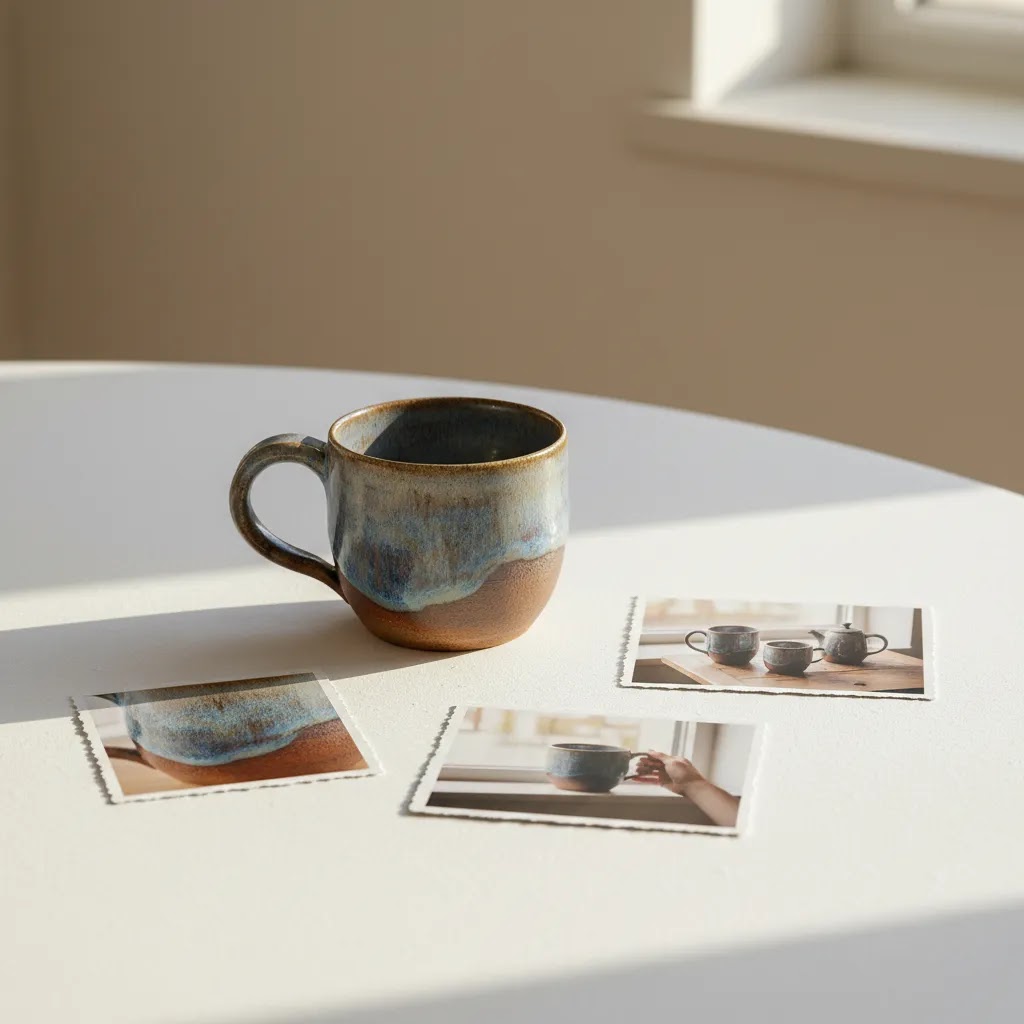
Handmade ceramics sell on shape, glaze, and craft detail. A clean hero image with predictable lighting is often the best first frame because it shows form and color accurately. Then, add a close-up that highlights glaze texture and a scale image that shows the piece in a hand or next to a common object.
If you sell sets (like mugs in pairs), include one image that clearly shows what is included. Many sellers assume the listing title covers this, but the photo set does more of the persuasion work than the text.
Candles, skincare, and beauty
For these categories, buyers want “gift-ready” presentation and ingredient confidence. Styled lifestyle scenes can work well, but they still need to show the label clearly at least once. Include a close-up of the label and a texture shot (wax surface, balm texture, soap lather) where relevant, because it helps the buyer imagine use.
What many store owners overlook is brightness. If your images are slightly too dark, the product can look heavier, duller, and less premium in Etsy search thumbnails, especially on mobile.
Vintage items
Vintage shoppers often buy based on uniqueness and condition. Your photography style should lean into honest documentation. Clear angles, consistent lighting, and direct close-ups of any wear are not “unflattering,” they are what build trust and reduce messages. For vintage, it is normal for the gallery to contain more proof images than mood images.
Personalized and made-to-order products
Personalized items sell when buyers can picture their name, date, pet, or photo on the finished product. Consider including at least one image that shows personalization options clearly (fonts, placements, color choices) and one image that shows a realistic finished example.
If you can show the personalization process, even lightly (a workbench shot, a proof example, packaging with a name label), it often increases perceived legitimacy. Just keep it simple and consistent with your shop style.
What kinds of angles are most in-demand?
Etsy buyers tend to respond to a few “objection-killing” angles again and again: in-room scale for home decor, on-body scale for jewelry and apparel, close-up material proof for handmade items, and “what is included” shots for bundles and sets. Think of these as functional images. They are not there to look artistic, they are there to reduce doubt.
How to stay consistent without making every listing look identical
Consistency is mostly about repeatable rules, not copying the exact same scene every time. Many shops do well with a consistent first image format (similar crop, background, and lighting) and then varied secondary images based on the product. Think of it this way: the storefront should feel cohesive, while each listing should still answer its unique questions.
Key Features of Click-Worthy Etsy Photos
If you want your Etsy shop photography to earn more clicks, build your gallery around five practical jobs.
1. A thumbnail that reads instantly
Your main image is working at a very small size in Etsy search results. The product should be obvious within a second. Clean composition, good contrast, and tight framing matter more than visual effects.
2. Realistic color and texture
This is especially important for apparel, ceramics, candles, prints, jewelry, and handmade goods. Buyers often compare several similar listings, so accurate color can reduce hesitation and post-purchase disappointment.
3. Detail coverage
Show stitching, clasp quality, print finish, edges, labels, packaging, and personalization options where relevant. Close-ups are one of the most practical Etsy photography tips because they answer questions before a shopper sends a message.
4. Context and scale
For mugs, wall art, skincare, or accessories, scale is often misunderstood. Add a hand, room scene, or common object for reference. If you create digital mockups or want styled scenes without a full reshoot, reviewing a suitable mockup generator can help for certain listing types, especially prints or template-based products.
5. Consistency across the shop
A unified visual style helps your storefront feel more trustworthy. You do not need every image to be identical, but similar lighting, cropping, and editing create a stronger brand impression. That matters if buyers click through multiple listings before purchasing.
For sellers using AI-assisted editing, the most useful tools are usually the ones that speed up repetitive image tasks instead of replacing judgment. Based on current tool data, relevant options include AI Background Generator, Free White Background Generator, Increase Image Resolution, and Background Swap Editor. These are most helpful when you already have a solid source image and need cleaner presentation, alternate backgrounds, or sharper output for listing galleries.
Etsy Listing Photo Requirements and Specs (Size, Ratio, Safe Cropping)
Even if your photography is strong, Etsy listing images can underperform when the basics are off. The most common issues are not “bad cameras,” they are cropping, aspect ratio, and small thumbnail readability on mobile.
The practical Etsy image rules sellers trip over
Etsy displays your first image in multiple places, including search results and shop grids, where it is effectively a thumbnail. That means your hero shot needs to survive being shown small and sometimes cropped depending on device and layout.
From a practical standpoint, square or near-square compositions tend to be safer for thumbnails because they reduce the chance your product gets clipped on the sides. If you shoot wider lifestyle photos, consider keeping a thumbnail-safe version of your hero image where the product is centered and fills the frame enough to read at a small size.
Now, when it comes to cropping, most sellers either crop too loose (the product looks tiny in search) or too tight (important edges and details get clipped). For your first image, aim for a crop where the product occupies most of the frame, but you can still see the full silhouette. This is especially important for jewelry and small handmade items, where “what is it?” needs to be obvious instantly.
Safe margins for text and important details
If you add text to listing images, keep it minimal and treat it as optional. Text can become unreadable on mobile, and it can also be clipped if the thumbnail display crops differently than your original frame. The safer approach is to keep any text away from the edges and never rely on it to explain core product info. Your photos should stand on their own, then the listing title and description can do the rest.
File quality basics that affect clicks and trust
Buyers may not describe it this way, but they notice quality signals. Soft images, heavy compression artifacts, and inconsistent color temperature across the gallery can make a shop feel less trustworthy, even when the product itself is great.
In many cases, a resolution that looks fine on your phone can still look slightly mushy when a buyer taps to zoom. Use high-resolution source images, export clean files, and avoid repeatedly re-saving the same JPEG, which can introduce visible artifacts. If you need to upscale for sharper presentation, use it carefully and review the result at full size before uploading.
Consistency matters too. If your hero shot is cool and bright, but your close-ups are warm and dim, the buyer can start questioning whether color is accurate. A simple edit preset, consistent white balance, and a steady exposure level across the set can fix this.
Brightness is a bigger deal than many sellers think. Photos that are slightly too dark often underperform because the product loses contrast and looks less premium in Etsy thumbnails. You do not need to overexpose, but you do want your product to read clearly in a small grid.
A simple upload checklist for the first image vs secondary images
For your first image, prioritize thumbnail performance: centered subject, high contrast, clean background, and a crop that makes the product obvious on mobile. For your secondary images, prioritize objection handling: close-ups of material and finish, scale references, “what is included” clarity, and context shots that show the item being used.
Consider this: if your first image wins the click, the rest of the gallery needs to win the sale. That only happens when each image has a job.
Pros and Cons
Strengths
- Good Etsy photography can make your listing clearer at first glance, which may improve click-through from search and category pages.
- Clear close-ups and scale shots often reduce pre-purchase questions, saving time for small sellers handling their own support.
- Consistent visuals across products can make your shop feel more established and trustworthy.
- Lifestyle imagery helps handmade and giftable products feel more personal, which fits how many Etsy buyers shop.
- AI-assisted editing tools can speed up background cleanup, resizing, and simple presentation tasks without requiring a full studio setup.
Considerations
- Better photos alone will not fix weak pricing, unclear shipping policies, or poor product-market fit.
- Over-editing can create inaccurate color or texture, which may lead to lower trust or more returns.
- Lifestyle scenes can look attractive but still fail if they do not clearly show the actual product details.
- AI tools are useful for editing and presentation, but they still depend on a strong original image and careful review.
Who This Approach Is For
This approach works best for Etsy sellers who want a practical, repeatable system rather than a one-off creative shoot. It is especially useful if you run your own photography, manage a growing catalog, or sell handcrafted products where detail and trust matter. It also suits Shopify merchants who cross-list products and want a consistent workflow across channels.
If you are early-stage, start with lighting, composition, and clear image sequencing. If you are more established, refine your process with standardized angles, editing presets, and scene templates. Sellers with larger assortments may also benefit from creating a simple product photography studio setup so every listing looks intentional without increasing production time too much.
Is Etsy Good for Selling Photography? (Reality Check for Prints, Digital Downloads, and Originals)
If you are a photographer, Etsy can work, but it is not a “post your work and it sells itself” platform. The reality is that photo art is a crowded category, and your product presentation has to do a lot of heavy lifting. Your images need to sell the photograph and the buying experience, including size, finish, and what the buyer will actually receive.
A practical decision framework: prints vs digital downloads vs originals
Start by deciding what you are actually selling, because the photo set that converts is different for each.
If you sell prints, your listing images need to show the artwork clearly, but they also need to show physical reality. That means proof of scale (in-room mockups, frame context), and close-ups that suggest print quality and finish. Buyers want to know if it is glossy, matte, textured, or something else.
If you sell digital downloads, the buyer is purchasing a file, not a physical object. Your images should focus on usage examples (how it looks printed and framed) and clarity around what is included (file types, ratios, and intended print sizes). Since the buyer cannot touch anything, images that communicate “this is what you can make with the file” tend to reduce confusion.
If you sell originals (or limited editions), trust and proof matter. Your gallery should show authenticity cues and condition, plus detail shots that communicate craft. If there is any variation, document it clearly, because buyers in this segment can be more sensitive to surprises.
What many photography sellers overlook: differentiation
In photo art, “nice image” is not enough because many listings look similar at thumbnail size. Differentiation often comes from presentation: a strong hero crop that reads instantly, a distinctive but consistent editing style across your shop, and lifestyle context that matches your target buyer’s taste.
Think of it this way: you are not only selling a photo, you are selling how it fits into someone’s home. In-room scale shots, framing context, and clear color presentation can be what separates “I like it” from “I can see it on my wall.”
Operational details that should be communicated visually
For prints, a lot of pre-sale messages are really “missing image” problems. If you can show sizes visually (small, medium, large on a wall), show paper types or finishes with close-up texture cues, and show framing options (if offered) clearly, you typically reduce uncertainty. The goal is not to bury the buyer in information, it is to remove the obvious friction points before they ask.
For most Etsy photography sellers, the win is a clear, repeatable listing template: one thumbnail-optimized hero image, one in-room scale mockup, one close-up that signals print quality, and one simple image that clarifies what the buyer receives.
AcquireConvert Recommendation
At AcquireConvert, the practical view is simple: Etsy photography should reduce buying friction before it tries to impress. Giles Thomas brings a useful perspective here as a Shopify Partner and Google Expert because he looks at images the way experienced ecommerce operators do, as conversion assets, not just branding pieces. That means focusing on clarity, consistency, and image workflows that a real store owner can maintain.
If you want broader context, explore our guide to ecommerce photography for channel-wide principles, then compare them with Etsy-specific needs like handcrafted storytelling and buyer trust. You can also browse the E Commerce Product Photography category for more image strategy resources. For many merchants, the best next step is not buying more gear. It is tightening your shot list, improving your first thumbnail, and standardizing how every listing gallery answers buyer questions.
How to Choose Your Etsy Photo Setup
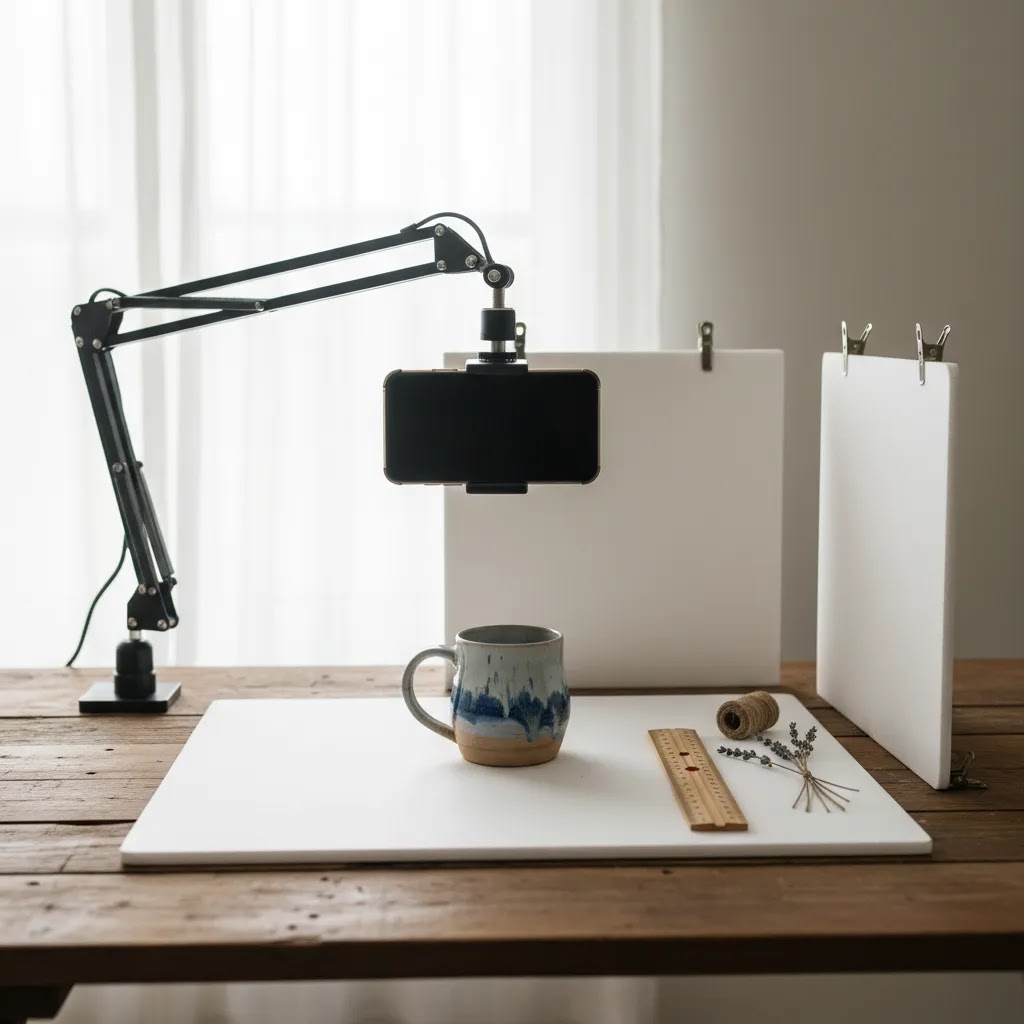
There is no single correct setup for Etsy product photography. The right choice depends on what you sell, how often you launch products, and how much consistency you need across your catalog.
1. Start with product size and material
Small reflective items like jewelry need different handling than candles, clothing, art prints, or furniture. Reflective surfaces often need softer light and tighter control of unwanted reflections. Textiles benefit from close-ups that show weave and drape. Prints and wall art may need staged interiors or mockups to help buyers picture placement.
2. Decide whether clarity or mood is the priority
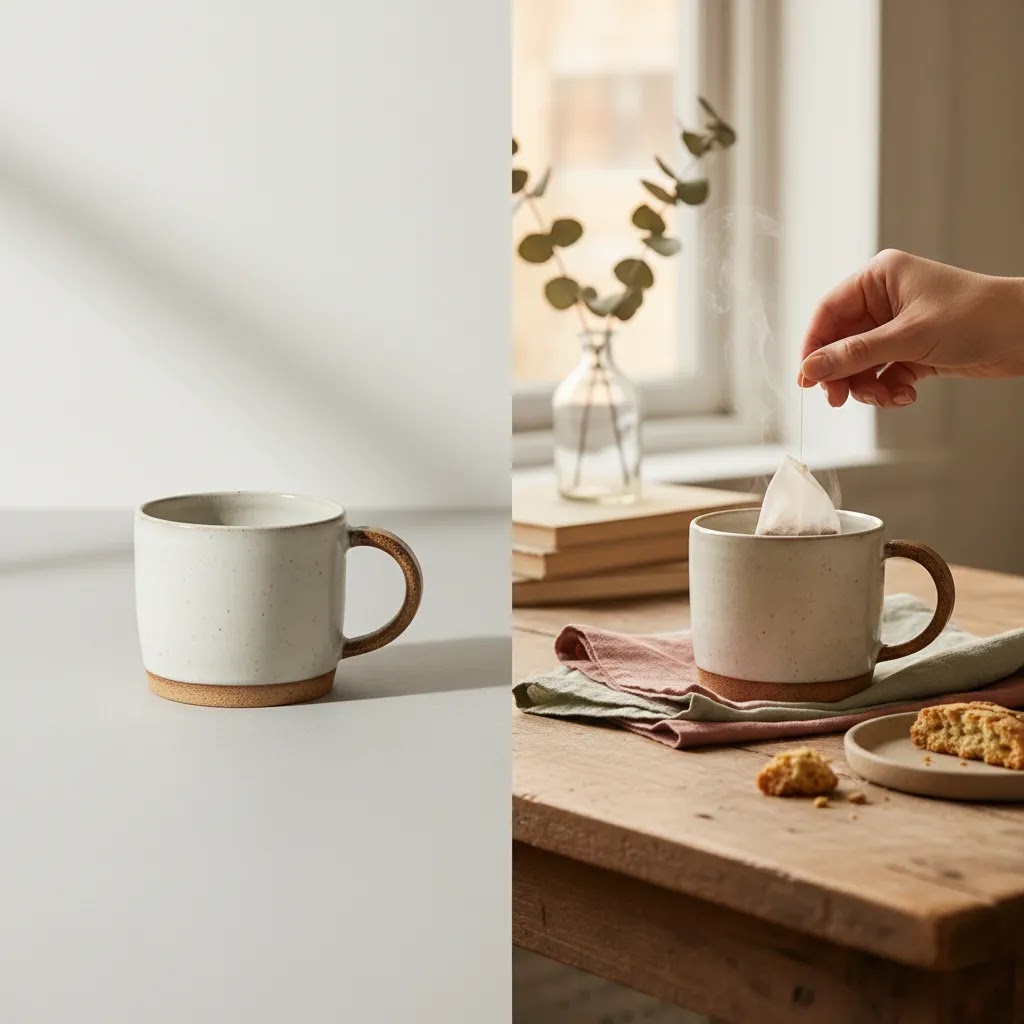
For your primary Etsy image, clarity usually wins. For secondary images, mood can support your brand. This is where many sellers get off track. They lead with a beautiful scene that hides the product. Keep the first image unmistakable, then use later frames for context and style.
3. Build a repeatable shot list
A practical shot list often includes: front angle, alternate angle, close-up detail, scale reference, lifestyle use, packaging, and customization options. This helps maintain consistency and shortens production time once your shop grows.
4. Use editing tools for efficiency, not deception
Editing is useful when it removes distractions and improves consistency. Background cleanup, resolution improvements, and scene variations can all help. Tools such as AI Background Generator, Free White Background Generator, Increase Image Resolution, Magic Photo Editor, and Creator Studio may support this workflow, but they should not alter the product so much that the buyer receives something different from what the listing suggests.
5. Match your setup to listing volume
If you launch a few handmade pieces each month, a small tabletop setup may be enough. If you manage many SKUs, standardize lighting, camera position, and editing rules so your Etsy shop stays visually cohesive. Sellers creating more contextual scenes may also want to study Lifestyle Product Photography techniques, especially for home goods, gifts, beauty, and apparel.
The best Etsy product photography guide is one you can actually execute every week. A simple and consistent setup usually outperforms an ambitious workflow you cannot maintain.
Frequently Asked Questions
What kind of photos work best on Etsy?
The best Etsy photos are clear, well-lit, and specific. Your first image should make the product obvious right away, while the rest of the gallery should show details, scale, and real-life use. For most categories, a combination of clean product shots and lifestyle images works better than using only one style.
Do I need professional product photography for Etsy?
Not always. Many Etsy sellers can create effective listing photos with a simple lighting setup, steady framing, and a consistent editing process. Professional help may make sense if you have a higher-priced product line, complex reflective items, or a growing catalog where consistency across dozens of listings becomes difficult to manage alone.
How many images should I include in an Etsy listing?
Use enough images to answer the buyer's obvious questions. In practice, that usually means a strong hero image, alternate angles, close-ups, scale references, and at least one context shot. The exact number depends on the product, but thin galleries often leave uncertainty that better image sequencing could solve.
Can AI help with Etsy product photography?
Yes, in a supporting role. AI tools can help remove backgrounds, sharpen images, create clean white-background versions, or test styled scenes. They are most useful after you already have a solid source photo. They should support clarity and consistency, not create misleading images that overpromise what the product looks like in real life.
Should Etsy photos have white backgrounds?
White backgrounds can work very well for clarity, especially on the main image, but they are not the only option. Etsy often rewards a mix of clarity and personality. A clean neutral background for the hero image plus lifestyle or styled images later in the gallery is a practical approach for many categories.
What are common Etsy photography mistakes?
Common issues include dark images, distracting props, inconsistent color, poor cropping, and hero shots that do not clearly show the product. Another frequent problem is skipping scale references. Buyers may like the product but hesitate because they cannot judge size, texture, or finishing details from the photos provided.
How should I photograph handmade products for Etsy?
Show craftsmanship clearly. Include close-ups of stitching, material texture, edges, packaging, or personalized details. Handmade products benefit from proof of quality, so your gallery should make the work visible. A lifestyle image can add warmth, but it should support the listing rather than distract from the actual item for sale.
What if I sell on Etsy and Shopify at the same time?
You can often use the same base image set, then adapt the sequence for each channel. Etsy usually benefits from a little more personality and storytelling, while your own store may need stronger merchandising consistency across collections. This is where broader ecommerce photography standards help you create one workflow that still fits each sales channel.
Are mockups acceptable for Etsy listings?
They can be, depending on the product type and how accurately they represent the item. Mockups are especially common for prints, digital products, and made-to-order visuals. The key is transparency and realism. If you use them, make sure the scale, framing, and finish still reflect what the buyer should expect.
Is Etsy good for selling photography?
It can be, but it depends on how you position the product and how clearly your images communicate what the buyer receives. Prints usually need in-room scale images and finish cues, digital downloads need strong usage examples and “what’s included” clarity, and originals often need trust and condition documentation. Etsy is competitive for photo art, so your first thumbnail and your presentation style matter as much as the photograph itself.
What kind of photography is in most demand?
Demand varies by trend and season, but buyers consistently respond to photography that fits a clear use case: wall art that looks good in real rooms, product-friendly stock-style images for small brands, and niche styles that match specific decor tastes. On Etsy specifically, photography presented as home decor usually performs best when you show scale, framing context, and how the piece fits into a room.
What is the 20-60-20 rule in photography?
It is a simple planning idea some photographers use for building a set: spend roughly 20% of your effort on the hero images that win attention, 60% on the core “proof” images that answer buyer questions (details, scale, angles), and 20% on creative or lifestyle frames that support brand style. For Etsy, that middle 60% is often what reduces friction and helps a buyer commit.
Who is the highest paid Etsy seller?
Etsy does not publish a definitive, always-current list of the highest paid sellers. Income can also vary widely based on category, pricing, and business model. A more useful benchmark is focusing on what top-performing shops tend to do consistently: clear product presentation, strong thumbnails, and image sets that answer buyer objections without forcing a message.
Key Takeaways
- Your main Etsy image should prioritize clarity first and brand style second.
- Use a repeatable shot list with hero, detail, scale, and lifestyle images.
- Accurate color and texture matter more than dramatic editing.
- AI editing tools may improve efficiency, but they work best with strong source photography.
- Consistency across your shop can build trust and make your listings feel more professional.
Conclusion
Etsy photography that gets clicks is rarely about expensive gear alone. It is about making your product easy to understand, easy to trust, and easy to imagine owning. If your first image catches attention and the rest of the gallery removes doubt, you are in a much stronger position to convert interest into sales. For sellers balancing Etsy with a wider ecommerce strategy, AcquireConvert is a useful specialist resource for practical image workflows, marketplace-specific advice, and channel-wide optimization ideas. Explore our photography content, compare visual merchandising approaches, and use Giles Thomas's practitioner-led guidance to build a photo system you can sustain as your store grows.
This article is editorial content for educational purposes and is not a paid endorsement unless explicitly stated otherwise. Pricing, product availability, and features for any referenced tool are subject to change, so verify current details directly with the provider. Any performance outcomes discussed are not guaranteed and depend on your product, market, execution, and overall listing quality.

Hi, I'm Giles Thomas.
Founder of AcquireConvert, the place where ecommerce entrepreneurs & marketers go to learn growth. I'm also the founder of Shopify agency Whole Design Studios.