Medical Product Photography for Healthcare Brands (2026)

Medical product photography sits in a different category from standard ecommerce imagery. If you sell supplements, diagnostic tools, mobility products, skincare devices, first-aid products, or clinical accessories, your photos need to do more than look polished. They need to communicate cleanliness, accuracy, trust, and compliance-conscious professionalism. That matters even more on Shopify product pages, marketplaces, and paid landing pages where shoppers make fast judgments from visuals alone. If you are building out a stronger visual workflow, it helps to understand where medical imagery overlaps with broader ecommerce tools and where it needs a more specialized approach. This guide covers what healthcare brands should look for, how AI can help in the right places, the trade-offs to watch for, and how to choose a photography setup that supports conversion without weakening credibility.
Contents
- What medical product photography needs to achieve
- Key features healthcare brands should prioritize
- Medical product photography compliance and claim-safety checklist
- Pros and Cons
- Who this approach is for
- AcquireConvert recommendation
- How to choose the right photography workflow
- DIY medical product photography setup for Shopify brands
- Pricing and budgeting for medical product photography
- Frequently Asked Questions
- Key Takeaways
- Conclusion
What Medical Product Photography Needs to Achieve
For healthcare brands, product photos carry more responsibility than they do in many other verticals. Shoppers are often evaluating safety, hygiene, legitimacy, and ease of use at the same time. A slightly messy shadow, inconsistent color, or overly stylized lifestyle shot can reduce trust faster than it would for fashion or home decor.
At a practical level, strong medical product photography should do five things well:
- Show the product clearly from multiple angles
- Represent scale and packaging accurately
- Highlight texture, materials, labels, and instructions where relevant
- Support marketplace and ad requirements
- Fit the brand tone of healthcare, wellness, or clinical-grade reliability
If you already understand general ecommerce photography principles, the main difference here is the margin for error. A beauty brand can sometimes get away with dramatic editing. A healthcare brand usually cannot. The closer a product is to personal care, patient use, or regulated claims, the more important visual accuracy becomes.
This is also why many brands combine studio photography with light AI-assisted editing rather than relying on fully synthetic imagery. AI can speed up production, improve consistency, and create supporting assets, but it should be used in ways that preserve trust.
Key Features Healthcare Brands Should Prioritize
If you are evaluating a medical product photography workflow, studio partner, or internal process, these are the features that matter most.
1. Clean white-background catalog images
White-background images are often the baseline asset for Shopify collections, Google Shopping feeds, retailer submissions, and Amazon listings. They make product shapes, labels, and packaging easier to assess. For brands selling on marketplaces, this is usually non-negotiable.
If marketplace compliance is part of your growth plan, it is worth reviewing standards similar to those used in amazon product photography, because many of the same expectations apply around clarity, framing, and distraction-free presentation.
2. True-to-life color and label readability
In healthcare ecommerce, inaccurate color can create confusion around dosage variants, sterile versus non-sterile packaging, or product versions meant for different audiences. Label text, icons, and usage cues should remain legible in zoomed-in secondary images.
This is where careful lighting and post-production matter more than flashy creative direction. A customer deciding between two similar SKUs may rely on color banding, printed instructions, or included accessories shown in the image set.
3. Detail shots that reduce support questions
Good photography can lower pre-purchase uncertainty. Close-up shots of nozzles, seals, texture, device controls, refill packs, or measurement scales may help answer questions before they become support tickets. For healthcare products with functional components, those details often influence conversion more than a generic lifestyle image.
4. Controlled lifestyle context
Lifestyle images can work well for wellness and consumer health brands, but they need restraint. The setting should feel clean and realistic, not exaggerated or clinically misleading. A blood pressure monitor on a tidy bedside table may work. A dramatic medical scene that implies professional endorsement may not.
When you need contextual visuals without organizing a full location shoot, AI-assisted tools such as AI Background Generator or Background Swap Editor can help create controlled environments for concept testing. That said, healthcare brands should review outputs carefully for unrealistic props, anatomy errors, or misleading usage scenarios.
5. Consistency across product lines
Healthcare catalogs often expand into bundles, refill formats, accessories, or related SKUs. Inconsistent lighting, crop ratios, and angles can make the store look less credible. A repeatable photography system matters more than one standout hero shot.
That is why some growing brands work with a dedicated product photography studio or use an internal shot list and editing template to keep every SKU aligned.
6. AI support used in the right parts of the workflow
AI can be genuinely useful for ecommerce image production if you keep it in a support role. For example:
- Free White Background Generator may help create cleaner catalog-ready cutouts
- Increase Image Resolution may help prepare images for zoom or high-density displays
- Remove Text From Images may help clean visual clutter in drafts or promotional assets
- Magic Photo Editor may help speed up retouching iterations
The trade-off is that AI edits should never make the physical product look different from what ships. For medical product photography, trust beats visual novelty every time.
Medical Product Photography Compliance and Claim-Safety Checklist
Here is the thing, with healthcare products, your images can create implied claims even when your copy is carefully written. A product photo that suggests an outcome, an endorsement, or a clinical environment can be interpreted as a promise, especially in ads or on fast-scrolling mobile product pages.
From a practical standpoint, a simple pre-publish checklist can prevent most problems before they go live.
What to review before publishing images
Before you upload a new image set to Shopify (or push assets to ads and marketplaces), scan for visuals that could be interpreted as medical claims on their own. In many cases, the risk comes from context, not the product.
- Avoid images that imply clinical outcomes, like dramatic “results” visuals or implied treatment effects.
- Avoid endorsement cues unless you have explicit permission and the use is compliant, including doctor imagery, clinic branding, badges, or uniforms that signal medical authority.
- Avoid “before and after” style implications, even if you do not label them that way. Side-by-side comparisons, body-part closeups that suggest transformation, or timelines can cross the line fast.
- Be careful with device-in-use scenes. If usage context implies a medical procedure or professional setting that is not accurate for your product, it can create both trust and compliance issues.
This matters even more for paid ads. Policies change, and different platforms interpret imagery differently, so check current ad guidelines before you build a campaign around a new creative direction.
Packaging and label accuracy rules of thumb
For most Shopify store owners, packaging accuracy is where shoots quietly go wrong. A shoot happens, packaging updates a month later, and now your product page shows something you no longer ship.
- Photograph the exact SKU you sell, including the correct size, count, and variant label.
- Use the current label version. If you have a packaging refresh scheduled, consider timing the shoot to avoid immediate reshoots.
- Show what is included, and do not imply extras. If a kit does not include batteries, adapters, or carry cases, keep them out of frame.
- Use realistic usage context. Sterile products, sealed packs, and single-use items should look clean and correctly presented. If you stage “opened” versions for clarity, make it obvious and accurate.
Now, when it comes to AI editing, keep a tight line: background cleanup and minor dust removal is usually fine, but edits that alter label text, change the product color, or reshape packaging can create a “not as described” problem.
A simple internal approval workflow that prevents drift
What many store owners overlook is that accuracy breaks down over time, not in the first upload. Different team members edit images, crop for ads, and generate variants, and slowly the visual truth drifts.
- Marketing signs off on brand consistency and on-page conversion needs.
- Operations signs off that what is shown matches what ships, including accessories, inserts, and packaging version.
- Regulatory or legal review (when applicable) signs off on claim safety, implied outcomes, and endorsement risk.
Consider creating a simple “visual source of truth” folder for each SKU: your final approved master images, plus notes on what must not change (label version, included components, key angles). That way, if you use AI tools for background swaps or retouching, you can quickly confirm the output still matches reality.
Pros and Cons
Strengths
- Strong medical product photography can improve trust quickly by presenting products as clean, accurate, and professionally merchandised.
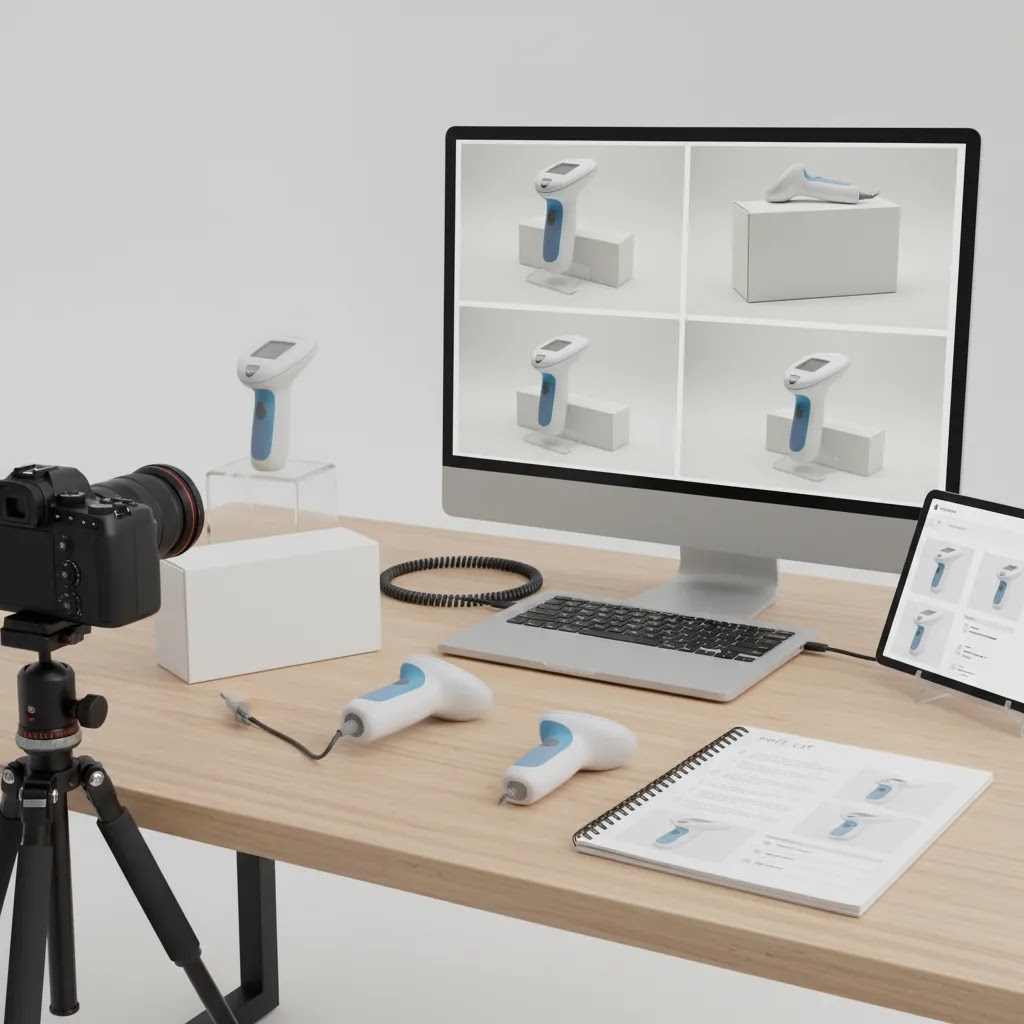
- Detailed image sets may reduce hesitation for products that need visual explanation, such as devices, kits, applicators, or refill systems.
- Consistent white-background and packaging shots support Shopify collections, marketplace listings, paid ads, and email campaigns.
- AI-assisted editing tools can help teams produce supporting assets faster, especially for background cleanup, resolution improvements, and visual testing.
- Well-planned photography can make product pages more useful without relying on heavy copy alone, which is helpful for mobile shoppers.
- A repeatable workflow makes it easier to launch new SKUs, seasonal bundles, and reformulations without rebuilding your visual system each time.
Considerations
- Healthcare brands have less room for stylized or heavily edited imagery because realism and trust are central to the buying decision.
- AI-generated scenes may create inaccurate props, anatomy, packaging, or usage contexts if not reviewed carefully by a human.
- Professional-quality photography requires planning around lighting, reflections, hygiene cues, props, compliance review, and retouching standards.
- Some products still need a photographer or studio setup rather than an AI-first workflow, especially where precision details are legally or commercially important.
Who This Approach Is For
This approach is best for healthcare brands selling products online that need to balance conversion with credibility. That includes DTC supplement brands, wellness-device sellers, personal care brands with medical positioning, rehabilitation and mobility stores, first-aid ecommerce businesses, and Shopify merchants selling clinical accessories or packaged health products.
It is especially relevant if you are running product detail pages, Google Shopping campaigns, retail marketplace listings, or landing pages where imagery strongly shapes trust. If your current product photos look inconsistent, over-edited, or too generic, a more structured medical photography process is usually worth the effort. For simple mock visual testing before a full shoot, a mockup generator can be useful, but it should support the workflow rather than replace accurate product imagery.
AcquireConvert Recommendation
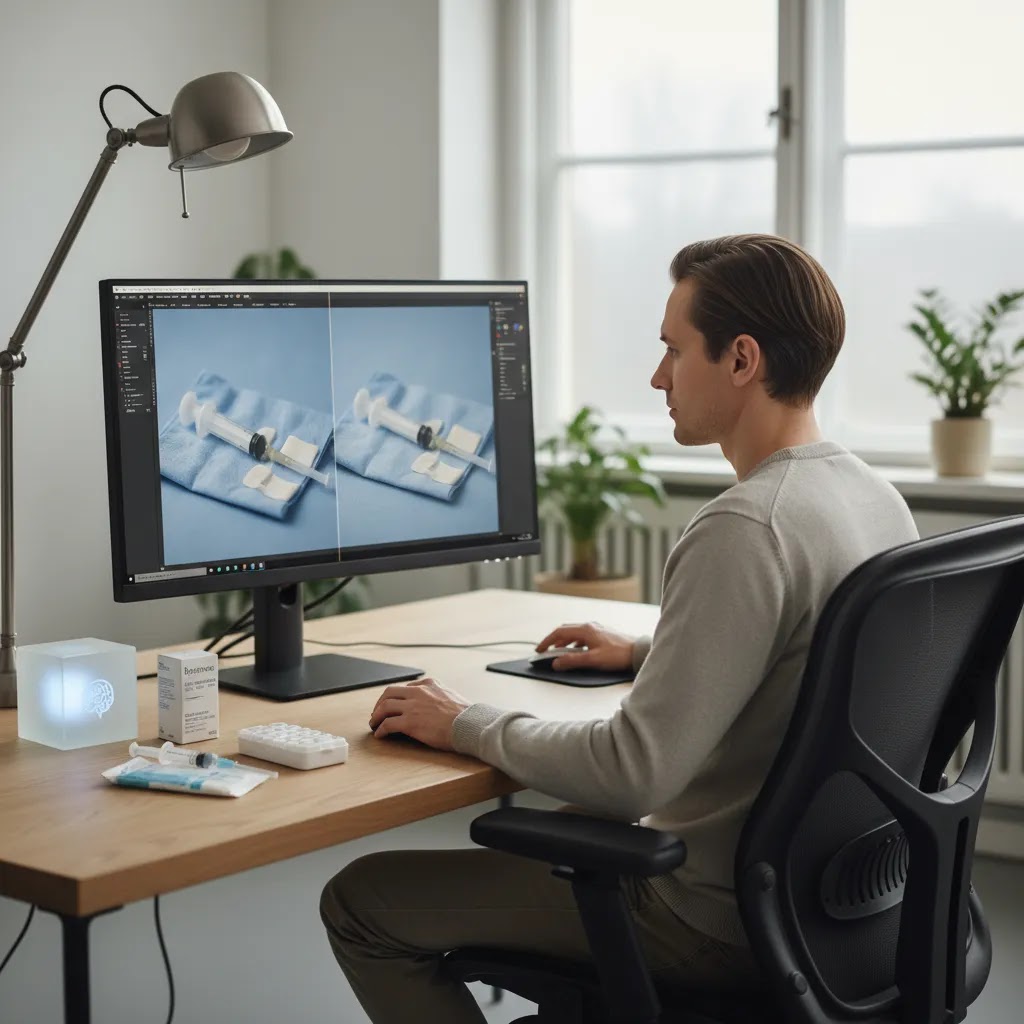
For most healthcare brands, the smartest route is a hybrid one: capture real product photography first, then use AI selectively to speed up editing, background cleanup, variant creation, or concept development. That keeps the visual truth of the item intact while still reducing production bottlenecks for a growing ecommerce team.
At AcquireConvert, the editorial approach is shaped by Giles Thomas's experience as a Shopify Partner and Google Expert. That matters because product imagery is not just a design decision. It affects feed approval, click-through rate, landing page quality, and how confidently a shopper evaluates the offer. If you are comparing image workflows across Shopify PDPs, ads, and marketplace channels, it helps to review the broader E Commerce Product Photography category and the site’s Product Photography Fundamentals resources. Those guides are especially useful if you are building an in-house process and want practical standards rather than vague creative advice.
How to Choose the Right Photography Workflow
If you are deciding how to handle medical product photography, use these five criteria.
1. Start with channel requirements
List every place the images need to work: Shopify product pages, Google Merchant Center, Amazon, retailer portals, email, Meta ads, and print inserts if relevant. Healthcare brands often create delays by shooting once for the website and then realizing the image set does not fit marketplace or ad use cases.
2. Separate primary images from supporting creative
Your primary image set should be factual and consistent. Think white background, accurate scale, clean packaging visibility, and clear detail shots. Supporting assets can be more flexible, including light lifestyle scenes, comparison graphics, or edited backgrounds. This keeps core ecommerce assets trustworthy while giving the marketing team room to test creative angles.
3. Decide where AI helps and where it should stop
AI is useful for efficiency tasks, not for rewriting product reality. It may help with cropping, cleanup, background replacement, or draft visual concepts. It is usually a poor choice for inventing product interactions, medical environments, or clinically suggestive scenarios. Set a rule internally: AI can enhance presentation, but not alter the product, packaging, or usage truth.
4. Build a repeatable shot list
For each SKU, define a minimum visual package. A common framework includes:
- Front pack shot
- Back or ingredient/instruction panel
- 45-degree angle
- Close-up of texture, device head, or component detail
- In-hand or scale reference image where appropriate
- Lifestyle or contextual image if brand-safe
Teams that formalize this early usually scale faster because every new SKU follows the same template.
5. Match the production method to product risk
Not every healthcare product needs the same level of production. Commodity wellness items may work with a strong internal setup plus AI cleanup. Reflective devices, transparent packaging, sterile products, and items that need exact instructional detail often justify professional studio support. If the image could influence trust, safety perception, or channel approval, choose the more controlled option.
A practical rule is to invest most in your hero products, highest-margin SKUs, and items with the most pre-purchase uncertainty. That is usually where photography quality has the clearest commercial impact.
DIY Medical Product Photography Setup (Small Studio) for Shopify Brands
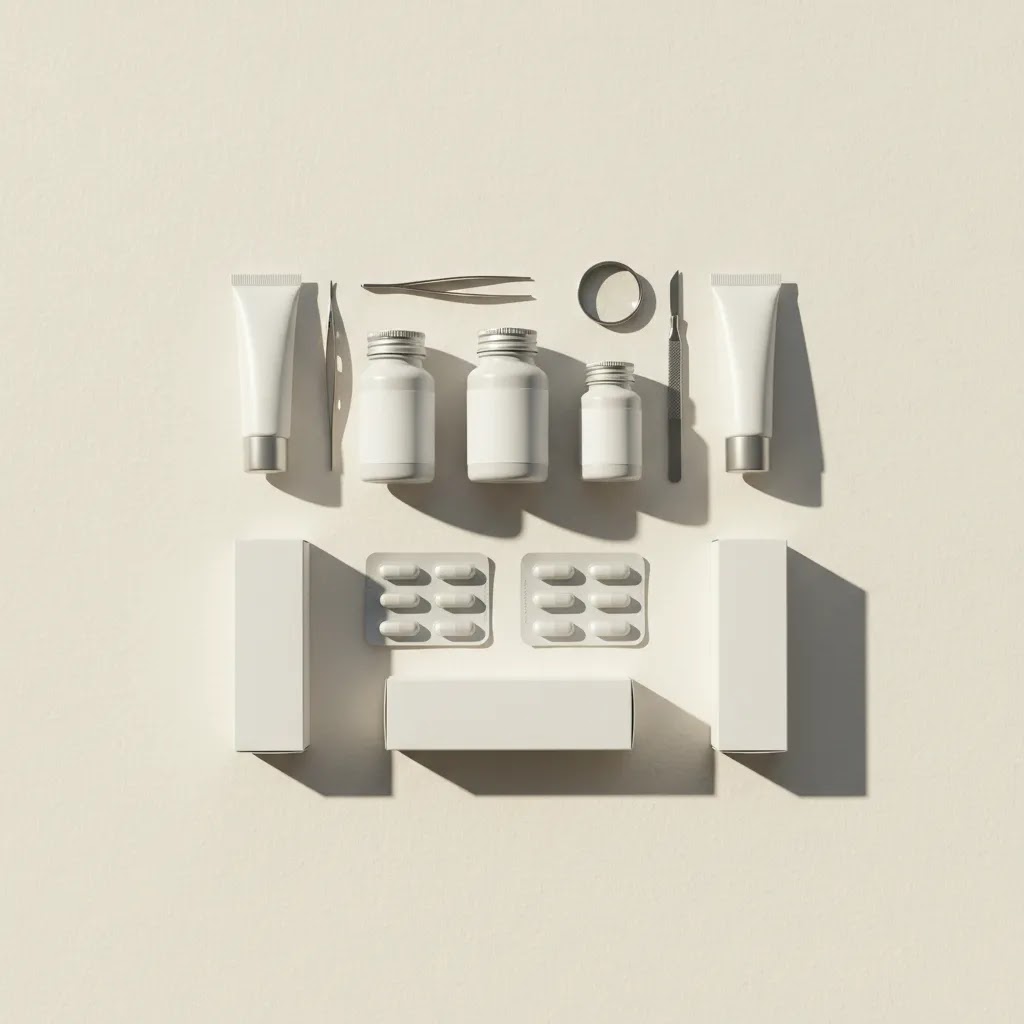
Consider this, if you are running a Shopify catalog with ongoing SKU updates, an in-house setup can be a real advantage. The goal is not to compete with high-end advertising studios. The goal is to produce clean, consistent, accurate ecommerce images on demand.
A practical starter setup for medical products
Most healthcare products can be shot well with a small, controlled setup. You mainly need consistency and enough light control to keep labels readable.
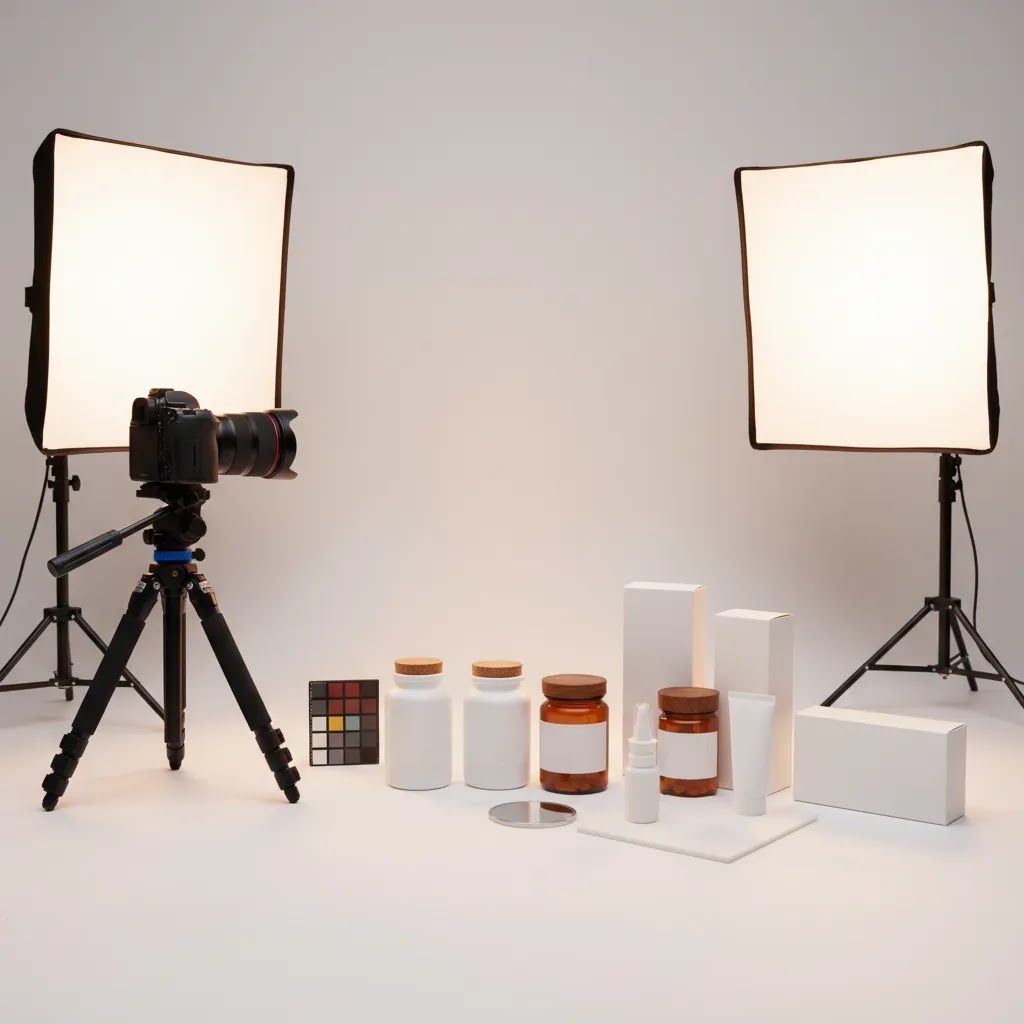
- Lighting: continuous LED lights are often the simplest for small teams because what you see is what you get. Strobes can deliver more power and crispness, but they add setup complexity.
- Diffusion: use a softbox or diffusion panel to soften reflections and reduce harsh specular highlights on plastic, foil, and glossy cartons.
- Background: a white sweep (paper or vinyl) helps you capture clean edges and consistent shadows. For small items, a tabletop sweep is usually enough.
- Tripod: a tripod matters more than most people expect. It locks in angle, height, and distance, which makes your Shopify grid look consistent.
- Lens considerations: for small products, a macro-capable lens (or a lens with close focusing) helps with label text and details. For larger mobility items, a wider lens can work, but avoid ultra-wide distortion that changes proportions.
Think of it this way, your setup is a production system. The more you can standardize, the easier it is to add SKUs without reshooting everything.
How to handle common medical-category problems
Medical categories come with a few repeat offenders that slow shoots down.
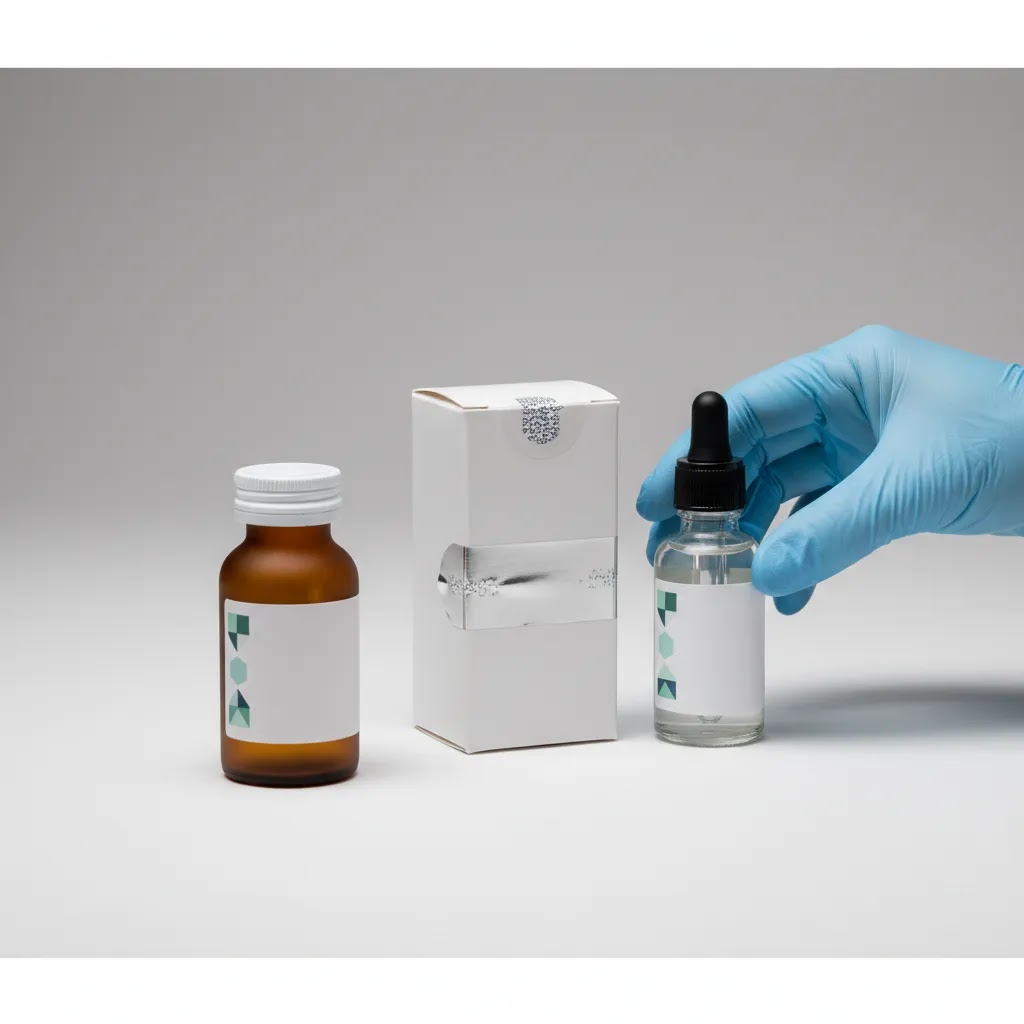
- Reflective packaging: increase diffusion, move lights farther back, and adjust angles so glare bounces away from the lens. Polarizing filters can help in some cases, but lighting control usually does the heavy lifting.
- Clear bottles and glossy plastics: shoot against a clean white sweep, then use controlled edge lighting so the bottle outline is visible. Watch for label buckling and trapped dust inside the container.
- Metallic devices: reflections will show your room, your camera, and anything nearby. Create a “clean zone” around the set, and use large diffusion surfaces so the metal reflects something neutral.
- Small label text: prioritize sharpness and stability. Use a tripod, a small aperture if needed, and ensure the label plane is not angled away from the camera.
- Cleanliness cues: keep lint rollers, microfiber cloths, and canned air near the set. If gloves are part of your brand style guide, use them consistently and make sure they look clinical and clean, not wrinkled or smudged.
The reality is that dust and fingerprints are the hidden cost in medical product photography. A few minutes of set hygiene can save a lot of retouching time later.
A repeatable capture workflow that supports conversion
For most Shopify store owners, consistency is what improves the browsing experience. You want products to look like they belong together, especially in collections and search results.
- Lock your camera position, height, and product distance for each product type so framing stays consistent across SKUs.
- Standardize angles, for example: straight-on front, 45-degree, side, back label, and a consistent detail close-up.
- Crop for Shopify consistency: pick a single aspect ratio and cropping rule so your collection pages do not look uneven. This is one of the simplest ways to make a store feel more professional.
- File handling: name files by SKU and view (front, back, detail) so your team can update the catalog quickly when packaging changes.
If you use AI tools to speed up background cleanup or minor retouching, keep your approved masters as the reference. That helps you avoid small changes that compound over time, like labels drifting in color or edges becoming inconsistent.
Pricing and Budgeting: What Medical Product Photography Typically Costs, and How to Plan a Shoot
If you are buying photography as a service, the biggest frustration is not usually the price itself. It is not knowing what drives the price, and not knowing how to scope the shoot so you get what your Shopify store actually needs.
Pricing varies widely by region, photographer experience, and usage needs, so it is smarter to budget based on your scope and risk level rather than hunting for a single “correct” number.
What typically drives cost for healthcare product shoots
Medical product photography often costs more than standard consumer goods photography because the details matter. The most common cost drivers are:
- Number of SKUs and how different they are from each other. Similar bottles with different labels are faster than a mix of kits, devices, and accessories.
- Shot count per SKU. A 3-shot set is a different project than a 10-shot set with scale reference and multiple components.
- Retouching complexity. Labels, glare control, dust cleanup, and making small text readable can take time.
- Lifestyle versus studio. Lifestyle usually requires props, a location or set build, and more styling decisions, which increases production load.
- Timeline. Rush jobs typically cost more because they compress shooting, retouching, and approvals.
Now, when it comes to medical products, “precision tax” is real. Transparent packaging, reflective devices, and tiny printed instructions tend to add time in both capture and post-production.
How to estimate your budget without guessing
A simple way to plan is to build a per-SKU shot list, then separate it into two layers:
- Must-have ecommerce set: the core images you need for Shopify, Google Shopping, and marketplaces, usually white background plus labels and key details.
- Campaign creative: lifestyle images, banner crops, ad variations, and anything that is more about marketing angles than product verification.
Once you have those two layers, you can request quotes that match how you actually work. You can also phase the project. Shoot the must-have set for your top SKUs first, then add campaign creative after you see what angles perform in ads and on product pages.
Plan for reshoots when packaging changes. For healthcare brands, packaging updates are normal, and it is better to budget for that reality than to let your product pages drift out of sync with what ships.
Choosing between in-house, freelancer, and studio for medical products
From a practical standpoint, the right choice depends on how often you launch SKUs and how sensitive your products are to visual accuracy.
- In-house can make sense if you have frequent updates, a manageable catalog size, and products that are relatively straightforward to light and present. You trade some polish for speed and control.
- A freelancer can be a strong middle option for brands that need professional quality but do not want full studio overhead. The key is to hire someone who can deliver consistency across a catalog, not just a few good hero shots.
- A studio is often worth it when precision details really matter, like reflective devices, complex kits, strict label accuracy, and higher compliance sensitivity. This is also where controlled retouching standards tend to be strongest.
Where paying more tends to matter is the boring stuff: clean edges, readable labels, glare management, consistent shadows, and a predictable process for revisions and approvals. Those are the details that keep Shopify pages trustworthy and keep marketplaces and ads from becoming a bottleneck.
Frequently Asked Questions
What makes medical product photography different from standard product photography?
Medical product photography usually requires more accuracy, cleaner presentation, and tighter control over styling. Customers often judge safety, legitimacy, and usability from the photos. That means labels, packaging, materials, and product details need to be shown clearly, with less room for dramatic editing or highly stylized creative choices.
Can AI be used for medical product photography?
Yes, but usually as a supporting tool rather than the main image source. AI can help with background cleanup, resolution enhancement, or concept testing. It should be reviewed carefully to avoid unrealistic scenes or inaccurate product representation. For healthcare brands, the safest approach is usually real photography first, then light AI-assisted editing where appropriate.
Should healthcare brands use white backgrounds for product pages?
In many cases, yes. White-background images are useful for Shopify collections, product detail pages, Google Shopping feeds, and marketplace listings. They make the product easier to assess and support a cleaner, more credible presentation. Lifestyle or contextual images can still be used as secondary visuals if they do not create confusion.
Are lifestyle images useful for medical and wellness products?
They can be, especially for wellness, personal care, and at-home device categories. The key is restraint. The scene should feel realistic, clean, and helpful rather than exaggerated. Avoid implying medical endorsements, clinical outcomes, or usage contexts that the product is not clearly designed to support.
How many images should a medical product page include?
There is no fixed number, but most healthcare product pages benefit from a core set of 4 to 7 images. That often includes a front view, side or angle shot, back label, detail close-up, scale reference, and one contextual image. The right number depends on how much explanation the product needs before purchase.
Can medical brands use 3D or mockup-based visuals?
They can for supporting creative, packaging previews, or pre-launch concepts. Still, 3D or mockups should not replace accurate real-product imagery where customers need to inspect the item closely. If you use 3D product photography ai workflows or mockups, keep them clearly aligned with the actual product appearance and packaging.
What should Shopify store owners prioritize first?
Start with your highest-traffic and highest-revenue SKUs. Improve the primary product image, add label and detail shots, and standardize your image dimensions across the catalog. For many Shopify stores, that delivers more value than trying to reshoot every product at once. Then expand the workflow category by category.
Do better product photos improve conversion rates?
They may, especially when your current images create uncertainty or look inconsistent. Better photos can help shoppers understand the product faster and trust the listing more. Still, results vary by product type, page design, pricing, reviews, and traffic quality. Photography works best as part of a broader conversion-focused product page strategy.
Is it worth hiring a studio for medical product photography?
Often yes for products with reflective surfaces, precise labeling, small components, or higher compliance sensitivity. A studio can bring consistency, lighting control, and retouching discipline that is difficult to replicate internally. For simpler SKUs, an internal workflow plus selective editing tools may be enough if quality standards are clearly defined.
What is medical photography?
Medical photography is a broad category that includes photos used in healthcare, clinical education, and medical marketing. In ecommerce, it usually means photographing healthcare products, devices, and wellness items in a way that emphasizes accuracy, cleanliness, and clear communication. For Shopify brands, the focus is typically on product detail pages and ad assets that need to build trust without implying medical outcomes.
How much should I pay a photographer for a product shoot?
It depends on your scope. Build your shot list per SKU, decide how many SKUs you are shooting, and be clear about how much retouching you need (labels, glare, dust cleanup, and clean white backgrounds). You can then compare quotes based on what you actually get delivered, like the number of final images, revision rounds, and whether lifestyle setups are included. Pricing varies, so focus on matching production quality to product risk and how visible the images are in your Shopify store and ads.
What is the 20 60 20 rule in photography?
People use “20 60 20” in different ways, but a common interpretation for product work is that results come from a mix of planning, capture, and editing. For ecommerce, think of it as: a portion of your outcome comes from pre-production decisions (shot list, styling rules, compliance checks), a larger portion comes from lighting and camera consistency during the shoot, and the final portion comes from retouching and file prep. The exact split is not a strict formula, but the takeaway is useful: you cannot “fix” poor capture with editing, especially for medical products where accuracy matters.
How much money do product photographers make?
It varies widely based on location, specialization, client type, and whether they run a studio or work freelance. Product photographers who handle technical categories, consistent catalog work, and high-retouch demands often charge more than generalists, but income still depends on volume of projects and business overhead. If you are hiring, it is usually more helpful to evaluate portfolio consistency and process reliability than to anchor on what you think a photographer “should” earn.
Key Takeaways
- Medical product photography should prioritize accuracy, cleanliness, and trust before visual flair.
- White-background images, readable labels, and detail shots usually matter more than dramatic lifestyle scenes.
- AI can help with editing and concept support, but it should not change the real appearance of the product.
- Healthcare brands benefit from a repeatable shot list and consistent visual standards across the catalog.
- Start with your most important SKUs and build a workflow that supports Shopify, ads, and marketplace use cases together.
Conclusion
Medical product photography is really about confidence. Your customer wants to see exactly what they are buying, understand how it fits into their life, and feel that the brand behind it is reliable. For healthcare and wellness ecommerce, that means choosing accuracy over excess and consistency over one-off creative experiments. AI can absolutely help, but only when it supports a truthful visual system rather than replacing it.
If you are refining your image strategy, AcquireConvert is a useful specialist resource for practical ecommerce guidance shaped by Giles Thomas's experience as a Shopify Partner and Google Expert. Use this article as a framework, then explore related AcquireConvert photography resources to tighten your product pages, improve merchandising consistency, and make smarter decisions about when to use studio production, mockups, or AI-assisted editing.
This article is editorial content and not a paid endorsement unless explicitly stated otherwise. Pricing, features, and tool availability are subject to change, so verify current details directly with each provider. Any outcomes from photography, AI editing, or ecommerce optimization will vary by store, product type, traffic quality, and implementation. This content is for educational purposes and does not constitute medical, legal, or regulatory advice.

Hi, I'm Giles Thomas.
Founder of AcquireConvert, the place where ecommerce entrepreneurs & marketers go to learn growth. I'm also the founder of Shopify agency Whole Design Studios.