Pharmaceutical Photography: Compliance & Setup (2026)

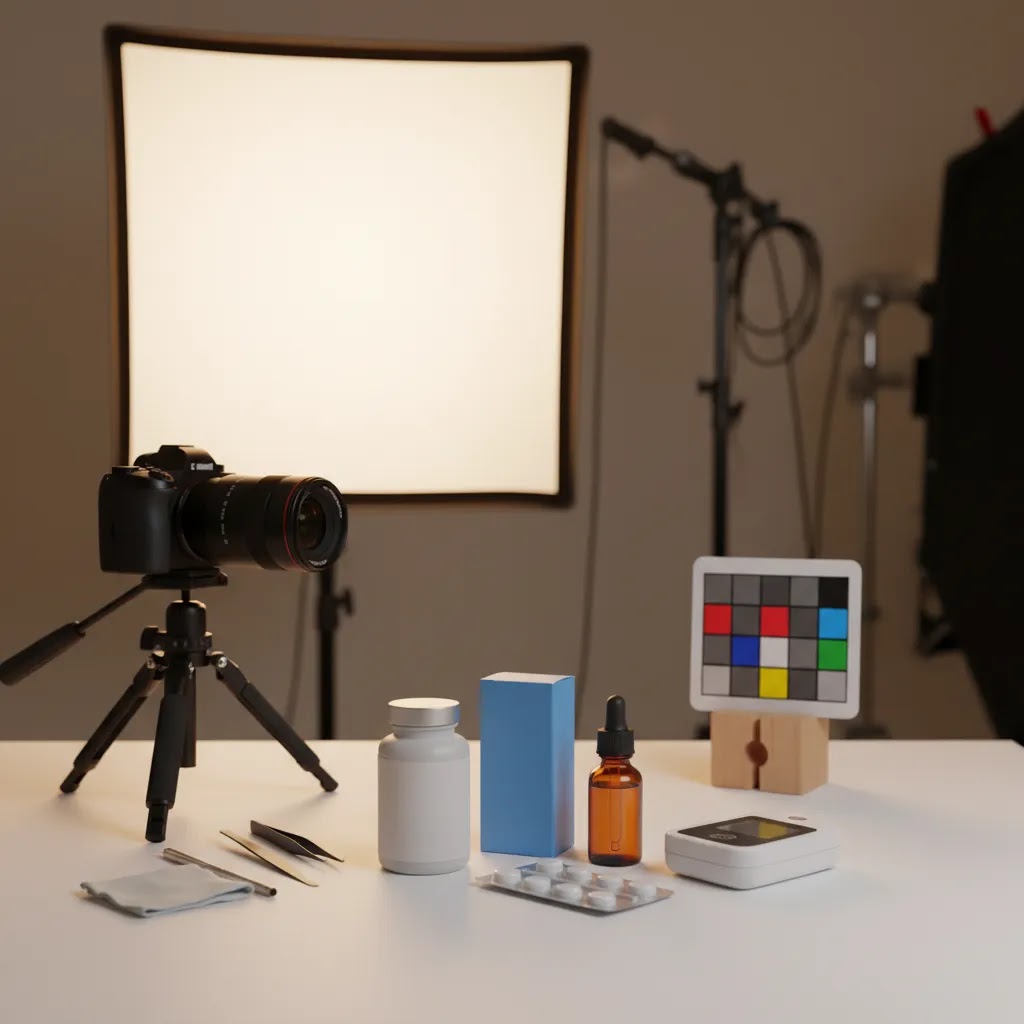
Pharmaceutical photography is not just another version of product photography. If you sell supplements, over the counter products, medical-adjacent wellness items, or pharmacy-related SKUs online, your images need to balance clarity, consistency, and compliance. That means showing packaging accurately, avoiding misleading edits, and building a repeatable photo setup your team can trust. For many ecommerce operators, the real challenge is creating images that look clean enough to convert without crossing regulatory or marketplace lines. If you are comparing workflows, tools, or studio options, it helps to start with the broader context of ecommerce tools that support image production, catalog consistency, and listing performance. This guide walks you through what matters most, where AI can help, and where human review still matters.
Contents
- What pharmaceutical photography involves
- Clinical and therapeutic photography: what they are, and why it matters for ecommerce
- Key setup and workflow features to prioritize
- Composition and realism rules for clean, compliant pack shots
- Pros and Cons
- Who this approach is for
- AcquireConvert recommendation
- How to choose the right setup
- Image library and asset formats for real-world merchant workflows
- Frequently Asked Questions
- Key Takeaways
- Conclusion
What pharmaceutical photography involves
In ecommerce, pharmaceutical photography usually refers to product images for medicines, supplements, health devices, personal care treatments, and related packaging. The goal is simple: present the item accurately enough for customer trust and platform acceptance, while still producing commercial-grade visuals.
That changes the job compared with lifestyle-heavy categories. In fashion or decor, mood and styling can carry more weight. In pharmacy-adjacent retail, accuracy carries more weight. You need labels to be legible, pill bottle proportions to look true to life, and colors to match the actual packaging as closely as possible. If the product image creates the wrong expectation, complaints and returns can follow.
For Shopify merchants and marketplace sellers, this often means building a structured image set: front pack shot, side panel, ingredients or facts panel where allowed, scale reference where appropriate, and optional secondary images that show texture, applicator type, or carton details. If you also sell on marketplaces, your workflow may overlap with amazon product photography requirements, especially around white background main images and claim-sensitive listing content.
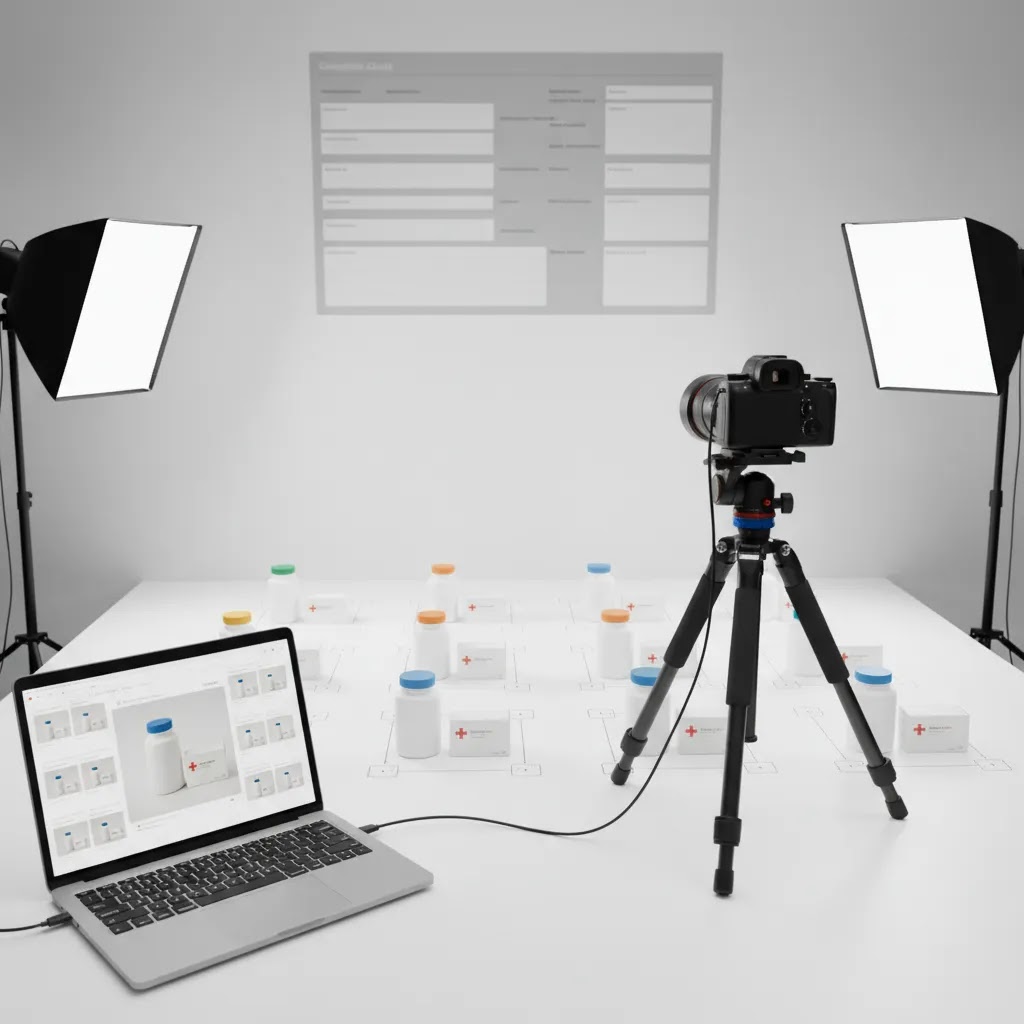
The best approach is usually a documented one. Define your lighting setup, camera distance, retouching rules, file naming, review process, and approval standards before you scale the catalog.
Clinical and therapeutic photography: what they are, and why it matters for ecommerce
Here’s the thing: people searching for “pharmaceutical photography” are not always talking about ecommerce pack shots. In the real world, the term can overlap with clinical photography and other healthcare-adjacent image categories, and mixing them up can create trust issues and, in some cases, compliance headaches.
Clinical photography vs pharmaceutical (packaging) photography
Clinical photography typically means photos taken in a healthcare setting for documentation. Common use cases include tracking wound healing, dermatology cases, dental records, surgical documentation, or before-and-after treatment records. The subject is often a patient or a clinical condition, not a retail product.
Pharmaceutical photography for ecommerce is usually the opposite. Your subject is the product and its packaging, and the goal is accurate representation for shoppers. It is closer to product packaging photography than it is to medical documentation.
For most Shopify merchants, your listings should live firmly in the second category: packaging-led imagery that shows what arrives in the box, what the label says, and what the format looks like.
“Therapeutic photography” vs phototherapy
What many store owners overlook is that “therapeutic photography” can also mean something entirely different than product photography. Therapeutic photography is often used to describe photography as a supportive practice in mental health or personal development, where taking or reflecting on images helps someone process experiences. That is not the same as phototherapy.
Phototherapy is a medical or clinical term, usually describing treatment using light, for example certain skin conditions or neonatal jaundice. If you sell light-based devices or skincare treatments, these words can show up in content and imagery decisions. Be careful not to imply that your product provides clinical phototherapy unless you can support that claim and it is allowed for your channel.
Why mixing categories creates problems for ecommerce listings
The reality is that clinical-style imagery can accidentally smuggle in implied outcomes. Before-and-after images, close-up patient skin conditions, or “treatment result” visuals can read as a promise, even when your product is only over the counter or “wellness” positioned. That can create friction with marketplace policies, ad platforms, and shopper trust.
Even if you can legally make certain claims, your photography still needs to be channel-aware. Google Ads and Meta policies change, and some categories are reviewed more aggressively than others. Your images should help you avoid avoidable disapprovals and customer confusion.
Practical guardrails for Shopify merchants
From a practical standpoint, these rules keep most stores out of trouble:
- Keep your hero image packaging-based. A clean front pack shot on white or neutral is usually the safest primary image across Shopify, marketplaces, and shopping feeds.
- Use contextual shots to explain, not to promise. Showing the applicator, capsule size (with an appropriate scale reference), or how the dispenser works can be helpful. Showing dramatic “results” is where you can create implied medical outcomes.
- Be cautious with before-and-after and patient imagery. If you are even considering it, that is typically a sign you should get compliance and legal review for your specific product, market, and channel mix.
- Separate regulated-looking visuals from your core catalog. Keep campaign graphics, educational content, and “explainer” visuals in a clearly defined asset bucket so they do not accidentally become your product page gallery images later.
Key setup and workflow features to prioritize
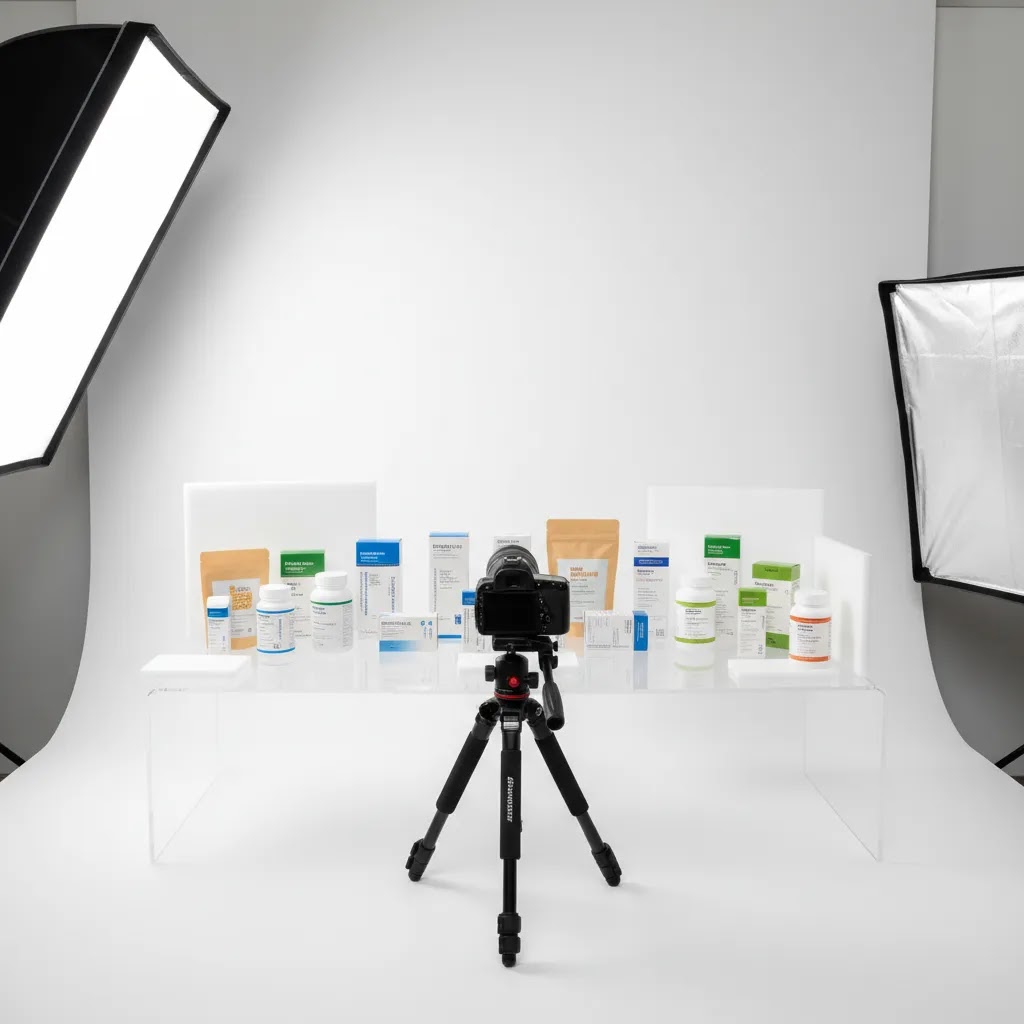
If you are evaluating how to handle pharmaceutical photography in-house, through a studio, or with AI-assisted editing, there are a few practical features that matter more than flashy creative options.
1. Accurate background and packaging presentation
Most pharmaceutical and pharmacy-adjacent products benefit from a clean, distraction-free look. White or neutral backgrounds often work best for product pages, marketplaces, and comparison shopping formats. If you need a cleaner catalog image set, tools like Free White Background Generator can help standardize simple pack shots. For more complex edits, careful human review is still important so edges, shadows, and reflective surfaces do not look artificial.
2. Controlled editing rather than heavy manipulation
Editing should correct technical issues, not change the product. Dust removal, exposure balancing, and background cleanup are usually reasonable. Changing label text, product size perception, dosage appearance, or package color is where risk grows. For basic cleanup tasks, merchants may test tools such as Magic Photo Editor or Remove Text From Images, but claim-sensitive packaging should always be reviewed manually before publication.
3. Repeatable studio conditions
Whether you shoot at home or work with a product photography studio, consistency matters more than expensive gear alone. A controlled tabletop setup, fixed lighting angles, color reference card, and documented camera settings often produce better catalog consistency than ad hoc shoots.
4. Secondary images that support buying decisions
Once your compliant hero image is done, secondary visuals can help reduce hesitation. That may include carton close-ups, cap or dispenser views, texture shots for creams, or usage-context visuals where permitted. This broader approach aligns with strong ecommerce photography practice because it answers pre-purchase questions visually.
5. AI assistance for speed, not final authority
AI can help with repetitive editing, mock scenes, and background cleanup. For example, AI Background Generator or Background Swap Editor may be useful for content campaigns, blog graphics, or educational merchandising. For regulated or claim-sensitive product listings, AI should support the workflow, not replace your compliance review.
Composition and realism rules for clean, compliant pack shots
Good pharmaceutical photography is rarely about being “creative.” It is about being reliably clear at every crop and every thumbnail size. A simple way to keep your pack shots looking clean without drifting into ad-like styling is to use a basic composition heuristic and apply it consistently.
The 20/60/20 guideline, translated for ecommerce pack shots
Some photographers use a “20/60/20 rule” as a quick composition check. The idea is that your frame balance often works best when:
- About 60% of the frame is the subject, in this case the product and label area.
- About 20% is supporting space that helps the subject read clearly, often negative space around the edges.
- About 20% is buffer room for cropping flexibility and layout needs, especially for marketplaces and mobile.
Think of it this way: your goal is product dominance without crowding. If the product fills the entire frame, you risk awkward crops and label edges that get clipped in thumbnails. If the product is too small, you lose legibility and shoppers cannot read what they are buying.
How to apply it to common pharma SKUs
For most Shopify store owners, the way this works in practice depends on the packaging type:
- Bottles: Keep the label as square to camera as possible, avoid extreme angles that make the bottle look slimmer or taller than it is. Leave enough space above the cap and below the base so you can crop for collection grids without chopping the product.
- Blister packs: Avoid dramatic angles that create glare and hide pill counts. Use soft, even light so foil does not blow out, and keep the pack aligned so it looks like a true rectangle, not a trapezoid.
- Cartons: Prioritize front panel legibility. If you want an angled secondary shot, keep it mild so text stays readable and the box does not look distorted.
Now, when it comes to Shopify layouts, remember that your hero image will often be used in multiple places: product page gallery, collection tiles, search results, recommendation widgets, and sometimes off-site feeds. Composition that survives a square crop and a tiny thumbnail is usually the winning composition.
Common mistakes that can create trust issues
Consider this a short “do not do” list that comes up a lot in pharmacy-adjacent catalogs:
- Over-styling with props: Ingredients scattered around the product, lab glassware, or medical-looking props can imply clinical outcomes or a medical context that is not actually part of the product.
- Dramatic lighting: Strong shadows and punchy contrast may look premium, but they often reduce label readability, which is a conversion problem and a trust problem.
- Angles that distort size: Wide angle lenses and steep top-down angles can make bottles look larger or smaller. In regulated-looking categories, even accidental distortion can get interpreted as misleading.
- Retouching that “improves” the label: If you sharpen text into a different shape, smooth away printing texture, or change colors to match a brand guide instead of real packaging, you increase the odds of shopper confusion when the item arrives.
Pros and Cons
Strengths
- Clear pharmaceutical photography standards can improve catalog consistency across Shopify collections, marketplaces, and ad creative.
- A documented setup reduces rework, especially when multiple team members or freelancers touch the image workflow.
- Accurate pack shots may build buyer trust by setting realistic expectations around packaging, labeling, and product format.
- AI-assisted cleanup tools can speed up repetitive editing tasks such as background standardization or simple retouching.
- Compliance-first image rules make it easier to scale new SKUs without debating image treatment every time.
Considerations
- Pharmaceutical photography is less flexible creatively than some other ecommerce categories because accuracy needs to come first.
- AI editing can introduce visual errors around labels, edges, reflections, or text if outputs are not reviewed carefully.
- Store owners may still need legal, compliance, or marketplace policy input for sensitive products and health-related claims.
- In-house setups can save money over time, but they still require process discipline, color consistency, and approval checks.
Who this approach is for
This setup is a good fit for Shopify merchants, DTC health brands, supplement stores, pharmacy-adjacent retailers, and agencies managing regulated-looking product catalogs. It is especially useful if you need a repeatable image process for many SKUs rather than one-off campaign shots.
If you sell products where packaging details drive trust, such as vitamins, skincare treatments, topical relief products, wellness kits, or medical accessories, a compliance-first photography workflow is usually the safer choice. It is also a strong option if you are moving from inconsistent supplier images toward a cleaner in-house or semi-outsourced system that can support product pages, ads, and marketplace listings.
AcquireConvert recommendation
At AcquireConvert, the practical question is not whether a product image looks impressive. It is whether the image helps you sell responsibly, reduces customer confusion, and fits the channels you depend on. That is why pharmaceutical photography should be assessed through an ecommerce lens first. Giles Thomas brings that perspective as a Shopify Partner and Google Expert, with a focus on how store owners actually build image workflows that support conversion without overstating what visuals can do.
If you are comparing creative formats for product launches or testing image variations for merchandising, it can also help to review options like a mockup generator for non-primary visuals. For foundational guidance, see AcquireConvert’s category resources on E Commerce Product Photography and Product Photography Fundamentals. Those are useful next reads if you want to tighten image standards across your whole catalog, not just one regulated product line.
How to choose the right setup
If you are deciding between home shooting, a studio partner, or AI-assisted production, use these criteria to make the call.
Compliance sensitivity
Start with the product itself. If packaging claims, dosage language, medical positioning, or regulated disclaimers are central to the purchase, you need a stricter review process. In those cases, use AI sparingly and prioritize documented sign-off steps.
Catalog volume
If you have 10 products, a carefully managed in-house setup may be enough. If you have 200 SKUs with multiple variants and marketplace requirements, repeatability matters more. A structured workflow with templates, cropping standards, and batch editing becomes essential.
Channel requirements
Your own Shopify store gives you more flexibility than third-party marketplaces, but consistency still helps conversion. If you also sell through channels with stricter image rules, align your primary image workflow to the strictest common denominator where practical.
Editing risk tolerance
AI tools can save time, especially for cleanup and background management. ProductAI tools such as Increase Image Resolution may help rescue usable assets for secondary content, while Creator Studio can support broader asset creation workflows. Still, if a product image could be interpreted as misleading after automation, choose the slower path and review manually.
Budget versus control
An in-house setup usually gives you faster iteration and better day-to-day control. A specialist studio can give you stronger technical consistency, especially with reflective packaging, blister packs, glass bottles, or metallic labels. Many growth-stage stores end up using a hybrid model: compliant primary shots are professionally produced, while supporting content is handled in-house.
A sensible decision framework is this: keep your hero images conservative, standardize your editing rules, test AI on low-risk assets first, and build a review process that catches visual inaccuracies before they go live.
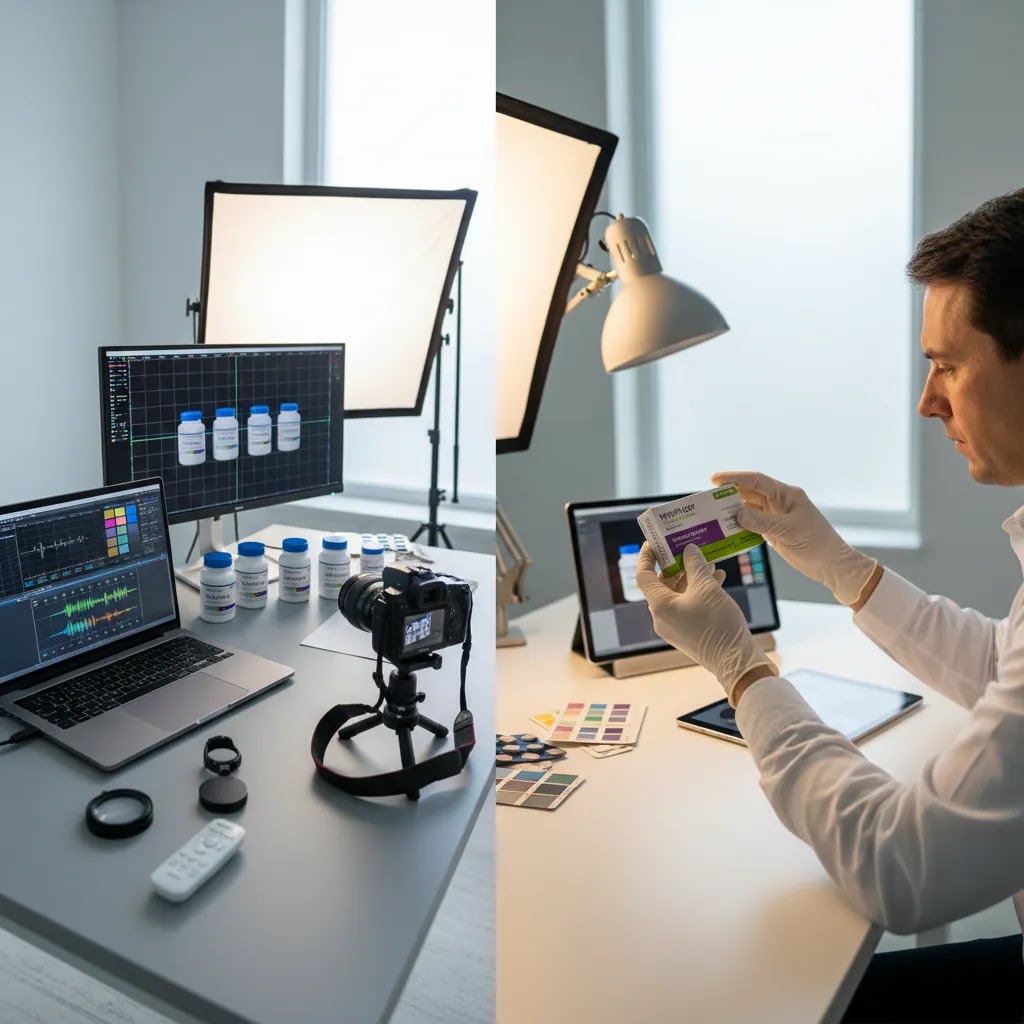
Image library and asset formats for real-world merchant workflows
Most store owners think about images in terms of the product page gallery. In practice, your team will reuse pharmaceutical images across sales decks, retailer onboarding, internal training, customer support macros, and ad creative. That is why search intent often includes things like “pharmaceutical images for ppt,” “background images,” or “hd images.” The request is not really about aesthetics, it is about having the right files in the right formats so the business can move quickly without pulling random old images from a shared drive.
What “HD” and “background images” usually mean in a merchant workflow
For ecommerce teams, “HD” typically means you have a high-resolution master that can be cropped and reused without introducing blur or compression artifacts. It also usually means you have predictable aspect ratios and a consistent background treatment, so a product does not look like it came from five different suppliers.
Background variants matter because different channels want different looks. Marketplaces often push for pure white. Brand sites sometimes look better with a very light gray that keeps white packaging edges visible. If you keep both options as part of the same standardized set, your team can choose quickly without re-editing every time.
A simple deliverables checklist you can hand to a studio or internal team
If you want a practical baseline, aim to get these deliverables per SKU:
- Hero pack shot set: front-facing primary image and one consistent alternate angle if your category uses it.
- Secondary detail set: close-ups of key panels and functional parts, like dispensing cap, applicator tip, blister detail, or carton side panel where allowed.
- Collection-ready crops: square or near-square crops that still keep the label readable, so your Shopify collection pages look uniform.
- Ad-safe crops: extra negative space versions that give your team room for platform-specific creative, while keeping the product representation unchanged.
- Background variants: consistent exports on white and on a very light gray, using the same crop and scale so they feel like one system.
This is also where process beats creativity. If your team can reliably pull the right file for the right channel, you avoid rushed edits that can accidentally create compliance or trust issues.
Basic governance so outdated or noncompliant images do not resurface
What many store owners overlook is how often packaging changes. New labels, new dosage callouts, updated regulatory text, even a small color shift can make yesterday’s “approved” image wrong today.
At minimum, put three controls in place:
- Naming conventions: include SKU, variant, view, background, and a version or date in the filename, so the “right” image is obvious.
- Version control: keep one approved folder or source of truth, and archive retired packaging so it does not get reused by accident.
- Clear approvals: decide who signs off on final images, and who can publish to Shopify. For claim-sensitive products, that approval may need to include compliance or legal review depending on your category and market.
Frequently Asked Questions
What makes pharmaceutical photography different from standard ecommerce photography?
Pharmaceutical photography places more weight on accuracy, label clarity, and restrained editing. For many products, the image needs to support trust and platform compliance before it supports visual storytelling. The setup can still look polished, but it should not distort packaging, size, color, or product claims.
Can I shoot pharmaceutical products at home?
Yes, in many cases you can create professional product photos at home if you control lighting, background, camera position, and color consistency. A tabletop setup with soft lighting and a repeatable process is often enough for smaller catalogs. The key is having review standards so edited files still represent the real product accurately.
Should pharmaceutical product images always use a white background?
Not always, but white backgrounds are often the safest choice for primary product images, especially on marketplaces and comparison shopping formats. They keep attention on the packaging and help standardize catalogs. Secondary images can use softer environmental context where that supports understanding and does not create misleading product expectations.
Is AI safe to use for pharmaceutical photography editing?
AI can be useful for repetitive cleanup work, but it should be used carefully. Background cleanup, resolution enhancement, and asset resizing may be appropriate. Edits that change text, label appearance, dosage cues, or product dimensions create more risk. If the image is claim-sensitive, manual review should remain part of the workflow.
Do Shopify stores need special image rules for pharmaceutical products?
Shopify itself is flexible on presentation, but the bigger issue is how your images affect trust, claims, and channel compliance. If you run Google Shopping ads or sell on marketplaces, image standards may need to align with those external policies. That is where Giles Thomas’s Google expertise becomes especially relevant for ecommerce operators.
When should I hire a professional studio?
If your packaging is reflective, highly detailed, difficult to color-match, or part of a large SKU rollout, a professional studio may be the better choice. The same applies if your internal team cannot maintain consistent output. A studio is often most valuable when technical accuracy matters more than creative experimentation.
Can mockups replace real product photography for pharmacy-adjacent products?
Usually not for primary images. Mockups can help with concept testing, ad creative, or early merchandising, but real photography is generally better for pack accuracy and buyer trust. For regulated or health-related products, you should be especially careful about relying on stylized visuals in places where shoppers expect literal representation.
How many product images should a pharmaceutical item have?
That depends on complexity, but many stores benefit from at least four to six useful images: a front pack shot, angled view, side or back panel where appropriate, close-up of applicator or texture if relevant, and one contextual image. The goal is to answer buyer questions visually without cluttering the page.
What should I avoid editing in pharmaceutical product photos?
Avoid edits that alter label text, imply unapproved benefits, exaggerate product size, or change packaging colors enough to confuse buyers. You should also avoid removing legally relevant packaging details if those details are necessary for an accurate representation. Technical cleanup is one thing, product misrepresentation is another.
What is clinical photography?
Clinical photography is typically photography used in a healthcare setting to document a condition or treatment, for example dermatology documentation, wound progression, dental records, or before-and-after clinical tracking. It is different from ecommerce pharmaceutical photography, which is usually packaging-focused and designed to represent what a shopper will receive.
What is the difference between therapeutic photography and phototherapy?
Therapeutic photography usually refers to using photography as a supportive practice for reflection or wellbeing, often in a mental health or personal development context. Phototherapy is a clinical term that generally refers to treatment using light. If you sell light-based devices or treatments, be careful with wording and imagery so you do not imply a clinical treatment claim unless it is accurate and permitted for your channel.
What is the 20 60 20 rule in photography?
The 20/60/20 rule is a simple composition guideline some photographers use to balance the subject and negative space in the frame. In ecommerce pack shots, it can be a helpful way to ensure the product fills enough of the image to be readable, while leaving enough clean space for consistent crops across Shopify collections, thumbnails, and marketplaces.
What is PIC/S in the pharmaceutical industry?
PIC/S stands for the Pharmaceutical Inspection Co-operation Scheme. It is an international cooperation arrangement between regulatory authorities that focuses on Good Manufacturing Practice (GMP) standards and inspection harmonization. For ecommerce sellers, it usually comes up indirectly in how brands talk about manufacturing quality and compliance, but it is not the same thing as product photography compliance for ads or marketplaces.
Key Takeaways
- Pharmaceutical photography works best when accuracy and consistency come before creative styling.
- A repeatable setup with fixed lighting, background, and editing rules is usually more valuable than expensive gear alone.
- AI tools can support cleanup and asset production, but they should not replace human review for claim-sensitive images.
- Primary product images should be conservative, while secondary visuals can answer practical buying questions.
- If you sell across Shopify, marketplaces, and paid channels, build image standards that hold up across all three.
Conclusion
Pharmaceutical photography is really a systems question. You need a setup that produces accurate, repeatable, conversion-friendly images without drifting into edits that could confuse shoppers or create compliance problems. For most ecommerce brands, that means controlled lighting, documented retouching rules, and a clear divide between compliant primary images and more creative supporting assets. If you want a practical next step, review your top 20 SKUs and create a simple image standard before your next shoot. AcquireConvert is built for exactly this kind of decision-making. You can explore more Shopify-focused image guidance, category resources, and practical merchandising advice shaped by Giles Thomas’s experience as a Shopify Partner and Google Expert.
This article is editorial content and not a paid endorsement unless explicitly stated otherwise. Pricing, features, and tool availability are subject to change, so verify current details directly with the provider. Nothing here should be treated as legal, medical, or regulatory advice. Results from photography, editing, or AI-assisted workflows may vary by product, channel, and execution.

Hi, I'm Giles Thomas.
Founder of AcquireConvert, the place where ecommerce entrepreneurs & marketers go to learn growth. I'm also the founder of Shopify agency Whole Design Studios.