Product Photo Template for Ecommerce (2026)


If you sell online, a product photo template can save time, improve visual consistency, and make your listings look more professional across Shopify, Amazon, and social channels. The catch is that "template" can mean several different things. It might be a white-background layout for marketplaces, a lifestyle scene for ads, a reusable image editing workflow, or a mockup system for product launches. Choosing the right setup depends on your catalog size, brand standards, and how often you need fresh assets. If you are comparing tools and workflows, it helps to start with the broader picture of ecommerce tools that support product content production. This guide evaluates ready-made layout options, AI image tools, and studio-based approaches so you can decide what fits your store best.
Contents
- What a Product Photo Template Really Means
- Template Specs That Keep Your Catalog Consistent (Dimensions, Aspect Ratios, Exports)
- Key Features to Look For
- Product Mockup Templates (Photoshop, Canva, Figma) vs Photo Templates
- Pros and Cons
- Who This Approach Is For
- AcquireConvert Recommendation
- How to Choose the Right Template Setup
- Where to Find Product Photo Templates and What to Check Before You Buy or Use
- Frequently Asked Questions
- Key Takeaways
- Conclusion
What a Product Photo Template Really Means
A product photo template is a repeatable visual layout or editing framework you use across product images. For one store, that may be a plain white background with standardized crop, shadow, and aspect ratio. For another, it may be a lifestyle scene with consistent framing, branded colors, and space for text overlays.
In ecommerce, templates matter because consistency supports trust. When shoppers move from one product page to another, matching image styles reduce friction and help the catalog feel organized. That is especially important if you sell dozens or hundreds of SKUs.
Templates also help when you publish across channels with different requirements. Amazon often needs stricter image formatting, so your workflow may differ from your Shopify product page or paid social creative. If Amazon is part of your channel mix, it is worth reviewing platform-specific expectations around amazon product photography.
In practice, most stores use one of three template models:
- Marketplace templates, usually white background and uniform crop
- Brand templates, usually lifestyle or studio scenes tailored to your aesthetic
- AI-assisted templates, where you reuse prompts, backgrounds, or editor settings
For many Shopify merchants, the best answer is not one template but a small system: hero image template, secondary detail-image template, and campaign template for ads or seasonal promotions.
Template Specs That Keep Your Catalog Consistent (Dimensions, Aspect Ratios, Exports)
Here is the thing. Most template problems are not really design problems. They are spec problems. If your aspect ratios, padding rules, and export sizes are inconsistent, your collection grids look messy, your product pages feel harder to scan, and you end up creating one-off fixes that break the “template” idea completely.
Start by standardizing a small set of specs you can enforce across the catalog:
Pick 1 to 2 aspect ratios and stick to them
For most Shopify store owners, square images are the safest baseline because they crop predictably across themes and collections. That said, some brands benefit from slightly taller ratios, especially when the product needs vertical space (bottles, apparel on-model, bundles).
- Square (1:1): consistent grids, minimal theme surprises, good for most catalogs
- 4:5: often strong for paid social and can work on Shopify if your theme supports taller tiles well
- 3:4: a middle ground that can show more product height without feeling overly tall
Consider this. If you change aspect ratio product to product, Shopify collection pages will still render the images, but the grid rhythm gets uneven, and the perceived quality of the catalog typically drops.
Define padding and “safe area” rules for thumbnails
A template is more than a crop. You want consistent breathing room so products do not look like they are jumping around in the grid.
- Use consistent padding around the product, particularly left and right edges
- Keep the “visual center” consistent, so the product sits in a predictable spot in the frame
- If you use shadows, keep horizon and shadow placement consistent so rows do not look uneven
Export formats that balance quality and page speed
From a practical standpoint, you want images that look sharp on modern screens but do not bloat your product pages. Shopify will generate multiple sizes, but the file you upload still matters.
- JPG: usually the best choice for most product photography, smaller files at good visual quality
- PNG: useful when you truly need transparency or crisp edges on graphics, but file sizes can be larger
For compression, the goal is “looks great at normal viewing distance,” not “perfect at 400% zoom.” Many stores over-upload massive files and then wonder why PDP load time suffers.
A simple master template approach that scales
What many store owners overlook is that you can standardize the workflow without creating 15 different masters. A clean system is one high-resolution “master” for each product image type, then derivative exports for each channel.
- One high-res master export for Shopify product pages (so zoom looks good)
- Derivative exports for collection thumbnails and theme tiles, so cropping stays consistent
- Derivative exports for email and paid social, where file size and aspect ratio may differ
The way this works in practice is simple: you maintain one consistent editing template, then save export presets. Your catalog stays visually consistent, and your team is not re-editing the same image five times.
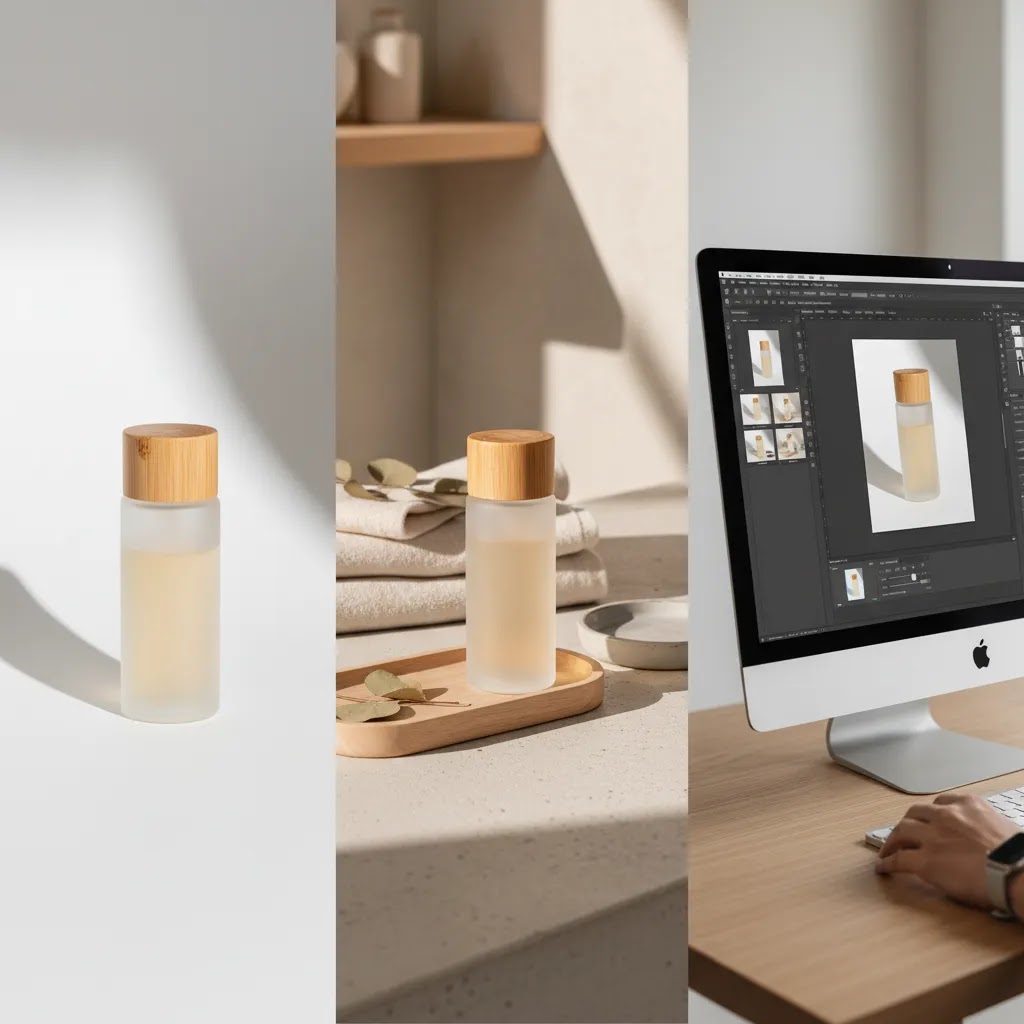
Key Features to Look For
If you are evaluating template tools or services, focus less on the word "template" and more on the actual production workflow. A strong setup should help you create repeatable assets without making your catalog look generic.
Based on the current tools available, several capabilities stand out for ecommerce use:
- Background consistency: AI Background Generator and Free White Background Generator support two common template needs: branded backgrounds and marketplace-friendly white backgrounds.
- Edit flexibility: Magic Photo Editor can be useful when your template needs small variations rather than a one-size-fits-all layout.
- Scene reuse: Background Swap Editor gives you a repeatable method for placing products into preselected scenes, which is helpful for campaign batches.
- Human-context imagery: Place in Hands is relevant if your template strategy includes scale, use-case, or social-friendly visuals.
- Image quality repair: Increase Image Resolution may help when older assets need to fit a new template system without looking soft or low quality.
- Cleanup for overlays: Remove Text From Images can help reuse assets that already contain promotional copy or old branding.
A good template workflow should also support your broader ecommerce photography strategy. That means thinking about aspect ratio, mobile cropping, collection page thumbnails, zoom quality, and whether your images need to work across email, ads, and product pages.
If your store regularly launches new products before samples are fully photographed, a mockup generator can also fit into the template stack. It will not replace every final image, but it can help you publish consistent pre-launch or concept visuals faster.
Product Mockup Templates (Photoshop, Canva, Figma) vs Photo Templates
“Product photo template” and “product mockup template” get mixed up all the time, and it matters because they solve different problems.
Think of it this way. A product photo template is a repeatable editing and layout system applied to real product photos. It is focused on consistency, cropping, background, shadows, and exports so your catalog looks like one brand.
A mockup template is typically a scene file where you drop a design into a realistic context. The classic example is a PSD with smart objects where you place a label on a bottle, artwork on a box, or a graphic on a t-shirt. You are not “editing a photo” as much as you are compositing a design into a pre-built scene.
When mockup templates are the right choice for ecommerce
Mockups can be genuinely useful for Shopify store owners in a few situations:
- Pre-launch pages, where you need on-brand visuals before final product photography is ready
- Packaging design validation, where you want to see how a label or box looks in context before printing
- Print-on-demand catalogs, where products can be hard to photograph at scale
- Listing graphics for ads or landing pages, where a design-on-product visual helps communicate the offer quickly
In these cases, mockups are about speed and clarity. They help you test messaging, get campaigns built, or build a visual system before the full production pipeline is in place.
When mockup templates can be risky
The reality is that mockups can cross the line into “misleading” if you are not careful, particularly on marketplaces with strict image rules. If the mockup shows a finish, texture, accessory, or included item that does not match what ships, it can create customer support issues and may put your listings at risk depending on the platform and category.
Even on Shopify, you still want product truth. If you use mockups, keep them clearly aligned with the actual product, and review claims, props, and visual cues that might imply extra features.
Common file formats and workflows (and what to standardize)
Competitors tend to focus on compatibility, and for good reason. Mockups and templates often live in a few common ecosystems:
- PSD smart object mockups: common for packaging, devices, and apparel, fast to swap designs if the file is well built
- Canva templates: common for promotional frames, collages, and ad creatives, especially if your team is not using Photoshop
- Figma files: common for brand systems and marketing layout templates, particularly when your site and creative teams collaborate
For most Shopify store owners, the bigger win is standardization, not the tool itself. Decide on your export sizes and aspect ratios, lock a background and padding rule for product grids, and enforce consistent naming so assets do not become a mess as the catalog grows. If your team cannot find “SKU-color-angle-version” quickly, you end up rebuilding templates just to ship campaigns.
Pros and Cons
Strengths
- Product photo templates create visual consistency across large catalogs, which may improve perceived brand quality.
- They reduce production time because your team is not reinventing image composition for every SKU.
- They are useful for multi-channel selling where Shopify, Amazon, and paid social each need slightly different asset sets.
- AI-based editing tools can help smaller merchants create workable layouts without booking a full shoot every time.
- Template systems make it easier to brief freelancers, photographers, or internal staff because the output standard is clearer.
- They support testing. You can compare white-background images, lifestyle layouts, and contextual shots with a more controlled process.
Considerations
- If used too rigidly, templates can make your catalog look generic, especially in visually competitive niches.
- AI-generated scenes still need review for realism, accurate shadows, and product proportion.
- Some categories, such as cosmetics, jewelry, or technical products, may need more bespoke photography than templates alone can deliver.
- Marketplace requirements can limit creativity, so one template may not work across every channel.
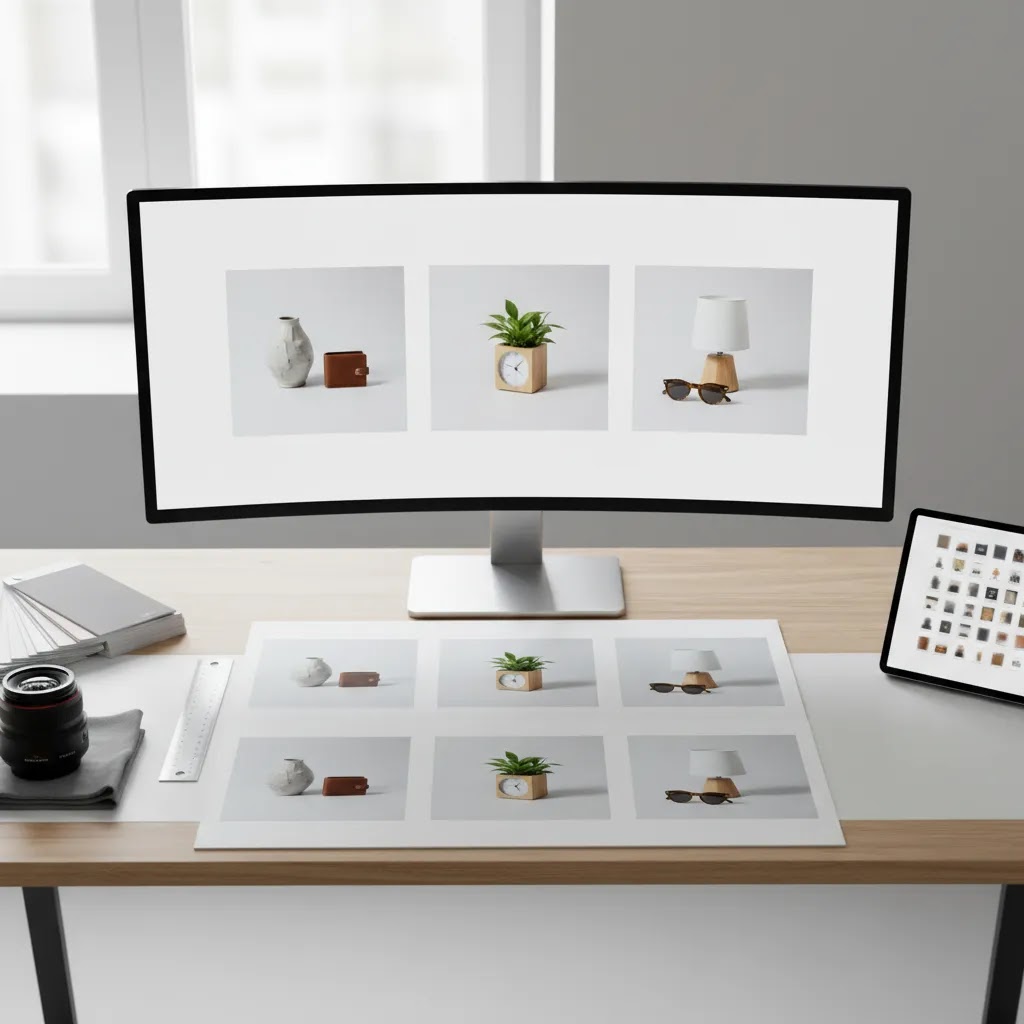
Who This Approach Is For
Product photo templates are a strong fit for ecommerce brands that need repeatability more than one-off art direction. If you run a Shopify store with a growing catalog, seasonal campaigns, or a lean team, templates can help standardize output without slowing launches.
This approach is especially useful for apparel basics, accessories, home goods, beauty, and private-label products where consistency matters across many SKUs. It can also work well for sellers who need separate marketplace and DTC image sets.
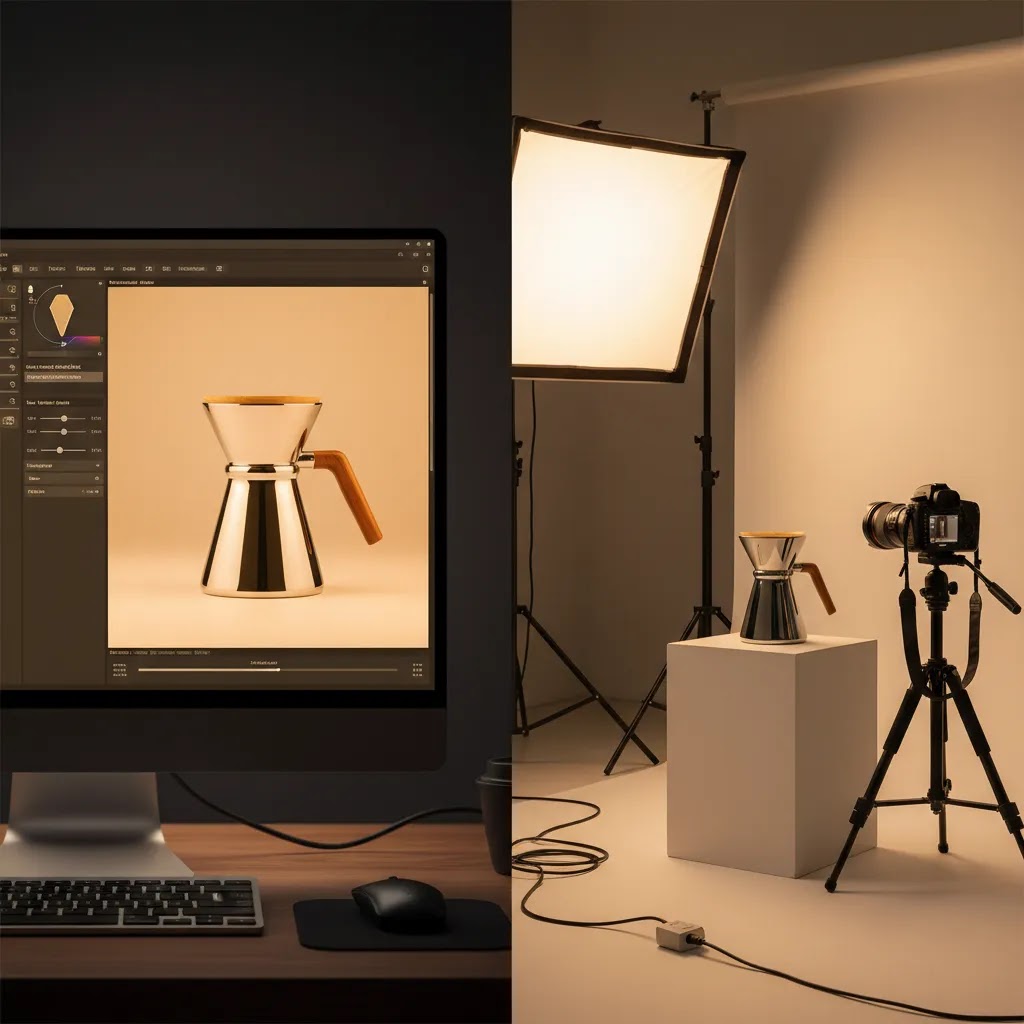
If your products require complex styling, reflective surfaces, or highly technical detail shots, you may still need a dedicated product photography studio workflow for core assets, then use templates for supporting content and campaign variations.
AcquireConvert Recommendation
For most store owners, the best move is to treat product photo templates as a workflow decision, not just a design decision. Start with the jobs your images need to do: marketplace compliance, stronger product pages, social creative, or faster new-product launches. Then build a small template library around those jobs.
At AcquireConvert, the advice is grounded in how merchants actually operate. Giles Thomas brings Shopify Partner and Google Expert credentials to the evaluation process, which matters when your images need to work not only on your storefront but also in search-driven and shopping-driven acquisition channels. If you want a broader view of category-specific image strategy, browse the E Commerce Product Photography category. If you need stronger foundations before choosing tools, the Product Photography Fundamentals section is a smart next step.
A practical rule is this: use AI and templates to increase speed and consistency, but keep your highest-value hero images tied to clear product truth. That balance usually serves Shopify merchants better than relying on either fully manual shoots or fully automated image generation alone.
How to Choose the Right Template Setup
If you are deciding between AI tools, mockups, and studio-led production, these are the criteria that matter most.
1. Start with channel requirements
Your first question is not "Which template looks best?" It is "Where will this image be used?" Amazon listings, Shopify PDPs, email headers, and paid social placements each have different needs. A white-background hero image may be essential for marketplace compliance, while a lifestyle template may perform better in ads or collection banners.
2. Match the template to your catalog size
If you have 20 hero products, more bespoke production may be realistic. If you have 2,000 SKUs, repeatable templates become much more valuable. Large catalogs benefit from standard crops, repeatable shadows, reusable scene types, and automated cleanup tools.
3. Protect product accuracy
This is where many merchants get into trouble with AI imagery. A template should make production faster, but it should not change the product itself. Check color fidelity, shape, scale, texture, packaging details, and whether AI-generated props accidentally imply features that are not included.
4. Decide where studio work still matters
Templates do not eliminate the need for real photography. They help you extend it. Many experienced operators use real studio hero shots as the base layer, then apply editing templates for secondary images, variant consistency, promotional layouts, and social repurposing. That hybrid model often gives the best balance of control and efficiency.
5. Build for reuse, not novelty
The strongest product photo template is one your team can repeat next month, next quarter, and during peak season. Document your aspect ratios, background style, padding rules, text-safe areas, and file naming. If you work with freelancers or agencies, this alone can save hours of revision time.
For most ecommerce stores, a practical stack looks like this:
- One white-background template for marketplace and clean hero images
- One lifestyle or contextual template for brand storytelling
- One promotional or mockup template for launches, bundles, or seasonal campaigns
- One editing workflow for cleanup, resizing, and asset reuse
That is usually enough structure to keep your catalog consistent without boxing your brand into a rigid visual system.
Where to Find Product Photo Templates and What to Check Before You Buy or Use
If you search “product photo template,” you will find everything from AI editors to downloadable packs. Some are genuinely helpful. Some are a pile of inconsistent files that create more work than they save.
Most template sources fall into three buckets:
- Downloadable template libraries and marketplaces, usually packs built around a style, category, or use case
- Design-suite template ecosystems, where templates are designed to be edited inside a specific tool
- Editable scene and mockup packs, where you drop in designs or product cutouts for fast marketing visuals
Now, when it comes to due diligence, “does it look nice” is not the bar. You want to know whether it will hold up across hundreds of SKUs and multiple channels.
A practical checklist for evaluating template quality
Before you commit to a pack or system, check:
- Resolution and output flexibility, so the final exports do not look soft on zoomable Shopify PDP images
- Editable layers and structure, so you can actually adapt it to your product shapes and variants
- Included angles and scenes, because one hero layout rarely solves the whole product page
- Update cadence and compatibility, especially if the pack is tied to a specific tool version or plugin workflow
- Consistency within the pack, because mixed shadows, inconsistent horizons, or random crops defeat the point
Licensing and rights checks store owners often miss
Templates are still content, and content has rights attached. If you are building a repeatable system, you want a clean answer on commercial usage.
- Commercial usage rights: confirm you can use the template outputs for product listings, ads, and email
- Model and property releases: relevant for lifestyle scenes, hands, interiors, and recognizable locations
- Restrictions on redistribution: important if you work with contractors, agencies, or multiple brands under one umbrella
What many store owners overlook is the “misrepresentation” risk. A template that pushes you toward props, claim badges, or implied use cases can create compliance headaches. Even if it is legal to use, it may not be smart to use if it suggests something that does not ship in the box.
Fit-for-purpose checks by channel
Channel rules should influence what templates you adopt. Shopify is flexible, but marketplaces can be strict about main images. If you are selling on Amazon or similar platforms, you may need a separate template that stays within main-image restrictions, while your Shopify templates can be richer.
A good operational rule is to avoid building a “template library” your team cannot scale. If every template requires heavy manual fixes, or if licensing is unclear, you will either stop using it or create risk you did not plan for. Templates should reduce friction, not add hidden constraints.
Frequently Asked Questions
What is a product photo template in ecommerce?
A product photo template is a repeatable image layout or editing system used across product visuals. It can include background style, crop ratio, shadows, composition, text placement, or scene rules. For ecommerce stores, templates help keep listings consistent across product pages, marketplaces, and ads while reducing production time.
Are AI product photo templates good enough for Shopify stores?
They can be, especially for secondary visuals, promotional graphics, and rapid catalog updates. For Shopify stores, AI templates are most useful when paired with clear brand standards and human review. You still need to verify that product details, colors, and proportions look accurate before publishing to your storefront.
Can I use the same template for Shopify and Amazon?
Sometimes, but not always. Amazon often expects stricter image requirements, especially for main images. Shopify gives you more flexibility for brand presentation. Many merchants use one marketplace-safe template for compliance and another for DTC storytelling, upsells, and richer merchandising on their own store.
Do product photo templates replace a professional photo shoot?
No. In many cases, they work best as an extension of a professional shoot rather than a replacement. Studio photography still matters for hero images, premium products, reflective materials, or complex categories. Templates help you scale output, repurpose assets, and maintain consistency after the core photography is complete.
What makes a good amazon product photo template?
A good Amazon-oriented template prioritizes compliance, clarity, and product visibility. That usually means clean backgrounds, accurate cropping, strong lighting, and no distracting design elements in the main image. Supporting images can be more descriptive, but the product itself still needs to remain clear and truthful.
Should I use a white background or lifestyle background?
Most stores benefit from both. White backgrounds are strong for clarity, comparisons, and marketplace listings. Lifestyle backgrounds help communicate scale, context, and brand positioning. A practical setup is to use white backgrounds for primary product images and lifestyle templates for secondary slides, ads, and social placements.
How do I keep templates from making my store look generic?
Use templates for structure, not sameness. Keep consistent crops, lighting style, and composition rules, but vary scenes where it makes sense. Your brand colors, props, model context, and art direction can still be distinctive. The goal is operational consistency without stripping away visual identity.
What is the best workflow for a large product catalog?
For large catalogs, standardize the basics first: aspect ratio, padding, file naming, and hero image rules. Then add an editing workflow for background cleanup and image quality, plus one or two reusable lifestyle templates. This approach is usually more manageable than trying to custom design every image from scratch.
Are mockups useful for product photo templates?
Yes, especially for pre-launch campaigns, print-on-demand catalogs, bundle concepts, or testing creative directions before a full shoot. Mockups can speed up asset creation, but they are best used carefully. For final PDP images, many stores still prefer real product photography or closely reviewed edited assets.
What size should product photos be for Shopify (in pixels)?
Shopify can handle a range of image sizes, but consistency matters more than chasing a single perfect number. A common approach is to upload images large enough to support zoom and modern screens, then standardize your aspect ratio so collection grids look clean. Many stores use square images and upload a “master” size that is comfortably over 2000 pixels on the long edge, then rely on Shopify to serve smaller versions as needed.
What file format is best for ecommerce product images, JPG or PNG?
JPG is usually the best default for product photos because it delivers good visual quality with smaller file sizes. PNG is useful when you need transparency or very crisp edges on graphics, but it can create heavier files. In either case, compress thoughtfully so pages load fast while images still look sharp on mobile and desktop.
Can I use Canva to make product photo templates for my store?
Yes. Canva can work well for reusable layouts like promotional frames, text overlays, collages, and ad variations. The key is to standardize your canvas size, aspect ratio, and text-safe areas so assets stay consistent across products. If you are editing true product photography, you will still want to verify color accuracy and cropping consistency before uploading to Shopify.
Where can I download product mockup templates for packaging or apparel?
Mockup templates are commonly sold as downloadable packs and are often designed for tools like Photoshop (smart object files) or design platforms that support editable templates. Before you use any pack commercially, check the license terms, confirm commercial usage is allowed, and make sure the mockup does not imply features, accessories, or finishes that your shipped product does not include.
Key Takeaways
- A product photo template is most useful when it supports a repeatable ecommerce workflow, not just a one-off design style.
- Use separate templates for different jobs, such as marketplace compliance, Shopify PDPs, and paid social creative.
- AI tools can speed up editing and scene creation, but product accuracy still needs manual review.
- Most growing stores do best with a hybrid model: real hero photography plus template-based editing and repurposing.
- Document your image rules so your team, freelancers, or agencies can produce consistent assets at scale.
Conclusion
The right product photo template can make your catalog easier to manage and your store more consistent, but the best choice depends on how you sell, where you sell, and how much production control you need. For some merchants, a simple white-background workflow is enough. For others, a mix of AI editing, lifestyle templates, and studio photography will be the better fit.
If you want more practical guidance, AcquireConvert is built for store owners making these decisions in the real world. Giles Thomas brings Shopify Partner and Google Expert insight to topics like product imagery, conversion-focused merchandising, and ecommerce growth strategy. Use this guide as your shortlist, then explore related AcquireConvert resources to refine your workflow and choose a setup you can actually maintain.
This article is editorial content for informational purposes only and is not a paid endorsement unless explicitly stated otherwise. Tool availability and features are subject to change, so verify current details directly with the provider before making a purchase decision. Any performance or conversion impact discussed is not guaranteed and will vary by store, product type, traffic source, and implementation quality.

Hi, I'm Giles Thomas.
Founder of AcquireConvert, the place where ecommerce entrepreneurs & marketers go to learn growth. I'm also the founder of Shopify agency Whole Design Studios.