Product Photography in Philadelphia (2026 Guide)

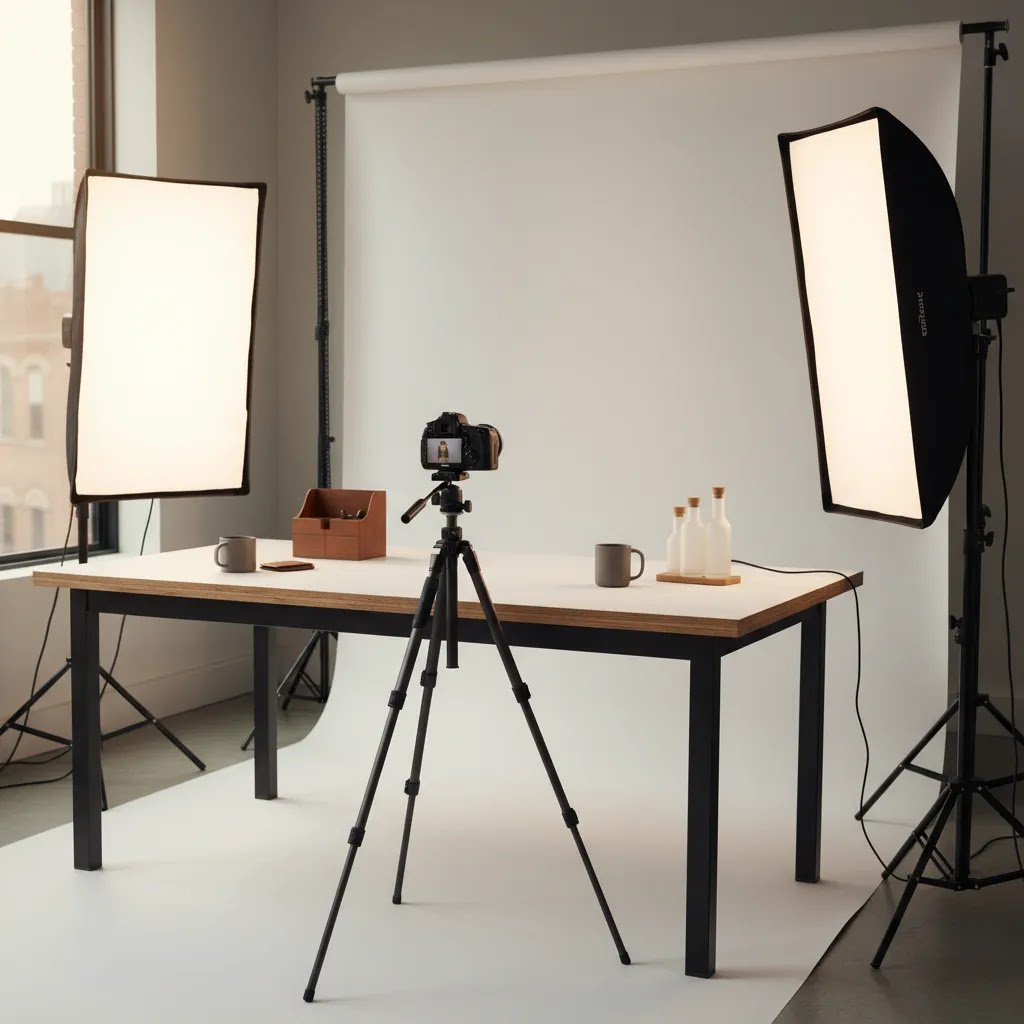
If you are searching for product photography Philadelphia options, you are probably balancing three things at once: image quality, turnaround time, and what the shoot will actually do for your ecommerce store. For Shopify merchants and other online sellers, that decision is not just about hiring a photographer. It is about choosing a workflow that supports better product pages, cleaner ad creative, and more efficient catalog updates. In many cases, the right answer is a mix of local studio photography, in-house production, and AI-assisted editing. This guide will help you evaluate what makes sense for your catalog, your margins, and your team size. If you are comparing gear, apps, and visual workflows, AcquireConvert’s guide to ecommerce tools is a useful next stop.
Contents
- What Philadelphia product photography should do for your store
- High-impact shot types Philadelphia photographers can produce beyond the basics
- Your main options in Philadelphia
- Studio product photography vs portrait and headshot photographers: how to spot the right specialty
- Key features to evaluate before you hire or build in-house
- What to ask a Philadelphia studio about white background standards (and why it matters for ecommerce)
- Pros and Cons
- Who this approach is best for
- AcquireConvert recommendation
- How to choose the right setup
- Frequently Asked Questions
- Key Takeaways
- Conclusion
What Philadelphia product photography should do for your store
A local product photographer can be a strong fit if you sell physical goods and need dependable visuals for Shopify product pages, marketplaces, paid social, or email campaigns. Philadelphia gives you access to commercial studios, freelance shooters, stylists, and retouchers, which is helpful if your products need more than a simple white background image.
That said, the best product photography is not always the most elaborate. For many ecommerce brands, the priority is consistency across the catalog. Your hero image, angle set, cropping, color accuracy, and background treatment should all support conversion, not just look creative in isolation. If your collection pages look uneven, shoppers may hesitate even if each individual photo is technically good.
This is especially important for brands selling apparel, beauty, home goods, and small packaged items. A Philadelphia studio might handle launch shoots and campaign images, while your team manages ongoing updates with editing tools like AI Background Generator or Free White Background Generator. That hybrid setup often gives store owners more control over cost and speed.
If marketplace compliance matters, read AcquireConvert’s guide to amazon product photography as well. Amazon image rules are stricter than what many DTC stores use, so your workflow may need separate versions of the same SKU.
High-impact shot types Philadelphia photographers can produce beyond the basics
White background images are the foundation for most Shopify stores, but they are not always enough to sell the product. The goal is not “more photos.” It is the right photos that answer buyer questions and reduce uncertainty.
Here are a few shot types Philadelphia studios can typically produce that tend to support conversion, if you plan them with your product page in mind.
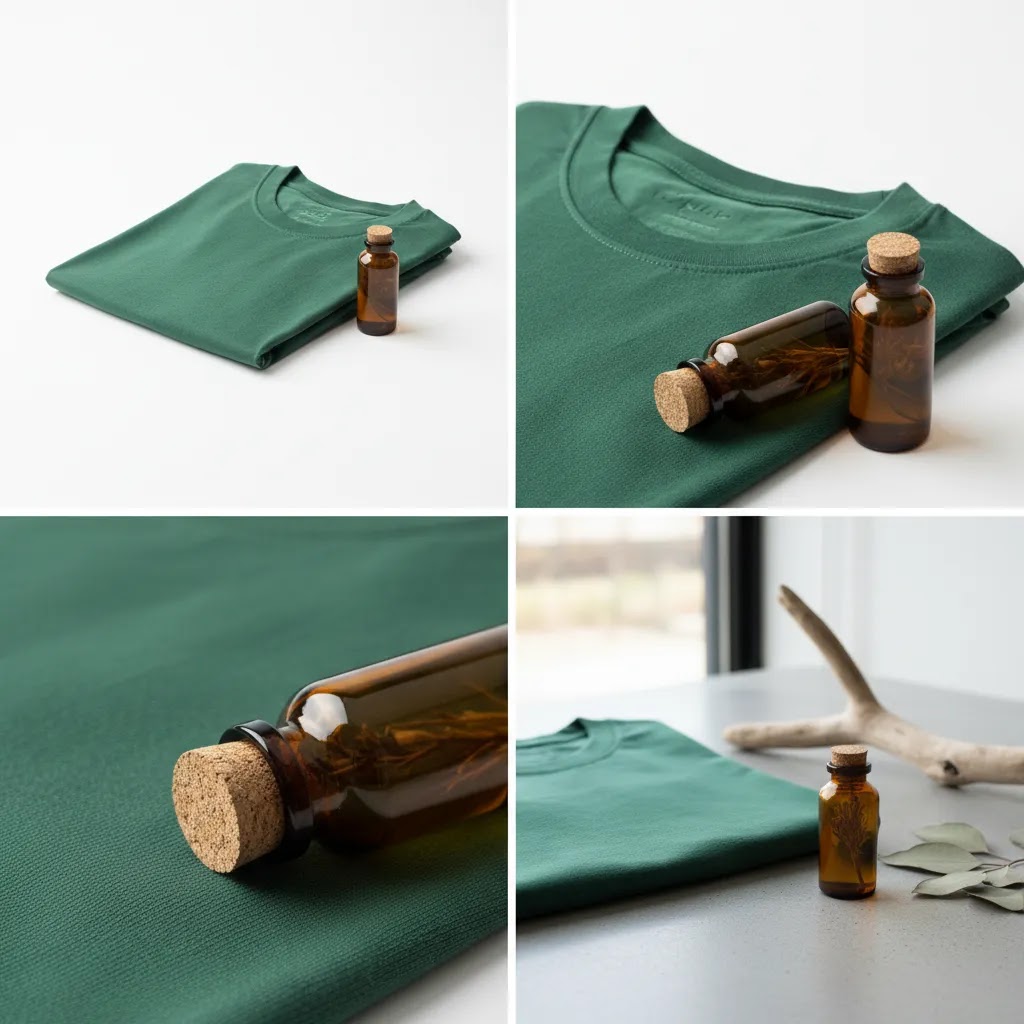
On-white hero plus a detail macro set
Think of it this way: the hero image gets the click, the detail images close the confidence gap. For packaged goods, that might mean a clean front label shot plus a readable ingredients panel. For jewelry, it might be clasp details and stone setting. For apparel, it could be stitching, fabric texture, and seams.
From a practical standpoint, macros are also useful for ads, email crops, and landing page sections where you need texture and proof, not a full product silhouette.
Scale and context shots that remove ambiguity
What many store owners overlook is that shoppers struggle to judge size online, even with dimensions listed. A scale shot can solve that, without turning your PDP into a lifestyle campaign. Common examples include a product next to its packaging, in a hand, or next to a familiar object, depending on your category and brand tone.
If you already use tools like Place in Hands later in your workflow, you still benefit from getting at least one real scale reference image first. It sets a visual standard you can replicate.
Texture, material, and ingredient callouts for packaging-heavy products
For beauty, food, and supplements, shoppers often want to inspect the “why” behind the product. Studios can shoot simple callout-style images: powder texture, capsule close-ups, raw ingredients, or packaging finishes like matte versus gloss. These can work well as secondary images in Shopify galleries, and they are often reusable for months.
Simple tabletop lifestyle sets (without the cost of a full campaign)
A small set can give you brand context without building a full location shoot. This is usually a tabletop scene with controlled lighting, minimal props, and tight framing. For many DTC brands, it is a middle ground between sterile on-white and expensive lifestyle production.
When these shot types are worth paying for
These add-ons tend to make more sense when you have a higher AOV, a premium position, or a product that needs explanation. Complex products, reflective items, multi-part kits, and anything where trust is fragile often benefits from more visual proof.
The reality is that some products do not need it. If you sell simple commodities, low-priced accessories, or highly repeatable items, extra lifestyle variations may add cost without much on-page benefit.
How to plan a shot list that maps to Shopify PDP needs and ads
Before you pay for “creative,” map each photo to a job on the product page. For most Shopify product pages, you typically want a consistent hero, supporting angles, a few close-ups, and one or two images that prove scale or use. If you run Meta ads or Google Ads, you also want crops that work in common aspect ratios and images that still read when they are small in a feed.
When you send a shot list to a Philadelphia studio, include notes like: which image must work as the main product image, what needs to be readable on mobile, what details customers ask about, and what variants must match framing. That keeps you from paying for beautiful images that are hard to use in your actual ecommerce workflow.
Your main options in Philadelphia
Most store owners in Philadelphia end up choosing one of four routes.
- Full-service local studio: Best for campaigns, high-volume catalog shoots, styled sets, and brands that want a hands-off process.
- Freelance product photographer: Often a good fit for smaller catalogs, test launches, and brands that want more direct communication.
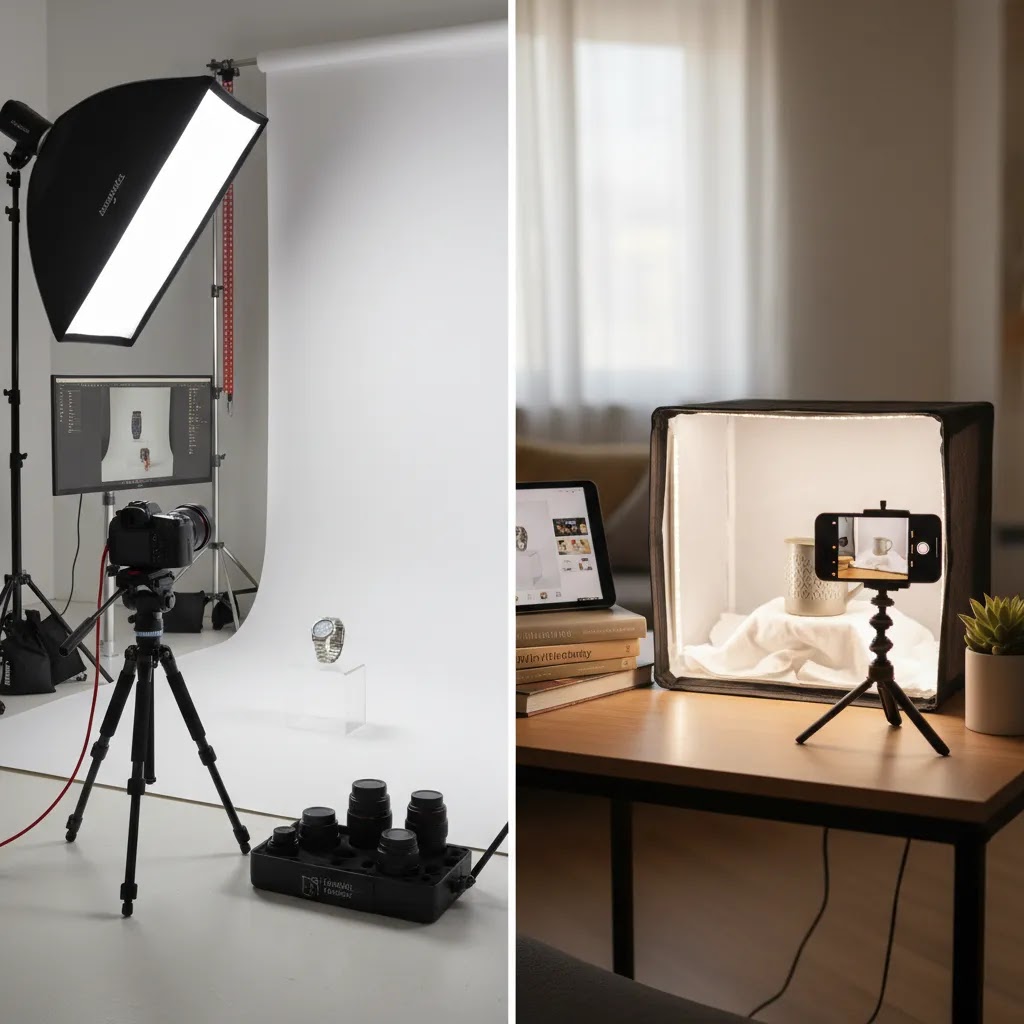
- DIY product photography setup: Works for founders with repeatable products, limited ongoing shoot needs, and enough time to build a process.
- Hybrid production model: Use a studio for original captures, then rely on editing, mockups, and automation for updates and channel-specific variants.
For many ecommerce teams, the hybrid route is the most practical. You get real photography for your core assets, then use tools to extend those images across channels. That is often more sustainable than booking a photographer every time packaging changes or you add a color variant.
If you are still mapping out visual standards for your store, AcquireConvert’s broader guide to ecommerce photography can help you define what image types you actually need before requesting quotes.
Studio product photography vs portrait and headshot photographers: how to spot the right specialty
Philadelphia has plenty of talented commercial photographers, and many of them list multiple services. You will often see “headshots,” “portraits,” “events,” “real estate,” and “products” all on the same site. That does not automatically mean they cannot shoot products, but it can make it harder to tell whether product and still life work is a core specialty or an occasional add-on.
Now, when it comes to ecommerce, specialization matters because your needs are repeatability and control. A great portrait photographer may be amazing with people and natural light, but ecommerce product work often lives or dies on micro details: consistent angles across variants, dust control, label readability, and clean edges for background work.
What “product” specialization looks like for ecommerce
A product-focused studio typically shows still life work where lighting is controlled and repeatable. You will see consistency across a set, not just a few standout images. If your catalog has 50 SKUs, the portfolio should make you feel confident they can shoot 50 SKUs that look like they belong together.
If you sell reflective items, look for controlled reflections that feel intentional, not accidental. For packaging-heavy products, look for accurate color and clean typography. For variants, look for matching camera height and angle so your Shopify collection grids do not look chaotic.
Portfolio signals that matter for Shopify merchants
Consider this when reviewing a portfolio: can you imagine these images as a consistent Shopify PDP gallery across multiple products, not just as one hero shot?
Useful signals include:
- Consistent camera angle across product variants
- Controlled specular highlights on glossy packaging and reflective surfaces
- Accurate representation of packaging shape, label placement, and finishes
- Still life sets that feel repeatable for ongoing catalog work, not only one-off campaigns
Operational signals that separate “pretty photos” from a scalable studio process
The way this works in practice is that a studio built for ecommerce usually has an intake process and a disciplined shot list workflow. They may ask for SKU counts, variant rules, file naming conventions, and channel requirements before they quote the job.
Ask whether they shoot tethered and review images as they go, especially if you have strict label or color requirements. Tethered capture and on-set review is often where errors get caught early, before you receive 200 files and realize the angle is wrong for your entire category.
Also ask about repeatability for ongoing work. If you plan to shoot quarterly launches, you want someone who can recreate the same lighting and framing months later. That is less about “talent” and more about documented setups, consistent gear, and a process that treats your catalog like a system.
Key features to evaluate before you hire or build in-house
Whether you hire a Philadelphia photographer or create a DIY workflow, there are a few criteria that matter more than most store owners first expect.
1. Catalog consistency
Ask how the photographer handles repeatable framing, lighting, cropping, and file naming across dozens or hundreds of SKUs. One beautiful image is not enough. Ecommerce stores need image systems.
2. Ecommerce-specific deliverables
Some photographers are strong at branding work but less experienced with collection pages, PDP galleries, ad ratios, or marketplace standards. Confirm you will receive web-ready files, transparent PNGs if needed, alternate crops, and clear usage rights.
3. Flexibility for small product photography
Small products are often harder to shoot than larger ones because reflections, dust, labels, and color shifts become more obvious. If you sell cosmetics, jewelry, supplements, or electronics accessories, ask for relevant portfolio examples.
4. Post-production workflow
Editing speed affects launch speed. A good workflow may combine original captures with tools like Background Swap Editor, Increase Image Resolution, and Remove Text From Images. These are especially useful when you need variants for ads, landing pages, or seasonal updates.
5. Compatibility with your sales channels
Your image set should support Shopify, email, Meta ads, Google Shopping, and third-party marketplaces. If you need lifestyle scenes but cannot book a new shoot every month, a mockup generator may help fill content gaps between campaign shoots.
6. Studio access versus virtual production
If shipping products to a studio is inconvenient, ask whether the provider supports remote approvals, shot lists, and virtual review steps. This can save time for lean ecommerce teams. If you need more formal studio planning, AcquireConvert’s guide to choosing a product photography studio is worth reading before you sign anything.
What to ask a Philadelphia studio about white background standards (and why it matters for ecommerce)
A “clean white background” sounds straightforward, but studios and retouchers can mean very different things by it. For ecommerce, this matters because tiny inconsistencies get amplified in the places that make you money: Shopify collection grids, search results, Google Shopping thumbnails, and marketplaces.
If one SKU sits on a bright white and the next is on a light gray, shoppers may not be able to explain what feels off, but the page looks less trustworthy. You also risk extra rework when you need to meet a specific channel standard.
How clean white is defined in practice
Start by clarifying what “white” means for your deliverables. Some teams want a true pure white background, often referenced as #ffffff, especially for marketplaces that expect a white main image. Others want an “on-white” look that keeps a soft shadow and a more natural, premium feel. Both can work, but mixing them across your catalog is where it breaks down.
Ask how they handle:
- Background level consistency across the full SKU set, not just a few selects
- Shadow style, for example natural soft shadow, subtle drop shadow, or no shadow
- Edge quality around the product, including how they avoid halos on white or light backgrounds
- Clipping paths or masking quality for complex edges like hair, translucent plastic, and reflective packaging
If you are planning to use AI tools for background variations later, quality edges matter even more. A messy cutout can look fine at first glance, then fall apart when you place the product onto new backgrounds or crop tighter for ads.
A deliverables checklist many photographers do not default to
Most ecommerce friction happens after the shoot, when you realize you have nice images but not the versions you need for different placements. Before you commit, confirm whether they can deliver:
- Square crops for consistent collection grids
- Consistent margins around the product so the set looks uniform on Shopify
- Multiple aspect ratios if you actively run paid social and need vertical and horizontal options
- Channel-specific background versions, for example a marketplace white main image and a softer on-white PDP version
- File naming that matches SKUs and variants so uploads do not become a manual mess
This does not mean you need every version from the studio. Many Shopify teams shoot once, then use tools like Background Swap Editor or Free White Background Generator to extend the set. The key is agreeing on what the “source truth” images should be, so your edits stay consistent.
Simple QA steps you can do when you receive the files
When your images arrive, do a fast quality check before you upload anything to Shopify or schedule ads. The goal is to catch issues while a reshoot or retouch round is still easy.
Here are a few checks that tend to matter:
- Zoom in and look for dust, scratches, fingerprints, and stray fibers, especially on glossy packaging and dark products
- Inspect edges for halos or jagged masking, which can show up on white backgrounds and look worse after compression
- Check label readability on mobile-sized crops, not just full resolution
- Scan a full product line side-by-side to see whether the white level, shadow direction, and product scale match across SKUs
- Confirm color consistency across variants, because even small shifts can increase returns in categories like apparel and beauty
If you spot issues, it is usually better to fix the standard once than to patch it SKU by SKU later. A consistent baseline image system is one of the fastest ways to make your storefront look more credible without changing your products at all.
Pros and Cons
Strengths
- Philadelphia offers a broad mix of commercial studios, freelancers, and stylists, giving ecommerce brands multiple sourcing options.
- Local production can improve communication, sample handling, and reshoots compared with managing everything remotely.
- A strong local shoot can create foundational assets for Shopify product pages, marketplace listings, paid ads, and email campaigns.
- Hybrid workflows often reduce long-term production pressure by combining original photography with AI editing and mockup tools.
- Brands with complex products, reflective surfaces, or premium packaging often benefit from hands-on studio lighting and set control.
Considerations
- Pricing product photography varies widely, and quotes may exclude retouching, styling, props, usage, or revision rounds.
- A talented commercial photographer is not automatically experienced in ecommerce conversion needs or Shopify image requirements.
- DIY product photography can look cost-effective at first but may become time-intensive if your catalog changes often.
- Virtual product photography and AI editing can speed production, but they still need quality source images and sensible brand standards.
Who this approach is best for
This evaluation is most useful for Shopify merchants, DTC brands, Amazon sellers, and multi-channel ecommerce teams that are deciding how to produce product images efficiently. If you are launching a new line, refreshing outdated PDPs, or trying to improve consistency across your catalog, a Philadelphia-based shoot can make sense.
It is particularly relevant if you sell apparel, beauty, home, food, packaged goods, or any SKU where presentation strongly influences trust. Smaller brands may lean toward DIY product photography plus editing support. Growth-stage brands often benefit more from a local studio combined with software and automation that keeps content production moving after the initial shoot.
AcquireConvert recommendation
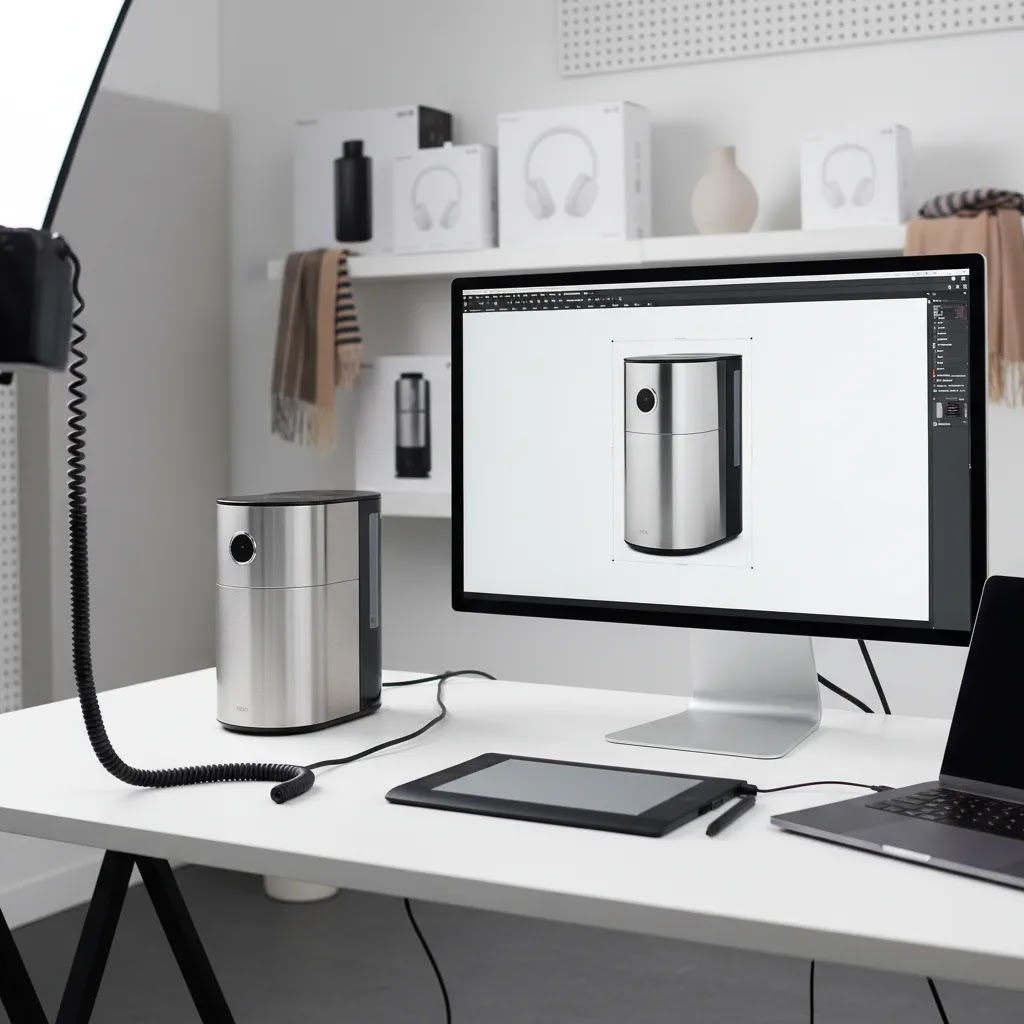
For most ecommerce store owners, the smart move is not choosing between local photography and AI tools as if they are opposites. It is building a workflow where each one handles the job it does best. Use professional photography in Philadelphia for your key launch images, detailed product angles, and branded lifestyle assets. Then use practical editing and creation tools to extend those assets for new placements, quick merchandising updates, and channel-specific needs.
That approach fits how experienced operators actually work. As a Shopify Partner and Google Expert, Giles Thomas consistently focuses on practical systems that support acquisition and conversion, not just visual polish. If you want broader guidance beyond local vendor selection, check AcquireConvert’s category pages for E Commerce Product Photography and Product Photography Services. They can help you compare production paths with a clearer ecommerce lens.
How to choose the right setup
Start with your catalog, not with the photographer. A store with ten hero SKUs has very different needs from a store with 400 products and frequent launches. Before requesting quotes, list the exact image types you need: white background, transparent background, close-up details, on-model, group shots, social crops, and marketplace-compliant versions.
Next, decide what must be photographed from scratch and what can be created from an existing file. For example, a t shirt product photography workflow may need one original flat lay or on-model capture, followed by colorway extensions and alternate placements. That is where tools such as Place in Hands, Magic Photo Editor, or Creator Studio may help your team produce more usable assets without booking a full reshoot.
Then look at pricing the right way. Product photography rates are rarely comparable unless the scope is consistent. Ask every provider to break out:
- Per-image or per-SKU pricing
- Retouching and background editing
- Styling, props, or set building
- Revision rounds
- Usage or licensing terms
- Turnaround times and rush fees
After that, test for operational fit. A photographer may have excellent work, but if their process is slow, communication is unclear, or file delivery is inconsistent, your team will feel the friction fast. This matters even more if you run promotions, seasonal drops, or frequent paid campaigns.
Finally, think in systems. The goal is not just one successful shoot. The goal is a repeatable content pipeline. If a Philadelphia studio gives you strong source photography and your team can handle the rest with internal processes or software, that is often a better long-term setup than relying on custom photography for every content need.
Frequently Asked Questions
How much does product photography in Philadelphia usually cost?
Pricing varies based on product complexity, shot count, styling, retouching, and licensing. A simple white background ecommerce shoot may be priced very differently from styled lifestyle work. Always ask for a line-item quote so you can compare product photography rates accurately. Costs are also subject to change, especially when revisions, props, or rush delivery are added.
Is a local Philadelphia photographer better than using virtual product photography?
A local photographer is usually better for original captures, tactile products, reflective materials, and premium brand campaigns. Virtual product photography can still be useful once you already have strong source images. Many ecommerce brands use both. The local studio handles the base asset creation, while virtual tools help produce channel-specific variants and faster updates.
What should I ask before hiring a product photographer?
Ask about ecommerce experience, turnaround time, retouching process, revision policy, file delivery, licensing, and examples from your product category. If you sell on multiple channels, confirm they understand marketplace requirements and Shopify-friendly image needs. Also ask how they handle shot lists and sample management, especially if you have a larger or growing catalog.
Do Philadelphia product photographers also do headshots or portrait photography, and should I care?
Some do, and it is not automatically a problem. The question is whether product and still life work is a core part of their business, with a process built for ecommerce. If most of their portfolio is portraits and headshots, ask for full product sets, not just one or two hero images. You want to see repeatable lighting, consistent angles across variants, clean background work, and an intake process that supports SKU-based catalogs.
What is “still life” product photography, and is it the same as ecommerce product photography?
Still life product photography is a broad category that includes photographing objects in controlled setups, usually in a studio. Ecommerce product photography is a more specific use case where the images must support product pages, collection grids, ads, and sometimes marketplace rules. There is overlap, but ecommerce work usually requires more consistency, standardized crops, predictable angles, and deliverables that fit Shopify and channel needs.
How many images per product do I need for a Shopify product page?
It depends on product complexity and how many questions the visuals need to answer. In many cases, a solid baseline is a clean hero image, a few supporting angles, and a couple of detail or context shots. Products with sizing risk, texture, or important labels often need more. The practical approach is to map each image to a purpose, for example showing scale, showing what is included, proving material quality, or making key text readable on mobile.
Should my product photos be pure white (#ffffff) for ecommerce and marketplaces?
For marketplaces, a pure white background is often expected for main images, but requirements can vary and can change, so you should verify current guidelines for your channels. For your Shopify store, pure white can work well, but many brands prefer a slightly softer on-white with a natural shadow to avoid a cutout look. The key is consistency across the catalog and having the right versions for each channel, so your collection pages and listings look uniform.
Can DIY product photography work for a Shopify store?
Yes, especially for early-stage stores with limited SKUs and repeatable products. A controlled product photography set up, consistent lighting, and disciplined editing can produce usable results. The challenge is time and consistency. As the catalog grows, many merchants move to a hybrid model where they keep some simple shots in-house and outsource more demanding work.
What is the best setup for t shirt product photography?
T-shirt brands typically need a mix of flat lays, ghost mannequin or on-model images, detail shots, and channel-specific mockups. The best setup depends on your brand position and production volume. If you change designs often, combining a basic studio shoot with mockup and editing tools may be more practical than commissioning every variation from scratch.
What equipment matters most for small product photography?
For small product photography, lighting control matters more than having the most expensive camera. A stable tripod, diffused lights, clean background setup, and careful lens choice often make a bigger difference than camera body upgrades. If labels, reflections, or packaging texture matter, ask for close-up samples before committing to any photographer or in-house workflow.
Do I need separate images for Shopify and Amazon?
Often, yes. Shopify product pages usually give you more creative freedom, while Amazon has stricter image requirements for main images. That means you may need both branded ecommerce photography and compliance-focused marketplace versions. Planning this upfront helps avoid expensive reshoots and keeps your listing workflow cleaner across channels.
How do I know if a studio understands ecommerce, not just commercial photography?
You can usually tell by the questions they ask. An ecommerce-aware studio will ask about PDP galleries, collection pages, ad formats, file naming, transparent backgrounds, and catalog consistency. They will think beyond one hero image and focus on repeatability. That is usually a stronger sign of fit than a visually impressive portfolio alone.
Can AI tools replace a professional product photographer?
No, not in every situation. AI tools can help with editing, background changes, resolution improvements, mockups, and asset repurposing. They are most useful after you have a strong original image. For premium launches, unusual products, or detailed texture and lighting needs, professional photography is still often the better foundation.
Key Takeaways
- Choose product photography in Philadelphia based on catalog needs, not portfolio aesthetics alone.
- For most ecommerce brands, a hybrid workflow of local photography plus editing tools is the most practical model.
- Compare quotes carefully because product photography pricing often excludes important production and retouching costs.
- Ask for evidence of ecommerce-specific experience, especially if you need Shopify, Amazon, or ad-ready assets.
- Build a repeatable image system so your store can scale without relying on a full custom shoot every time.
Conclusion
Product photography Philadelphia options can work very well for ecommerce brands, but the best choice depends on your product type, sales channels, and how often your catalog changes. A local studio may be ideal for launch-quality assets and more controlled creative work. A DIY or hybrid process may be better if you need speed and flexibility between launches. The key is to think beyond a single photo shoot and build a system that supports your store over time. AcquireConvert is built for that kind of practical decision-making. If you want the next step, explore our related guides on ecommerce photography, marketplace image requirements, and visual production workflows to make smarter choices for your Shopify store.
This article is editorial content created for ecommerce education. It is not a paid endorsement unless explicitly stated otherwise. Pricing and service availability are subject to change, and readers should verify current details directly with providers before making a decision. Any tools mentioned may support workflow efficiency, but results are not guaranteed and depend on product type, execution quality, and store context.

Hi, I'm Giles Thomas.
Founder of AcquireConvert, the place where ecommerce entrepreneurs & marketers go to learn growth. I'm also the founder of Shopify agency Whole Design Studios.