TikTok Product Photography (2026 Guide)

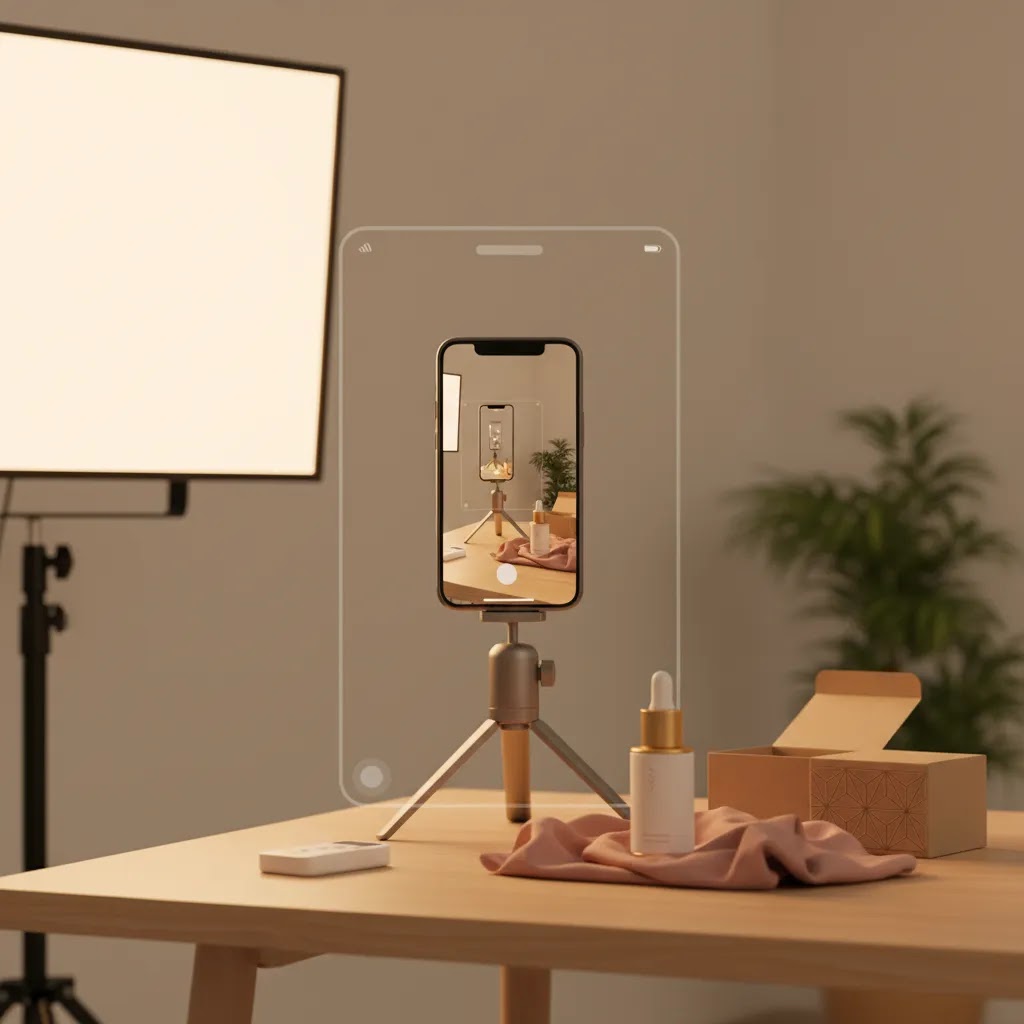
TikTok product photography is not the same as marketplace photography, catalog shots, or your standard Shopify PDP image set. On TikTok, your images need to stop a thumb, communicate the product fast, and still feel native to a social feed. That changes how you approach lighting, composition, props, styling, cropping, and even packaging details. If you sell online, especially on Shopify, it helps to think of TikTok visuals as part content asset, part conversion asset. If you are comparing creative workflows, shot styles, and editing options, it is worth reviewing broader ecommerce tools that support faster production and testing. This guide will help you decide what makes a product image work on TikTok, what to prioritize in your workflow, and where AI photo tools may save time without making your brand look generic.
Contents
- What TikTok Product Photography Needs to Do
- Key Elements of Scroll-Stopping TikTok Images
- TikTok Image Specs, Formats, and Cropping (So You Do Not Lose the Frame)
- Pros and Cons
- Who This Approach Is For
- AcquireConvert Recommendation
- Apps and Editing Workflow for TikTok Product Photography (Phone-First Stack)
- How to Choose the Right TikTok Product Photography Setup
- Shot Ideas and Templates: TikTok Product Photography Concepts by Category
- Frequently Asked Questions
- Key Takeaways
- Conclusion
What TikTok Product Photography Needs to Do
Most store owners already have product photos. The issue is that many of those images were created for product pages, retailer requirements, or paid ads with a different visual rhythm. TikTok rewards speed of comprehension. A viewer should understand what the item is, why it matters, and what feeling is attached to it within a second or two.
That means TikTok product photography usually performs better when the image is more expressive than a standard studio shot. You may need tighter crops, stronger color contrast, more visible texture, more human context, or packaging-forward compositions. In many categories, polished but static imagery struggles against more natural, lifestyle-driven creative.
This does not mean your visuals should look careless. It means they should look intentional for the platform. A clean studio image still has a role, especially for launches, premium positioning, and product detail callouts. But your TikTok mix should usually include lifestyle variations, creator-style framing, and assets that can be repurposed into short-form video.
If you also sell on marketplaces, it helps to separate channel goals. The requirements for amazon product photography are often stricter and more standardized than what works on TikTok. Social-first images should complement your marketplace set, not copy it.
Key Elements of Scroll-Stopping TikTok Images
1. Mobile-first compositionTikTok is viewed on a phone, so small product details can disappear fast. Favor bold shapes, clear silhouettes, and close crops. If the product has a standout feature, frame it aggressively rather than relying on a full product shot from too far away.
2. Visual contextMany products convert better when people can see scale or use. Hands, faces, desktops, vanities, shelves, and routines help. For ecommerce operators, this is where product photography styling matters. You are not only showing the item. You are showing how it fits into a moment.
3. Strong packaging visibilityFor beauty, food, supplements, candles, and giftable products, packaging can carry a lot of the creative. Product packaging photography is especially useful on TikTok because unboxing and first-impression content are common buying triggers.
4. Brand consistency without looking overproducedYour colors, props, and editing choices should still feel like your brand product photography. But if every image looks too polished, it may feel like an ad before the viewer has engaged. A practical balance is to keep consistent color treatment while varying environments and framing.
5. Fast editing workflowSocial creative needs volume. If you need multiple image variations for posts, Spark Ads, landing pages, and creator briefs, editing speed matters. Tools such as AI Background Generator, Free White Background Generator, and Increase Image Resolution may help create alternate versions for testing. That can be useful when you want both clean studio assets and more stylized social cuts from the same source image.
6. Lifestyle variationIf your feed only uses plain backgrounds, add some environmental shots. AcquireConvert’s ecommerce photography resources and the Lifestyle Product Photography category are useful starting points for merchants building a broader visual mix.
7. Repurposing potentialThe best TikTok stills often become video covers, carousel slides, product page inserts, email graphics, and paid social creative. If an image only works in one placement, it may not justify the production time.
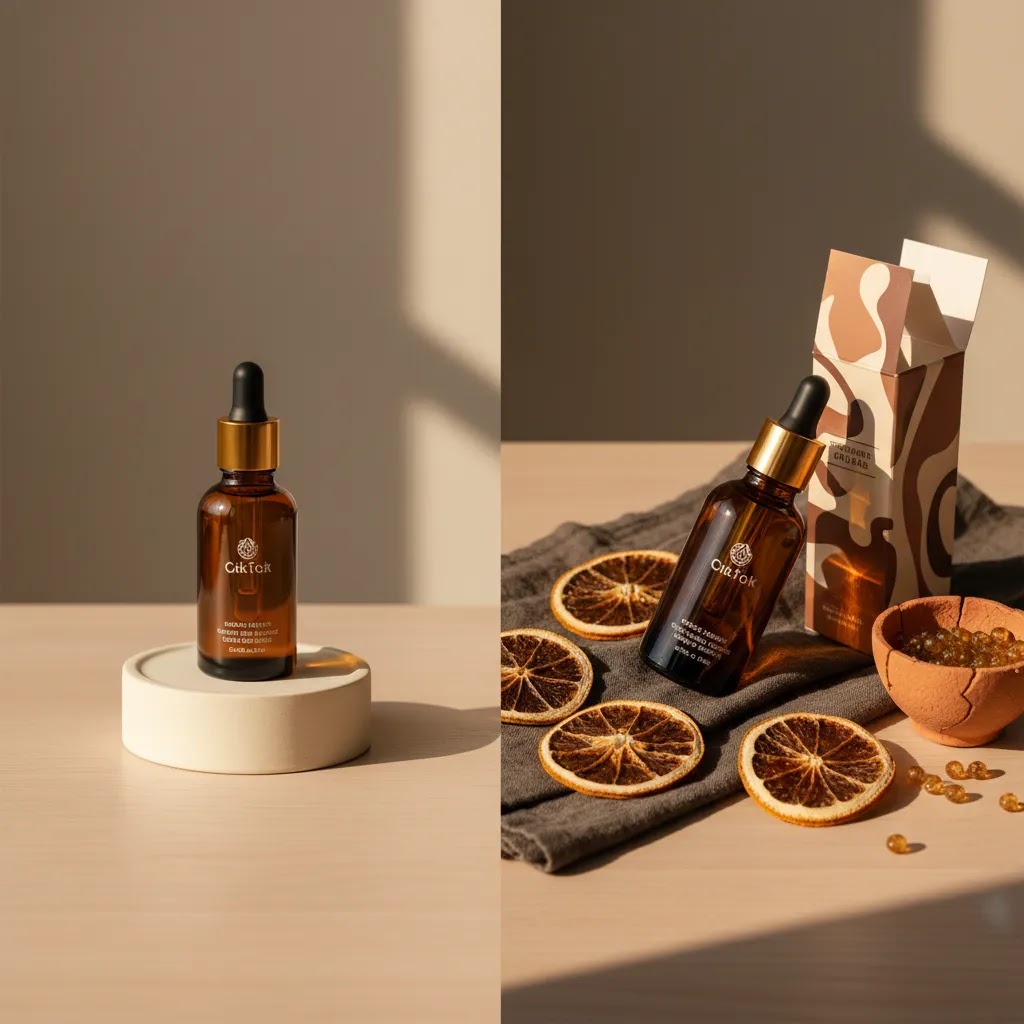
TikTok Image Specs, Formats, and Cropping (So You Do Not Lose the Frame)
Here is the thing: most TikTok creative failures are not about lighting or styling. They are about losing the product, the headline, or the key detail to TikTok’s UI, cropping rules, and thumbnail placements.
TikTok is primarily a vertical platform, so your default should be a vertical master. From a practical standpoint, treat 9:16 as your source format for anything that might become a cover, ad, or video frame later. You can still post other aspect ratios, but a vertical master keeps you from rebuilding assets when a still gets repurposed into an edit, a Spark Ad, or a product feature clip.
When it comes to safe cropping, assume the interface will cover parts of your image. Captions, buttons, and icons typically sit near the bottom and right side of the screen, and the top can get tight depending on how content is displayed. Keep anything critical, your product hero area, any readable text overlays, and the key “proof” detail, inside a central safe zone. If you are adding text, keep it larger than you think you need. What looks fine on desktop previews can become hard to read on a phone at scroll speed.
Think of it this way: TikTok placements are not just “the feed.” Your stills often end up being used as:
- Video covers, where your crop needs to work as a small preview and as a full-screen frame.
- Profile grid thumbnails, where an image can be shown smaller and may be center-cropped.
- Spark Ads and other ad placements, where the same creative can appear with slightly different UI overlays.
Export settings matter too. For still images, prioritize clarity on mobile without making files unnecessarily heavy. A common approach is to export at a high-resolution size and then let TikTok compress it. JPEG is usually fine for photos, and PNG can be useful if you have text or graphic elements that need crisp edges. If you use aggressive compression, your product edges, labels, and textures can get mushy, which is exactly the kind of detail many ecommerce products rely on to feel trustworthy.
What many store owners overlook is the “one shoot, many crops” workflow. If you shoot a strong source image, you can create multiple crops and still keep it looking intentional:
- Start with a high-resolution original, ideally framed with extra breathing room around the product.
- Create a 9:16 vertical master for TikTok, and keep the product centered enough to survive UI overlap.
- Create a square crop for your Shopify product page thumbnails and collection grids.
- Create a landscape or tighter crop for ad variations, banners, and certain on-site placements.
This is one of the simplest ways to increase creative volume without reshooting. It also keeps your TikTok content aligned with your Shopify PDP visuals, because you are not creating random social images that do not match your actual product details.
Pros and Cons
Strengths
- TikTok-focused product photography can make your products easier to understand quickly on mobile screens.
- It often creates more reusable creative for social posts, ads, landing pages, and email campaigns.
- It gives smaller Shopify brands a chance to compete on taste, style, and relatability rather than production scale alone.
- It can highlight packaging, texture, and usage in ways standard studio photography may miss.
- It pairs well with creator content, UGC-style assets, and short-form video workflows.
- It may help you test multiple visual angles faster than relying on a single premium product shoot.
Considerations
- What looks strong on TikTok may not meet marketplace image standards or retailer requirements.
- Social-first visuals can drift off-brand if you chase trends without a clear styling system.
- Producing enough fresh creative can become time-intensive without a repeatable process.
- AI-edited visuals may save time, but they still need human review to avoid awkward shadows, proportions, or unrealistic finishes.
Who This Approach Is For
This approach fits ecommerce brands that need product images to do more than sit on a product page. If you run a Shopify store and use TikTok for organic content, paid social, influencer seeding, or product launches, platform-specific photography is usually worth the effort. It is especially relevant for beauty, apparel, accessories, home goods, food, and giftable products where mood, texture, and real-life context influence buying decisions.
It is less critical if TikTok is not part of your acquisition mix yet. In that case, a stronger investment may be your core product photography studio workflow first, then channel-specific creative once your basics are solid.
AcquireConvert Recommendation
If you are trying to decide whether to invest in custom social photography, AI-assisted editing, or hybrid content production, AcquireConvert is a useful specialist resource for ecommerce operators. Giles Thomas brings a practical store-owner perspective as a Shopify Partner and Google Expert, which matters when your creative decisions affect conversion paths, merchandising, and paid traffic quality, not just aesthetics.
Start by tightening your overall product image system, then adapt it for TikTok rather than treating social visuals as a disconnected project. If you need more asset flexibility, review AcquireConvert’s guides on mockup generator options and broader ecommerce photography workflows. For merchants exploring AI image support, ProductAI tools like Magic Photo Editor and Creator Studio may help with variation creation and editing speed, especially when you are testing multiple creative angles across social and store channels.
Apps and Editing Workflow for TikTok Product Photography (Phone-First Stack)
If you search for a “TikTok product photography app,” what you are usually looking for is not one magic tool. You want a fast, repeatable workflow that helps you produce variations without your products looking fake.
For most Shopify store owners, a phone-first stack typically covers five jobs: capture, cleanup, color, resizing, and overlays. TikTok content volume comes from removing friction from those steps.
From a practical standpoint, your workflow may look like this:
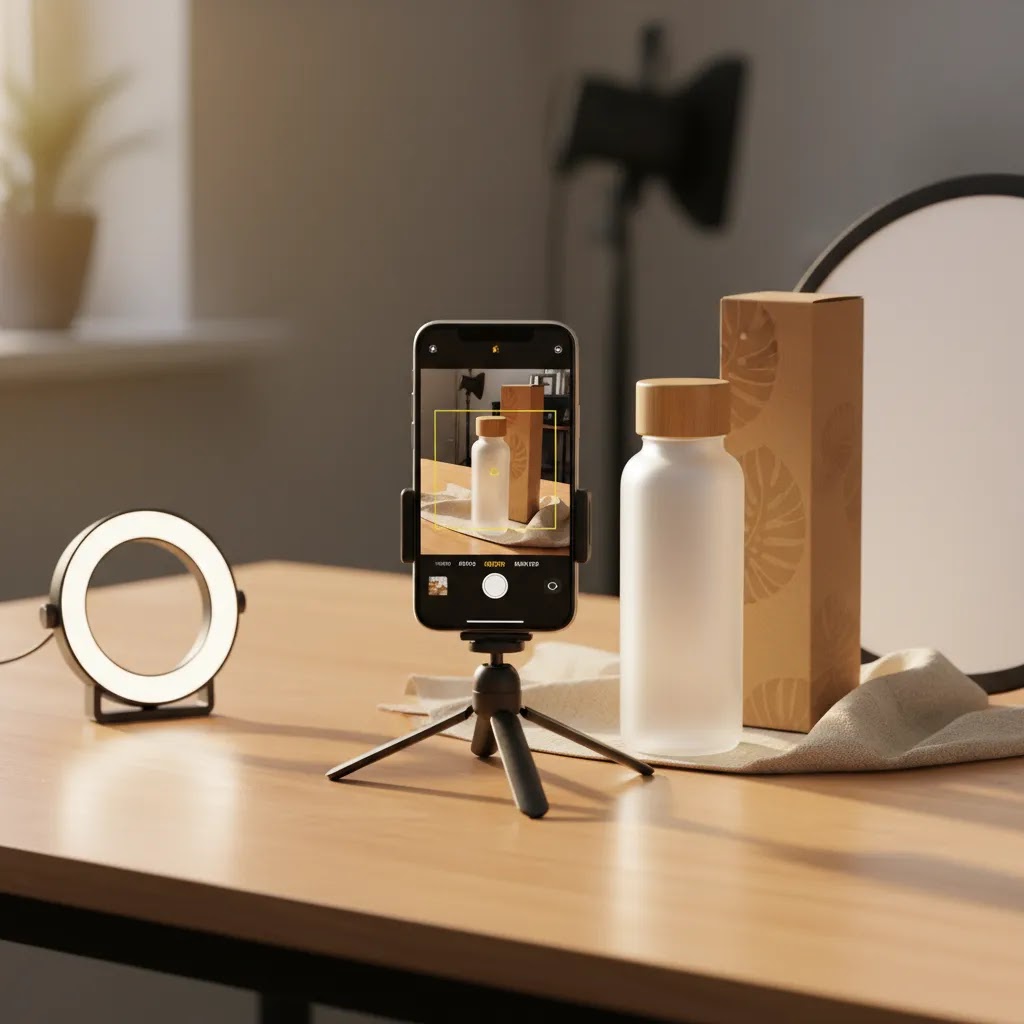
- Capture: use your phone camera with consistent lighting, then lock in your framing so you can repeat shots across SKUs. If your product line is large, consistency matters more than being “creative” every time.
- Background cleanup and cutouts: use tools like ProductAI’s Magic Photo Editor for fast cleanup and alternate backgrounds, especially when you want to test lifestyle-style context without a full shoot. AI can be useful here, but always check edges, shadows, and reflective surfaces.
- Color and tone: apply the same basic adjustments across a series so your feed and ads do not look like five different brands. The goal is not heavy filters. It is consistency in brightness, white balance, and contrast.
- Resizing and versioning: create your vertical 9:16 master first, then export square and other crops as needed for Shopify and ad placements.
- Text overlays: add minimal text for covers and hook frames, then keep a text-free version for repurposing. If you bake text into every image, you limit where you can reuse it later.
The way this works in practice is that you build a small set of reusable presets. Save a color treatment that matches your brand. Save a few common crops. Save a couple of text styles that look good on mobile. Then you are not reinventing your editing choices for every post.
To support creative testing velocity, keep your files organized. A simple naming convention can save you real time, especially when you are pushing multiple variants into ads or sending assets to creators. Use a structure like: product-name, angle, version number, and format. This also helps when you need to trace which image was used in which TikTok post or Spark Ad.
Now, when it comes to AI-assisted edits, the biggest risk is realism. Common mistakes that hurt trust on TikTok include over-smoothing textures, making shadows look floaty, pushing saturation too far, and creating edges that look “cut out.” If your product has reflective packaging, glass, or metallic surfaces, be extra strict with review. Those are the areas where AI artifacts show up quickly.
What you are aiming for is a clean, believable product that still looks like it belongs in a TikTok feed. That is a tighter target than most people expect, and it is why a lightweight process beats a complicated tool setup for most stores.
How to Choose the Right TikTok Product Photography Setup
If you are evaluating your next step, focus on fit rather than chasing the most polished option.
1. Start with your product category
Beauty and skincare brands often benefit from close-up texture shots, hands-in-frame imagery, and clean packaging visuals. Apparel usually needs motion, body context, and creator-style framing. Home goods often work best with scene-building and lifestyle placement. Your category should shape the style of shooting product photography before you buy tools or book services.
2. Decide what you are optimizing for
Are you trying to improve ad thumb-stop rate, make your organic feed look stronger, support influencer briefs, or build a better content library for launches? Each goal can change the type of image you need. Aesthetic product photography is useful, but only if it supports the specific business outcome you are chasing.
3. Build a repeatable shot list
Most growing stores do better with a repeatable system than with one expensive shoot and no process. A good TikTok shot list often includes:
- 1 clean hero image
- 2 to 3 close-up detail shots
- 2 lifestyle or in-use angles
- 1 packaging-focused image
- 1 creator-style handheld or desk shot
- 1 text-safe image for covers or overlays
4. Choose between studio, lifestyle, and AI-assisted production
A traditional studio photography product setup gives you control and consistency. Lifestyle production gives you context and emotional pull. AI-assisted editing can help you create fast variations from a smaller source set. For many brands, the best route is a hybrid: shoot premium source images once, then create alternate backgrounds, crops, and formats for TikTok testing.
5. Watch cost against usage volume
The cost of product photography only makes sense in relation to how many channels you can support with the output. If a shoot gives you TikTok assets, Shopify PDP images, paid social creatives, and email visuals, the value tends to be stronger. If you only get a handful of social posts from it, the economics are less attractive.
That is also why mockups and edited variations can be valuable. They are not a full replacement for premium product professional photography, but they may extend the usefulness of your original assets. If you need deeper fundamentals, browse the E Commerce Product Photography category for adjacent guidance on planning, production, and image quality.
Shot Ideas and Templates: TikTok Product Photography Concepts by Category
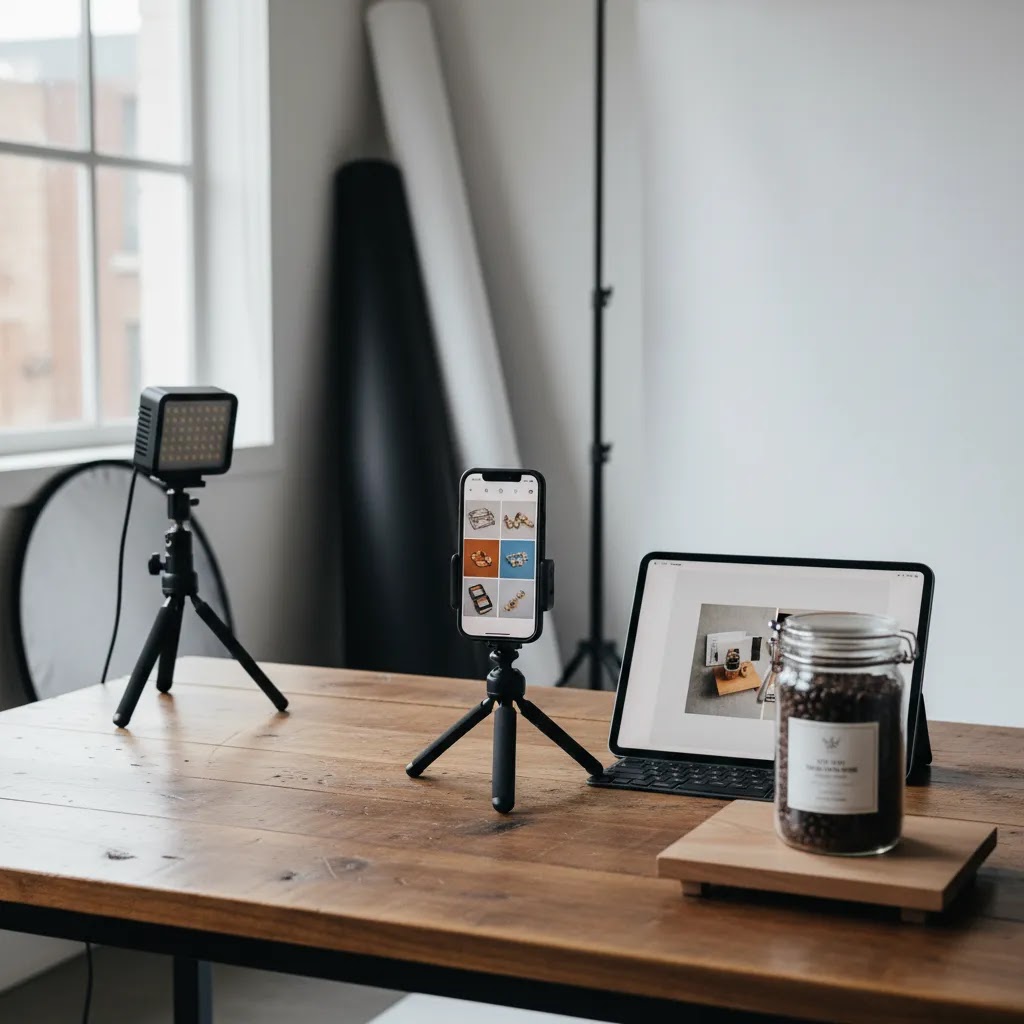
Most Shopify stores do not struggle because they cannot “take photos.” They struggle because they do not know what to shoot for TikTok. A simple template library fixes that, and it keeps you from defaulting to the same flat hero image over and over.
Consider this set of TikTok-native concepts you can copy across almost any category:
- Hands-in-frame: show grip, squeeze, snap, twist, or application. It adds scale and makes the product feel real.
- Before and after: best when the transformation is honest and visible. Keep lighting consistent so it does not look like a trick.
- Texture macro: zoom in on fabric weave, shimmer, foam, grain, or finish. This is where “mobile-first composition” pays off.
- Routine step shot: a still that looks like a frame from a routine video, such as “step 2” on a bathroom counter or “after cooking” on a plate.
- Unboxing sequence stills: capture 3 to 5 stills that show seal, box, inserts, and first reveal. These also double as carousel slides or creator briefs.
- Scale cues: ruler, coin, hand, standard mug, common household surface. The goal is to remove size uncertainty fast.
- Comparison shots: show your product next to the “old version,” a competitor-like generic option, or a common alternative, as long as you are not making questionable claims.
Now, when it comes to category-specific variations, here are a few practical ways to tailor the same concepts.
Beauty and skincare
- Texture macro: product on fingertip, smear on skin, or foam on hand.
- Routine step shot: product staged exactly where it would live, next to mirror, sink, or makeup bag.
- Packaging-first: front label readable, cap open, applicator visible. For many beauty items, that “what is it” clarity is half the conversion battle.
Apparel
- Fit and drape: stills that show shoulder seam, hem, stretch, or fabric thickness up close.
- Outfit context: the same item styled two ways, same background, same lighting, so the difference is the styling.
- Scale and proportion: include hands in pockets, sleeve length, waistband height, and a clear angle that answers fit questions quickly.
Home goods
- Scene-building: product in a realistic room setup, with one or two supporting props that reinforce use.
- Detail proof: close-ups of materials, joins, finishes, and surfaces, especially if quality is your differentiator.
- Before and after: a space without the item vs with the item, keeping the framing consistent.
Food and consumables
- Ingredient and texture: macro shots that show crunch, melt, sprinkle, or pour.
- Serving context: plate, bowl, hand-held bite, or pantry shelf scale shot so buyers understand size and quantity.
- Packaging and trust: nutrition panel, seal, and what arrives in the box, especially if you sell bundles or multi-packs.
Accessories and small products
- Scale cue first: show it in-hand early, because size confusion kills trust in small items.
- Use-case still: keys, bag, desk, gym locker, or whatever context makes the item feel like a daily tool.
- Material proof: stitching, clasp, engraving, finish, and edges. People want to see “is this cheap,” even if you never say that word in your marketing.
Props and backgrounds are where many store owners go wrong. Use props when they clarify scale, show use, or reinforce positioning. Avoid props when they compete with the product shape, hide key details, or make the image feel staged in a way that hurts trust. Packaging can be the hero when it signals quality, gifting, or brand value. It can hurt clarity when it replaces the product itself, especially for functional items where buyers care more about the object than the box.
If you build a shot library like this, you can brief a creator faster, plan a single shoot day more efficiently, and create more variations per SKU without guessing what TikTok “wants.”
Frequently Asked Questions
What makes TikTok product photography different from regular ecommerce photos?
TikTok images need to communicate faster and feel more native to a social feed. Standard ecommerce photos often prioritize consistency and product clarity for PDPs or marketplaces. TikTok visuals still need clarity, but they usually benefit from stronger styling, tighter crops, more context, and imagery that can support short-form storytelling.
Do I need professional photography for TikTok?
Not always. Many brands get usable results with a smartphone, solid lighting, a repeatable setup, and thoughtful styling. Professional photography becomes more valuable when you need a large content library, premium positioning, or consistent brand standards across Shopify, email, ads, and social. The right choice depends on category, margin, and content volume.
Can AI tools help with TikTok product photography?
They can help with editing, background variation, cleanup, and repurposing. For example, background generators or resolution tools may speed up asset production. They are best used to extend or adapt strong source images, not to replace careful lighting, styling, and product realism. Always review outputs before publishing customer-facing creative.
Should my TikTok photos match my Shopify product page images?
They should feel connected, but they do not need to be identical. Your Shopify PDP images should maximize clarity and reduce purchase friction. TikTok visuals should stop attention and spark interest. A shared brand palette, styling logic, and product truth usually matter more than using the exact same compositions on both channels.
Are white background images useful on TikTok?
Yes, but usually as part of a mix rather than the whole strategy. White background images work well for hero shots, product detail clarity, and certain ad formats. On TikTok, they often perform best when paired with lifestyle, handheld, or packaging-focused images that add context and personality.
How many TikTok product images should I create per product?
For most ecommerce brands, 5 to 8 strong variations per product is a practical starting point. That gives you enough creative range to test hooks, covers, carousels, and ad concepts without building an unmanageable production workload. The exact number depends on launch frequency, SKU count, and your paid social testing cadence.
What products benefit most from TikTok-focused photography?
Products with visible transformation, texture, gifting appeal, aesthetic packaging, or a clear routine use case tend to benefit most. Beauty, apparel, accessories, home goods, and food brands often have strong visual storytelling opportunities. Commodity products can still work, but they usually need stronger styling or a more creative presentation angle.
Can mockups replace a real product shoot?
Usually not fully. Mockups can help you test concepts, create launch assets quickly, or extend an existing image set. They are useful for speed and iteration. But if you need tactile realism, true material texture, or trustworthy close-up detail, a real shoot is still the safer option for most ecommerce brands.
How do I keep TikTok photography on-brand without making it look like a stiff ad?
Set a few brand rules instead of controlling every detail. Keep a defined color palette, prop style, editing treatment, and framing logic. Then allow flexibility in backgrounds, hands-in-frame shots, and casual composition. That balance usually helps content feel native to TikTok while still supporting brand recognition and trust.
What size should TikTok product photos be (and what aspect ratio works best)?
A 9:16 vertical format is usually the most reliable starting point for TikTok because it matches the full-screen viewing experience and repurposes well into video covers and ads. Aim for high-resolution exports so your product labels and textures stay readable after compression. If you need to reuse the same image on Shopify, create additional crops from the same source image rather than reshooting.
Which app is best for TikTok product photography editing?
In many cases, the best “app” is a simple stack that covers cleanup, resizing, and consistent color. ProductAI tools like Magic Photo Editor can help with background edits and fast variations, and a basic photo editor can handle color and text overlays. Whatever you use, keep your workflow repeatable, and review AI-assisted outputs closely for edges, shadows, and realism.
How do I make product photos look “TikTok native” without hurting brand consistency?
Keep your brand constants tight, then loosen everything else. Your constants can be a consistent color treatment, lighting style, and a small set of props. Your flexible elements can be hands-in-frame shots, casual compositions, and real environments. This usually keeps the content feeling native to TikTok while still looking like your brand when someone clicks through to your Shopify store.
Can I use the same product photos for TikTok Shop and my Shopify store?
Often yes, as long as the images stay truthful and you plan for cropping. The practical approach is to shoot strong source images, then create multiple versions: a vertical master for TikTok placements and square or other crops for Shopify product pages and collection grids. This keeps creative consistent and reduces production overhead, while still respecting the different viewing contexts.
Key Takeaways
- Design TikTok product photography for mobile attention first, not marketplace standards.
- Use a mix of hero, detail, lifestyle, and packaging shots to create more reusable assets.
- Keep your social visuals aligned with your brand, but avoid making every image look overly formal.
- AI editing tools may speed up variation creation, especially after you capture strong source images.
- Choose a workflow that matches your category, content volume, and how often you test new creative.
Conclusion
TikTok product photography works best when you treat it as a channel-specific part of your ecommerce creative system, not an afterthought. The right images can make your products easier to understand, more interesting to watch, and more adaptable across paid and organic social. For most brands, the winning approach is not purely studio, purely lifestyle, or purely AI-assisted. It is a practical mix built around your products, audience, and content cadence.
If you want a clearer framework for evaluating visuals across channels, explore AcquireConvert’s specialist photography and ecommerce content. Giles Thomas’s perspective as a Shopify Partner and Google Expert helps connect creative decisions to the bigger picture of merchandising, acquisition, and conversion. Use that as your next step before investing more heavily in production or tooling.
This article is editorial content for educational purposes and is not a paid endorsement unless explicitly stated otherwise. Pricing and tool availability are subject to change, so verify current details directly with each provider. Any results from product photography changes, creative testing, or AI-assisted workflows will vary by store, product category, traffic quality, and execution.

Hi, I'm Giles Thomas.
Founder of AcquireConvert, the place where ecommerce entrepreneurs & marketers go to learn growth. I'm also the founder of Shopify agency Whole Design Studios.