White Backdrop for Photos (2026 Guide)

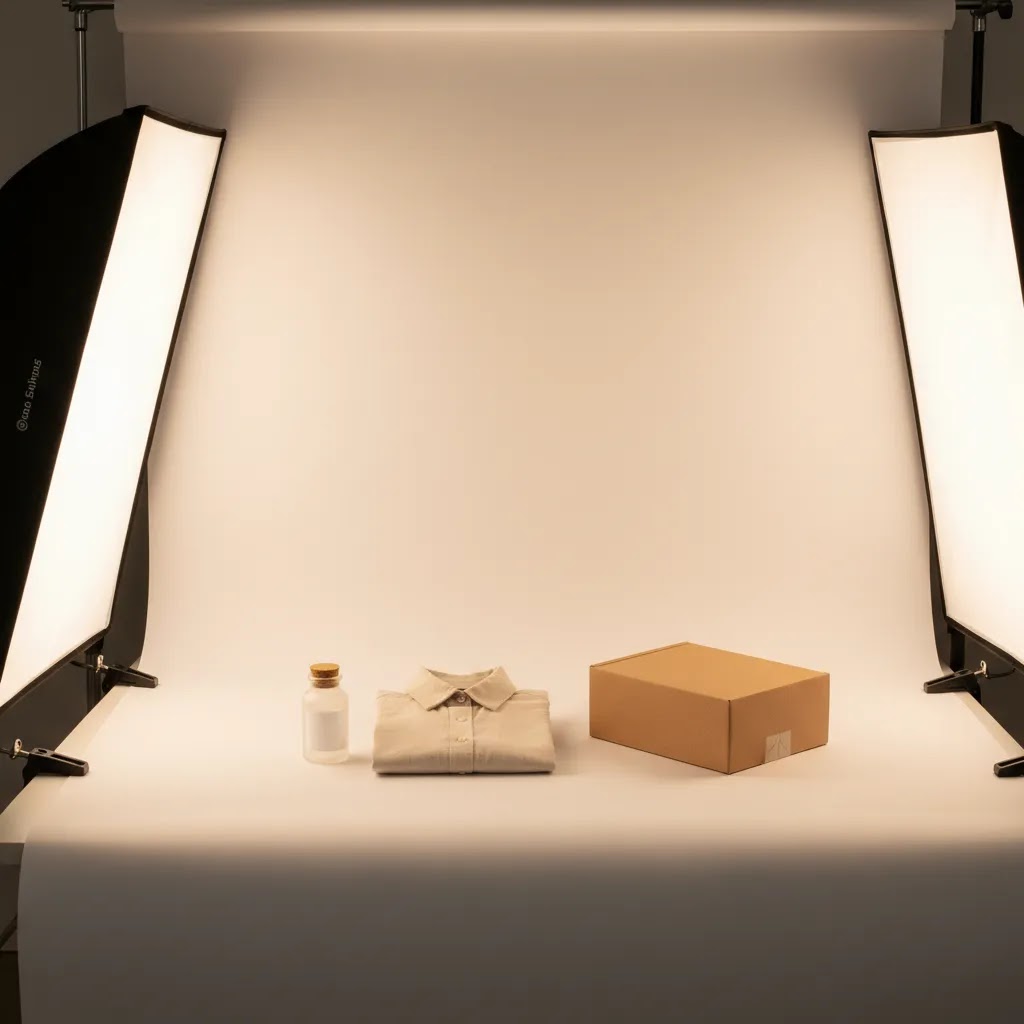
If you sell online, your product photos need to look clean, consistent, and trustworthy. A white backdrop for photos is often the simplest way to get there, especially for Shopify product pages, Google Shopping feeds, and marketplace listings where clarity matters more than visual drama. The challenge is choosing the right material and setup for your products, space, and budget. A sheet of paper can work for jewelry, while apparel, cosmetics, or boxed products may need a wider sweep, stronger support, and better lighting control. This guide walks you through the best white backdrop options, how to set them up, and where each one makes sense for ecommerce. If you want a broader starting point, see AcquireConvert’s White Background Photography resources for related workflows and examples.
Contents
- Why white backdrops matter for ecommerce photos
- Best white backdrop materials
- DIY white backdrop setups you can build at home (and what to use instead)
- How to set up a white backdrop for product photos
- How photographers get a true high-key white background (lighting recipe)
- Helpful editing and cleanup tools
- Who this setup is best for
- How to choose the right backdrop
- Choosing the right size and support (stands, clamps, and spacing)
- Pros and Cons
- Frequently Asked Questions
- Key Takeaways
Why white backdrops matter for ecommerce photos
A white backdrop helps shoppers focus on the product, not the environment around it. That matters on collection pages, product detail pages, paid ads, and marketplaces where customers often compare items side by side. Clean white backgrounds can also make your store look more consistent, which may improve perceived quality even before a visitor reads your copy.
For ecommerce, the best white backdrop for photography is usually the one that matches your product size, reflects light predictably, and is easy to keep clean. A backdrop that wrinkles badly or creates a visible horizon line can add editing time fast. If you shoot often, that production friction becomes expensive, even for a small store.
White backdrops are especially useful for standard catalog images. If you are building a full in-house workflow, it helps to pair your backdrop choice with a repeatable shooting environment. AcquireConvert’s guide to setting up a product photography studio is a useful next step if you want a more stable system instead of ad hoc shoots on a kitchen table.
There is no single perfect material for every product. Paper, vinyl, foam board, fabric, and acrylic all have trade-offs. The right choice depends on whether you need speed, portability, low reflection, or a more polished look with subtle shadows.
Best white backdrop materials
Here are the main backdrop materials worth considering for ecommerce photography.
1. Seamless white paper
Seamless paper is a favorite for product photography because it creates a smooth curve behind the product, often called a sweep. This removes the hard corner where a wall meets a table. It works well for beauty products, packaged goods, ceramics, and small home items. If you want more detail on paper options, see this guide to white background paper.
Its main limitation is durability. Paper tears, scuffs, and stains. Still, for many merchants, it is the most practical starting point because it looks clean on camera and is simple to replace.
2. White vinyl backdrop
Vinyl is more durable than paper and easier to wipe down. That makes it useful for stores photographing skincare bottles, food packaging, pet products, or anything that might leak, shed, or mark the surface. It is often a smart choice if you are shooting weekly and want a backdrop you can reuse.
The trade-off is reflection. Some vinyl surfaces can create bright hotspots, especially with glossy products or direct lighting. You may need to diffuse your lights more carefully.
3. Foam board or PVC board
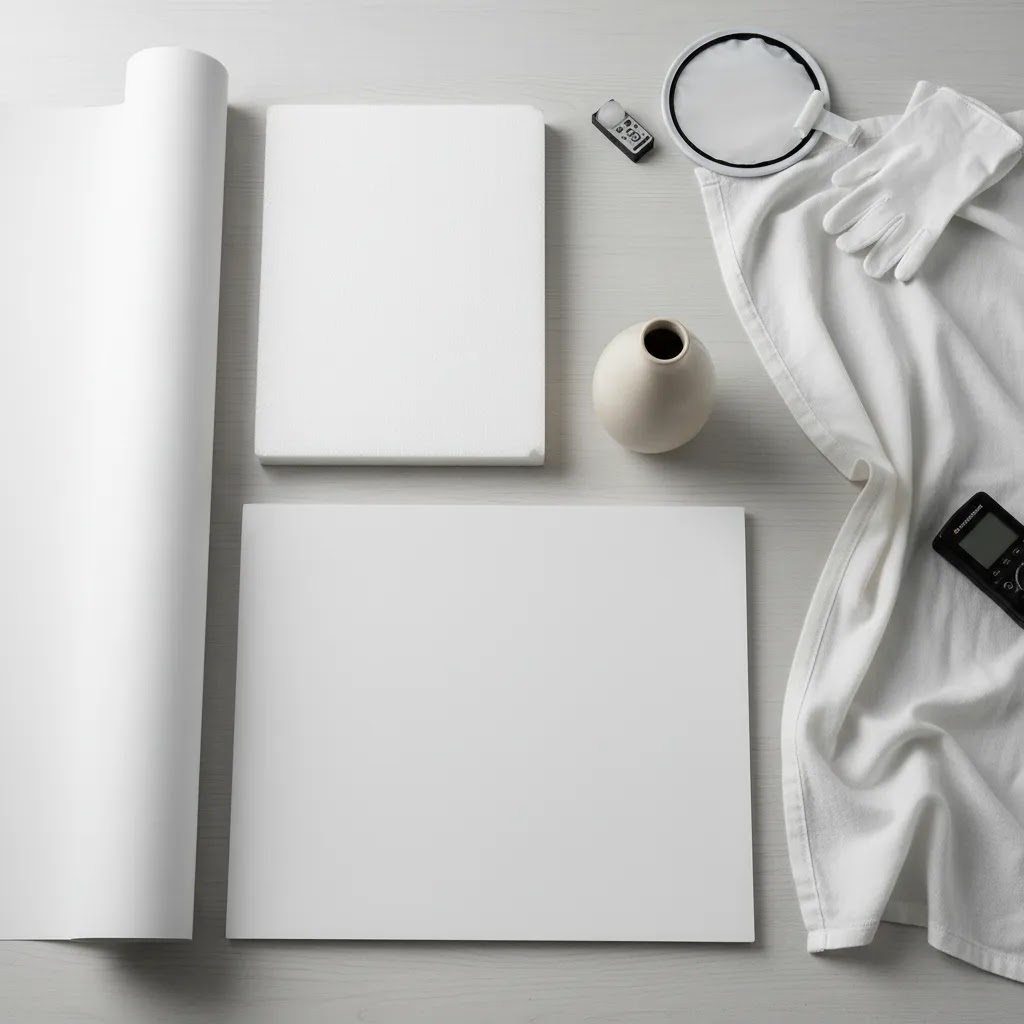
Rigid white boards are ideal for small products and tabletop setups. They are affordable, easy to position, and useful both as a background and as a reflector. For jewelry, cosmetics, supplements, and small accessories, this can be one of the fastest ways to create white backdrop photos without a full stand system.
The downside is size. Large products will quickly outgrow the board, and the edges can become visible if your framing is wide.
4. White fabric or muslin
Fabric is portable and flexible, which is why many sellers start here. It works for hanging backdrops, larger products, and occasional shoots. It can also be a practical DIY white backdrop for photos if you already have clamps and a rail.
Wrinkles are the problem. Even when they are minor, they show up in product shots and increase post-production time. Fabric can still work well for lifestyle-style white backdrop for photoshoot setups, but it is usually less efficient than paper or vinyl for pure catalog work.
5. White acrylic
White acrylic can produce a premium look with soft reflections beneath the product. This is common in cosmetics and tech accessories where you want a cleaner, higher-end presentation. It can be especially effective for beauty brands, and if you also create campaign assets in that space, related tools like an ai makeup generator may support your wider content workflow.
Acrylic requires more lighting control than paper. Dust, fingerprints, and glare become obvious quickly, so it is best for merchants prepared to spend a little more time refining each shot.
DIY white backdrop setups you can build at home (and what to use instead)
If you are shooting a smaller Shopify catalog or testing products before you invest in a more permanent setup, DIY backdrops can be more than “good enough,” as long as you keep expectations realistic and stay consistent across SKUs.
Foam board V-flat (fastest DIY setup for small products)
A V-flat is two foam boards taped together along one edge so they stand in an L or V shape. One side becomes your background, the other acts as bounce fill. For small items like skincare jars, supplements, jewelry, and accessories, this is a simple way to get clean white without a stand.
From a practical standpoint, the win here is control. You can move the boards closer to the product to soften shadows, and you can angle the “fill” side until labels look readable.
Poster board sweep (cheap, clean, and surprisingly effective)
Poster board works like mini seamless paper. Clip the top to a chair or shelf, then let it curve down onto the table. The key is keeping the curve smooth. If you crease the board, that crease often turns into a gray line in photos and increases retouching time.
This option is usually best when your products are lightweight and you can keep the framing tighter. Once you start shooting larger boxed goods, you will likely see edges and corners unless you size up.
Bed sheet or shower curtain (when it works, and when it does not)
Sellers often try a white sheet first because it is already in the house. It can work for larger items where you need more coverage, but texture and wrinkles are the real issue. A sheet tends to create uneven tone, and those folds show up quickly under side lighting.
If you go this route, you will typically get better results with a shower curtain liner than a cotton sheet because it is smoother and more uniform. You still need to tension it with clamps, and you should expect some editing if you want clean catalog consistency.
What to use instead of a traditional backdrop
What many store owners overlook is that a “backdrop” is just a clean, controllable surface behind the product. You have a few other options that can be easier to repeat:
- Shooting inside a light tent: A light tent surrounds the product with diffusion and often includes white fabric walls. For reflective products, this can reduce harsh hotspots and make edges more manageable. The limitation is size and access, since larger items will not fit and it can be harder to style the product.
- White wall plus table sweep: If you have a clean white wall, you can tape or clamp paper from the wall down onto a table to create a sweep. This is often a practical middle ground when you do not want a full stand.
- Using a large reflector as the background: A big white reflector panel can act like a temporary background and a fill source at the same time. This can work well for small products, especially if you are tight on space.
For Shopify catalog work, consistency matters as much as the absolute “whiteness.” Pick one approach you can repeat, keep the sweep curve smooth, avoid visible texture, and mark positions on your table so your framing stays consistent across product launches and reshoots.
How to set up a white backdrop for product photos
A strong white backdrop setup is less about expensive gear and more about consistency. For most ecommerce stores, the goal is to create a repeatable process that gives you similar results across dozens or hundreds of SKUs.
Use a sweep, not a corner
If possible, curve the backdrop from vertical to horizontal so there is no visible seam behind the product. Paper is excellent for this. Boards can also work if you prop them at a gentle angle.
Separate the product from the background
Place the product at least a little distance from the back of the setup. This reduces harsh shadows and helps keep the background brighter than the item itself. It is especially important for white backdrop for product photography if you shoot reflective packaging, glass, or metal.
Light the background and product differently
If you light both with the same intensity from the same angle, your product may blend into the background or pick up ugly reflections. In many cases, side lighting with diffusion on the product and softer fill on the background creates a better result than blasting everything from the front.
Control white balance and exposure
Many sellers overexpose to force a pure white background, then lose detail in labels, texture, or packaging edges. A better approach is to expose the product correctly, then clean up the background in editing. If you need that workflow, AcquireConvert also covers photoshop white background product photography so you can refine files without flattening the item itself.
Match your setup to product category
Food, beauty, apparel, and home goods all behave differently under light. If you photograph food products or plated items, this guide to food photography white background is worth reading because spills, texture, and color cast become bigger issues than they are with dry packaged goods.
How photographers get a true high-key white background (lighting recipe)
Here’s the thing about getting a “pure white” background: the backdrop material matters, but lighting is what actually pushes your background to clean white while keeping the product properly exposed. Photographers often call this a high-key setup. The goal is simple: the background should be brighter than the product, but not so bright that it washes out edges, labels, or textures.
The core idea: light the backdrop separately from the product
If you only have one main light aimed at everything, you usually end up in one of two bad places. Your background looks light gray, or you overexpose the whole frame and lose packaging detail. Separating your lighting gives you control.
Think of it this way: you expose for the product, then you bring the background up to white with its own lights. In many cases, this is the fastest way to get consistent Shopify-ready images without spending all day in retouching.
A practical lighting layout many ecommerce shoots use
You do not need a complex studio to copy this. A common approach looks like this:
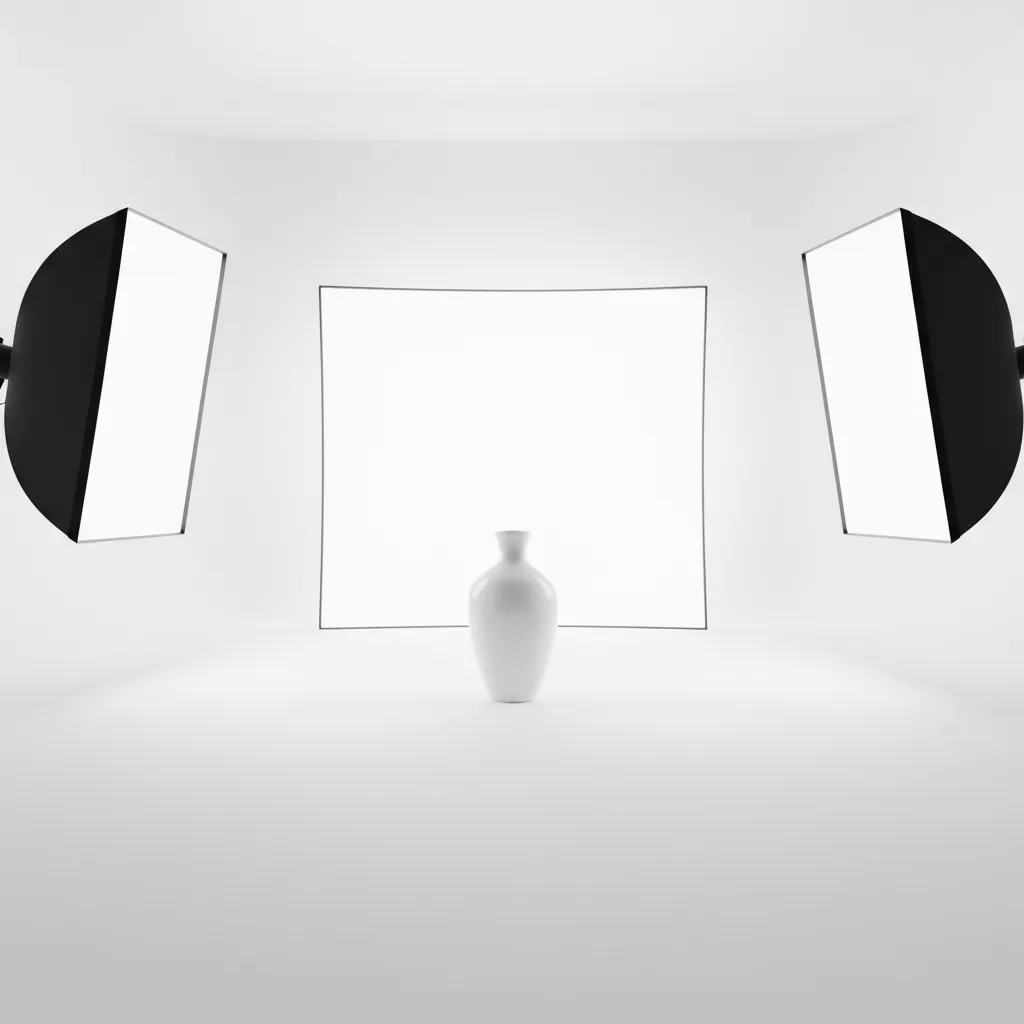
- Two lights on the background: Place them left and right, aimed at the backdrop, not at the product. Keep them even to avoid bright circles or a darker strip down the middle.
- One key light on the product: Use diffusion, like a softbox or a shoot-through umbrella, and place it slightly to one side so labels and edges read cleanly.
- Reflector fill: On the opposite side of the key light, use a white foam board or reflector to lift shadows without flattening the product.
The way this works in practice is that your product light sets the look, and the background lights just do one job: make the backdrop record as white.
Use distance to reduce halos and harsh shadows
If your product is too close to the background, you can get halos, edge glow, or harsh shadow outlines. This is common with bottles, glossy packaging, and anything with a strong silhouette.
Increasing the distance between the product and the backdrop usually helps. It also gives shadows room to fall out of frame or soften, which can reduce the “cut-out” look that sometimes happens on white.
Quick troubleshooting checklist
If your white background is not looking right, these are the common causes:
- Background looks gray: The background is not bright enough compared to the product, or your exposure is set too conservatively. Try adding background light, moving background lights closer to the backdrop, or increasing the product-to-background distance so the product can be exposed correctly without dragging the backdrop down.
- Hotspots or bright circles behind the product: Your background lights are too focused or too close to one spot. Move them back, feather them across the backdrop, or add diffusion so the background tone evens out.
- Product looks like it is floating: You removed all shadow. For many products, a small grounding shadow helps the item feel real. Instead of aiming for “no shadow,” aim for a soft, controlled shadow. You can also keep a light shadow and still have a clean white background.
- Washed out labels and edges: Your product is overexposed, or background light is spilling onto the product. Expose for the product first, then adjust the background lights. If spill is the issue, increase distance, change angles, or add a simple white card “flag” between product and backdrop lights.
Results vary by product finish and packaging, so you will likely need a little testing. Once you find a layout that works for your category, write it down and repeat it. That is where a white backdrop workflow becomes a real ecommerce production advantage.
Helpful editing and cleanup tools
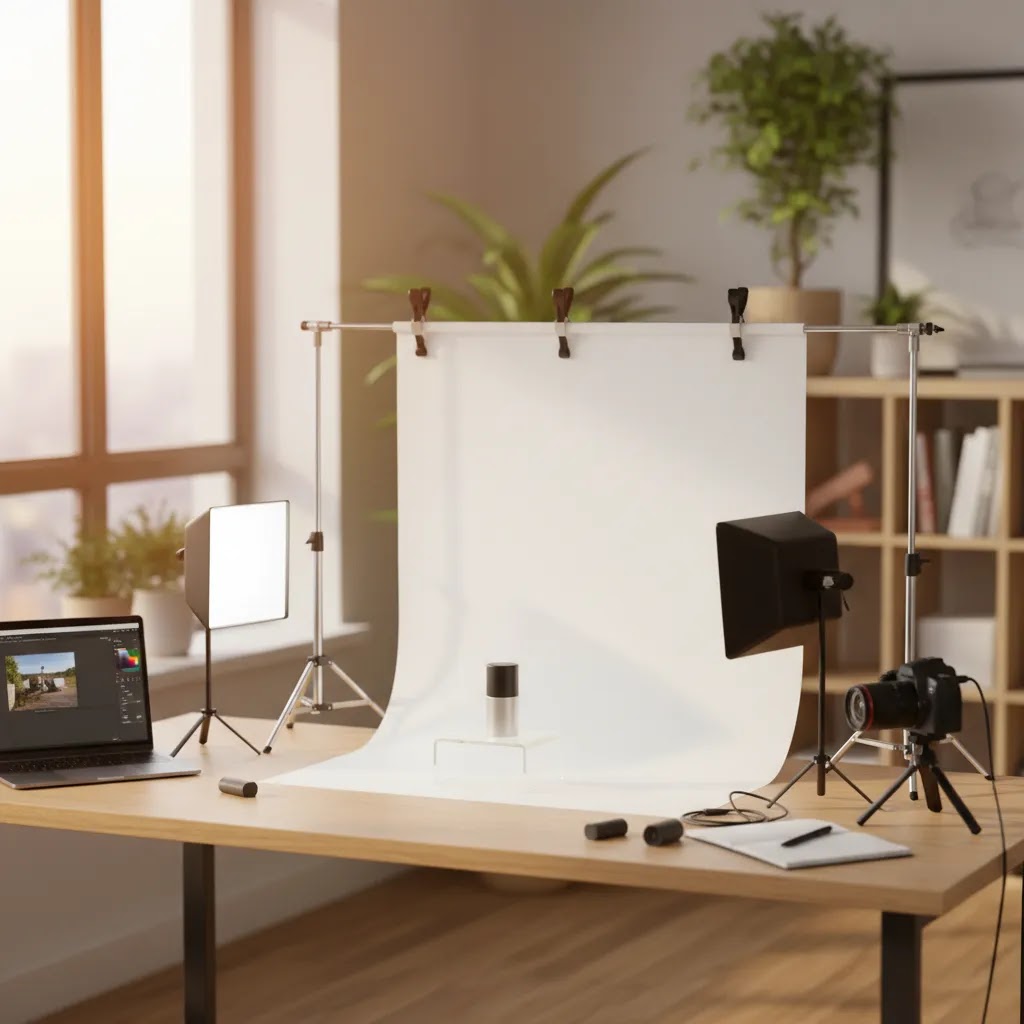
Even with a solid backdrop, some cleanup is usually needed. That is where editing tools can save time, especially if you are producing catalog images in batches.
Free White Background Generator can be useful if you need a quick way to isolate products against a clean white result. For merchants managing a large SKU count, this may reduce some repetitive manual work, though results can vary depending on product edges and source image quality. You can check it here: Free White Background Generator.
AI Background Generator is more relevant if you also create alternate creative assets beyond standard catalog shots. It is not a replacement for a clean white backdrop workflow, but it can support campaign or social variations: AI Background Generator.
Background Swap Editor may help when you need to replace an imperfect shooting surface after the fact. This is most helpful for stores experimenting with different content formats, though for main product images you should still prioritize accurate product edges and consistency: Background Swap Editor.
If you are still building your visual workflow, AcquireConvert’s Product Photography Fundamentals category is a good place to compare core setup topics before investing in more gear or software.
Who this setup is best for
A white backdrop for photos is best for ecommerce stores that need clear, repeatable product images across collections, ads, and merchant feeds. It is especially practical for Shopify merchants managing in-house photography because it simplifies the process and helps maintain visual consistency across product pages.
This approach fits beauty, supplements, accessories, packaged food, and small home goods particularly well. It can also work for apparel, though garments often need larger backdrops and stronger lighting control. If your brand leans heavily on mood, texture, or editorial storytelling, white backdrop photos should usually sit alongside lifestyle imagery rather than replace it entirely.
For most growth-stage stores, the goal is balance: use white background for photos where clarity and conversion matter most, then supplement with contextual images that show scale, use case, and brand personality.
How to choose the right white backdrop
If you are deciding what to buy or build, use these criteria.
1. Product size and shape
Small products often work well with foam board, acrylic, or a narrow paper roll. Larger products need wider backdrops and more distance from the background. If you photograph tall bottles, boxed bundles, or apparel on forms, size constraints show up fast.
2. Surface reflectivity
Glossy packaging, glass, foil, and polished metal are harder to shoot than matte cardboard or fabric. For reflective items, paper often gives you more forgiving results than vinyl or acrylic. Your best white backdrop for photography may not be the most durable option if it creates glare you then need to edit out.
3. Shooting frequency
If you shoot products every week, durability matters more. Vinyl or rigid boards can make sense for repeated use. If you only shoot new products monthly, paper may still be the most efficient option because setup is simple and the visual finish is clean.
4. Cleanup and editing time
Wrinkled fabric, scratched acrylic, and marked paper all create extra retouching work. Store owners often underestimate how much time this adds over a full catalog. A slightly more expensive material can still be the better value if it shortens editing time and helps standardize output.
5. Brand presentation
Not every store needs the same look. If your primary requirement is compliance and clarity for product listings, aim for neutral, shadow-controlled white background shots. If you sell premium cosmetics or design-led products, subtle reflections from acrylic might fit your brand better. What matters is consistency across the catalog, not chasing a style that looks impressive in one image but is hard to repeat at scale.
At AcquireConvert, the practical recommendation is to start with the simplest setup that matches your real shooting volume. Giles Thomas’s ecommerce-focused approach tends to favor repeatable systems over one-off creative fixes because consistency usually matters more than perfection for active online stores. If you are comparing visual workflows and tools, AcquireConvert is a useful specialist resource for store owners who want to improve imagery without overcomplicating operations.
Choosing the right size and support (stands, clamps, and spacing)
If you are shopping for a white backdrop for photos, you will see a lot of “with stand” options. Whether you need a stand depends on your product category, how often you shoot, and how repeatable you want the setup to be.
Backdrop size: common ecommerce sizing rules that avoid visible edges
In a typical Shopify workflow, the biggest mistake is buying a backdrop that barely fits the product. It can look fine for one SKU, then you photograph a slightly wider box, a taller bottle, or a bundle, and suddenly you are seeing backdrop edges and corners.
As a general rule, choose a backdrop wide enough that you can frame the product with extra space on both sides, and still keep your lights outside the frame. Small products can work on smaller boards and narrow paper, but boxed goods, bundles, and apparel usually benefit from sizing up so you are not forced into cramped compositions.
Consider this: the backdrop needs to fit the product, plus the sweep curve, plus space for light falloff to look smooth. If any one of those gets tight, you will see gradients, corners, or inconsistent whites across your catalog.
Support options: stands, wall mounting, and clamps
For most Shopify store owners, there are three practical ways to support a white backdrop:
- Crossbar backdrop stands: Useful if you want something portable. They work well for paper rolls, vinyl, and fabric. The main advantage is repeatability, since you can keep height and angle consistent.
- Wall mounting: If you shoot frequently, wall mounting can be the most stable option. You can keep a paper roll mounted and pull down a fresh section when it gets dirty. This tends to reduce setup time, but it requires a dedicated space.
- Clamps and tensioning: Clamps matter more than most people think, especially for fabric and vinyl. Tension reduces wrinkles, ripples, and uneven highlights. Even with paper, clamps can help keep the sweep from shifting during a batch shoot.
Wrinkles and ripples are not just a “background problem.” They change how light reflects, which can turn into uneven whites and extra editing work.
Spacing: how to plan a repeatable setup in a small room
Space is usually the limiting factor in home studios. You can still get clean results in a small room, but spacing needs to be intentional.
For most tabletop products, aim to leave enough distance between the product and the background that shadows soften and background lights do not spill onto the product. Then place your key light far enough back that it can light evenly through diffusion, rather than creating a hard hotspot.
If you want a setup you can repeat, mark positions on your table or floor with tape. Mark where the product sits, where the tripod sits, and where each light stand sits. This is a simple way to keep your Shopify catalog looking consistent across weeks of new product shoots.
Pros and Cons
Strengths
- White backdrops create a clean, distraction-free look that suits product pages, collection pages, and many ad formats.
- They help maintain consistency across large catalogs, which can improve perceived store quality.
- Materials like paper and foam board are practical for small stores building an in-house photo process.
- White backgrounds are flexible across product categories, from supplements and cosmetics to home goods and accessories.
- They usually make post-production simpler than busy or colored backgrounds, especially for feed-based ecommerce channels.
Considerations
- No single white backdrop material works best for every product type, so some testing is usually needed.
- Low-cost options like fabric may create wrinkles and add editing time.
- Reflective surfaces can be difficult to light on vinyl or acrylic without glare.
- Pure white results often depend as much on lighting and exposure as on the backdrop itself.
Frequently Asked Questions
What is the best white backdrop for product photography?
For many ecommerce stores, seamless white paper is the best starting point because it creates a clean sweep, photographs well, and is simple to replace. If durability matters more, white vinyl or rigid boards may be better. The right choice depends on your product size, how often you shoot, and how reflective your items are.
Can I make a DIY white backdrop for photos?
Yes. Many merchants start with foam board, poster board, or white paper clamped to a chair or table. A DIY setup can work well for small products if your lighting is controlled. The main issue is consistency. If you are shooting often, a more stable setup usually saves time and gives better repeatability.
How to create a white backdrop for photos?
Create a smooth sweep using seamless paper, poster board, or a rigid white board. Curve it from vertical to horizontal so there is no hard corner. Place your product a little distance away from the background, then light the product and background in a controlled way so the product stays properly exposed and the background records as clean white.
How do photographers get the white background?
Photographers typically use a high-key approach: they expose for the product first, then light the background separately so it appears brighter than the product. This often means dedicated background lights plus a diffused key light on the product, with enough distance between product and backdrop to reduce shadows and light spill.
How to get a white background behind a photo?
Start with a white sweep or white board behind the product, then separate the product from the background to reduce shadows. If your background still looks light gray, increase the brightness on the background lighting rather than overexposing the entire frame. Minor gray areas, dust spots, and uneven tone can then be corrected in editing without losing product detail.
What to use instead of backdrop?
You can shoot inside a light tent, use a clean white wall with a paper sweep on the table, or use a large white reflector panel as the “background.” These options can work well for smaller products, especially when you want a compact setup that still produces consistent catalog images.
Is a white backdrop better than removing the background in editing?
A good physical backdrop usually makes editing easier and more accurate. It helps preserve edges, shadows, and product detail. Background removal tools can still be helpful, especially for cleanup or batch work, but starting with a clean white setup tends to produce more reliable results for ecommerce images.
How do I get a pure white background without overexposing the product?
Try separating the product from the background, diffusing your lights, and exposing for the product first. Then make background corrections in editing instead of forcing everything bright in-camera. This usually helps keep label detail, texture, and edge definition intact while still giving you a clean white final image.
Are white backdrops good for Shopify stores?
Yes, especially for core catalog images. Shopify merchants often benefit from white backdrop photos because they make collections look consistent and help shoppers compare products quickly. They also fit well with many clean theme designs. For stronger merchandising, pair white background images with lifestyle or use-case photos on the product page.
What size backdrop do I need?
That depends on the product and framing. Small tabletop items may only need foam board or a narrow roll of paper. Larger products need more width and height than you think, especially if you want a smooth sweep and room for lighting. It is usually worth sizing up to avoid cramped compositions.
Does fabric work as a white backdrop for photoshoot setups?
It can, but fabric is rarely the most efficient option for catalog photography because wrinkles are hard to avoid. It is more suitable for occasional shoots, larger temporary setups, or merchants who need something foldable and portable. For clean ecommerce product images, paper or vinyl often produces a more consistent finish.
Do I need editing software if I already use a white backdrop?
Usually yes, at least for small adjustments. Even a strong setup may leave light gray areas, dust spots, or minor shadows that need correction. The amount of editing depends on your lighting, the backdrop material, and the product itself. A good backdrop reduces editing time, but it rarely removes it completely.
Key Takeaways
- Seamless paper is often the most practical first white backdrop for ecommerce product photography.
- Choose backdrop material based on product size, reflectivity, shooting frequency, and cleanup time.
- A smooth sweep, controlled lighting, and correct exposure matter as much as the backdrop itself.
- White backdrop photos work best as the consistent core of your catalog, supported by lifestyle images where needed.
- Editing tools can help, but a repeatable physical setup usually improves efficiency more over time.
Conclusion
A white backdrop for photos is still one of the most reliable ways to create clean, conversion-friendly ecommerce imagery. The best option is not always the most expensive one. It is the material and setup you can repeat consistently across your catalog without slowing your workflow down. For many stores, that means starting with seamless paper or a rigid white board, then improving lighting and editing as volume grows. AcquireConvert focuses on this kind of practical decision-making for store owners, with guidance shaped by Giles Thomas’s experience as a Shopify Partner and Google Expert. If you want the next step, explore AcquireConvert’s white background and product photography resources to refine your setup, reduce friction, and build a more dependable visual process.
This article is editorial content published by AcquireConvert for educational purposes. It is not a paid endorsement unless explicitly stated otherwise. Tool availability, features, and pricing are subject to change, so verify current details directly with the provider before purchasing. Photography outcomes vary by product, lighting, skill level, and workflow, so results are not guaranteed.

Hi, I'm Giles Thomas.
Founder of AcquireConvert, the place where ecommerce entrepreneurs & marketers go to learn growth. I'm also the founder of Shopify agency Whole Design Studios.