In this post you’ll learn how to set up and get the most out of your Shopify store by properly configuring your Google Tag Manager. As an ecommerce entrepreneur or marketer, you’re always looking for ways to make better data driven decisions. Google Tag Manager is one of the must-have tools that can assist you in achieving this goal.
Done for you GA4 set up service for Shopify, just $119 USD one time set up.Google Analytics is essential for gathering data about the performance of your Shopify store but to get the most out of it, you’ll need to set it up correctly and choose what data you want to track.Shopify and Google Analytics can work well together and put you in control of your store’s performance.The latest version, Google Analytics 4, is described as “the next generation of Analytics”.In this post, we’ll take a look at how to install Google Analytics 4 in your Shopify store so that you’re all set to measure the right performance data, see where your store is working well, and identify what you need to improve.We’ll look at what needs to happen:– If you don’t yet have a Google account– If you already have a Google Analytics account set upRemember, using Google Analytics 4’s data to make even small improvements to your Shopify store can make big differences to your revenue. Before we get started…
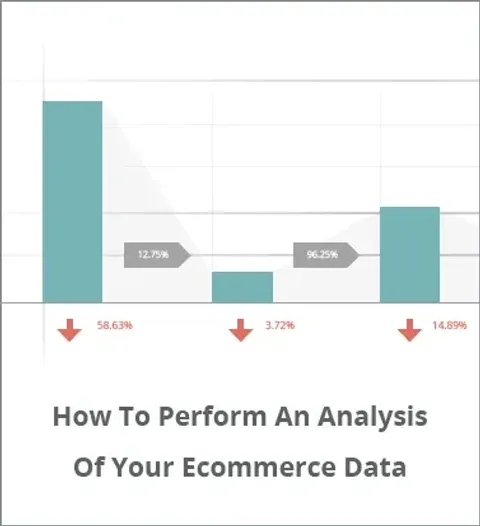
A step by step guide & case study showing you how to increase your ecommerce conversion rate & sales. Deep look at Google Analytics reporting & dashboards.
![[Complete] Google Tag Manager Tutorial for Shopify](/_astro/2018-03_shopify-google-tag-manager_26vhRX.webp)


![Increase Ecommerce Conversion Rate [Google Analytics Health Check]](/_astro/2015-08_ecommerce-conversion-rate-google-analytics_Z22lN6A.webp)