Ecommerce Photography Los Angeles (2026)

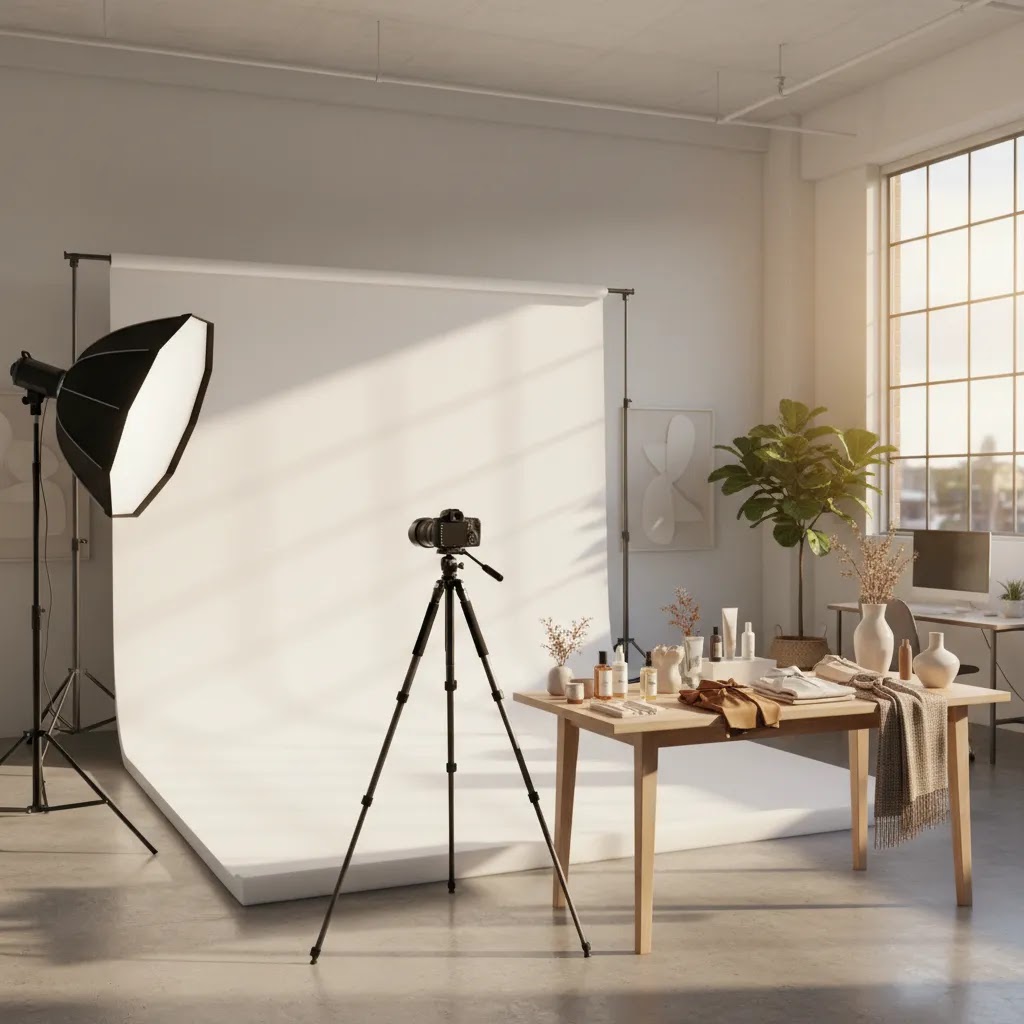
If you are searching for ecommerce photography Los Angeles services, you are usually close to a decision, not just browsing ideas. You need product images that fit your Shopify store, your margins, and your production timeline. Los Angeles offers strong options for apparel, beauty, lifestyle, and catalog shoots, but the right fit depends on whether you need fast white background images, higher-end campaign content, or a mix of both. For most store owners, the best choice is a studio or workflow that can produce consistent product-page images first, then add lifestyle assets once your catalog is under control. At AcquireConvert, Giles Thomas reviews ecommerce growth decisions through a practical Shopify lens, so this guide focuses on what will actually help your store sell, scale, and stay organized.
Contents
- Overview
- What to Look for in a Los Angeles Ecommerce Photography Service
- Pricing and Costs
- Rights, Usage, and Deliverables (What You Actually Own)
- Trust and Credibility
- How to Evaluate and Compare Los Angeles Studios (Portfolio, Process, and Proof)
- Who It's Best For
- How to Get Started
- Shipping, Handling, and Inventory Control (If You Are Not Local)
- Pros and Cons
- Frequently Asked Questions
Overview
Ecommerce photography in Los Angeles sits at the point where brand presentation meets conversion rate optimization. If your store sells apparel, cosmetics, accessories, home goods, or wellness products, your image set often shapes first impressions before your copy or pricing does. That is why many merchants start with a local studio search, then compare that route against AI-assisted production tools and hybrid workflows.
In practical terms, most Shopify merchants need three things: clean product photos for collection and product pages, consistent formatting across SKUs, and a repeatable process for new launches. A local photographer may be the right fit if you need on-model apparel, ghost mannequin photography Los Angeles support, beauty product styling, or hands-on art direction. If your priority is speed for catalog updates, you may also want to review related ecommerce tools and asset workflows before committing to a studio-only setup.
Los Angeles is especially strong for fashion product photography Los Angeles brands, beauty product photography Los Angeles shoots, and lifestyle-heavy content because the city has deep creative talent and broad location access. The tradeoff is cost. Rates can rise quickly once you add models, stylists, retouching, studio rental, and usage requirements. For stores with lean teams, it is often smarter to separate conversion-focused catalog images from campaign creative, then source each accordingly. If you are still comparing formats, our guide to choosing an ecommerce product photographer can help narrow the decision.
What to Look for in a Los Angeles Ecommerce Photography Service
The best product photography studio Los Angeles option is not necessarily the most creative one. It is the one that can deliver the image types your store actually needs, in the right dimensions, on a schedule that matches inventory turnover.
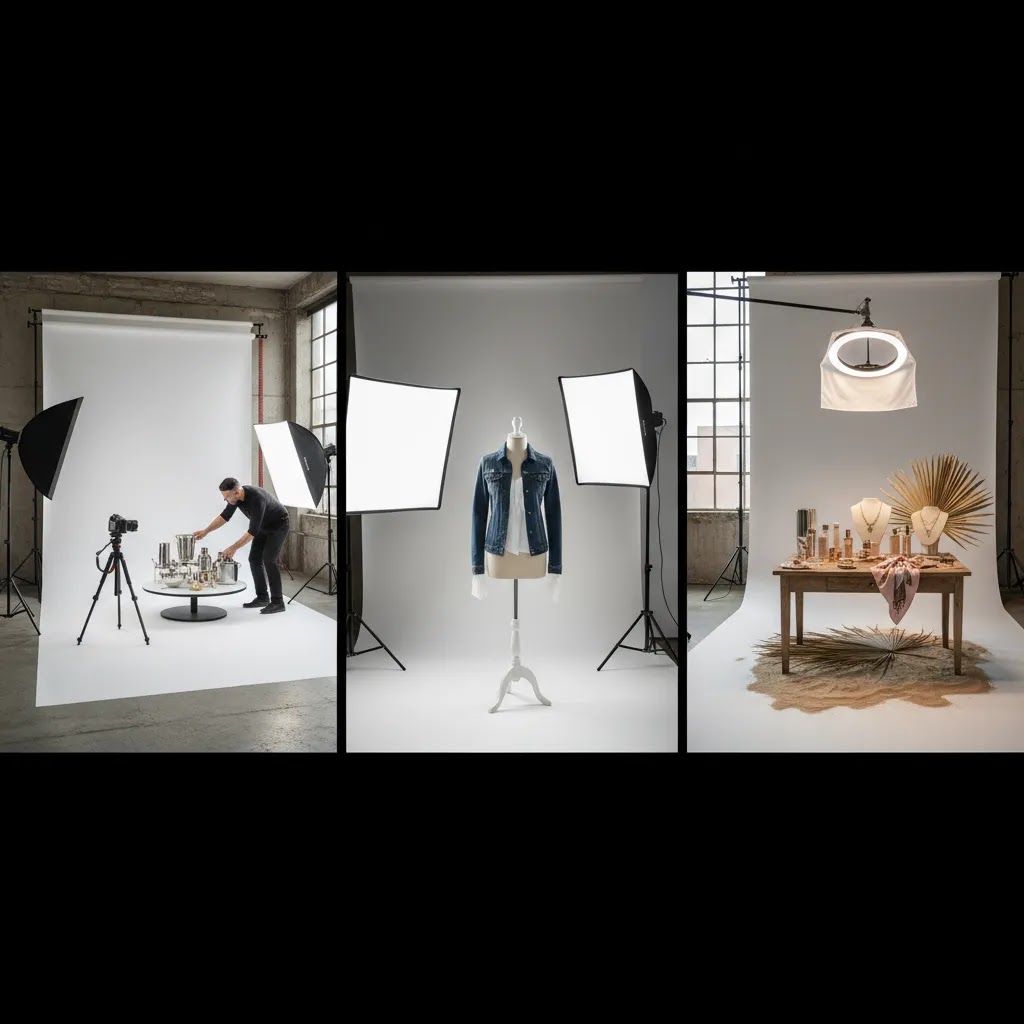
Start with core deliverables. For most ecommerce brands, that means white background product images, detail shots, scale references, and consistent cropping. If you sell apparel, ask whether the studio handles flat lay photography Los Angeles, on-model shoots, and ghost mannequin photography Los Angeles in the same workflow. If you sell skincare, cosmetics, or supplements, ask for experience with reflective packaging, texture shots, and expert beauty product photography Los Angeles setups.
You should also ask how the team structures file delivery. Your Shopify workflow improves when assets are named clearly by SKU, delivered in web-ready and high-resolution versions, and grouped by angle or variant. This matters as much as visual quality. A beautiful asset library that is hard to upload or reuse can slow your merchandising team down.
For many brands, lifestyle content is where Los Angeles adds the most value. A studio that can handle location-based Lifestyle Product Photography may help you create social ads, landing page banners, and email imagery from the same shoot. Just keep your priorities in order. Product page essentials should come first, because product photos increase conversion rate most effectively when they remove uncertainty and show the item clearly.
It is also worth assessing whether some supporting images can be created faster with digital tools. For example, if your team needs simple market-testing visuals, mock scenes, or concept images before a full shoot, a mockup generator can be useful for pre-production or interim launches. That approach may reduce reshoot costs and help you brief a Los Angeles studio more precisely.
Pricing and Costs
Product photography pricing Los Angeles varies widely because the market includes solo photographers, specialized ecommerce studios, full production teams, and hybrid creative agencies. There is no single standard rate, and that is exactly why store owners should request itemized quotes rather than comparing top-line numbers alone.
In most cases, your total cost depends on six variables: number of SKUs, number of final images per SKU, styling complexity, model usage, retouching depth, and whether the shoot is pure ecommerce catalog work or broader campaign content. A white background catalog project is usually priced very differently from lifestyle product photography Los Angeles or fashion product photography Los Angeles work that involves casting, location permits, props, and creative direction.
Ask every studio to break pricing into production, post-production, and optional add-ons. That helps you see whether clipping paths, color correction, ghost mannequin compositing, hand shots, 360 product photography Los Angeles services, or rush turnaround are included. Many quotes look reasonable at first, then expand once revisions and retouching are added.
For smaller Shopify stores, the strongest value often comes from batching. Instead of shooting five products at a time, prepare a larger seasonal group. That usually improves consistency and may lower per-SKU cost. If you need help understanding studio structures more broadly, our guide to a product photography studio explains how service models typically differ.
One important point: none of the live product data available for this article includes Los Angeles studio pricing plans, so you should not rely on generic averages. Request a quote based on your actual shot list, packaging type, and intended use.
Rights, Usage, and Deliverables (What You Actually Own)
Here is the thing: a quote can look comparable on the surface, but rights and deliverables can make two Los Angeles bids totally different in real-world value. Before you sign anything, clarify what you can use the images for, how long you can use them, and what you will actually receive at the end of the project.
Start with usage rights. Some studios price ecommerce catalog photography assuming web use only, meaning your Shopify site and organic social. Others include broader commercial usage, or treat paid advertising usage as a separate license. If you plan to use photos in Meta ads, Google Ads creatives, email campaigns, landing pages, or even print inserts, ask how the studio defines usage by channel. You will typically see variables like duration, geography, exclusivity, and whether usage includes paid ads. Policies vary, and the details matter, so confirm in writing and make sure the terms match how you will actually market the product.
If your shoot involves models, also confirm model releases and usage scope. Model licensing is often where apparel and lifestyle shoots get complicated, especially if you want to reuse assets across multiple campaigns or seasons. From a practical standpoint, it is better to define the channels you know you will use now, then expand rights later if you need to, rather than paying upfront for usage you may never touch.
Next, get specific about deliverables. Ask what formats are included and whether you get both web exports and high-resolution masters. For Shopify, you typically want web-ready files in sRGB so colors look consistent on screens. You may also want high-resolution versions for future design work, marketplace uploads, or press. If you need transparent backgrounds for design layouts, confirm whether transparent PNGs are included. If you are expecting layered working files, ask directly, because many ecommerce studios do not include them unless it is explicitly part of the package.
Finally, clarify what retouching means in this quote. Some studios include basic cleanup and color correction on finals, then charge per image for deeper work like label reconstruction, reflection control, fabric wrinkle fixes, or advanced compositing. Ask whether retouched finals are included, what the per-image rate is if not, and how revisions are handled so your team does not get stuck in a slow back-and-forth during launch week.
Trust and Credibility
Trust matters more than many merchants expect. Once you ship inventory to a studio, you are trusting that team with product handling, color accuracy, file management, and launch timing. A polished portfolio is helpful, but it should not be your only filter.
Look for signs that the photographer or studio understands ecommerce, not just editorial photography. That includes platform-aware deliverables, repeatable lighting setups, comfort with variant-heavy catalogs, and clear revision policies. If they have worked with Shopify brands, ask how they prepare images for collection pages, zoom views, and mobile-first product pages.
You should also evaluate communication quality early. A reliable Los Angeles product photography partner should be able to explain timelines, pre-shoot requirements, sample approval steps, and what happens if a shipment arrives damaged or incomplete. Strong operators usually have a shot list template, intake checklist, and retouching process already in place.
AcquireConvert assesses these decisions through the real-world lens of ecommerce execution. Giles Thomas brings Shopify Partner and Google Expert credentials to that analysis, which is helpful when judging whether an image workflow supports product page performance, paid acquisition creative, and merchandising efficiency rather than just visual appeal.
How to Evaluate and Compare Los Angeles Studios (Portfolio, Process, and Proof)
Many store owners shortlist studios based on portfolio style, then get surprised later by inconsistent angles, slow approvals, or files that are not actually Shopify-ready. The way this works in practice is simple: compare studios on repeatability, proofing, and delivery standards, not just aesthetics.
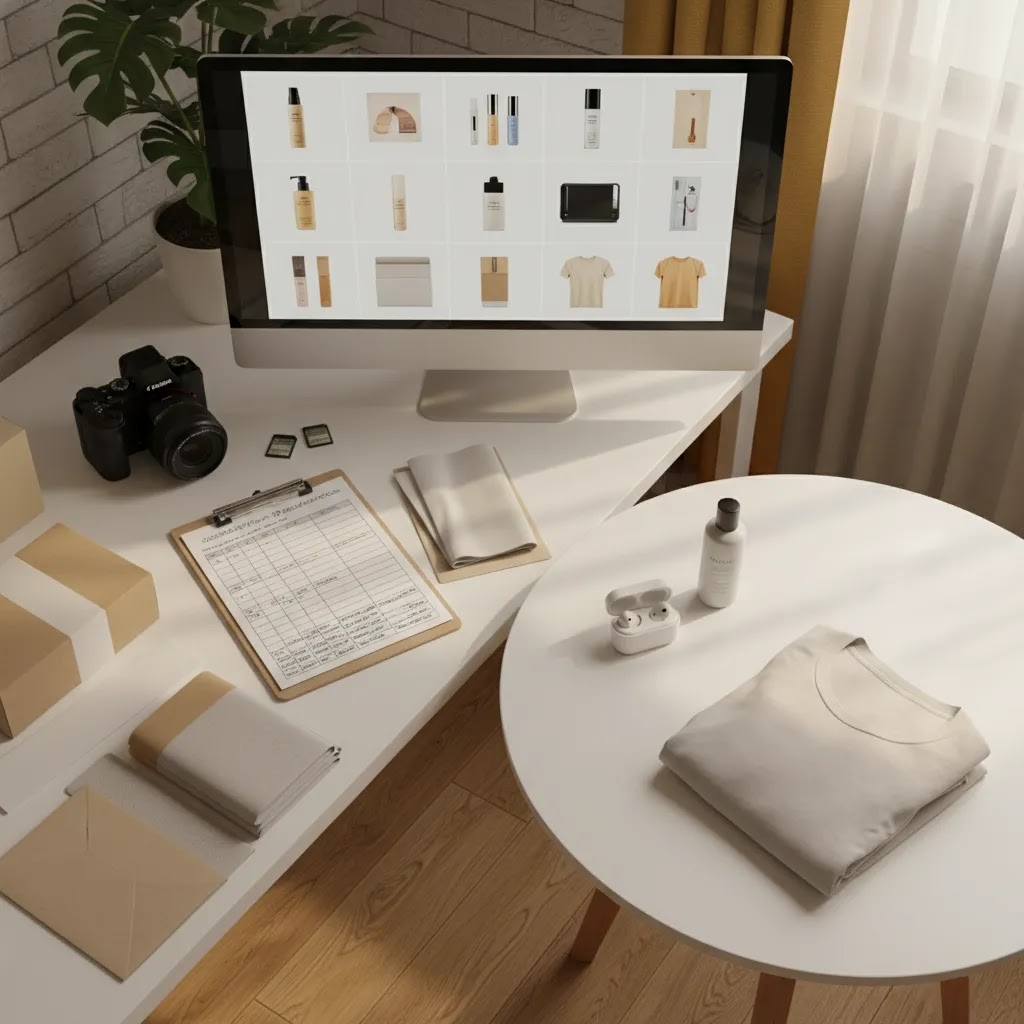
When you evaluate 3 to 5 options, use a consistency checklist. Look at whether their product sets match across multiple SKUs, not just the hero shots. Pay attention to lighting continuity, white balance, and how they handle shadows. For reflective packaging, check whether highlights are controlled consistently across a range, not edited differently image to image. For apparel, zoom into fabric texture and edges, and look for a consistent approach to wrinkle cleanup and seam definition. Also check cropping rules: do products sit at the same scale in-frame, do they maintain a consistent horizon line, and do flat lays follow a repeatable angle and spacing?
Now, when it comes to proofing, ask what the approval process looks like before retouching is finalized. A solid workflow usually includes contact sheets or a first-round gallery of selects where you can approve angles and choose finals without paying for unnecessary retouching. Confirm how many revision rounds are included and what counts as a revision. Color tweaks and minor cleanup are often treated differently from changing the shot list, reshooting a missing angle, or swapping products. You want clarity on what triggers a paid reshoot versus an included correction, especially if you are on a tight timeline.
Also validate “Shopify-ready” delivery before you commit. Ask how files will be named and grouped. SKU-based naming matters when you are uploading hundreds of images, and it matters even more when you have variants. Confirm that variants will be grouped correctly, and that the studio can separate colorways and sizes so you do not end up with the wrong shade on the wrong product page. If your theme uses specific image ratios for collection tiles, ask the studio to confirm they can deliver crops that match your theme’s layouts. The goal is to avoid spending internal time renaming, re-cropping, and reordering images after the shoot, because that is where launch schedules often slip.
Who It's Best For
Los Angeles ecommerce photography is a strong fit for brands that need more than simple packshots. If you run an apparel, jewelry, beauty, wellness, or lifestyle store and want both conversion-focused product images and brand-building creative, the city offers deep specialist talent.
It is especially well suited to merchants launching premium collections, preparing seasonal campaigns, or needing clothing photography Los Angeles support with models, stylists, and ghost mannequin options. It may be less suitable for very early-stage stores with tiny catalogs and tight cash flow, where a lighter production setup or hybrid workflow can make more financial sense.
If your store is already investing in paid traffic, email, and product page optimization, better photography can strengthen those channels. If you are still validating demand, start with a smaller shot list and test what image formats your audience responds to.
How to Get Started
First, list the image types you need by sales function, not by creative preference. Separate product page essentials, marketplace requirements, ad creatives, email banners, and social content. That prevents overbuying photography you will not use right away.
Second, prepare a clean shoot brief. Include SKU counts, preferred aspect ratios, reference examples, your Shopify theme image dimensions, and any needs for flat lay photography Los Angeles, ghost mannequin photography Los Angeles, or beauty texture shots. If your team has never briefed a photographer before, our E Commerce Product Photography hub can help you structure the process.
Third, ask for a test batch or sample set before committing to a large catalog. This is one of the safest ways to evaluate consistency, turnaround, and retouching quality. You can then review how those files look on actual collection pages and product pages before expanding the engagement.
Fourth, define your workflow after delivery. Decide who uploads images, how alt text will be handled, how variants will be ordered, and whether older assets should be retired. That operational step is often where value is won or lost for a lean ecommerce team.
Shipping, Handling, and Inventory Control (If You Are Not Local)
If you are not in Los Angeles, you can still work with a LA studio effectively, but you need a tighter operational process. What many store owners overlook is that shipping and intake can add days to a project, and missing variants can force reshoots that are avoidable with simple controls.
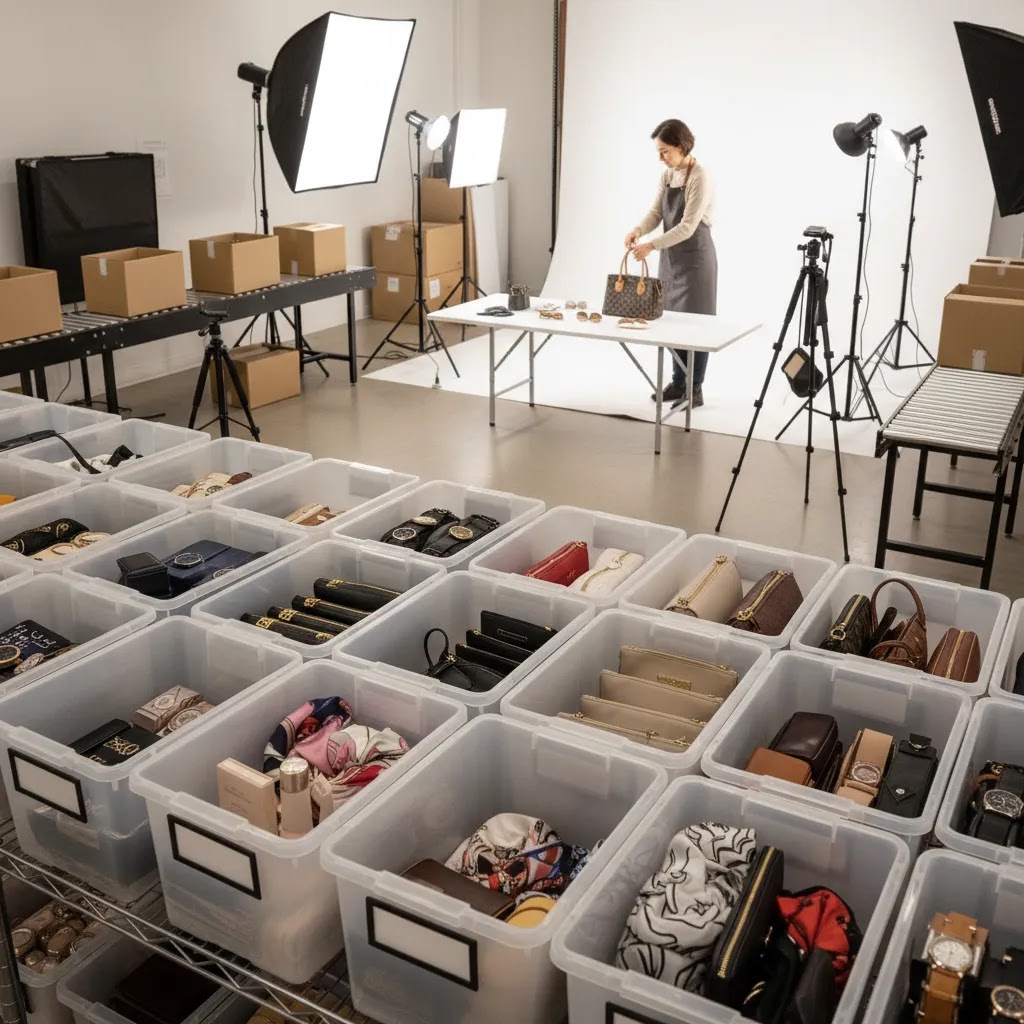
When you ship products, label everything in a way that maps back to how you run the store. Put the SKU and variant details on each item or polybag, not just on the outer box. If you have multiple colorways, sizes, or bundles, separate them clearly. Include a printed shot list in the box that ties every product to its SKU and variants, and list the required angles per SKU. This sounds basic, but it is how you prevent “we photographed the wrong size” or “we missed the matte black version” problems that derail small Shopify teams.
Ask the studio what their check-in process looks like. A professional ecommerce workflow usually includes a receiving step, a count against your packing list, and condition photos on arrival, especially for items that can scuff, leak, or crease. Also confirm where items will be stored during staging, and how returns are handled after the shoot. Return shipping expectations should be agreed upfront, including packaging standards, carriers, insurance, and whether the studio ships everything back in one batch or as sections are completed.
Build timelines that account for receiving and staging, not just shoot day and retouching. In many cases, the bottleneck is not the photography, it is the operational gaps: untagged samples, missing accessories, products sent without the correct inserts, or variants that were never pulled from your warehouse. If you want a simple intake checklist, focus on three things: confirm counts by SKU and variant, confirm condition with photos, and confirm the shot list matches what physically arrived before the studio starts shooting.
Pros and Cons
Strengths
- Los Angeles offers broad specialization, including fashion, beauty, lifestyle, flat lay, ghost mannequin, and campaign photography.
- Strong local talent pool makes it easier to find studios that understand brand-sensitive visual standards.
- A local shoot can give your Shopify store more original assets than relying only on supplier photography.
- Studios in this market are often well equipped for multi-asset production, including catalog shots plus social and ad creative.
- Location access and creative support can be especially valuable for apparel and beauty brands that need premium lifestyle visuals.
Considerations
- Product photography pricing Los Angeles can rise quickly once models, stylists, props, studio rental, and retouching are added.
- Not every photographer with a strong portfolio understands ecommerce file specs, SKU consistency, or Shopify merchandising needs.
- Shipping products, approving proofs, and managing revisions may take longer than expected if your process is not documented.
- Very small stores may not see enough immediate return from high-end production if traffic volume is still low.
Frequently Asked Questions
How much does ecommerce product photography cost in Los Angeles?
It depends on your shot list, product type, and production complexity. A simple white background catalog project is usually priced differently from lifestyle or model-based work. Ask for line-item pricing that separates shooting, retouching, and add-ons so you can compare quotes accurately.
Is Los Angeles a good city for clothing photography?
Yes, especially for fashion brands that need on-model, flat lay, ghost mannequin, or campaign content. Los Angeles has strong creative infrastructure for apparel shoots. The key is choosing a team with ecommerce experience, not just editorial fashion credentials, so your images also work on Shopify product pages.
Do I need a full studio, or can I use a hybrid workflow?
A hybrid workflow is often the smarter option for growing stores. Use professional photography for core product assets and higher-value campaigns, then support smaller launches or tests with digital tools and templated creative. This can keep costs more aligned with your current catalog size and sales stage.
What should I ask a product photography studio in Los Angeles before hiring?
Ask about SKU naming, number of included revisions, retouching standards, turnaround time, sample approvals, experience with your product type, and how files are delivered for ecommerce use. If they cannot explain their workflow clearly, that is usually a warning sign for operational fit.
How long does product photography take in Los Angeles (typical turnaround times)?
Turnaround depends on how many SKUs you are shooting, whether you need models or complex styling, and how heavy the retouching is. Many studios can deliver a first proofing gallery relatively quickly once products are checked in, then final retouched images follow after you approve selects. From a practical standpoint, ask for a timeline that includes receiving, staging, shooting, proofing, revision rounds, and final export, not just a single delivery date.
Do I need to be on set for an ecommerce product photoshoot, or can I ship products?
You can usually ship products and run the shoot remotely, especially for white background catalog work. Remote shoots tend to work best when you provide a SKU-based shot list, reference images, and clear crop rules. If you have strict color requirements or fine details that matter, some brands choose to attend the first shoot day or schedule a live review of proofs, but it is not always required.
What is included in product photo retouching, and how many revisions are typical?
Retouching varies by studio. Basic retouching often includes background cleanup, minor dust removal, and general color correction. More advanced retouching may include reflection control, label reconstruction, fabric cleanup, ghost mannequin compositing, or precise shade matching across variants. Revision policies also vary, so confirm how many rounds are included and what counts as a revision versus a paid change, such as new angles or reshooting missing products.
Who owns the photos, and do I get commercial usage rights for ads and my website?
Ownership and usage rights depend on the agreement. Some studios grant broad commercial usage for your website, email, and paid ads, while others separate web usage from paid advertising, print, or extended-term licensing. If your plan includes Meta ads or Google Ads, confirm that paid advertising usage is included for the channels and time period you need, and ask about model releases if people appear in the images.
Can better product photos improve Shopify conversions?
They can, especially when they reduce uncertainty about size, texture, color, and quality. Results vary by traffic volume, niche, pricing, and the rest of your product page. Photography works best when paired with clear copy, strong offers, and a clean merchandising setup.
Should beauty brands in Los Angeles hire a specialist photographer?
Usually, yes. Beauty packaging, reflective surfaces, texture photography, and shade accuracy require specific lighting and retouching skills. A specialist may cost more, but for skincare, cosmetics, and fragrance brands, the quality difference can be meaningful for both paid media and onsite conversion.
When does it make sense to delay a premium photography investment?
If your store has very low traffic, an unproven offer, or a fast-changing catalog, it may be better to start smaller. Focus on clean essentials first, then expand into premium lifestyle production once your products and merchandising are more stable.
Key Takeaways
- Choose a Los Angeles ecommerce photography partner based on ecommerce execution, not portfolio style alone.
- Prioritize product page essentials before adding lifestyle or campaign creative.
- Request itemized quotes so you can compare real costs, especially retouching and add-ons.
- Test a small batch first to confirm quality, workflow fit, and Shopify readiness.
- For many stores, the best setup is a hybrid of professional shoots and lighter supporting asset tools.
Conclusion
If you need ecommerce photography Los Angeles support, the market gives you plenty of strong options, especially for apparel, beauty, and lifestyle-led brands. The right choice depends less on who has the flashiest portfolio and more on who can deliver consistent, conversion-friendly assets your team can actually use inside Shopify. For most merchants, the practical move is to define your must-have image set, request a tightly scoped quote, and test one batch before expanding. If your current photography process feels inconsistent, slow, or too expensive, that is a sign to tighten the workflow now. Start with the image types that directly support sales, then build outward as your catalog and traffic grow.
Disclosure: AcquireConvert may receive affiliate compensation from some third-party links, where applicable. This article is for informational purposes only and does not guarantee results. Photography performance may vary based on your store's traffic, niche, product quality, merchandising, and implementation.

Hi, I'm Giles Thomas.
Founder of AcquireConvert, the place where ecommerce entrepreneurs & marketers go to learn growth. I'm also the founder of Shopify agency Whole Design Studios.