Online Storefront Photography (2026 Guide)

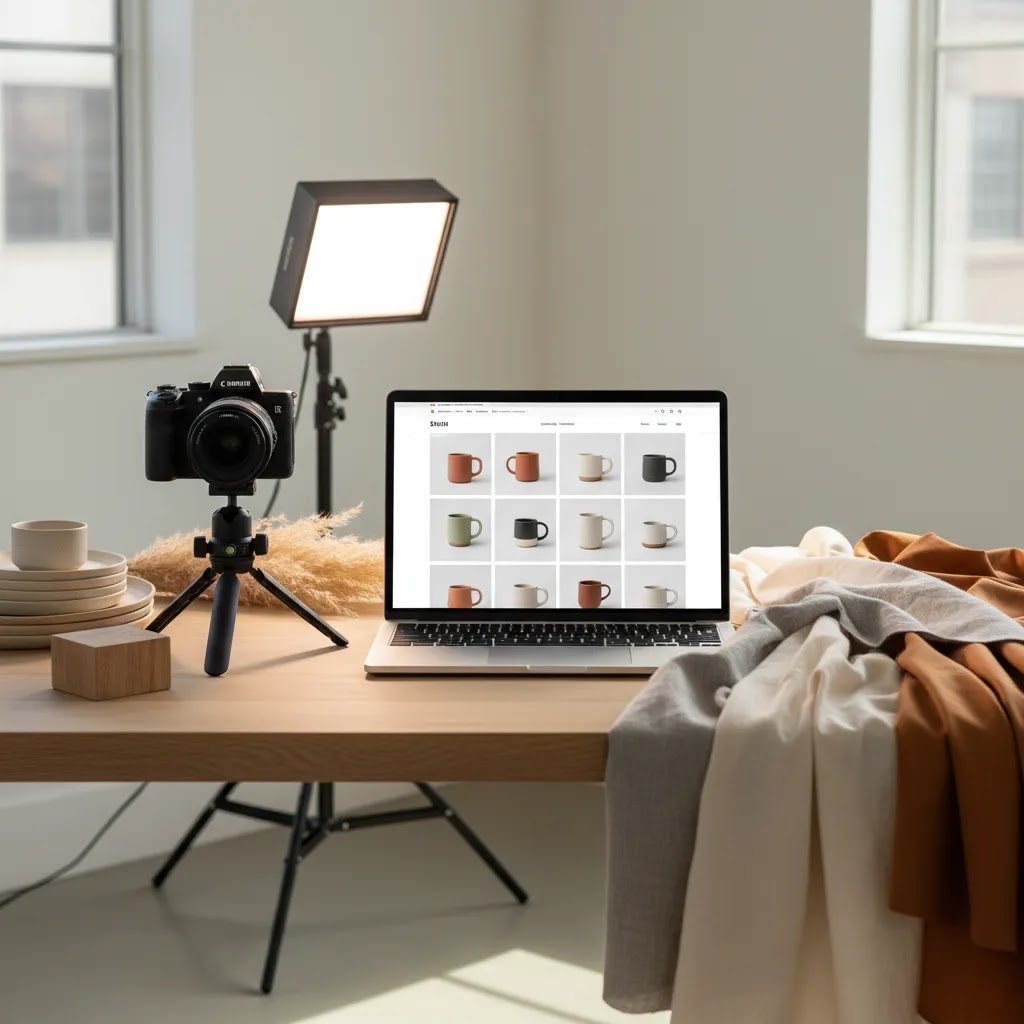
If your store gets traffic but shoppers still hesitate, your visuals may be part of the problem. Online storefront photography is not just about making products look polished. It is about helping visitors feel confident enough to buy. Strong images communicate product quality, fit, scale, finish, and brand consistency in the first few seconds of a session. For Shopify merchants especially, this matters across collection pages, product pages, ads, and email campaigns. If you are comparing visual workflows, editing tools, or production options, start with a broader view of ecommerce tools that support merchandising and conversion. In this guide, you will see what builds trust, where AI editing fits, when professional help is worth paying for, and how to choose an approach that matches your store stage.
Contents
- What online storefront photography really does
- Key features that build trust
- Online storefront photography services vs DIY (and when to outsource)
- Pros and Cons
- Who this approach is for
- Online storefront photography for photographers selling prints
- AcquireConvert recommendation
- How to choose the right setup
- Online photo gallery and storefront experience (proofing, sharing, and presentation standards)
- Frequently Asked Questions
- Key Takeaways
- Conclusion
What online storefront photography really does
Online storefront photography sits at the point where merchandising and conversion meet. A shopper cannot touch your product, test the material, or ask a store associate for reassurance. Your images need to do that work.
For most ecommerce stores, trust comes from consistency more than creativity alone. Clean angles, true-to-life colors, reliable background treatment, and enough context to show scale all help reduce hesitation. This is especially important for apparel, cosmetics, home goods, and gifting products where finish and perceived quality affect buying decisions.
Good photography also supports the rest of your funnel. Better visuals can improve click-through from ads, strengthen product page comprehension, and make collections feel more curated. If you want the wider conversion context, this guide on how product photos increase conversion rate is worth reading alongside this article.
Store owners usually end up choosing between three routes: shoot everything in-house, use AI-assisted editing to improve existing assets, or hire a specialist. The right option depends on catalog size, margin structure, refresh frequency, and how much brand control you need.
Key features that build trust
When evaluating your current visual setup, focus on practical trust signals rather than surface polish. Shoppers notice whether your store feels dependable long before they read your returns policy.
- Consistent backgrounds: White or clean neutral backgrounds are often best for marketplaces, comparison shopping, and catalog clarity. Lifestyle scenes can work well for branding, but they should support, not replace, straightforward product shots.
- Accurate product representation: Color, texture, material, and shape should match what the customer receives. Over-editing may make products look attractive in the short term but can create disappointment and returns.
- Multiple context angles: Front, side, detail, scale, and in-use images help customers self-qualify. This matters a lot for apparel, accessories, and small items that are hard to size mentally from one shot.
- Clean editing workflow: Tools such as AI Background Generator, Free White Background Generator, and Increase Image Resolution can help standardize images, especially when merchants are working with mixed source files.
- Merchandising flexibility: If you test seasonal campaigns, bundles, or new layouts often, a workflow that includes mockups and fast editing matters. A useful next read here is this guide to choosing a mockup generator for faster creative production.
For many growth-stage stores, trust-building photography is less about getting one hero shot right and more about producing a repeatable system. That can include template-driven lighting, standard crops, approved background styles, and a clear file naming structure for Shopify product media.
Online storefront photography services vs DIY (and when to outsource)
Here is the thing, most Shopify store owners are not really choosing between “AI” and “no AI.” You are choosing between three operating models, and each one fails in a different way if you pick it too early or too late.
DIY in-house: You shoot and edit internally, using your own setup and a repeatable checklist. This can work well when your catalog is small, products are straightforward to photograph, and you have someone on the team who can own the workflow week after week.
AI-assisted editing (hybrid): You still capture source photos, but you use AI tools to remove repetitive work, especially background cleanup, standard crops, and resolution enhancement. In practice, this tends to be the sweet spot for many lean teams, as long as you keep a human review step for accuracy and consistency before publishing.
Managed photography service: A provider handles the production, which may include shooting, retouching, file delivery, and keeping your imagery consistent across new drops. This is less about “better photos” and more about getting reliable, on-brand output without it consuming your team’s time.
From a practical standpoint, the trigger to outsource is usually not that you want fancier pictures. It is that your current system is slowing growth or introducing inconsistency that hurts conversion. A few common triggers:
- Your catalog is growing and you cannot keep up with editing, naming, and publishing to Shopify.
- Your products are visually difficult, for example reflective surfaces, glass, jewelry, black-on-black materials, or apparel that needs fit and drape shown correctly.
- You run paid traffic and your ads are performing, but the product page feels like a weak handoff because images do not answer basic questions.
- You have multiple people producing assets, and the store is starting to look like a mix of styles instead of one brand system.
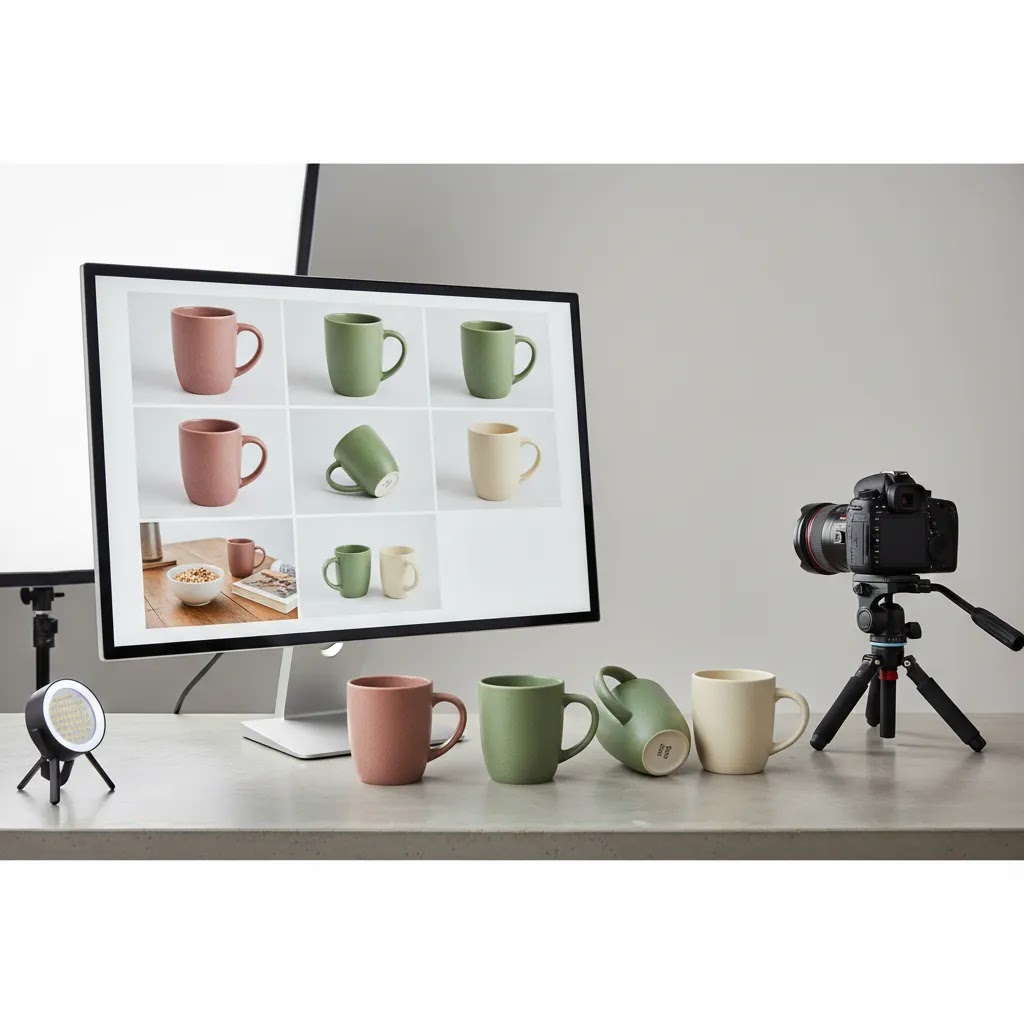
What many store owners overlook is the hidden cost of inconsistent imagery. If collection thumbnails vary in crop and brightness, your catalog can feel messy, even if each individual photo is “fine.” That messiness often shows up as lower click-through from collection pages, weaker add-to-cart, and more pre-purchase hesitation. Those issues get more expensive the moment you scale acquisition.
If you are evaluating a photography provider, treat it like any other production partner. Ask questions that protect consistency and prevent rework later:
- What is the shot list and who owns it? You want a defined set of angles and details per product, and you want the ability to reuse that standard across future launches.
- Do they work from a style guide? Lighting, background, crop rules, and retouching standards should be documented so your next batch matches your last batch.
- How do they handle revisions? Clarify what counts as a revision, how many rounds you get, and how feedback is collected, especially if you have multiple stakeholders.
- What is the expected turnaround? Timing matters if you have inventory arrival dates, launch calendars, or paid campaigns scheduled.
- How will files be delivered for Shopify? Confirm naming conventions, aspect ratio expectations, and whether images arrive web-ready or need another processing step.
- How do they maintain consistency across new drops? The long-term win is a system you can extend as your catalog evolves, not a one-off batch that looks great in isolation.
If you are unsure whether you need a studio partner or a specialist who understands ecommerce merchandising, it may help to compare what you actually need against the role of an ecommerce product photographer versus a general photographer. Ecommerce photography is usually more system-driven, because it has to perform across grids, PDP galleries, ads, and shopping placements.
Pros and Cons
Strengths
- Builds first-impression credibility quickly on collection and product pages.
- Helps reduce uncertainty by showing product detail, scale, and use context.
- Supports stronger merchandising across ads, email, landing pages, and social campaigns.
- Creates visual consistency that makes a smaller store look more established.
- AI editing tools may speed up background cleanup, white background creation, and resolution enhancement for lean teams.
- Works well with Shopify storefronts where image presentation often shapes mobile buying behavior.
Considerations
- High-trust photography takes planning, not just a good camera or editor.
- AI-assisted visuals can save time, but they still need human review for realism and product accuracy.
- Hiring professionals improves quality for many brands, but costs and timelines may be harder for newer stores to manage.
- Too much creative styling can distract from product clarity, especially on core catalog pages.
Who this approach is for
Online storefront photography matters most for store owners who sell products where look and finish influence purchase confidence. That includes fashion, skincare, homeware, gifts, accessories, and premium everyday goods. It is especially relevant if you are already getting traffic but your conversion rate, add-to-cart rate, or product page engagement feels weaker than it should.
If you run a Shopify store and manage merchandising yourself, this is one of the highest-leverage areas to tighten before spending more on acquisition. If your catalog changes frequently, AI-supported editing may help. If your brand sells on premium positioning, a dedicated ecommerce product photographer may be the better fit.
Online storefront photography for photographers selling prints
Consider this, for some businesses, the “product” is the photograph itself. If you are a photographer selling prints, digital downloads, albums, or wall art, online storefront photography still matters, but the conversion job is slightly different.
Instead of proving physical build quality and finish of a single SKU, you are helping a buyer feel confident about what they are purchasing in terms of image content, print format, and how it will look on a wall or in an album. Your storefront visuals are less about “clean white background” and more about presentation, curation, and clarity around options.
What tends to matter most for conversion
For photographers, shoppers are often deciding between pieces, not just deciding whether to trust the store. That means your storefront needs to reduce decision friction around formats and framing, while still protecting your work.
- Preview sizing and cropping consistency: A consistent aspect ratio across collection grids helps the store feel curated. If every thumbnail crops differently, the browsing experience can feel chaotic and it becomes harder to compare images.
- Watermarking decisions: Light watermarking may reduce casual theft, but heavy watermarking can also reduce perceived quality. Many stores keep the preview protected while ensuring it is still pleasant to browse. The right balance depends on your audience and how you deliver finals.
- Format clarity: If you sell multiple print sizes, paper types, framing options, or canvases, make those choices visual. Shoppers convert faster when they can see what “12x18” or “framed” means, not just read it.
- Mockups that show context: Wall art is hard to imagine at scale. A simple set of consistent room mockups can do a lot of heavy lifting, as long as the mockups stay realistic and do not distort the artwork.
Fulfillment and customer experience visuals
The way this works in practice is that you also need visuals that explain the customer experience, not only the artwork itself. If shoppers are buying a premium print, they will want to know what arrives and how it is protected.
- Packaging previews: A few photos of packaging and unboxing can reduce anxiety around damage in transit, especially for larger prints.
- Proofing galleries for client work: If you do portrait sessions, weddings, or brand shoots, a proofing-style gallery can be part of the sales flow. The key is to keep the proofing experience separate from your public storefront browsing so customers do not confuse “proof” images with finished products.
- Consistency across collections: A curated storefront usually wins. Group work into clear collections, keep thumbnail treatment consistent, and avoid mixing completely different editing styles in the same grid unless that is part of your brand positioning.
If you are building this on Shopify, the same fundamentals still apply: your images have to load fast, look great on mobile, and make the buying decision feel straightforward. You are just applying those fundamentals to prints and downloads rather than a physical product catalog.
AcquireConvert recommendation
At AcquireConvert, the practical question is not whether visuals matter. It is which visual workflow makes sense for your store stage, margins, and team capacity. Giles Thomas brings the perspective of a Shopify Partner and Google Expert, which matters because product imagery affects both storefront conversion and acquisition performance. Strong product images can influence how shoppers respond across Shopify product pages, paid campaigns, and shopping feeds.
If you are evaluating options, compare your current setup against the broader e commerce product photography resources on AcquireConvert. Then review whether you need a DIY workflow, a specialized product photography studio, or a hybrid approach that combines AI editing with professional source photography. For merchants who need fast cleanup or testing support, ProductAI tools such as Magic Photo Editor and Creator Studio may be useful starting points. The best choice is the one that helps you publish credible visuals consistently, not the one with the most features.
How to choose the right setup
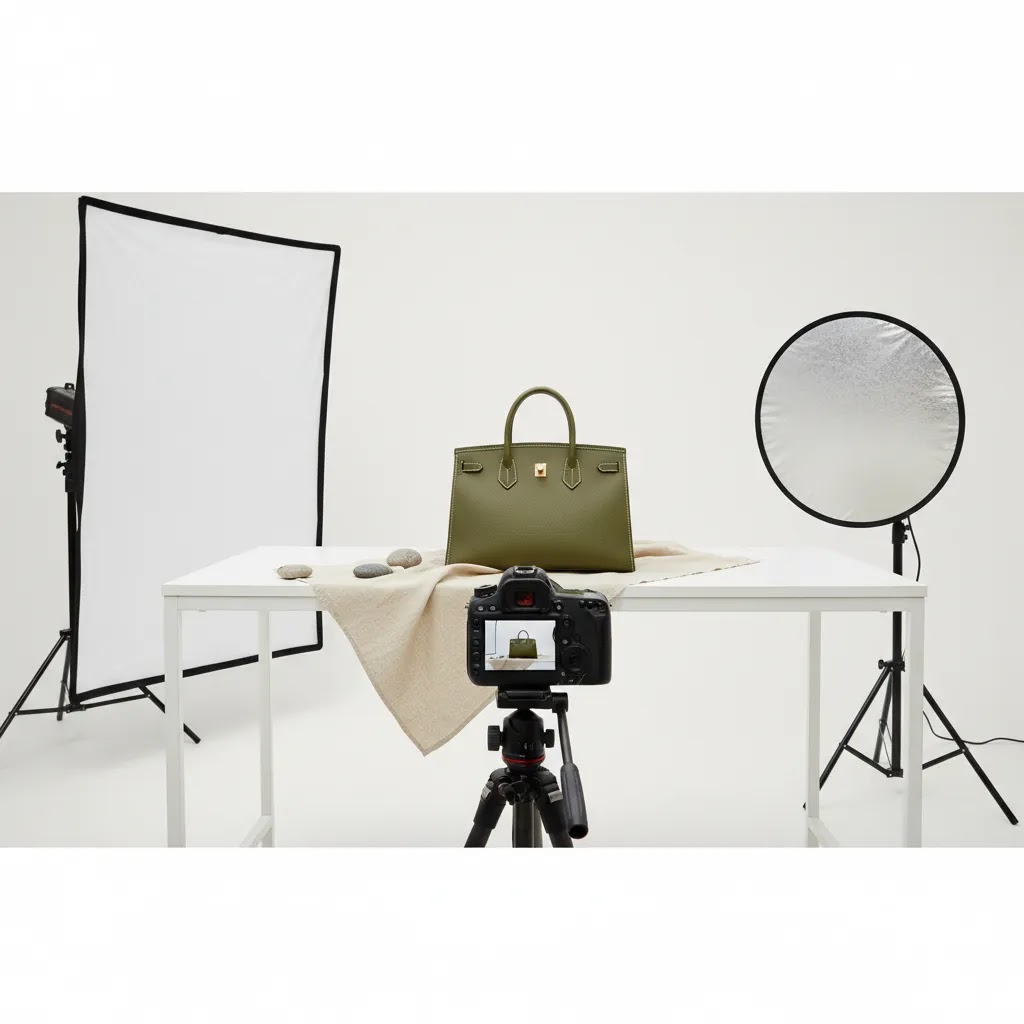
If you are deciding how to improve online store photography, use these criteria to avoid wasting time on the wrong workflow.
1. Start with your catalog complexity
A store with 20 evergreen SKUs has very different needs from a store with 500 fast-changing variants. Smaller catalogs can justify more manual refinement or professional shoots. Larger catalogs usually need standardization first, then selective premium imagery for bestsellers.
2. Match image quality to your price point
If you sell premium products, inconsistent or obviously edited images can undermine trust fast. Customers paying higher AOVs usually expect detail shots, close-ups, and cohesive brand presentation. Lower-priced commodity products may still convert with simpler photography if clarity is strong.
3. Be honest about your production capacity
Many merchants overestimate how much ongoing photography they can manage in-house. Shooting is only one part. You also need file organization, cropping, retouching, alt text, publishing, and QA across desktop and mobile. If that workload is already slipping, outside support or a more structured editing workflow may make more sense than another internal tool.
4. Use AI where it removes repetitive work
AI can be useful for background cleanup, white background creation, scene testing, and resolution enhancement. It is less useful when source photography is poor, lighting is inconsistent, or product shape is hard to preserve accurately. Treat AI as an assistant to your merchandising process, not a replacement for judgment.
5. Optimize for trust before creativity
Many stores chase visual flair before they have nailed clarity. A plain, accurate image set usually outperforms a visually clever one that leaves questions unanswered. Start with the essentials. Show the item clearly, represent it honestly, and make your catalog feel consistent. Then layer in lifestyle or campaign imagery where it helps the buying decision.
If you are still unsure where the gaps are, review your current image process against the fundamentals in product photography fundamentals. That will usually show whether your next move should be better source photography, better editing, or a better publishing workflow.
Online photo gallery and storefront experience (proofing, sharing, and presentation standards)
Now, when it comes to photographers, client work, and even some curated product brands, a gallery-style experience can be the right UX. The reality is that a traditional ecommerce grid works best when shoppers are comparing SKUs that look similar. A gallery works best when shoppers are browsing a body of work, selecting favorites, or proofing a set before they decide what to buy.
This matters because an online photo gallery and an ecommerce storefront are not the same thing. A storefront is built for transactions and variant selection. A gallery is built for browsing, favoriting, sharing, and sometimes proofing. Some Shopify stores use a gallery-like structure for discovery, then route shoppers into product pages for prints, downloads, or collections.
Presentation standards you can implement quickly
Think of it this way, your storefront has a browsing rhythm. If images break that rhythm, people bounce. A few simple standards tend to make the biggest difference.
- Consistent aspect ratios in grids: Pick a primary thumbnail ratio for collection pages and stick to it. This reduces visual noise and makes the store feel intentional.
- Thumbnail cropping strategy: Decide where the crop “anchors.” For example, keep the product centered, or keep faces at the top third. Inconsistent cropping can make even good photos feel sloppy.
- Group images into sets or collections: For photographers, that might be an event, a session, or a themed collection. For brands, it might be a lookbook set. The goal is to help customers browse without feeling lost.
- Make variants obvious: If customers can buy a download, a small print, and a framed print, those should be clearly presented as purchasable formats, not hidden behind confusing dropdowns without context.
Operational details that prevent customer confusion
What many store owners overlook is that galleries introduce operational expectations. Customers will assume certain behaviors based on what they have seen elsewhere.
- Permissions and access: Proofing galleries typically need controlled access, especially for client work. If you are mixing public browsing with private delivery, be clear about what is public, what is private, and what is included in a purchase.
- Digital delivery expectations: If you sell digital downloads, customers will expect a clean post-purchase delivery experience. Make sure the difference between a “preview” image and the purchased file is clear in both the listing and the delivery messaging.
- Preview versus final quality: If previews are lower resolution or watermarked, set that expectation before checkout. This can reduce support tickets and prevent refund requests from customers who thought they were buying what they saw on screen.
For most Shopify store owners, the goal is not to build a complex experience. It is to make browsing feel consistent and to make the buying path obvious, whether the customer is purchasing a physical product, a print, or a digital file.
Frequently Asked Questions
What is online storefront photography?
Online storefront photography is the set of product and brand images used across your ecommerce storefront, especially on collection pages, product pages, homepage features, and promotional placements. Its job is to help shoppers understand what you sell and feel confident in the quality and legitimacy of your store.
Does online storefront photography really affect trust?
Yes, in many cases it does. Shoppers often judge credibility before reading copy in detail. If your product images are inconsistent, low resolution, or unclear, visitors may question product quality or store reliability. Strong visuals will not solve every conversion problem, but they often remove a major source of hesitation.
Should I use white background or lifestyle images?
Most stores need both. White background images are useful for clarity, catalog browsing, and product comparison. Lifestyle images help shoppers picture the product in use. The better approach is usually to lead with clear product-first imagery and then add context shots that support the buying decision.
Can AI tools help with product photography online?
They can help with specific tasks. For example, AI tools may assist with background generation, white background cleanup, and resolution enhancement. They work best when your source image is already decent. They are less reliable if the original photo has poor lighting, inaccurate color, or unclear product edges.
When should I hire a professional photographer?
If your brand depends on premium presentation, you have a larger catalog, or your current images are limiting conversions, hiring a professional can be worthwhile. This is often the right move for hero products, launch campaigns, and brands with strong visual positioning. It may also help if internal production is slowing your team down.
What makes product images feel more trustworthy?
Consistency, realism, and completeness matter most. Show multiple angles, maintain accurate color, keep backgrounds clean, and include close detail where texture or finish matters. Trust tends to grow when customers can answer their own questions from the images without guessing what the product will look like in real life.
How many images should a product page have?
There is no single perfect number, but most ecommerce products benefit from more than one image. A practical baseline is a hero shot, one or two alternate angles, a detail image, and at least one context or scale image where relevant. Complex products may need more to reduce uncertainty.
Can I improve trust without a full reshoot?
Often, yes. If the source images are usable, editing improvements such as background cleanup, standard cropping, sharper resolution, and more consistent sizing can make a noticeable difference. You can also improve trust by reordering galleries so your clearest, most informative images appear first.
What should Shopify store owners check first?
Start with your top-selling products and mobile product pages. Check whether images load clearly, show enough detail, and stay consistent across variants. Then review collection page thumbnails because those often shape click behavior. For Shopify merchants, improvements here can support both merchandising and conversion without a full redesign.
What is the best online gallery for photographers to sell prints?
The best option depends on how you sell. If you want a full ecommerce storefront with strong merchandising, Shopify can work well, especially when you structure collections cleanly and make print options clear. If your business is built around client proofing and controlled access, a gallery-first workflow may be a better fit, then you connect it to purchasing. In either case, prioritize a clean browsing experience, clear sizing and format options, and a reliable delivery or fulfillment process.
How do I sell digital photo downloads from an online storefront?
On Shopify, digital downloads typically work best when the product page makes three things obvious: what the customer is buying (file type and intended use), what they will receive after purchase (delivery method and timing), and what the preview represents (for example, watermarked or lower resolution). Keep the product images and description aligned so customers do not confuse preview files with the final download.
What is the difference between an online photo gallery and an ecommerce storefront?
An online photo gallery is designed for browsing, sharing, selecting favorites, and sometimes proofing. An ecommerce storefront is designed for transactions, including variant selection, add-to-cart flow, and checkout. Some stores combine both ideas by using gallery-like collections for discovery, then routing customers to product pages where prints, downloads, or formats are purchased.
Can I automate print fulfillment from my online photo store?
In many cases, yes, but it depends on your print partner and how your products are set up. Automation is usually easiest when your product variants map cleanly to print sizes, paper types, and framing options, and when your order data includes everything the lab needs. You still want a quality control step, especially early on, because color, crop, and print expectations can vary and customer complaints are costly to fix after the fact.
Key Takeaways
- Online storefront photography builds trust by reducing uncertainty and making products easier to evaluate.
- Consistency usually matters more than visual flair on core ecommerce pages.
- AI editing can help with repetitive production tasks, but it still needs human review.
- Professional photography is often worth considering for premium brands, hero SKUs, and larger catalogs.
- Start by improving your highest-traffic and highest-revenue product pages first.
Conclusion
Good online storefront photography earns trust before your copy, pricing, or reviews have a chance to do their job. For ecommerce store owners, that makes it a commercial decision, not just a branding one. The strongest approach is usually the most repeatable one: clear source photography, consistent editing, and galleries built to answer shopper questions fast. If you want a practical next step, explore AcquireConvert’s related guides on ecommerce product photographer options, mockup workflows, and conversion-focused image strategy. AcquireConvert reflects practitioner-led guidance shaped by Giles Thomas’s experience as a Shopify Partner and Google Expert, so you can compare options side by side and choose a setup that fits your store, your team, and your growth stage.
This article is editorial content for informational purposes only and is not a guarantee of results. Any product features or availability mentioned are based on current source data and may change. Pricing, where applicable, should be verified directly with the provider before making a purchase decision. External tools referenced are not presented as paid endorsements unless explicitly stated.

Hi, I'm Giles Thomas.
Founder of AcquireConvert, the place where ecommerce entrepreneurs & marketers go to learn growth. I'm also the founder of Shopify agency Whole Design Studios.