Best Camera for Product Photography (2026 Guide)

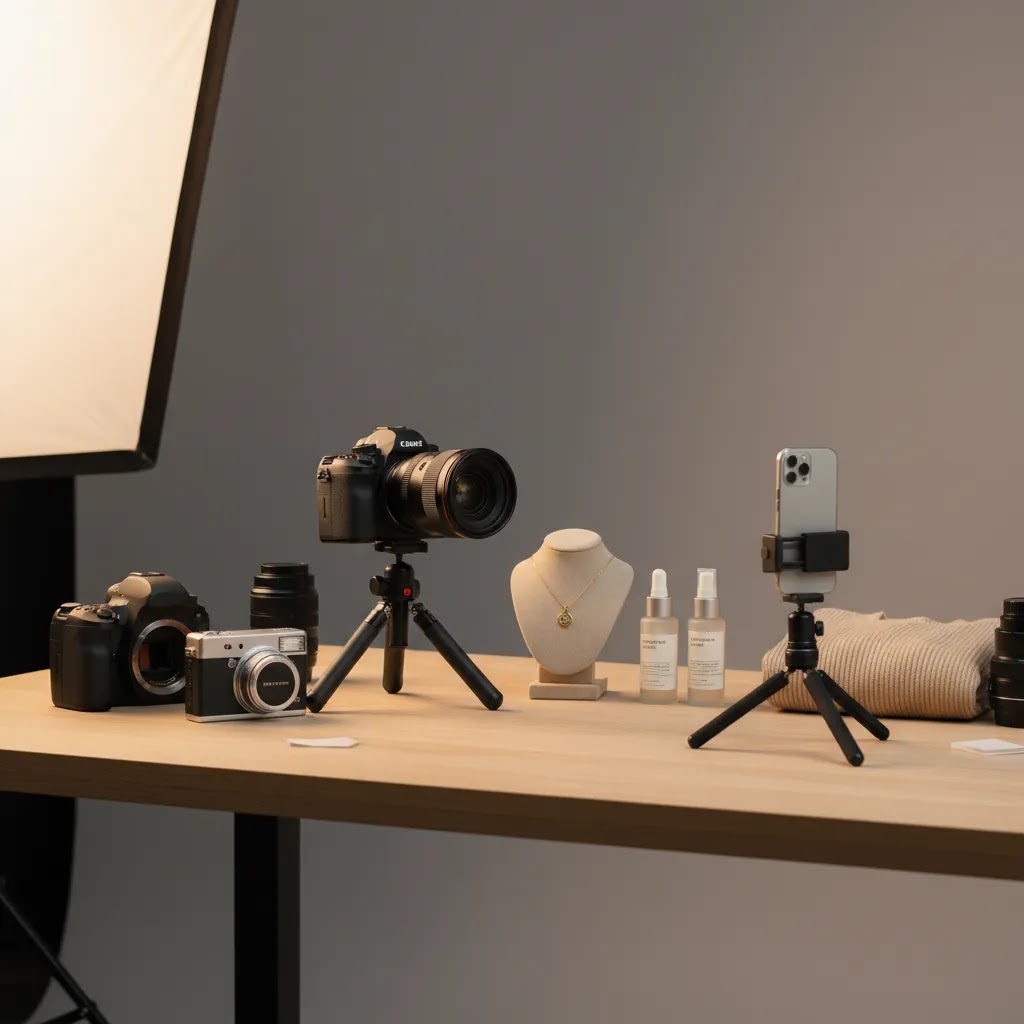
If you run an ecommerce store, choosing the best camera for product photography is really about choosing the right system for your catalog, workflow, and margin. A luxury jewelry brand, a Shopify apparel store, and a seller listing home goods on multiple channels will not need the same setup. In many cases, the smartest decision is not the most expensive camera. It is the one that helps you shoot consistently, match your brand style, and produce images that convert across product pages, ads, and marketplaces. If you are still getting your foundations in place, start with this guide to product photography. Then use this article to narrow down what camera type, supporting gear, and editing workflow make the most sense for your store.
Contents
- How to think about the best camera for product photography
- What matters most in a product photography camera
- Best camera types for product photography (mirrorless vs dslr vs compact vs smartphone)
- Pros and Cons
- How to choose, a simple specs checklist (so you do not overbuy)
- Who this buying approach is for
- AcquireConvert recommendation
- How we would test a camera for product photography (what to check before you commit)
- How to choose the right setup
- Frequently Asked Questions
- Key Takeaways
- Conclusion
How to Think About the Best Camera for Product Photography
There is no single best camera for every ecommerce business. What matters is how well the camera fits your products, shooting environment, and publishing requirements. For most store owners, your first question should be whether you need a dedicated interchangeable-lens camera at all, or whether a modern smartphone plus better lighting and editing would get you where you need to go.
If you sell small products with detail, reflective packaging, or premium items where texture matters, a dedicated camera often gives you more control over depth, sharpness, and lens choice. If you sell fast-moving SKUs and need content for social, Shopify product pages, and email creatives, a high-end smartphone may be enough if paired with a clean backdrop and proper lights.
The broader setup matters just as much as the camera body. Your lens, tripod, lighting, background, and edit process usually have a larger impact on consistency than brand choice alone. That is also why merchants comparing equipment should factor in studio costs and production models. If you are weighing in-house creation against outsourcing, this article on product photography pricing nyc gives useful context on what professional production can cost.
What Matters Most in a Product Photography Camera
Resolution matters, but only up to a point. Most ecommerce stores do not need extreme megapixel counts. You need enough resolution for product page zoom, cropping, and occasional ad creative variations. For many merchants, 20MP to 30MP is already plenty.
Lens compatibility is often more important than the camera body. A solid macro lens or a standard prime lens can make a much bigger difference for product detail than paying extra for a premium body. If you shoot cosmetics, jewelry, or small accessories, lens choice can define the result.
Manual controls are essential. You want easy control over aperture, shutter speed, ISO, and white balance so your catalog looks consistent from one shoot to the next. Auto mode can work for casual content, but it may create exposure and color shifts across a collection page.
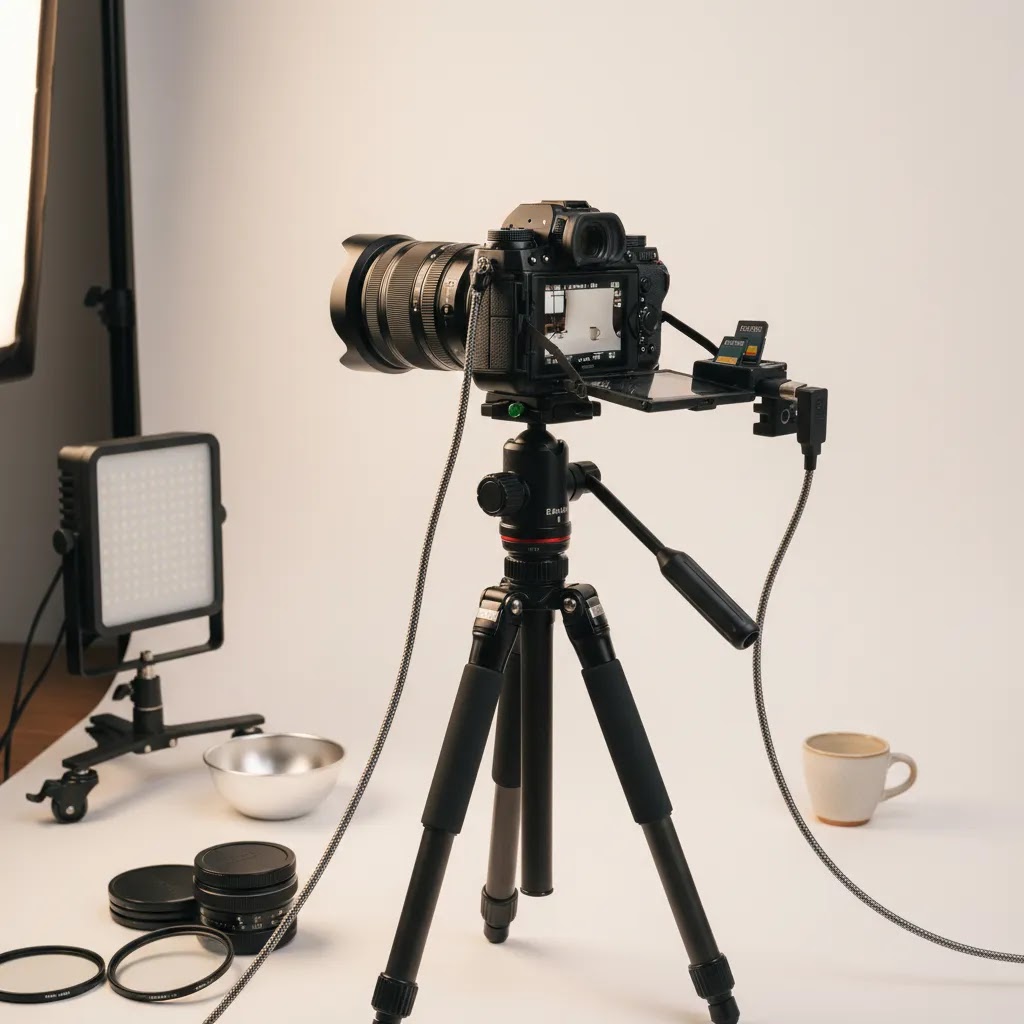
Tethering or fast file transfer is useful for larger catalogs. If you manage many SKUs, being able to review images quickly on a monitor or move them straight into your editing workflow saves time and reduces reshoots.
Low-light performance sounds important, but for product photography it is less critical than many buyers assume. In a controlled setup, your lights should do most of the work. This is why merchants often get better results by improving their product photo lighting before upgrading their camera.
Editing support also deserves attention. Once the photo is captured, many stores still need background cleanup, white background versions, higher-resolution exports, or lifestyle-style variants. AcquireConvert's coverage of background removal & editing is useful if you plan to combine traditional photography with AI-assisted post-production.
For AI-assisted workflows, the live product data available here points to several tools that can support store owners after the shoot. These include AI Background Generator, Free White Background Generator, Increase Image Resolution, and Background Swap Editor. These tools may help if your camera setup is good but your raw shots still need ecommerce-ready polish.
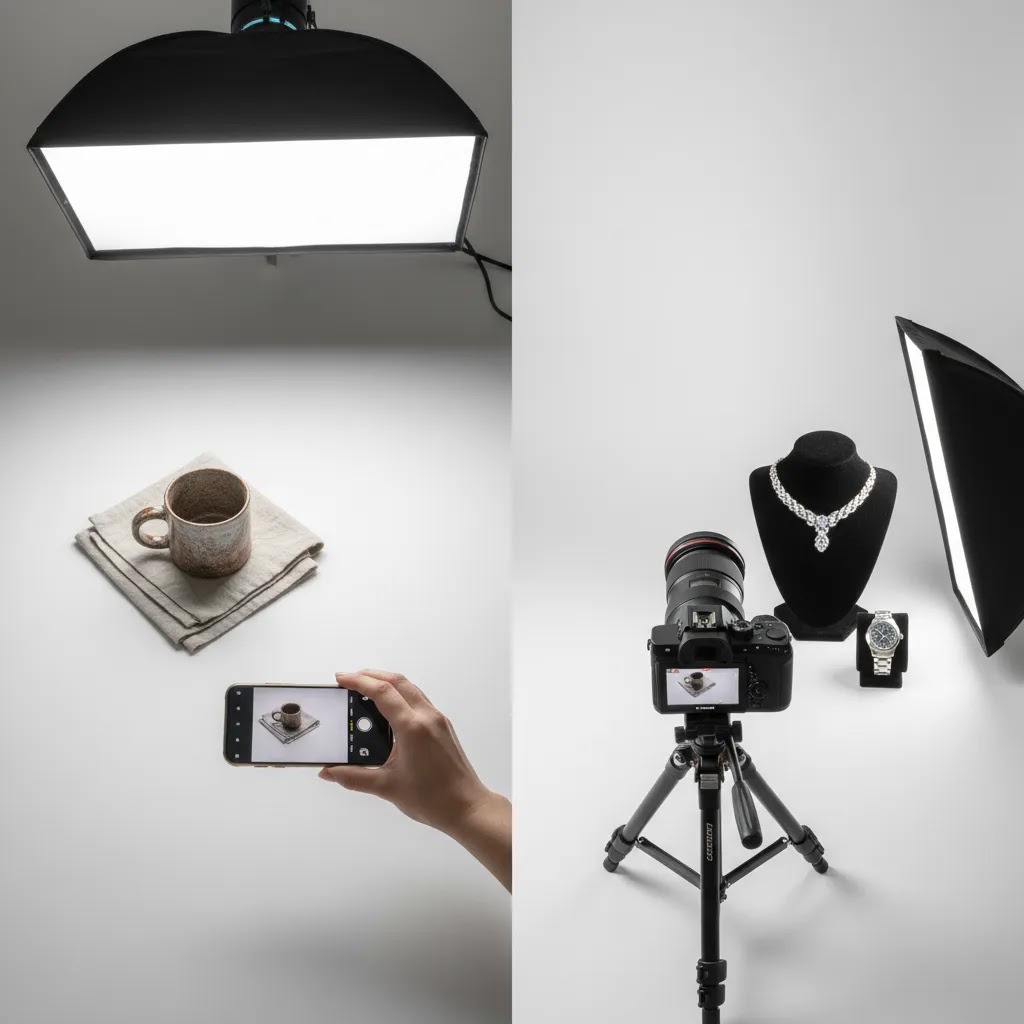
Best Camera Types for Product Photography (Mirrorless vs DSLR vs Compact vs Smartphone)
Here is the thing, most ecommerce stores do not fail because they picked the “wrong” brand. They struggle because the camera type does not match the way they actually shoot. If you want a simple framework, start with your catalog size, the space you have to shoot, and how often you need repeatable results.
Mirrorless cameras are the best fit for most Shopify store owners who want a dedicated setup. You typically get strong image quality, modern autofocus, and a wide lens ecosystem in a body that is easier to handle in a small home studio. Mirrorless is also often friendly for tethering and quick review, which matters if you are shooting batches of SKUs and want to catch issues before you put everything away.
DSLR cameras can still be a practical option if you already own DSLR lenses or you are buying used and want maximum value. The main trade-off is size and workflow. DSLRs tend to feel more bulky, and while they can be excellent for still product work, newer features around file transfer and live view shooting are often more polished on mirrorless systems.
Compact cameras can work if you want something fast, small, and simple, and you are not planning to build a lens collection. For ecommerce, the limitation is flexibility. If your catalog shifts into small detail work, you may hit a wall on close focus, lens choice, and lighting control. They can still make sense for teams that need a portable camera for occasional product shots plus behind-the-scenes content.
Smartphones are a serious option for social-first brands and smaller catalogs, especially if you pair them with a tripod, diffusion, and consistent lighting. The practical trade-off is control and consistency. Phones can do a lot with computational processing, but they can also make subtle exposure and color decisions shot-to-shot that are annoying when you are trying to keep a Shopify collection page uniform.
From a practical standpoint, product type should influence your choice more than internet opinions. Jewelry and other small items usually push you toward an interchangeable-lens system that can support true macro work. Apparel on mannequin or flat lay is often more about lighting, lens choice, and keeping verticals straight than having the most advanced camera body. Glossy packaging and reflective products tend to expose weaknesses in your light control and highlight handling, so plan for flags, diffusion, and careful angles no matter what camera you choose. Large products often require space, wider framing, and a repeatable tripod setup, which is another reason camera stability and lens options matter.
Pros and Cons
Strengths
- A dedicated product photography camera gives you more control over sharpness, depth of field, and consistency across a large catalog.
- Interchangeable lenses make it easier to shoot different product types, from small detailed items to larger boxed goods or apparel.
- Manual controls support repeatable results, which matters if you run Shopify collections with many variants and want a uniform look.
- Higher-quality source files may give you more flexibility for cropping, ad creatives, email banners, and marketplace listings.
- A better camera setup can reduce your dependence on outsourced shoots for routine SKU updates and seasonal launches.
- When paired with AI editing tools, a solid camera workflow can support both white background images and more styled creative assets.
Considerations
- The camera body is only part of the cost. Lenses, lights, tripod, surfaces, and editing tools can add up quickly.
- Many merchants overbuy on camera specs and underinvest in lighting, which often leads to disappointing results.
- There is a learning curve with manual settings, color consistency, and shooting reflective or textured products.
- A smartphone may be the better value if your store has a smaller catalog and your content is used mainly for social and simple PDPs.
How to Choose: A Simple Specs Checklist (So You Do Not Overbuy)
What many store owners overlook is that product photography has a different “good enough” line than travel, sports, or YouTube-style video. You are not trying to freeze a sprinting athlete. You are trying to create consistent, sharp, color-accurate images that look uniform across a collection page.
Start with the basics you will actually use for ecommerce:
- Manual exposure control, so you can lock in aperture, shutter speed, and ISO for a whole batch of SKUs.
- Custom white balance control, so whites look white and colors do not shift between products.
- RAW capture, so you have room to correct exposure and color without degrading the file.
- Reliable close-focus performance, whether that is autofocus that behaves well up close, or the ability to use manual focus precisely.
- Lens support that matches your catalog, especially the option to use a macro lens if you sell small or detailed products.
- Tripod mount and practical stabilization options, because sharp catalog images usually come from repeatability, not handheld shooting.
- A timer, remote trigger, or app-based shutter option, to reduce camera shake and speed up your workflow.
Now, when it comes to spending money, there are also “nice-to-haves” that can be worth it if they match your workflow. Better tethering support and faster file transfer can save time if you shoot regularly. A screen that makes it easier to see focus and details can reduce reshoots. Good battery life matters if you shoot long batches, but it is usually manageable if you have a spare battery and a consistent setup.
Here is what you can often avoid paying for if your focus is mostly still product photos:
- Extreme burst rates that are designed for sports or wildlife.
- Top-end high ISO performance, because you should usually be lighting your products, not relying on darkness performance.
- Advanced video specs and codecs if your current plan is stills-first, and your video content is occasional.
Think of it this way, the specs that matter most are the ones that reduce variability. Consistent color helps your Shopify collections look coherent. RAW plus enough resolution gives you cropping room for PDP layouts and ad formats. Good close-up performance and stable shooting reduce the number of “almost usable” photos that still require reshooting later.
Who This Buying Approach Is For
This evaluation approach is best for Shopify merchants and other ecommerce operators who want to make a practical purchase decision, not chase camera hype. If you are shooting products in-house, refreshing listings often, or trying to reduce creative bottlenecks between launches, this is the right lens to use.
It is especially useful for growth-stage stores that need dependable image quality but still care about workflow efficiency and margin. If your next choice is not only which camera to buy, but also whether to build a small in-house product photography studio, you should evaluate the full system rather than the camera alone.
AcquireConvert Recommendation
If you are serious about improving your product imagery, start by treating your camera choice as part of your conversion system. Giles Thomas's perspective as a Shopify Partner and Google Expert is especially useful here because product photography does not just affect how your store looks. It influences product page trust, ad click-through potential, Shopping feed quality, and how professional your brand feels at first glance.
For most merchants, the order of operations should be: define your shot types, set up repeatable lighting, choose the right background style, then buy the camera that fits that workflow. AcquireConvert is built for that kind of decision-making. Explore the broader product photography fundamentals category if you want a stronger base. If you need inspiration for alternate compositions beyond standard hero shots, see these flat lay photography ideas. And if you are comparing in-house production against hiring support, use AcquireConvert's specialist guides to make the trade-offs clearer before you spend.
How We Would Test a Camera for Product Photography (What to Check Before You Commit)
Consider this, you can read spec sheets for hours and still end up with a camera that creates extra work. A simple test plan will tell you more than marketing claims, especially if you sell products that are tough to photograph.
If you can test in-store or at home, we would run a quick three-subject shoot:
- One reflective item, like glossy packaging, a metallic surface, or a bottle, to see how highlights clip and how well you can control reflections.
- One textured item, like fabric, leather, or matte packaging, to check detail and whether the camera renders texture cleanly without looking crunchy.
- One package with small text, like ingredients, instructions, or a label, because ecommerce crops often need legible text at typical PDP zoom levels.
The way this works in practice is simple. Put the camera on a tripod, set a consistent light, then shoot the same scene multiple times with the same settings. You are looking for repeatability. If you change nothing, the images should not drift in brightness or color from shot to shot.
Then check workflow, not just image quality:
- How fast and reliable is file transfer, whether that is tethering to a computer, Wi-Fi transfer, or a card workflow?
- How easy is it to lock exposure and white balance so every SKU in a batch matches?
- How quickly can you confirm focus and sharpness without guessing on the tiny screen?
If you want a practical pass or fail standard tied to ecommerce needs, use these checks:
- Text on packaging is clearly legible after a typical crop, not only when viewed full-screen.
- Across 10 shots of the same setup, there is no obvious color shift that would make a Shopify collection look inconsistent.
- Edges are clean enough that background removal and white background exports do not turn into an hour-long cleanup job.
None of this requires a perfect camera. It just helps you pick a system that supports your catalog workflow, rather than creating friction every time you need to shoot 30 products before a launch.
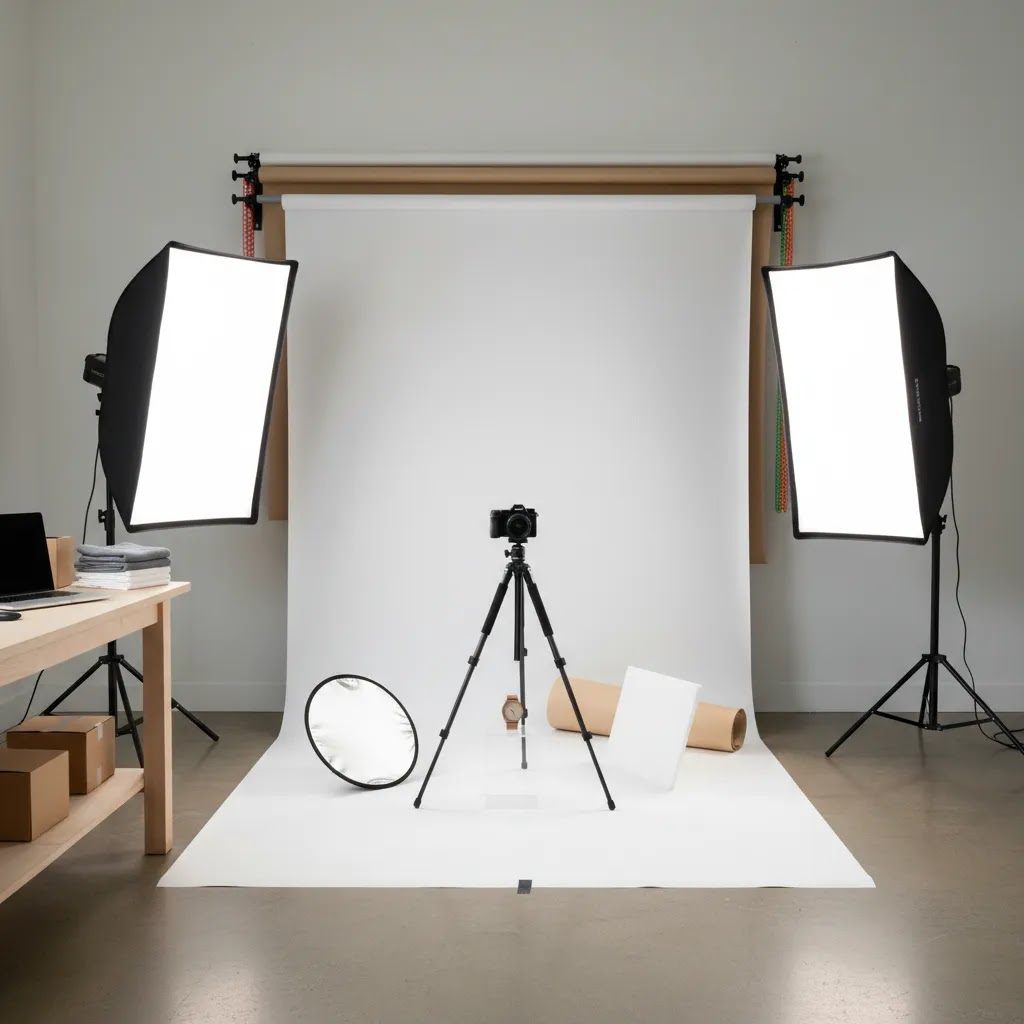
How to Choose the Right Setup
1. Match the camera to your product type
Small, detailed products usually benefit from a camera system that supports macro shooting and precise focus. Apparel, home goods, and packaged products are often more forgiving. If your products are reflective, transparent, or metallic, camera choice matters less than control over lighting and reflections.
2. Decide whether smartphone quality is already enough
If you are asking what is the best smartphone camera for product photography, the real question is whether your store needs a dedicated camera at all. For many DTC brands, a recent flagship phone plus tripod, diffusion, and editing tools can be enough for social-first content and even some PDP imagery. If your brand is more premium or your products need texture fidelity, a dedicated camera usually becomes more worthwhile.
3. Prioritize lighting before body upgrades
The best lights for product photography often have a greater impact than moving from a mid-range camera to a premium one. Consistent soft light reduces harsh shadows, keeps color more accurate, and makes editing easier. This is one of the most common mistakes in ecommerce shoots. Merchants spend heavily on a body, then shoot under weak room lighting and wonder why images still feel amateur.
4. Choose a background style that fits your channels
The best background for product photography depends on whether you need marketplace-compliant white backgrounds, branded lifestyle shots, or both. Many stores now use a hybrid workflow: shoot clean source images first, then create alternate visual treatments in post. Tools like Magic Photo Editor and Creator Studio may help create variants for ads, social, or seasonal campaigns after the original photos are captured.
5. Think about post-production before you buy
The best AI tools for product photography can save time, but they work best when the source image is already clean and well lit. If your workflow regularly needs white background exports, sharpness improvement, or contextual mockups, map that before choosing gear. A modest camera with disciplined shooting and reliable post-production may outperform a more expensive camera used inconsistently.
That is also why the best low cost camera for product photography is often the one that leaves room in your budget for a lens, lights, tripod, and editing stack. Store owners looking at total ROI should evaluate the full pipeline, not just the camera spec sheet.
Frequently Asked Questions
What is the best camera for product photography for most ecommerce stores?
For most ecommerce stores, the best choice is a camera with strong manual controls, good lens options, and enough resolution for cropping and zoom. You do not always need a premium body. A mid-range interchangeable-lens camera paired with proper lighting and a tripod is often the most practical choice for Shopify product pages and catalog consistency.
Can I use a smartphone instead of a dedicated camera?
Yes, in many cases you can. A modern smartphone can work well for product photography if you control lighting, stabilize the shot, and edit carefully. This is especially true for social-first brands or smaller catalogs. If you sell detailed, reflective, or premium products, a dedicated camera may still give you more reliable results and more flexibility.
What matters more, the camera or the lighting?
Lighting usually matters more. A good camera cannot fix poor light, color casts, or distracting shadows. In a controlled ecommerce setup, your lights, modifiers, and shooting consistency often affect the final result more than the body itself. Many merchants see better improvements from upgrading their lighting setup before replacing the camera.
What lens is best for product photography?
A macro lens is often best for small or detailed products because it helps capture texture and close-up detail cleanly. For larger products, a standard prime or versatile zoom can work well. The right lens depends on your product size, desired framing, and available shooting space. Lens quality can influence image quality more than body upgrades.
Do I need a white background for every product image?
No, but you will often want at least one clean hero image on white, especially for marketplaces and clear product page presentation. Many stores also use lifestyle, colored, or textured backgrounds to support branding. A practical approach is to capture neutral source images first, then create variations for different channels as needed.
Are AI tools useful for product photography workflows?
They can be, especially for post-production. AI tools may help with background cleanup, white background versions, resolution enhancement, and styled variants for ads or social content. They are usually best used after you capture a strong original image. They may speed up repetitive editing tasks, but they do not replace careful lighting and composition.
What is the best setup for product photography at home?
A solid home setup usually includes a camera or smartphone, tripod, soft lighting, diffusion, a clean background, and a stable shooting surface. If you want repeatable results, leave the setup assembled as much as possible. That reduces friction and helps keep your product listings visually consistent over time.
How much should I spend on a product photography camera?
Your total spend should reflect your catalog size, average order value, and how often you produce new content. Many merchants are better served by a balanced setup than by spending heavily on the camera body alone. Leave room for a lens, lighting, editing, and possibly light AI assistance. Pricing and tool availability are subject to change, so always verify current costs directly.
Should I build an in-house setup or hire a professional studio?
If you have a steady stream of SKUs, frequent launches, or ongoing ad creative needs, in-house production may make sense. If your products are difficult to light or your brand relies on premium visuals, outsourcing may still be the better fit. The right answer depends on volume, complexity, and how much creative control you need week to week.
What is the 400 rule in photography?
The 400 rule is a guideline used in night sky photography to estimate a shutter speed that reduces star trailing. You divide 400 by your lens focal length to get a rough maximum shutter speed in seconds. For product photography, it is usually not relevant because you are typically using controlled lighting and a tripod, and your shutter speed is set for exposure consistency, not for moving subjects.
What camera do influencers use for pics?
It varies, but many influencers use a smartphone for speed and simplicity, and some use mirrorless cameras for higher-quality portraits and lifestyle content. For ecommerce store owners, the bigger question is whether your camera choice supports consistent catalog results, color accuracy, and a workflow you can repeat every time you launch or restock products.
What brand of camera do most professional photographers use?
There is no single dominant brand across all professionals. Many pros choose systems based on lens options, reliability, service availability, and how the camera fits their workflow. For product photography, the more important decision is often lens choice, lighting control, and your ability to lock exposure and white balance consistently across a full catalog shoot.
What is the 20-60-20 rule in photography?
The 20-60-20 rule is usually taught as a composition guideline, where your frame is planned in zones, often with the subject in one area and supporting context in another to keep the image balanced. You will see different versions depending on the teacher. In ecommerce product photography, composition matters, but consistency matters more. You want repeatable framing and spacing so your Shopify product grid looks uniform and professional.
Key Takeaways
- The best camera for product photography is the one that fits your product type, workflow, and content volume, not the one with the biggest spec sheet.
- Lighting, lens choice, and stabilization usually affect ecommerce image quality more than a camera body upgrade alone.
- A smartphone can be enough for some stores, but premium or detail-heavy products often benefit from a dedicated camera system.
- Plan your post-production workflow early, especially if you want white background images, sharper exports, or AI-assisted creative variations.
- Evaluate the full setup cost, including lens, lights, tripod, background, and editing tools before you buy.
Conclusion
The best camera for product photography is rarely an isolated purchase. It is part of a system that shapes how shoppers perceive your products, how efficiently you launch new SKUs, and how consistently your brand shows up across Shopify, ads, and marketplaces. If you want the best return from your spend, start with the workflow and buy the camera that supports it. AcquireConvert exists to help store owners make those choices with more confidence. For a practical next step, compare related guidance across our product photography content, explore hands-on setup advice, and use Giles Thomas's expert-led resources to build a photography process that fits your store instead of copying someone else's setup.
This content is editorial and intended for educational purposes. It is not a paid endorsement unless explicitly stated otherwise. Pricing, product availability, and tool features are subject to change, so verify current details directly with the provider before purchasing. Any performance or workflow outcomes mentioned are not guaranteed and will vary by product type, store setup, skill level, and implementation.

Hi, I'm Giles Thomas.
Founder of AcquireConvert, the place where ecommerce entrepreneurs & marketers go to learn growth. I'm also the founder of Shopify agency Whole Design Studios.