Industrial Photography Studio for Ecommerce (2026)

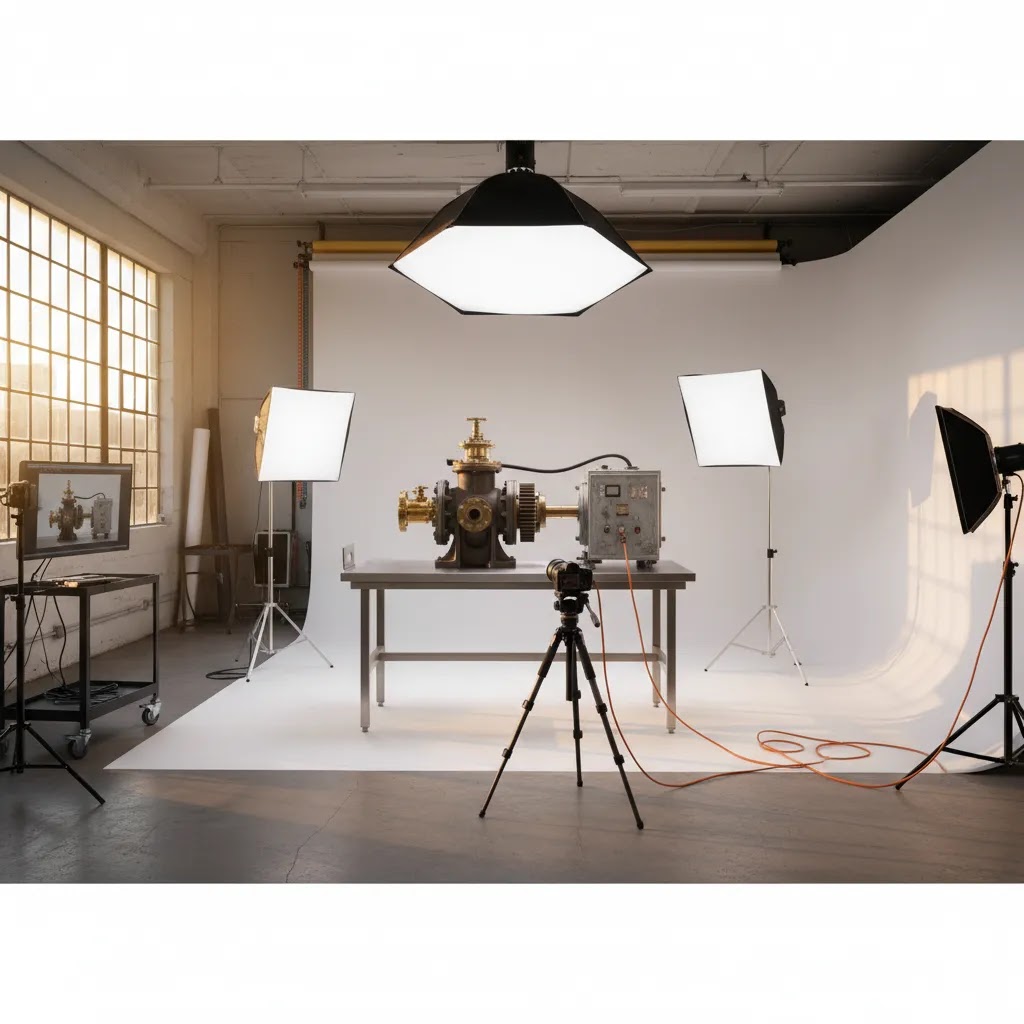
If you sell machinery parts, tools, electrical components, HVAC equipment, or other heavy technical products online, the wrong photo setup creates problems fast. You can end up with inconsistent lighting, unclear scale, and images that look more like warehouse snapshots than conversion-focused product content. An industrial photography studio is not just a room with lights. For ecommerce, it is a workflow built to handle size, weight, reflective surfaces, labels, and technical detail across marketplaces, Shopify product pages, sales sheets, and B2B catalogs. If you are comparing options, it helps to understand how industrial needs differ from standard tabletop shoots. For a broader local service angle, you can also review this product photography austin resource as a benchmark for what to ask any provider.
Contents
- What an Industrial Photography Studio Actually Needs
- Key Features to Look For
- Industrial Studio Logistics and Safety for Heavy Products
- Who This Is Best For
- AcquireConvert Recommendation
- How to Choose the Right Setup or Provider
- Studio Rental vs Hiring a Photographer vs Building In-House
- Pros and Cons
- Industrial Photography Pricing: What Drives the Quote
- Frequently Asked Questions
- Key Takeaways
What an Industrial Photography Studio Actually Needs
Industrial product photography is different from standard lifestyle or small-item studio work. Heavy and technical products often need more physical space, stronger support surfaces, wider light modifiers, and safer handling processes. If your products are awkward to move, highly reflective, or full of labels and controls, the studio has to be built around those realities.
For ecommerce store owners, the core goal is simple. You need images that make technical products easier to understand and easier to trust. That usually means clean white-background shots for listings, angled detail shots for key features, scale references, and occasional in-context images showing how a component is installed or used. If your team is also producing line sheets, distributor catalogs, or downloadable PDFs, consistency matters even more.
A capable photo studio for industrial work should support repeatable output across SKUs, not just create a few attractive hero shots. That includes file naming, color consistency, shadow control, and the ability to photograph large or oddly shaped inventory without improvising every session.
This is also where ecommerce strategy meets operations. On Shopify product pages, technical buyers often want multiple zoom-ready images, clean background shots, and detail crops that reduce pre-sale questions. Strong imagery may not solve every conversion problem, but it often helps shoppers assess quality faster and can improve the overall buying experience.
Key Features to Look For
Whether you are hiring a professional photography studio or building an internal workflow, these are the features worth evaluating first.
1. Space and load handling
Heavy products need safe movement paths, stable platforms, and enough room for wide-angle framing without distortion. Ask whether the studio can handle palletized items, oversized boxes, or metal assemblies. If not, the team may be forced into workarounds that create slower shoots and less consistent results.
2. Lighting control for metal, gloss, and textured finishes
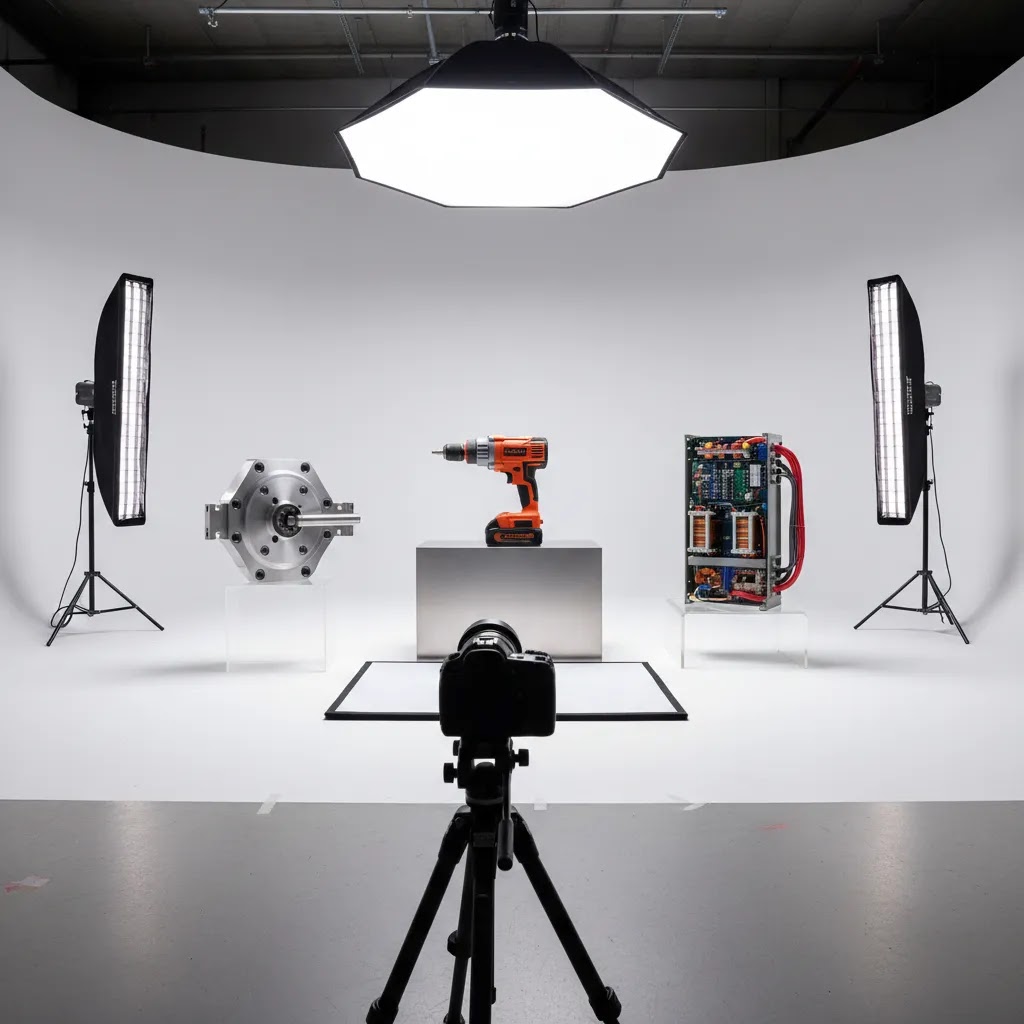
Industrial products often include stainless steel, painted metal, plastic housings, screens, cables, and branded plates in the same frame. Good studios know how to separate these surfaces with flags, diffusion, and angle control rather than blasting everything with flat light. This matters if you want product details to read clearly on both mobile and desktop.
3. Technical detail capture
Many industrial buyers need to inspect ports, controls, mounting points, labels, or safety markings before they buy. Your photographer should be able to create a shot list that includes front, side, rear, top, packaging, detail crops, and scale references. This is especially important if your catalog includes similar-looking SKUs where visual differentiation affects returns and support tickets.
4. Post-production that supports ecommerce
Retouching should improve clarity, not make the product look misleading. Ask about background cleanup, dust removal, color correction, cropping ratios, and export sizes. If your store relies on consistent listing standards, review how they approach photography products across categories rather than approving one sample image in isolation.
5. AI-assisted editing where it helps
AI can support parts of the workflow, especially after a real shoot. For example, teams may use tools like AI Background Generator, Free White Background Generator, or Increase Image Resolution to prepare variants for marketplaces or improve image consistency. For hands-on composition edits, Magic Photo Editor may help with cleanup tasks. The trade-off is that AI works best when the source photography is already solid. It should support production efficiency, not replace accurate source imagery for complex technical goods.
Industrial Studio Logistics and Safety for Heavy Products
Here’s the thing. Most industrial photo problems are not camera problems. They are handling, staging, and safety problems that turn into slow shoots, rushed lighting, and inconsistent results.
Plan safe handling before shoot day
If your catalog includes heavy, sharp, greasy, or awkward inventory, get clear on how products will be moved and who is responsible for what. Some studios have the crew and equipment to help, others expect your team to handle movement and staging. Do not assume.
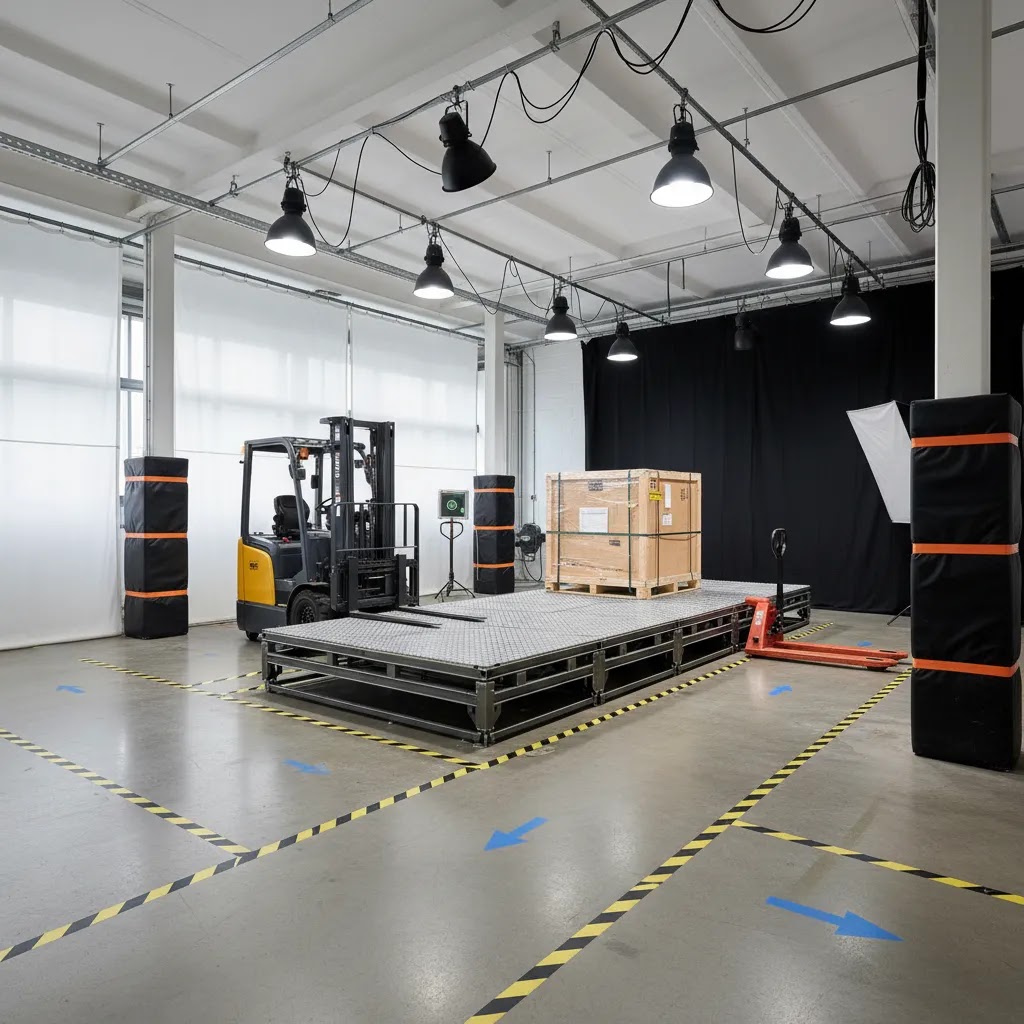
From a practical standpoint, ask about lift support and staging tools. That can include pallet jacks, forklifts, lift gates, rolling tables, dollies, and low platforms that keep heavy items stable while you rotate angles. Also ask about floor load limits if you are bringing palletized inventory or anything that concentrates weight in a small footprint. If you are shooting in a rented studio space rather than a full-service industrial facility, this is even more important.
Consider movement paths too. You want clear lanes from door to set, and enough space to rotate product safely without bumping light stands. If the product needs assembly, ask where that can happen. A cramped prep area can create downtime and add risk.
A pre-shoot prep checklist that prevents delays
Industrial products often arrive with protective oils, dust from storage, fingerprints from handling, and loose parts that are fine operationally but look sloppy on camera. A little prep can save a lot of retouching time later.
Before the shoot, plan for cleaning and surface prep, including removing protective oils where appropriate, wiping down housings, and checking for labels that need to be straight. Tighten loose fasteners, straighten cables, and decide how you want accessories placed so each SKU looks consistent. For products with an “up” orientation, label it clearly so the set does not guess.
It also helps to create an intake sheet that maps SKU to shot list. Even a simple spreadsheet can prevent confusion. Include SKU, product name, required angles, required detail crops, any size references you want, and notes about variants. If your Shopify catalog has multiple variants that look similar, specify exactly what must be photographed versus what can reuse images. This is one of the fastest ways to keep production moving and reduce missed shots.
On-site vs in-studio, the decision is not just about cost
Shipping heavy products to a studio is not only a freight line item. It can also mean downtime in your warehouse if the wrong items are pulled, packed, and staged, or if products are unavailable for operations while they are away. On-site shooting can reduce that downtime, but it introduces its own requirements.
On-site shoots typically need sufficient power for lighting, enough space to control spill light, and a clean area where dust and foot traffic will not ruin consistency. Insurance and liability also matter. Ask what coverage the provider carries, what your business is expected to cover, and how damage risk is handled when items are moved or staged. The reality is that heavy inventory turns small misunderstandings into expensive problems, so get these details confirmed before you book.
Who This Is Best For
An industrial photography studio is best for ecommerce teams selling products that are physically large, visually technical, or difficult to photograph on a standard tabletop setup. That includes manufacturers, parts suppliers, industrial distributors, B2B ecommerce brands, and Shopify merchants with mixed catalogs that combine accessories with larger equipment.
If you only sell compact consumer products, a standard product photography studio may be enough. But if your catalog includes heavy tools, commercial machines, wiring systems, pumps, hardware sets, or multi-component assemblies, a specialized industrial setup usually gives you better consistency and safer production.
This is especially useful for growth-stage stores that need repeatable image standards across dozens or hundreds of SKUs, not one-off creative shots.
AcquireConvert Recommendation
From an ecommerce operations perspective, the right choice usually comes down to repeatability, not just creativity. Giles Thomas approaches this from a practical store-owner angle shaped by his work as a Shopify Partner and Google Expert. That matters because product imagery affects more than appearance. It influences feed quality, product page clarity, mobile usability, and buyer confidence.
If you are still comparing providers, start by mapping your image requirements by channel. Separate what you need for Shopify collection pages, product detail pages, wholesale materials, and marketplaces. Then compare studios against those requirements instead of evaluating on portfolio style alone.
AcquireConvert is a useful specialist resource if you want to build that shortlist with more confidence. You can browse the broader Product Photography Services area for adjacent service guides, and review the Catalog Photography section if your industrial catalog also needs standardized listing imagery. If you are close to making a provider decision, revisit this product photography austin guide as a decision checklist for asking sharper questions during vendor calls.
How to Choose the Right Setup or Provider
Here are five criteria that matter most if your products are heavy, technical, or operationally awkward.
1. Match the studio to your SKU reality
Do not choose based on stylish consumer portfolios if your products are industrial. Ask for examples involving metal, matte plastic, control panels, hoses, brackets, boxed components, or oversized equipment. If the studio mostly shoots cosmetics or apparel, they may still be talented, but the workflow fit may be poor.
2. Review the shot list before discussing price
Pricing only makes sense once you define deliverables. A single hero image is not equivalent to a full ecommerce set with multiple angles, detail shots, packaging views, and transparent-background exports. For technical products, a more complete shot list often saves time later by reducing customer confusion and support requests. Pricing is always subject to change, so confirm current rates directly with the provider.
3. Check post-production standards
Ask how they handle retouching, color correction, cropping, background removal, and export specs. If you need uniform image ratios for Shopify themes or marketplace uploads, mention that early. Good providers will adapt the workflow to your storefront and feed requirements rather than delivering generic files.
4. Decide where AI fits
An ai photography studio workflow can be useful for secondary outputs such as white-background variants, scaled crops, or edited marketing compositions. Tools like background generation, white background cleanup, and resolution enhancement can speed up production in some cases. Still, industrial products with precise tolerances, labels, or regulated details usually need accurate base photography first. Use AI where it improves efficiency, not where it may create product ambiguity.
5. Think in systems, not single shoots
If your catalog is growing, the best provider is often the one with a documented process. Ask about intake, prep, naming conventions, revisions, image libraries, and how they maintain consistency across repeat orders. A studio that understands ecommerce production will usually talk about workflows, not just cameras and lighting.
Studio Rental vs Hiring a Photographer vs Building In-House
What many store owners overlook is that “studio” can mean very different things, and the option you choose changes your timeline, your consistency, and how much internal labor you need.
The four setups people are usually comparing
Most ecommerce teams end up choosing between a few real-world models. One is renting a studio space and bringing your own photographer or crew. Another is booking a full-service studio where the team, equipment, and process are included. A third option is bringing a photographer on-site to your warehouse or facility. The fourth is building a small in-house photo bay for repeat SKUs, usually focused on consistent product-on-white outputs.
For most Shopify store owners selling industrial products, the “best” option is the one that can produce repeatable standards with the least operational friction. If you are launching a new line or you have inconsistent legacy photography, a full-service setup can be simpler. If you have frequent SKU additions and a stable shot style, an in-house bay can be worth considering for maintenance and updates.
Practical tradeoffs for ecommerce teams
Consistency is not just lighting. It is also camera height, lens choice, crop rules, and naming conventions. If you rotate photographers or studios, you may get small differences that look minor on a single product page but messy across a whole collection grid. Turnaround times matter too. A busy studio may have predictable output but longer queues. In-house can be faster for updates, but only if someone owns the process.
Internal labor is the hidden cost. Someone has to prep, stage, clean, track shot lists, and QA exports for Shopify. If that person is also doing operations, product, or marketing, photo production can become a bottleneck. The way this works in practice is that the “cheapest” option on paper sometimes costs more in staff time and lost momentum.
What to request in writing before you book
Before you commit to any provider or studio rental, get the details confirmed in writing so you are not guessing later. That includes deliverables, usage rights, turnaround expectations, revision policy, and file delivery structure. Also confirm how variants are handled, since industrial ecommerce often needs multiple outputs per SKU. For example, you may need a white background version for Shopify, a transparent background export for design use, and a set of detail crops for product pages and B2B materials.
Now, when it comes to studio rentals specifically, ask about constraints that affect production. Booking minimums, max attendees on set, freight access, and usable square footage can all change what you can shoot in a day. You should also vet the space like you would vet a service provider. Reviews and ratings can be helpful, but also ask for a clear amenities list so you know what is included. Think lighting modifiers, grip gear, backdrops, tethering capability, and whether there is a staging area for cases or pallets.
Consider this too. Industrial imagery is not always just for product listings. Many Shopify brands selling into B2B benefit from facility, warehouse, and operations photos that build trust on About pages, capability statements, sell sheets, and outreach decks. If you want that, mention it early so the crew plans for location angles, safety gear, and shots that match your brand tone.
Pros and Cons
Strengths
- Better suited to oversized, heavy, and technically complex products than standard tabletop setups.
- Can produce clearer angle coverage and detail shots that help buyers assess technical items before purchase.
- Often improves catalog consistency across Shopify listings, PDFs, distributor materials, and marketplaces.
- Supports safer handling and more predictable production for large or awkward inventory.
- Works well with AI-assisted editing tools after capture for white backgrounds, cleanup, and format variations.
Considerations
- Usually costs more than general studio product photography because of space, handling, setup time, and complexity.
- Not every provider with a polished portfolio has real experience with industrial surfaces, scale, or technical shot lists.
- AI-based workflows can save time, but they still depend on accurate source images for technical ecommerce use cases.
- Shipping heavy products to a studio can create logistical costs and timing issues if on-site shooting is not available.
Industrial Photography Pricing: What Drives the Quote
Industrial photography pricing can feel confusing because the cost is rarely based only on time on set. In many cases, what you are really paying for is setup complexity, handling, and the volume of post-production needed to make the images ecommerce-ready.
What typically drives cost on industrial shoots
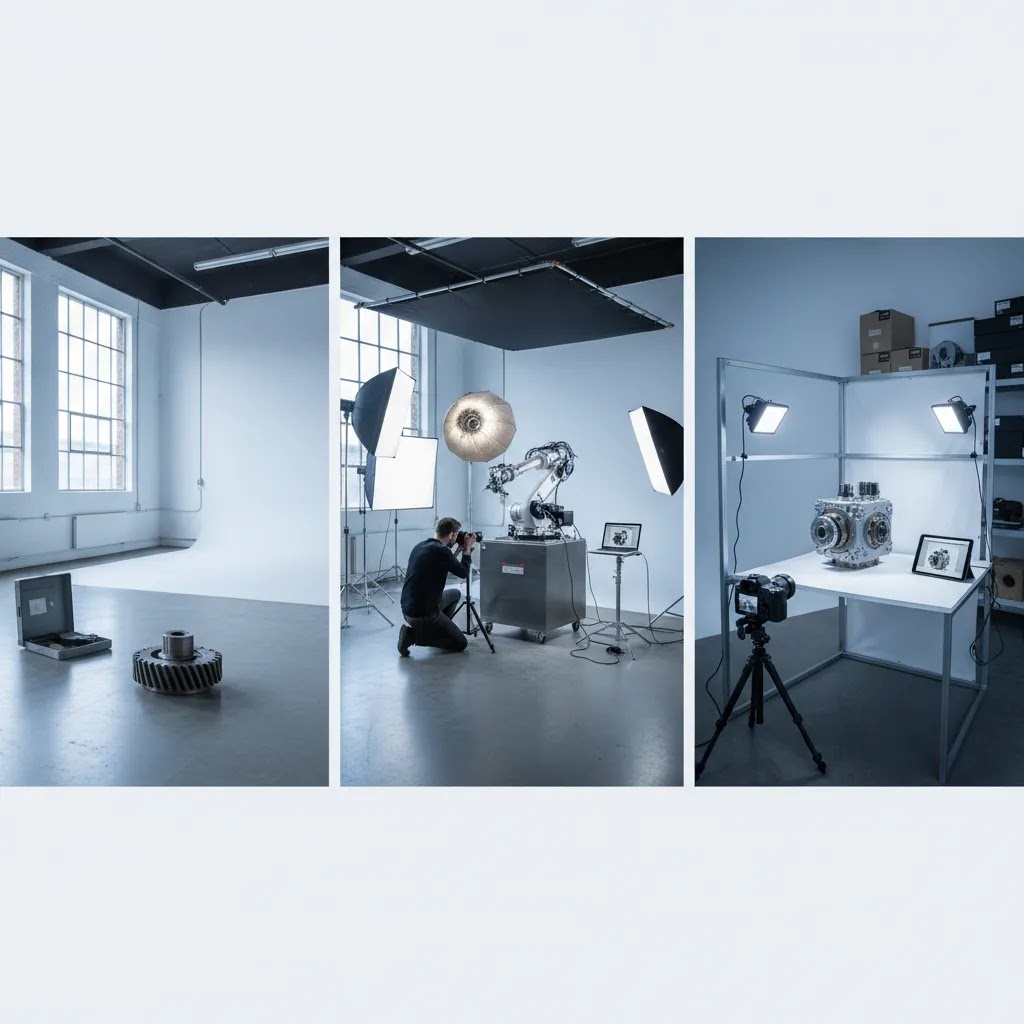
Setup time is a big one. Large products often need more time to light properly, especially when you are trying to show technical detail on mixed materials like metal, plastic, and screens. Crew size matters too. If products require safe movement, you may need more hands on set, or you may need your team present to operate equipment and confirm configuration.
Handling complexity is another driver. A product that can be carried onto a table is very different from one that arrives on a pallet, needs assembly, and must be rotated multiple times for angles. Retouching volume also adds up fast, especially if you need dust removal, label cleanup, background consistency, and multiple crops per SKU. Finally, the number of outputs per SKU matters. If you need a white background, a transparent export, multiple detail crops, and a consistent set of aspect ratios for Shopify and marketplaces, that is more work than a single image, even if the hero shot looks similar.
How to compare quotes apples-to-apples
Studios and photographers may price by the hour, by the image, or by the product. Each model can make sense, but only if you understand what is included. Hourly pricing can be fair when the scope is uncertain, but you should confirm what counts as billable time, including setup, teardown, and tethered review. Per-image pricing can work when the deliverables are tightly defined, but it can get expensive if you later realize you need more angles or crops. Per-product pricing can be the cleanest for ecommerce if it clearly defines how many final images you get per SKU and what post-production is included.
Ask about minimums too. Some providers have half-day or full-day minimums, and some studio rentals require a minimum booking window. Confirm whether retouching is included, how many revision rounds you get, and what happens if a shot is missed or a product arrives damaged. If re-shoots are possible, clarify how they are scheduled and billed.
Budgeting in an ecommerce-friendly way
If you are trying to control risk, start with a pilot batch of SKUs. Pick a representative mix, including your most reflective, most complex, and most common product types. Use that pilot to lock standards: shot list, crops, naming, and export specs that fit your Shopify theme and any marketplace requirements. Once the workflow is proven, you can scale production with fewer surprises and more predictable internal QA.
Frequently Asked Questions
What is an industrial photography studio?
An industrial photography studio is a photo setup designed for larger, heavier, or more technical products than a standard consumer product studio usually handles. It typically includes more space, stronger support equipment, controlled lighting for reflective surfaces, and a workflow built around detail capture, consistent outputs, and safe handling.
How is industrial photography different from regular product photography?
Industrial photography usually involves heavier items, more technical features, and a stronger need for accuracy. Regular product photography may focus on aesthetics first, while industrial work often needs to show ports, controls, dimensions, labels, and construction details clearly. For ecommerce, that can be important for reducing confusion before purchase.
Do Shopify stores need a specialized studio for industrial products?
Not always, but many do. If your products are large, reflective, highly similar across SKUs, or difficult to move, a specialized studio often produces more useful ecommerce assets. Shopify merchants selling technical goods usually benefit from clear angle sets, consistent crops, and detail images that fit theme layouts and zoom behavior.
Can AI replace industrial product photography?
No, not fully in most technical ecommerce use cases. AI can help with background cleanup, white-background variants, and some marketing edits, but it should not be treated as a full replacement for accurate source photography when buyers need to inspect real product details. It works best as a production support layer.
What images should I request for heavy technical products?
A strong starting set includes front, side, rear, top, packaging, scale reference, and close-up detail shots of controls, ports, labels, and texture. If installation matters, add in-context images. The exact mix depends on how your customers evaluate products before buying and how your listings appear across channels.
Should I choose on-site photography or ship products to a studio?
That depends on product size, handling complexity, and shipping cost. On-site photography may be better for very large equipment or fragile assemblies. Studio shooting may be better when you need more controlled lighting and a repeatable setup. Compare logistics, insurance, prep time, and post-production standards before deciding.
How do I evaluate a professional photography studio?
Ask for relevant examples, not just attractive examples. Review their experience with technical products, lighting control, detail capture, retouching standards, file delivery, and repeatability across multiple SKUs. If they understand ecommerce, they should also ask about your sales channels, aspect ratios, and image use cases.
Is a photography studio near me always the best option?
Not necessarily. Local access can help with logistics and communication, especially for heavy products, but expertise matters more than proximity in many cases. A nearby provider with little industrial experience may be a weaker fit than a specialist farther away. Balance convenience, portfolio relevance, and workflow maturity.
What role does studio product photography play in conversion?
Good studio product photography may improve how clearly buyers understand the product, which can support confidence and reduce friction. It is one part of the conversion picture alongside pricing, shipping, product copy, trust signals, and page speed. For technical products, image clarity often matters more than creative styling alone.
What is industrial photography?
Industrial photography is photography focused on industrial products, environments, and processes. For ecommerce, that typically means product-focused images of machinery, tools, parts, and technical equipment that emphasize accuracy, detail, and consistent presentation across SKUs. It can also include facility and operations images used for B2B trust content, marketing collateral, and sales materials.
How much should a photographer charge for 1 hour?
It depends on the scope and what is included. An hourly rate may cover only shooting time, or it may also include pre-production, equipment, basic editing, and exports. Industrial work can cost more than standard product photography because of handling complexity, setup time, and retouching needs. The practical move is to ask what is included in the hour, what the minimum booking is, and how deliverables are defined so you can compare quotes fairly.
What is the 80/20 rule in photography?
The 80/20 rule is a practical reminder that a small number of inputs often drive most results. In ecommerce photography, that usually means getting the fundamentals right first. Consistent lighting, repeatable angles, clean products, and clear crops will often do more for catalog quality than chasing complicated setups for every SKU. Many stores find that standardizing a core shot list for the majority of products, then adding extra images only where needed, is a more scalable approach.
What is the 50/50 rule in photography?
People use “50/50” in a few ways, so it is worth clarifying context. In commercial workflows, it is often used informally to describe how results come from both capture and post-production. For industrial ecommerce, that can be a useful mindset: you want accurate, well-lit source images, and you also want consistent editing, cropping, and exports that match your Shopify theme and marketplace needs. If either half is weak, the final catalog can look inconsistent.
Key Takeaways
- Choose an industrial photography studio based on workflow fit for heavy, technical products, not portfolio style alone.
- Define your shot list before comparing quotes so you can evaluate providers on equal terms.
- Ask about lighting control, post-production standards, and repeatability across multiple SKUs.
- Use AI tools to support background cleanup and output variations, but rely on accurate source photography first.
- For Shopify and catalog sales, prioritize images that improve product understanding across mobile, desktop, and marketplace listings.
Conclusion
If you sell heavy or technical products online, choosing the right industrial photography setup is really about clarity, consistency, and operational fit. The best option is the one that can handle your products safely, produce repeatable ecommerce-ready images, and support the way your catalog actually sells. That may be a local studio, an on-site specialist, or a hybrid workflow that combines professional capture with AI-assisted editing for secondary outputs. AcquireConvert exists to help store owners make those calls with less guesswork. For more practical guidance shaped by Giles Thomas’s experience as a Shopify Partner and Google Expert, explore the related service guides above and use them to build a sharper shortlist before you commit.
This article is editorial content published by AcquireConvert for educational purposes. It is not a paid endorsement unless explicitly stated otherwise. Pricing and service availability are subject to change and should be verified directly with the provider. Any references to AI tools describe potential workflow support only and do not guarantee results or replace professional judgment where product accuracy is essential.

Hi, I'm Giles Thomas.
Founder of AcquireConvert, the place where ecommerce entrepreneurs & marketers go to learn growth. I'm also the founder of Shopify agency Whole Design Studios.