Set Up a Product Photo Studio (2026 Guide)

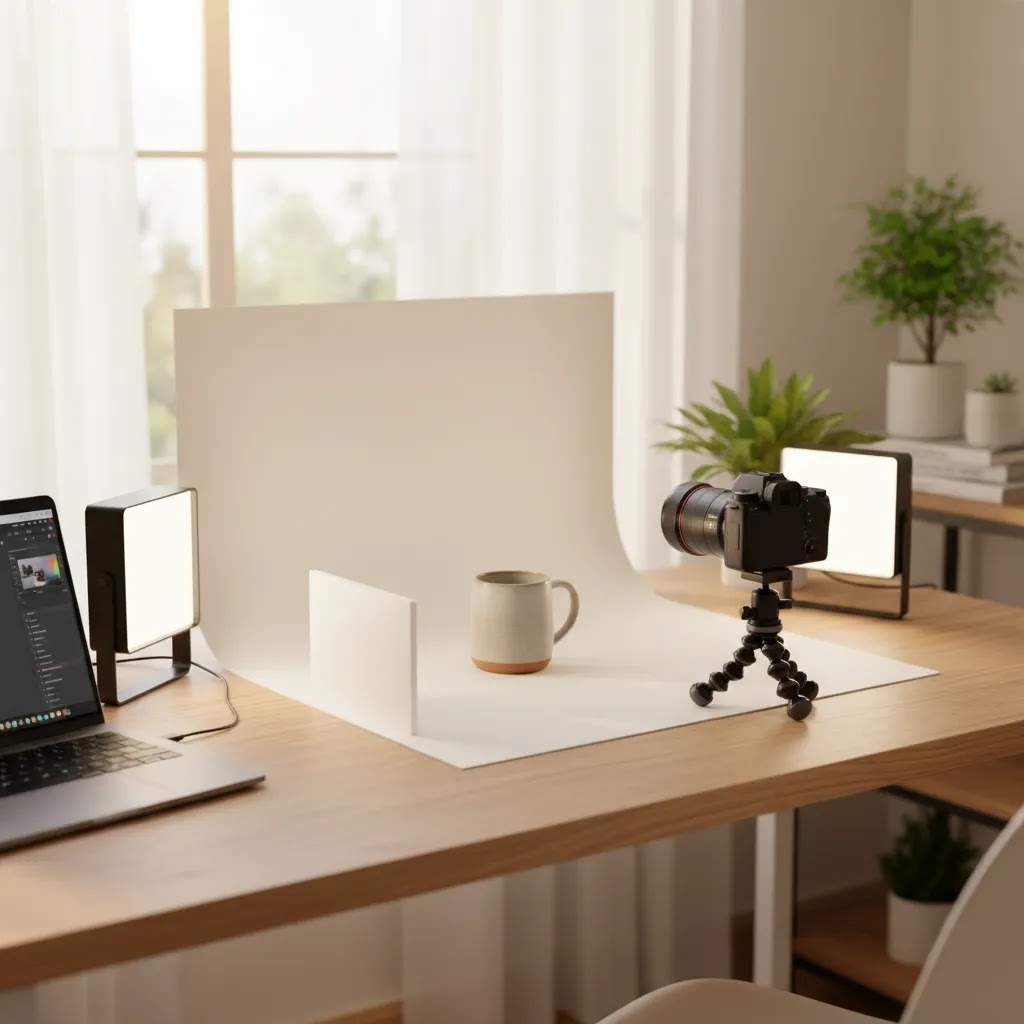
If you sell physical products online, your photo studio setup affects far more than image quality. It shapes how trustworthy your products look, how clearly shoppers understand details, and how consistently your brand shows up across product pages, ads, and marketplaces. The good news is that you do not need a high-end commercial space to build a workable product photo studio. You can start with a table, controlled light, and a simple background, then add tools as your catalog grows. If you are still mapping out your wider photography needs, AcquireConvert’s guide to product photography austin services can help you see where DIY ends and professional support starts.
Contents
- What a Product Photo Studio Needs
- What Is a Photo Studio?
- Three Studio Setups by Budget
- AI Tools That Can Support Your Studio
- Pros and Cons
- Pricing Guidance: What “Reasonable” Looks Like
- Who This Approach Is Best For
- How to Choose the Right Setup
- The 80/20 Rule for Ecommerce Product Photography
- AcquireConvert Recommendation
- Frequently Asked Questions
- Key Takeaways
What a Product Photo Studio Needs
A product photo studio is simply a controlled environment for photographing products consistently. For ecommerce, that matters more than whether the space looks impressive. Shoppers care that colors appear accurate, backgrounds look clean, scale is easy to judge, and every image in your catalog feels part of the same brand system.
At minimum, a usable ecommerce photo studio needs five things: stable lighting, a repeatable background, enough space for your product size, a camera or smartphone that can capture sharp files, and a simple editing workflow. That editing workflow matters just as much as the physical setup, especially if you sell across Shopify, Amazon, Etsy, or Google Shopping.
Many merchants start with white-background product shots, then add lifestyle images later. That is a sensible approach because it helps you build clean catalog assets first. If you want a stronger grounding in image planning, framing, and consistency, AcquireConvert’s Product Photography Fundamentals section is worth reviewing before you buy equipment.
A professional photo studio can save time at scale, but many stores do well with a self photo studio setup in the early stages. The key is not chasing perfection. It is building a system you can repeat every time a new SKU arrives.
What Is a Photo Studio?
When store owners search for “photo studio,” they often mean different things. Here is the practical breakdown, in plain English.
A photo studio is any space set up for taking photos in a controlled way. Control matters because it lets you repeat results, instead of re-solving lighting and background problems every time you shoot.
A product photo studio is a photo studio set up specifically for products: repeatable angles, consistent lighting, and backgrounds that make the product easy to understand on a product page. The goal is not “art.” It is clarity and consistency across your Shopify catalog.
A commercial photo studio is a broader category. It can include product work, but it often supports bigger productions like advertising shoots, set builds, models, props, and crews. If you are shooting a major campaign, you are usually closer to commercial studio territory.
Now, when it comes to a “controlled environment,” think of it this way: you can control light, background, and repeatability.
Light control means you are not relying on a sunny window at 10am and a cloudy window at 3pm. Background control means you can keep the same sweep, surface, or backdrop clean and consistent. Repeatability means you can place the product, take the shot, and know it will match the rest of your catalog.
For most Shopify store owners, you will typically run into a few studio models:
- Rental studio space: You rent a studio by the hour or day. This can make sense for larger products, model shoots, or if you need space you do not have in-house.
- In-house studio corner: A dedicated corner of your office, warehouse, or spare room. This is the most common and often the most efficient for steady ecommerce catalog work.
- Self-capture or self-serve studio concepts: Some spaces are designed so you can walk in, use a pre-built setup, and capture your own images fast. This can work if you want control without buying gear, but you still need a consistent process and basic shooting skills.
Consider this if you are renting or using a third-party studio space: confirm what is actually included before you book. Ask about the usable floor space, available power outlets, backdrop options, whether light modifiers are included or allowed, and what the studio expects you to bring (camera, tripod, triggers, stands, clamps). Small details like this are where shoots can get delayed.
Three Studio Setups by Budget
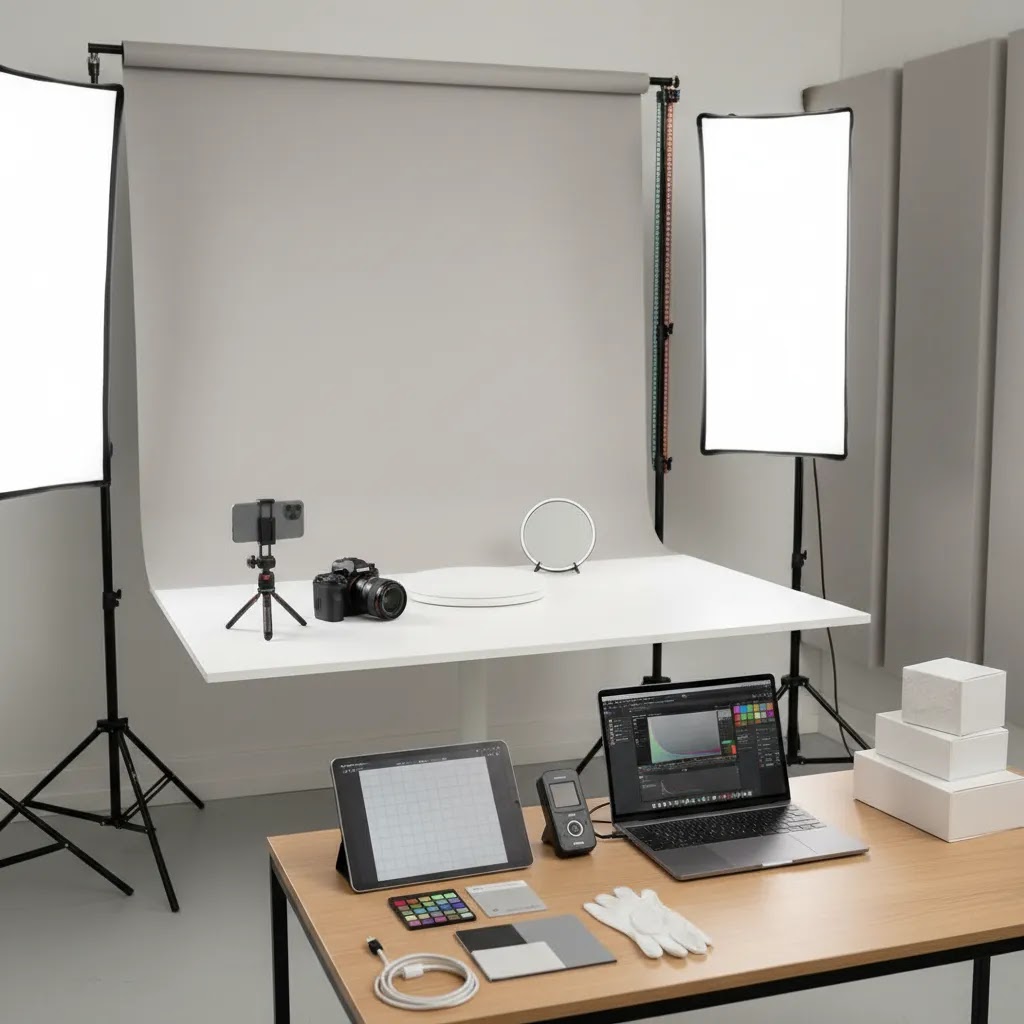
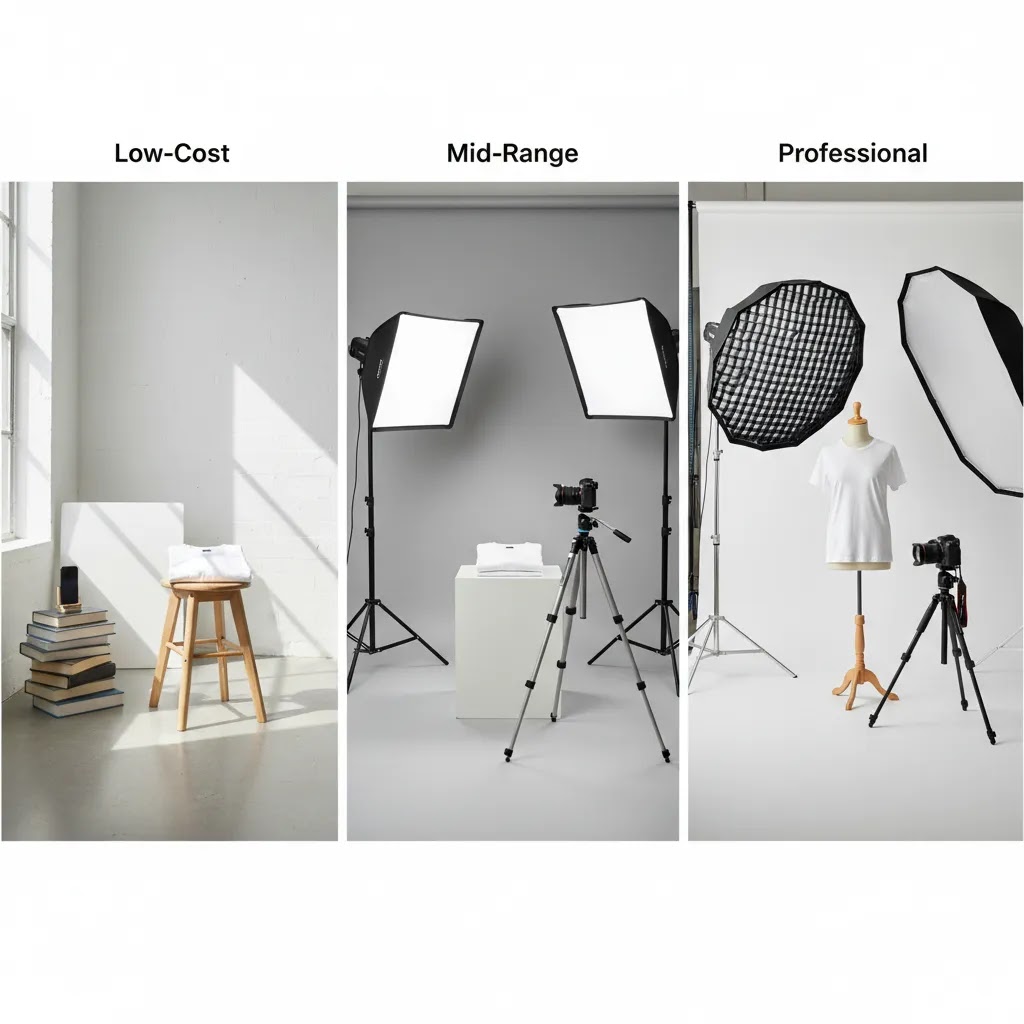
1. Lean DIY setup
This is the best starting point for new or smaller catalogs. Use a folding table, white sweep paper or foam board, one or two soft light sources, and a tripod. This kind of quick photo studio works well for cosmetics, accessories, packaged goods, and other small items. It may be enough if your main goal is consistent storefront imagery rather than large campaign creative.
2. Mid-range in-house setup
Once your SKU count increases, speed becomes more important. A mid-range product photo studio usually includes better continuous lights, more than one backdrop option, clamps or stands, reflectors, and a dedicated area in your office or warehouse. This setup helps if you regularly shoot new arrivals, test creatives for paid ads, or create variations for different channels. It also supports cleaner workflows for teams handling photography products across multiple collections.
3. Hybrid studio plus outsourcing
This is often the most practical option for growth-stage brands. You keep a simple in-house ecommerce photo studio for basic product updates, restocks, and marketplace images, then outsource campaign shots or advanced brand imagery to specialists. That split usually makes sense when your internal team can handle repeatable catalog work, but you still need polished launch assets, styled images, or seasonal creative from experienced advertising photographers.
There is no single correct budget. The right setup depends on product size, volume, margin, and how much creative variety your store actually needs.
AI Tools That Can Support Your Studio
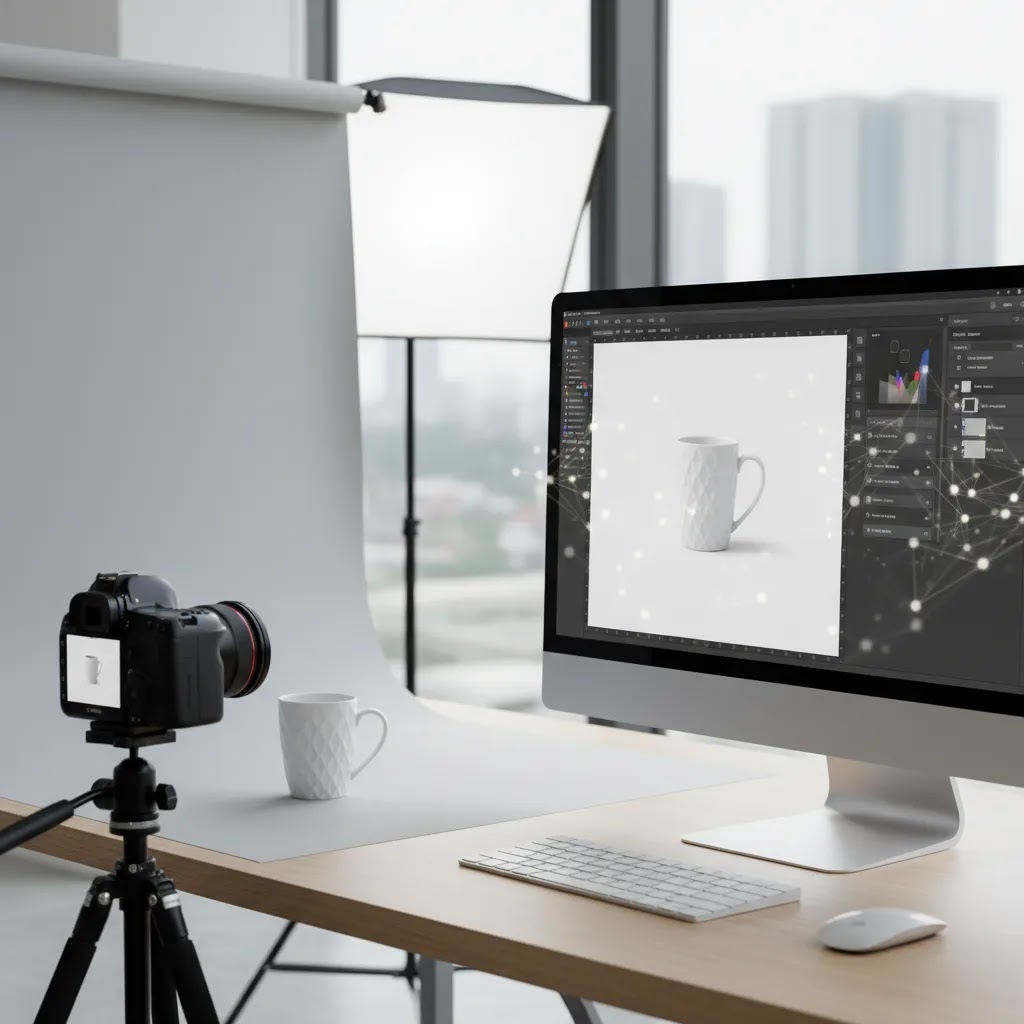
An ai photo studio does not replace good source photography, but it can reduce editing time and help you produce more usable image variants from the shots you already have. For many ecommerce teams, that is where AI is most valuable.
Based on current product data, these tools are relevant support options:
- AI Background Generator for creating alternate scene backgrounds from a clean source image.
- Free White Background Generator for preparing catalog-style images with a cleaner white finish.
- Increase Image Resolution for improving file readiness when original images are smaller than ideal.
- Remove Text From Images if packaging shots or source assets contain unwanted text elements.
- Background Swap Editor for testing different visual contexts.
- Place in Hands for quick lifestyle-style mockups.
- Magic Photo Editor and Creator Studio for broader editing workflows.
These tools are useful if you already have clean, well-lit product files. They are less reliable when the original image is blurry, badly lit, or color inaccurate. In practice, the best digital photo studio workflow combines a simple physical setup with selective AI editing, not AI alone.
If your priority is clean marketplace imagery, start with a reliable White Background Photography process before experimenting with more stylized or virtual photo studio outputs. If you are comparing in-house and outsourced workflows, this guide to product photography studio decisions can help clarify the trade-offs.
Pros and Cons
Strengths
- A basic product photo studio can be built gradually, so you do not need to commit to a full professional photo studio from day one.
- In-house shooting gives you more control over product launch timing, seasonal updates, and catalog consistency.
- Simple studio systems are repeatable, which is critical for Shopify collections, variant displays, and paid social creative.
- AI editing tools can help you create additional image formats, scene variations, and cleaner backgrounds from existing source files.
- A hybrid setup often gives the best balance of cost control and brand quality for growth-stage stores.
Considerations
- DIY setups can produce inconsistent results if lighting, camera angle, or editing standards are not documented.
- An ai photo studio workflow still depends on strong source images, so it is not a substitute for poor photography.
- Larger products, reflective surfaces, and apparel can be difficult to shoot well in a small self photo studio.
- As order volume and SKU count grow, in-house photography may create workflow bottlenecks for lean teams.
Pricing Guidance: What “Reasonable” Looks Like
One of the most common questions store owners have is what a “reasonable” price looks like for product photography. The reality is that pricing is all over the place because the quote is usually based on volume and complexity, not just time.
From a practical standpoint, here are the ranges many ecommerce brands typically run into:
- DIY in-house: You will usually spend a few hundred dollars to get a workable setup going, then you pay in time. Over time, your cost per SKU is mostly your labor, plus occasional replacement of backdrops, bulbs, or props. If you shoot often, your equipment cost gets amortized quickly. If you shoot twice a year, DIY can feel more expensive than it looks on paper.
- Hiring a local photographer: Many photographers will quote either by the hour, by image, or by product, and the final cost depends on how standardized your products are. If you have clean, consistent SKUs and you do not need heavy retouching, pricing can stay relatively predictable. Once you add complex styling, reflective surfaces, or detailed editing, quotes can climb.
- Booking a professional studio session: This often includes higher day rates, studio fees, and a more defined production process. It can be the right move for large shoots, premium brand positioning, or categories like apparel and glossy products, but you want to be clear on what is included.
What changes the quote most often is not the camera. It is the scope. SKU count, how many angles per product, retouching expectations, whether you need props or models, and usage rights for paid ads can all affect pricing. Turnaround time can also matter. Faster delivery may cost more.
Here is a simple way to decide “DIY vs hire” without overthinking it. If your margins are tight, your catalog changes often, or you add new variants regularly, an in-house setup usually gives you more control. If your products are high AOV, visually complex, or you are investing heavily in paid traffic, pro photography may be worth it because weak images can add friction throughout the funnel.
Now, when it comes to requesting quotes, ask for specifics so you do not get surprised later. Confirm deliverables (how many final images per SKU and in what crops), turnaround time, how many revision rounds are included, and the exact retouching standard. For ecommerce, it is also worth confirming file format and export versions for Shopify and marketplaces, plus whether the studio will handle consistent file naming.
What many store owners overlook is hidden production cost. Styling and product prep can be real work. Apparel may need steaming or lint removal. Sets may need cleaning between shots. Color matching for accurate product representation can take time, especially if you need consistency across batches. If you want a smooth workflow, plan for those steps up front, whether you do them in-house or pay for them as part of a studio package.
Who This Approach Is Best For
This approach works best for ecommerce store owners who need dependable product imagery without overbuilding their process. If you run a Shopify store with a manageable product range, a small business photo studio can often handle your core catalog images well. It is also a strong fit for founders testing products, updating listings frequently, or creating content for marketplaces and paid ads.
If your products are simple to shoot, such as boxed items, beauty products, supplements, candles, or accessories, a lean setup can go a long way. If you sell fashion, reflective goods, furniture, or highly styled premium products, you may still want professional support for selected shoots. In those cases, your internal studio handles speed while specialists handle brand-defining creative.
How to Choose the Right Setup
1. Start with your product type
Small, stable products are much easier to manage in a quick photo studio than garments, glass, or oversized items. Your category should shape your setup first. A tabletop system may be enough for supplements, cosmetics, and packaged foods. It may not be enough for hanging apparel or large home goods.
2. Match the setup to your image volume
If you only add a handful of SKUs each month, a simple in-house station is usually fine. If you launch new collections every week, you need a faster workflow with preset lighting, documented camera positions, and a clear editing checklist. That is where a pro photo studio process matters more than expensive gear.
3. Decide what must be in-house
Most stores do not need every image type produced internally. Catalog photos, back-of-pack shots, and variant images are often sensible to keep in-house. Hero banners, campaign imagery, and styled ad creatives may be better outsourced. If you are weighing that split, reviewing another perspective on product photography austin providers can help frame where specialist support adds value.
4. Build around consistency, not equipment envy
A commercial photo studio sounds appealing, but consistency usually improves from process, not gear alone. Use fixed marks on your table, save camera settings, keep lighting in one place, and create naming conventions for files. Those habits matter for ecommerce more than owning the most advanced setup.
5. Use AI where it saves time, not where it adds risk
AI can be useful for background cleanup, white-background conversion, and testing scene variations. It is less useful if it changes product color, texture, or proportions in ways that could mislead shoppers. For most merchants, the best use of photo studio ai tools is post-production support, not full asset creation from scratch.
The 80/20 Rule for Ecommerce Product Photography
If you want your images to look “professional” quickly, the 80/20 rule is your friend. A small number of factors drive most of the perceived quality in ecommerce product photography.
For most Shopify catalogs, the big levers are lighting consistency, angle consistency, background cleanliness, and basic color accuracy. Get those four right, and your images will usually look dramatically more trustworthy, even if you shot them on a modest setup.
The way this works in practice is standardization. Pick a small set of angles that match how customers evaluate your products, then shoot every SKU the same way. Keep your background clean and your shadows predictable. If you use a white sweep, keep it white and do not let it drift gray from underexposure. If you use a lifestyle surface, keep it consistent so your collection pages do not look chaotic.
Here are a few catalog standards that tend to matter more than store owners expect:
- Consistent crop: Your primary image framing should not change product to product. In Shopify collection grids, inconsistency makes a store feel less established.
- Consistent scale in frame: A small product should not look “bigger” than a larger product just because it is closer to the camera. Pick a framing rule and stick to it.
- Consistent shadow style: Either embrace soft natural shadows or aim for minimal shadow. Mixing both can make your catalog look stitched together from different sources.
- Consistent variant image order: If you sell color variants, keep the sequence consistent across products so shoppers learn how to scan. This also reduces mistakes when you add new variants later.
Where not to over-optimize early is gear and complexity. It is tempting to keep buying lights, lenses, and props, or to generate elaborate AI scenes before your basics are repeatable. The reality is that most conversion gains from photography come from clarity and consistency, not from making every image look like a campaign shot.
AcquireConvert Recommendation
If you are deciding between DIY, hybrid, and outsourced product photography, the most practical route is usually to build a small repeatable setup first, then expand only where your catalog or brand demands it. That is especially true for Shopify merchants balancing conversion needs with limited time and internal resources.
AcquireConvert approaches this from a store-owner perspective, shaped by Giles Thomas’s experience as a Shopify Partner and Google Expert. That matters because product imagery is not just about aesthetics. It affects product page clarity, ad performance, feed quality, and how confidently shoppers move through your buying journey. For a deeper view of service options, studio workflows, and category-specific photography decisions, explore AcquireConvert’s related guides on product photography services and visual merchandising for ecommerce.
Frequently Asked Questions
How much space do I need for a product photo studio?
You can build a workable product photo studio in a surprisingly small area if you mostly shoot tabletop items. A corner of an office, stockroom, or spare room may be enough. The bigger question is whether you can keep lighting and camera placement consistent between shoots. For larger items, you will need more depth, backdrop width, and room to control shadows.
Can I use my phone instead of a camera?
Yes, many ecommerce merchants start with a modern smartphone and get usable results. What matters most is stable lighting, a tripod, and a clean background. A phone can work very well for catalog photos if your products are small to medium sized. As your needs become more advanced, a dedicated camera may offer more control over depth, color, and repeatability.
What is the best photo studio background for ecommerce?
For most stores, white is the safest starting point because it works well for product pages, marketplaces, and ads. A white sweep or clean foam board is usually enough for a basic setup. Lifestyle backgrounds can be added later for brand storytelling. Start with a background that makes the product edges clear and keeps color correction simple during editing.
Is an ai photo studio good enough for product listings?
AI can be helpful for editing and variation creation, but it is not always enough on its own for product listings. Clean source photography still matters. If AI changes texture, shape, or color too much, shoppers may get the wrong expectation. In many cases, AI works best for background cleanup, alternate scenes, and faster post-production rather than full replacement photography.
When should I hire a professional photo studio?
You should consider a professional photo studio when your products are difficult to photograph, your brand positioning depends heavily on premium visuals, or your team is spending too much time on in-house production. It also makes sense for campaign imagery, launch collections, and complex reflective or apparel products where technical setup has a bigger impact on image quality.
What is the difference between a product photo studio and a commercial photo studio?
A product photo studio is usually focused on catalog-style product capture for ecommerce, marketplaces, and listings. A commercial photo studio may offer broader creative production, including advertising campaigns, styled sets, and branded storytelling. Ecommerce brands often need both at different times. Catalog consistency and campaign creativity are related, but they do not always require the same process or space.
Do I need a virtual photo studio for my store?
Not necessarily. A virtual photo studio can be useful if you want to create image variations quickly or test visual styles without repeated physical shoots. Still, most stores benefit from getting core catalog images right first. Once your base library is clean and accurate, virtual production tools may help you extend those assets into additional channels and campaigns.
What should I prioritize first if my budget is tight?
Prioritize lighting, a stable background, and a tripod before anything else. Those three elements usually have more impact on consistency than buying advanced gear early. After that, improve your editing workflow. If you can produce clean, repeatable images for every SKU, you will be in a much stronger position than a store with expensive equipment but no system.
Can a self photo studio improve conversion rates?
Better product images may improve shopper confidence, reduce uncertainty, and support stronger product pages, which in many cases can help conversions. Still, results depend on your traffic quality, product-market fit, pricing, copy, and user experience as well. Photography is important, but it works as part of the broader conversion system rather than as a standalone fix.
What is a reasonable price for a photoshoot?
A reasonable price depends on what you are actually buying: time, deliverables, retouching, and usage rights. Many ecommerce shoots are priced per product, per image, or as a half-day or full-day rate, then editing is either bundled or quoted separately. Before you compare quotes, confirm how many final images you get per SKU, what retouching is included, turnaround time, and revision rounds. That scope is what usually determines whether a price is fair for your needs.
What is a photo studio?
A photo studio is a space designed to let you take photos in a controlled, repeatable way. For ecommerce, control usually means consistent lighting, a clean background, and a repeatable camera position so your Shopify catalog looks cohesive across products and collections.
What is the 80/20 rule in photography?
The 80/20 rule in photography is the idea that a few fundamentals drive most of your results. For ecommerce product photos, the fundamentals that tend to matter most are consistent lighting, consistent angles, a clean background, and basic color accuracy. If you standardize those, your images will typically look far more professional, even without expensive gear.
How many photographers are making over $300,000 a year?
There is not a single reliable public number because photographer income varies by market, niche, business model, and how revenue is reported. What matters for you as a store owner is the production capability you are hiring, not the photographer’s headline income. Ask for relevant ecommerce examples, clarify usage rights, and confirm deliverables and turnaround so you know the shoot fits your catalog and marketing needs.
Key Takeaways
- Start with a repeatable process, not an expensive studio build.
- For most ecommerce stores, lighting and background matter more than advanced gear.
- Use AI tools to support editing and asset expansion, not to cover weak source photography.
- A hybrid setup often works best for growth-stage Shopify brands.
- Review your product type, image volume, and team capacity before investing further.
Conclusion
The best photo studio is the one that helps you produce accurate, consistent, conversion-friendly product images without slowing down your business. For some stores, that means a simple tabletop setup and a white backdrop. For others, it means combining an in-house workflow with outside specialists and selective AI editing. What matters is choosing a system that fits your products, your publishing pace, and your brand standards. If you want a clearer path from DIY photography to stronger ecommerce visuals, explore AcquireConvert’s photography guides and service pages. Giles Thomas’s Shopify and ecommerce experience gives store owners a more practical lens for making these decisions with confidence.
This article is editorial content intended for educational purposes. It is not a paid endorsement unless explicitly stated otherwise. Tool availability and features are subject to change, and readers should verify current details directly with the provider. Any business results from photography improvements, AI tools, or studio changes will vary by store and are not guaranteed.

Hi, I'm Giles Thomas.
Founder of AcquireConvert, the place where ecommerce entrepreneurs & marketers go to learn growth. I'm also the founder of Shopify agency Whole Design Studios.