Product Photography Austin: Studios & Pricing (2026)

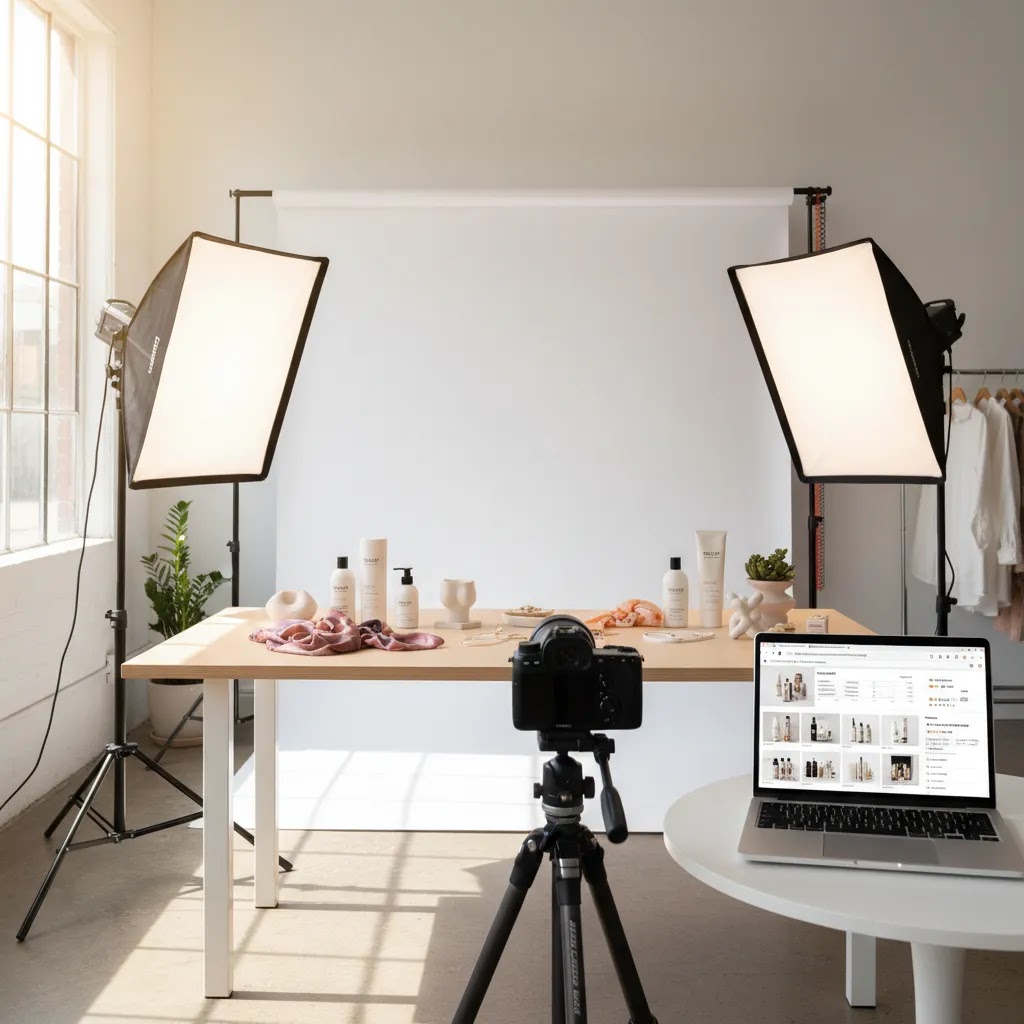
If you are looking for product photography Austin services, you are usually trying to solve a specific ecommerce problem. You need cleaner PDP images, better ad creative, more consistent catalog shots, or stronger brand visuals for Shopify, Amazon, and wholesale line sheets. The hard part is not finding a photographer. It is finding the right fit for your product type, workflow, and growth stage. Austin has strong options, but pricing, usage scope, turnaround, and styling support can vary a lot. This guide will help you evaluate local studios, freelancers, and hybrid AI-supported workflows so you can make a smart decision. If you are still comparing formats, start with this broader guide to photo studio options before shortlisting Austin providers.
Contents
- What to Expect From Product Photography in Austin
- Product Photography Austin Pricing Benchmarks (Per Photo, Per SKU, Day Rates)
- What Good Austin Product Photography Services Should Include
- Pros and Cons
- Studio vs Remote, Hybrid Options (Including “Send-Your-Product” Services)
- Who This Is For
- AcquireConvert Recommendation
- How to Choose the Right Austin Product Photographer
- What to Ask Before You Book (Contracts, Usage Rights, Revisions, and File Deliverables)
- Frequently Asked Questions
- Key Takeaways
- Conclusion
What to Expect From Product Photography in Austin
Austin is a strong market for ecommerce photography because it sits at a useful intersection of consumer brands, DTC startups, creative freelancers, and agency talent. That gives store owners more choice than in smaller cities, especially if you need lifestyle photography, beauty product photography, apparel flat lays, food styling, or short-form visual assets for paid social.
For most ecommerce brands, product photography pricing in Austin depends on five variables: shot count, complexity, styling, retouching depth, and usage needs. A simple white background set for small products will usually be priced very differently from a styled campaign with props, models, hands, or multiple lighting setups. If you sell on Shopify, you also need images sized and cropped consistently enough to support collection pages, product templates, mobile browsing, and paid media use.
That is why a local search should not stop at “who has the best portfolio.” You need to assess operational fit. Can the studio handle repeat shoots every month? Do they understand variant-heavy catalogs? Will they deliver isolated cutouts, web-ready exports, and marketplace-friendly files? If you are comparing city options, it can also help to benchmark rates and service breadth against nearby markets like product photography los angeles providers, where pricing and production expectations are often higher.
Product Photography Austin Pricing Benchmarks (Per Photo, Per SKU, Day Rates)
Austin pricing is hard to compare because photographers package work differently. From a practical standpoint, it helps to know the common pricing models you will run into, what they usually include, and what frequently shows up later as an add-on.
Typical pricing models you will see in Austin
Per photo (image-based pricing)This is common for simple ecommerce deliverables like white background images, basic angles, and light cleanup. You will often see this quoted per “final retouched image,” which sounds straightforward, but the definition of “retouched” can vary a lot between providers.
Per SKU (product-based pricing)This is common when you want a consistent set per product, for example 5 to 8 images per SKU, or a standard “PDP set.” It can work well for Shopify catalogs because you can budget by the number of products you are launching, not by the number of angles you might change later.
Half-day or full-day rates (time-based pricing)This often shows up for lifestyle shoots, creative campaigns, or anything involving styling, sets, talent, or multiple lighting setups. Day rates can be a good fit when you have a lot to shoot in a short window, but only if your shot list, styling, and product prep are tight. Otherwise, you can burn time on set and pay for it.
Directional ranges are useful as an anchor, but they are not a promise. In many cases, simple white background ecommerce photography may land in the tens of dollars per delivered image, while complex lifestyle, beauty, or reflective packaging work can move into higher image rates or day rates. The reality is that two “$X per photo” quotes can represent completely different levels of pre-production, retouching, and file prep.
What is often included, and what is commonly excluded
Most quotes include some level of capture and basic editing. What many store owners overlook is what tends to be excluded or lightly defined, which is where costs and timelines can expand:
- Styling time, prop sourcing, or set building
- Advanced retouching, label cleanup, reflection control, or texture work
- Color matching to physical samples, especially for beauty product photography or branded packaging
- Usage scope beyond your website, for example paid social, marketplaces, or wholesale materials
- Rush fees for fast turnaround
- Reshoots due to product damage, last-minute packaging changes, or missing samples
None of those are “bad.” They just need to be explicit so your team can budget and plan the launch properly.
A quote comparison checklist to normalize bids
If you are getting multiple quotes, you will make better decisions if you normalize the inputs. Consider this: two studios can quote the same total, but one is giving you a complete Shopify-ready asset package and the other is giving you raw photography plus a pile of extra work for your team.
Before you compare, align on:
- The same shot list per SKU, including required angles and detail crops
- The same retouching level, defined with examples
- The same deliverables, including file types, sizes, and number of exports per image
- The same background requirements, such as pure white, transparent PNG, or natural shadow
- The same usage scope across channels
- The same revision policy and what counts as a revision
Turnaround expectations, and how they impact cost
Turnaround is a real differentiator in Austin, especially for DTC brands trying to launch on a schedule. Standard delivery might be a few business days to a couple of weeks depending on volume, complexity, and how many rounds of approvals are built into the process. Rush delivery, including 24 to 72 hour timelines, may be available, but it typically comes with trade-offs.
Rush work can increase cost, and it can also reduce flexibility. You may get fewer revision rounds, tighter approval windows, or a narrower retouching scope. Think of it this way: if you need speed, you want to lock your shot list and acceptance criteria early, so you do not pay rush fees and still end up waiting for changes.
What Good Austin Product Photography Services Should Include
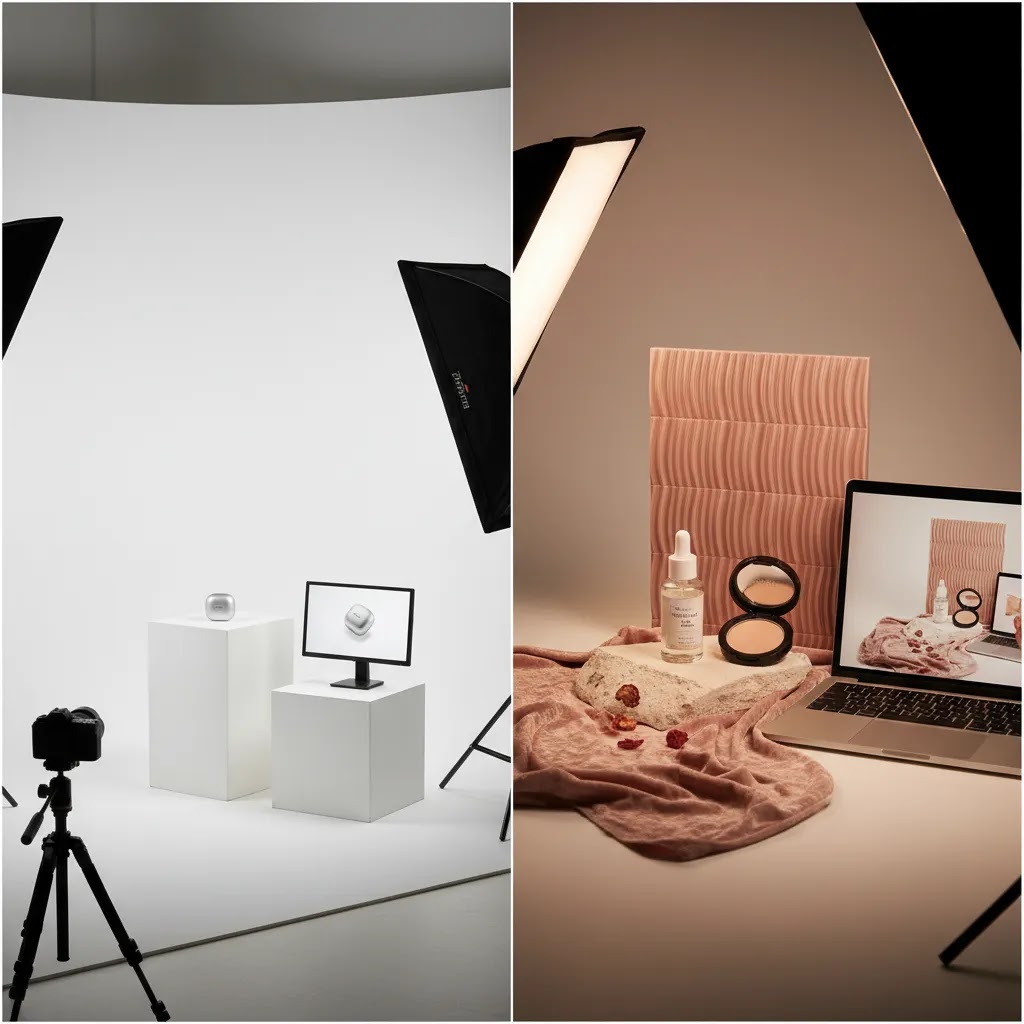
Not every product photography agency or freelance setup is built for ecommerce. If your goal is stronger conversion support, look beyond the creative reel and focus on deliverables that make merchandising easier.
1. Consistent catalog coverageAt minimum, a provider should be able to handle clean product shot photography on white or transparent backgrounds, front and back angles, detail crops, and variant consistency. This matters for collection pages, filters, and side-by-side product comparison.
2. Styling matched to channel useSome stores need marketplace-compliant images first. Others need paid-social lifestyle shots, email banners, and home page hero assets. A good Austin studio should help you separate “must-have commerce shots” from “brand-building extras” so you do not overspend.
3. Post-production and file readinessAsk whether editing includes dust cleanup, label straightening, color correction, clipping paths, shadow handling, and web export prep. Many merchants underestimate how much post-production affects consistency across PDPs.
4. Flexible production workflowIf you launch products regularly, you may be better served by a team that can receive shipments, manage shot lists, and deliver repeatable outputs. That often matters more than hiring a one-off creative specialist. If you are considering solo talent, compare local studios with specialized freelance photographers to understand the trade-off between flexibility and production scale.
5. Hybrid AI support where it makes senseSome brands now use AI for background cleanup, versioning, and concept testing after the original shoot. That can be useful for secondary assets, campaign mockups, or quick creative refreshes. For example, tools like AI Background Generator, Free White Background Generator, and Increase Image Resolution may help extend the value of your shoot library. Still, most established brands should treat AI as a support layer, not a full replacement for original photography when color accuracy, packaging detail, and brand trust matter.
For merchants building a repeatable system, it also helps to review broader guidance on photography products so you know what to standardize before hiring anyone.
Pros and Cons
Strengths
- Austin gives ecommerce brands access to a healthy mix of boutique studios, commercial photographers, and creative freelancers.
- Local production can simplify shipping, approvals, reshoots, and communication if your inventory is based in Texas.
- Many Austin photographers can support both clean ecommerce images and more styled social or campaign work.
- Rates may be more accessible than top-tier coastal markets for comparable small to mid-size DTC production needs.
- The city has strong talent for beauty, food, apparel, and lifestyle visuals, which helps brands that need content beyond standard pack shots.
Considerations
- Pricing structures vary widely, so quote comparisons can be misleading unless you standardize the shot list and editing scope.
- Some providers excel at creative imagery but are less prepared for repeatable ecommerce catalog workflows.
- Lower-cost quotes may exclude retouching, file prep, props, usage, or revision rounds, which raises the final cost later.
- If you need highly specialized category expertise, you may still find stronger niche talent outside Austin.
Studio vs Remote, Hybrid Options (Including “Send-Your-Product” Services)
For most Shopify store owners, the real decision is not “Austin or not.” It is whether you need a local workflow where you can be hands-on, or a remote workflow where you ship inventory out and run production asynchronously.
How to decide: local Austin shoot vs shipping to a remote studio
Local Austin tends to make sense when:You have fragile products, messy products, or products that are likely to need on-set iteration. Beauty product photography with reflective packaging is a common example. Another is food, where timing and handling matter. Local can also be the better choice if your team wants to approve lighting and angles in real time, or you expect multiple revision cycles.
Remote “send-your-product” services tend to make sense when:You have standardized products, repeatable shot requirements, and you mainly need consistent PDP coverage at scale. If you launch frequently and want a systemized process, shipping to a studio that runs like a production line can work well, even if they are not in Austin. The key is whether they can deliver the aspect ratios, crops, and file sets your Shopify theme actually needs.
Consider frequency and team capacity:If this is a one-time shoot, you may accept more coordination overhead. If this is monthly or quarterly, operational simplicity matters. Think about who will build shot lists, pack samples, track variants, and handle approvals. That internal labor is real cost, even if it does not show up on the photography quote.
Hybrid workflows: pro base shoot plus AI-assisted repurposing
A hybrid approach is becoming more common: you capture a high-quality base set with a professional photographer, then repurpose those images for seasonal backgrounds, ad variants, and marketplace formats using AI-assisted editing.
This can be a practical way to stretch a shoot library, especially for paid social testing where you need more creative iterations than you can afford to shoot from scratch. It also helps when you need quick refreshes between larger shoots.
Here is the thing: hybrid workflows break down in predictable places. Color accuracy can drift. Reflective packaging can look wrong. Complex edges, like hair, translucent materials, or glass, can introduce artifacts. Regulated categories may also require conservative edits and clear disclosure of what the product actually looks like. For core Shopify PDP images, your safest path is still strong source photography and careful human review of any AI output before you publish.
Operational notes to cover on discovery calls
If you are shipping products or running a hybrid process, the way this works in practice is mostly operational. Ask about:
- Shipping address and intake process, including who is responsible for inbound damage
- Sample tracking, SKU labeling, and how they prevent mix-ups across variants
- Approval workflow, including how you review proofs and how quickly you need to respond to stay on schedule
- Reshoot handling, including what triggers a reshoot and how it is priced
- Return shipping timelines, especially if you need inventory back for fulfillment
Those questions are not glamorous, but they prevent the most common “we lost a week” problems that show up right before a launch.
Who This Is For
This guide is for Shopify store owners, brand marketers, and ecommerce teams deciding whether to hire an Austin studio, use a freelance photographer, or combine a professional shoot with AI editing support. It is especially relevant if you are launching a new product line, improving low-converting PDPs, preparing for wholesale outreach, or trying to standardize image quality across your store. If your business is still defining what a repeatable setup should look like, review this guide to a product photography studio workflow before you request quotes.
AcquireConvert Recommendation
For most ecommerce brands, the best Austin product photography decision starts with channel priorities, not aesthetics alone. Giles Thomas, through AcquireConvert, approaches this from a Shopify operator’s perspective: what images will actually help your collection pages, PDP templates, paid social ads, and email campaigns work better together? That means thinking about consistency, file usability, testing velocity, and the cost of ongoing production, not just the first shoot.
If you want a broader decision framework, explore AcquireConvert’s Product Photography Services resources and the site’s practical coverage of E Commerce Product Photography. If your category overlaps with cosmetics or skincare, this cross-hub guide to an ai makeup generator is also useful for understanding where AI-assisted visuals can support merchandising and creative testing. AcquireConvert is built for merchants evaluating real implementation choices, so you can compare options side by side and make a more confident call before spending on a shoot.
How to Choose the Right Austin Product Photographer
Here are the criteria that matter most if you are evaluating product photography companies in Austin for ecommerce use.
1. Match the provider to your product type
Jewelry, supplements, cosmetics, apparel, home goods, and food all require different lighting, set design, styling, and retouching. Ask for examples close to your category, not just a general portfolio. Beauty brands should pay extra attention to color handling, reflective packaging, and texture detail. Apparel brands may need ghost mannequin, flat product photography, or on-model work.
2. Separate required shots from optional creative
Before requesting quotes, define your core image list. For many Shopify stores, that means hero white background images, side angles, details, scale references, and at least one lifestyle or in-use frame. Once you have that baseline, add campaign extras only if the economics make sense. This prevents overspending on visuals that look great in a deck but do little for conversion support.
3. Clarify pricing structure early
Some Austin studios price per image. Others price per day, per SKU, or per production package. Ask what is included in the quoted rate:
- Pre-production planning
- Shot list support
- Styling or props
- Retouching rounds
- Background removal
- Model or hand talent
- File formats and export sizes
- Rush turnaround
- Usage rights if relevant
Pricing transparency matters more than the starting number. A lower quote is not better if it creates extra management work for your team.
4. Evaluate operational repeatability
If you release products often, treat this as a production partnership. Ask how they handle reorders, seasonal updates, packaging revisions, and incremental SKUs. Many growth-stage stores do better with a reliable repeatable setup than with a one-time creative splash. If you need help thinking through your own product photography setup, document your naming, shot requirements, aspect ratios, and channel destinations before choosing a provider.
5. Know where AI fits and where it does not
AI in product photography can help with concepting, simple background work, and secondary asset creation. It can be useful for testing backdrops, mockups, or social variations after you capture a high-quality original file. But AI still may not be the right choice for every primary ecommerce image, especially in regulated, high-detail, or premium categories. Brands considering hybrid workflows should compare the cost of reshoots against AI-assisted extensions using tools such as background editing, white background generation, or image cleanup. That is often more practical than trying to create your entire image library from scratch with AI.
What to Ask Before You Book (Contracts, Usage Rights, Revisions, and File Deliverables)
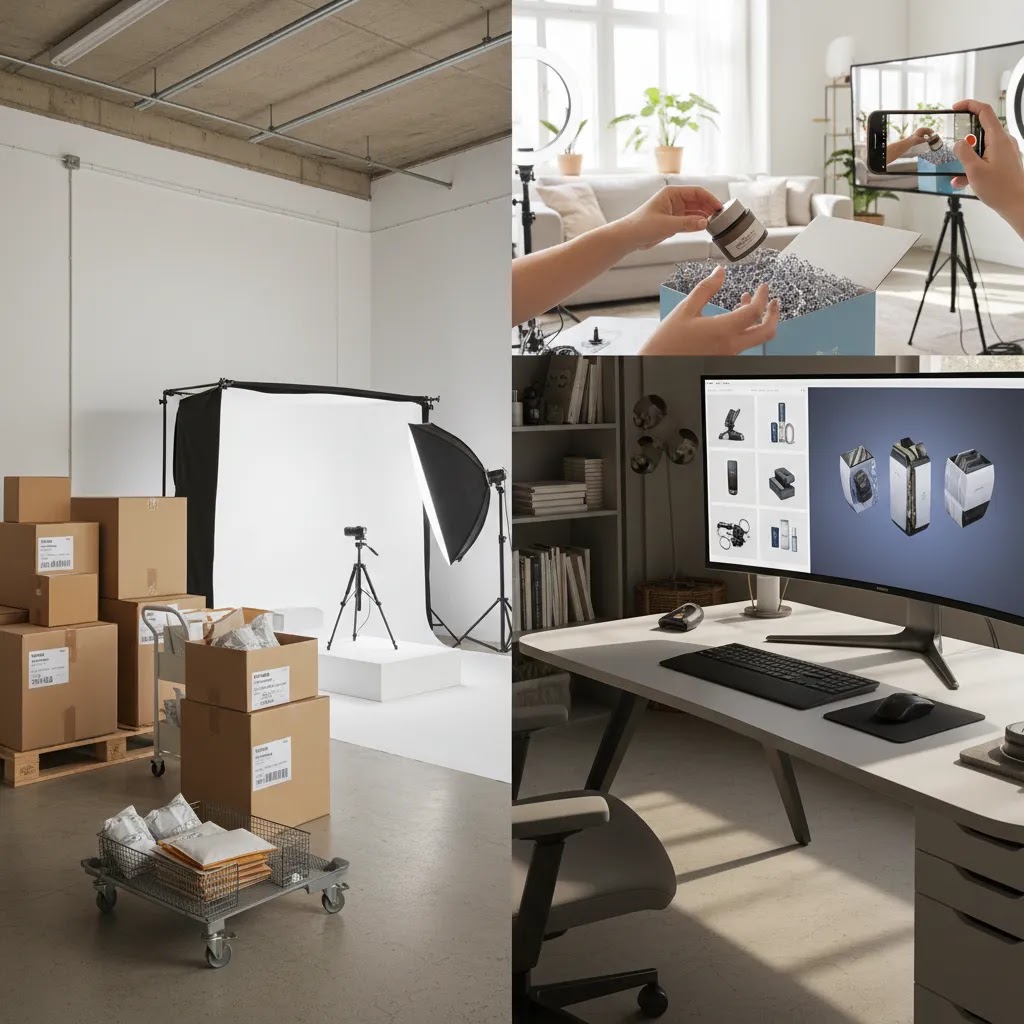
Once you have a short list, the next step is to reduce surprises. Most photography problems for ecommerce are not really “creative” problems. They are scope problems. A few direct questions can save you a lot of back-and-forth after the shoot.
Usage rights and licensing: define where the images will live
Usage rights can be simple or complicated, depending on how the photographer structures pricing. For ecommerce brands, the most practical move is to state your channels clearly up front, then get it written into the agreement.
At a minimum, be clear on whether usage covers:
- Your Shopify store, including product pages, collections, and home page creative
- Paid social ads and paid search creative
- Marketplaces, for example Amazon or other listing environments that have their own formatting needs
- Wholesale line sheets and retailer presentations
- Email and SMS marketing
If a quote assumes “website only” usage and you plan to run paid media, that is not necessarily a deal breaker. It just means you need the expanded usage priced in, so you are not renegotiating after the fact.
Revisions: agree on what counts, and how approvals work
Revisions can mean anything from “swap image order” to “re-shoot the product.” You want to define revision rounds and acceptance criteria in a way that matches how your team operates.
Ask:
- How many revision rounds are included, and what counts as a round
- Whether revisions cover retouching changes only, or also include re-cropping, exports, and alternate versions
- How proofs are delivered and approved, and what the response window is
- What triggers a reshoot, and how reshoots are scheduled and billed
The goal is not to eliminate revisions. It is to prevent endless cycles. A clear approval process usually means your Shopify team can publish faster and avoid image inconsistency across SKUs.
Deliverables that matter for Shopify workflows
Most “we delivered the files” moments fail because the files do not match how ecommerce teams actually use them. Before you book, confirm deliverables in detail.
For Shopify, it often helps to standardize:
- Aspect ratios and crop rules, so collection pages and PDPs look consistent
- Naming conventions that map to SKUs and variants, so your team can upload without confusion
- Color profile expectations, so colors look as intended across devices
- Export sets for different uses, for example high-resolution masters and web-ready versions for faster site performance
- Whether you need layered files for advanced edits later, and how those are delivered and stored
Giles Thomas’s Google Expert lens matters here too: image file size and consistency can affect page speed and merchandising execution. You do not need to over-engineer it, but you do want a deliverables spec that your photographer can actually follow every time.
Frequently Asked Questions
How much does product photography cost in Austin?
There is no single standard rate because Austin photographers price differently. Costs usually depend on SKU count, shot complexity, styling, retouching, and turnaround. A simple white background batch will typically cost less than a styled lifestyle production. Ask for an itemized quote so you can compare providers fairly.
How much does product photography cost per photo in Austin?
Many Austin providers will quote per delivered retouched image, but the per-photo number can be misleading unless you know what is included. The rate typically depends on product complexity, whether you need pure white backgrounds or transparent cutouts, how much retouching is required, and how fast you need the files. If you want a realistic comparison, ask each provider to quote the same shot list and editing scope, and confirm whether things like styling, props, and advanced retouching are included or billed separately.
What is the average turnaround time for product photography in Austin?
Turnaround varies based on shoot size and retouching depth. A small white background set may be delivered in a few business days, while larger catalog work or styled lifestyle projects can take a couple of weeks, especially if approvals and revisions are involved. If you have a launch date, share it early and ask what “standard” versus “rush” delivery looks like, including how many revision rounds are still possible on a rush timeline.
Are there affordable product photography options in Austin for small businesses or startups?
Yes, but “affordable” usually comes from simplifying the brief, not just finding the lowest quote. Many small brands get better value by starting with a tight Shopify PDP shot list, standardizing angles and crops, and focusing on repeatable white background coverage before adding styled campaign work. Freelancers or smaller studios can be a fit for early-stage shoots, as long as deliverables, retouching scope, and revision rounds are clear in writing.
Should I hire a studio or a freelance product photographer in Austin?
A studio is often the better fit if you need repeatable output, larger shot lists, or project management support. A freelancer may work well for smaller brands, early product launches, or limited campaigns. The right choice depends on volume, complexity, and how much coordination your team can handle internally.
What should I send before requesting a quote?
Send your product list, target shot count, references, intended channels, deadline, and whether you need styling or retouching. It also helps to specify if the images are for Shopify PDPs, Amazon listings, email campaigns, or paid ads. Clear inputs usually lead to clearer quotes and fewer revisions.
Can Austin photographers handle Shopify-ready images?
Many can, but you should not assume it. Ask whether they can deliver consistent aspect ratios, clean crops, background options, compressed web exports, and detail shots that work within your Shopify theme. Giles Thomas’s Shopify Partner perspective is useful here because technical fit matters almost as much as visual quality.
Is AI product photography free or lower cost than a local shoot?
Some AI tools offer no-cost entry points for background editing or basic image variations, but that does not mean AI replaces a full professional shoot. It may reduce production needs for some secondary assets. For primary product images, accuracy, texture, and packaging detail still often benefit from real photography.
What kinds of products photograph best in a local Austin studio?
Beauty, wellness, food, apparel accessories, home goods, and packaged consumer products often work well in a studio setting. A local setup is especially helpful when products are fragile, reflective, or need multiple revisions. It can also simplify shipping and approvals if your business is nearby.
Do Austin product photographers offer product videography too?
Many do, either in-house or through a partner. Short product videos can be useful for PDPs, paid social, and marketplaces, but they usually require more planning than stills because lighting, movement, and styling need to be consistent across takes. If you want video, ask how it is priced, what deliverables you will get (length, format, aspect ratios), and whether it is designed for Shopify PDP use, ads, or both.
Do I need lifestyle images as well as white background shots?
In many cases, yes. White background images support clarity and consistency, while lifestyle shots help shoppers understand scale, context, and use. The right mix depends on your category and buying journey. For many Shopify stores, both formats play different roles across PDPs, ads, and social content.
How many product photos do I need per SKU?
Many ecommerce brands start with 4 to 8 useful images per SKU rather than aiming for volume alone. A typical set includes a hero image, alternate angles, close details, packaging, and one contextual shot. If you sell products with texture, functionality, or ingredients, you may need more explanatory visuals.
Are Austin agencies better than specialized out-of-city providers?
Not always. Local agencies can be more convenient and collaborative, especially for physical approvals and repeat shoots. But some out-of-city providers may have deeper category specialization. The better fit depends on what matters most to you: convenience, niche experience, price structure, or production scale.
What is the biggest mistake ecommerce brands make when hiring a product photographer?
The biggest mistake is buying photography based only on style without defining business use first. If the brief does not cover channels, shot priorities, editing needs, and file outputs, the project can become expensive and harder to use. Start with merchandising needs, then choose the photographer.
Key Takeaways
- Austin is a strong market for ecommerce product photography, but quality and pricing models vary widely.
- The best provider for your store is the one that matches your product type, shot volume, and repeat production needs.
- Always compare quotes using the same shot list, retouching scope, and delivery requirements.
- For Shopify stores, consistent crops, aspect ratios, and file readiness matter as much as creative quality.
- AI can support editing and variation workflows, but it works best as a complement to strong source photography.
Conclusion
Choosing the right product photography Austin partner is really about choosing the right production system for your store. A strong photographer can improve brand presentation, reduce merchandising friction, and give you more useful assets for product pages, ads, and retention campaigns. But only if the workflow fits your product type, budget, and growth pace. Start with a clear shot list, ask practical questions about delivery and editing, and judge proposals on operational fit as well as portfolio quality. If you want more help comparing options, explore AcquireConvert’s product photography resources and related service guides. Giles Thomas brings a Shopify Partner and Google Expert lens to these decisions, which is valuable when your goal is not just better-looking images, but better ecommerce execution.
This article is editorial content created for AcquireConvert. It is not a paid endorsement unless explicitly stated otherwise. Pricing for photography services and third-party tools is subject to change and should be verified directly with the provider. Any performance impact from improved photography, AI editing, or related ecommerce changes will vary by store, product category, traffic quality, and implementation.

Hi, I'm Giles Thomas.
Founder of AcquireConvert, the place where ecommerce entrepreneurs & marketers go to learn growth. I'm also the founder of Shopify agency Whole Design Studios.