Photography Products for Ecommerce (2026 Guide)

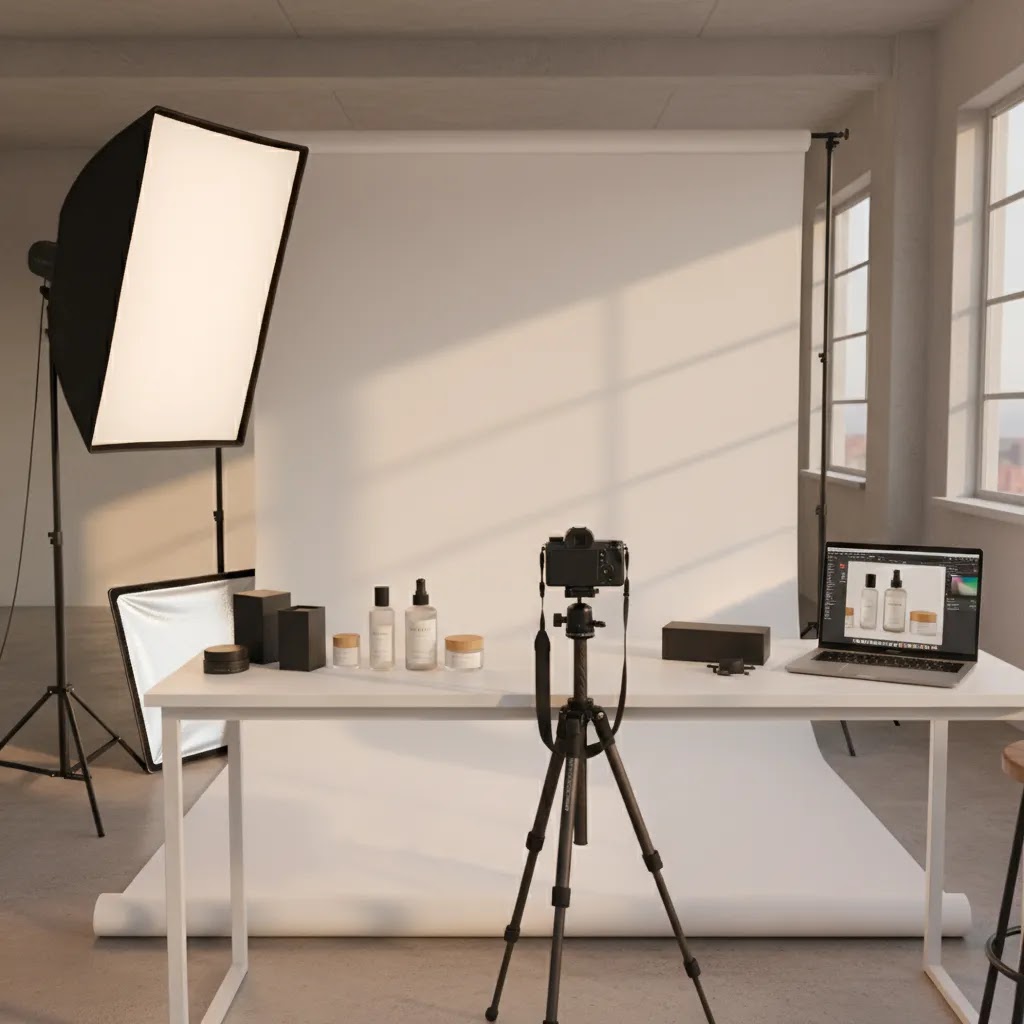
If you sell online, your product photos are doing conversion work long before your copy, reviews, or retargeting ads get a chance. That is why choosing the right photography products matters. For many Shopify merchants, the real question is not whether to improve product images, but which equipment and tools are actually worth paying for at their current stage of growth. A new store may need a simple white-background setup. A growing brand may need better lighting, a dedicated photo studio workflow, and AI editing support to keep production moving. This guide breaks down the gear categories, editing tools, and buying criteria that matter most so you can build a setup that fits your catalog, margin structure, and content goals.
Contents
- What photography products actually matter
- Key equipment and tools to evaluate
- Professional product photography equipment checklist (must-have vs nice-to-have)
- Pros and Cons
- Who this setup guidance is for
- AcquireConvert recommendation
- How to choose the right photography products
- Studio support gear most store owners overlook
- Frequently Asked Questions
- Key Takeaways
- Conclusion
What Photography Products Actually Matter
Store owners often start by thinking about cameras first. In practice, the biggest improvements usually come from lighting, background control, image consistency, and editing speed. A mid-range camera with a clean setup can outperform an expensive camera used in poor lighting.
For ecommerce, the core job of photography products is simple: help you create images that are accurate, repeatable, and persuasive. That applies whether you are shooting beauty products photography for a cosmetics line, products on white photography for marketplace compliance, or lifestyle content for paid social.
The most useful photography products usually fall into five groups:
- Lighting tools for color accuracy and shadow control
- Background tools for white, transparent, or styled scenes
- Stabilization gear such as tripods and stands
- Editing software and AI tools for cleanup and resizing
- Workflow products that speed up volume shooting
If you are comparing in-house production with outsourcing, it also helps to review what professional advertising photographers typically handle versus what a merchant can manage alone. That line becomes especially important once your SKU count grows or your brand needs more campaign-level creative.
Key Equipment and Tools to Evaluate
Below are the photography product categories and live tools most relevant to ecommerce teams managing their own visual content.
1. Lighting and white background control
For most stores, this is the foundation. Soft, even light helps preserve product texture, packaging details, and color. It is especially important for makeup products photography, skincare, jewelry, and reflective products. If you need marketplace-ready cutouts or clean PDP images, review best practices for white background photography before buying extras you may not need.
From a practical standpoint, controlled lighting is also what makes your camera settings predictable. You will hear photographers refer to rules of thumb like the “400 rule” as a shortcut for exposure decisions in bright conditions. The way it is commonly discussed is simple: in bright daylight, your exposure typically lands in a narrow range, so you can start with a baseline and adjust from there. In a product setup, the takeaway is not the number, it is the control. When your light is consistent, you can keep settings consistent, which usually makes color and background whites easier to match across a whole Shopify catalog.
If you want a baseline starting point for products on white photography with a dedicated camera, start simple and test:
- Aperture: pick something like f/8 to f/11 for more depth of field, so the full product stays sharp
- Shutter speed: keep it fast enough to avoid camera shake, especially if you are hand-holding, but if you are on a tripod you can go slower
- ISO: keep it as low as practical to reduce noise and keep your background clean
On a smartphone, the equivalents are more about consistency than manual control. Lock exposure and focus, keep your lighting uniform, and avoid mixed light sources like daylight plus warm room bulbs. Mixed light is one of the fastest ways to get inconsistent whites and unpredictable color, which can create extra editing work later.
Here is the thing, rules of thumb break down when the product is hard. Reflective packaging, glossy plastics, glass, metallic finishes, and anything with sparkle can require small, careful changes to light position, diffusion, and angle. If you are shooting anything that moves, like liquids being poured or handheld demo shots, shutter speed becomes more important than typical pack shot settings. In those cases, testing and reviewing your results on a larger screen matters more than any “rule.”
2. Background editing and cleanup
Not every merchant has space for a full set. That is where editing tools can help. AcquireConvert product data shows several current AI image tools that support common ecommerce tasks:
- AI Background Generator for creating alternative scenes around products
- Free White Background Generator for cleaner catalog-style images
- Increase Image Resolution when source files need quality improvement for onsite use
- Remove Text From Images for cleaning old creative assets
- Background Swap Editor for testing alternate looks without full reshoots
- Place in Hands for lifestyle-style compositions
- Magic Photo Editor for general image editing tasks
- Creator Studio for broader image creation workflows
These tools are most useful when you already have decent source images. They can save time on cleanup, testing, and creative variation, but they do not remove the need for clear product capture and visual quality control.
3. Stabilization and repeatability
A sturdy tripod, overhead arm if needed, and fixed shooting marks matter more than many merchants expect. Repeatability is what makes professional products photography feel trustworthy. It also reduces editing time because framing and angle stay consistent across your catalog.
4. Space efficiency
If you have fewer than 50 active SKUs, a compact home setup can work well. Once you manage larger assortments or seasonal launches, a more structured product photography studio process often becomes more cost-effective than ad hoc shooting.
5. Scalability with AI support
AI products photography tools can help with background swaps, white background cleanup, and asset expansion for email, ads, and collection pages. For Shopify merchants, that can be useful when testing more image variants across product pages, landing pages, and campaign assets. Still, keep brand consistency in mind. AI output should support your visual system, not create a mix of mismatched styles.
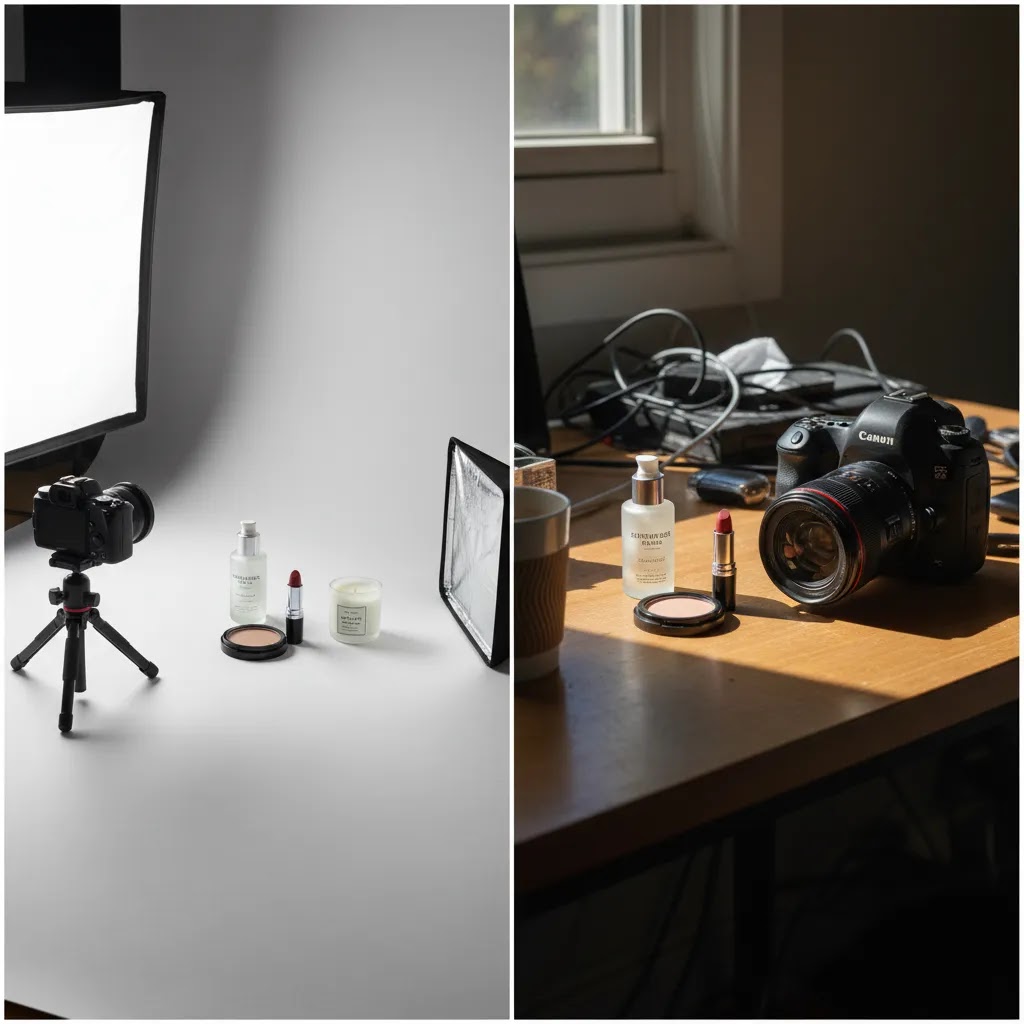
Professional Product Photography Equipment Checklist (Must-Have vs Nice-to-Have)
If you search for a “photography equipment list,” you will find everything from hobby kits to full studio inventories. For ecommerce, you want something more practical: a checklist that helps you get clean, repeatable results for your catalog, then scale up only when the volume and content needs justify it.
Think of your setup in two layers. The first layer is what makes a product photo technically solid. The second layer is what makes it fast, safe, and repeatable.
Must-haves for most Shopify stores shooting in-house
- Camera: a modern smartphone can work, a dedicated camera can help when you need consistent lenses and better control
- Lens (if using a camera): a standard lens that stays sharp across the frame, and lets you get close enough for detail shots without distortion
- Tripod: stability is the difference between a one-off nice shot and a consistent product catalog
- Lights: continuous lights or strobes, what matters is soft, even output you can repeat
- Light modifier: a softbox, umbrella, or diffusion to avoid harsh reflections and strong shadows
- Background: a white sweep, paper roll, or a reliable white surface for products on white photography
- Basic stands: light stands that hold your lights reliably at consistent height and angle
Nice-to-have items that solve real problems
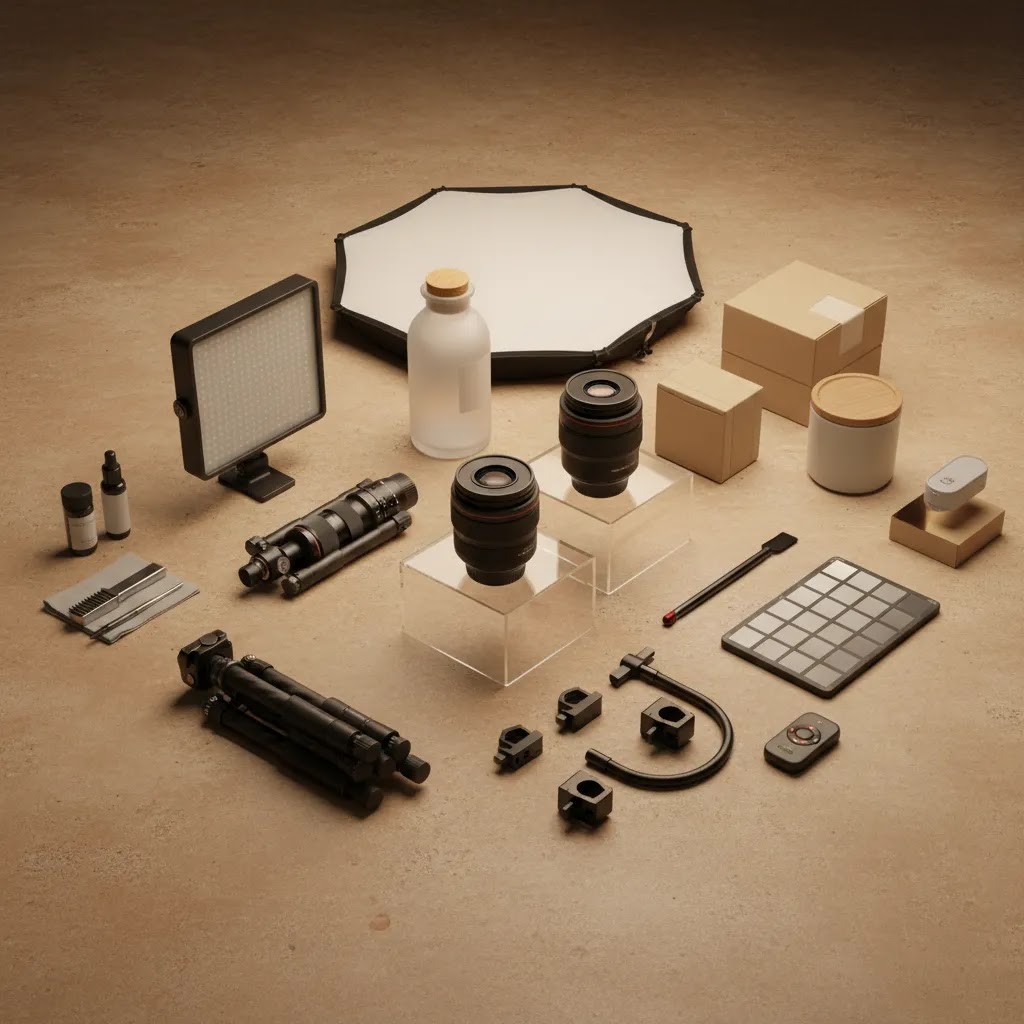
- Overhead arm or boom: for flat lays, overhead product shots, and consistent top-down framing
- Clamps and clips: for holding backdrops, securing diffusion, or keeping small items in place
- Reflector or bounce cards: for shaping shadows and lifting dark areas without adding another light
- Turntable: for consistent 360-style capture or quick angle variations for product pages
- Macro capability: either a macro lens or close-up solution if your category depends on texture, ingredients, or fine print
Grip gear that pros rely on (and why it matters)
What many store owners overlook is that professional-looking product photography is often a grip problem, not a camera problem. Grip is the category of support tools that hold lights, modifiers, diffusion, and products in place. In a small home space, these items can also keep things from tipping over.
- C-stands: heavier stands that stay put, useful when you need a light or diffusion panel positioned precisely
- Boom arms: extend a light over a table without the stand legs getting in your shot
- Sandbags or counterweights: keep stands stable, especially when you add a boom or raise a light high
- Spring clamps and A-clamps: secure backdrops, flags, and reflectors quickly so your setup stays consistent
- Apple boxes: simple platforms that help with product height, leveling, and consistent staging
If you only buy one “pro” category early, buy stability. A slightly heavier stand and a sandbag can prevent the kind of setup drift that causes subtle inconsistencies across a catalog.
A simple progression path based on volume
For most Shopify store owners, the right setup changes as the catalog changes:
- Smartphone setup: best when you have low SKU volume, simple products, and you can control your lighting
- Entry-level camera setup: useful when you need consistent focal length, better detail, and repeatable framing across collections
- Studio-level setup: makes sense when you are producing content weekly, shooting seasonal launches, or managing enough SKUs that reshoots and inconsistent edits become a real time cost
The reality is that “pro” is not a price point. It is repeatability. If your current setup makes you reshoot or re-edit too often, that is usually your cue to upgrade support gear, lighting consistency, or workflow before you chase a new camera body.
Pros and Cons
Strengths
- Photography products improve conversion readiness by making product pages clearer and more consistent, which may reduce hesitation from first-time shoppers.
- Good lighting and stabilization equipment often deliver more noticeable gains than upgrading to a more expensive camera body.
- AI editing tools can speed up repetitive tasks such as background cleanup, white background creation, and scene variation.
- In-house product shooting gives you more control over launch timing, seasonal campaigns, and quick creative tests.
- A well-planned setup supports multiple use cases, including PDPs, collection pages, email campaigns, social ads, and marketplace feeds.
- For Shopify stores with expanding catalogs, repeatable photography systems can make merchandising work faster across the full site.
Considerations
- Equipment alone does not produce strong images. Lighting technique, styling, framing, and file handling still matter.
- AI tools can save time, but output quality varies depending on the original image and the realism required for your category.
- Some merchants underestimate the time needed for editing, exports, naming conventions, and uploading images across channels.
- Beauty, cosmetics, apparel, and reflective products often need more precision than a simple beginner setup can provide.
- As product lines grow, outsourcing to a service or local specialist may become more efficient than managing photography internally.
Who This Setup Guidance Is For
This guide is for ecommerce operators who want to make smarter decisions about photography for products rather than buying gear based on general photography advice. It is especially relevant if you run a Shopify store, manage product launches yourself, or need a practical balance between conversion quality and production speed.
It is a fit for merchants selling beauty, home, accessories, packaged goods, and other products where image consistency directly affects trust. If you are still deciding whether to build an in-house system or work with a specialist, looking at service-led options like product photography austin can help clarify the trade-off between flexibility and production quality.
AcquireConvert Recommendation
At AcquireConvert, the practical question is never just “what gear should I buy?” It is “what setup helps you publish better product images consistently without slowing down the rest of your growth work?” That store-owner lens is what makes this topic matter. Giles Thomas brings a useful perspective here as a Shopify Partner and Google Expert, because product photography affects not only on-site conversion but also merchant feed quality, ad creative, and search presentation.
If you are comparing service options, start with our guides on product photography austin and building an efficient product photography fundamentals workflow. Those resources are especially helpful if you are deciding between DIY production, AI-assisted editing, and hiring specialist support for higher-value images.
How to Choose the Right Photography Products
Choosing photography products gets easier when you evaluate them against your store model instead of generic photographer advice. These are the criteria that matter most.
1. Match the setup to your catalog type
Small boxed products, supplements, cosmetics, and candles are usually easier to shoot in-house. Apparel, reflective packaging, glass, and texture-heavy items often need better lighting control and more editing discipline. If your category relies heavily on finish, shade, or material detail, put more money into lighting and testing before spending on AI tools.
2. Decide whether white background or lifestyle content matters more
Many stores need both, but not in equal amounts. White background images support clarity, consistency, and channel compliance. Lifestyle images help customers understand scale, context, and brand feel. If your team is stretched, prioritize the image type that directly supports your main sales channel first, then expand.
3. Think in workflow, not single products
The best photography products are the ones that work together. A good setup usually includes controlled light, a stable camera position, a clean background process, and editing tools that fit your volume. That is more valuable than one premium piece of equipment surrounded by weak supporting gear.
4. Evaluate AI tools by task
Use AI for defined jobs, not vague expectations. White background generation, resolution enhancement, and background swaps can be useful. Full replacement of careful product capture is much less reliable. For example, a merchant may use Free White Background Generator for catalog cleanup, then test AI Background Generator or Background Swap Editor for social creative variants.
5. Compare DIY against outsourced production honestly
If you are shooting a few products each month, in-house may be sensible. If you are managing frequent launches, high SKU counts, or premium branding, external support may save time and improve consistency. This is where reviewing a local or specialized service option helps. Even if you keep production internal, seeing how professionals structure the work can improve your process.
Studio Support Gear Most Store Owners Overlook
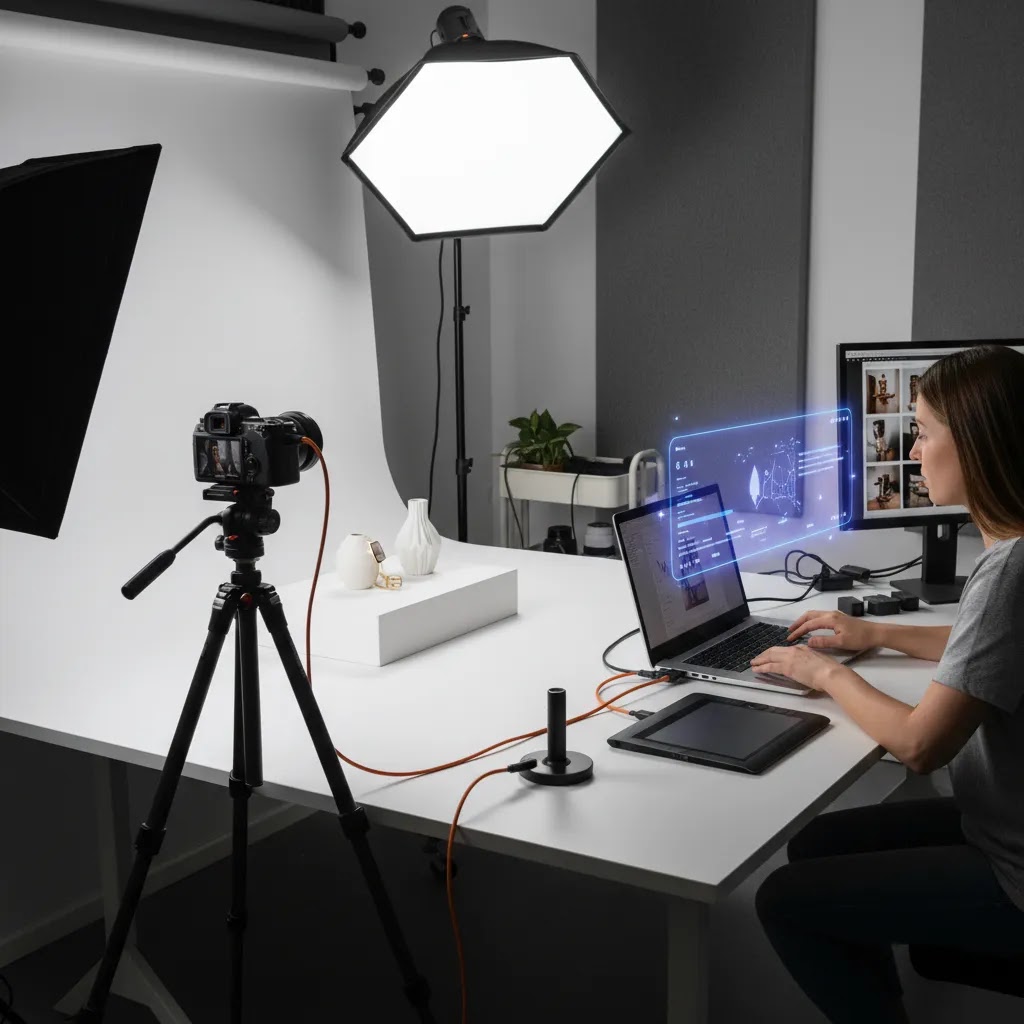
Most merchants shopping for photography studio products focus on the headline items: camera, lights, maybe a backdrop. The workflow multipliers are the smaller items that keep your setup consistent, reduce friction during shoots, and help you maintain quality when you are shooting 20 products in a row instead of 2.
Workflow multipliers that improve consistency
Consider this, consistency is not just “same background.” It is same angle, same crop, same product size in frame, and similar shadow shape across an entire collection page.
- Tethering basics: seeing your shots on a laptop or monitor helps you catch dust, label misalignment, and focus issues before you shoot the entire batch
- Marks on the floor or table: simple tape marks for tripod legs, product placement, and light stand positions help you recreate the setup next week
- Product supports: clear acrylic blocks, museum putty, or small stands can hold products upright and reduce time spent fighting packaging that will not sit straight
- Cleaning tools: microfiber cloths, air blowers, and gentle brushes save time in post, especially for glossy packaging and dark products
- Color reference: a gray card or color card can help with white balance and consistency, particularly if you are mixing images from different days
For most Shopify store owners, these items feel boring until you see how much time they can save in reshoots and cleanup in many cases. They also make it easier to hand off parts of the process to a team member because the setup is documented physically, not just remembered.
Safety and stability in small spaces
The reality is that home and small-office setups introduce risks that a dedicated studio avoids. A light stand tipping onto products, a boom arm slowly drifting, or a cable snag can end a shoot fast. Small safety upgrades are usually worth it for peace of mind and repeatability.
- Sandbags and counterweights: keep stands stable, especially with softboxes, booms, or overhead arms
- Cable management: gaffer tape, cable ties, or simple routing prevents tripping and reduces accidental light movement
- Clamps and secure mounting: holding diffusion, reflectors, or backdrops properly keeps your lighting consistent and reduces setup drift
Now, when it comes to speed, stability is speed. If you are constantly re-leveling a tripod, re-aiming a light, or fixing a sagging backdrop, you will spend more time resetting than shooting. Support gear is often the most cost-effective way to make your product photography feel professional without changing your camera at all.
Frequently Asked Questions
What are the most important photography products for ecommerce beginners?
Start with lighting, a tripod, a clean background, and basic editing tools. Those usually matter more than an expensive camera. If your goal is products on white photography, consistent light and a reliable cleanup workflow will do more for image quality than chasing advanced gear features.
Do I need a professional camera for product photography?
Not always. Many merchants can get usable results with a smartphone and a controlled setup, especially for simple products. The quality gap usually comes from lighting, stabilization, and editing. If you sell premium or detail-sensitive items, a dedicated camera may still be worth considering later.
Are AI products photography tools good enough for a Shopify store?
They can be useful for specific jobs such as white background edits, background swaps, resolution improvement, and content variations. They work best when the source photo is already clean and well lit. For hero images and premium branding, you should still review AI outputs carefully before publishing.
What is the best setup for beauty products photography?
Beauty products photography usually needs soft, controlled light, careful color handling, and close attention to packaging texture. White background images help with clarity, while lifestyle or model-led content may help show brand feel. Reflective surfaces and small text often make this category more demanding than standard pack shots.
Should I build a home setup or hire a professional service?
That depends on your SKU volume, team time, and quality expectations. A home setup can work for simple products and frequent smaller shoots. If your catalog is large or your brand depends on highly polished imagery, outsourcing may be the more efficient route. Compare cost against time, not just equipment price.
How do photography products affect conversion rates?
Better imagery may improve clarity, trust, and product understanding, which can support conversion in many cases. But image quality is only one part of performance. Pricing, reviews, page speed, offer structure, and merchandising still matter. It is best to think of photography as one important part of the conversion system.
Can I use AI-generated backgrounds on product pages?
Yes, if they still present the product honestly and fit your brand style. AI-generated backgrounds can be helpful for campaigns and supporting visuals. For core PDP images, many merchants prefer simpler, more accurate presentations so shoppers can clearly assess size, color, and product details.
What photography products help most with marketplace compliance?
White background tools, consistent lighting, and clean image exports are usually the most useful. Marketplaces often require clear, distraction-free imagery. A workflow that produces accurate, standardized files will help more than dramatic styling or heavy creative effects.
How often should I upgrade my product photography setup?
Upgrade when your current setup creates bottlenecks. Common signs include inconsistent image quality, slow editing, frequent reshoots, or inability to support new channels. For many stores, improving workflow and lighting delivers a better return than replacing every piece of equipment.
What are must-haves for photography?
For ecommerce product photography, the must-haves are controlled lighting, a stable way to hold the camera in the same position, and a consistent background. In practice, that usually means lights plus diffusion, a tripod, and a white sweep or clean surface. If you want fewer reshoots, add basic support items like clamps and sandbags so the setup stays consistent from one session to the next.
What is the 400 rule in photography?
The “400 rule” is commonly mentioned as a rough exposure shortcut for bright conditions, where settings often fall into a predictable range. For product photography, the more useful takeaway is that consistent lighting leads to consistent exposure and color. If you control your light, you can typically keep your settings stable, then make small adjustments for difficult products like reflective packaging or glass.
What is the oldest picture in the world?
The oldest surviving photograph is generally recognized as “View from the Window at Le Gras,” made by Joseph Nicéphore Niépce in the 1820s. The exact year is often cited as 1826 or 1827 depending on the source. It is a reminder that photography has always been tied to technical limits, and that control and repeatability still matter, especially when you are trying to produce consistent ecommerce catalog images.
How many photographers are making over $300,000 a year?
There is not a single definitive public number, and earnings vary widely by niche, geography, and whether the work is commercial, licensing-based, or tied to a studio business. In many cases, photographers at that level are running a production operation with repeat clients, high-volume commercial work, or significant licensing, not just taking individual shoots. For a Shopify brand, the more actionable approach is to focus on the business outcome: build a repeatable image system, then decide when it makes sense to keep production in-house versus hiring specialists for higher-value campaigns.
Key Takeaways
- Start with lighting, background control, and stabilization before investing heavily in camera upgrades.
- Use AI tools for specific editing tasks such as white background cleanup, resolution improvement, and creative variations.
- Match your photography products to your catalog type, image volume, and sales channels.
- For Shopify stores, consistent imagery supports product pages, collection pages, ads, and feed quality.
- Compare the time cost of DIY shooting against outsourced services before building a larger in-house setup.
Conclusion
The right photography products are not necessarily the most advanced or expensive ones. They are the tools that help you create clear, consistent, conversion-friendly images for your actual catalog. For many ecommerce brands, that means better lighting, a more repeatable setup, and selective use of AI editing rather than a full studio overhaul from day one. If you want a clearer path, AcquireConvert offers practical guidance built for store owners, not hobby photographers. Explore our service-focused resources, review product photography fundamentals, and use Giles Thomas’s Shopify and ecommerce perspective to decide whether your next move should be a DIY upgrade, AI-assisted workflow, or specialist support.
This article is editorial content for educational purposes and is not a paid endorsement unless explicitly stated otherwise. Pricing and product availability may change, so verify current details directly with the provider before making a purchase. Any performance outcomes discussed are not guaranteed and will vary based on product type, execution quality, store setup, and channel strategy.

Hi, I'm Giles Thomas.
Founder of AcquireConvert, the place where ecommerce entrepreneurs & marketers go to learn growth. I'm also the founder of Shopify agency Whole Design Studios.